
Photos from current listings. Actual item, color, and included accessories may vary.
Wii Controller Buying Guide
The Wii controller ecosystem splits into two distinct architectures: the motion-based Wii Remote (Wiimote) with its Nunchuk and Motion Plus gyro module, and the wired Classic/GameCube-style gamepad for traditional control. The core trade-off is OEM Motion Plus gyro accuracy versus third-party build quality and safety certification, because a marginal gyro ruins pointer aiming while a substandard battery or shell creates real hazards. The decision rule is simple: buy OEM Nintendo hardware for motion-critical games and only choose third-party for casual multiplayer or retro-style gamepad play.
Median $33.99
Key takeaways
- OEM Wii Remote with Motion Plus Inside fuses a 3-axis gyroscope and accelerometer for full 1:1 pointer and sword tracking; early non-Motion Plus remotes require a clip-on dongle and lag on Skyward Sword and Wii Sports Resort.
- Wii Remote Plus (RVL-036) runs on two AA batteries in a sealed bay; third-party rechargeable docks and battery packs add weight and are a known failure point versus fresh NiMH AAs.
- Classic Controller Pro adds two ergonomic grips and dual analog sticks plus shoulder buttons, while the flat original Classic Controller has no grips and is suited only to Virtual Console and SNES-style play.
At a glance
- Category
- Controllers & Gaming Accessories
- Last updated
- Nov 27, 2026
Current offers
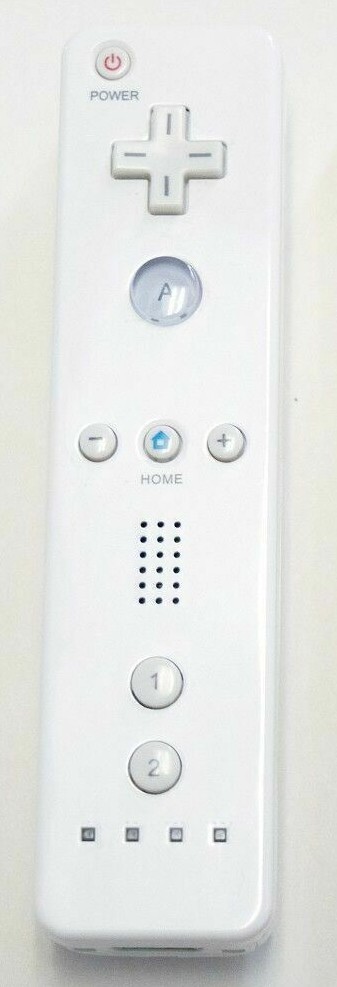 NEW Game Remote Controller Wand WHITE for Nintendo Wii & Wii U motion wiimote$15.91View on eBay
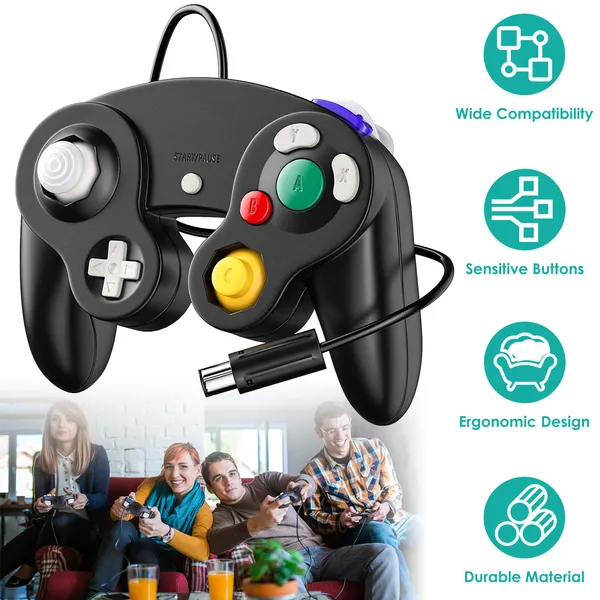 Shock Wired Game Controller Gamepad Compatible With Nintendo Wii Gamecube$27.99View on Mallflare
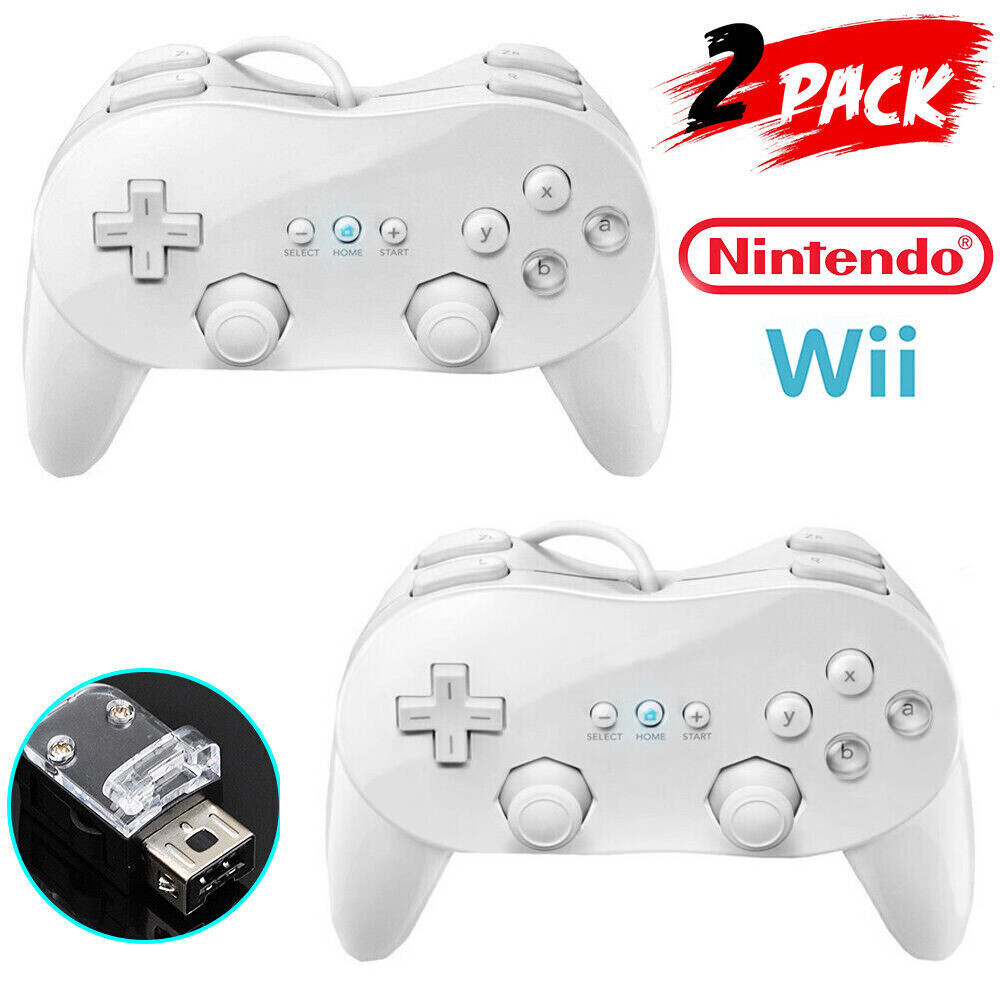 Wii Pro Classic Controller Gamepad Joypad Joystick for Nintendo Wii Game Remote$26.95View on eBay
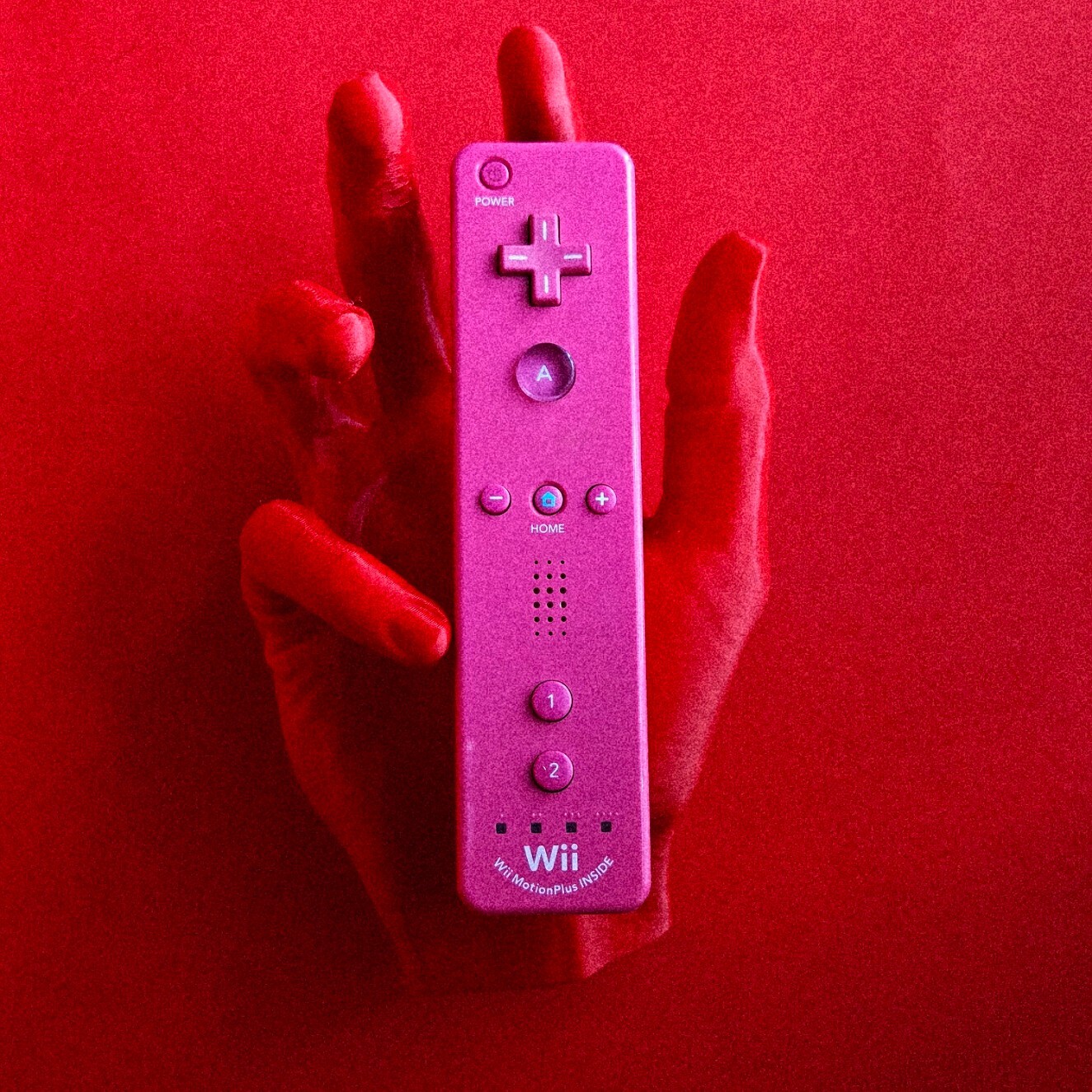 Official Wii Remote Nintendo Motion Plus Inside 👾Nunchuck Wii U OEM Controller$33.99View on eBay
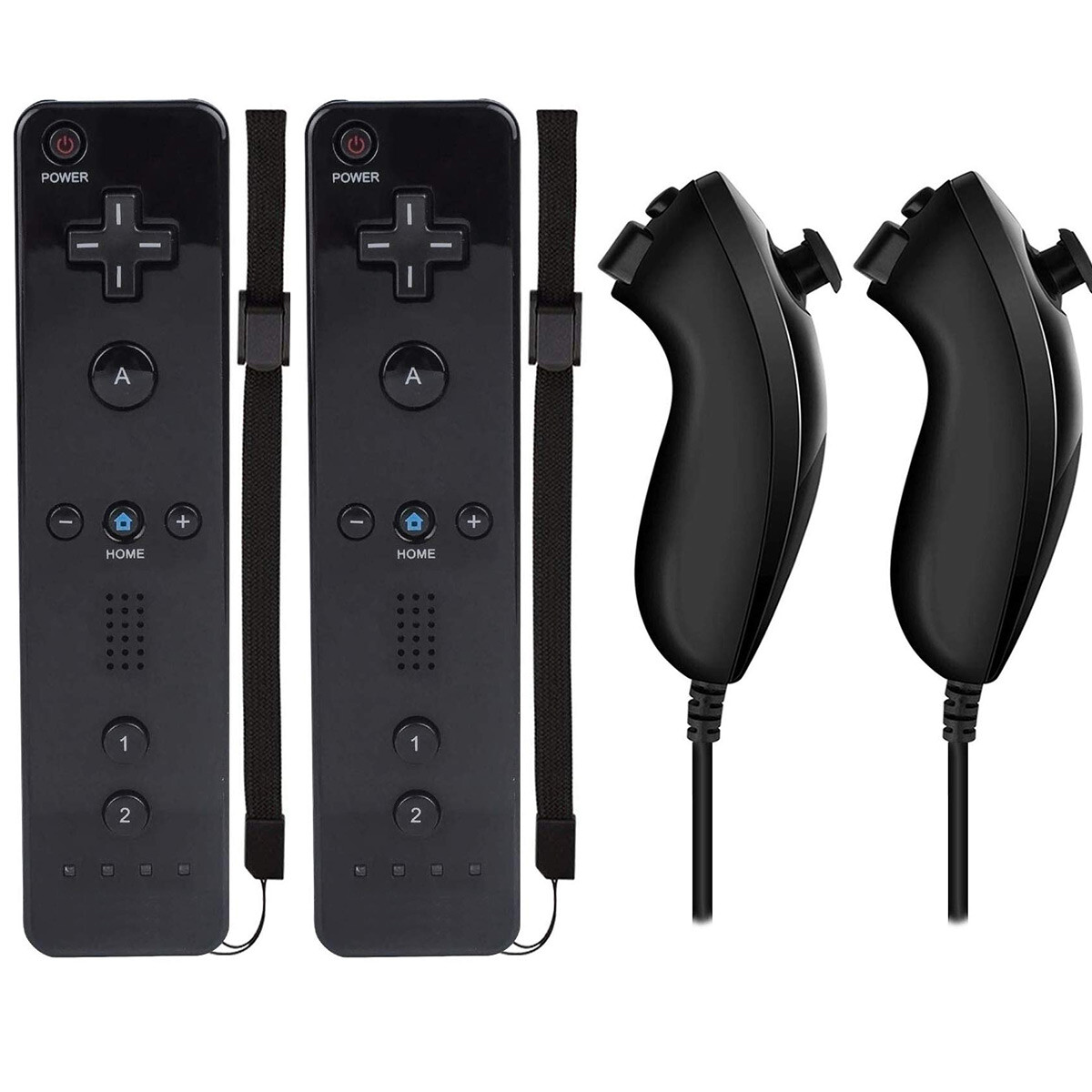 Remote Wiimote Nunchuck Controller Set Combo for Nintendo Wii/Wii U Game Console$38.99Last checked Nov 19, 2026View on eBay
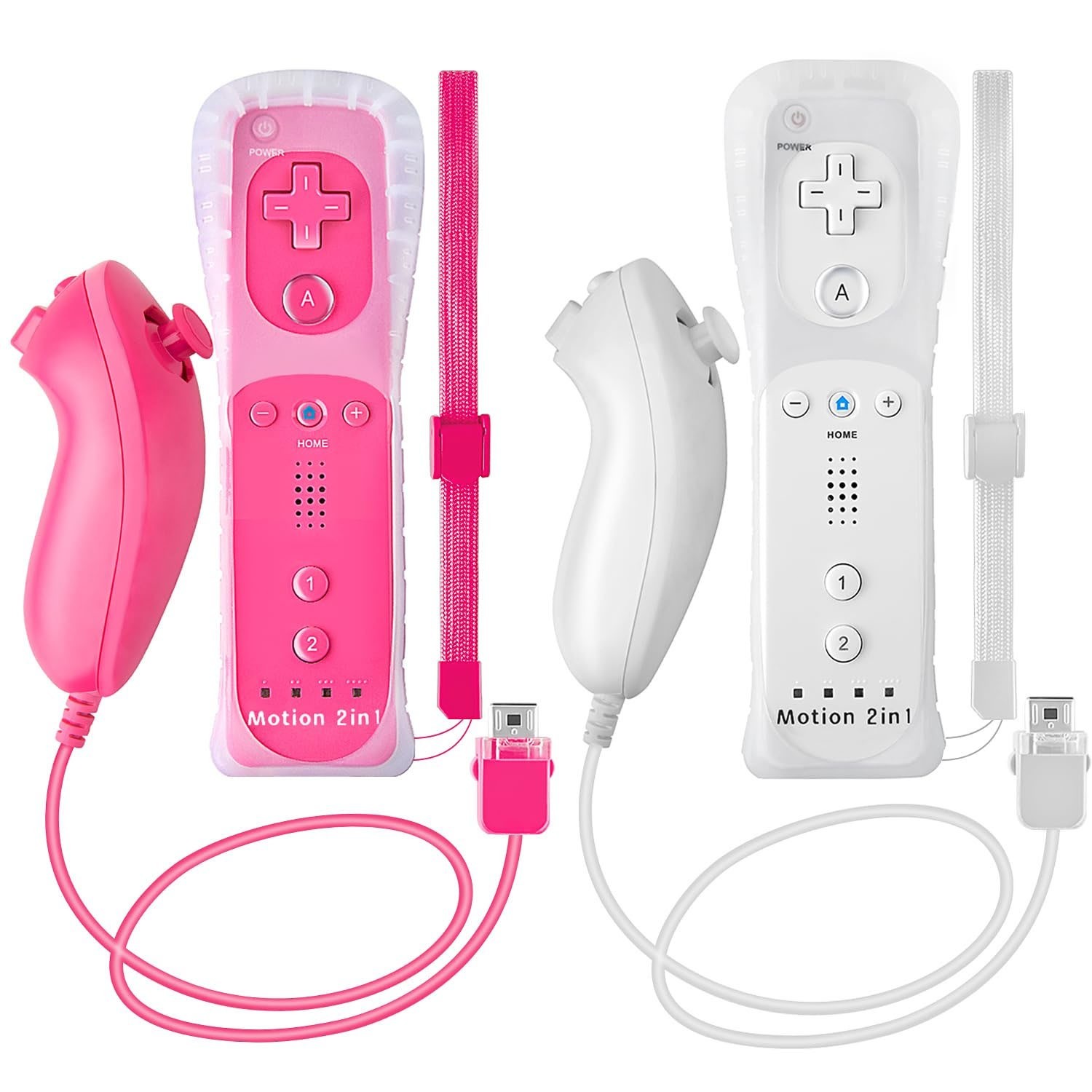 2 in 1 Motion Plus Wii Rmote Nunchuck Controller for Nintendo Wii/Wii U Game$44.88View on eBay
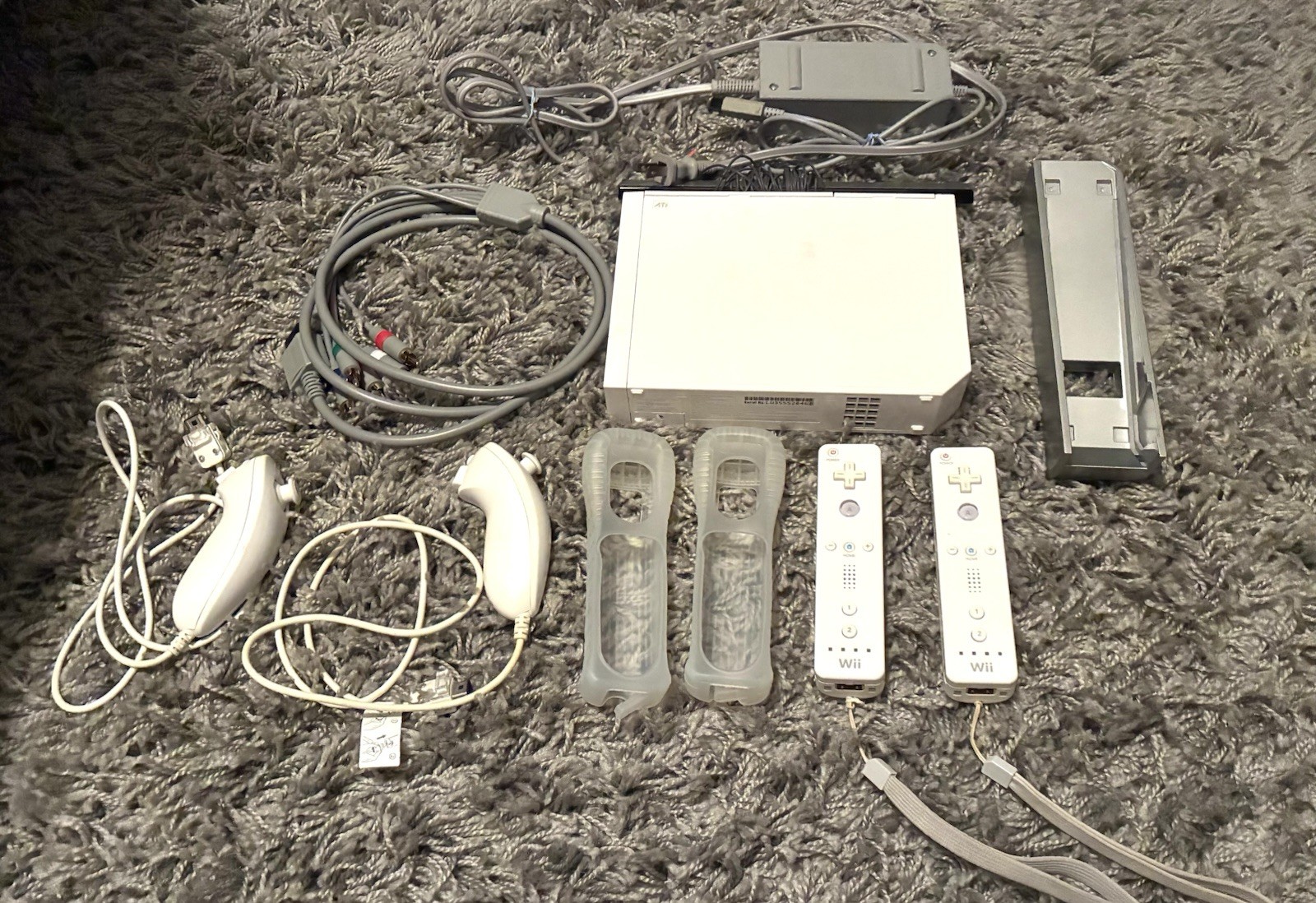 Authentic Wii Console Controllers and Accessories Lot Tested and Working$144.99View on eBay
Highlights
- OEM Wii Remote with Motion Plus Inside fuses a 3-axis gyroscope and accelerometer for full 1:1 pointer and sword tracking; early non-Motion Plus remotes require a clip-on dongle and lag on Skyward Sword and Wii Sports Resort.
- Wii Remote Plus (RVL-036) runs on two AA batteries in a sealed bay; third-party rechargeable docks and battery packs add weight and are a known failure point versus fresh NiMH AAs.
- Classic Controller Pro adds two ergonomic grips and dual analog sticks plus shoulder buttons, while the flat original Classic Controller has no grips and is suited only to Virtual Console and SNES-style play.
- Third-party Wii Remotes often ship without Motion Plus, with looser button membranes and inferior IR sensitivity; OEM remotes are the only ones guaranteed for Wii MotionPlus-enhanced titles.
Best use cases
- Best fit: buy an OEM Wii Remote Plus with a matching OEM Nunchuk for one-to-four-player Wii Sports, Zelda, and Just Dance sessions where pointer accuracy and gyro tracking define the experience.
- Best fit: choose a wired Classic Controller Pro or GameCube-style pad for Smash Bros., Mario Kart, and Virtual Console, plugging directly into the Wii Remote's expansion port or the console's GameCube sockets on backward-compatible models.
- Wrong fit: skip third-party Wii Remotes advertised as Motion Plus compatible for competitive pointer games; the gyro drift and button latency make them suitable only for casual party play.
- Wrong fit: skip original flat Classic Controllers if you play modern fighters requiring dual sticks and grips; the grip-less shell causes hand fatigue and the analog triggers are absent.
Buying tips
- Count your player slots first: each Wii Remote supports exactly one Nunchuk, one Classic Controller, or one Motion Plus dongle via its single expansion port, so never buy a Nunchuk without confirming your remote count.
- Verify the model string RVL-036 (Wii Remote Plus) rather than RVL-014; the Plus badge means the gyro is built in and no external dongle is needed for Wii Sports Resort and Skyward Sword.
- For GameCube-style play, confirm your Wii console revision has top-mounted GameCube controller ports; later 'Family Edition' Wiis removed them, forcing Classic Controller Pro use through the remote.
- Prefer third-party shells made of ABS with visible CE/FCC marking and screw-secured battery doors; glossy no-name shells crack at the strap lug and can eject AA cells during swinging games.
Specs
| Motion Sensing | Motion Plus gyro vs basic accel |
|---|---|
| Connection | Wireless 2.4 GHz / wired expansion |
| Power Source | 2x AA / rechargeable dock |
| Controller Type | Wiimote, Nunchuk, Classic, GameCube |
Related searches
What to check before buying
- Measure your play space: pointer games need roughly 3 feet (1 m) minimum between the sensor bar and the player, and the bar should sit centered above or below the TV at seated eye level.
- Confirm your TV or monitor has composite, component, or HDMI input matching the Wii's output, and place the sensor bar within its cable reach or use a wireless bar.
- Check AA battery supply and a compatible charger; Wii Remote Plus uses two AA cells and rechargeable docks vary in voltage, so verify 1.2V NiMH compatibility.
- For GameCube-style pads, verify your console's port layout and whether you need the expansion-port Classic Controller versus the console-side GameCube sockets.
FAQ
Data sources: eBay / Amazon listings and product attribute feeds. Updated Nov 27, 2026.
Some links on this page are affiliate links. If you buy after clicking one, we may earn a commission at no extra cost to you. This does not change which products appear here or their order. Affiliate disclosure.