
Photos from current listings. Actual item, color, and included accessories may vary.
Switch Controller Buying Guide
A Switch controller is either a full-size Pro-style gamepad for docked/TV play or a pair of Joy-Con-style rails for handheld and motion games. The core trade-off is first-party HD rumble, NFC, and wake-from-sleep versus third-party price and extra macro/back buttons. Buy first-party or officially licensed (PowerA, HORI) for guaranteed compatibility; treat unbranded rails and 'Pro' pads as secondary-player spares only.
Median $43.95
Key takeaways
- Joy-Con rails slide onto the console sides and pair as two separate Bluetooth controllers; Pro pads are single full-size grips with analog sticks and D-pad.
- First-party Pro and Joy-Con include HD rumble, Amiibo NFC, and wake-from-sleep; most third-party pads drop NFC and HD rumble but add rear paddles or turbo.
- Switch 2 Joy-Con 2 attach magnetically and are not compatible with Switch 1 rails; Switch 1 Pro and Joy-Con work on Switch 2 via Bluetooth.
At a glance
- Category
- Controllers & Gaming Accessories
- Last updated
- Nov 28, 2026
Current offers
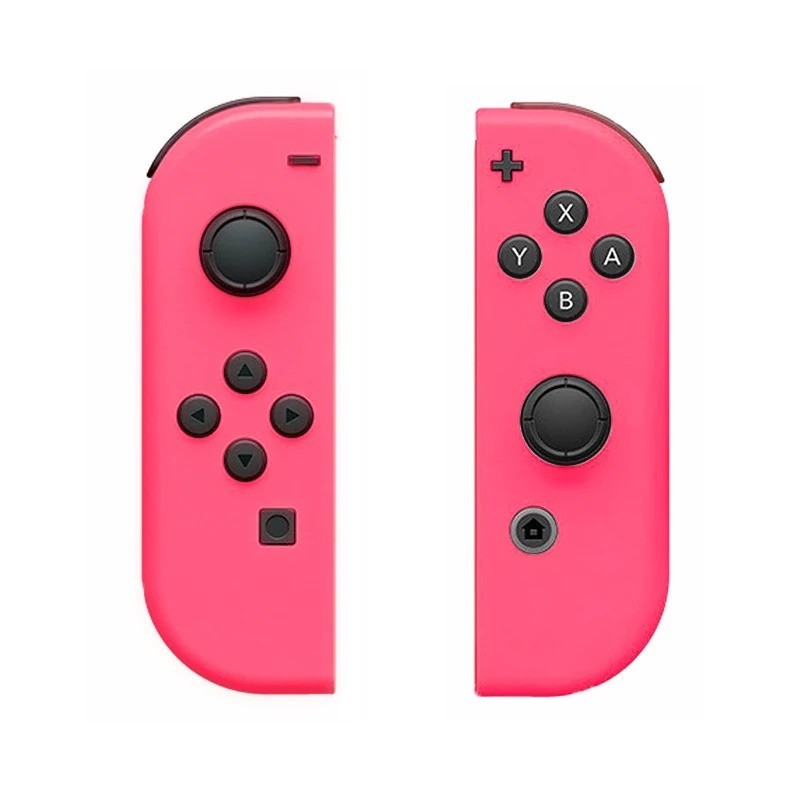 Wireless Gamepad Left/Right Game Controller For Nintendo Switch JoyCon1Pair Case$7.94View on eBay
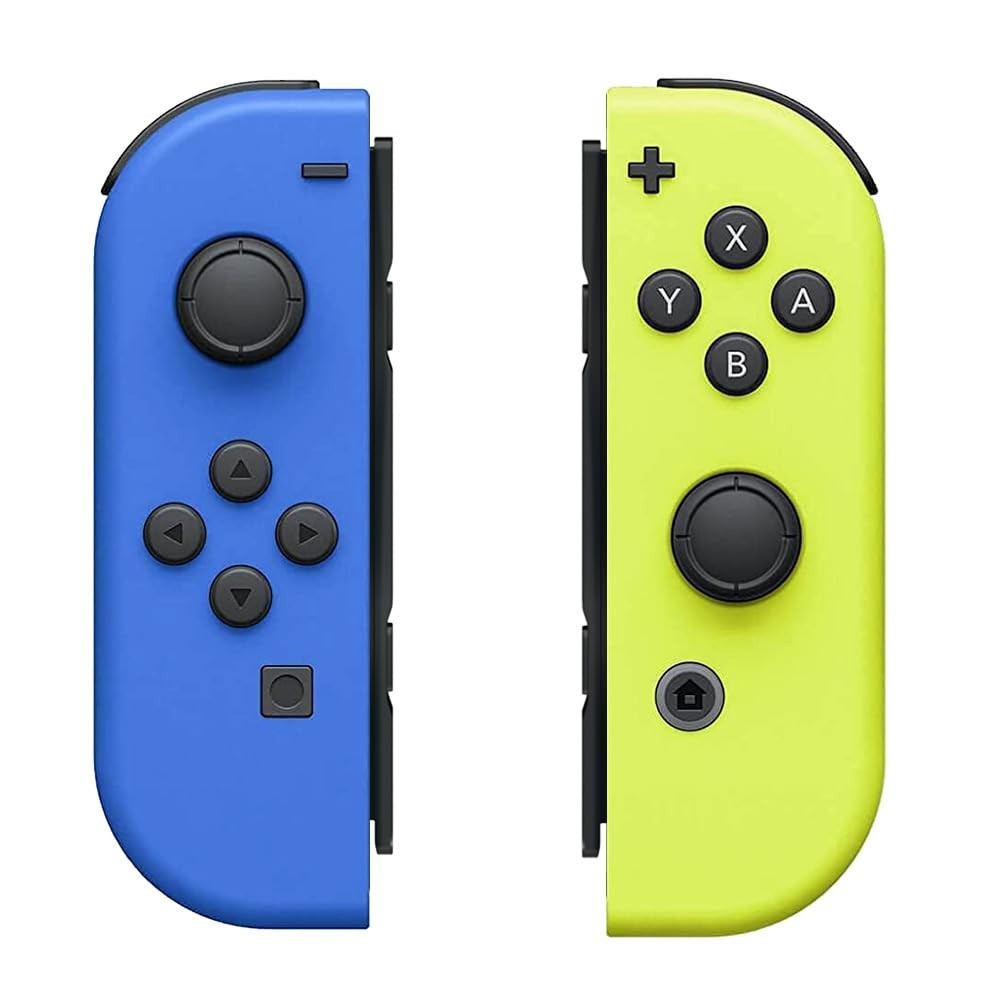 Wireless Gamepad Left & Right Game Controller For Nintendo Switch Joy-Con1-Pair$24.99Last checked Nov 27, 2026View on eBay
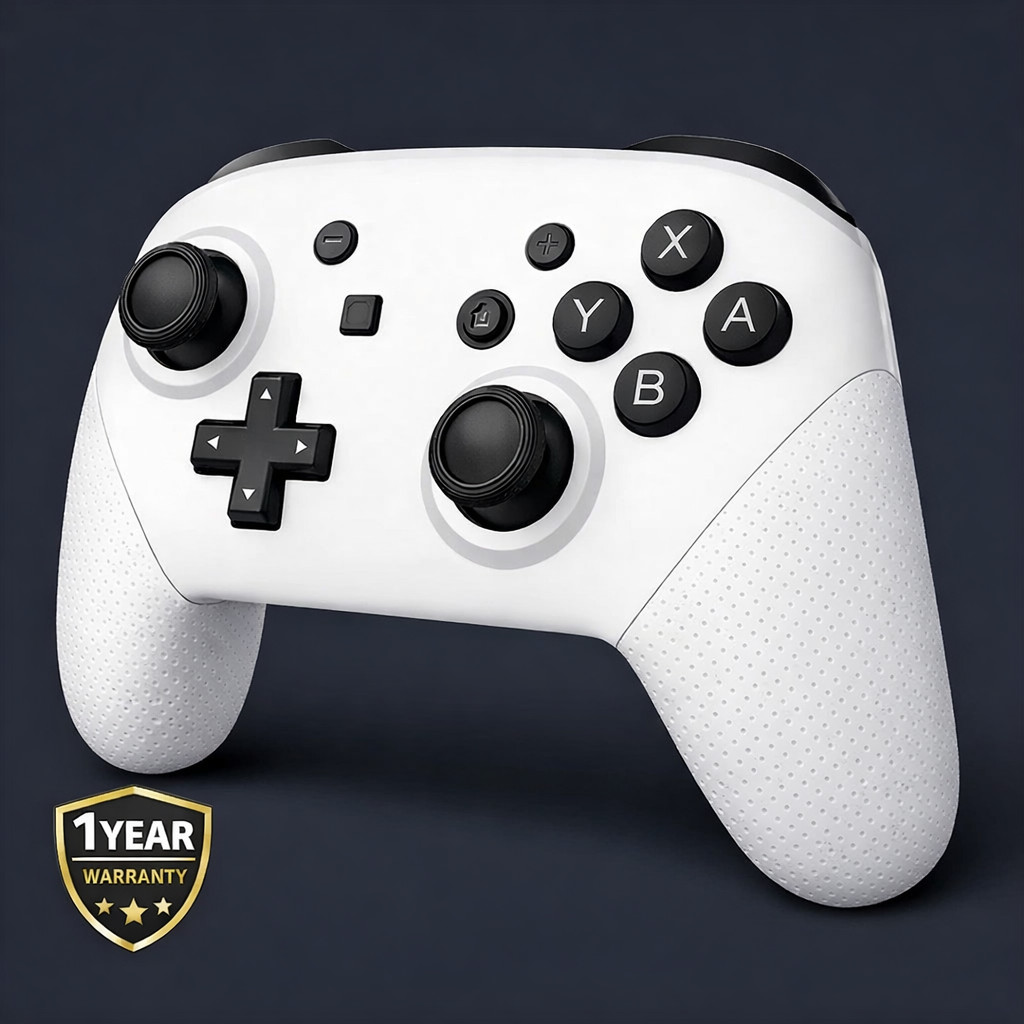 Arctic White Wireless Pro Controller For Nintendo Switch 1+2 OLED Lite Bluetooth$27.99View on eBay
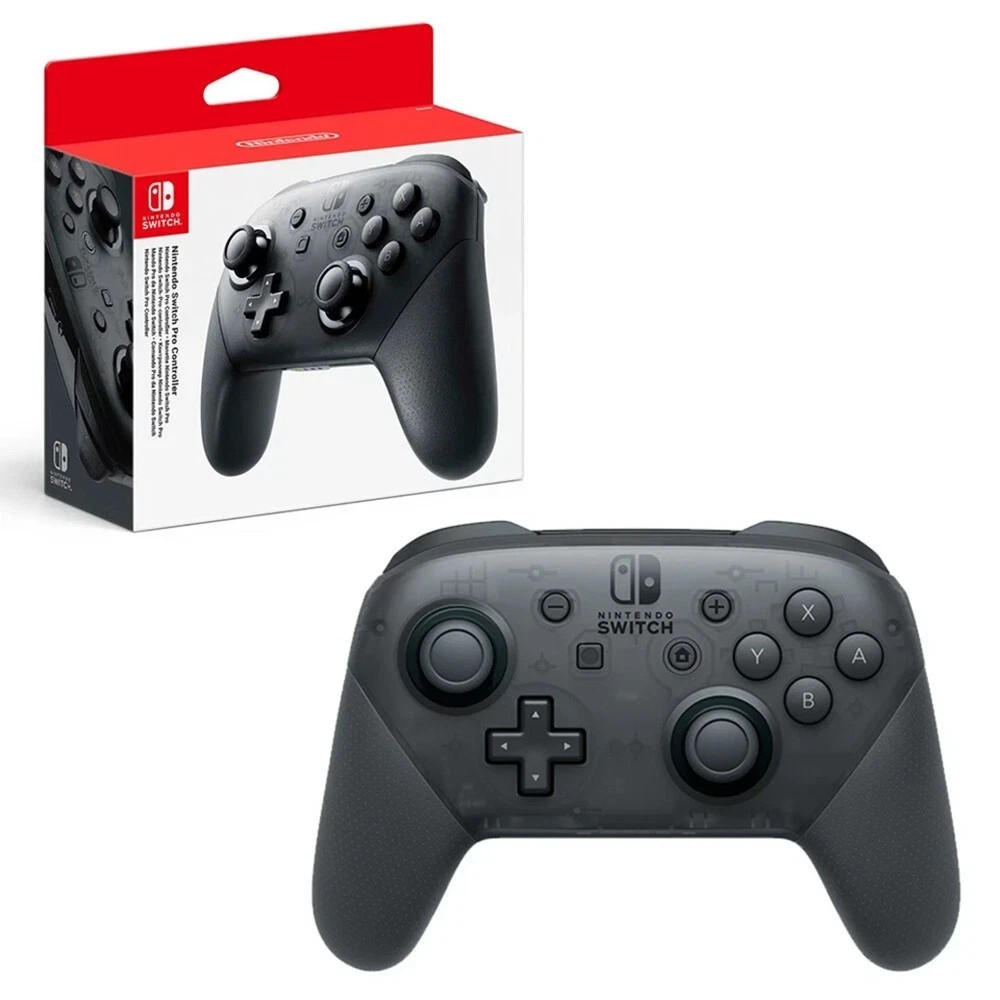 Nintendo Switch Wireless Pro Controller - Black$33.98View on eBay
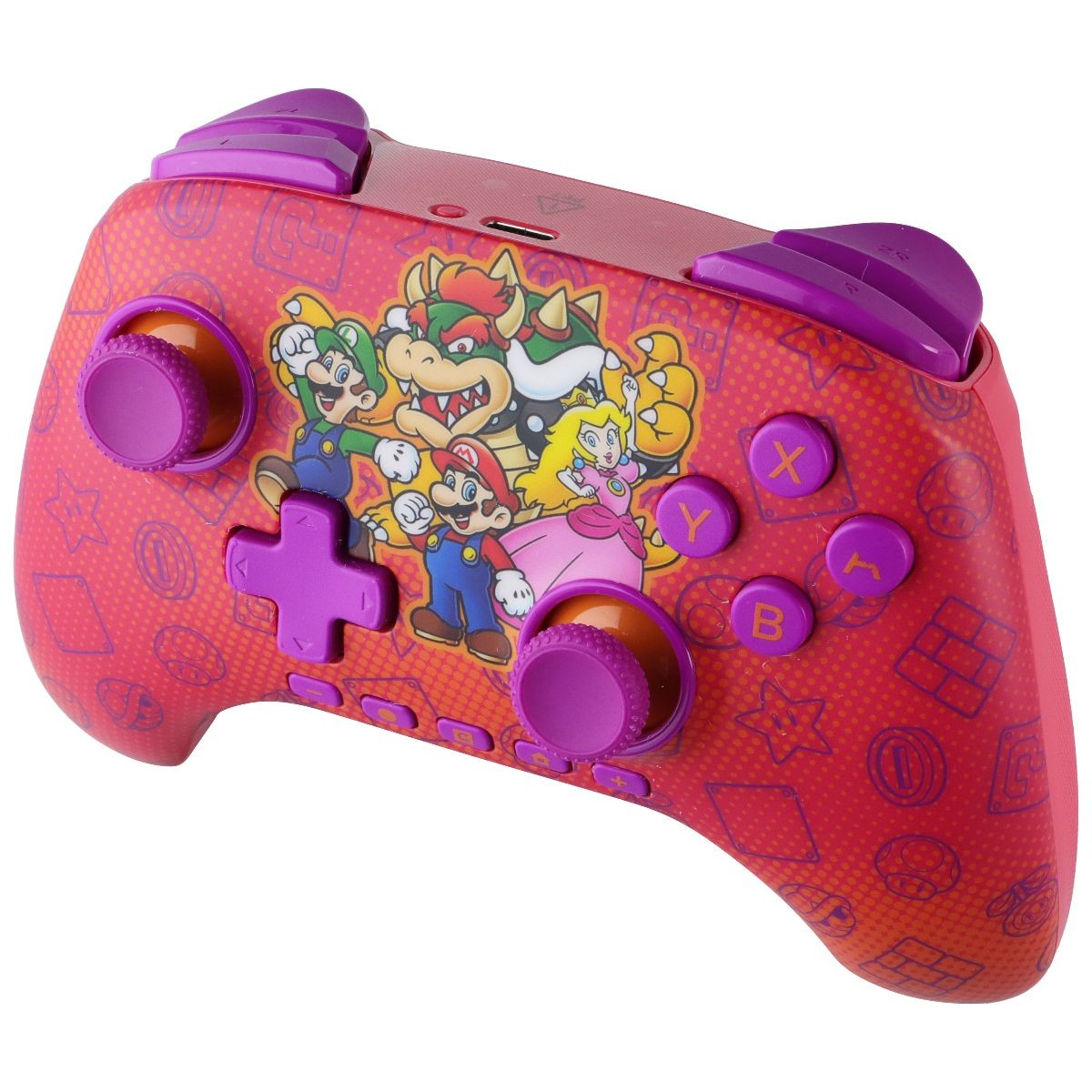 PowerA Advantage Wireless Controller for Nintendo Switch 1/2 - Mario and Friends$43.95View on eBay
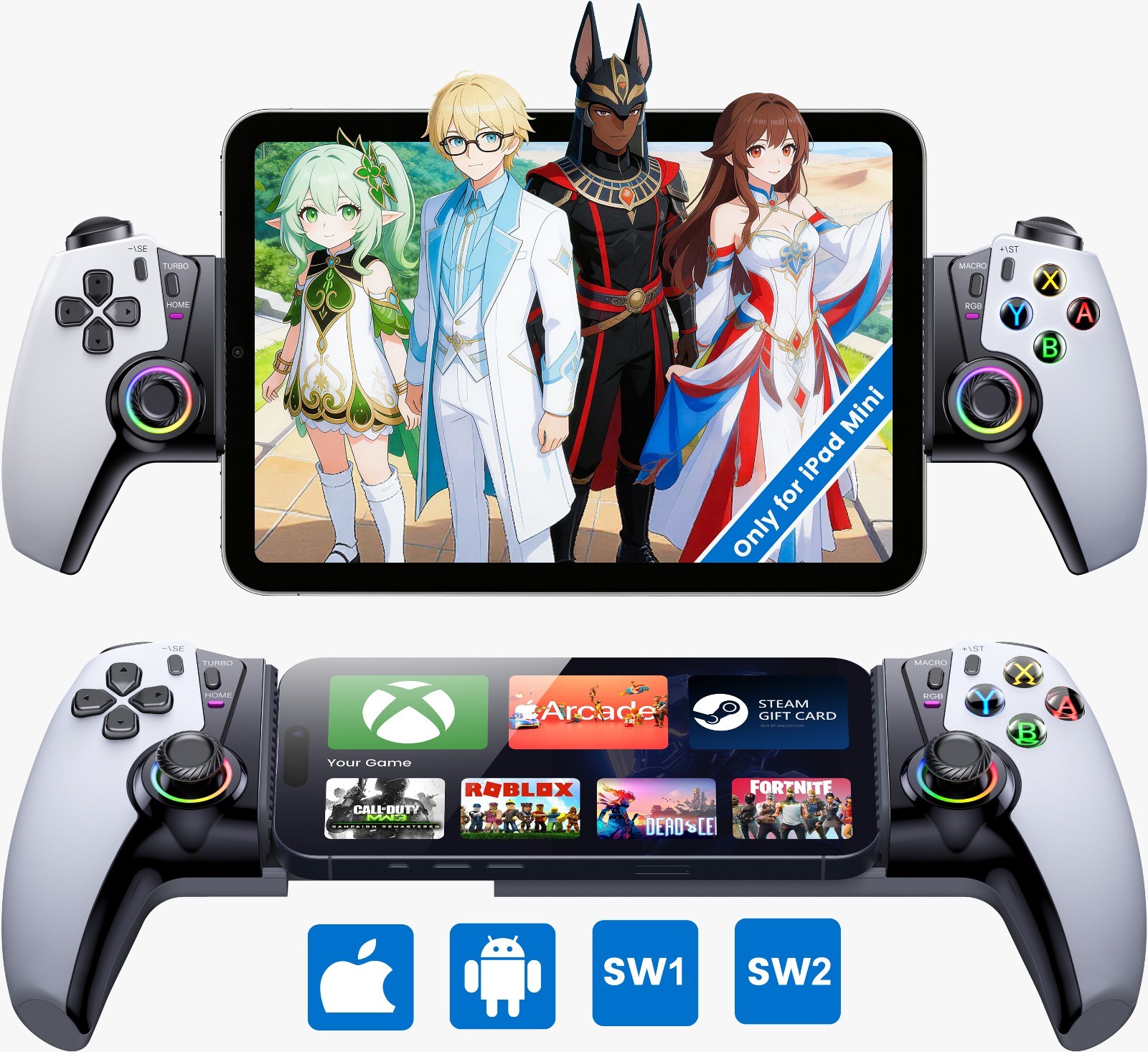 for Switch 2/OLED/iOS/Android Wireless Bluetooth Mobile Phone Game Controller$46.99Last checked Nov 20, 2026View on eBay
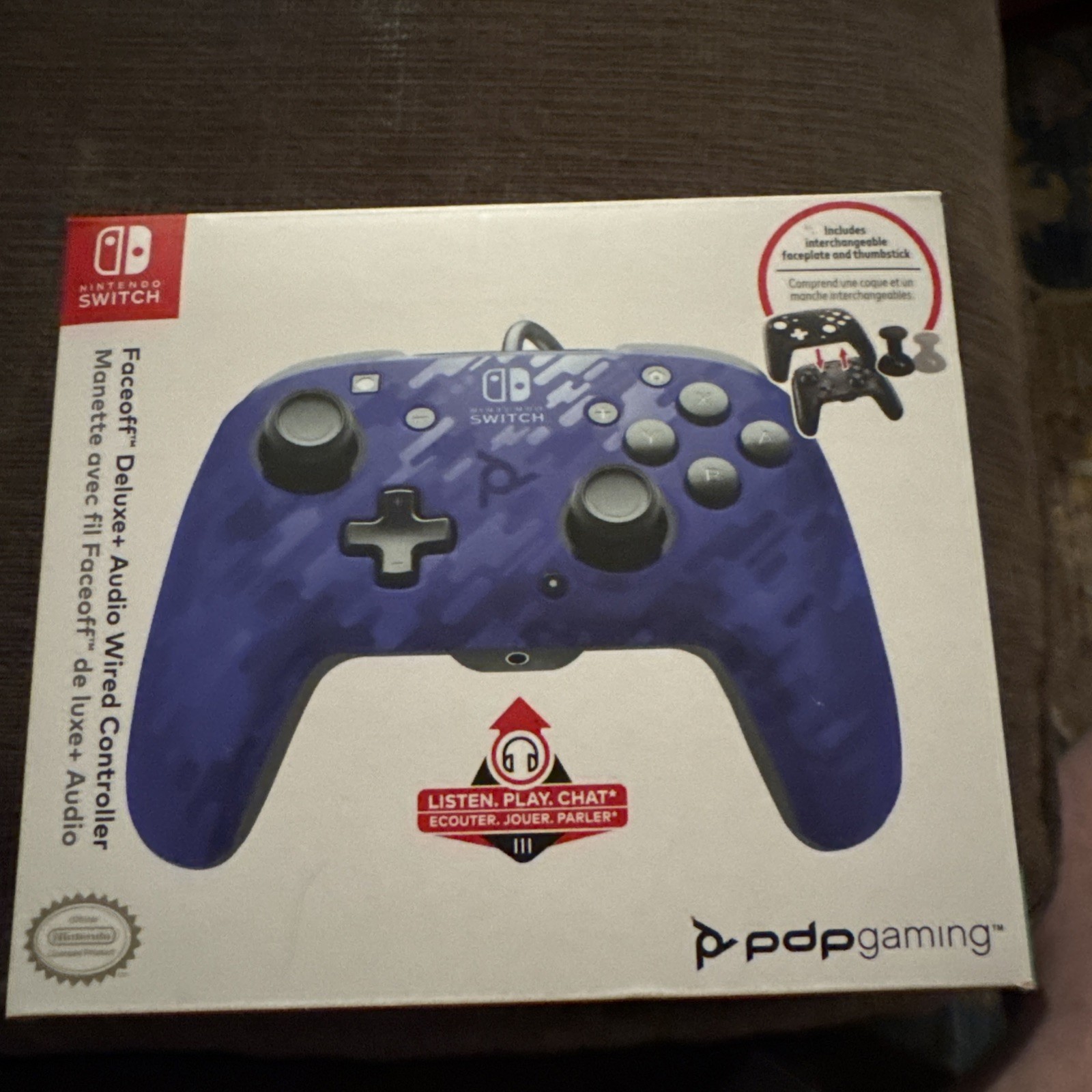 New pdp Gaming Nintendo Switch Blue Camo Faceoff Deluxe+ Wired Pro Controller$50.00View on eBay
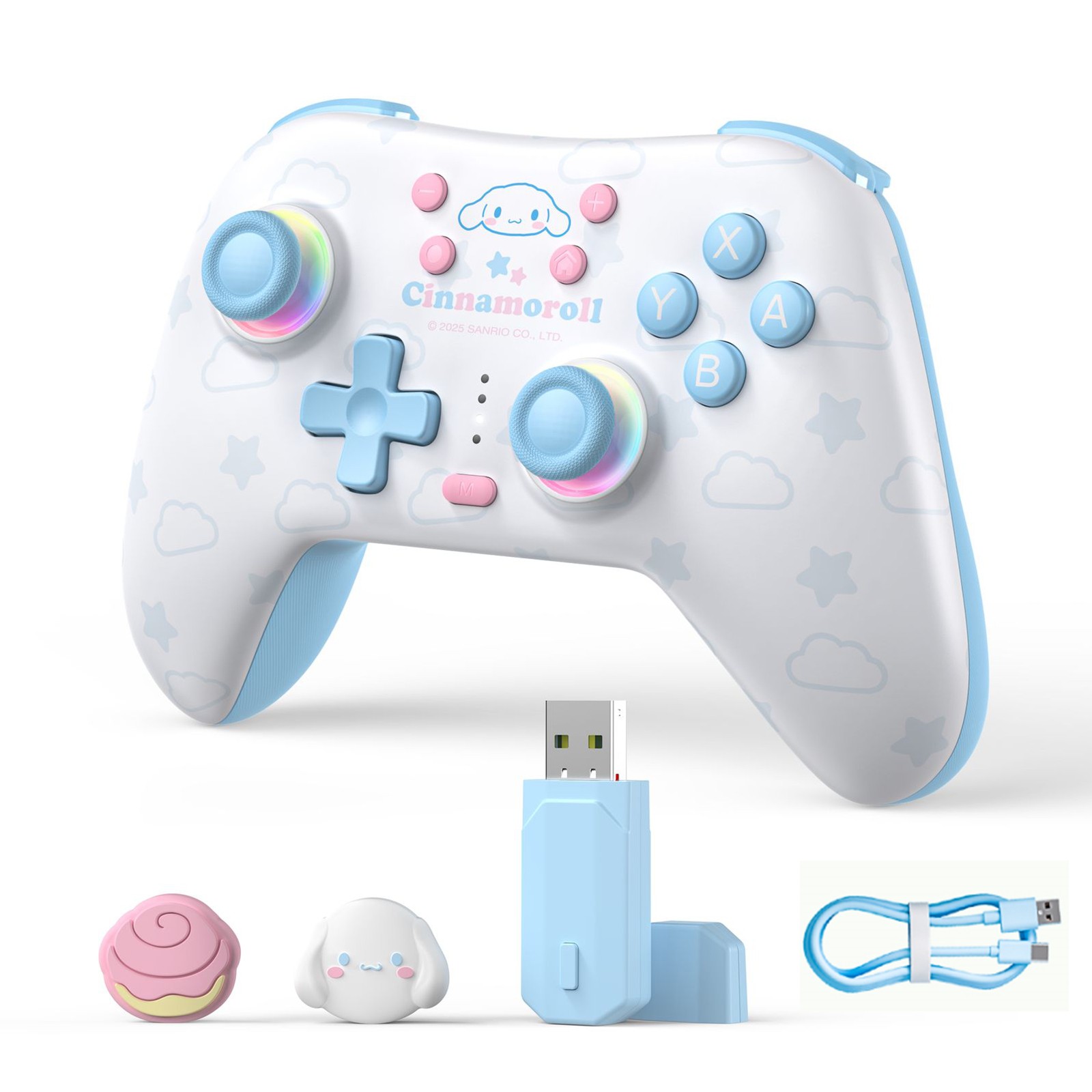 Cartoon Switch Wireless Controller Bluetooth Gamepad for PC/Switch/iOS/Android$56.99View on eBay
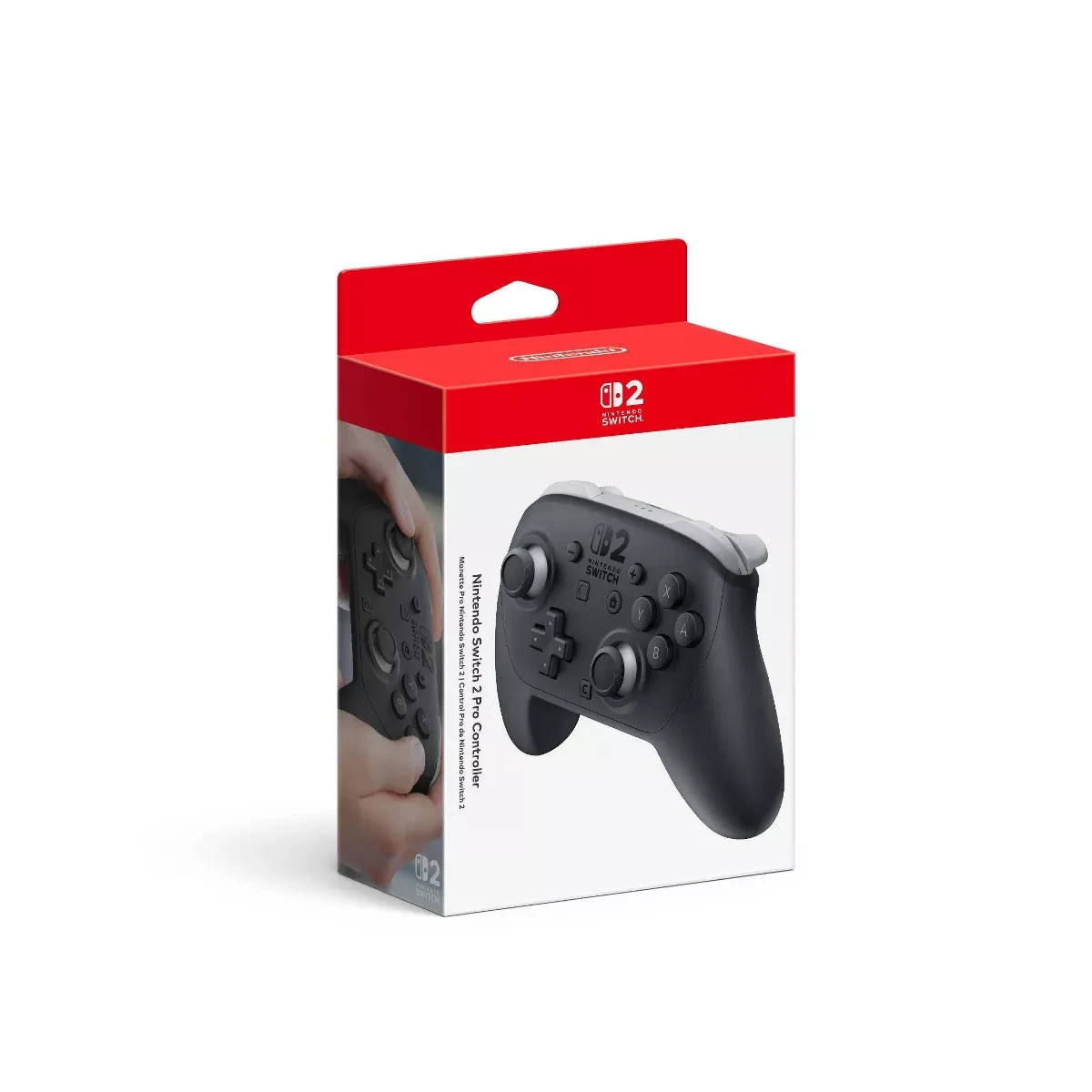 Official Nintendo Switch 2 Pro Controller$63.99View on eBay
Highlights
- Joy-Con rails slide onto the console sides and pair as two separate Bluetooth controllers; Pro pads are single full-size grips with analog sticks and D-pad.
- First-party Pro and Joy-Con include HD rumble, Amiibo NFC, and wake-from-sleep; most third-party pads drop NFC and HD rumble but add rear paddles or turbo.
- Switch 2 Joy-Con 2 attach magnetically and are not compatible with Switch 1 rails; Switch 1 Pro and Joy-Con work on Switch 2 via Bluetooth.
- Stick drift is the top wear failure: Hall-effect (magnetic) sticks eliminate mechanical wear, while standard carbon-film potentiometers degrade over hundreds of hours.
Best use cases
- Docked TV play with long sessions: pick a full-size Pro-style pad with a proper D-pad and 40-hour battery; skip loose Joy-Con rails that cramp hands.
- Handheld or tabletop multiplayer: buy a matched Joy-Con pair (or licensed equivalent) for two-player out of the box; a single Pro pad cannot split into two controllers.
- Motion-heavy titles (Ring Fit, Mario Party, Just Dance): Joy-Con rails with gyro and IR are required; full-size third-party pads often lack IR and accurate gyro.
- Competitive fighting or platformers: choose a pad with Hall-effect sticks and low-latency 2.4 GHz or wired USB-C; skip Bluetooth-only budget pads with noticeable input lag.
Buying tips
- Match the rail generation: Switch 1 Joy-Con slide-and-click rails do not fit Switch 2's magnetic Joy-Con 2 slots; buy the correct generation for your console.
- For Pro pads, require Bluetooth 5.0 or 2.4 GHz dongle, USB-C charging, and 40+ hour battery; sub-20-hour pads signal older low-capacity cells.
- Choose Hall-effect analog sticks if you play more than a few hundred hours; they resist the drift that kills standard potentiometer sticks.
- Check Amiibo NFC and wake-from-sleep support before buying third-party: many budget pads omit both, forcing manual console wake and no Amiibo scanning.
Specs
| Controller Type | Pro pad vs Joy-Con rail pair |
|---|---|
| Connection | Bluetooth / 2.4 GHz / USB-C wired |
| Stick Type | Hall-effect vs carbon potentiometer |
| Battery Life | 15-40 hr (USB-C charge) |
Related searches
What to check before buying
- Confirm console generation: Switch 1 (slide rails) vs Switch 2 (magnetic Joy-Con 2) determines which controllers physically attach.
- Verify the pad includes USB-C cable or dongle in box; many third-party Pro pads ship without a charging cable.
- For handheld grips, measure the console width with rails attached so the grip or case fits; Joy-Con add roughly 2 cm per side.
- Check Bluetooth coexistence if you use wireless headsets or many controllers; 2.4 GHz dongles reduce interference versus crowded Bluetooth.
FAQ
Data sources: eBay / Amazon listings and product attribute feeds. Updated Nov 28, 2026.
Some links on this page are affiliate links. If you buy after clicking one, we may earn a commission at no extra cost to you. This does not change which products appear here or their order. Affiliate disclosure.