
Photos from current listings. Actual item, color, and included accessories may vary.
PS4 Wireless Controller Buying Guide
A PS4 wireless controller is the primary input device for PlayStation 4, communicating over Bluetooth 2.1+EDR or USB, with the original DualShock 4 (CUH-ZCT1) and revised CUH-ZCT2 as the reference standards. The core trade-off is genuine Sony DualShock 4 build quality—accurate analog sticks, reliable Bluetooth, and full console integration—versus third-party gamepads that often cut corners on stick dead zones, battery cells, and touchpad/lightbar compatibility. The decision rule: buy a genuine Sony DualShock 4 (CUH-ZCT2 for the improved USB data connection and stick durability) if you need guaranteed PS4 firmware compatibility; choose a reputable third-party pad only if you accept reduced battery life and no lightbar/touchpad support in exchange for lower cost.
Median $17.50
Key takeaways
- Genuine Sony DualShock 4 comes in two hardware revisions: CUH-ZCT1 (original, micro-USB, early stick rubber wear) and CUH-ZCT2 (2016+, matte finish, revised analog stick material, and USB data passthrough for wired play).
- Third-party 'PS4-compatible' pads typically use generic Bluetooth 3.0 chips and smaller 600–1000 mAh cells versus the DualShock 4's 1000 mAh internal battery, yielding shorter wireless runtime and more frequent recharges.
- Only genuine DualShock 4 supports the full PS4 feature set: capacitive touchpad, six-axis gyro/accelerometer, lightbar, built-in speaker, and 3.5 mm headset jack with chat audio—most third-party pads omit the touchpad click, speaker, or headset mic passthrough.
At a glance
- Category
- Controllers & Gaming Accessories
- Last updated
- Nov 28, 2026
Current offers
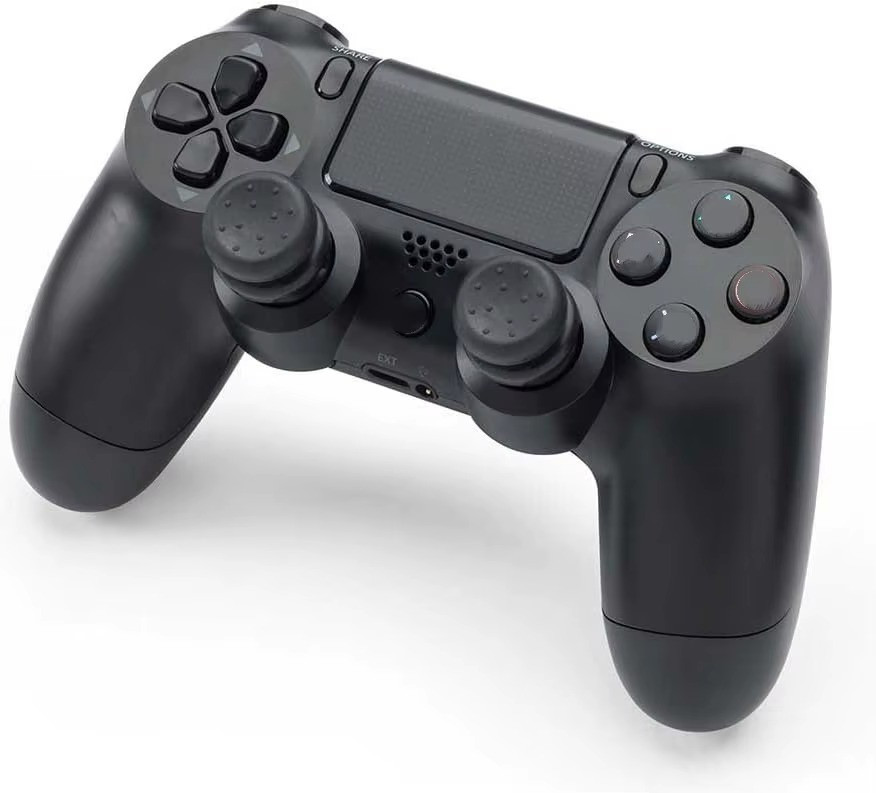 1PC Wireless Bluetooth Controller Gamepad PlayStation 4 PS4 Black Same Day 🚛✅$5.35View on eBay
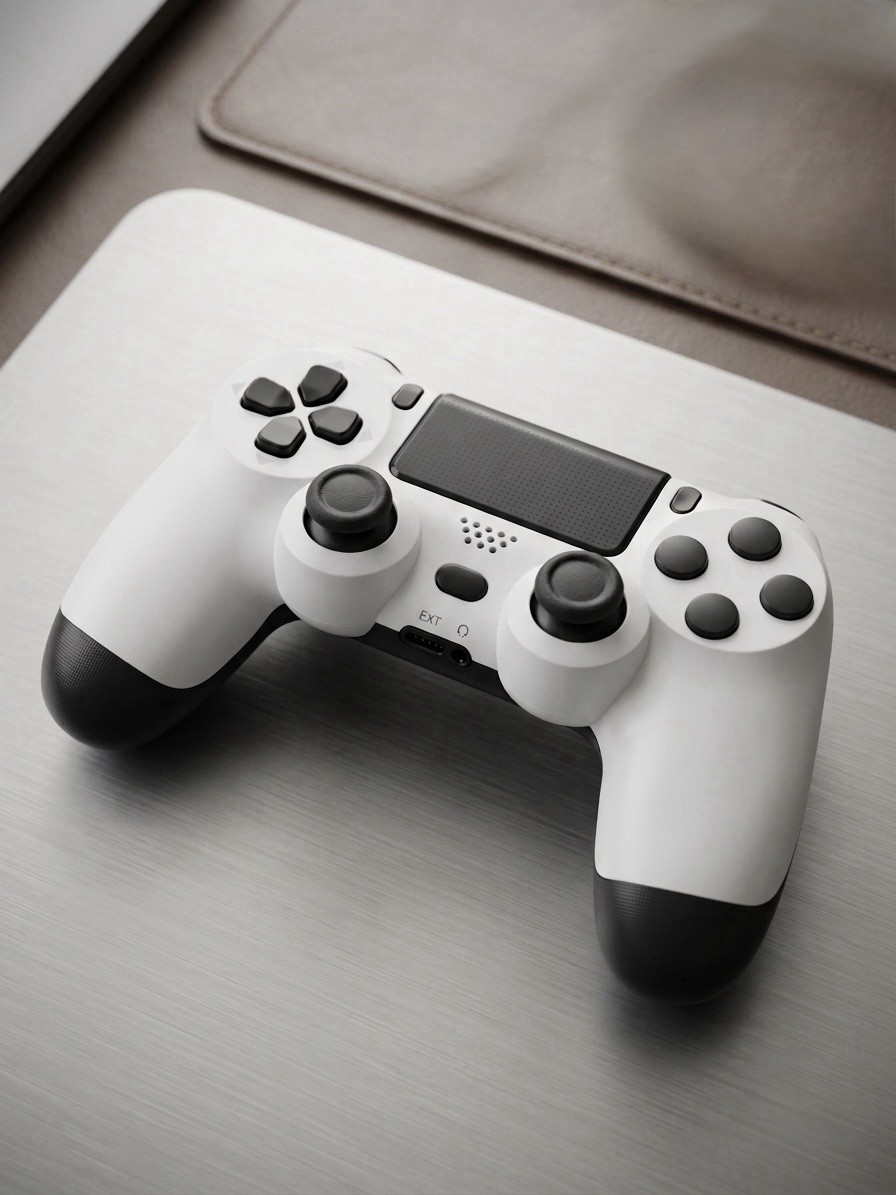 Wireless Controller Bluetooth Gamepad For PS4$15.00View on eBay
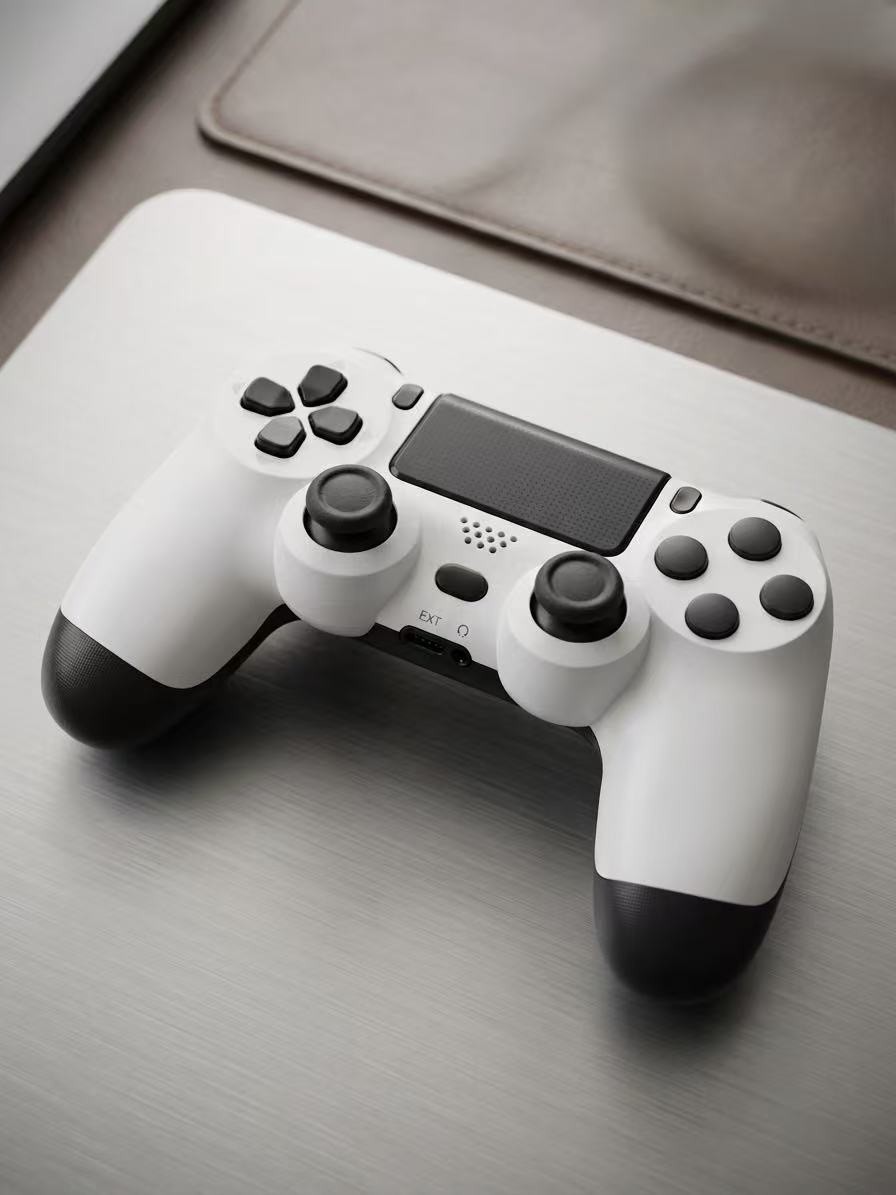 Wireless Controller for ps4 playstation/ pc White$17.50View on eBay
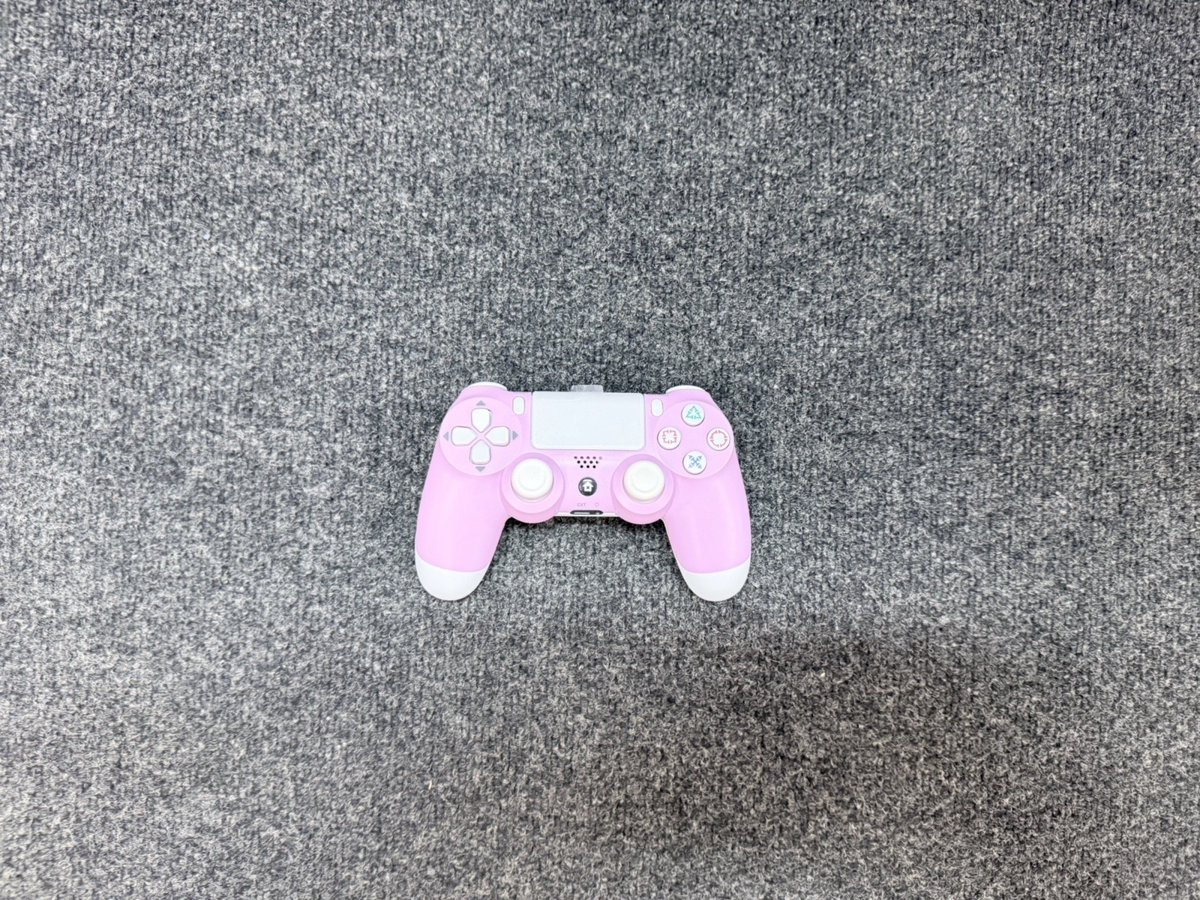 Wireless Controller Bluetooth Gamepad for PlayStation4 PS4 (Pink & White )$17.99View on eBay
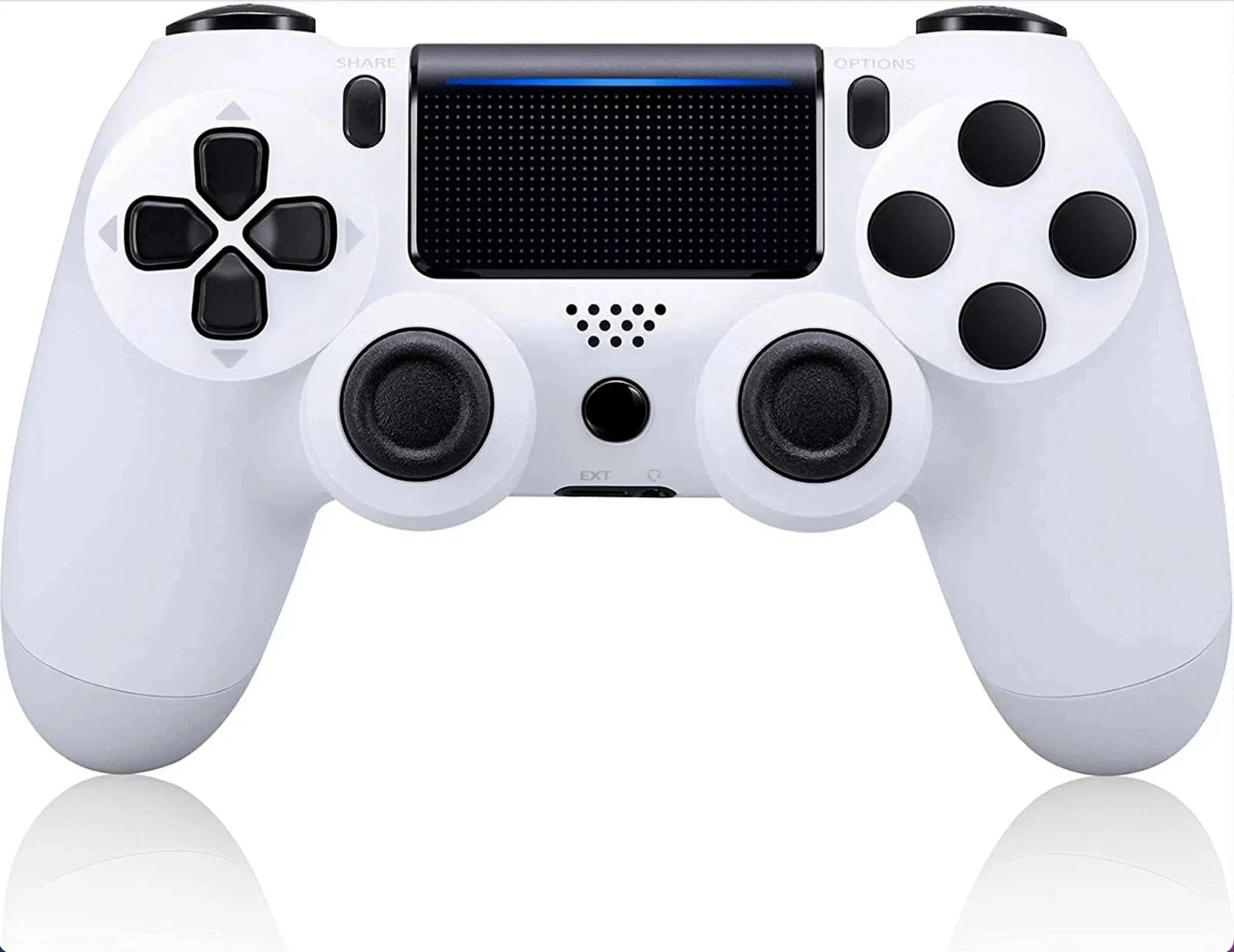 Wireless Controller Bluetooth Gamepad compatible to PlayStation4 PS4 Multi-color$20.99View on eBay
Highlights
- Genuine Sony DualShock 4 comes in two hardware revisions: CUH-ZCT1 (original, micro-USB, early stick rubber wear) and CUH-ZCT2 (2016+, matte finish, revised analog stick material, and USB data passthrough for wired play).
- Third-party 'PS4-compatible' pads typically use generic Bluetooth 3.0 chips and smaller 600–1000 mAh cells versus the DualShock 4's 1000 mAh internal battery, yielding shorter wireless runtime and more frequent recharges.
- Only genuine DualShock 4 supports the full PS4 feature set: capacitive touchpad, six-axis gyro/accelerometer, lightbar, built-in speaker, and 3.5 mm headset jack with chat audio—most third-party pads omit the touchpad click, speaker, or headset mic passthrough.
- DualShock 4 charging is via micro-USB (both revisions); CUH-ZCT2 also passes controller data over USB, so it works as a wired controller on PC and PS4 without Bluetooth pairing.
Best use cases
- Best fit: PS4 console owners who play competitive or story-driven games and need full touchpad, lightbar, and headset-jack support—pick a genuine Sony DualShock 4 CUH-ZCT2 in black for the most durable sticks and USB wired fallback.
- Best fit: PC gamers wanting a comfortable Bluetooth gamepad for Steam—a genuine DualShock 4 works via Steam's native PS4 controller support; skip third-party pads unless they explicitly state XInput/DirectInput modes.
- Wrong fit: Buyers who need a controller for PS5-only titles—DualShock 4 does not work with PS5-native games, only with backward-compatible PS4 titles on PS5; choose a DualSense instead.
- Wrong fit: Tournament players needing swappable stick caps or back paddles—DualShock 4 has no back buttons or modular sticks; look at third-party 'pro' PS4 pads with back paddles, accepting shorter battery life.
Buying tips
- Choose CUH-ZCT2 over CUH-ZCT1: the ZCT2 revision has matte plastic, revised stick rubber that resists peeling, and USB data passthrough—identify it by the lightbar strip in the touchpad and model number on the rear label.
- For third-party pads, require a minimum 1000 mAh battery and Bluetooth 2.1+EDR or higher; generic 600 mAh pads drop below 6 hours wireless, while a genuine DualShock 4 delivers 8–10 hours.
- Confirm the pad includes a 3.5 mm headset jack with mic passthrough if you use voice chat—many budget third-party pads have a jack that only outputs game audio, not chat.
- Check stick type: genuine DualShock 4 uses potentiometer sticks with a known dead zone; third-party Hall-effect stick pads (magnetic, no drift) are a durability upgrade if listed explicitly.
Specs
| Connection | Bluetooth 2.1+EDR / micro-USB wired |
|---|---|
| Battery Capacity | 1000 mAh (genuine) / 600–1000 mAh (third-party) |
| Hardware Revision | CUH-ZCT1 (orig) vs CUH-ZCT2 (revised) |
| Feature Set | Touchpad, lightbar, gyro, speaker, 3.5 mm jack |
Related searches
What to check before buying
- Verify the controller model number on the rear label: CUH-ZCT2 (or ZCT2E) is the revised revision; CUH-ZCT1 is the original with older stick rubber.
- Confirm your PS4 console firmware is current—some third-party pads require a PS4 system update to recognize Bluetooth pairing.
- Measure your play distance: Bluetooth 2.1+EDR on DualShock 4 is rated to about 10 m (33 ft) line of sight; walls and interference reduce this to 5–7 m in typical rooms.
- If buying for PC, confirm the pad supports Bluetooth or includes a USB cable—DualShock 4 pairs natively with Windows 10/11 via Bluetooth, but third-party pads may need a dongle.
FAQ
Data sources: eBay / Amazon listings and product attribute feeds. Updated Nov 28, 2026.
Some links on this page are affiliate links. If you buy after clicking one, we may earn a commission at no extra cost to you. This does not change which products appear here or their order. Affiliate disclosure.