
Photos from current listings. Actual item, color, and included accessories may vary.
Pro Controller Buying Guide
A pro controller is an upgraded gamepad with precision sticks, low-latency wireless, and programmable buttons for competitive or extended play. The key trade-off is first-party build quality and platform-native features (HD rumble, NFC, gyro) versus third-party price and extra paddles. Choose a first-party model for seamless console integration; choose a licensed third-party model only if it explicitly supports your platform's wireless standard and audio features.
Median $50.00
Key takeaways
- First-party Nintendo Switch Pro Controller uses Bluetooth wireless with HD rumble, gyro, NFC Amiibo, and USB-C charging; Switch 2 Pro Controller adds a headphone jack and C-button for GameChat.
- Third-party 'Pro' controllers vary wildly: licensed models like PDP Faceoff use wired USB-C for zero latency, while unbranded models may lack gyro, NFC, or proper rumble.
- Xbox-style pro controllers (e.g., Snakebyte GamePad Pro X) use Xbox Wireless Radio or wired USB; they do not work wirelessly on PlayStation or Switch without an adapter.
At a glance
- Category
- Controllers & Gaming Accessories
- Last updated
- Nov 28, 2026
Current offers
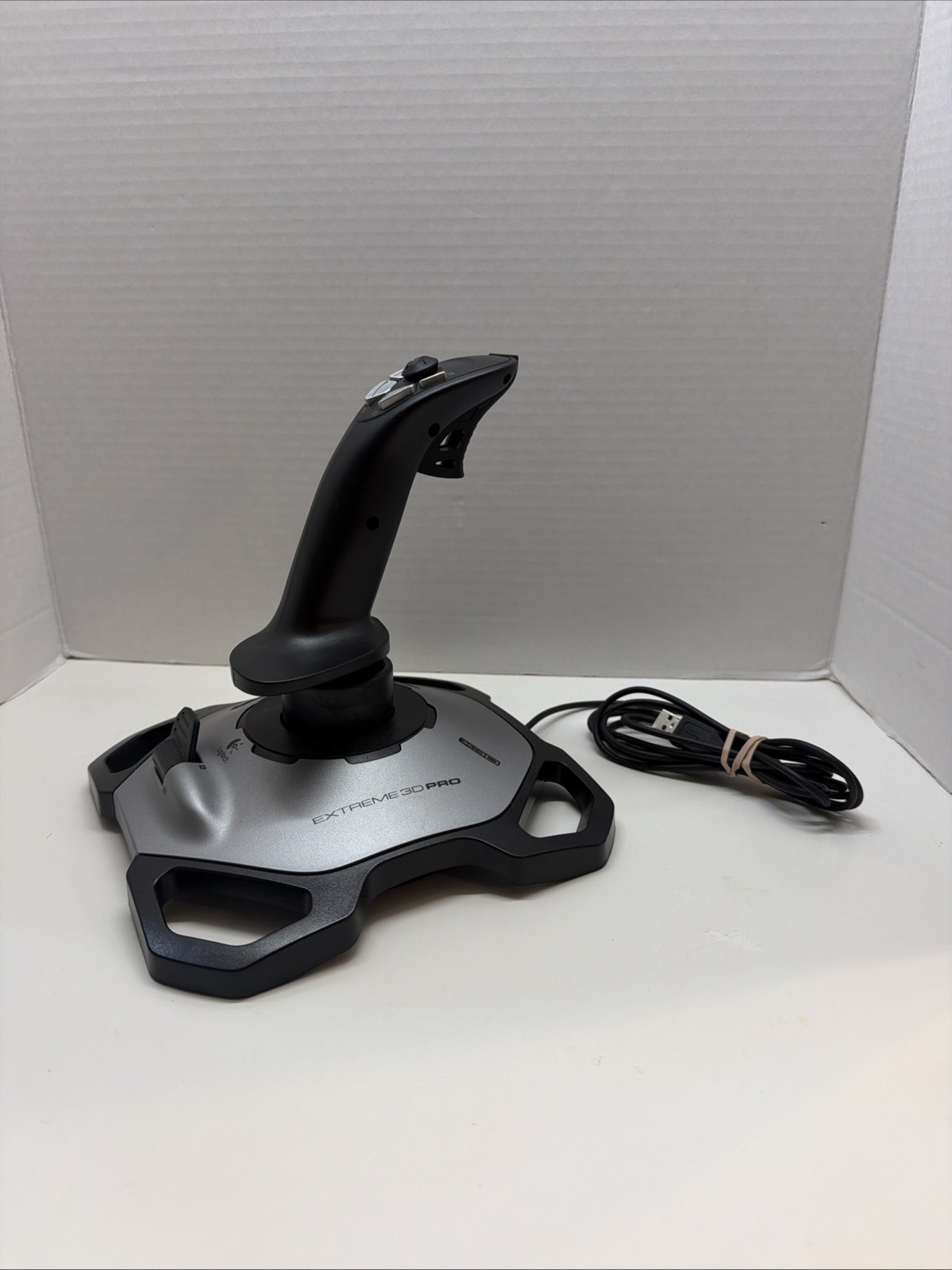 Logitech Extreme 3D Pro USB Flight Stick Joystick Controller PC Simulator X3D$19.99View on eBay
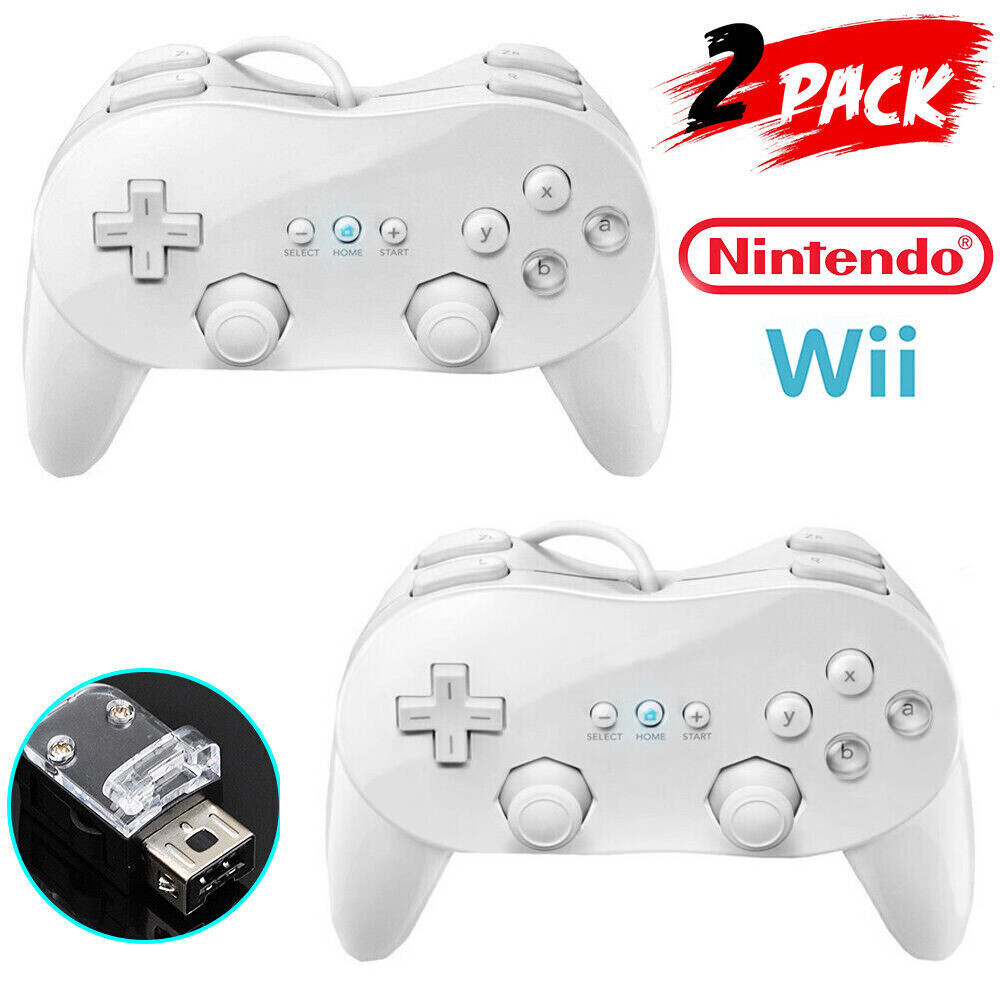 Wii Pro Classic Controller Gamepad Joypad Joystick for Nintendo Wii Game Remote$26.95View on eBay
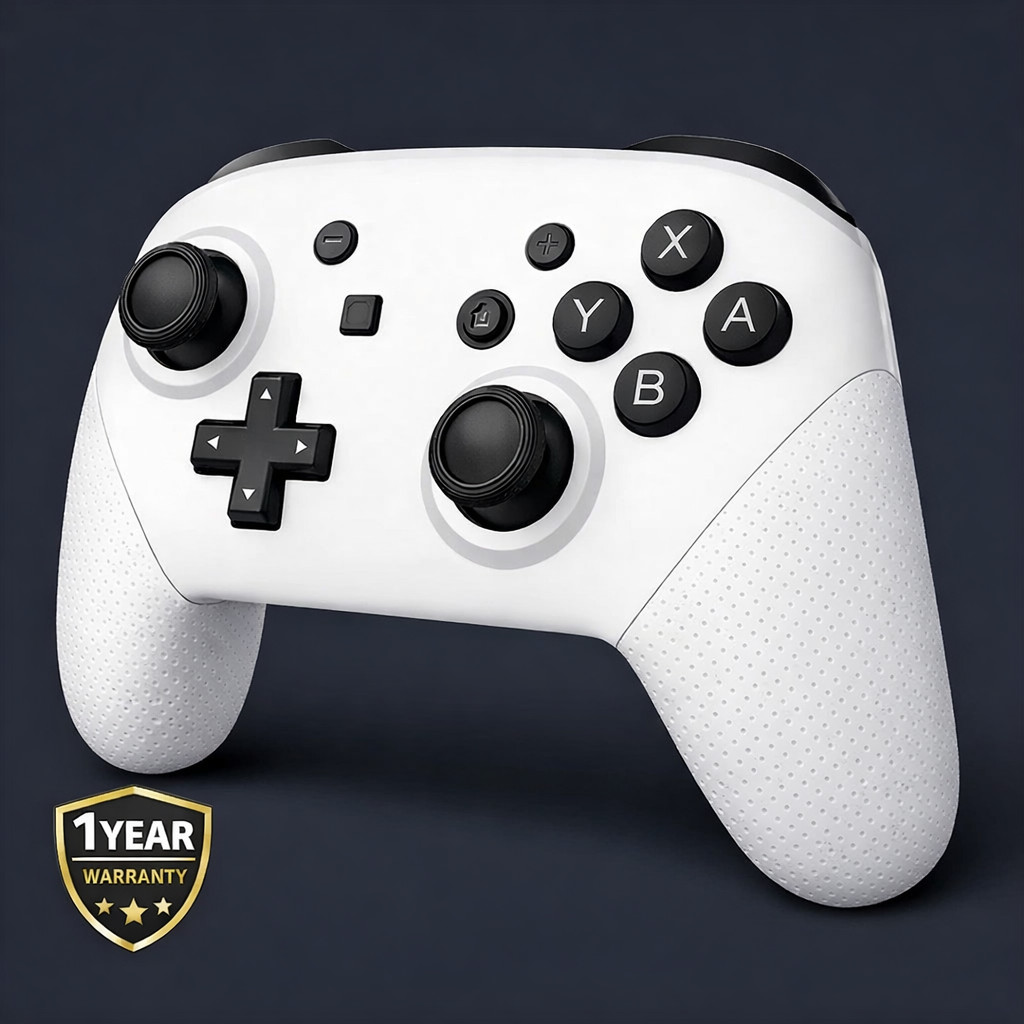 Arctic White Wireless Pro Controller For Nintendo Switch 1+2 OLED Lite Bluetooth$27.99View on eBay
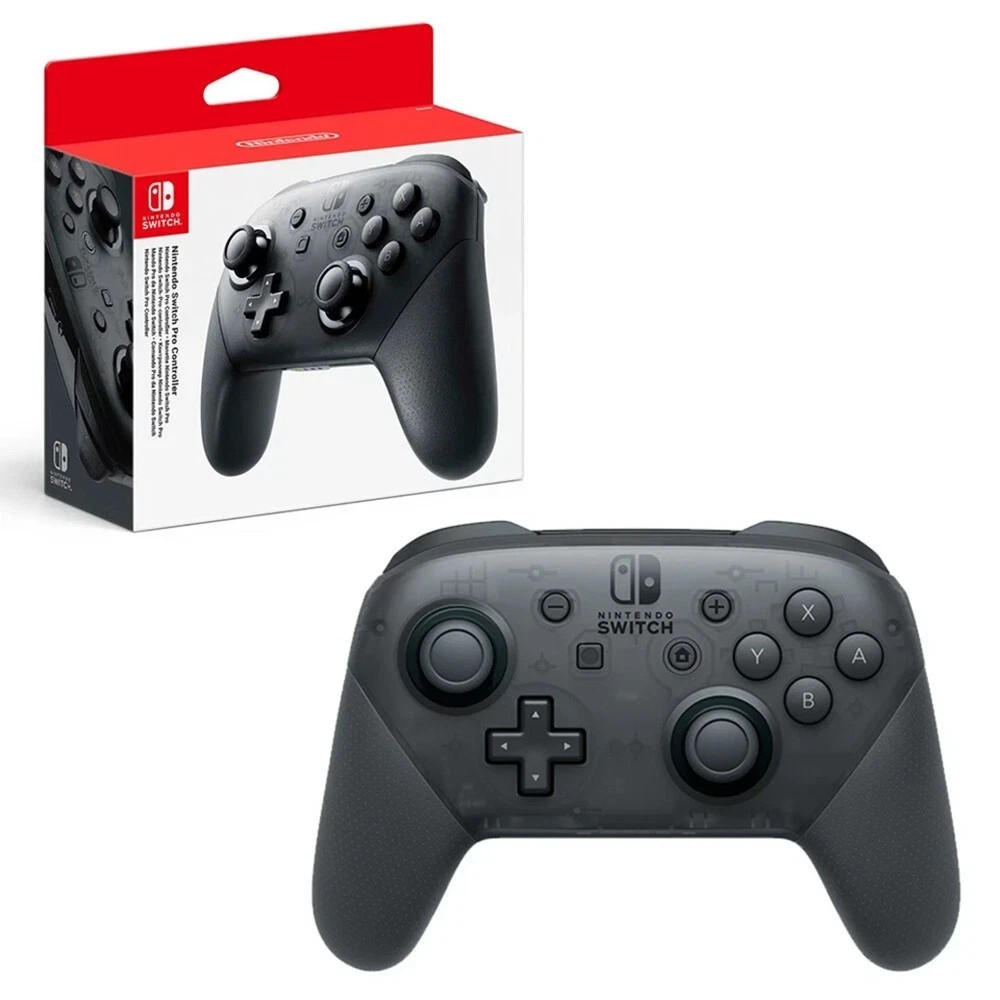 Nintendo Switch Wireless Pro Controller - Black$33.98View on eBay
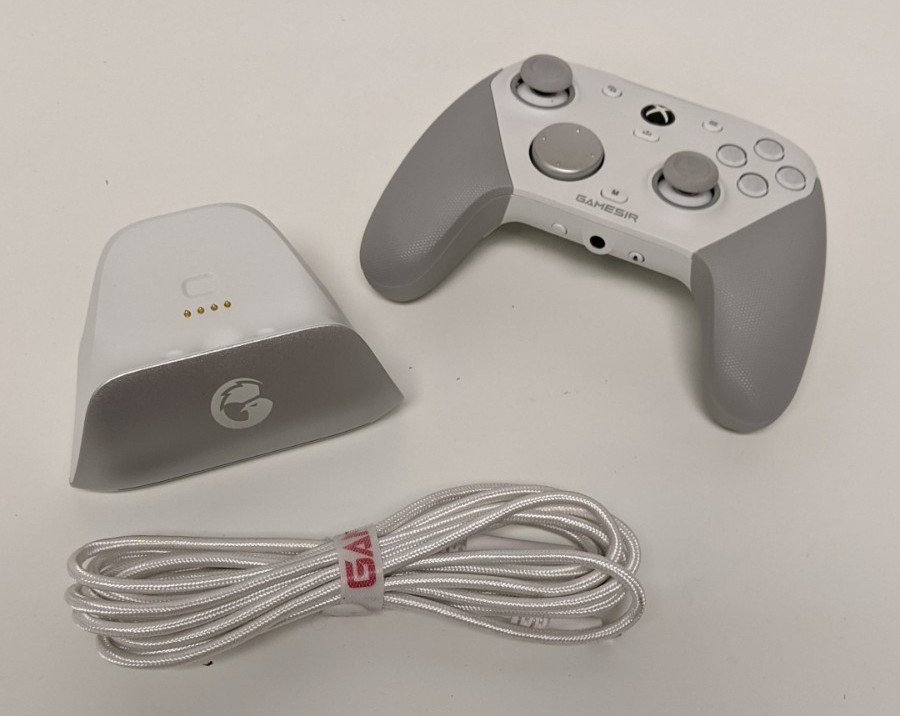 GameSir G7 Pro Tri-Mode Controller Xbox Wired / PC Wireless White$39.99View on eBay
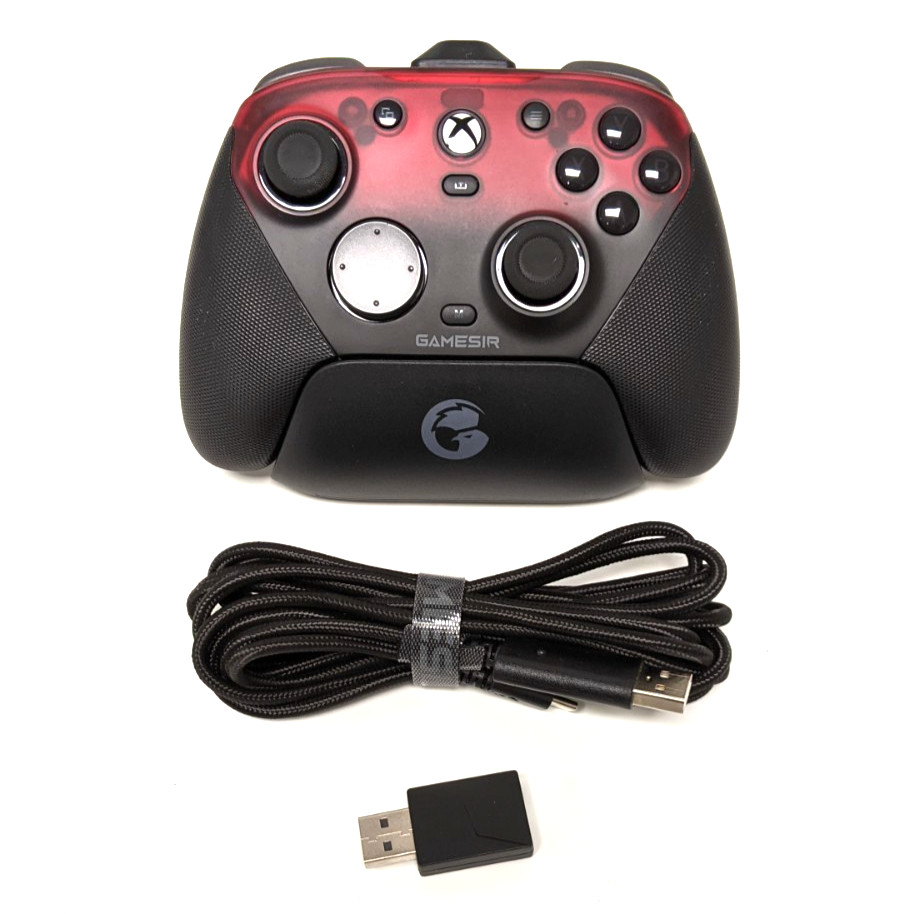 GameSir G7 Pro Tri-Mode Controller Xbox Wired / PC Wireless Shadow Ember$44.99View on eBay
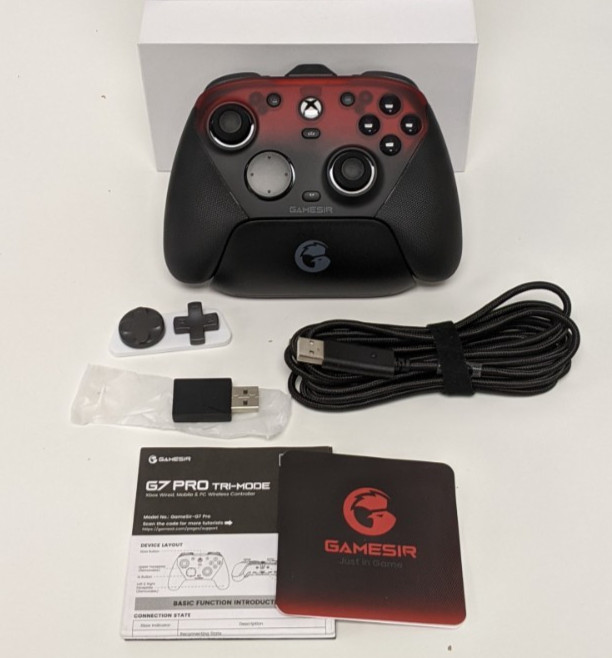 GameSir G7 Pro Tri-Mode Controller Xbox Wired / PC Wireless Shadow Ember$49.99View on eBay
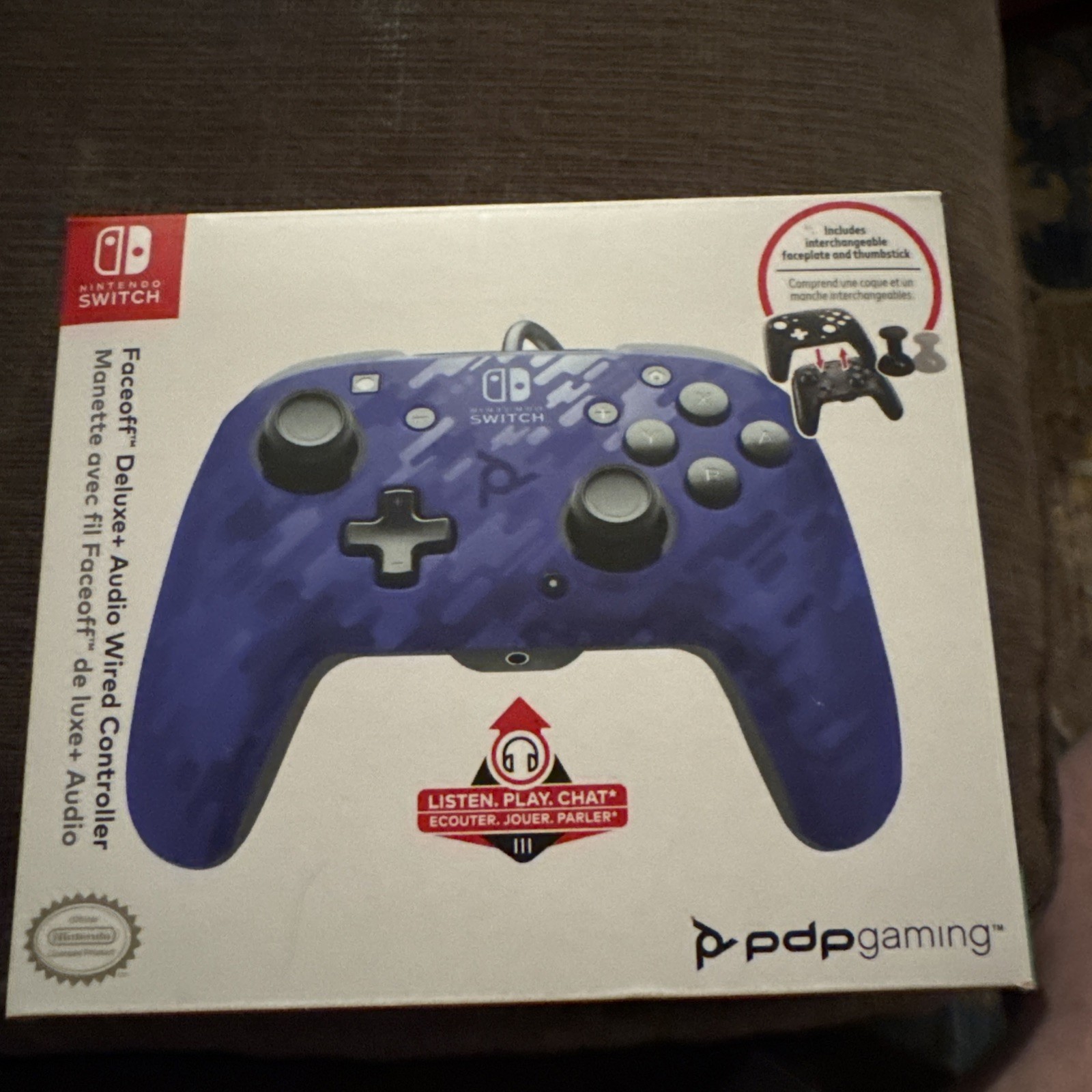 New pdp Gaming Nintendo Switch Blue Camo Faceoff Deluxe+ Wired Pro Controller$50.00View on eBay
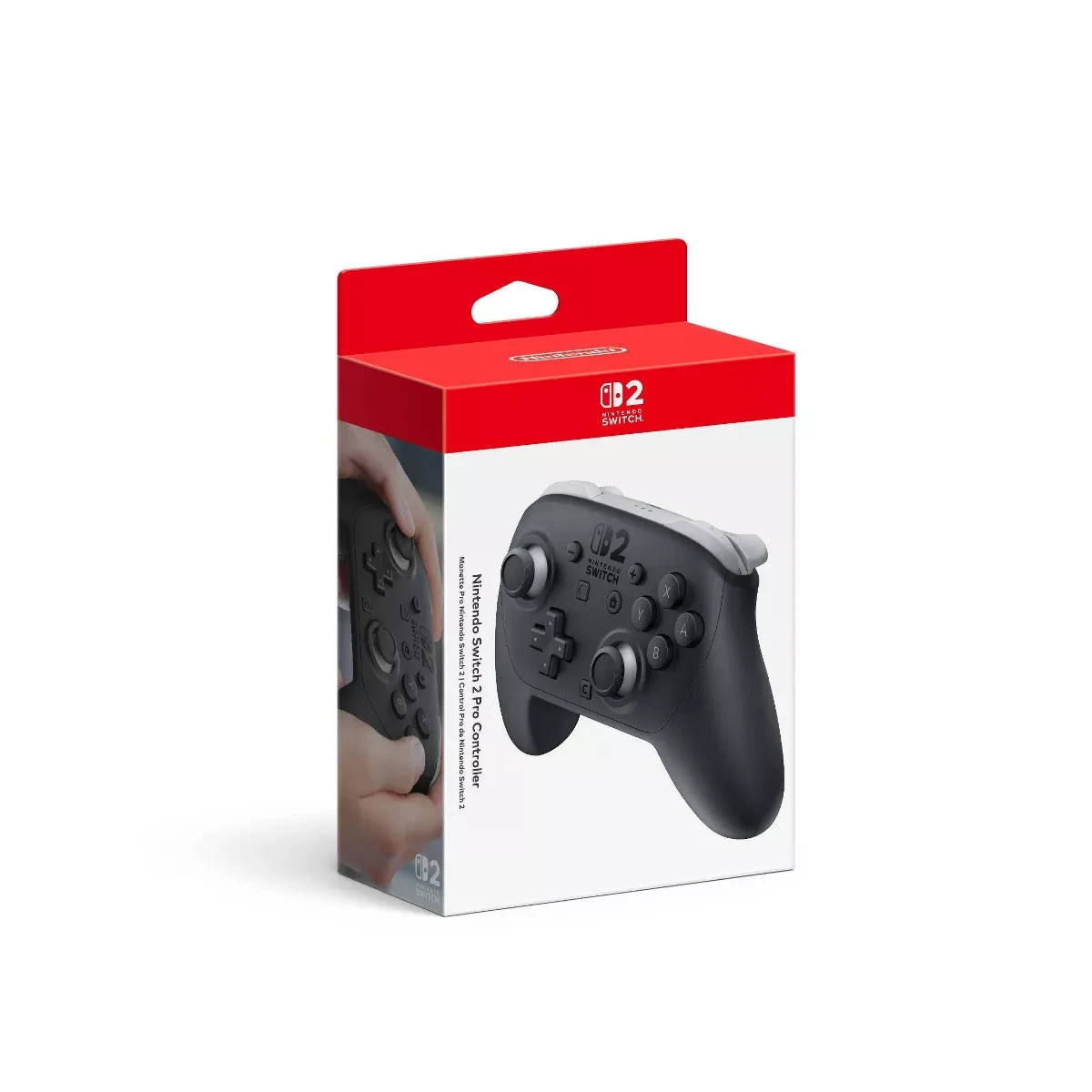 Official Nintendo Switch 2 Pro Controller$63.99View on eBay
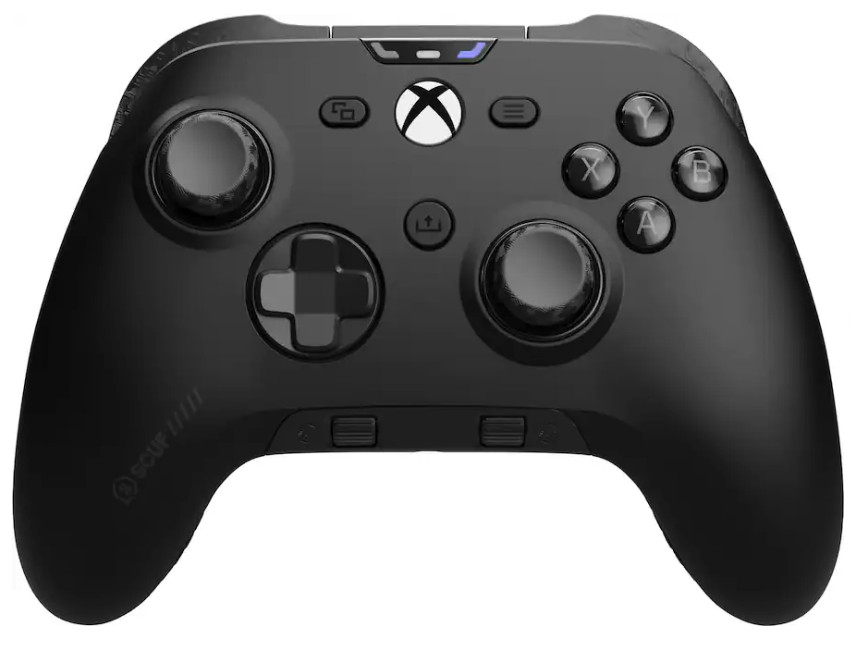 Corsair SCUF Valor Pro Wireless Xbox and PC Controller Black Certified Refurb$66.99View on eBay
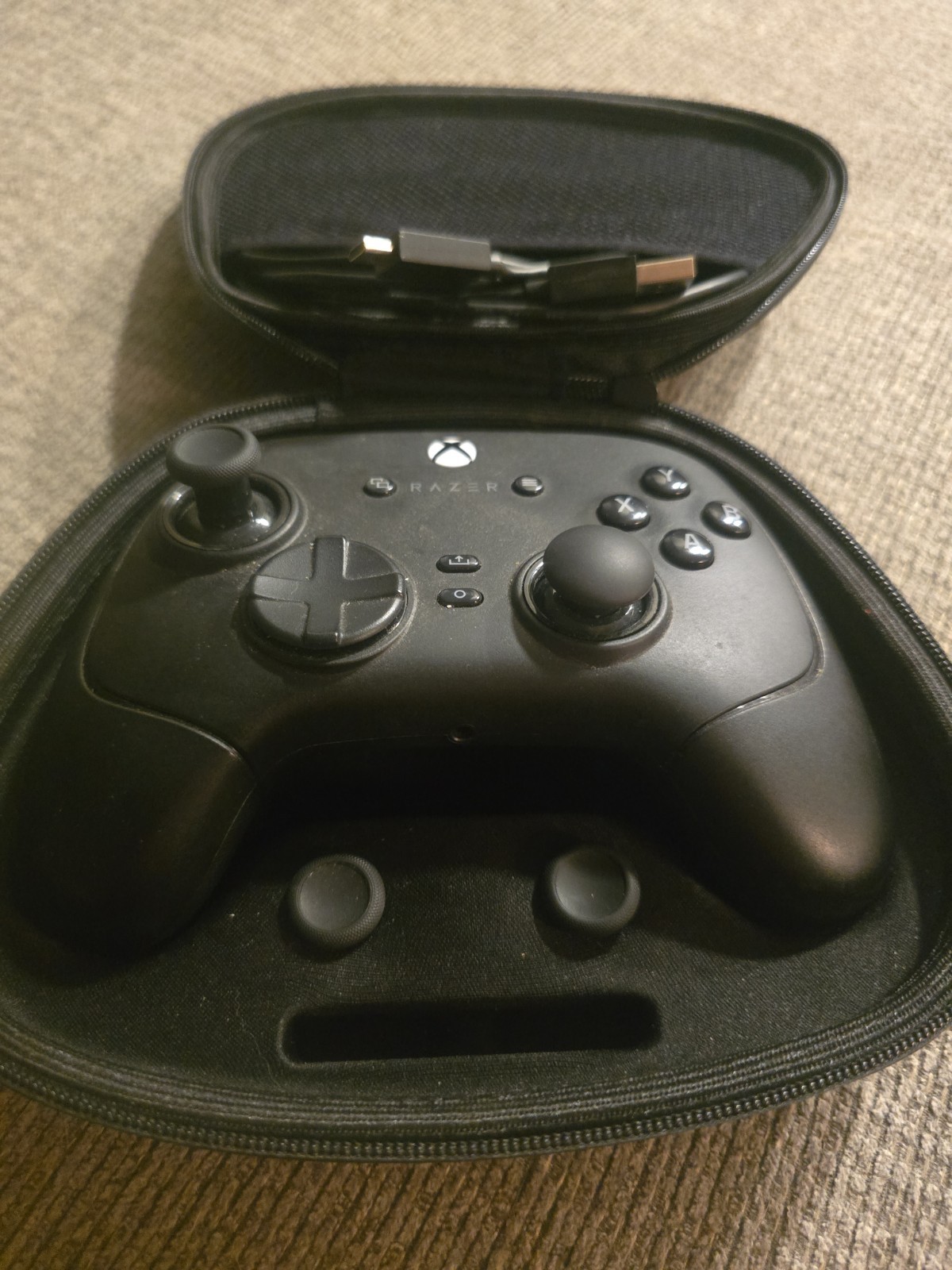 Razer Wolverine V3 Pro Wireless Gaming Controller Black, Cable, Case$80.00View on eBay
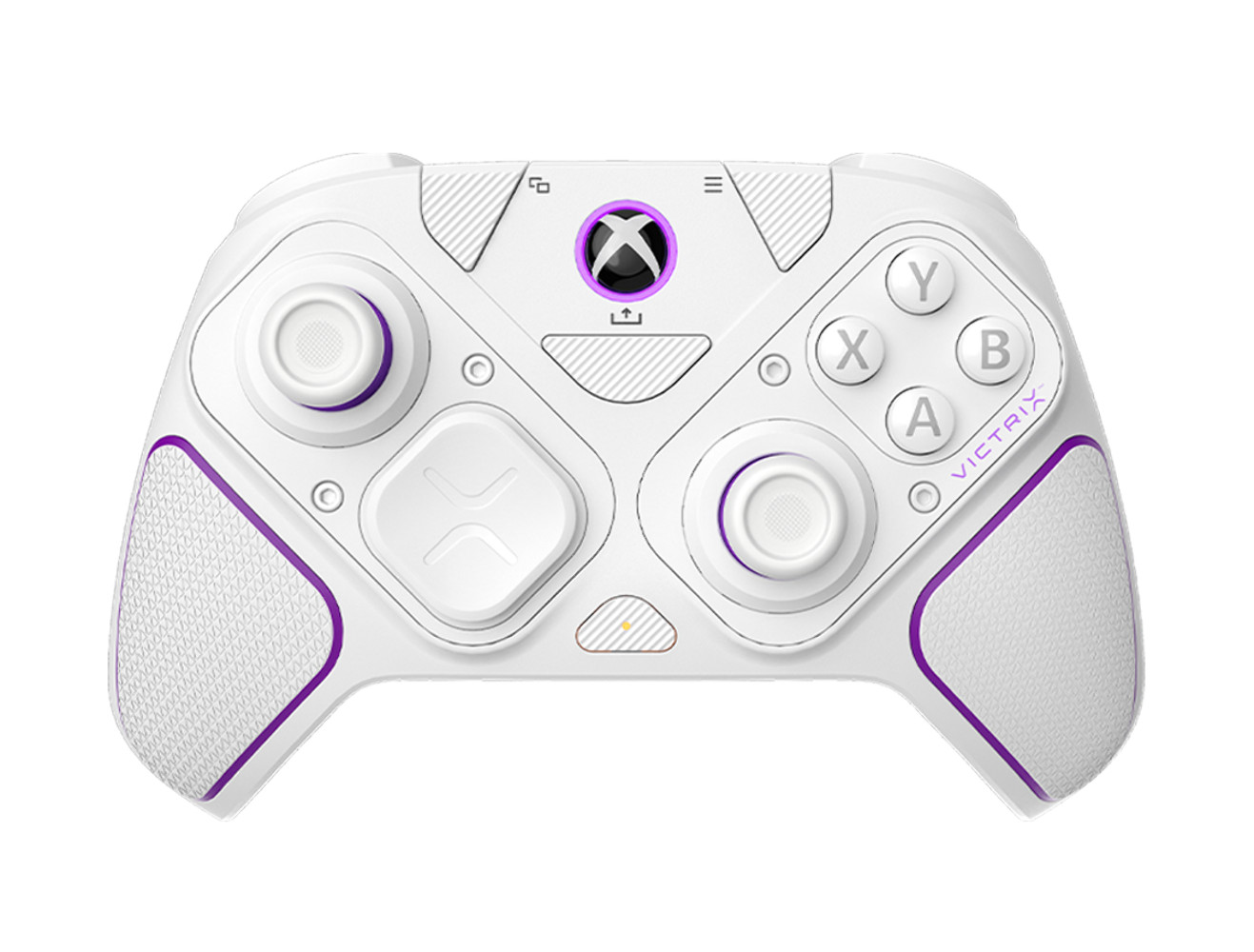 Victrix™ Pro BFG™ Wireless Controller Refurbished$99.99Last checked Nov 26, 2026View on eBay
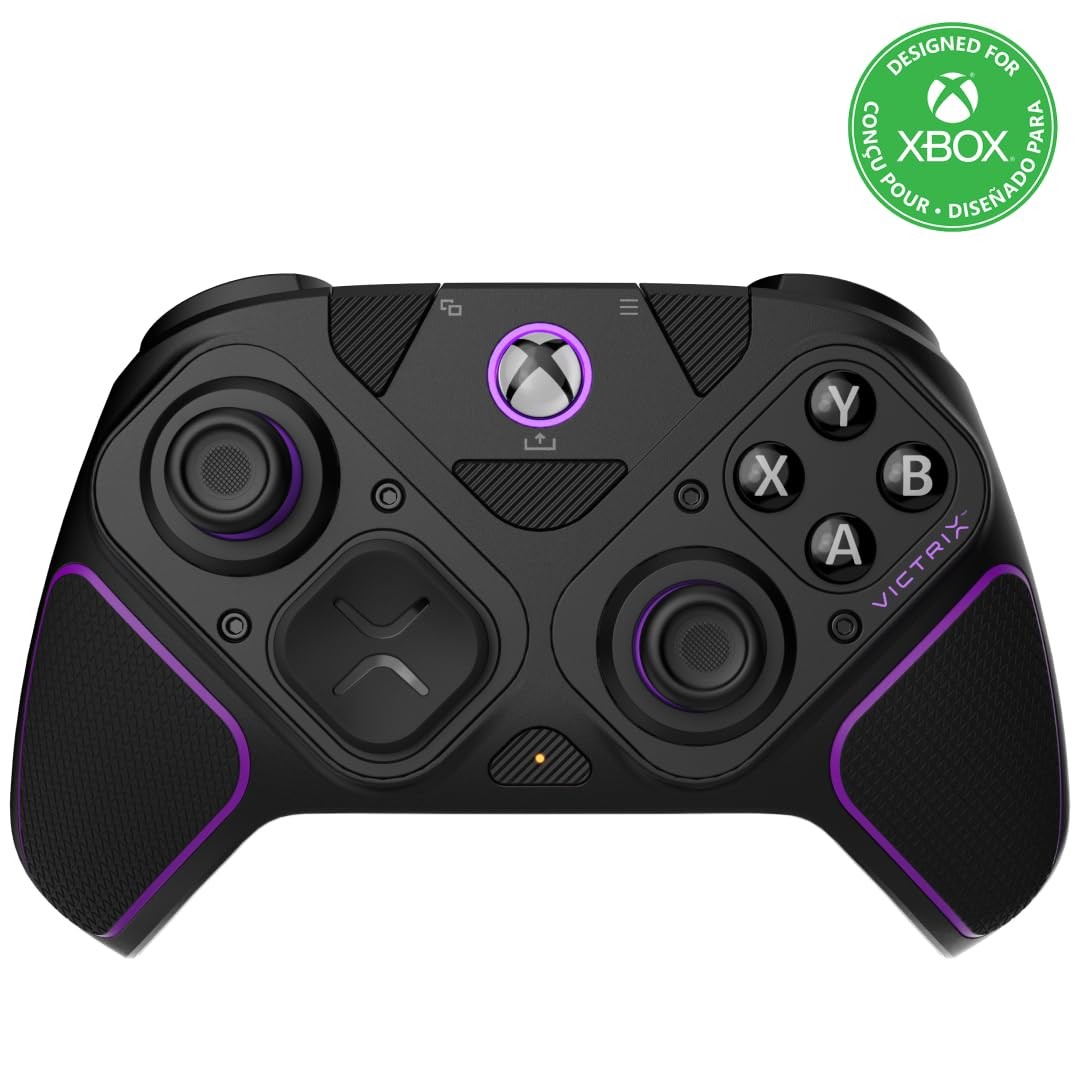 PDP Victrix Pro BFG Wireless Gaming Controller for Xbox Series X|S,Windows 10/11$171.64Last checked Nov 19, 2026View on eBay
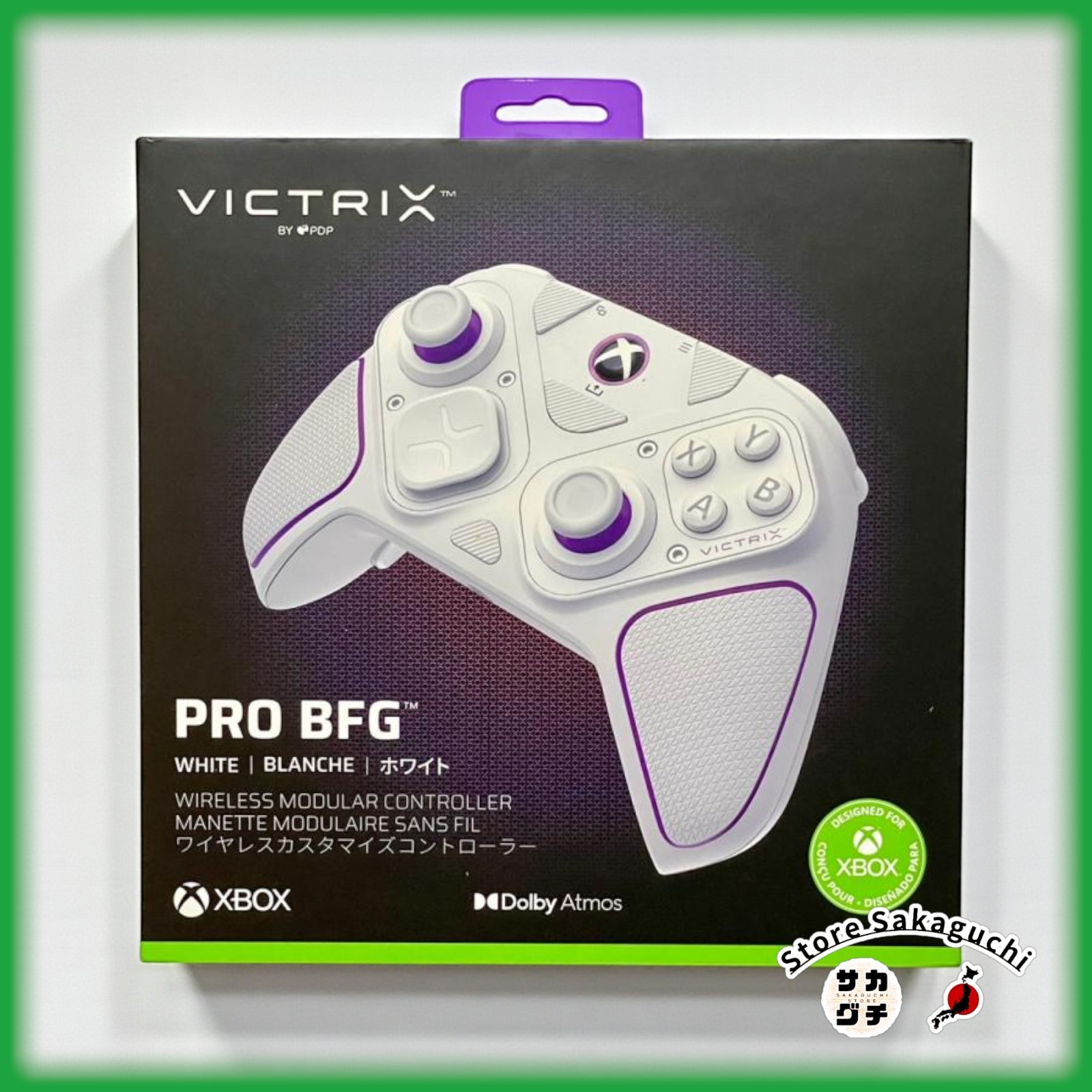 PDP Victrix Pro BFG Wireless Controller Xbox Series X S One PC Dolby Atmos White$273.24Last checked Nov 14, 2026View on eBay
Highlights
- First-party Nintendo Switch Pro Controller uses Bluetooth wireless with HD rumble, gyro, NFC Amiibo, and USB-C charging; Switch 2 Pro Controller adds a headphone jack and C-button for GameChat.
- Third-party 'Pro' controllers vary wildly: licensed models like PDP Faceoff use wired USB-C for zero latency, while unbranded models may lack gyro, NFC, or proper rumble.
- Xbox-style pro controllers (e.g., Snakebyte GamePad Pro X) use Xbox Wireless Radio or wired USB; they do not work wirelessly on PlayStation or Switch without an adapter.
- Hall-effect sticks (magnetic, no physical wear) are the durability benchmark for third-party pro controllers; standard potentiometer sticks drift over time, especially in budget models.
Best use cases
- Best fit: competitive Switch players who need gyro aiming, Amiibo scanning, and HD rumble should buy the official Nintendo Switch Pro Controller or Switch 2 Pro Controller.
- Best fit: PC/Xbox players wanting extra rear buttons and wired zero-latency should choose a licensed wired pro controller with programmable paddles, like the PDP Faceoff Deluxe+.
- Wrong fit: buyers expecting a single controller to work wirelessly across Switch, Xbox, and PlayStation should skip platform-specific models and buy a multi-platform adapter or a controller explicitly rated for all three.
Buying tips
- Match the wireless protocol to your console: Switch uses Bluetooth, Xbox uses Xbox Wireless Radio, and PlayStation uses Bluetooth; a controller without the native radio will need a dongle.
- For drift resistance, choose Hall-effect magnetic sticks over standard potentiometer sticks; this matters most on third-party models where stick modules are not user-replaceable.
- Wired USB-C pro controllers eliminate charging and wireless latency but limit you to the cable length; choose braided 2m+ cables for living-room play.
- Check battery capacity: first-party Switch Pro Controller has 1300mAh (~40 hours); third-party models often list 600–1000mAh, translating to 10–20 hours.
Specs
| Connectivity | Bluetooth / USB-C wired / Xbox Wireless |
|---|---|
| Stick Type | Hall-effect magnetic vs potentiometer |
| Platform | Switch / Xbox / PC / Multi |
| Extra Features | Gyro, NFC, back paddles, headphone jack |
Related searches
What to check before buying
- Confirm your console generation: Switch 1 Pro Controller works on Switch 2, but Switch 2 Pro Controller's C-button and headphone jack only function on Switch 2.
- Measure your hand size and grip style: pro controllers are larger than Joy-Cons; ensure the controller's width (typically 15–16 cm) fits your hand span comfortably.
- Verify the controller includes the correct charging cable or dock: USB-C is standard, but some Xbox-style controllers use micro-USB or AA batteries.
- Check if you need Amiibo NFC or gyro aiming: only first-party Nintendo Pro Controllers guarantee both; many third-party models omit NFC entirely.
FAQ
Data sources: eBay / Amazon listings and product attribute feeds. Updated Nov 28, 2026.
Some links on this page are affiliate links. If you buy after clicking one, we may earn a commission at no extra cost to you. This does not change which products appear here or their order. Affiliate disclosure.