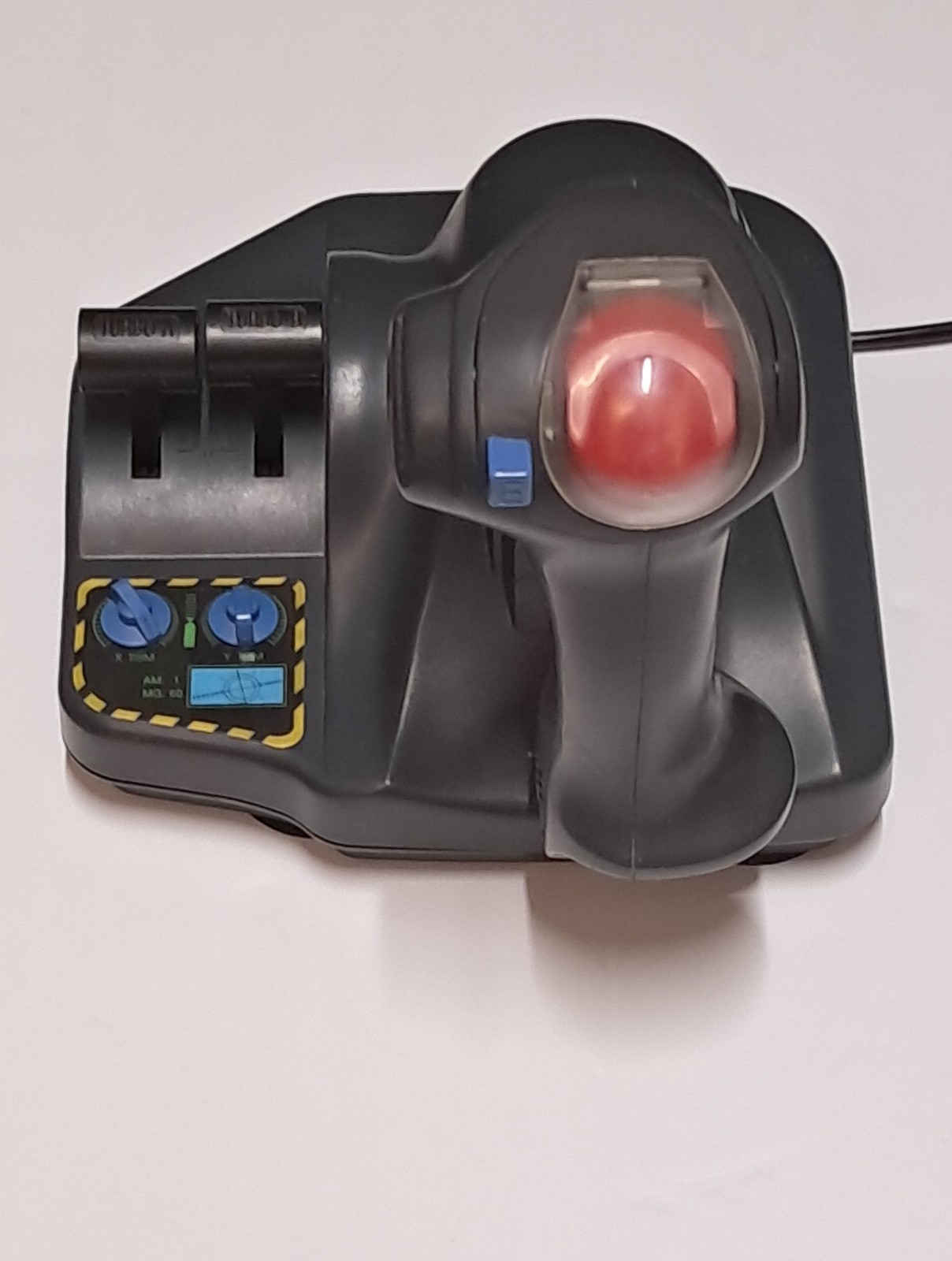

Photos from current listings. Actual item, color, and included accessories may vary.
PC Joystick Buying Guide
A PC joystick is a flight-sim or arcade-style controller defined by its gimbal mechanism, sensor type, and button layout — not by its plastic shell. The core trade-off is between contactless Hall-effect sensors with metal gimbals (long-term precision, no drift) and budget potentiometer sticks that wear out within months of heavy use. Buy a Hall-effect or optical-sensor stick with a weighted base for simulation; buy a basic potentiometer stick only for light, occasional arcade play.
Median $19.99
Key takeaways
- Sensor type is the durability divider: Hall-effect/optical sensors never physically contact the magnet, eliminating the dead-zone drift that kills potentiometer sticks after ~6-12 months of heavy sim use.
- Gimbal construction separates tiers: metal ball-and-socket or dual-cam gimbals with adjustable spring tension hold center accuracy under force, while all-plastic gimbals develop play and wobble.
- Connection standard matters: modern USB HID sticks are plug-and-play on Windows 10/11; legacy 15-pin gameport sticks (like Magnum 6/Quick Shot) need a USB adapter and lose force-feedback support.
At a glance
- Category
- Controllers & Gaming Accessories
- Last updated
- Nov 27, 2026
Current offers
Highlights
- Sensor type is the durability divider: Hall-effect/optical sensors never physically contact the magnet, eliminating the dead-zone drift that kills potentiometer sticks after ~6-12 months of heavy sim use.
- Gimbal construction separates tiers: metal ball-and-socket or dual-cam gimbals with adjustable spring tension hold center accuracy under force, while all-plastic gimbals develop play and wobble.
- Connection standard matters: modern USB HID sticks are plug-and-play on Windows 10/11; legacy 15-pin gameport sticks (like Magnum 6/Quick Shot) need a USB adapter and lose force-feedback support.
- Button and axis count determines sim compatibility: a 3-axis stick (X/Y twist rudder) with 8+ buttons and a throttle wheel covers flight sims; arcade fighters need an 8-button Japanese-style lever layout (e.g., Qanba Obsidian) instead.
Best use cases
- Flight simulator (MSFS, X-Plane, DCS): pick a USB Hall-effect stick with twist-rudder Z-axis, separate throttle wheel, and 8+ programmable buttons; skip arcade lever sticks — they lack analog precision.
- Arcade fighters and retro gaming: pick an 8-button Japanese-lever arcade stick (Sanwa-compatible) with a flat top panel; skip flight sticks — their gimbal throw is too long for fast quarter-circle inputs.
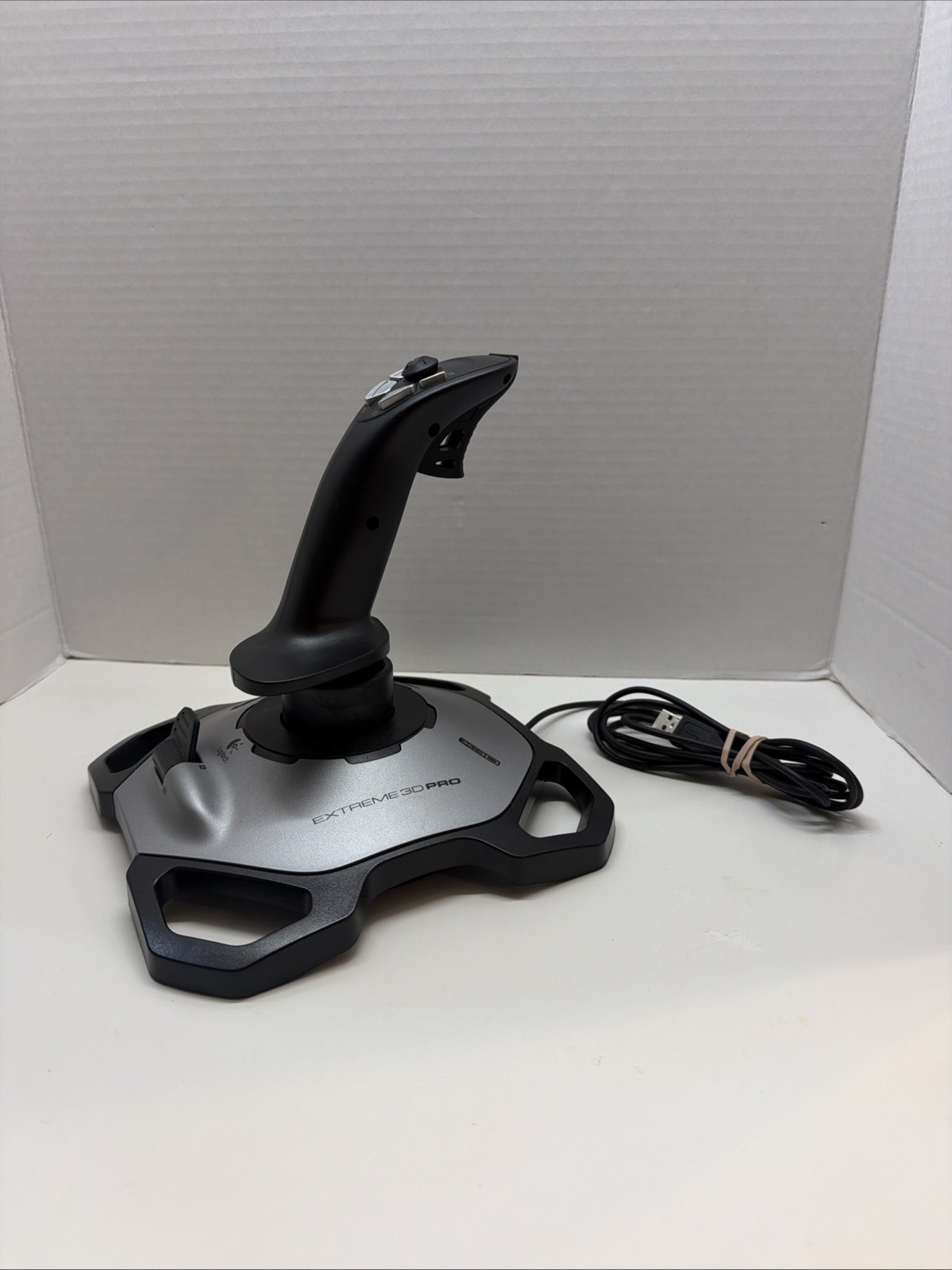
- Light casual play and budget retro setups: a basic USB potentiometer stick (e.g., Logitech Extreme 3D Pro class) is fine; skip it for competitive or daily sim use where drift will appear.
Buying tips
- Check sensor spec first: Hall-effect or optical sensors are the only ones rated for years of drift-free center accuracy; potentiometer sticks are consumables under heavy use.
- Confirm USB HID plug-and-play: Windows 10/11 recognizes standard USB sticks natively; avoid 15-pin gameport models unless you already own a USB adapter and accept no force feedback.
- Match axis count to your sim: 3 axes (X/Y + twist Z) plus a throttle slider is the minimum for flight sims; add a separate throttle quadrant for multi-engine aircraft.
- Verify base weight and mounting: a stick under ~1 kg slides during hard maneuvers — choose a weighted base or plan to bolt/clamp it to a desk or sim rig.
Specs
| Sensor Type | Hall-effect / optical vs potentiometer |
|---|---|
| Connection | USB HID vs legacy 15-pin gameport |
| Axes & Buttons | 3-axis + twist / 8-12 buttons |
| Gimbal Material | Metal cam/ball vs plastic |
Related searches
What to check before buying
- Measure desk depth and clearance: a flight stick needs ~20 cm of forward throw plus wrist room; arcade sticks need a flat, stable surface at least as wide as the unit.
- Confirm USB-A or USB-C port availability on your PC and whether a powered USB hub is needed for multiple sim peripherals.
- Check Windows version compatibility (Windows 10/11 for modern HID sticks) and whether the sim software supports direct input mapping.
- Plan companion gear: rudder pedals and a throttle quadrant are separate purchases; verify the stick has enough buttons/hats to cover functions you won't map elsewhere.
FAQ
Data sources: eBay / Amazon listings and product attribute feeds. Updated Nov 27, 2026.
Some links on this page are affiliate links. If you buy after clicking one, we may earn a commission at no extra cost to you. This does not change which products appear here or their order. Affiliate disclosure.