
Photos from current listings. Actual item, color, and included accessories may vary.
PC Controller Buying Guide
A PC controller is an input device connecting via USB, 2.4 GHz dongle, or Bluetooth to play Windows/macOS games, with the core trade-off between stick/trigger durability (Hall-effect vs. carbon-film potentiometers) and connection latency/compatibility. Buy Hall-effect sticks and triggers if you log heavy hours; skip potentiometer sticks unless the controller is a cheap backup or strictly casual. Also match the connection standard and XInput/DirectInput support to your OS before picking a tier.
Median $24.99
Key takeaways
- Hall-effect magnetic sticks and triggers eliminate carbon-film wear and stick drift; potentiometer sticks degrade within months of heavy play.
- XInput is the native Windows gamepad API; DirectInput pads may need Steam Input or x360ce wrappers for modern titles.
- 2.4 GHz dongles deliver lower latency than Bluetooth, while Bluetooth is universal across Windows, macOS, Android, and iOS.
At a glance
- Category
- Controllers & Gaming Accessories
- Last updated
- Nov 28, 2026
Current offers
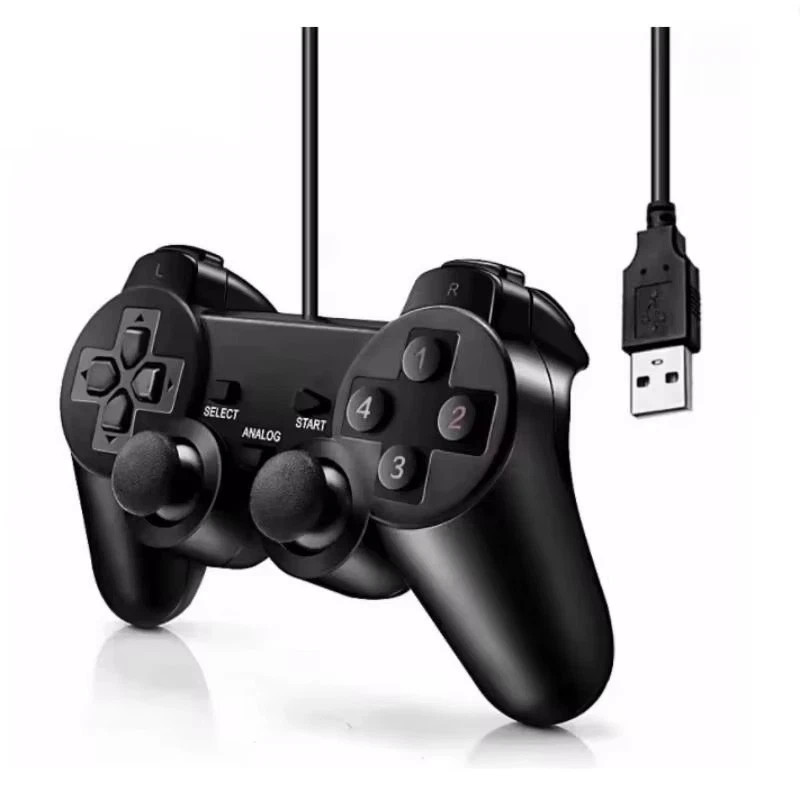 USB Wired PC Game Controller Gamepad for Windows Laptop Joystick Black$7.20View on eBay
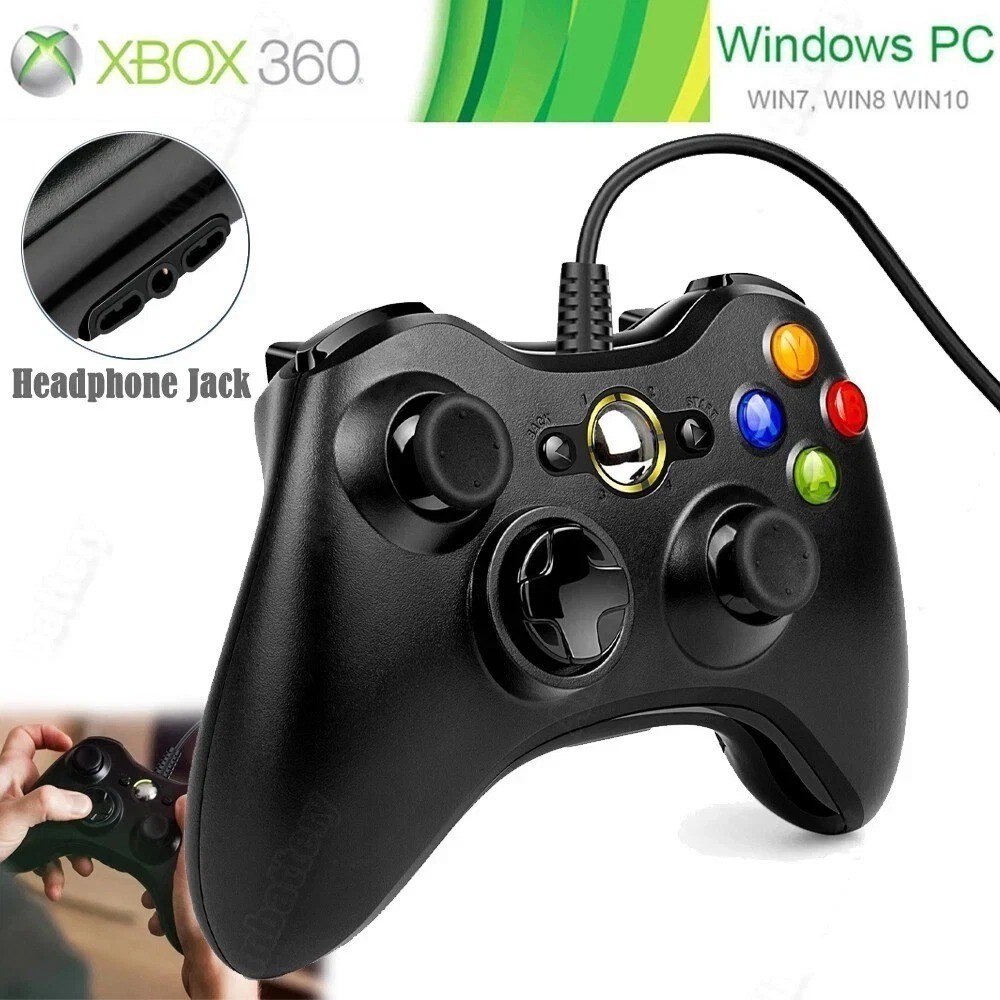 For Microsoft Xbox 360 Wired USB Game Controller PC Windows 11/10/8/7/XP Gamepad$10.80View on eBay
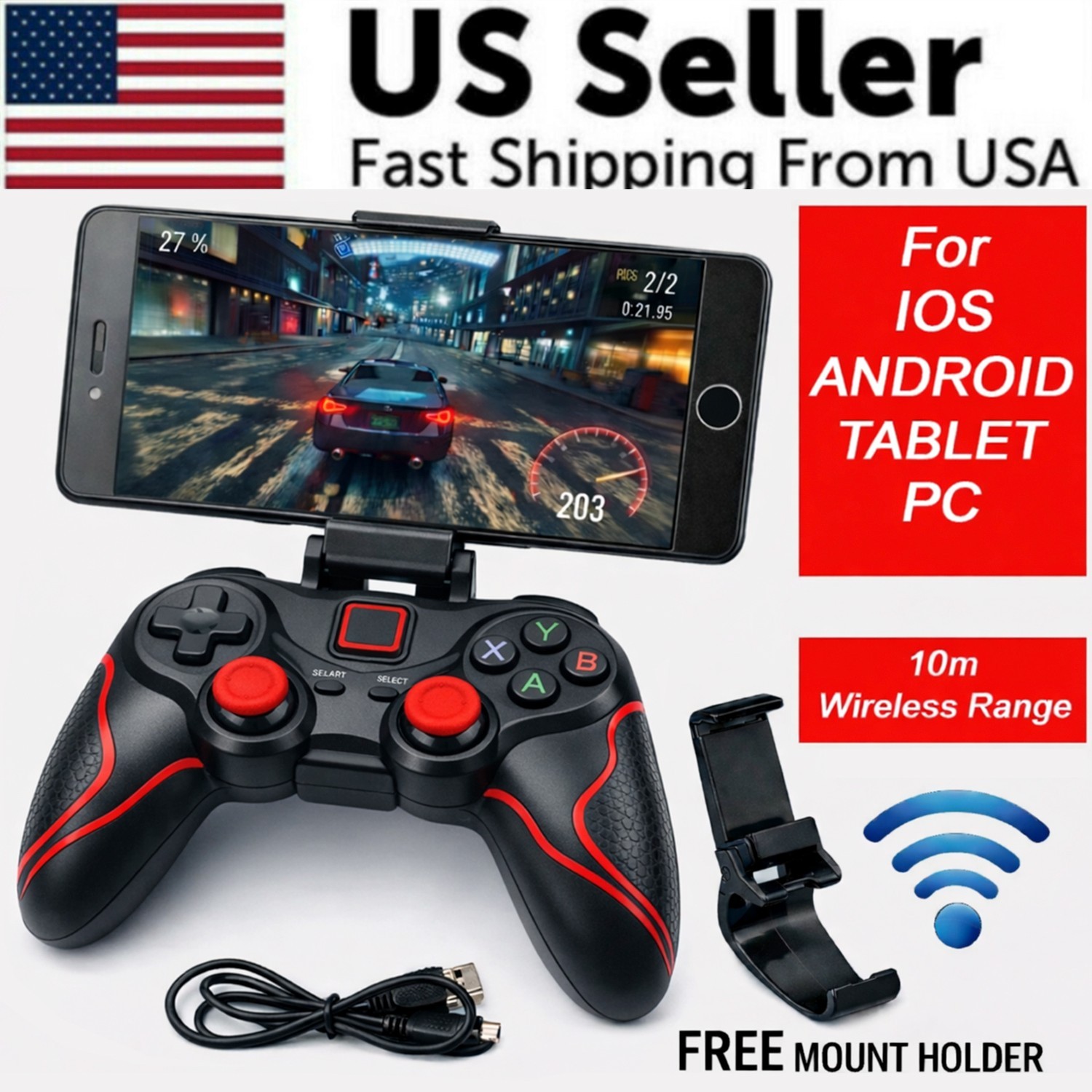 Wireless Bluetooth Game Controller Gamepad For Android iPhone Tablet PC Phone$12.89Last checked Nov 28, 2026View on eBay
- Wireless Bluetooth Game Controller Gamepad For Android iPhone Tablet PC Phone$12.89View on eBay
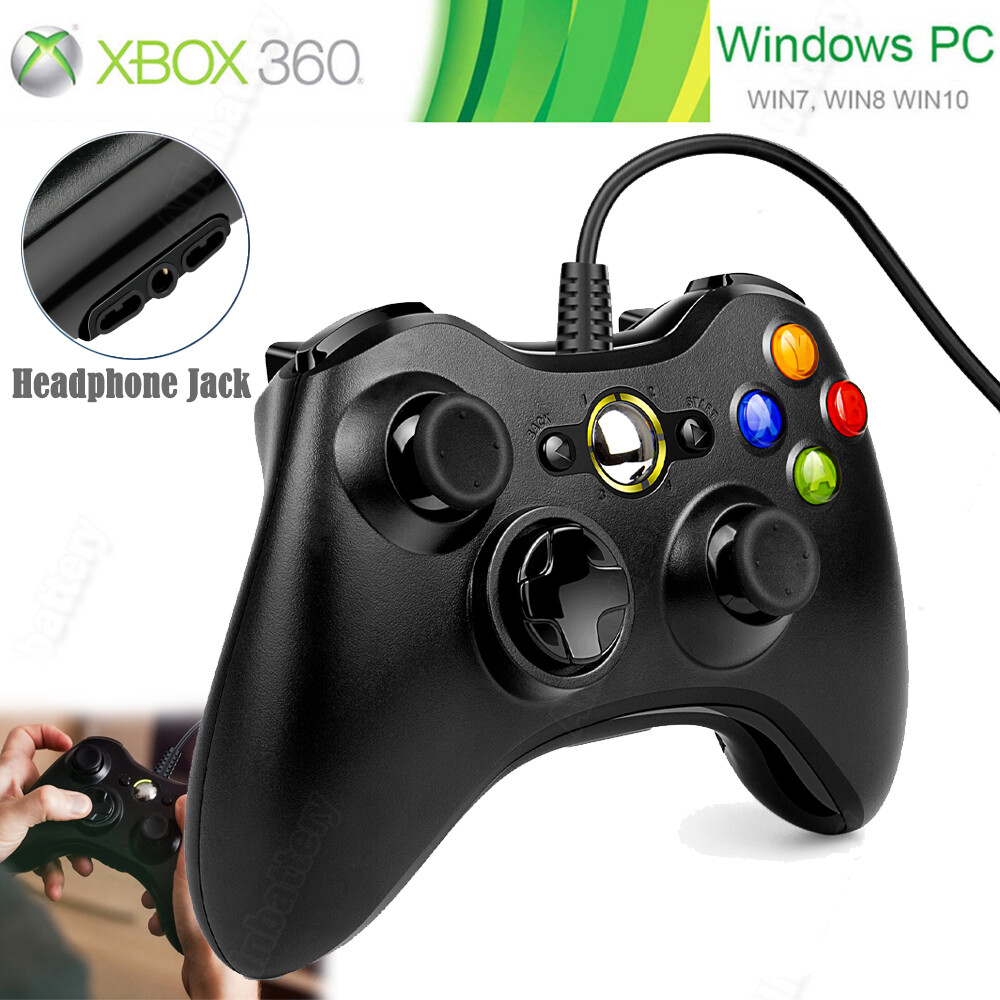 For Microsoft Xbox 360 Wired USB Game Controller PC Windows 11/10/8/7/XP Gamepad$13.38View on eBay
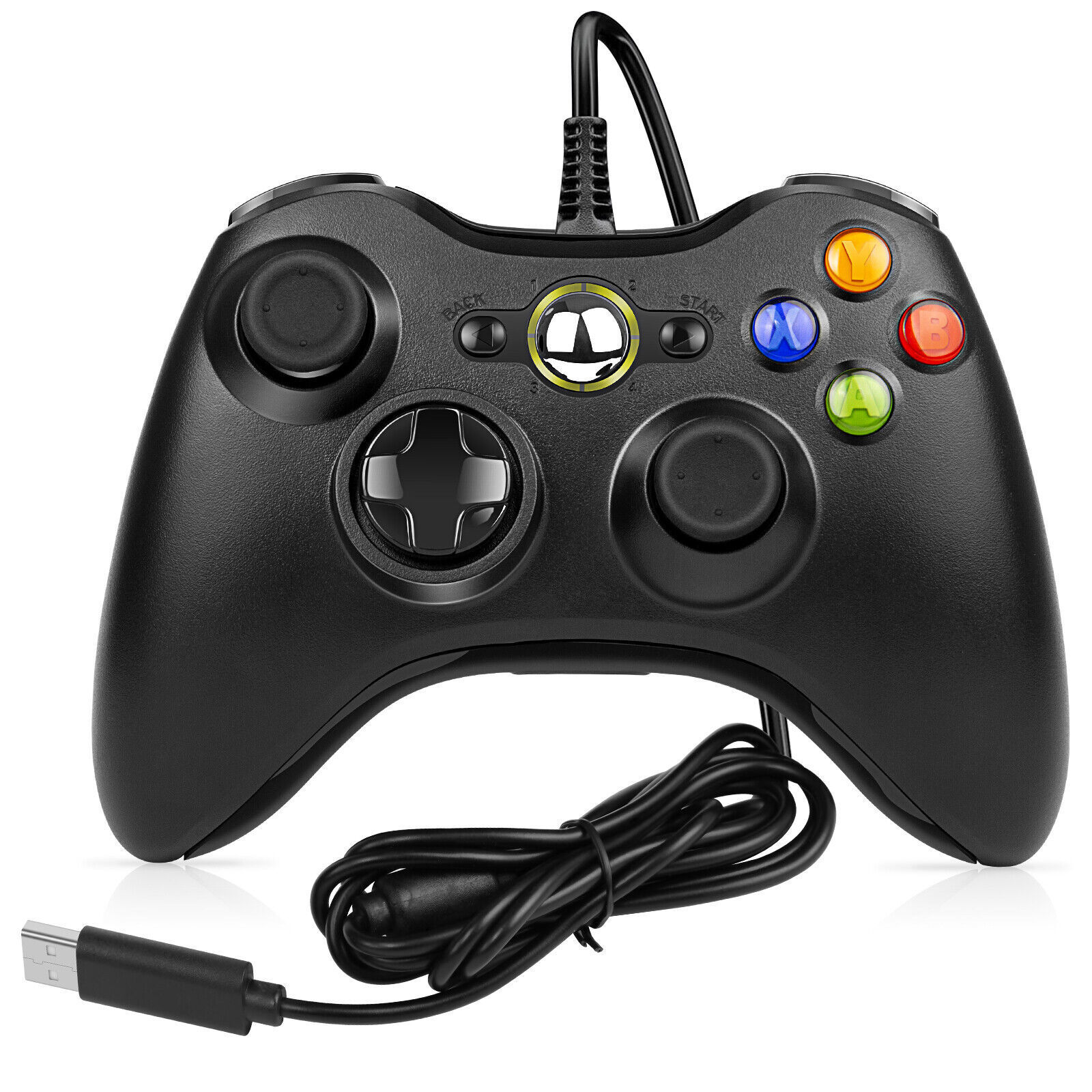 For Microsoft Xbox 360 Wired USB Game Controller PC Windows 11/10/8/7/XP Gamepad$13.75Last checked Nov 27, 2026View on eBay
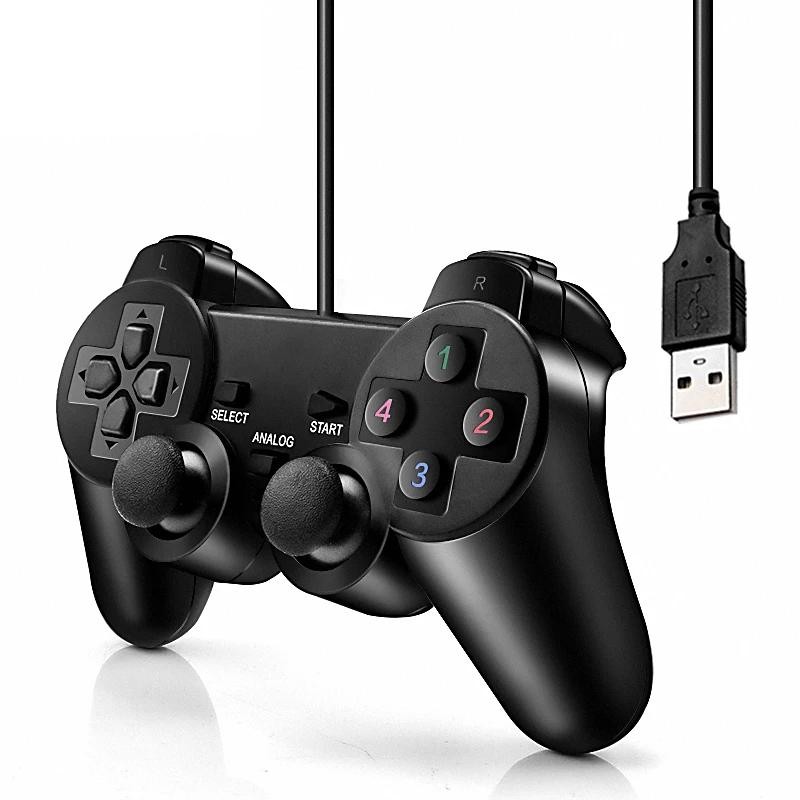 USB Wired PC Game Controller Vibration Plug & Play for Windows Laptop$13.99Last checked Nov 27, 2026View on eBay
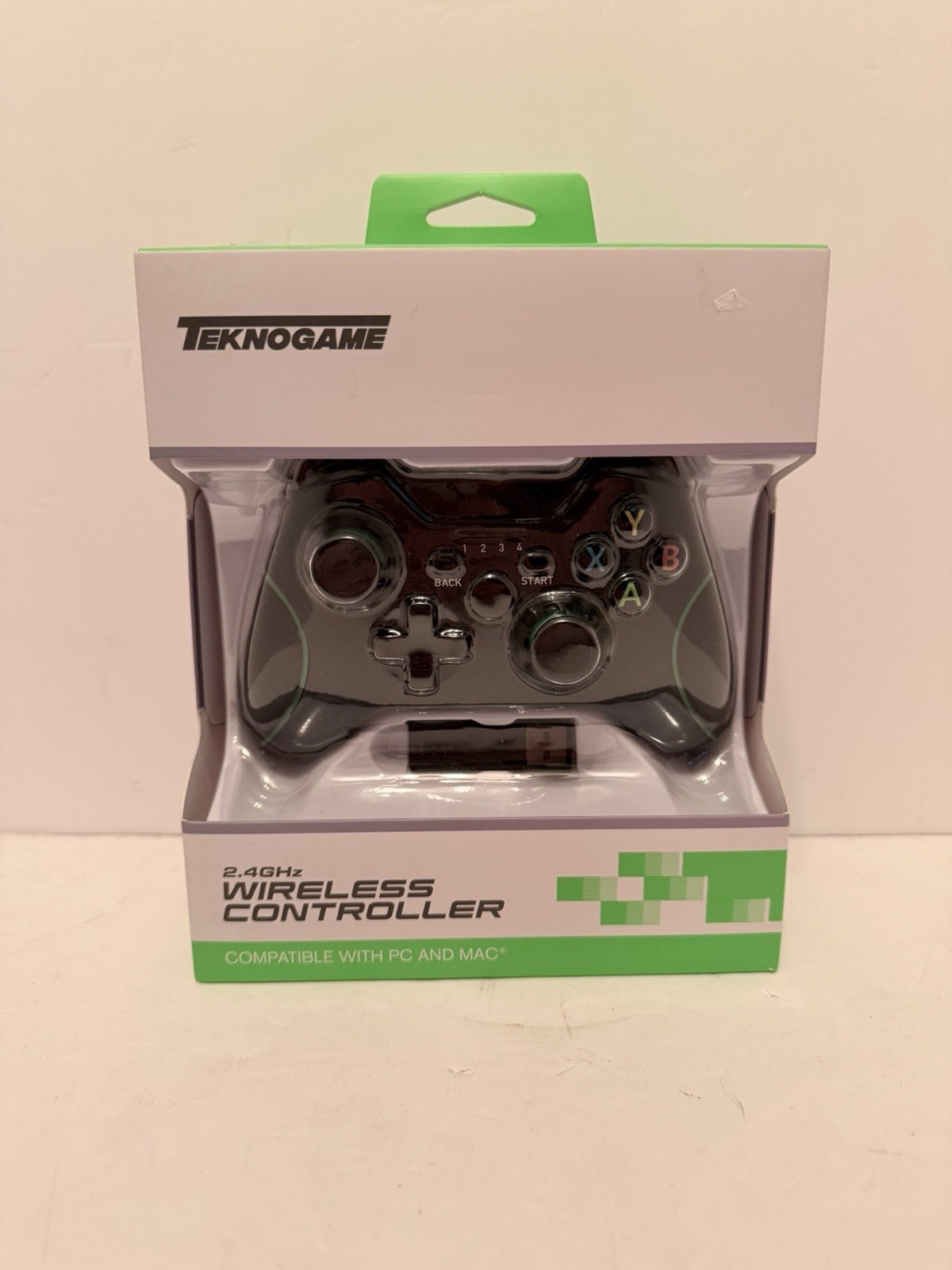 Teknogame 2.4GHz wireless controller for Xbox 360, PC, and Mac - Black New$14.99View on eBay
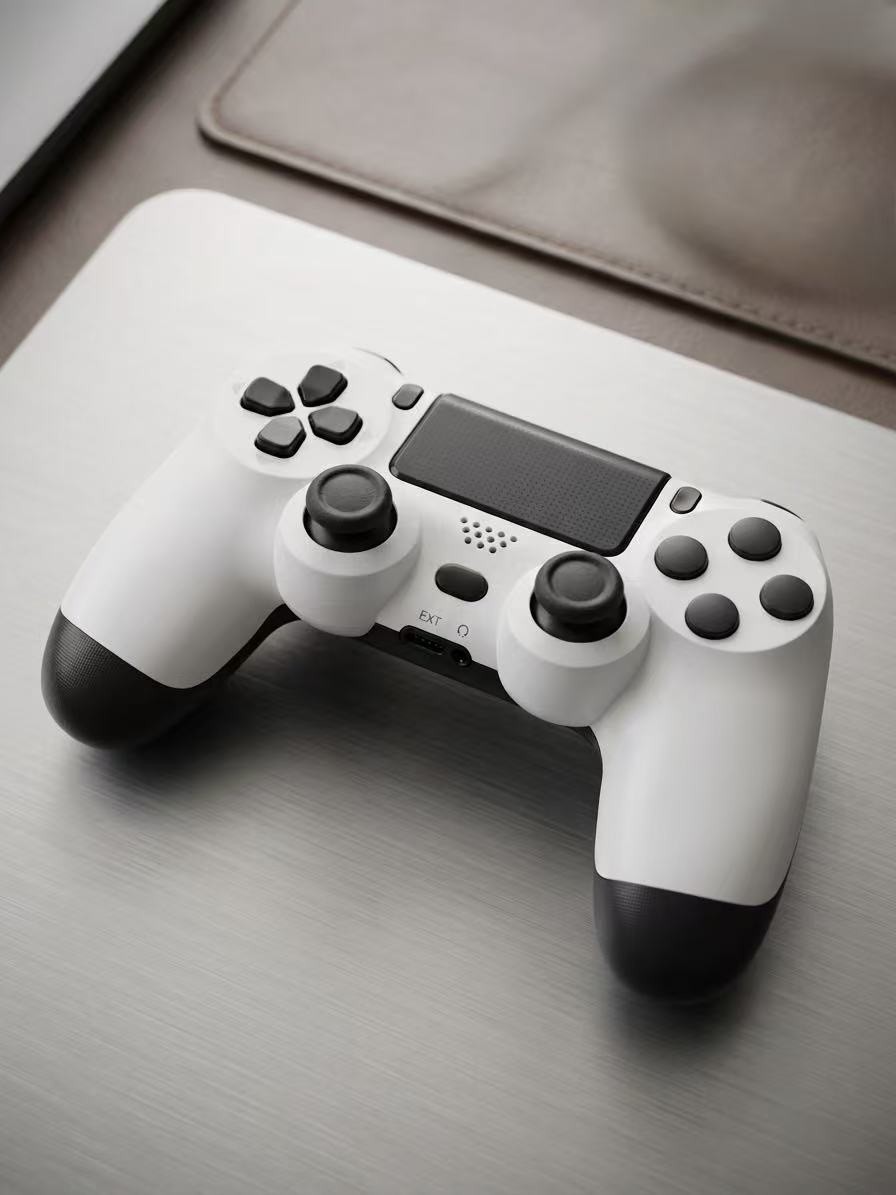 Wireless Controller for ps4 playstation/ pc White$17.50View on eBay
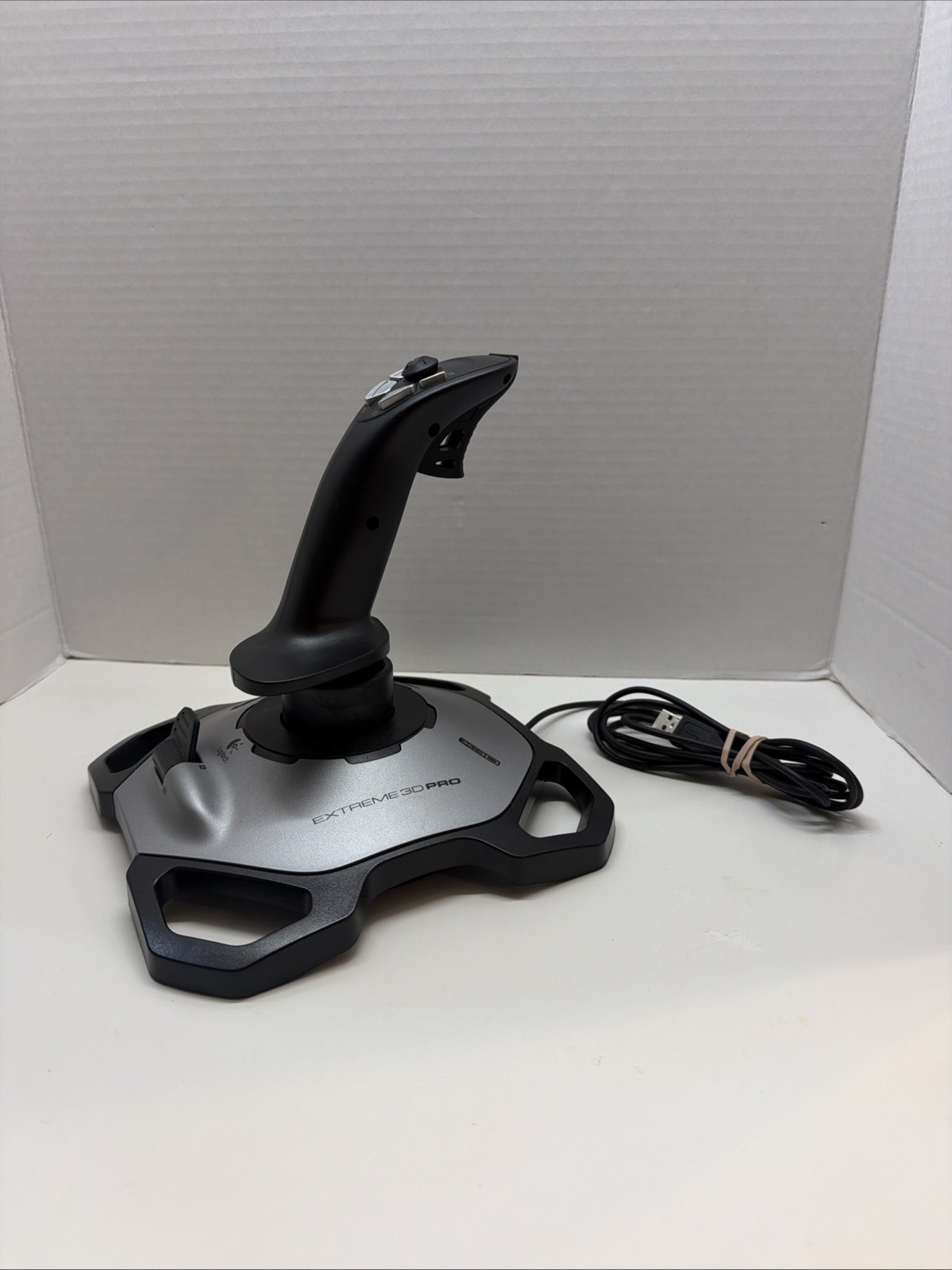 Logitech Extreme 3D Pro USB Flight Stick Joystick Controller PC Simulator X3D$19.99View on eBay
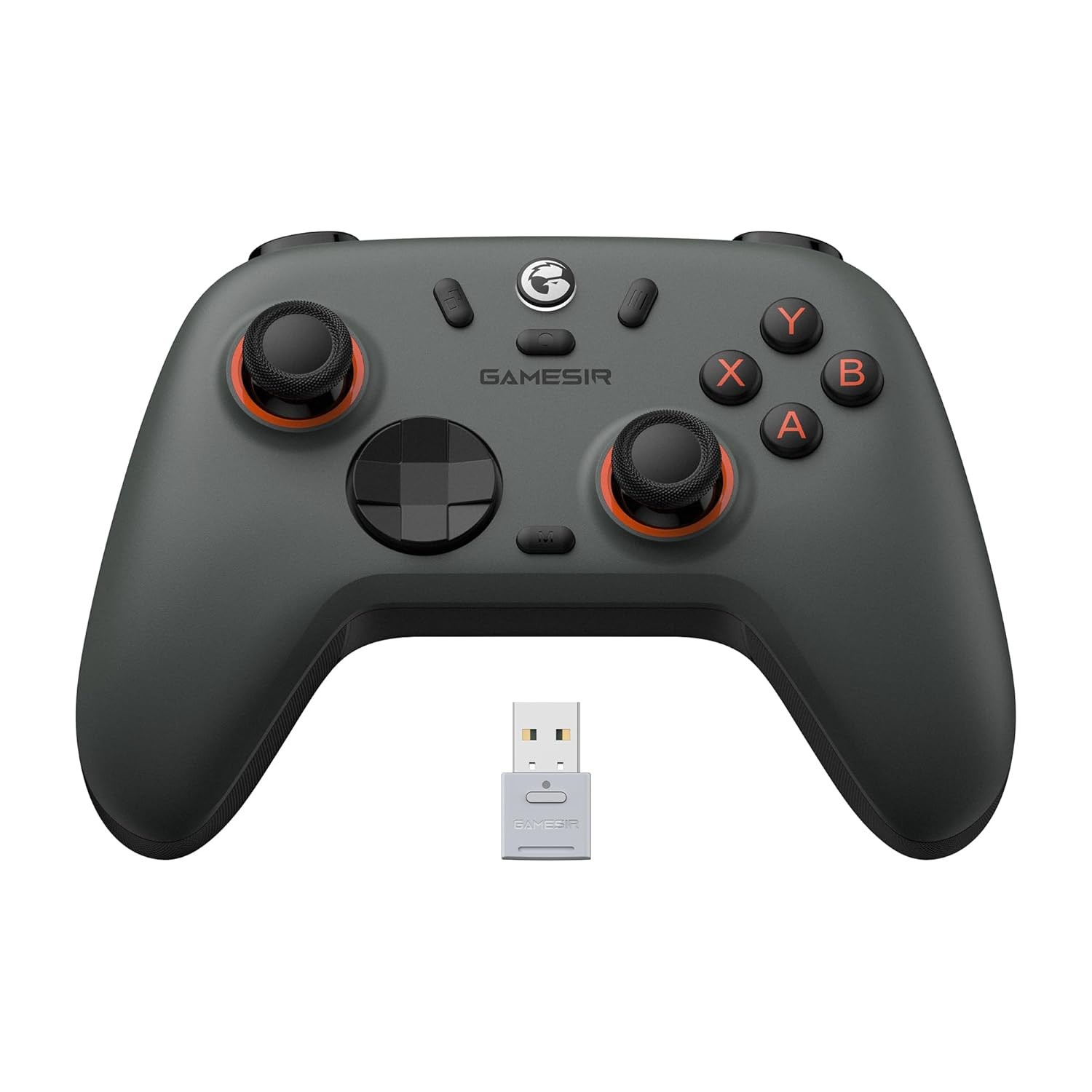 GameSir Nova Lite 2 Wireless PC Controller with Hall Effect Class B$21.99View on eBay
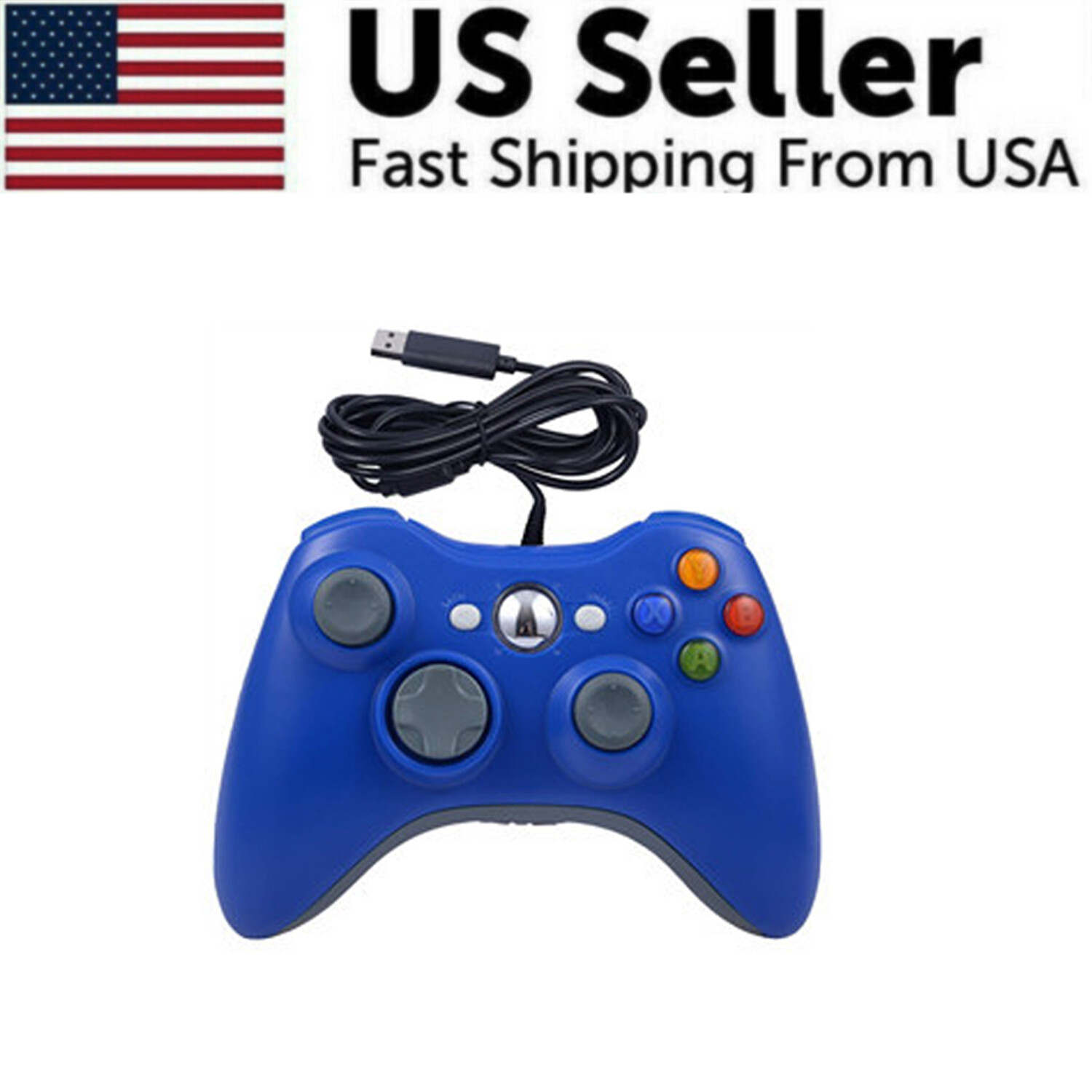 Wired Controller USB For PC Compatible With Xbox 360 / Windows 7 8 10 11 Gamepad$24.99Last checked Nov 19, 2026View on eBay
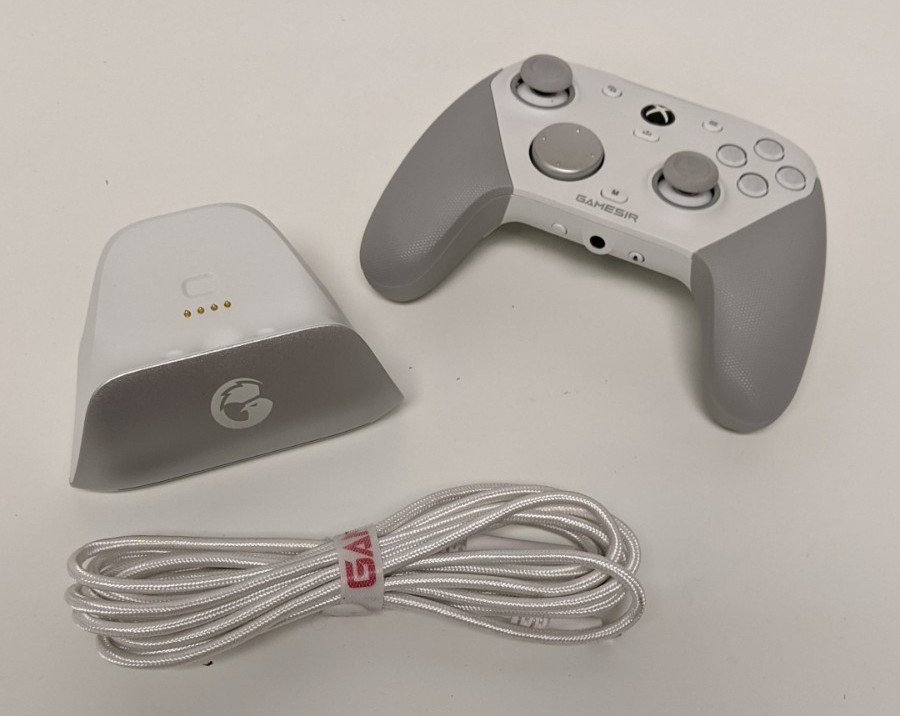 GameSir G7 Pro Tri-Mode Controller Xbox Wired / PC Wireless White$39.99View on eBay
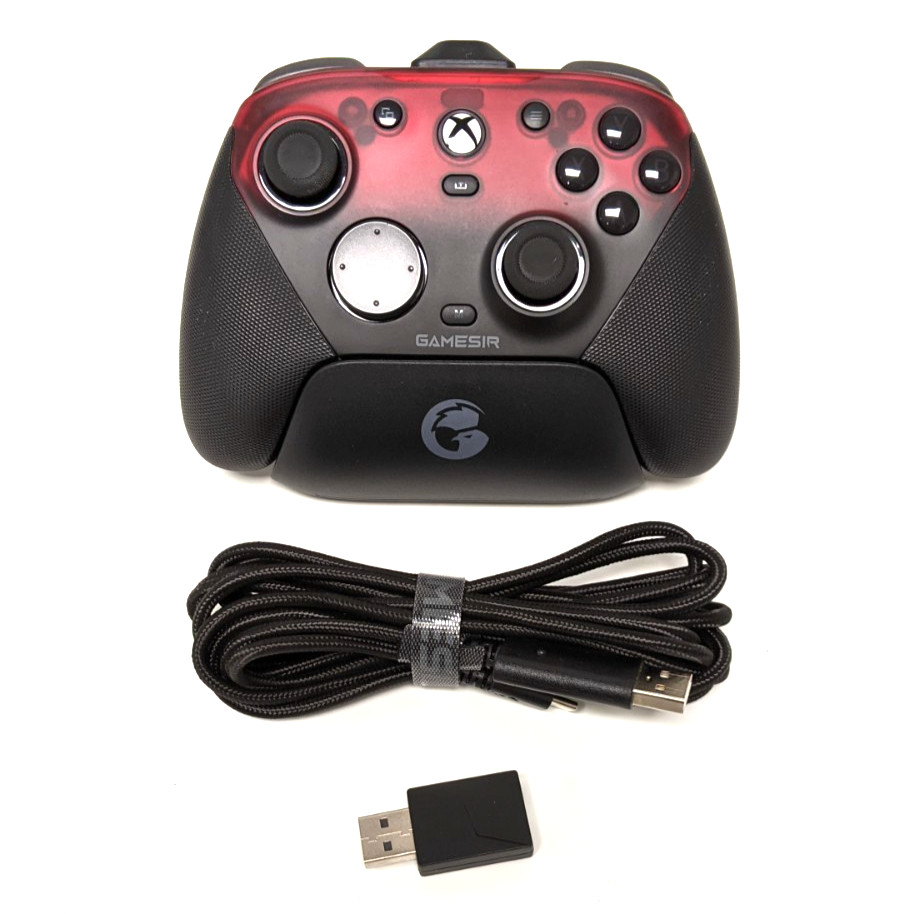 GameSir G7 Pro Tri-Mode Controller Xbox Wired / PC Wireless Shadow Ember$44.99View on eBay
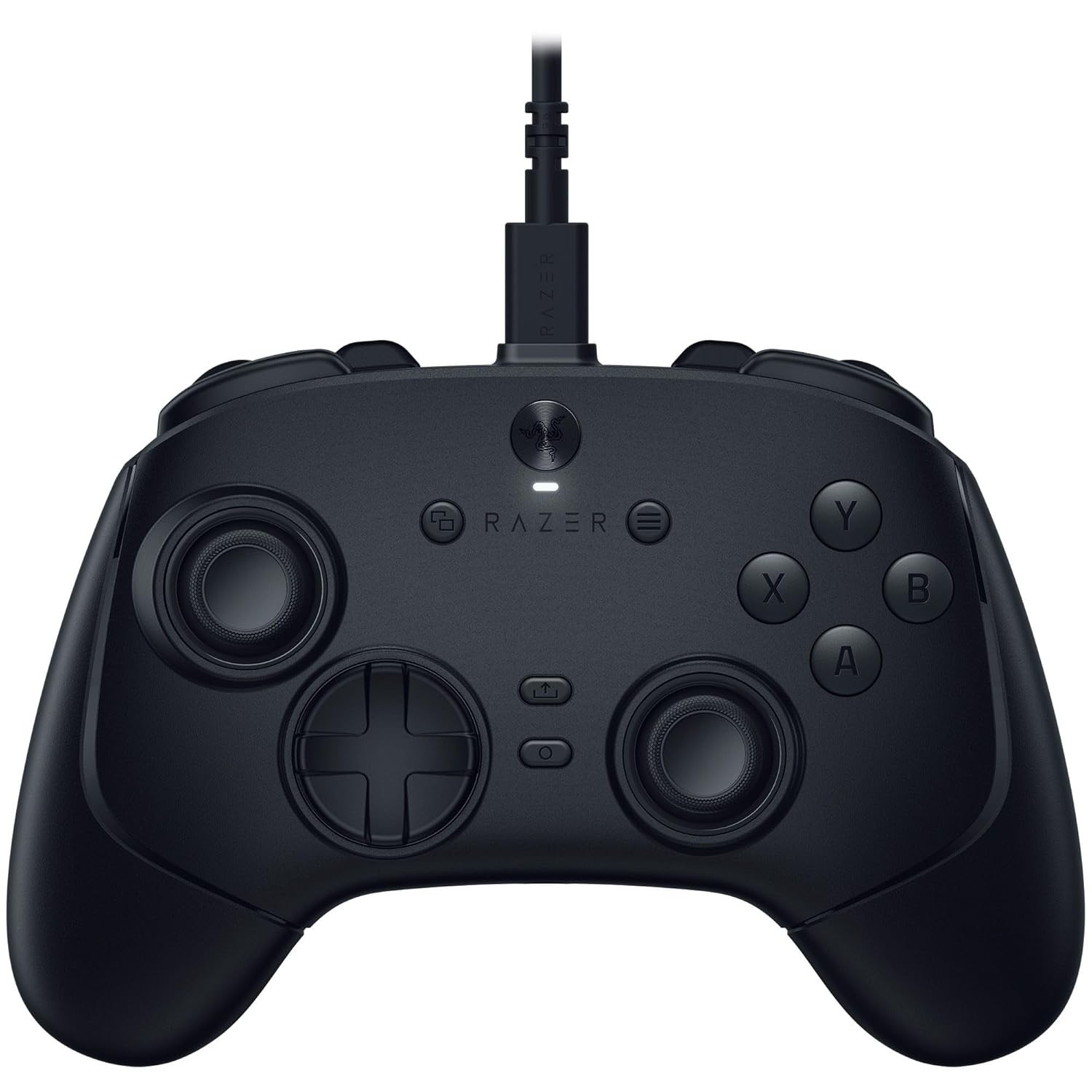 Razer Wolverine V3 Tournament 8K Wired Controller for PC Certified Refurbished$49.99Last checked Nov 28, 2026View on eBay
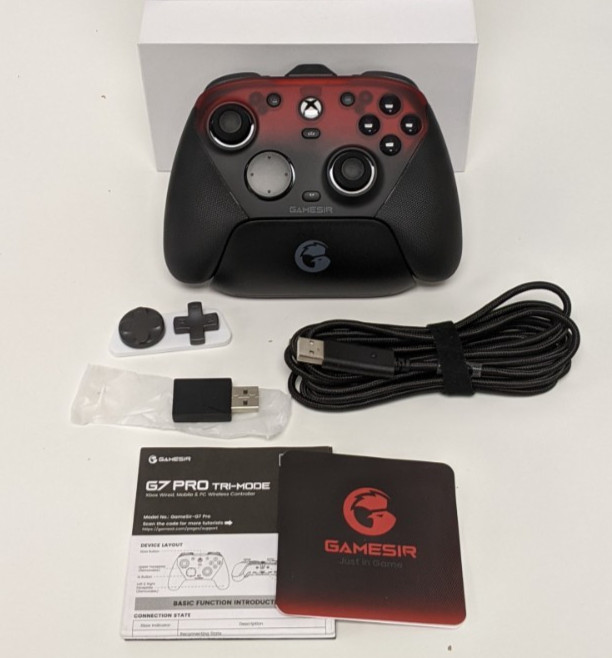 GameSir G7 Pro Tri-Mode Controller Xbox Wired / PC Wireless Shadow Ember$49.99View on eBay
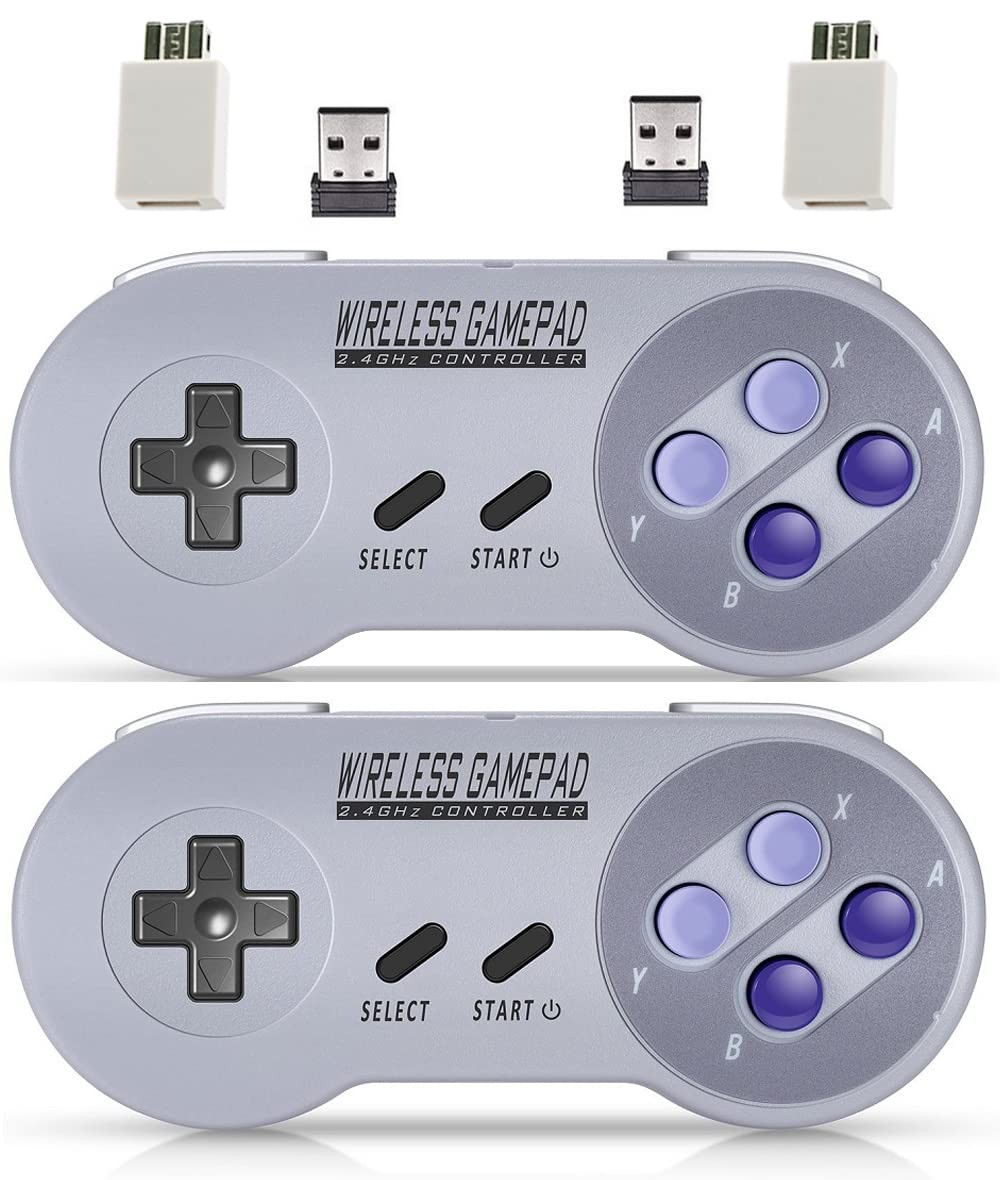 ZAMPAM Wireless Controller for PC, Gamepad with USB Receiver...$51.46Last checked Nov 19, 2026View on eBay
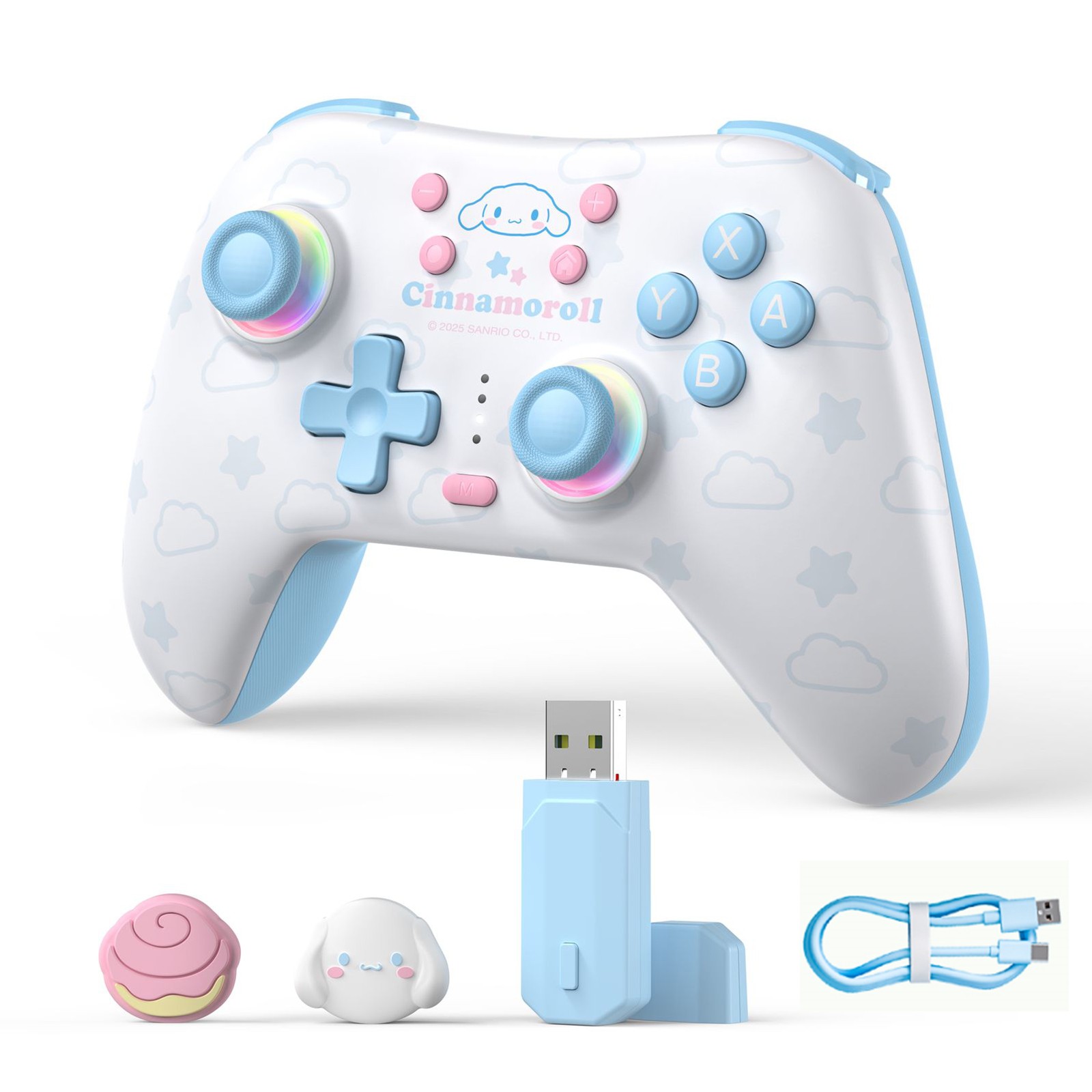 Cartoon Switch Wireless Controller Bluetooth Gamepad for PC/Switch/iOS/Android$56.99View on eBay
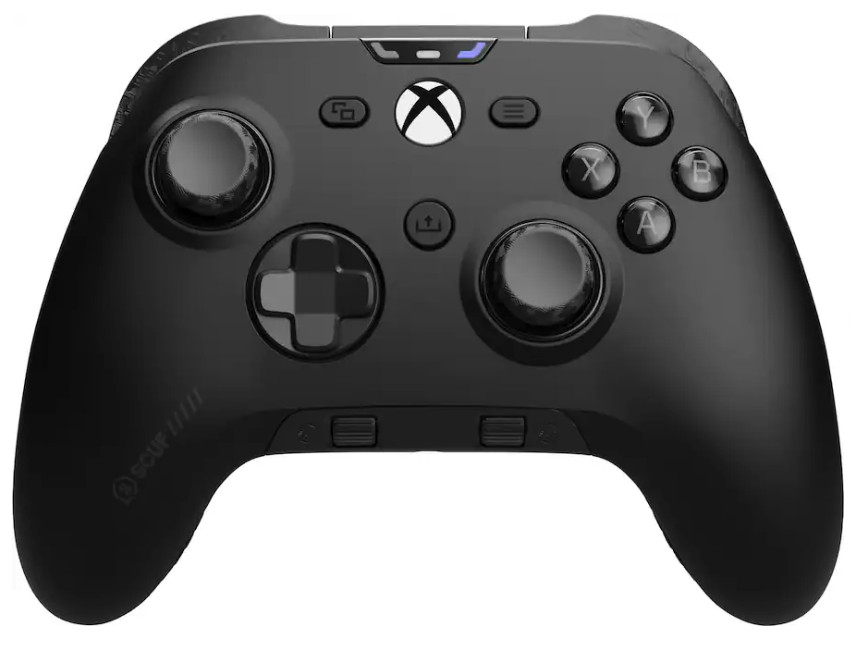 Corsair SCUF Valor Pro Wireless Xbox and PC Controller Black Certified Refurb$66.99View on eBay
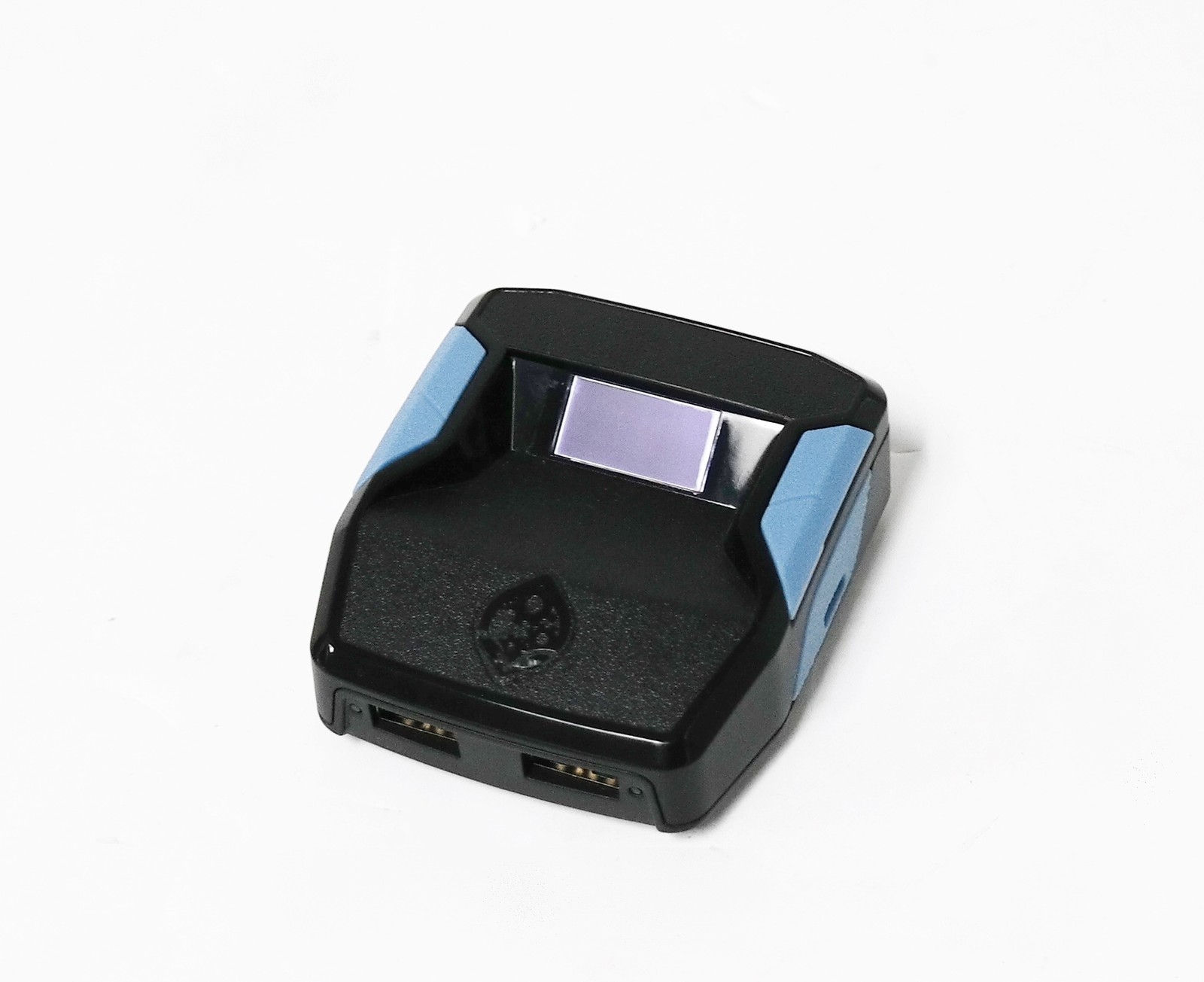 Collective Minds Cronus Zen Controller Emulator for Console / PC CM00053 - Black$67.99Last checked Nov 20, 2026View on eBay
Highlights
- Hall-effect magnetic sticks and triggers eliminate carbon-film wear and stick drift; potentiometer sticks degrade within months of heavy play.
- XInput is the native Windows gamepad API; DirectInput pads may need Steam Input or x360ce wrappers for modern titles.
- 2.4 GHz dongles deliver lower latency than Bluetooth, while Bluetooth is universal across Windows, macOS, Android, and iOS.
- Wired USB-C or micro-USB pads need no battery and add negligible latency; wireless pads add 5–20 ms and depend on battery health.
Best use cases
- Competitive FPS/racing on Windows: choose a wired USB-C pad or 2.4 GHz dongle model with Hall-effect sticks and trigger stops; skip Bluetooth-only budget pads.
- Couch/party and multi-platform play: pick a Bluetooth + 2.4 GHz dual-mode pad with XInput and DirectInput switch; skip wired-only legacy pads.
- Retro/emulation and older titles: a DirectInput-capable wired USB pad (e.g., Logitech F310-style) is the correct fit; skip modern XInput-only pads if you need legacy API support.
Buying tips
- Match the connection to your OS: XInput covers Windows natively; macOS and Android/iOS need Bluetooth or DirectInput with a mapping wrapper.
- Prioritize Hall-effect sticks and triggers if you play more than ~10 hours/week; potentiometer sticks are the first failure point.
- Check the wireless protocol: 2.4 GHz dongle for lowest latency, Bluetooth for cross-device convenience, wired USB for zero battery management.
- For emulation and older games, confirm DirectInput support or plan to use Steam Input/x360ce; XInput-only pads fail in legacy titles.
Specs
| Stick Type | Hall-effect magnetic vs potentiometer |
|---|---|
| Connection | USB wired / 2.4 GHz dongle / Bluetooth |
| API Support | XInput / DirectInput dual-mode |
| Power | Built-in Li-ion vs AA batteries |
Related searches
What to check before buying
- Confirm your OS and game API: Windows XInput, macOS Bluetooth/DirectInput, Android/iOS Bluetooth.
- Measure hand size and grip style: standard pads suit most adults; compact pads suit smaller hands and travel.
- Verify port and cable: USB-C vs micro-USB, and whether the pad ships with a cable or dongle.
- Check battery and charging: built-in Li-ion vs AA cells, and whether you need pass-through wired play while charging.
FAQ
Data sources: eBay / Amazon listings and product attribute feeds. Updated Nov 28, 2026.
Some links on this page are affiliate links. If you buy after clicking one, we may earn a commission at no extra cost to you. This does not change which products appear here or their order. Affiliate disclosure.