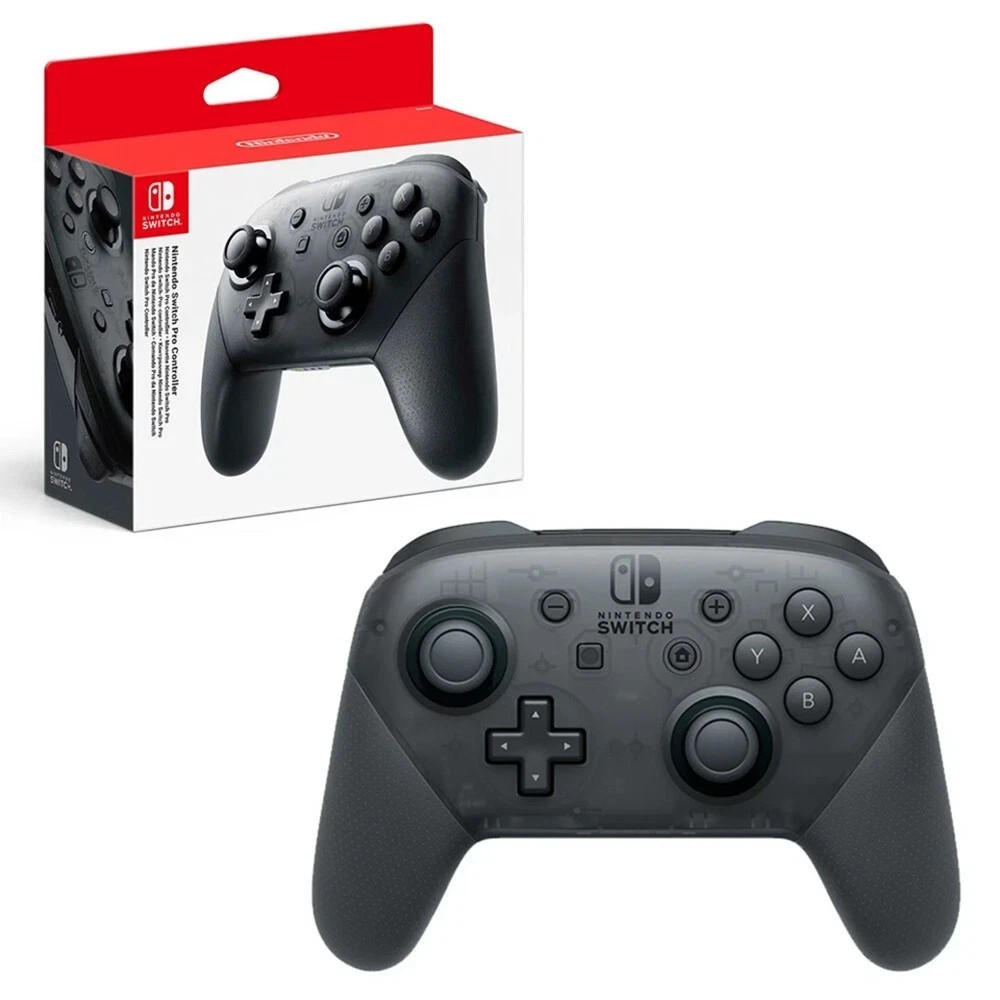

Photos from current listings. Actual item, color, and included accessories may vary.
Nintendo Switch Pro Buying Guide
The Nintendo Switch Pro Controller segment spans official first-party pads and licensed or third-party alternatives that differ sharply in wireless protocol, build materials, and feature fidelity. The primary trade-off is between official HD rumble, amiibo NFC, and low-latency wireless versus third-party price and cosmetic variety, which often sacrifice motion sensing or rumble quality. Buy official or licensed controllers if you need dependable wireless and full feature parity; choose wired or budget wireless only for secondary or docked play.
Median $48.99
Key takeaways
- Official Nintendo Switch Pro Controllers use Bluetooth wireless with HD rumble, built-in amiibo NFC, and motion controls; third-party wireless pads frequently omit NFC or use basic asymmetric rumble.
- First-party housings are rigid polycarbonate with matte texture; budget third-party shells often use thinner ABS plastic that flexes and develops stick drift sooner.
- Wired licensed controllers such as the PDP Faceoff Deluxe+ use USB-C or USB-A wired connections with 3.5mm audio jacks, avoiding battery and pairing issues entirely.
At a glance
- Category
- Controllers & Gaming Accessories
- Last updated
- Nov 28, 2026
Current offers
Highlights
- Official Nintendo Switch Pro Controllers use Bluetooth wireless with HD rumble, built-in amiibo NFC, and motion controls; third-party wireless pads frequently omit NFC or use basic asymmetric rumble.
- First-party housings are rigid polycarbonate with matte texture; budget third-party shells often use thinner ABS plastic that flexes and develops stick drift sooner.
- Wired licensed controllers such as the PDP Faceoff Deluxe+ use USB-C or USB-A wired connections with 3.5mm audio jacks, avoiding battery and pairing issues entirely.
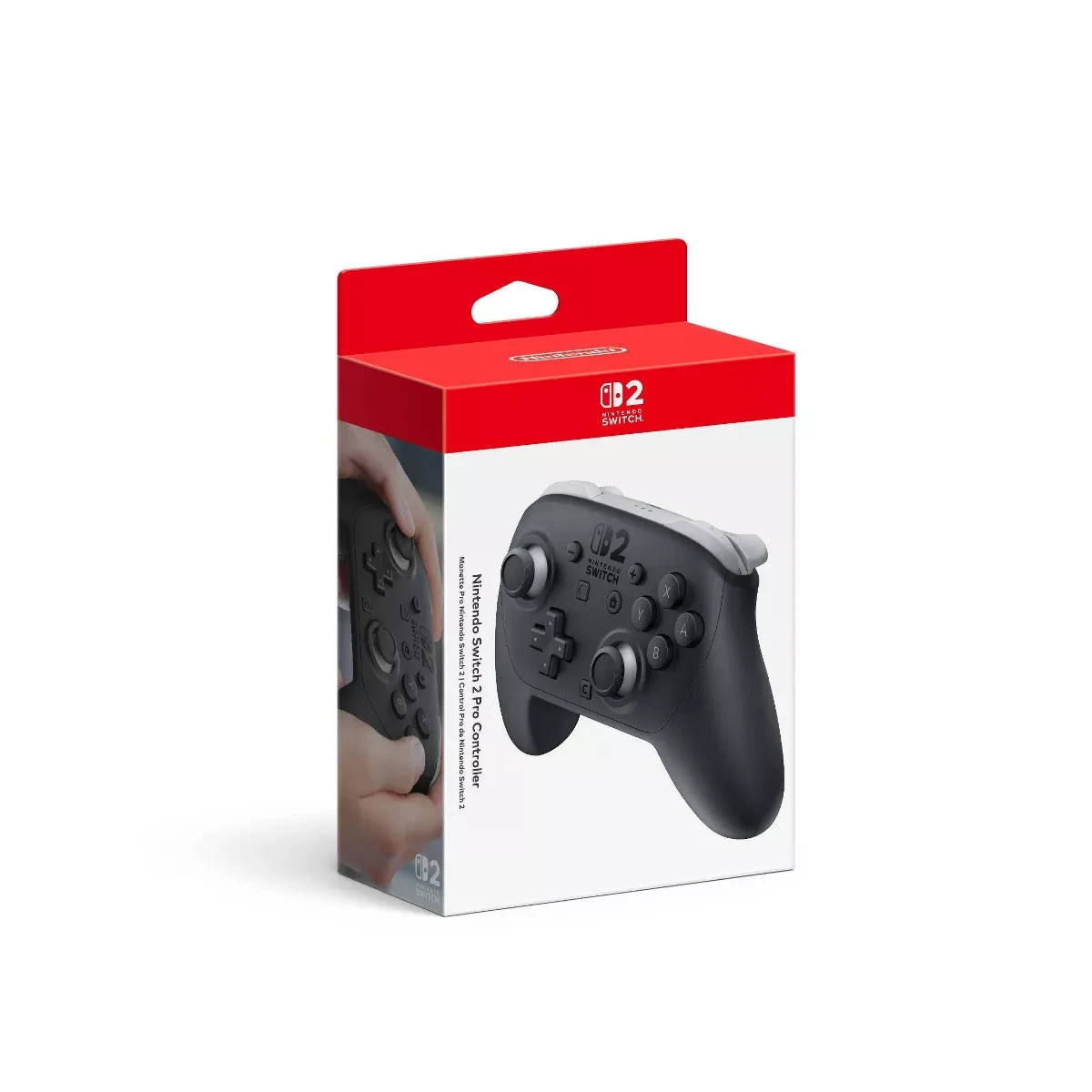
- Switch 2 Pro Controller is a distinct generation with updated ergonomics and compatibility; original Switch Pro Controllers remain compatible with Switch 1 and OLED models.
Best use cases
- Best fit: buy an official Nintendo Switch Pro Controller for docked and handheld play if you need HD rumble, amiibo scanning, and reliable Bluetooth with minimal input lag.
- Best fit: buy a licensed wired controller like the PDP Faceoff Deluxe+ for competitive or kids' setups where battery charging and wireless pairing are unwanted failure points.
- Wrong fit: skip generic third-party wireless pads if you rely on motion controls for Splatoon or Mario Kart tilt, since many lack gyro or have inconsistent calibration.
- Wrong fit: skip official Pro Controllers for PC-only gaming if you need XInput-native support without Steam or third-party mapping software.
Buying tips
- Check wireless protocol: official Pro Controllers use Bluetooth with NFC; budget third-party pads may use proprietary 2.4GHz dongles that require a free USB port and block handheld play.
- Match the generation: Switch 1 and OLED take original Pro Controllers; Switch 2 Pro Controller is optimized for the newer console but original pads still pair for most games.
- Verify rumble type: HD rumble delivers directional feedback; third-party pads with simple ERM motors feel coarse and can rattle in the shell over time.
- For wired pads, confirm USB-C or USB-A termination and a 3.5mm headset jack if you use voice chat, since Switch consoles lack native Bluetooth audio on some models.
Specs
| Connectivity | Bluetooth wireless / USB-C wired |
|---|---|
| Rumble Type | HD rumble vs basic ERM |
| NFC / Amiibo | Built-in reader / none |
| Shell Material | Rigid polycarbonate / ABS plastic |
Related searches
What to check before buying
- Confirm your console model (Switch 1, OLED, or Switch 2) and whether you need handheld wireless or docked wired play before picking a tier.
- Measure your hand span and preferred grip: official Pro Controllers suit medium-to-large hands, while compact third-party pads may cramp larger hands.
- Check available USB ports on your dock or TV for wired controllers or 2.4GHz dongles, and ensure your charging brick meets USB-C PD standards.
- Decide if you need amiibo NFC scanning in-game; only official and select licensed pads include the reader, so budget pads will block amiibo rewards.
FAQ
Data sources: eBay / Amazon listings and product attribute feeds. Updated Nov 28, 2026.
Some links on this page are affiliate links. If you buy after clicking one, we may earn a commission at no extra cost to you. This does not change which products appear here or their order. Affiliate disclosure.