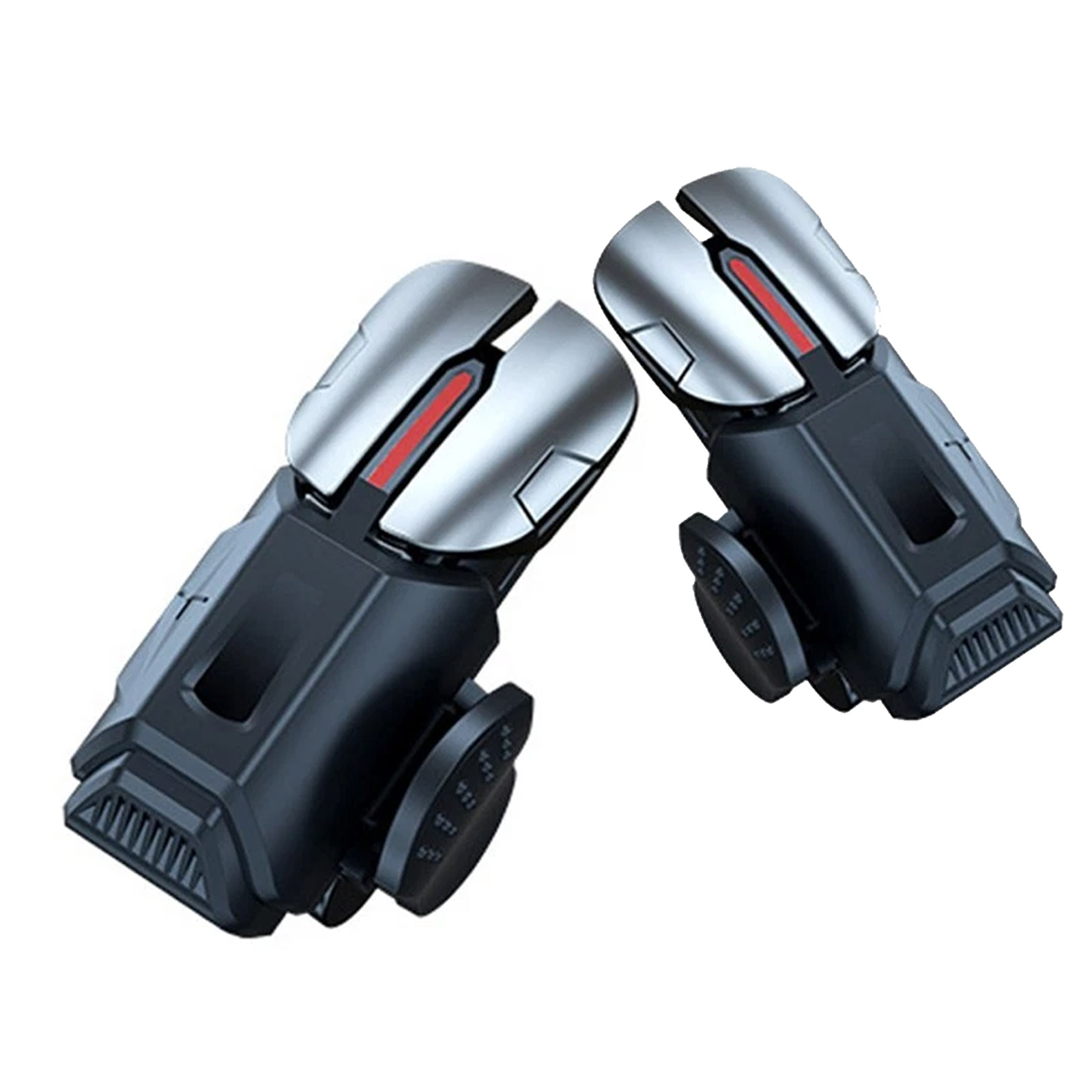

Photos from current listings. Actual item, color, and included accessories may vary.
Mobile Gaming Controller Buying Guide
Mobile gaming controllers are clip-on gamepads or phone-mounting brackets that turn a smartphone into a handheld console, with the core trade-off between direct-connect latency and universal Bluetooth compatibility. Durable options use console-grade hall-effect sticks, USB-C or Lightning pass-through, and rigid telescoping bridges; compromises rely on flimsy plastic clips, mushy membrane buttons, and laggy generic Bluetooth. The decision rule: buy a direct-connect telescoping controller for competitive play, or a rigid console-controller clip for casual cloud gaming.
Median $27.99
Key takeaways
- Direct-connect telescoping controllers (Backbone-style) use USB-C or Lightning to eliminate Bluetooth latency and draw power from the phone, while Bluetooth models need separate charging and add 20-80ms input lag.
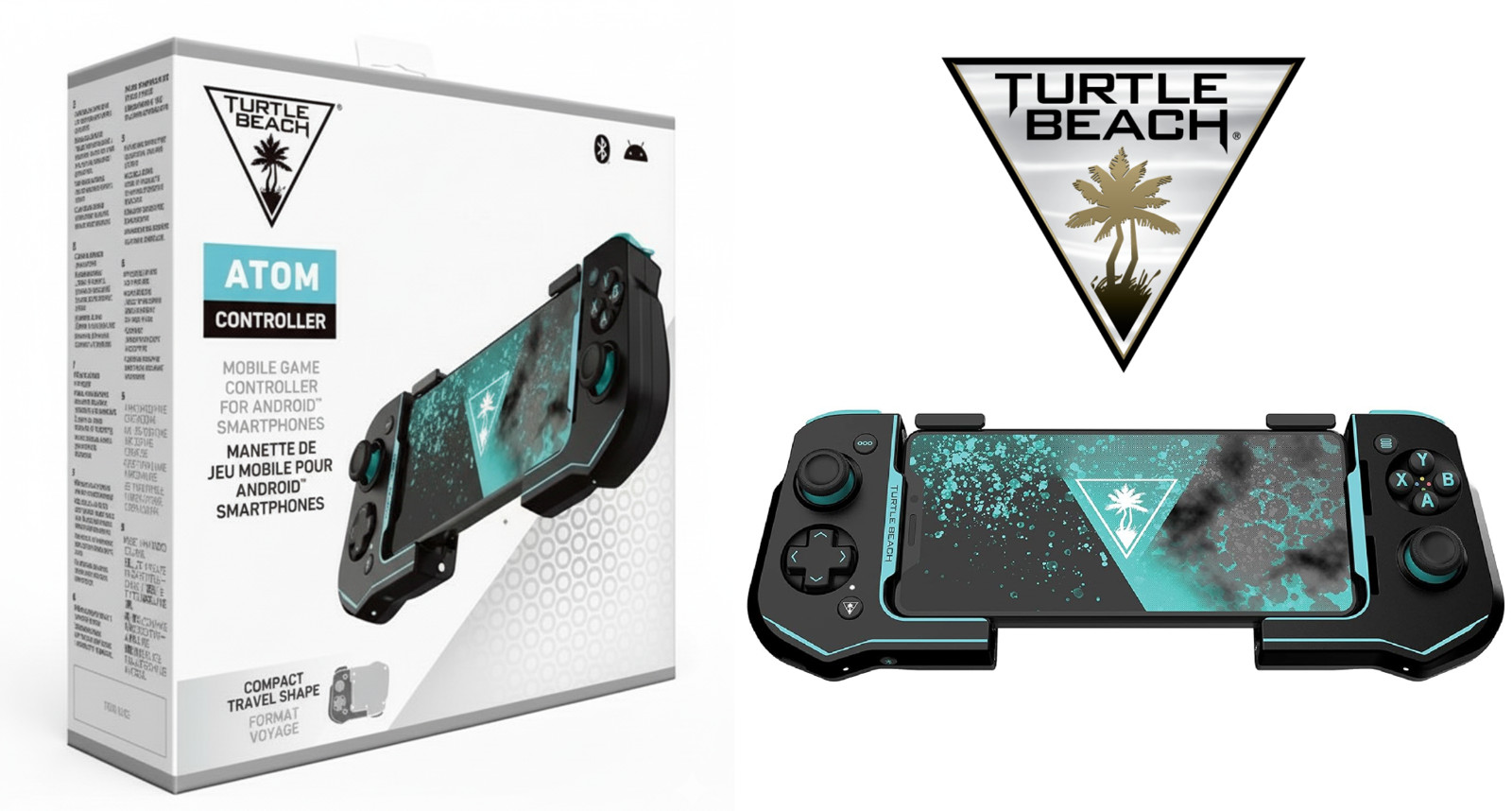
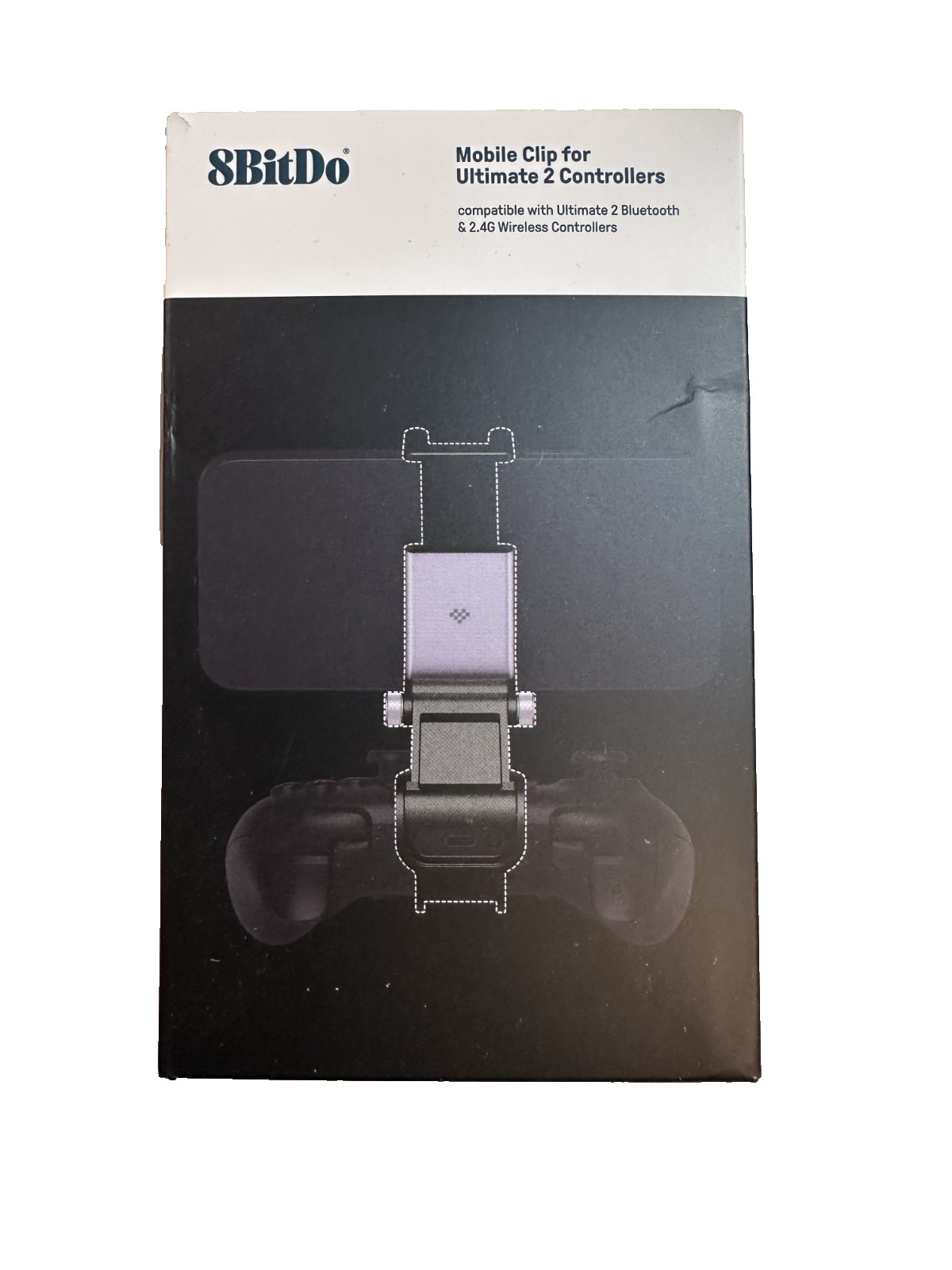
- Console-controller clips (8BitDo Mobile Clip, Turtle Beach Atom-style) mount an existing Xbox or Elite pad rigidly; the controller's own Bluetooth link handles input, so clip quality depends on hinge stiffness and phone cradle grip depth.
- Hall-effect joysticks and mechanical micro-switch face buttons resist drift and double-click failures over millions of presses, versus cheap carbon-film membranes that wear out in months of heavy play.
At a glance
- Category
- Controllers & Gaming Accessories
- Last updated
- Nov 27, 2026
Current offers
Highlights
- Direct-connect telescoping controllers (Backbone-style) use USB-C or Lightning to eliminate Bluetooth latency and draw power from the phone, while Bluetooth models need separate charging and add 20-80ms input lag.
- Console-controller clips (8BitDo Mobile Clip, Turtle Beach Atom-style) mount an existing Xbox or Elite pad rigidly; the controller's own Bluetooth link handles input, so clip quality depends on hinge stiffness and phone cradle grip depth.
- Hall-effect joysticks and mechanical micro-switch face buttons resist drift and double-click failures over millions of presses, versus cheap carbon-film membranes that wear out in months of heavy play.
- Pass-through charging and a 3.5mm headphone jack are hardware features of the controller bridge itself; phones with thick cases or pop-sockets need a case-free fit or a clip with adjustable cradle width.
Best use cases
- Competitive shooters and cloud gaming on a USB-C iPhone or Android flagship: pick a direct-connect telescoping controller with hall-effect sticks and pass-through charging; skip Bluetooth clip-ons for ranked play.
- Xbox Game Pass or xCloud sessions with an existing Xbox Wireless Controller: pick a rigid 8BitDo-style mobile clip with a locking hinge and deep cradle; skip universal spring clips that wobble under stick pressure.
- Casual PUBG Mobile or emulator play on a budget phone: pick a Bluetooth telescoping pad with a phone-width range covering your device; skip finger sleeves and sweatproof gloves, which are accessories, not controllers.
- Tablet or foldable users: pick a clip or controller rated for the device's width and weight; skip phone-only bridges that max out below 7 inches and cannot grip a tablet's center of mass.
Buying tips
- Measure your phone plus case: telescoping bridges typically support 4.9-7.1 inches (125-180mm) in width; a cased flagship can exceed 80mm thick, so remove the case or choose an extra-wide bridge.
- Match the connector exactly: USB-C direct-connect controllers fit USB-C iPhones (15 and later) and Android; Lightning models fit iPhone 14 and earlier only — there is no cross-compatibility adapter that preserves pass-through.
- For console clips, confirm the controller generation: Xbox One, Xbox Series, and Elite Series 2 share the same expansion-port clip mount, but DualSense and Switch Pro require dedicated clips with different clamping geometry.
- Prioritize hall-effect analog sticks and micro-switch buttons over membrane domes; check for a 3.5mm audio pass-through and 5V pass-through charging so long sessions do not drain the phone.
Specs
| Connection | USB-C / Lightning direct vs Bluetooth |
|---|---|
| Phone Width Fit | 125-180mm telescoping span |
| Stick Type | Hall-effect vs carbon-film analog |
| Mount Style | Telescoping bridge vs console clip |
Related searches
What to check before buying
- Phone width without case (mm) measured against the controller's stated min/max bridge span, plus 2-3mm clearance for screen protectors.
- Connector type confirmed: USB-C or Lightning on the phone matches the controller's fixed plug; Bluetooth models need no plug but require their own battery charge.
- Controller mount compatibility confirmed for clip-on brackets: Xbox One/Series/Elite expansion port versus DualSense/Switch Pro clamp style.
- Phone thickness and camera bump clearance: a raised camera island can block the cradle or the bridge's back support, so verify cradle depth or use a slim case.
FAQ
Data sources: eBay / Amazon listings and product attribute feeds. Updated Nov 27, 2026.
Some links on this page are affiliate links. If you buy after clicking one, we may earn a commission at no extra cost to you. This does not change which products appear here or their order. Affiliate disclosure.