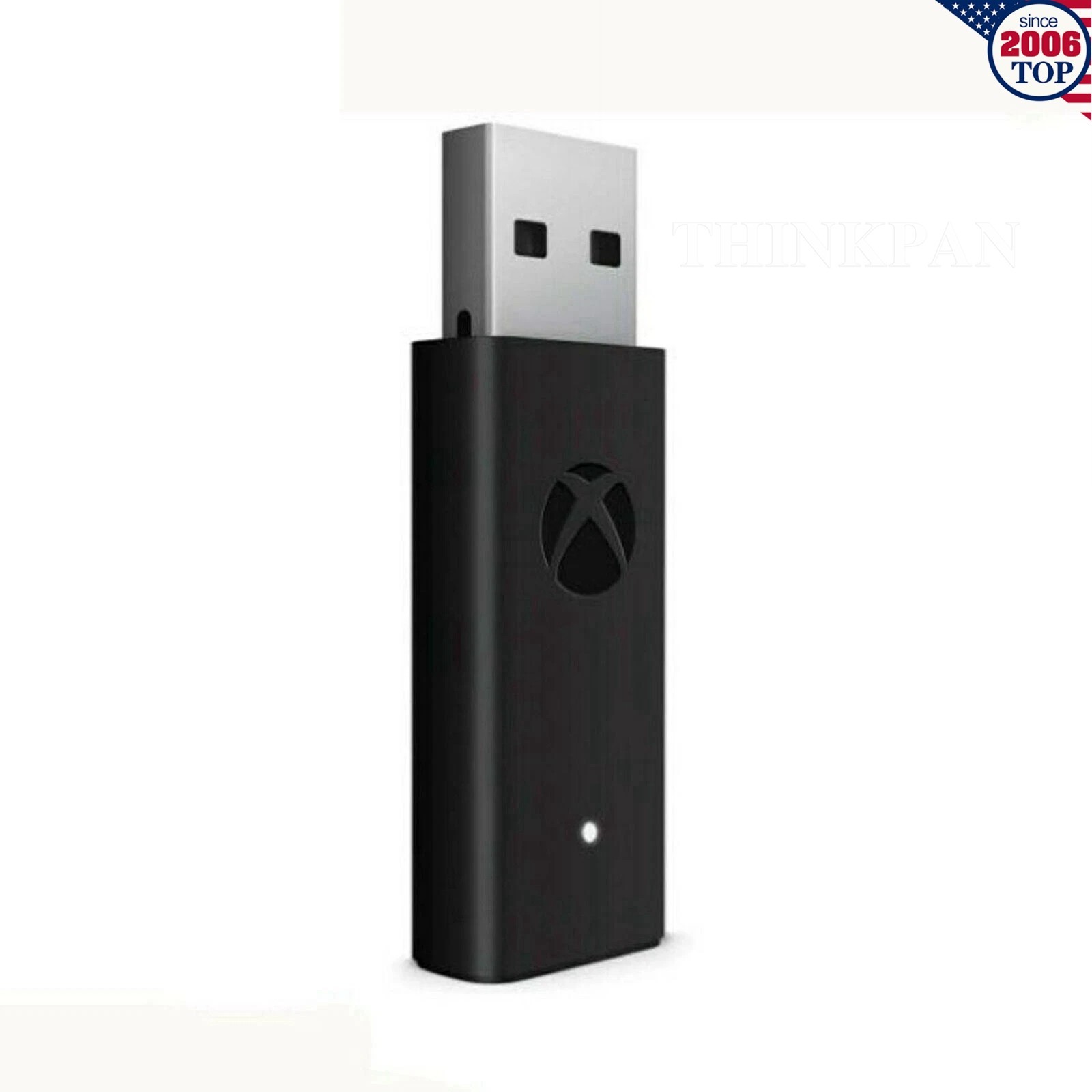

Photos from current listings. Actual item, color, and included accessories may vary.
Microsoft Xbox Wireless Adapter Buying Guide
The Microsoft Xbox Wireless Adapter is a USB dongle that lets Windows PCs use Xbox Wireless protocol for controllers, headsets, and accessories without Bluetooth. The core trade-off is official model 1790 versus third-party clones: the official unit guarantees full Xbox Wireless radio pairing and firmware support, while clones often drop latency and multi-controller reliability. Buy the official 1790 if you need stable low-latency input for up to eight controllers; skip any unbranded dongle if competitive play or Party Chat audio matters.
Key takeaways
- Official model 1790 uses Xbox Wireless protocol at 2.4 GHz for controller input, not Bluetooth, giving lower latency and support for up to 8 controllers on one adapter.
- The adapter adds Xbox Wireless audio for compatible headsets and the Xbox Chatpad, features Bluetooth-only PC setups cannot replicate.
- Model 1790 is the slim second-generation design (replacing the large original 1713) and works on Windows 10/11 via the Xbox Wireless Adapter for Windows driver.
At a glance
- Category
- Controllers & Gaming Accessories
- Last updated
- Nov 28, 2026
Current offers
Highlights
- Official model 1790 uses Xbox Wireless protocol at 2.4 GHz for controller input, not Bluetooth, giving lower latency and support for up to 8 controllers on one adapter.
- The adapter adds Xbox Wireless audio for compatible headsets and the Xbox Chatpad, features Bluetooth-only PC setups cannot replicate.
- Model 1790 is the slim second-generation design (replacing the large original 1713) and works on Windows 10/11 via the Xbox Wireless Adapter for Windows driver.
- Third-party 'compatible' dongles typically use generic 2.4 GHz receivers and lack official firmware, so they may pair only one controller and drop chat audio.
Best use cases
- Best fit: Buy the official model 1790 if you play PC games with multiple Xbox controllers, use an Xbox headset for chat, or need the lowest wireless input latency.
- Wrong fit: Skip any adapter if your controller is a newer Xbox Series X|S pad used over Bluetooth and you only need single-player casual input—built-in Bluetooth is adequate.
- Best fit: Choose a third-party dongle only for budget single-controller retro/emulator setups where chat audio and multi-pad reliability are irrelevant.
- Wrong fit: Do not buy any Xbox Wireless Adapter for PlayStation, Switch, or generic Bluetooth controllers—it pairs Xbox Wireless accessories only.
Buying tips
- Confirm the model number: 1790 is the current slim official adapter; 1713 is the discontinued large original that still works but is bulkier.
- Check controller compatibility: Xbox One and Xbox Series X|S controllers pair natively; Xbox 360 controllers require a separate PC receiver and will not work.
- On Windows 11, install the Xbox Wireless Adapter driver from Microsoft Update or Windows Update—plugging in without the driver often shows an unknown USB device.
- For multi-controller use, plug the adapter into a direct rear USB-A port, not a hub, to avoid 2.4 GHz bandwidth sharing and pairing drops.
Specs
| Model Generation | 1790 slim (current) vs 1713 original |
|---|---|
| Wireless Protocol | Xbox Wireless 2.4 GHz (not Bluetooth) |
| Controller Capacity | Up to 8 controllers per adapter |
| PC Compatibility | Windows 10 / 11 via USB-A |
Related searches
What to check before buying
- Verify your PC runs Windows 10 or Windows 11 with an available USB-A port; the adapter is USB 2.0 class and does not require USB 3.0.
- Measure controller distance: keep the adapter within roughly 20 feet line-of-sight for reliable 2.4 GHz Xbox Wireless pairing.
- Confirm you own Xbox Wireless accessories (Xbox One/Series controllers, Xbox Chatpad, or Xbox Wireless Headset), not Bluetooth-only third-party pads.
- Check that no metal desk panel or USB 3.0 enclosure sits between adapter and controller—2.4 GHz interference degrades latency and range.
FAQ
Data sources: eBay / Amazon listings and product attribute feeds. Updated Nov 28, 2026.
Some links on this page are affiliate links. If you buy after clicking one, we may earn a commission at no extra cost to you. This does not change which products appear here or their order. Affiliate disclosure.