
Photos from current listings. Actual item, color, and included accessories may vary.
Microsoft Controller Buying Guide
A Microsoft controller spans four distinct generations—Xbox 360, Xbox One (Model 1708), Xbox Series X/S, and the Elite series—each with different connectivity, build quality, and PC compatibility. The core trade-off is genuine first-party build and wireless protocol support versus cheap third-party clones that often drop Bluetooth and require dongles. Buy genuine Microsoft hardware if you need reliable wireless on console and PC; skip generics unless you accept wired-only or dongle-dependent use.
Median $13.82
Key takeaways
- Xbox One Model 1708 added Bluetooth 4.0 and a 3.5mm jack; earlier 1537 models are wireless-only via proprietary protocol and need a dongle on PC.
- Xbox Series X/S controllers (Model 1914) add a Share button and USB-C, and pair to PC via Bluetooth LE; they are backward-compatible with Xbox One consoles.
- Xbox 360 controllers use 2.4GHz proprietary wireless and need a Microsoft Wireless Gaming Receiver for PC; the 1403 model is the genuine OEM version.
At a glance
- Category
- Controllers & Gaming Accessories
- Last updated
- Nov 27, 2026
Current offers
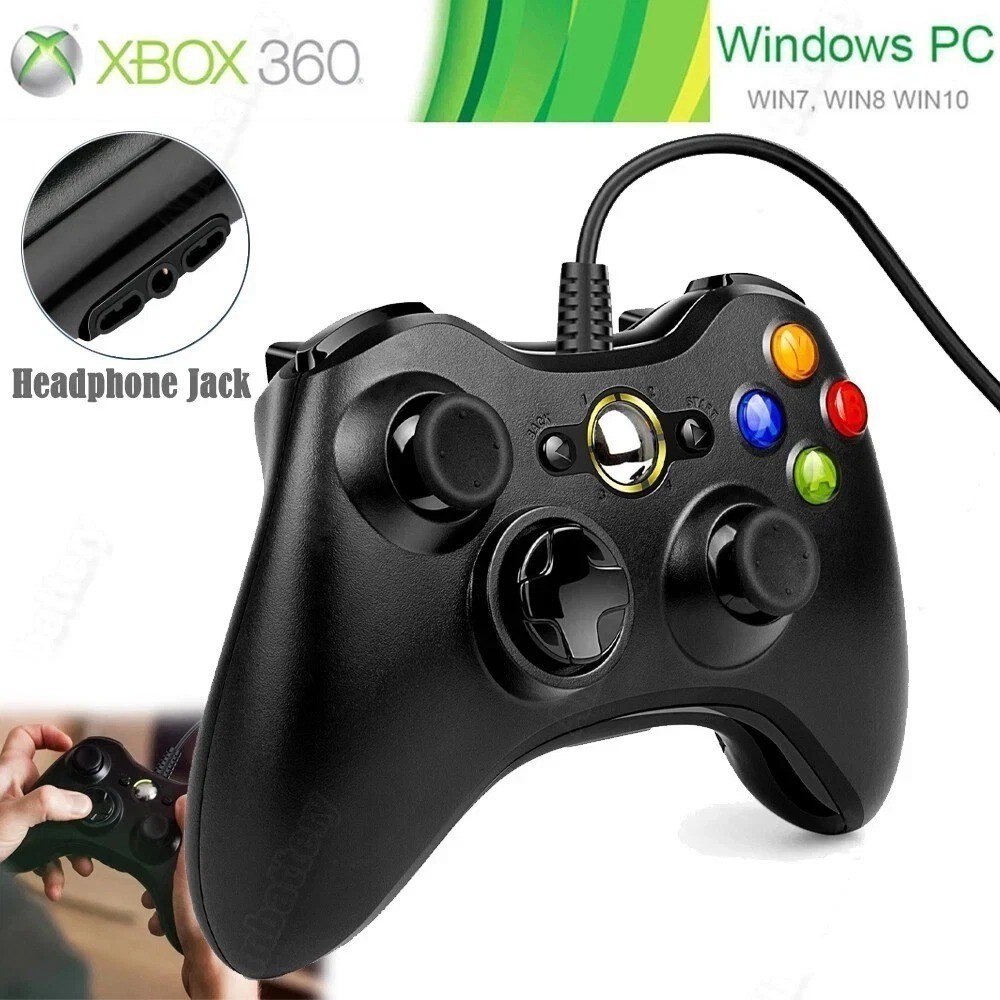 For Microsoft Xbox 360 Wired USB Game Controller PC Windows 11/10/8/7/XP Gamepad$10.80View on eBay
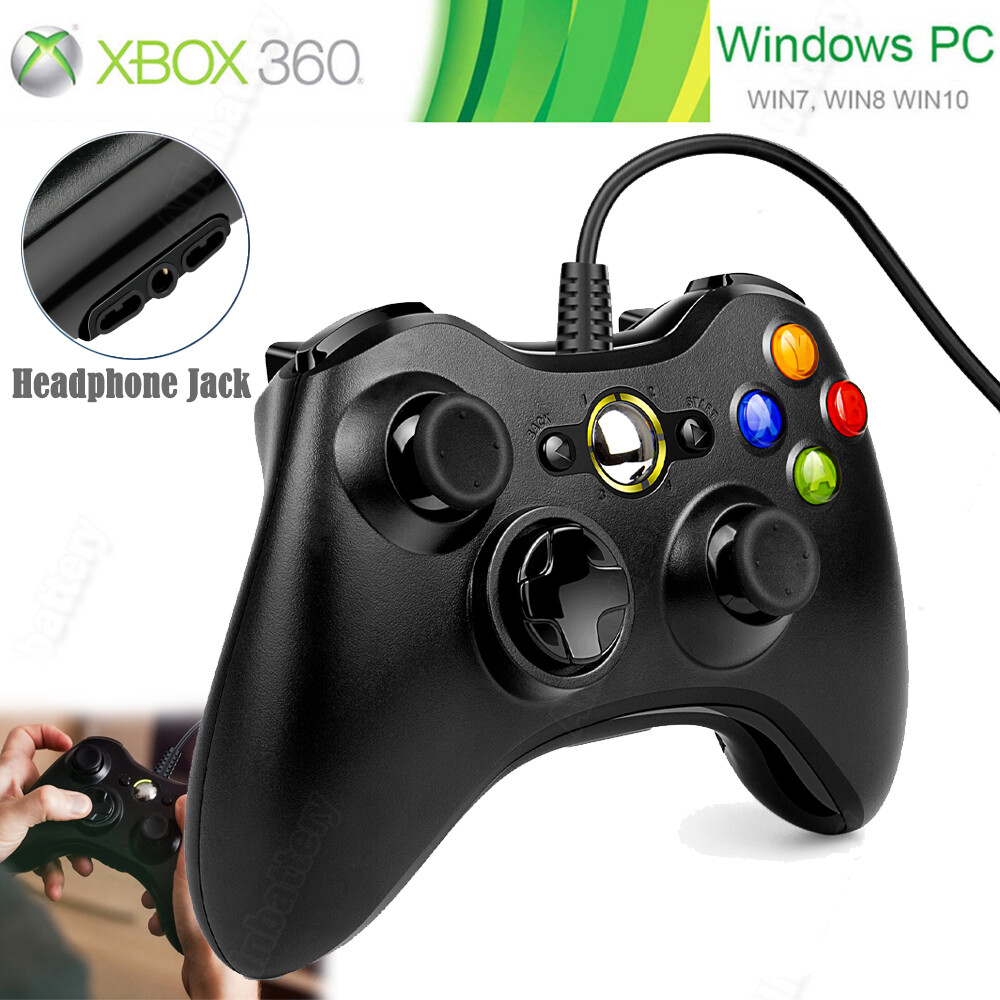 For Microsoft Xbox 360 Wired USB Game Controller PC Windows 11/10/8/7/XP Gamepad$13.38View on eBay
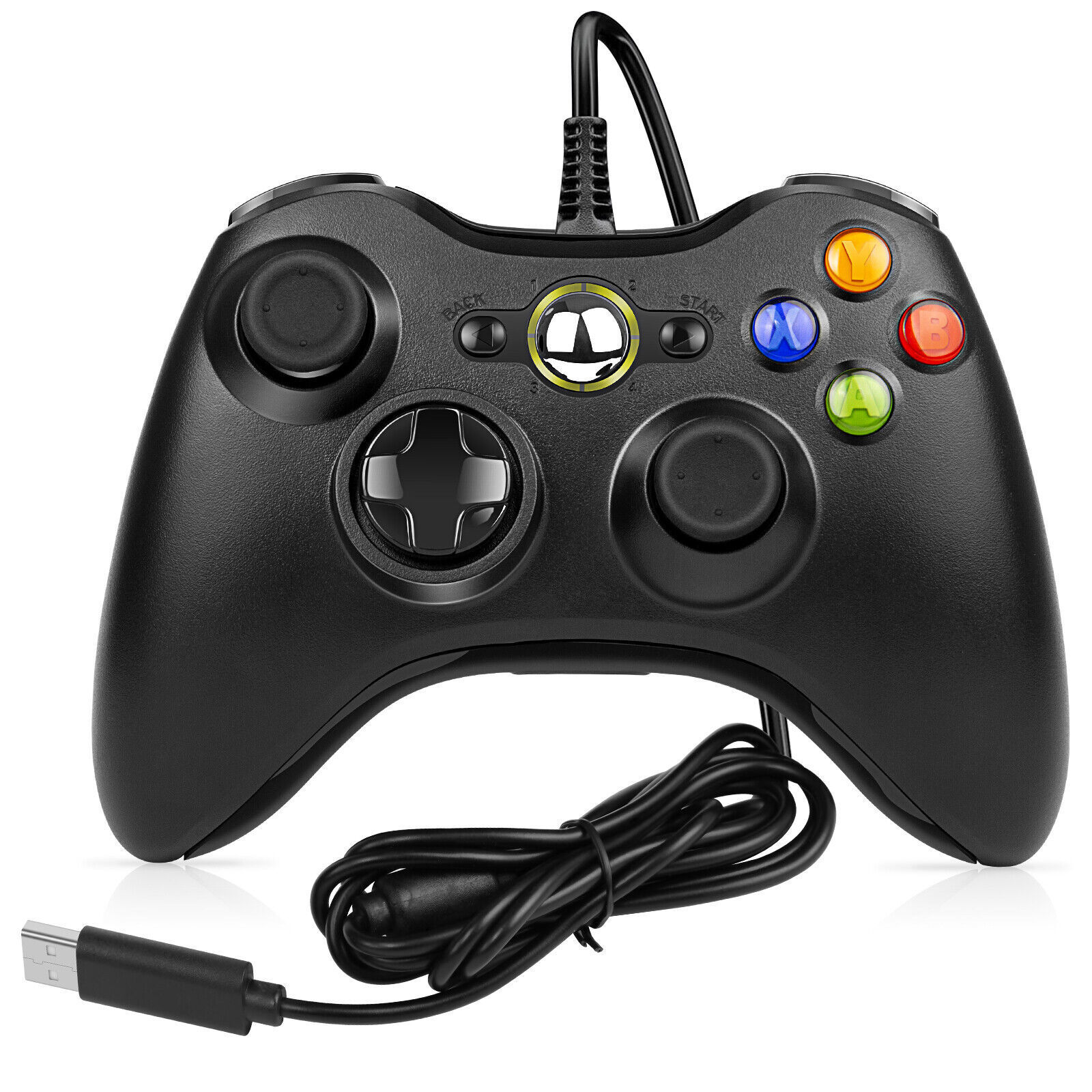 For Microsoft Xbox 360 Wired USB Game Controller PC Windows 11/10/8/7/XP Gamepad$13.75Last checked Nov 27, 2026View on eBay
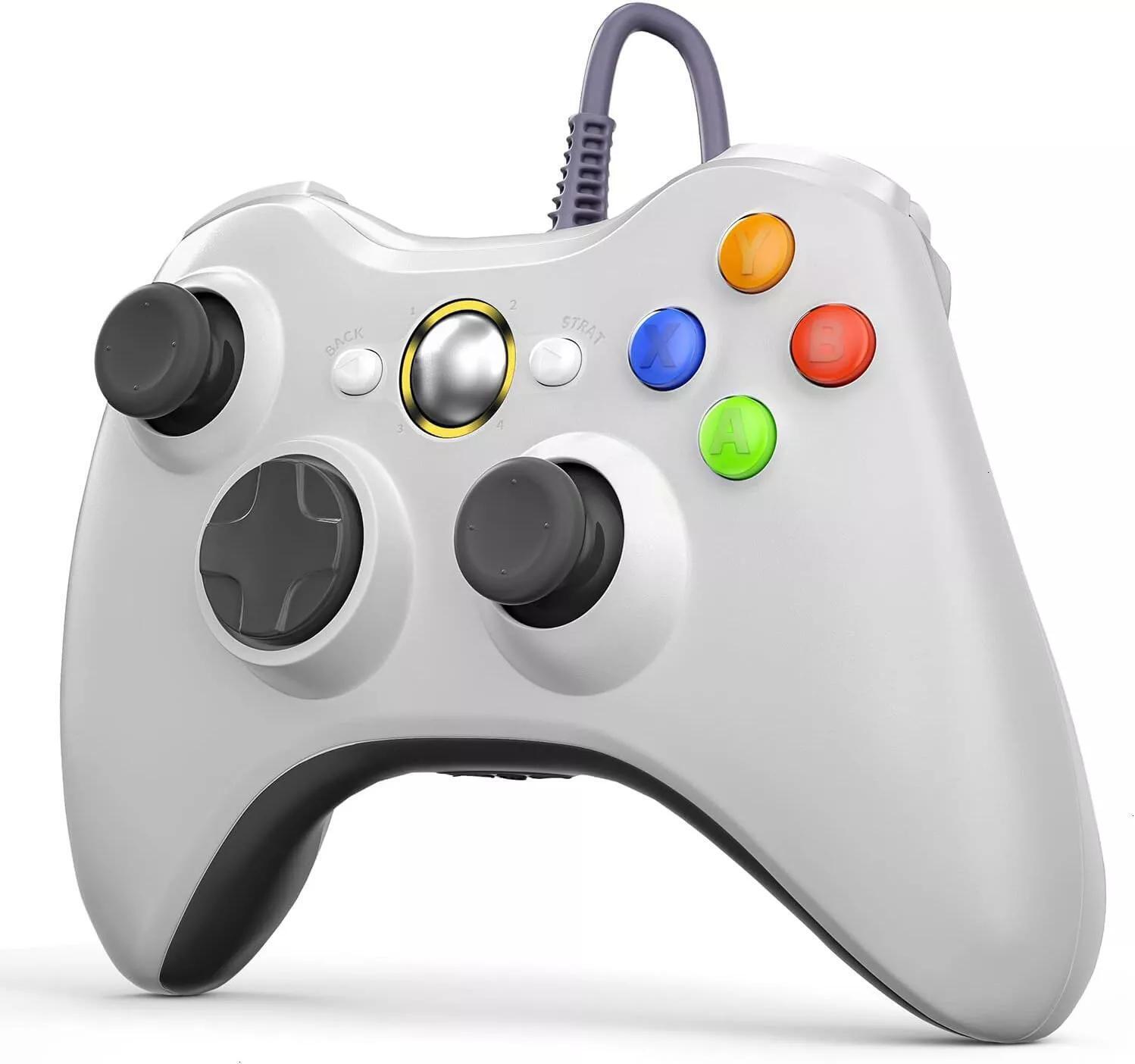 Wireless Controller For Microsoft Xbox 360/ 360Slim/ 360E for Windows 11/10/8/7$13.89Last checked Nov 20, 2026View on eBay
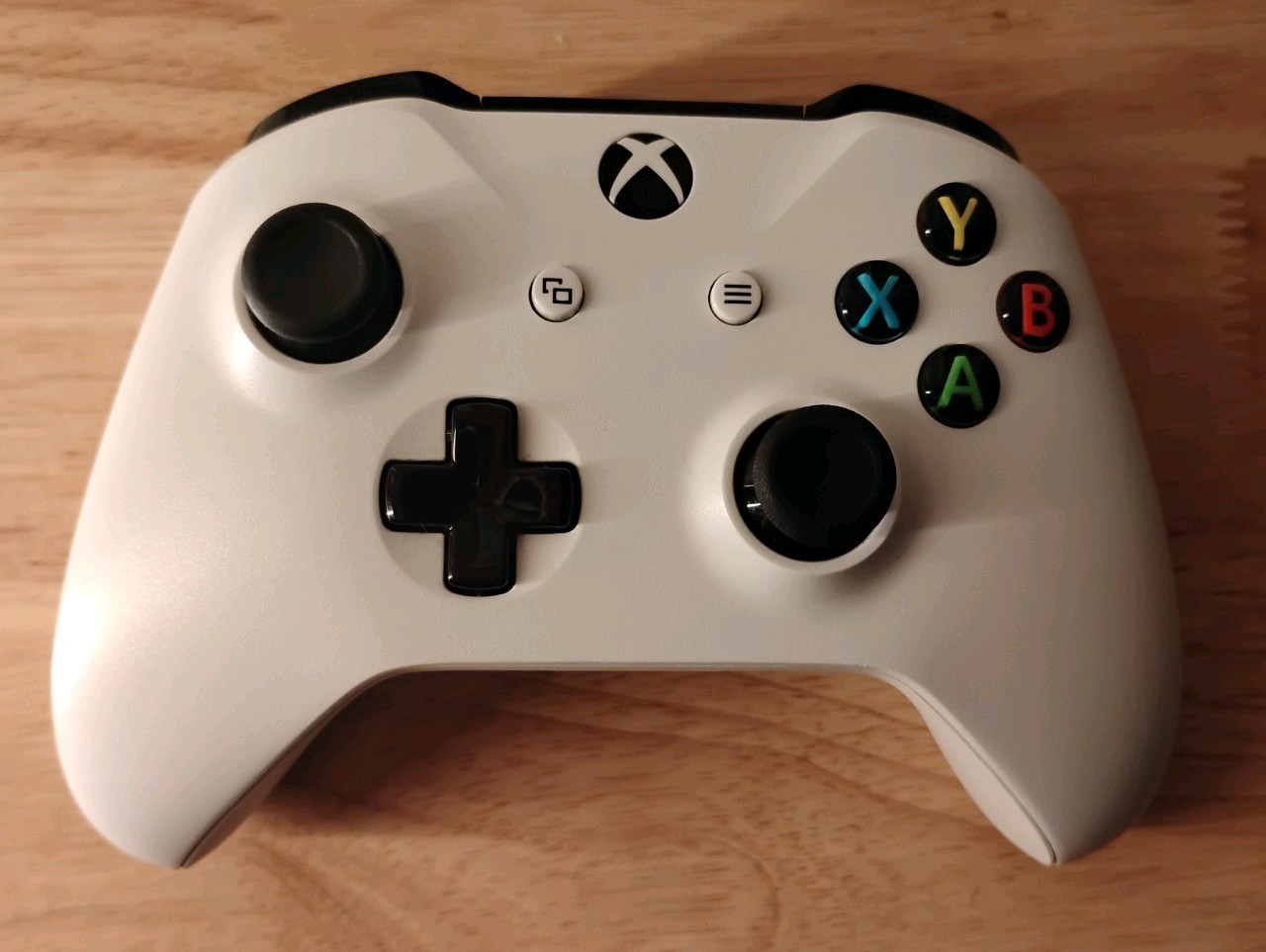 Fully Working Microsoft Xbox One Wireless Controller White/Black Model 1708$14.99View on eBay
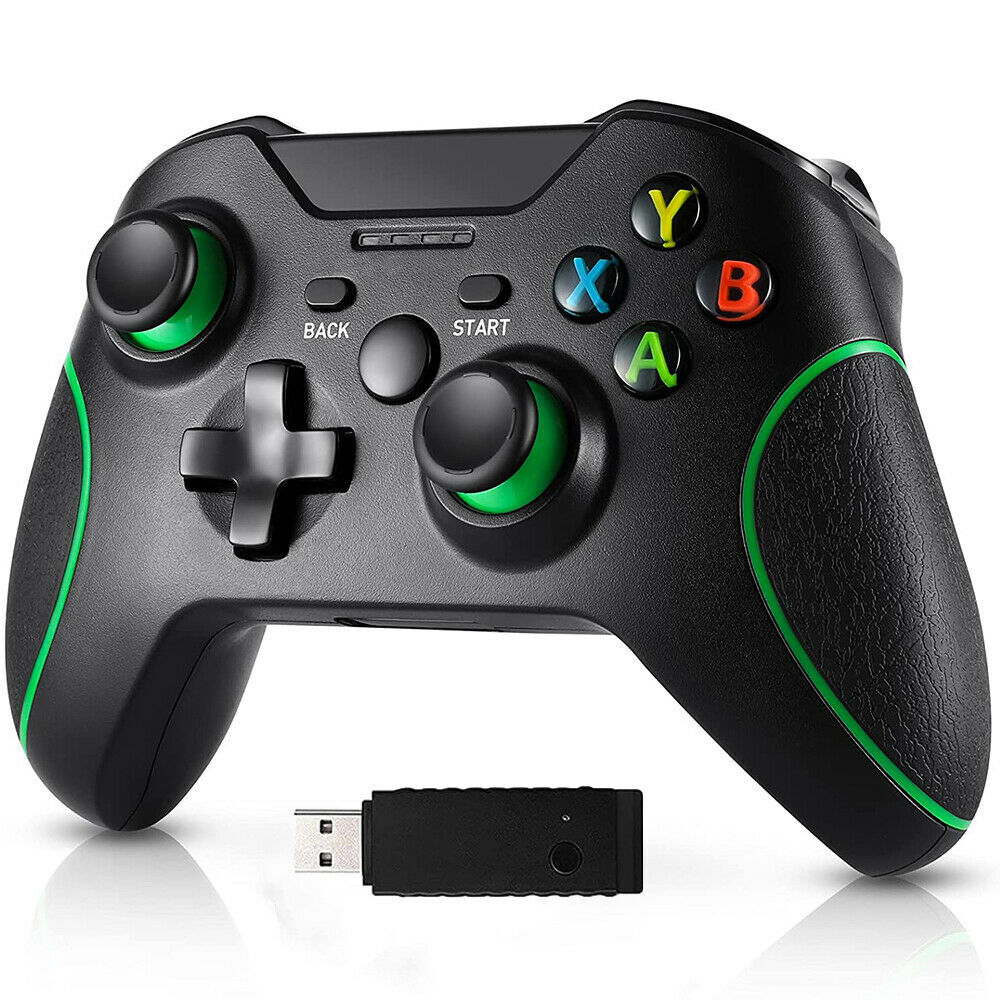 Wireless Controller For Microsoft Xbox One S / X / E / Windows 7 8 10 11 PC 2.4G$28.95Last checked Nov 19, 2026View on eBay
Highlights
- Xbox One Model 1708 added Bluetooth 4.0 and a 3.5mm jack; earlier 1537 models are wireless-only via proprietary protocol and need a dongle on PC.
- Xbox Series X/S controllers (Model 1914) add a Share button and USB-C, and pair to PC via Bluetooth LE; they are backward-compatible with Xbox One consoles.
- Xbox 360 controllers use 2.4GHz proprietary wireless and need a Microsoft Wireless Gaming Receiver for PC; the 1403 model is the genuine OEM version.
- The Elite Series 2 uses a rechargeable battery and adjustable-tension thumbsticks, while standard controllers run on two AA batteries with no built-in cell.
Best use cases
- Buy a genuine Xbox One Model 1708 or Series X/S controller if you play wirelessly on both console and PC—Bluetooth is built in and no dongle is needed.
- Buy an Xbox 360 OEM Model 1403 only if you already own a Wireless Gaming Receiver for PC or play on a 360 console; skip it for modern PC-only setups.
- Skip generic 'for Xbox One/360' listings if you need Bluetooth—most third-party clones are 2.4GHz dongle-only or wired, even when the title says wireless.
- Choose the Elite Series 2 only if you need swap-in paddles and tension adjustment for competitive play; standard controllers cover all casual and co-op use.
Buying tips
- Match the model number: 1708 (Bluetooth, 3.5mm), 1914 (USB-C, Share button), 1403 (Xbox 360 OEM). Model number is printed on the battery door label.
- For PC wireless without a dongle, require Bluetooth 4.0 on the controller and a Bluetooth 4.0+ adapter on the PC; Xbox 360 controllers always need the proprietary receiver.
- Genuine Microsoft controllers use AA batteries; budget for rechargeable AAs or the Play & Charge kit, since the Elite Series 2 is the only built-in battery model.
- Avoid listings that say 'for Xbox One/360' generically—they are third-party shells that often lack Bluetooth, headphone jacks, or firmware updates.
Specs
| Generation | Xbox 360 / One 1708 / Series 1914 |
|---|---|
| PC Wireless | Bluetooth 4.0 (1708/1914) / 2.4G dongle (360) |
| Battery | 2x AA (standard) / Built-in (Elite 2) |
| Connector | Micro-USB (1708) / USB-C (1914) |
Related searches
What to check before buying
- Check your console generation: Xbox One controllers work on Series X/S, but Series X/S controllers only work on Xbox One with a firmware update.
- Confirm PC OS support: Windows 10/11 has native Xbox driver support; Windows 7/8 needs the legacy driver and may lack Bluetooth for 1708/1914 models.
- Verify you have a Bluetooth 4.0 adapter for wireless PC use with 1708 or 1914 controllers, or a Wireless Gaming Receiver for Xbox 360 models.
- Inspect the battery door label for the model number (1708, 1914, 1403) before buying—photos of the label are the only reliable authenticity check.
FAQ
Data sources: eBay / Amazon listings and product attribute feeds. Updated Nov 27, 2026.
Some links on this page are affiliate links. If you buy after clicking one, we may earn a commission at no extra cost to you. This does not change which products appear here or their order. Affiliate disclosure.