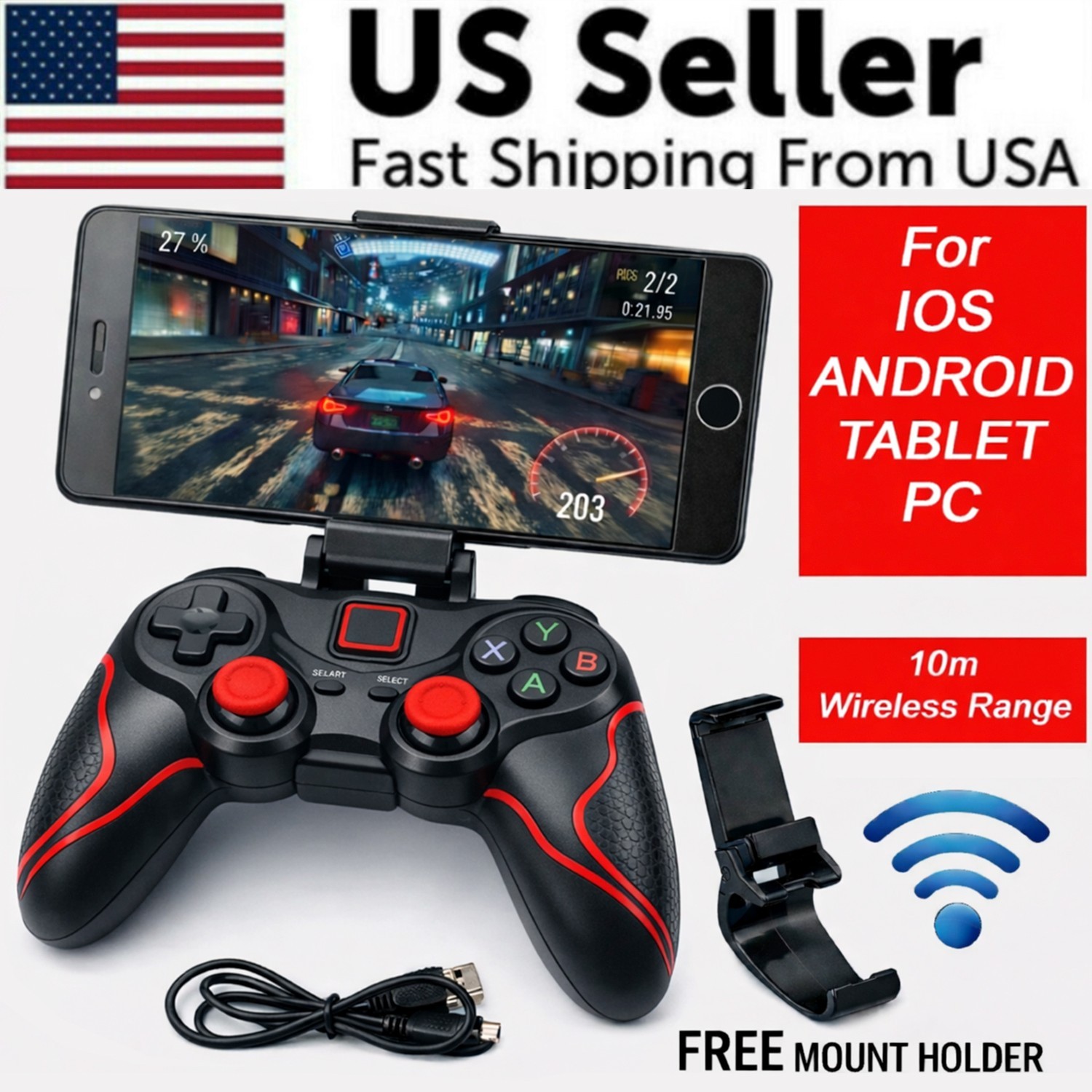

Photos from current listings. Actual item, color, and included accessories may vary.
iPhone Game Controller Buying Guide
An iPhone game controller turns your phone into a console-grade handheld by adding physical sticks, triggers, and buttons that iOS recognizes natively via Apple's MFi program or the newer Bluetooth LE gamepad standard. The core trade-off is between direct-connect MFi controllers (zero lag, guaranteed iOS compatibility) and generic Bluetooth gamepads that may require workarounds for button mapping or firmware quirks. The decision rule: buy MFi-certified or explicitly iOS 16+ compatible controllers with Xbox-style layout for guaranteed support; skip unbranded pads whose listing doesn't name iOS compatibility.
Median $12.89
Key takeaways
- MFi certification guarantees iOS recognizes every button and stick without third-party apps; generic Bluetooth pads often map only as basic HID and may lack L3/R3 or trigger support.
- Controllers with a phone clip or telescoping grip must fit your iPhone's width and case; clip-style units typically accept phones 5.4-6.9 inches tall, while telescoping pads stretch to about 6.8 inches.
- Xbox-style asymmetric stick layout dominates MFi models; symmetrical dual-stick layouts are rare on iOS and mostly appear on budget generic pads with weaker app support.
At a glance
- Category
- Controllers & Gaming Accessories
- Last updated
- Nov 28, 2026
Current offers
Highlights
- MFi certification guarantees iOS recognizes every button and stick without third-party apps; generic Bluetooth pads often map only as basic HID and may lack L3/R3 or trigger support.
- Controllers with a phone clip or telescoping grip must fit your iPhone's width and case; clip-style units typically accept phones 5.4-6.9 inches tall, while telescoping pads stretch to about 6.8 inches.
- Xbox-style asymmetric stick layout dominates MFi models; symmetrical dual-stick layouts are rare on iOS and mostly appear on budget generic pads with weaker app support.
- Battery life ranges from about 10 hours on compact clip pads to 30+ hours on full-size MFi controllers; USB-C charging is now standard on current-generation iOS-compatible models.
Best use cases
- Best fit: pick a telescoping MFi controller for Xbox Cloud Gaming, Apple Arcade, and native iOS titles like Genshin Impact; skip clip-on pads if you play more than 30 minutes because the phone's weight sits far forward and strains your wrists.
- Best fit: choose a full-size MFi controller with a separate phone mount for couch play streamed from a console or PC; skip compact travel pads if you need precise trigger travel for racing or shooter games.
- Best fit: buy a budget generic Bluetooth pad only for emulators and casual 2D games where you can remap buttons; skip generic pads for competitive shooters or cloud gaming because input latency and missing buttons break the experience.
- Wrong fit for everyone: controllers advertised only for Android with no iOS mention—these usually pair as generic HID and lose trigger or click-stick function on iPhone.
Buying tips
- Confirm MFi certification or an explicit 'works with iPhone' claim; a Bluetooth-only pad advertising Android and PC compatibility is not guaranteed to expose full button mapping on iOS.
- Match the mount to your iPhone size: measure your phone's height with the case on and compare against the controller's stated grip range—most clip pads top out around 6.9 inches, so Pro Max models with thick cases can exceed the clamp.
- Prefer USB-C charging on current models; Lightning-port controllers are legacy and increasingly discounted but lock you to older accessories.
- Check for L3/R3 clickable sticks and analog triggers—budget pads often omit these, which blocks full control in cloud-streamed console titles and modern iOS games.
Specs
| iOS Certification | MFi certified vs generic Bluetooth HID |
|---|---|
| Mount Type | Telescoping grip / clip / separate mount |
| Stick Layout | Xbox asymmetric vs symmetric |
| Battery & Charging | 10-30+ hr, USB-C vs Lightning |
Related searches
What to check before buying
- Measure your iPhone height and depth with case installed; verify it fits the controller's clamp or telescoping range before buying.
- Confirm your iPhone has Bluetooth 4.0 or later (iPhone 6s and newer) for generic pads, or check MFi compatibility for wired Lightning/USB-C connection.
- Decide whether you need a phone mount included or already own a separate clip—many full-size MFi controllers sell the mount separately.
- Verify the games you play support controllers natively; Apple Arcade and most cloud gaming apps do, but many free-to-play iOS titles do not.
FAQ
Data sources: eBay / Amazon listings and product attribute feeds. Updated Nov 28, 2026.
Some links on this page are affiliate links. If you buy after clicking one, we may earn a commission at no extra cost to you. This does not change which products appear here or their order. Affiliate disclosure.