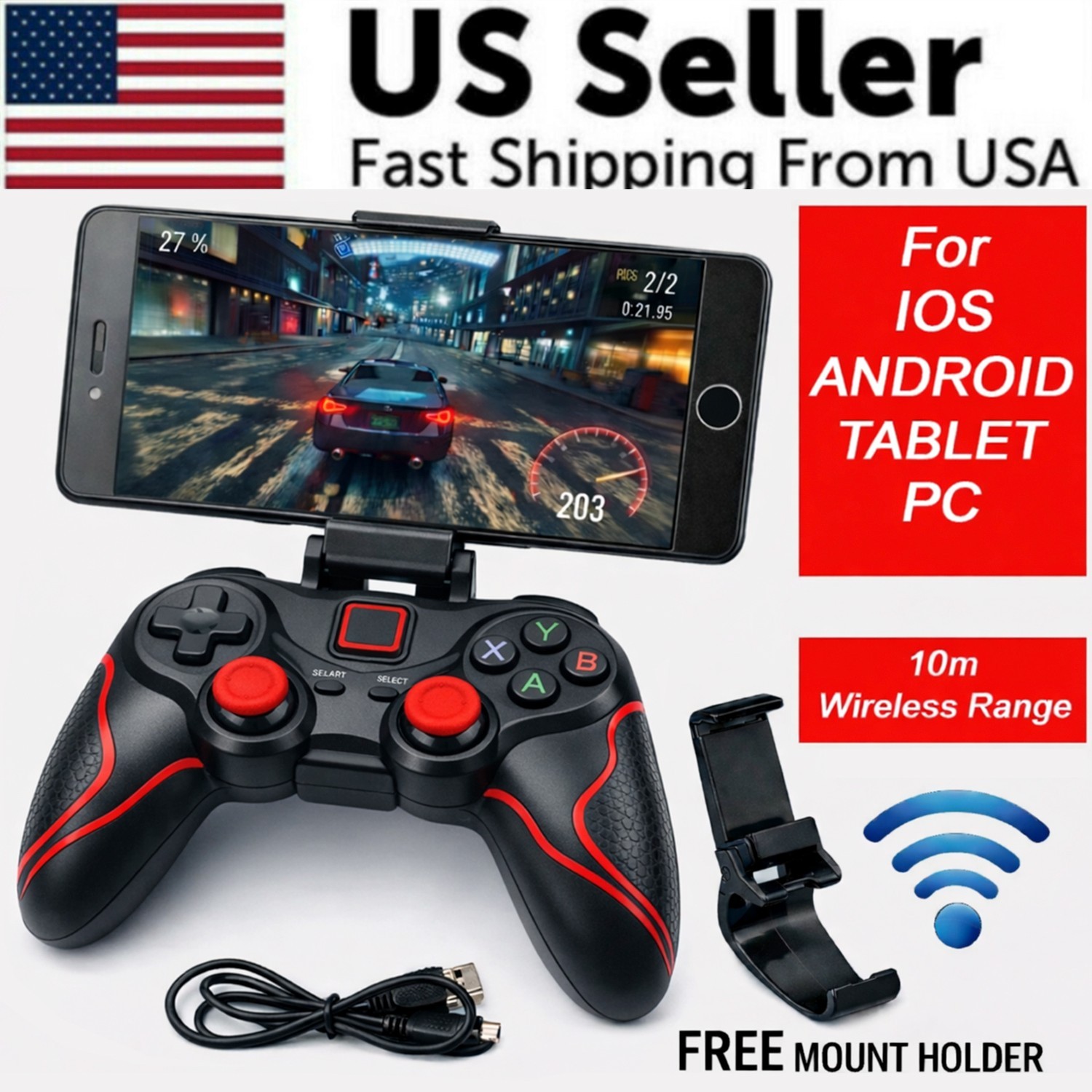

Photos from current listings. Actual item, color, and included accessories may vary.
iPhone Controller Buying Guide
An iPhone controller is a dedicated gamepad that connects over Bluetooth or Lightning/USB-C to turn an iPhone into a handheld console, using either a clamp-on mobile design or a console-style pad. The core trade-off is between MFI-certified direct Lightning/USB-C connection (low latency, no charging) and universal Bluetooth (broad compatibility, separate battery). Buy MFI-certified or iPhone-native controllers for lag-free play; skip generic Bluetooth pads if competitive or button-precision gaming is the goal.
Median $12.89
Key takeaways
- MFI (Made for iPhone) certification guarantees direct Lightning/USB-C connection and full iOS game compatibility without third-party mapping apps.
- Bluetooth 5.0+ controllers pair natively in iOS 13+ via Settings > Bluetooth and appear as generic gamepads in supported App Store titles.
- Clamp-on mobile controllers stretch to fit phones roughly 130-175 mm wide; tablet-style and console pads use separate mounts.
At a glance
- Category
- Controllers & Gaming Accessories
- Last updated
- Nov 28, 2026
Current offers
Highlights
- MFI (Made for iPhone) certification guarantees direct Lightning/USB-C connection and full iOS game compatibility without third-party mapping apps.
- Bluetooth 5.0+ controllers pair natively in iOS 13+ via Settings > Bluetooth and appear as generic gamepads in supported App Store titles.
- Clamp-on mobile controllers stretch to fit phones roughly 130-175 mm wide; tablet-style and console pads use separate mounts.
- Hall-effect joysticks and mechanical face buttons resist drift and double-click failures far better than standard carbon-pad and membrane construction.
Best use cases
- Best fit: pick an MFI-certified clamp-on pad (Lightning or USB-C) for lag-free competitive shooters and platformers on iPhone 15/16 or older Lightning models.
- Best fit: choose a Bluetooth 5.0 console-style pad with a phone clip for mixed iPhone, iPad, and PC/Android use where one controller must cover multiple devices.
- Wrong fit: skip generic un-certified Bluetooth gamepads for rhythm, fighting, or precision-aim games — inconsistent iOS mapping and higher latency break timing.
- Wrong fit: skip clamp-on mobile controllers for iPad or Apple TV play; they do not stretch to tablet widths and need a separate stand or console pad.
Buying tips
- Match the connector to your iPhone: Lightning for iPhone 14 and earlier, USB-C for iPhone 15 and later; MFI-certified models avoid Bluetooth pairing and charging.
- Choose Bluetooth 5.0 or newer for battery life and stable pairing; Bluetooth 4.x pads suffer noticeable input lag and dropouts on iOS.
- Prefer Hall-effect joysticks and mechanical switches over carbon-pad and membrane variants; they resist stick drift and button double-press failures over hundreds of hours.
- For clamp-on pads, measure your phone width (with case) against the controller's 130-175 mm grip range; thick cases often exceed the clamp and must be removed.
Specs
| Connection | MFI Lightning/USB-C vs Bluetooth 5.0+ |
|---|---|
| Form Factor | Clamp-on mobile vs console pad + clip |
| Phone Fit | 130-175 mm width, thin cases only |
| Joystick Type | Hall-effect vs carbon-pad potentiometer |
Related searches
What to check before buying
- Confirm your iPhone port: Lightning (iPhone 14 and earlier) vs USB-C (iPhone 15 and later) before choosing a direct-connect MFI controller.
- Measure phone width and depth with case installed; clamp-on controllers typically accept 130-175 mm width and thin cases only.
- Verify iOS version support (iOS 13+ for native Bluetooth gamepad pairing) and that your games list controller compatibility in the App Store.
- Check whether the controller includes a phone clip or mount if you choose a console-style pad; clamp-on pads are self-contained.
FAQ
Data sources: eBay / Amazon listings and product attribute feeds. Updated Nov 28, 2026.
Some links on this page are affiliate links. If you buy after clicking one, we may earn a commission at no extra cost to you. This does not change which products appear here or their order. Affiliate disclosure.