
Photos from current listings. Actual item, color, and included accessories may vary.
Gamecube Controller Buying Guide
The GameCube controller is a wired, six-button gamepad with a unique asymmetric layout: a large A button, kidney-shaped B and X/Y cluster, and dual analog sticks with octagonal gates. The market splits into genuine Nintendo OEM (original or Smash-era reissues) with ALPS stick modules versus third-party clones whose stick boxes, triggers, and cable strain relief vary wildly. Buy OEM or a known-quality clone if you need tournament-legal stick accuracy and long-term button feel; skip unbranded generics if competitive Smash or precise analog control matters.
Median $27.99
Key takeaways
- Genuine Nintendo controllers use ALPS analog stick modules with octagonal gates; clone stick boxes often use lower-tension potentiometers that drift sooner under heavy use.
- Original DOL-003 and Smash Ultimate-era reissues are wired-only with a ~2m cable; they connect to GameCube, Wii (via GameCube ports), and Wii U/Switch via the official adapter.
- Third-party wired clones typically target GameCube, Wii, and Wii U directly over the controller port; Switch requires a USB GameCube adapter or a dedicated third-party adapter hub.
At a glance
- Category
- Controllers & Gaming Accessories
- Last updated
- Nov 27, 2026
Current offers
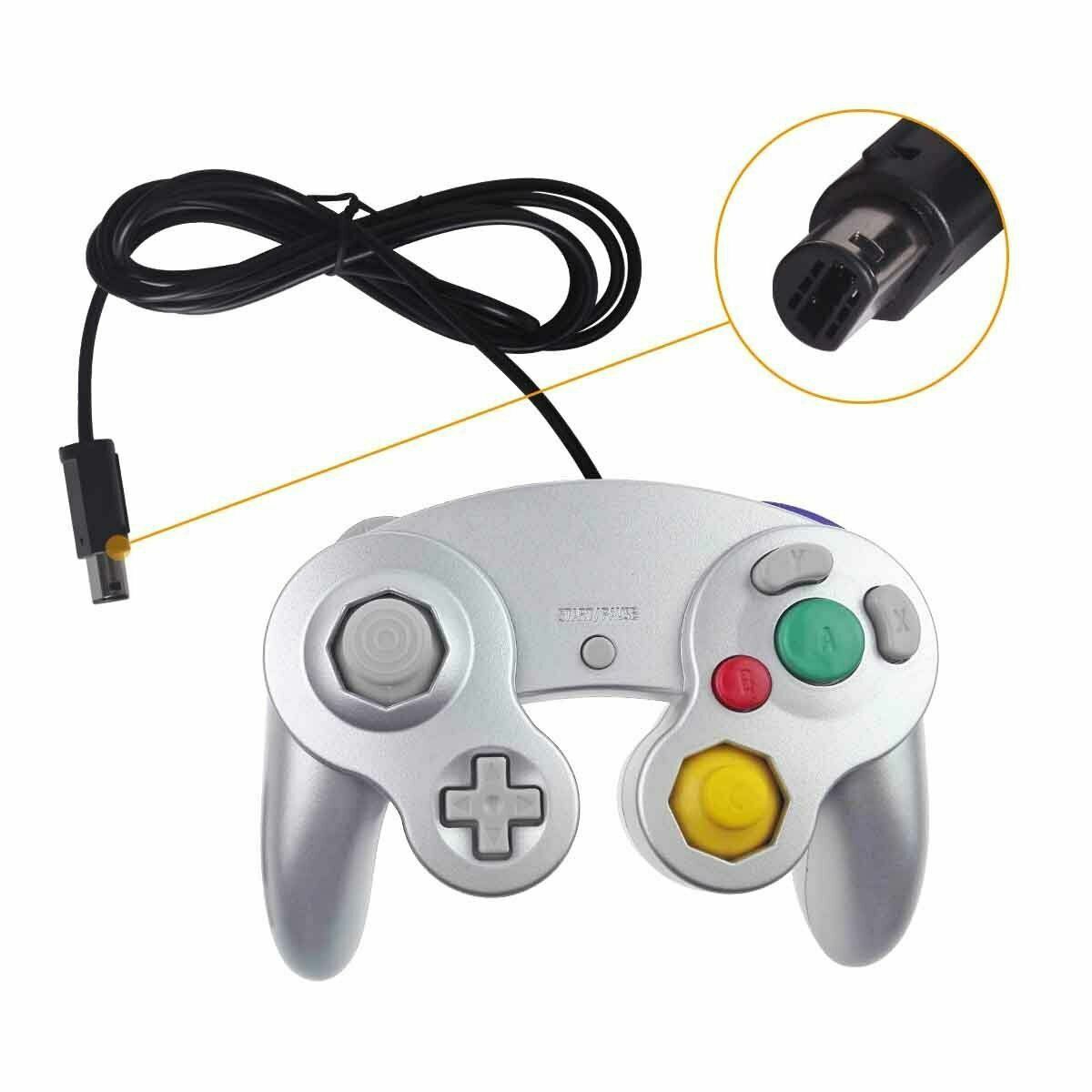 Wired NGC Controller Gamepad For Nintendo GameCube GC & Wii U Console Colors NEW$11.89Last checked Nov 19, 2026View on eBay
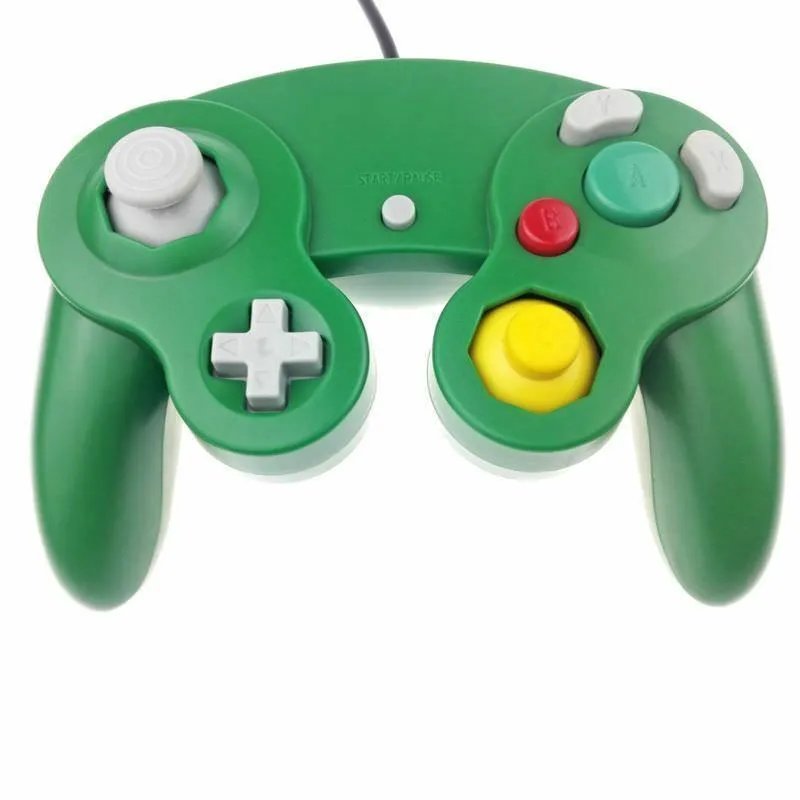 Wired NGC Controller Gamepad For Nintendo GameCube GC & Wii U Console Colors NEW$23.99View on Mallflare
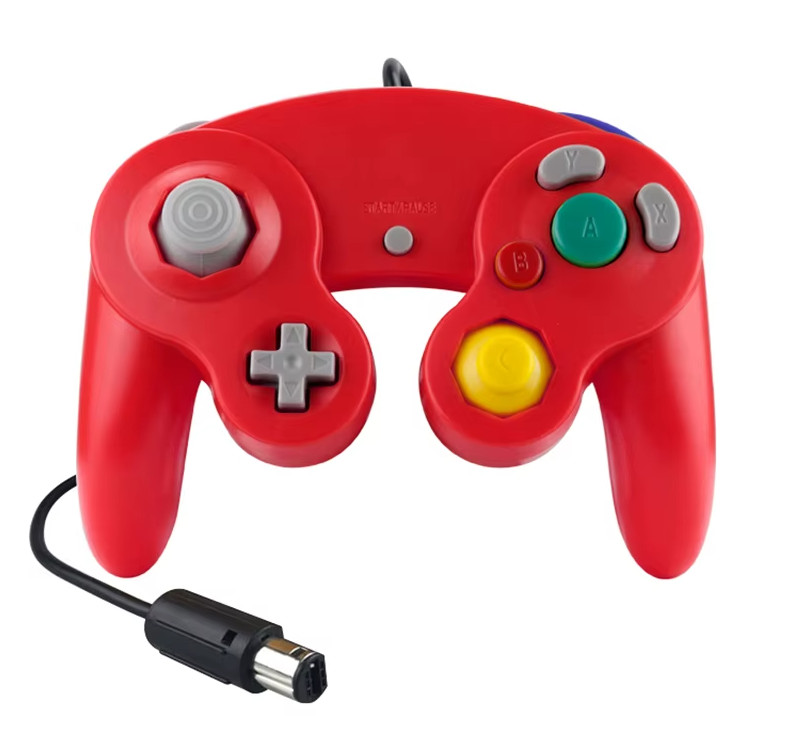 Wired NGC Controller Gamepad For Nintendo GameCube GC & Wii U Console Colors NEW$69.99Last checked Nov 20, 2026View on eBay
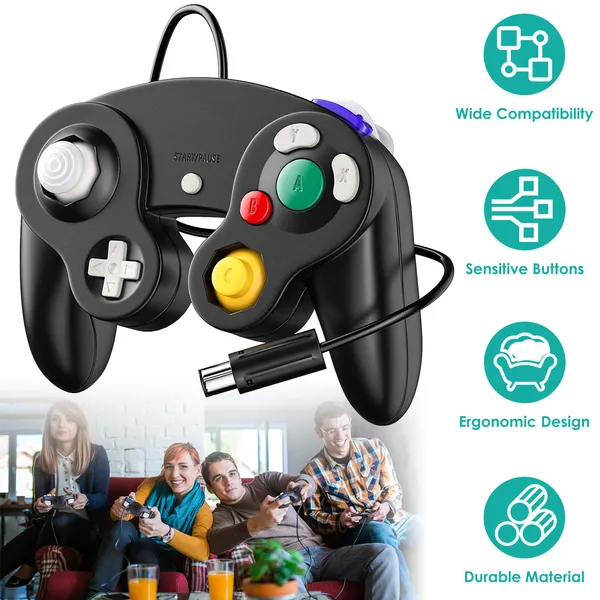 Shock Wired Game Controller Gamepad Compatible With Nintendo Wii Gamecube$27.99View on Mallflare
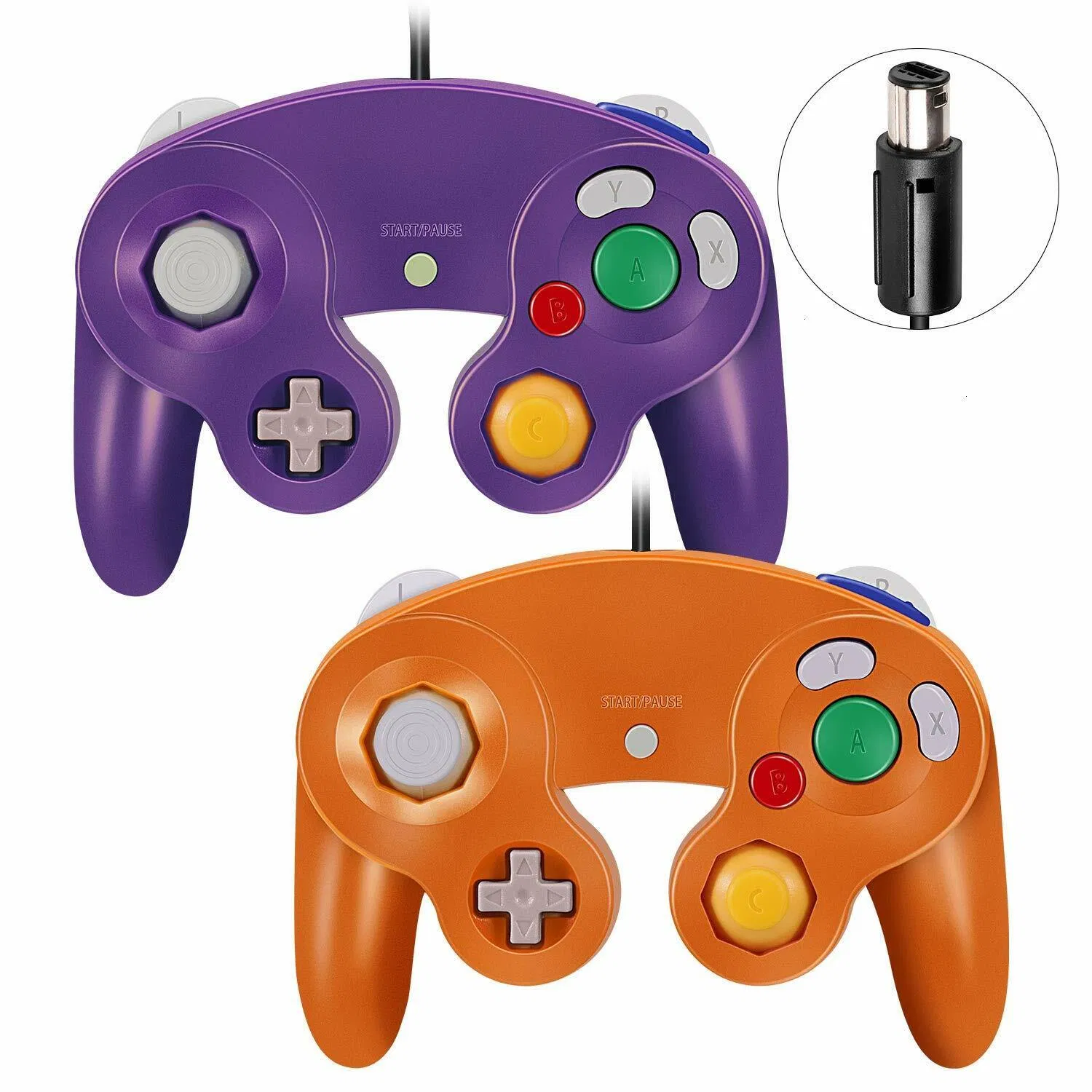 2 Pack Wired NGC Controller Gamepad for Nintendo GameCube GC & Wii U Console USA$32.99View on Mallflare
Highlights
- Genuine Nintendo controllers use ALPS analog stick modules with octagonal gates; clone stick boxes often use lower-tension potentiometers that drift sooner under heavy use.
- Original DOL-003 and Smash Ultimate-era reissues are wired-only with a ~2m cable; they connect to GameCube, Wii (via GameCube ports), and Wii U/Switch via the official adapter.
- Third-party wired clones typically target GameCube, Wii, and Wii U directly over the controller port; Switch requires a USB GameCube adapter or a dedicated third-party adapter hub.
- Analog triggers (L/R) are pressure-sensitive on OEM pads; many budget clones use simple digital switches, which breaks compatibility with games relying on trigger pressure.
Best use cases
- Competitive Super Smash Bros. Melee/Ultimate: pick a genuine Nintendo OEM pad (original or Smash reissue) for consistent stick gates and trigger travel; skip unbranded clones.
- Casual retro play on a real GameCube or Wii: a reputable third-party wired clone is fine and cheaper; ensure it lists GameCube/Wii port compatibility and pressure-sensitive triggers.
- Switch or PC use: buy OEM or quality clone plus a GameCube-to-USB adapter (or a Switch-compatible adapter); a bare wired clone will not plug into Switch dock USB without one.
- Four-player Mario Kart or party nights: a 2-pack of wired clones works for casual play; skip them for fighting games where stick precision and button latency matter.
Buying tips
- Confirm the connector: OEM and most clones use the GameCube controller plug; Switch needs a USB adapter, and PC needs a GameCube-to-USB adapter or Mayflash-style hub.
- Check trigger type: genuine pads and quality clones have analog L/R sliders; budget clones with digital triggers will fail in games that read trigger pressure (e.g., Mario Sunshine).
- Inspect stick box construction: OEM ALPS modules resist drift; clones that specify ALPS or Hall-effect sticks are safer than generic potentiometer sticks.
- Match cable length to your seating distance: OEM cables run about 2m; third-party 2-packs often ship 1.8-2m cables, so plan an extension if you sit far from the console.
Specs
| Connection | Wired GameCube plug / USB via adapter |
|---|---|
| Stick Module | ALPS potentiometer vs Hall-effect |
| Trigger Type | Analog L/R sliders vs digital |
| Console Support | GameCube, Wii, Wii U, Switch (adapter) |
Related searches
What to check before buying
- Measure the distance from your console/adapter to your seat; OEM cables are ~2m, so add an extension cable if you sit farther than that.
- Verify your console has GameCube controller ports (GameCube, early Wii) or a USB port plus a compatible adapter (Wii U, Switch, PC).
- Confirm the listing specifies analog L/R triggers and octagonal stick gates if you play games that rely on pressure sensitivity or precise angles.
- For 2-packs, check whether both controllers are identical models and that the listing states GameCube/Wii/Wii U compatibility explicitly.
FAQ
Data sources: eBay / Amazon listings and product attribute feeds. Updated Nov 27, 2026.
Some links on this page are affiliate links. If you buy after clicking one, we may earn a commission at no extra cost to you. This does not change which products appear here or their order. Affiliate disclosure.