
Photos from current listings. Actual item, color, and included accessories may vary.
Game Controller Android Buying Guide
Android game controllers split into two clear architectures: clamp-style telescopic gamepads that physically dock a phone over USB-C or Bluetooth, and standalone console-style pads that pair wirelessly for living-room or TV-box play. The core trade-off is wired USB-C direct-connect latency and pass-through charging versus wireless freedom and cross-device compatibility. Buy wired clamps only if your phone fits the clamp's length and port position; buy Bluetooth pads if you need universal fit across phones, tablets, and TV boxes.
Median $19.99
Key takeaways
- Connection architecture: wired USB-C clamps draw power from the phone and deliver sub-10ms polling, while Bluetooth pads add 30-60ms latency and need separate charging.
- Clamp fit is mechanical: telescopic gamepads specify max phone length (typically 150-180mm) and require the USB-C port centered or offset within the clamp's connector bridge.
- Bluetooth pads use HID or XInput-over-BT profiles; Android games must support native gamepad input or be mapped through the controller's companion app.
At a glance
- Category
- Controllers & Gaming Accessories
- Last updated
- Nov 28, 2026
Current offers
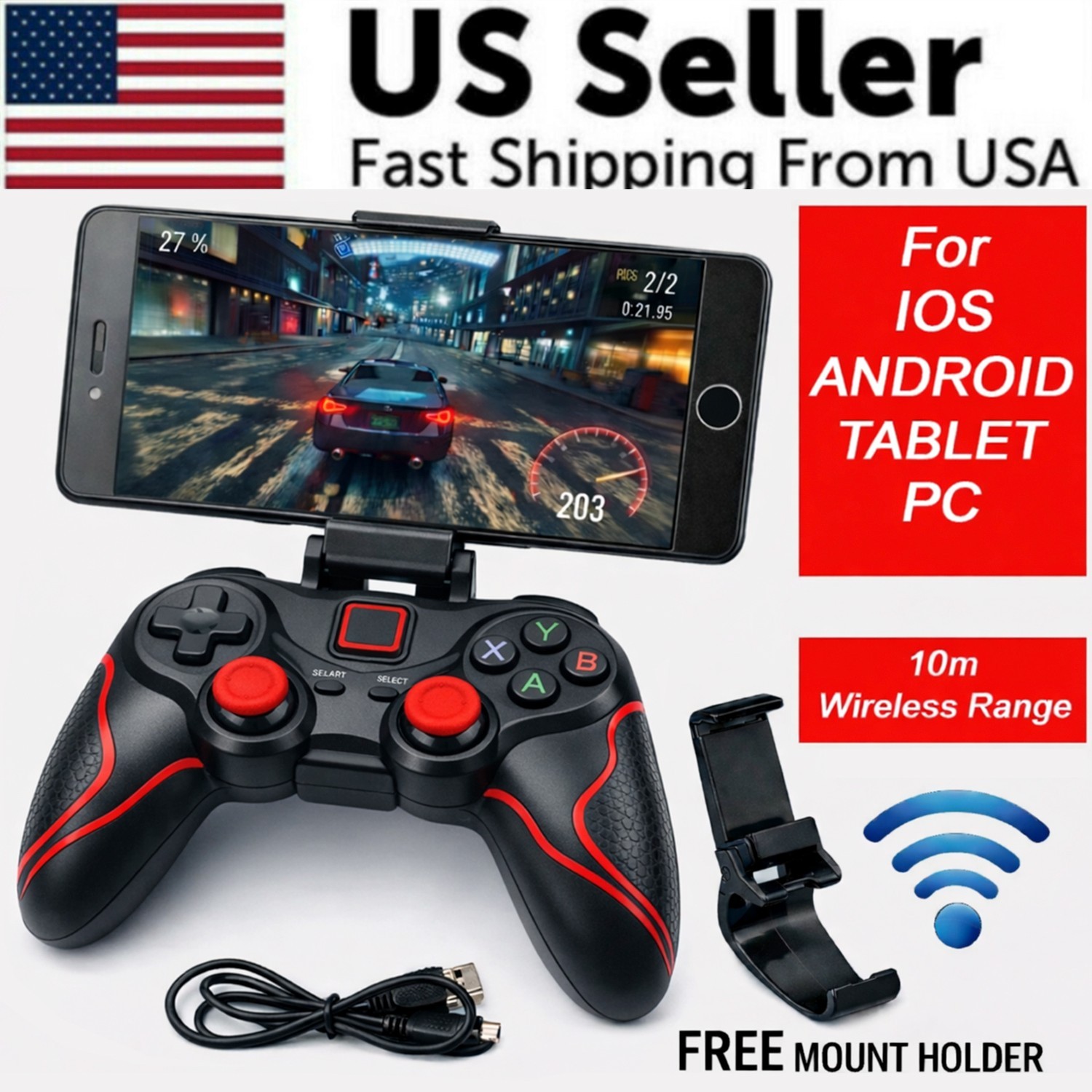 Wireless Bluetooth Game Controller Gamepad For Android iPhone Tablet PC Phone$12.89Last checked Nov 28, 2026View on eBay
- Wireless Bluetooth Game Controller Gamepad For Android iPhone Tablet PC Phone$12.89View on eBay
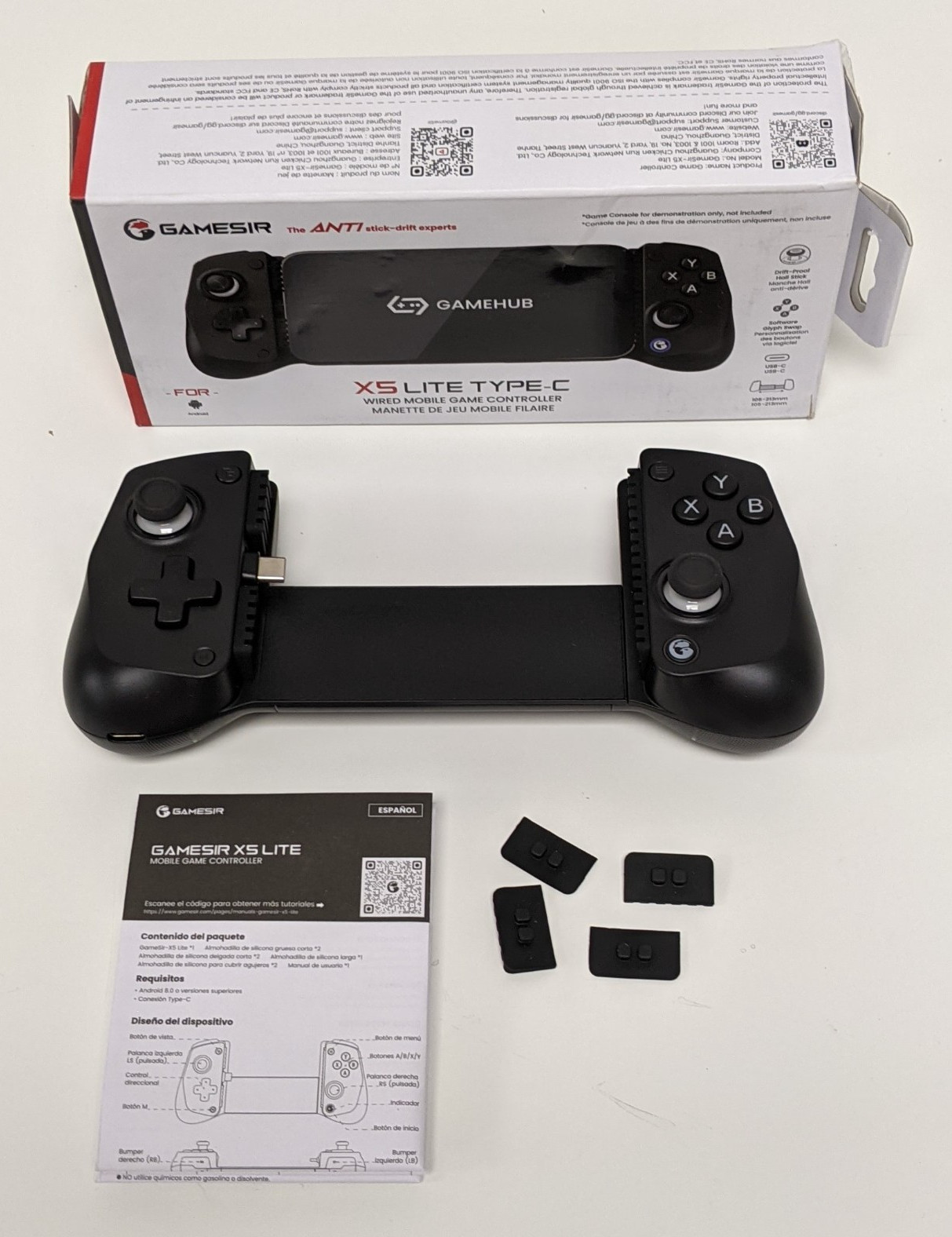 GameSir X5 Lite Type-C Wired Mobile Game Controller for Android USB-C$19.99View on eBay
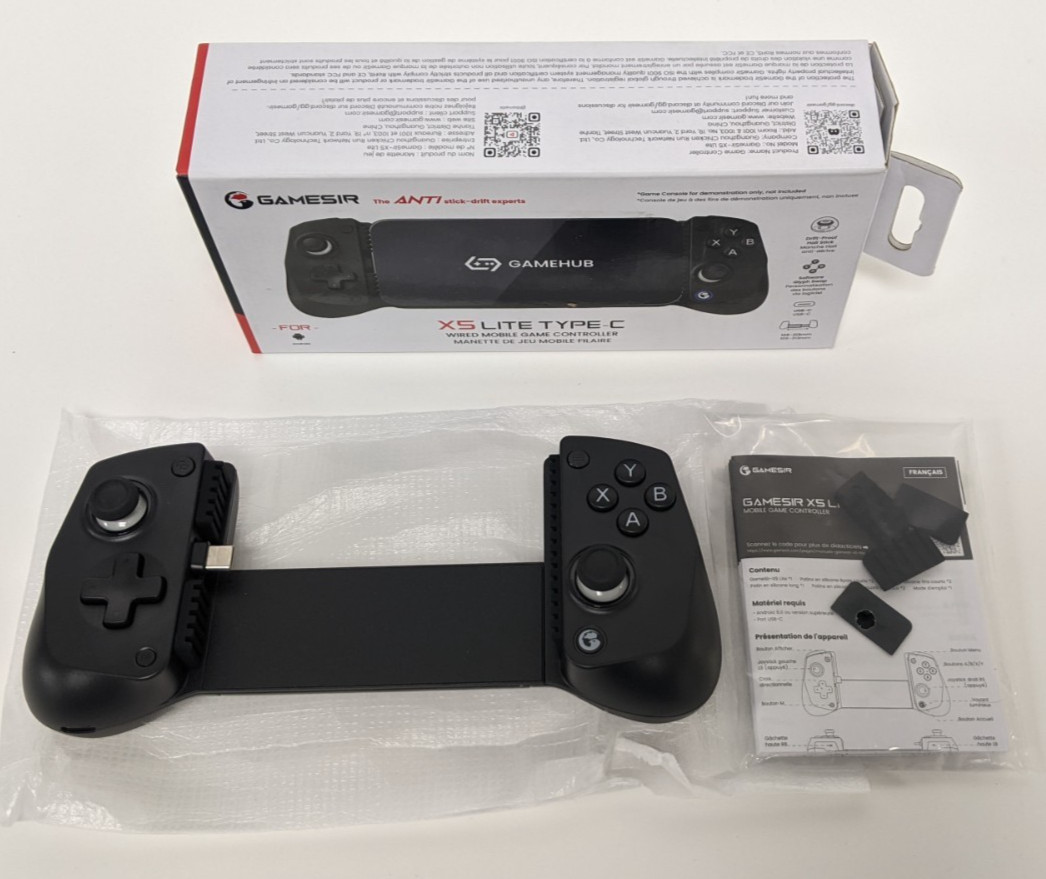 GameSir X5 Lite Type-C Wired Mobile Game Controller for Android USB-C$22.99View on eBay
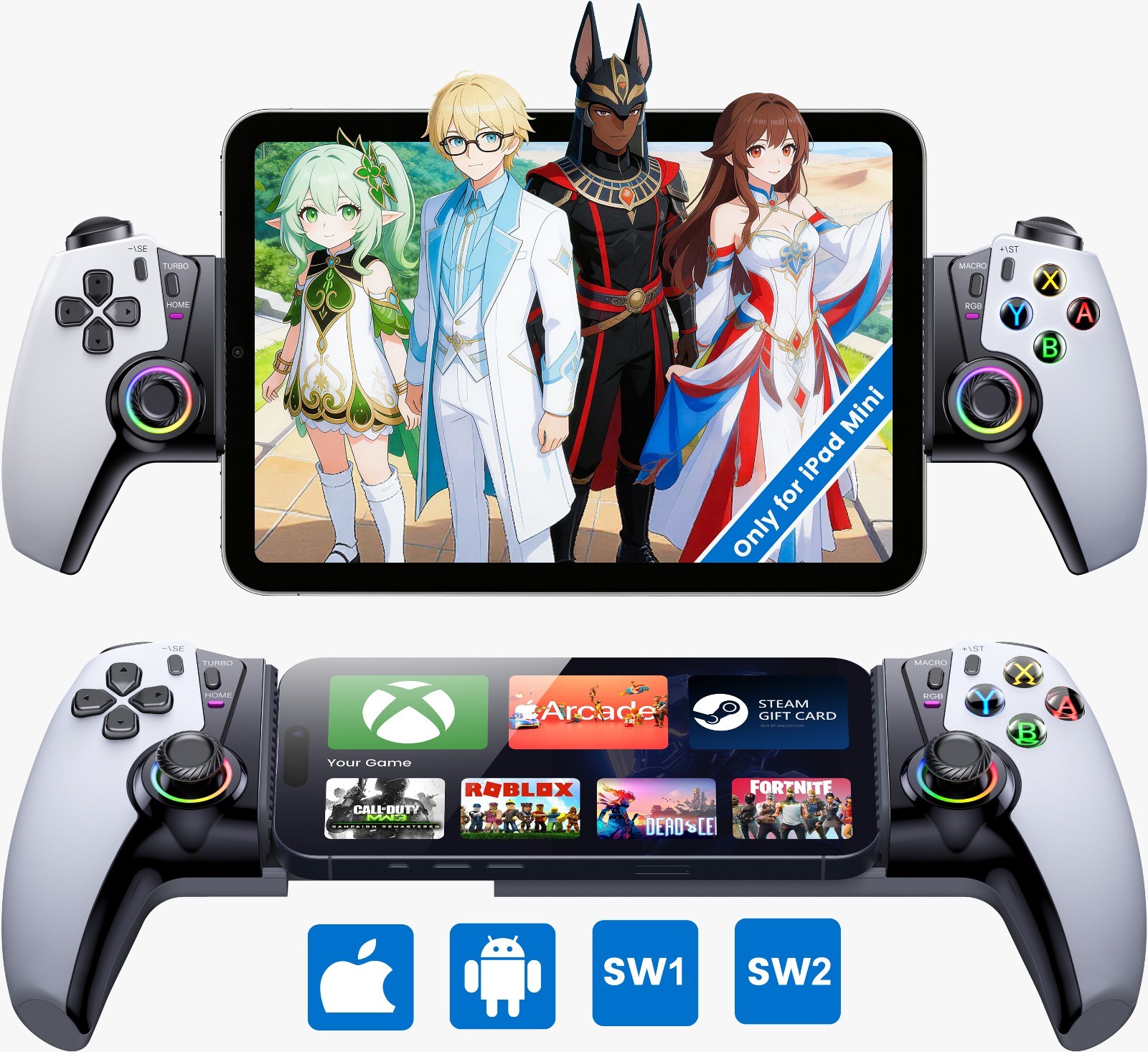 for Switch 2/OLED/iOS/Android Wireless Bluetooth Mobile Phone Game Controller$46.99Last checked Nov 20, 2026View on eBay
Highlights
- Connection architecture: wired USB-C clamps draw power from the phone and deliver sub-10ms polling, while Bluetooth pads add 30-60ms latency and need separate charging.
- Clamp fit is mechanical: telescopic gamepads specify max phone length (typically 150-180mm) and require the USB-C port centered or offset within the clamp's connector bridge.
- Bluetooth pads use HID or XInput-over-BT profiles; Android games must support native gamepad input or be mapped through the controller's companion app.
- Pass-through charging on wired clamps is model-specific: only some USB-C gamepads include a charge port, and those that do cap input at lower wattage than the phone's native charger.
Best use cases
- Best fit: competitive mobile shooters and cloud gaming on a single USB-C phone — pick a wired Type-C clamp with pass-through charging and low-latency polling.
- Best fit: emulators, retro libraries, and Android TV boxes across multiple devices — pick a Bluetooth HID pad with a phone clip, not a fixed clamp.
- Wrong fit: tablets and foldables with off-center or thick cases — skip telescopic clamps and choose a Bluetooth pad with an adjustable clip.
- Wrong fit: iPhones and Lightning devices — skip USB-C Android clamps entirely; choose a Bluetooth pad with explicit iOS/Android dual-mode support.
Buying tips
- Measure your phone's case-on length and thickness first: clamps max out around 150-180mm and reject thick rugged cases that block the USB-C plug seating.
- Check the USB-C connector's vertical position — centered ports fit most clamps, but offset or bottom-edge ports need a clamp with a sliding connector bridge.
- For latency-sensitive play, choose wired USB-C over Bluetooth; wired clamps avoid pairing dropouts and charge the phone through pass-through.
- Verify the pad exposes Android native gamepad mode (HID) plus a mapping app for touch-only games; XInput-only pads won't work in unmapped Android titles.
Specs
| Connection | Wired USB-C vs Bluetooth 4.0+ |
|---|---|
| Phone Fit | Clamp 150-180mm / clip for tablets |
| Latency Tier | Wired <10ms / Bluetooth 30-60ms |
| Android Support | HID native + mapping app |
Related searches
What to check before buying
- Phone dimensions with case: length under the clamp's max (typically 150-180mm) and thickness under ~12mm for secure USB-C seating.
- Port position: USB-C centered on the bottom edge or reachable by the clamp's connector; avoid clamps that block the charging port.
- Android version and gamepad support: Android 9+ with HID gamepad recognition, plus the game's own controller support or a mapping app.
- Companion parts: USB-C cable for wired clamps, Bluetooth 4.0+ for wireless pads, and a 5V/2A charger for pass-through or pad charging.
FAQ
Data sources: eBay / Amazon listings and product attribute feeds. Updated Nov 28, 2026.
Some links on this page are affiliate links. If you buy after clicking one, we may earn a commission at no extra cost to you. This does not change which products appear here or their order. Affiliate disclosure.