
Photos from current listings. Actual item, color, and included accessories may vary.
Game Controller Buying Guide
A game controller is the primary input device for console, PC, and mobile play, and its quality hinges on connection type (wired USB vs wireless Bluetooth/2.4GHz), stick and trigger mechanism (Hall-effect vs potentiometer), and platform compatibility. The decisive rule: choose a controller that natively supports your exact platform and connection standard, and treat ultra-low-cost no-name pads as disposable accessories rather than durable gear. Buy once for the platform you actually play on, not for a vague 'universal' claim.
Median $14.95
Key takeaways
- Connection architecture matters most: wired USB controllers are lag-free and bus-powered; Bluetooth pads pair across Switch, PS, and mobile; 2.4GHz dongles are PC/console-specific.
- Hall-effect sticks and triggers eliminate drift because they sense magnetically with no physical wiper contact, while standard potentiometer sticks wear out over time.
- First-party pads (Xbox, DualSense, Switch Pro) guarantee full feature support and firmware updates; third-party pads may lack rumble, gyro, or native button mapping.
At a glance
- Category
- Controllers & Gaming Accessories
- Last updated
- Nov 28, 2026
Current offers
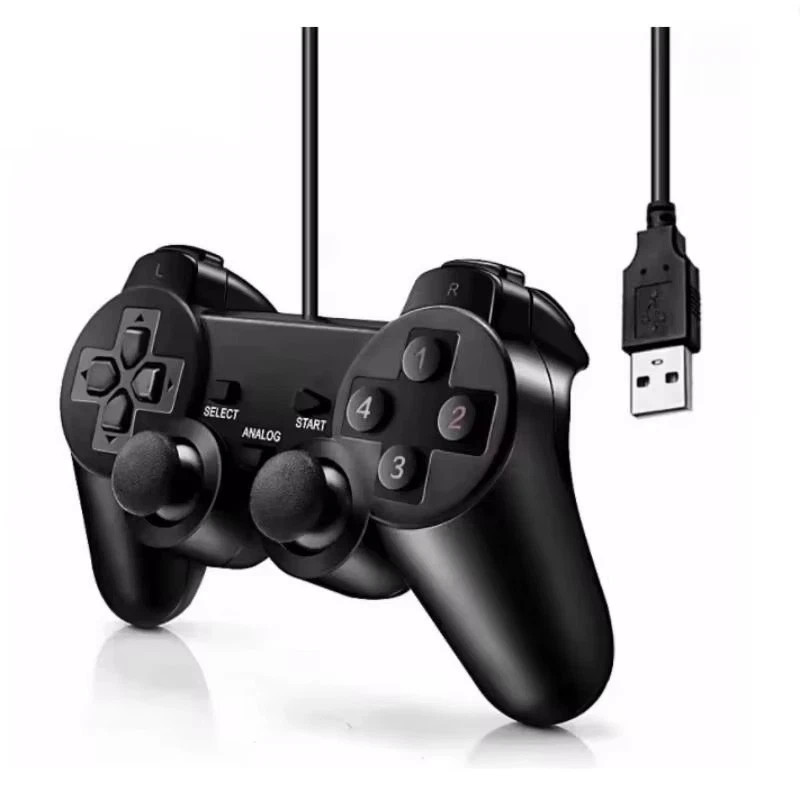 USB Wired PC Game Controller Gamepad for Windows Laptop Joystick Black$7.20View on eBay
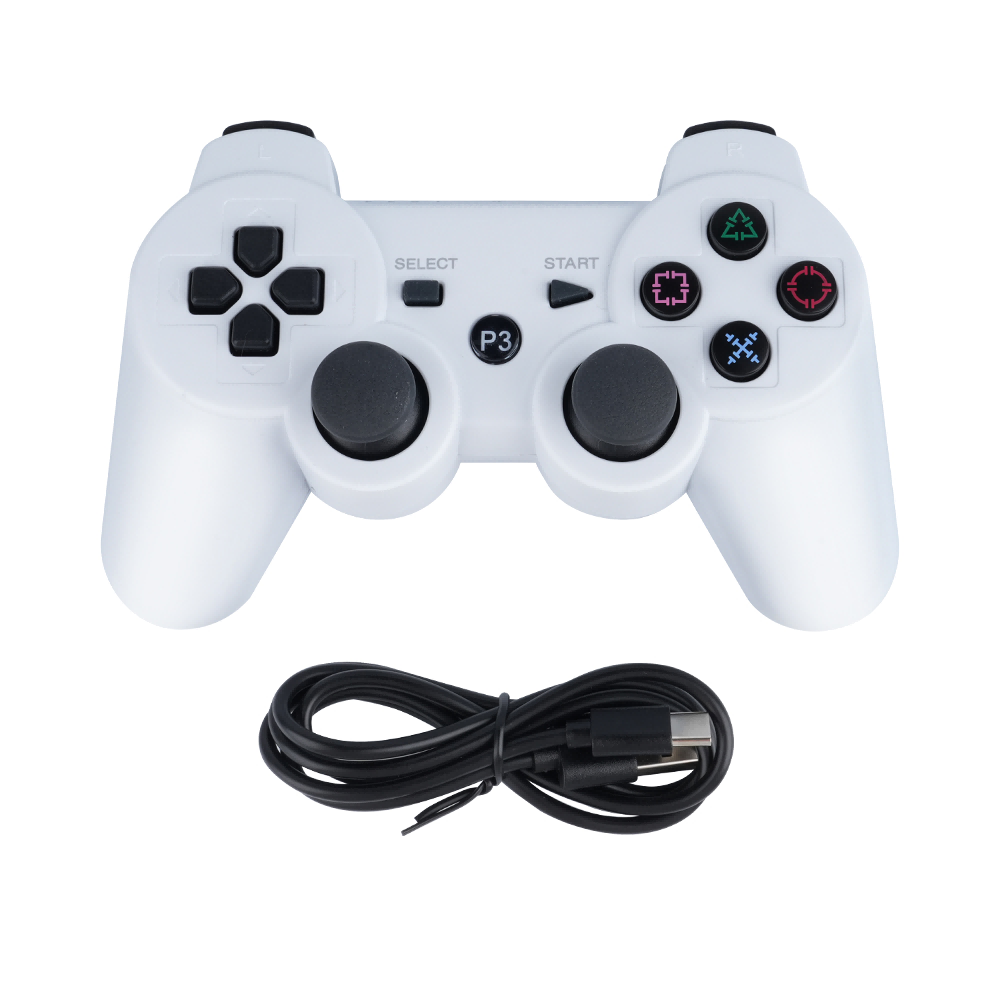 PS3 Gamepad Wireless Game Controller With USB Cable$19.99View on Mallflare
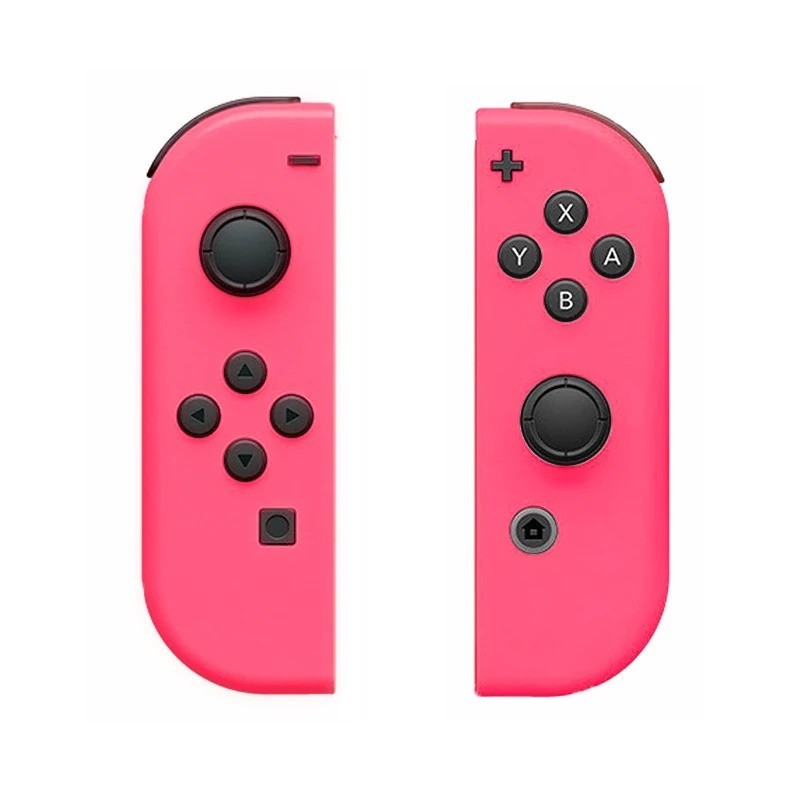 Wireless Gamepad Left/Right Game Controller For Nintendo Switch JoyCon1Pair Case$7.94View on eBay
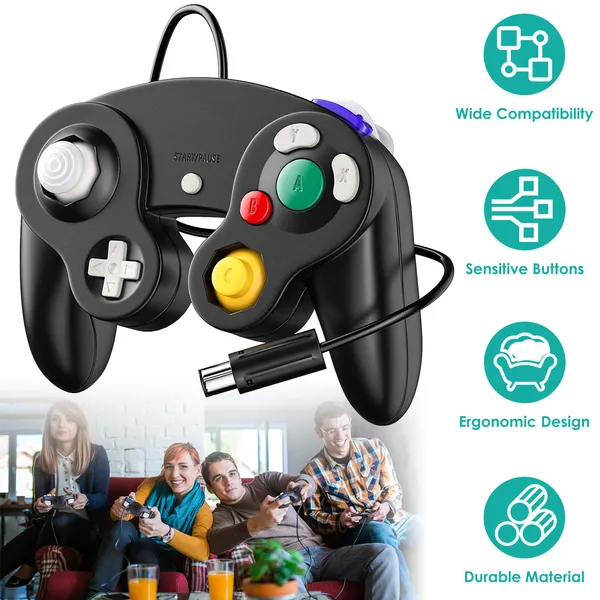 Shock Wired Game Controller Gamepad Compatible With Nintendo Wii Gamecube$27.99View on Mallflare
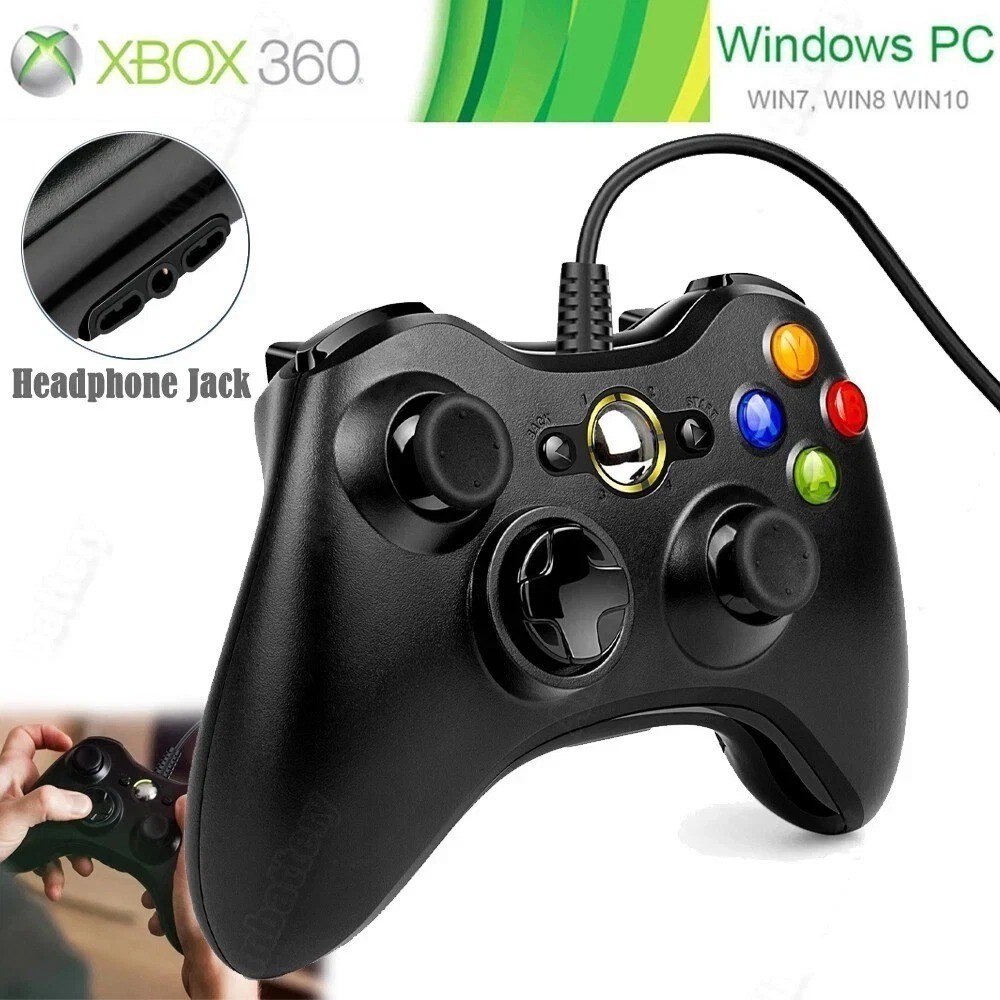 For Microsoft Xbox 360 Wired USB Game Controller PC Windows 11/10/8/7/XP Gamepad$10.80View on eBay
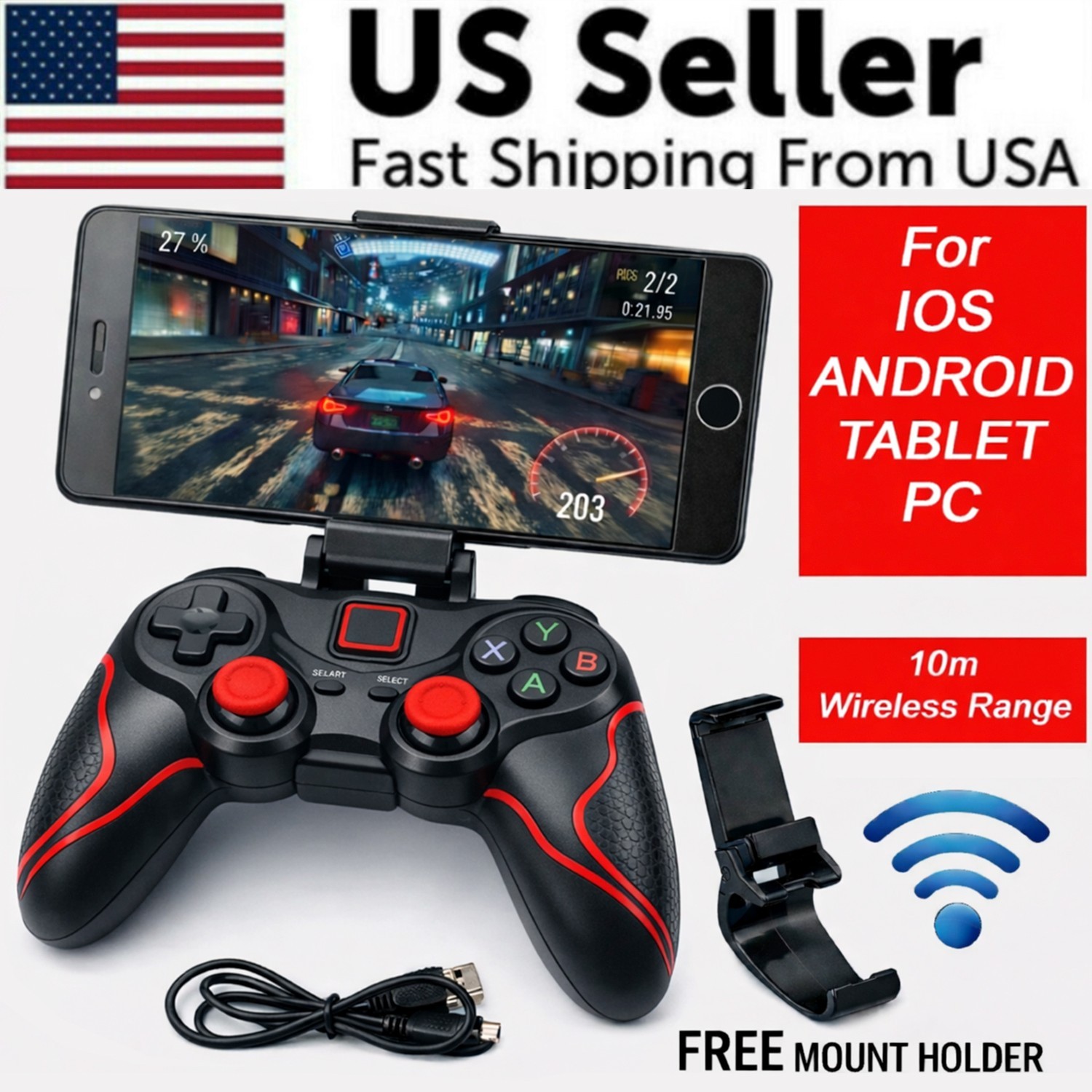 Wireless Bluetooth Game Controller Gamepad For Android iPhone Tablet PC Phone$12.89Last checked Nov 28, 2026View on eBay
- Wireless Bluetooth Game Controller Gamepad For Android iPhone Tablet PC Phone$12.89View on eBay
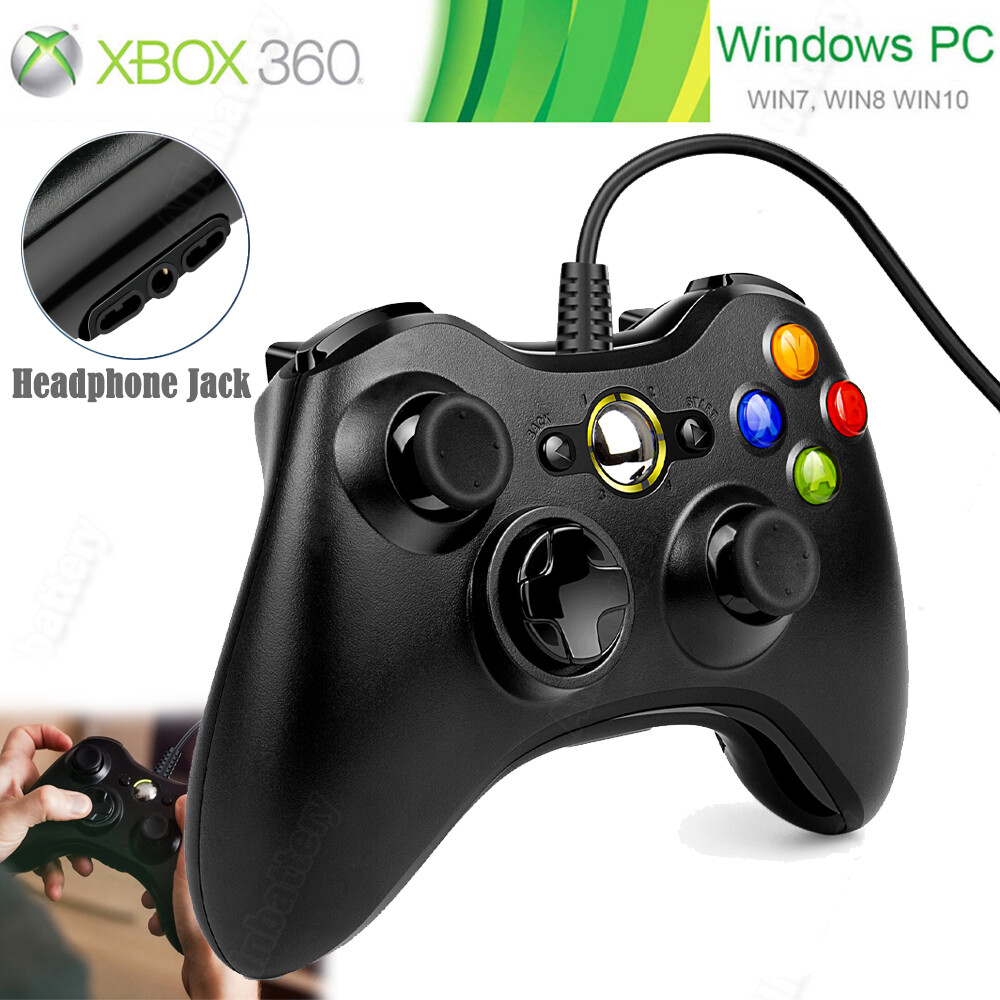 For Microsoft Xbox 360 Wired USB Game Controller PC Windows 11/10/8/7/XP Gamepad$13.38View on eBay
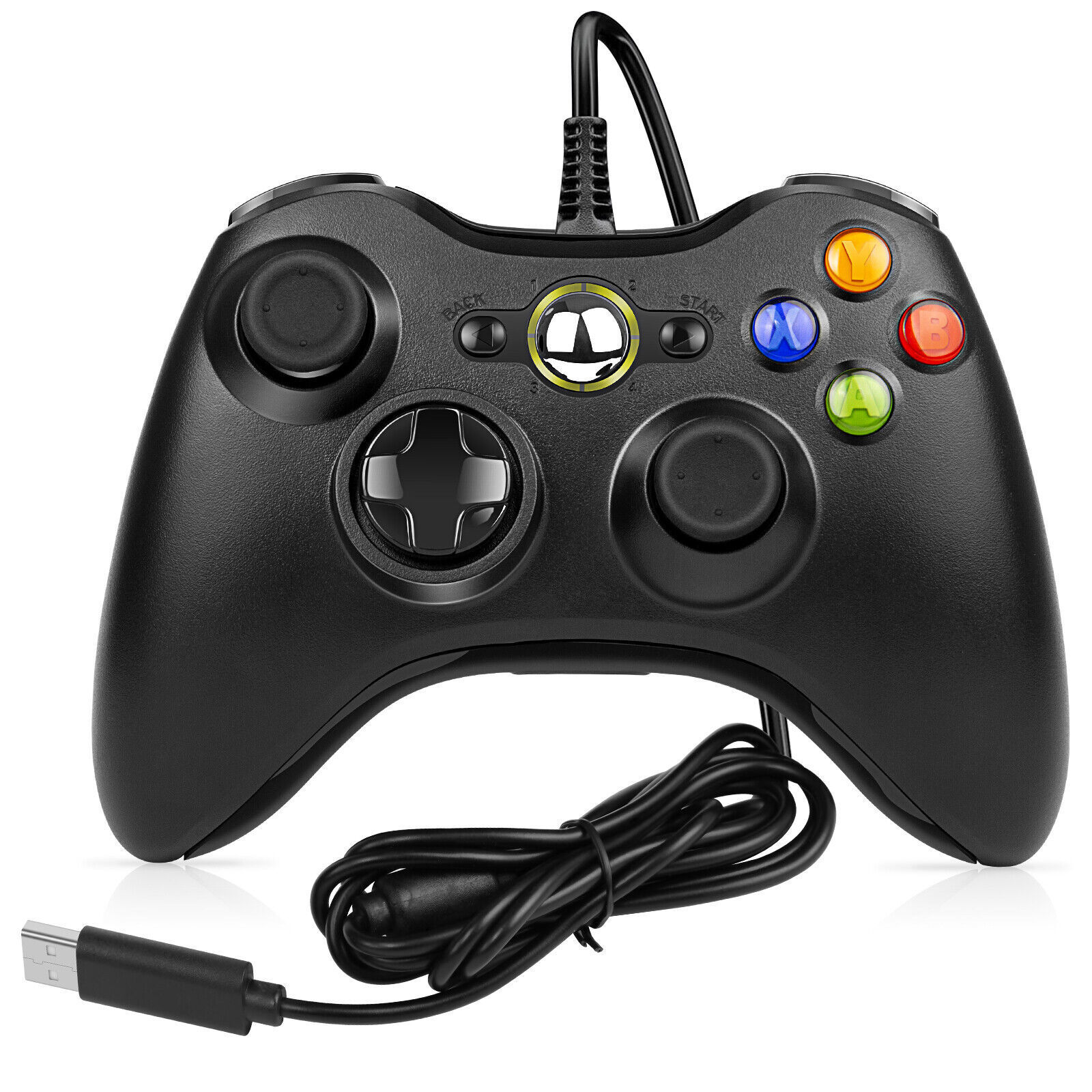 For Microsoft Xbox 360 Wired USB Game Controller PC Windows 11/10/8/7/XP Gamepad$13.75Last checked Nov 27, 2026View on eBay
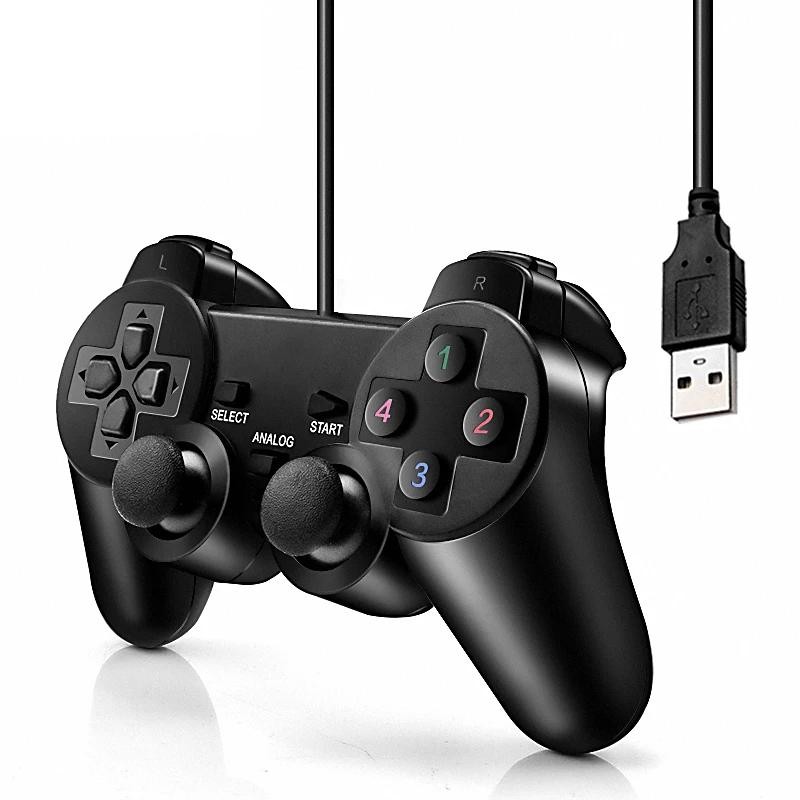 USB Wired PC Game Controller Vibration Plug & Play for Windows Laptop$13.99Last checked Nov 27, 2026View on eBay
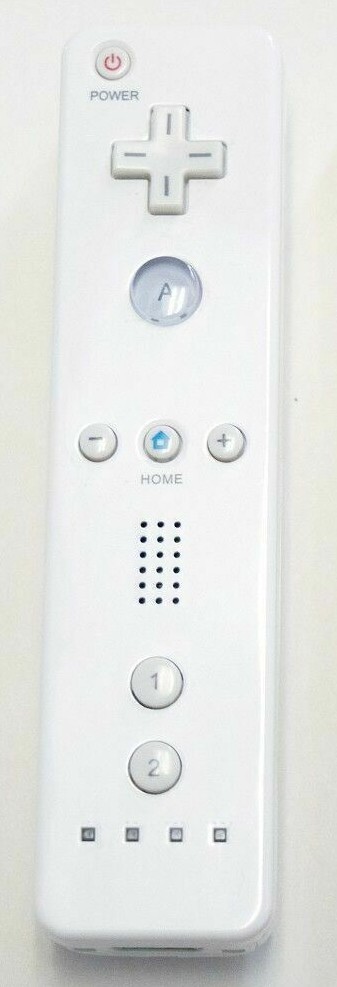 NEW Game Remote Controller Wand WHITE for Nintendo Wii & Wii U motion wiimote$15.91View on eBay
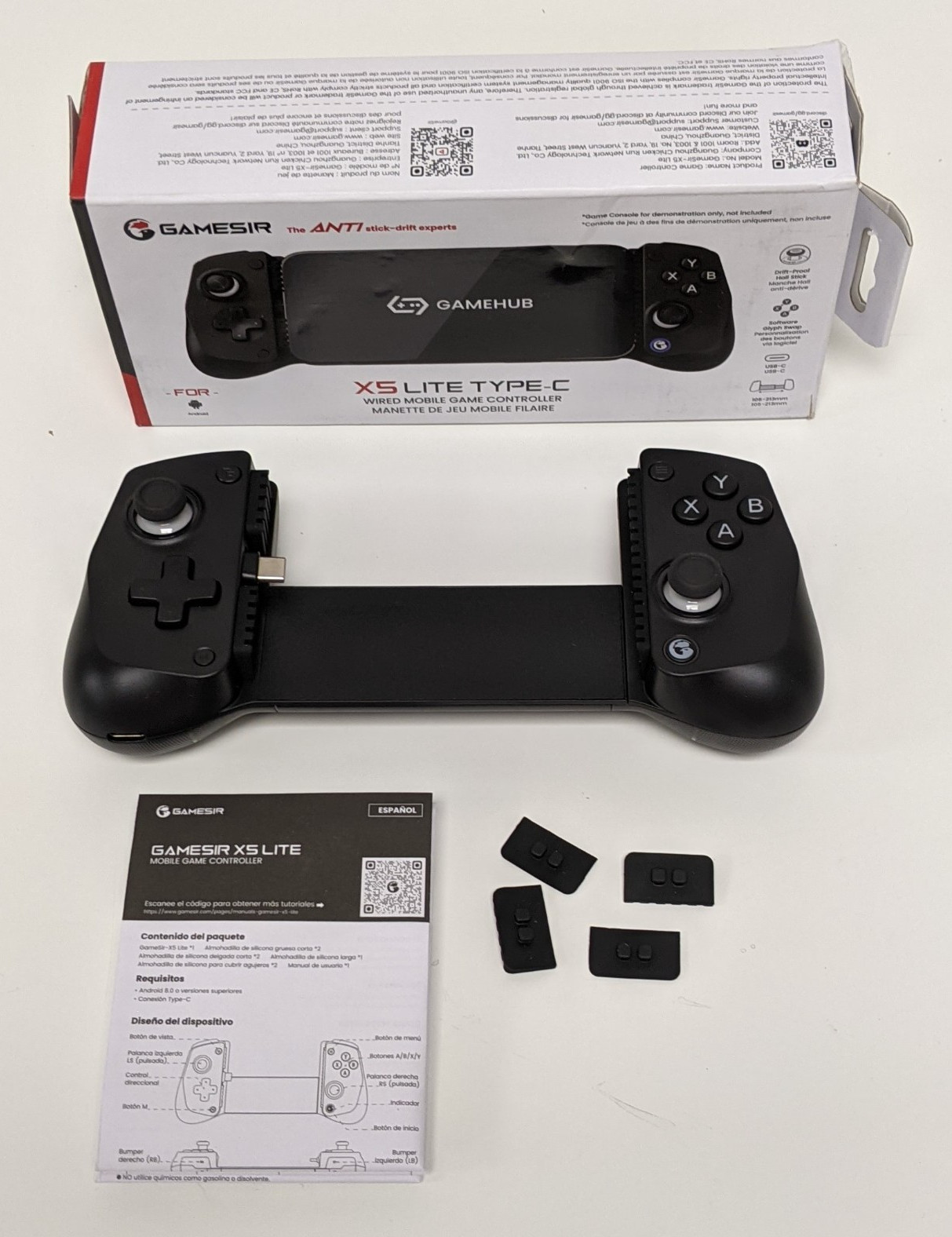 GameSir X5 Lite Type-C Wired Mobile Game Controller for Android USB-C$19.99View on eBay
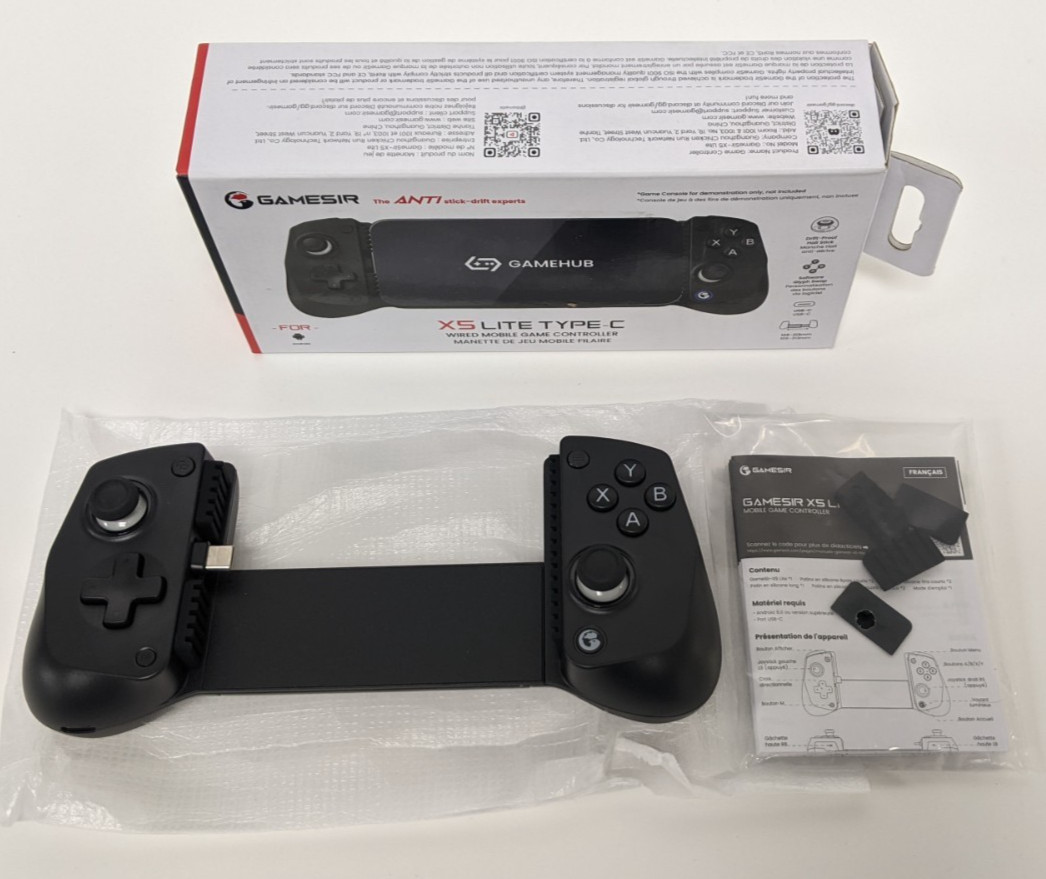 GameSir X5 Lite Type-C Wired Mobile Game Controller for Android USB-C$22.99View on eBay
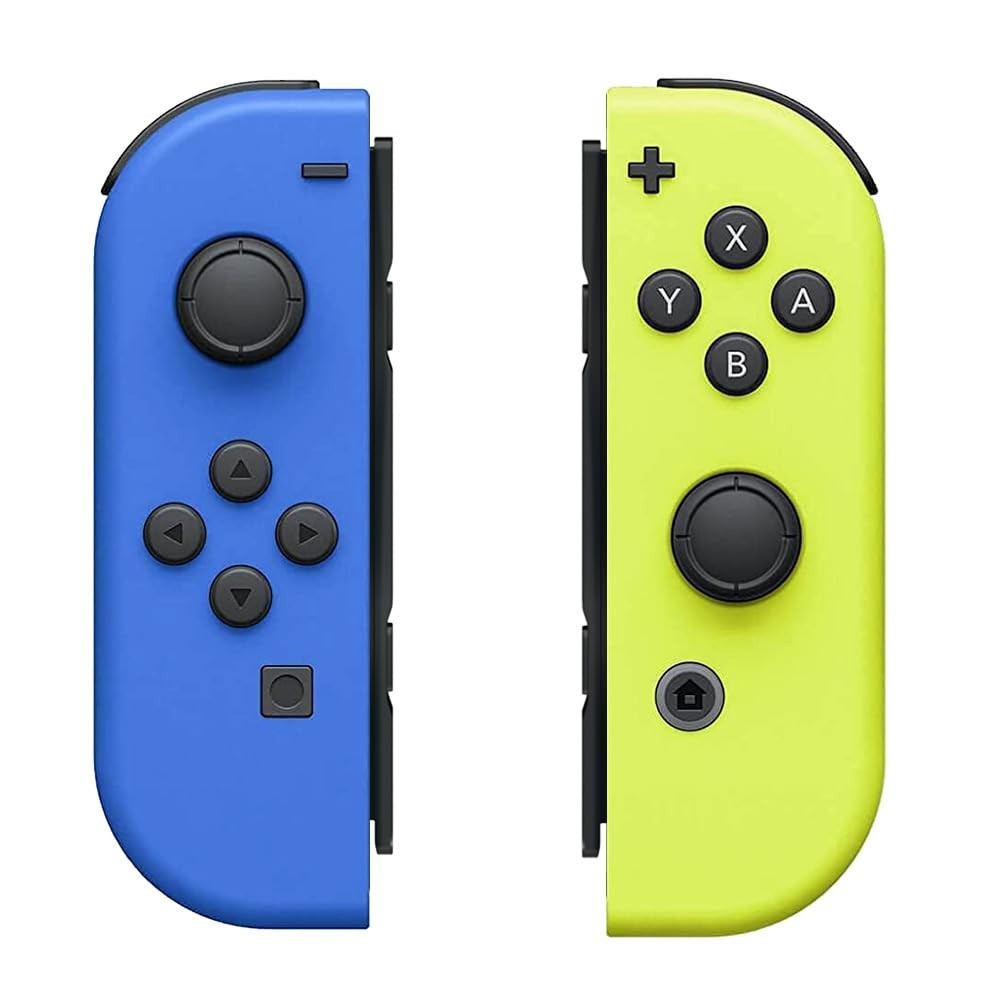 Wireless Gamepad Left & Right Game Controller For Nintendo Switch Joy-Con1-Pair$24.99Last checked Nov 27, 2026View on eBay
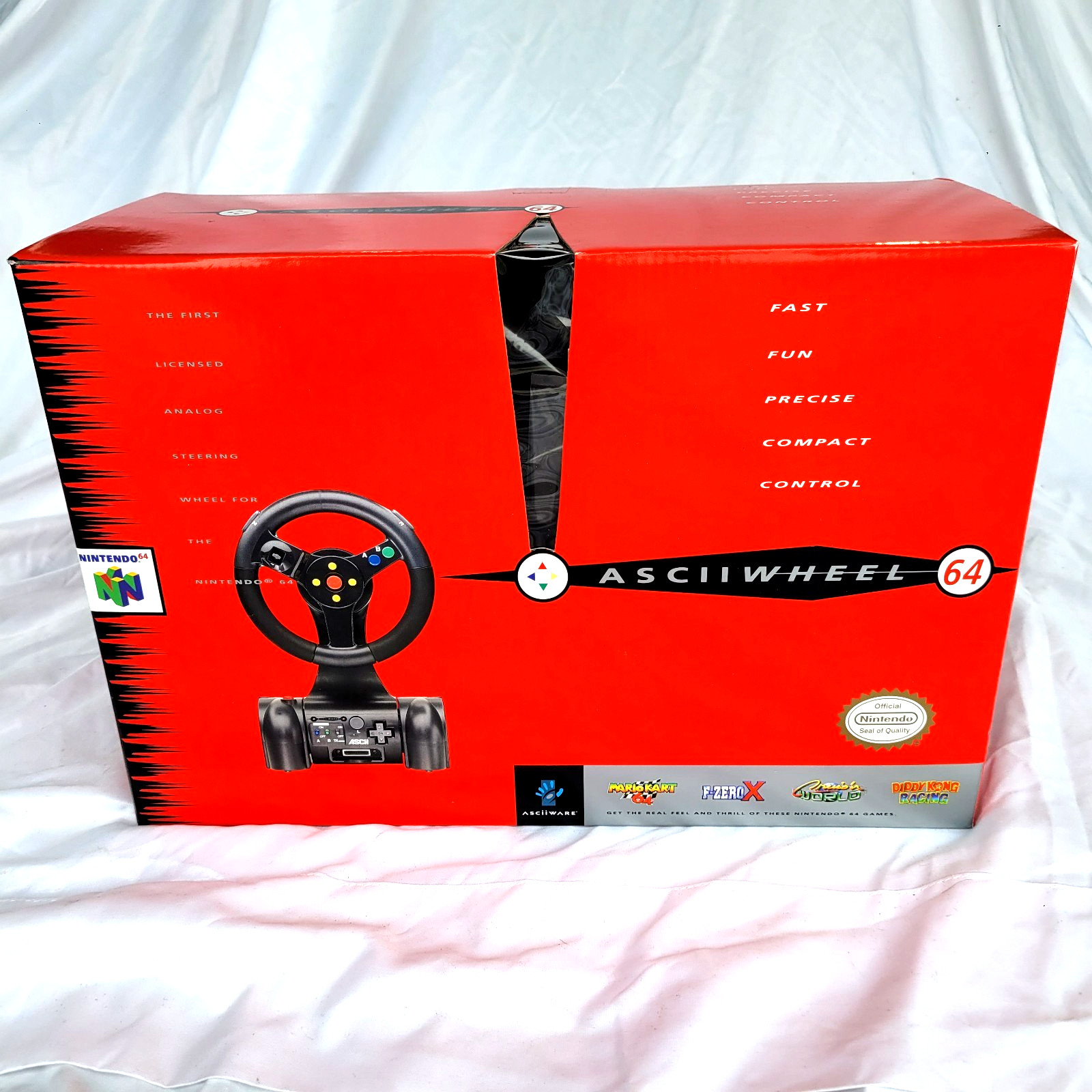 N64 Steering Wheel Controller Driving Games Nintendo 64 - for Mario Kart + more$33.51Last checked Nov 20, 2026View on eBay
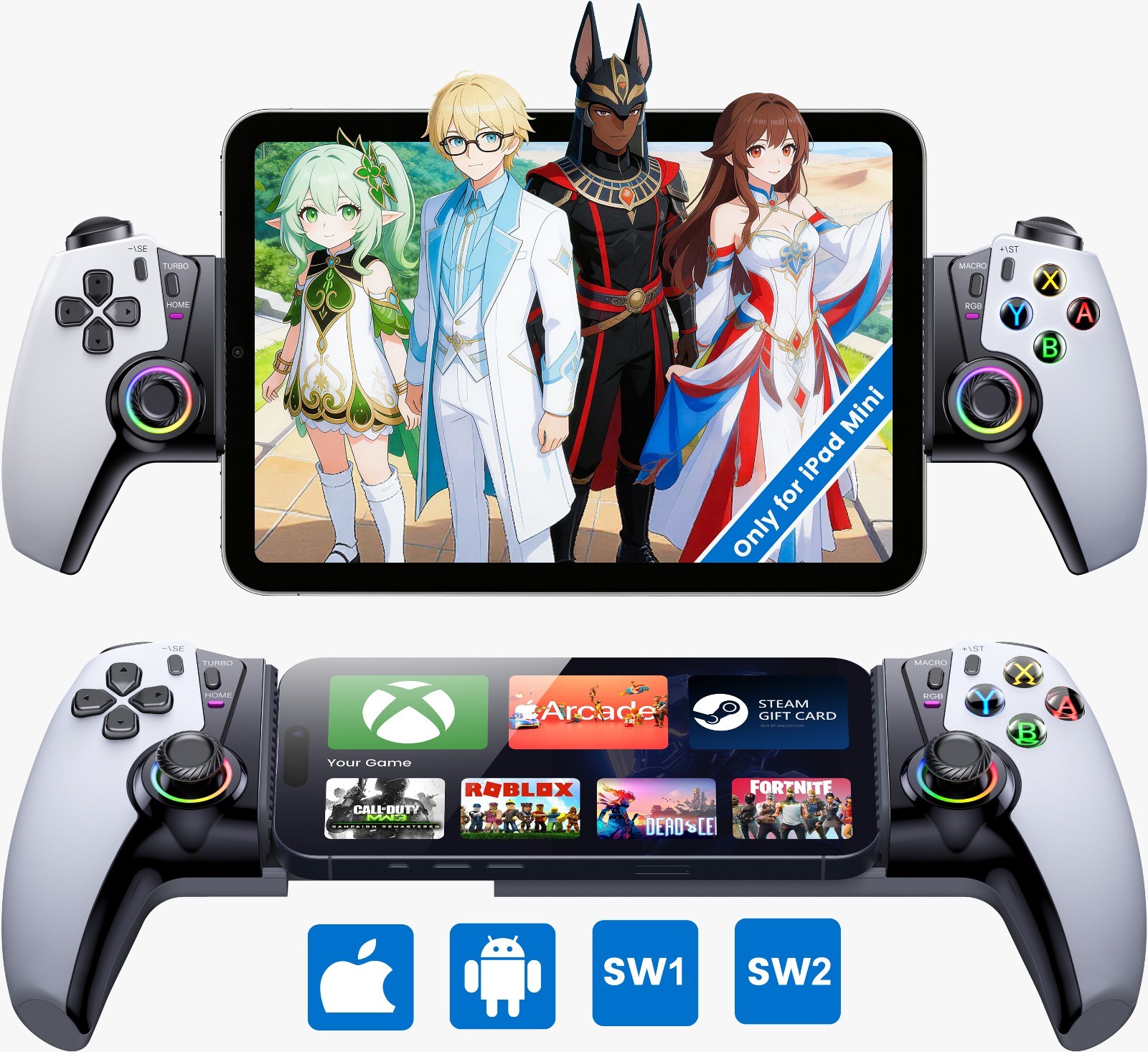 for Switch 2/OLED/iOS/Android Wireless Bluetooth Mobile Phone Game Controller$46.99Last checked Nov 20, 2026View on eBay
Highlights
- Connection architecture matters most: wired USB controllers are lag-free and bus-powered; Bluetooth pads pair across Switch, PS, and mobile; 2.4GHz dongles are PC/console-specific.
- Hall-effect sticks and triggers eliminate drift because they sense magnetically with no physical wiper contact, while standard potentiometer sticks wear out over time.
- First-party pads (Xbox, DualSense, Switch Pro) guarantee full feature support and firmware updates; third-party pads may lack rumble, gyro, or native button mapping.
- Joystick quality is graded by dead zone and resolution: 8-bit sticks (256 positions) feel coarse, while 12-bit or Hall-effect sensors deliver fine analog control.
Best use cases
- Best fit for iPad or mobile: pick a Bluetooth controller with MFi or native iOS support (Xbox Wireless, DualSense, or Switch Pro) — skip generic 2.4GHz dongle pads that need a USB-A port.
- Best fit for PC: choose a wired USB pad like the Logitech F310/F710 or an Xbox wired controller for zero-latency XInput support — skip Bluetooth-only pads if your PC lacks reliable BT.
- Best fit for Switch: use a dedicated Switch Pro-style wireless pad with gyro and HD rumble — skip PS/Xbox pads unless you accept missing motion controls and button-label mismatch.
- Wrong fit: a 'universal' no-name pad with no platform certification. It may pair but will lack rumble, gyro, and firmware updates, and its potentiometer sticks will drift within months.
Buying tips
- Match the connection to your device: USB-A wired for PC, Bluetooth for iPad/Android/Switch, and 2.4GHz dongle only where a dedicated receiver is included and your device has a free USB port.
- Prioritize Hall-effect sticks and triggers if you play competitive or long sessions — they cost more but eliminate stick drift, the most common controller failure.
- Check button and trigger layout: Xbox-style asymmetric sticks suit shooters; PlayStation-style symmetric sticks suit fighting and retro games; Switch layout swaps A/B and X/Y.
- Verify native platform support and firmware updatability: first-party pads get updates; third-party pads without update tools cannot fix compatibility bugs.
Specs
| Connection Type | Wired USB / Bluetooth / 2.4GHz dongle |
|---|---|
| Stick Mechanism | Hall-effect vs potentiometer |
| Platform Support | PC / Switch / PlayStation / Mobile |
| Stick Resolution | 8-bit (256) vs 12-bit analog |
Related searches
What to check before buying
- Confirm your device's connection: iPad/iPhone and Android need Bluetooth (MFi or native); PC benefits from USB-A or 2.4GHz dongle; Switch needs Bluetooth with gyro support.
- Measure your hand size and grip preference: full-size pads suit larger hands; compact or mobile-clip pads suit travel and small hands.
- Check whether the pad includes a charging cable, dongle, or phone clip — many third-party pads omit these and require separate purchase.
- Verify OS and generation compatibility: PS3 pads need specific drivers on PC; Xbox One/Series pads use Bluetooth only from the 2016 revision onward.
FAQ
Data sources: eBay / Amazon listings and product attribute feeds. Updated Nov 28, 2026.
Some links on this page are affiliate links. If you buy after clicking one, we may earn a commission at no extra cost to you. This does not change which products appear here or their order. Affiliate disclosure.