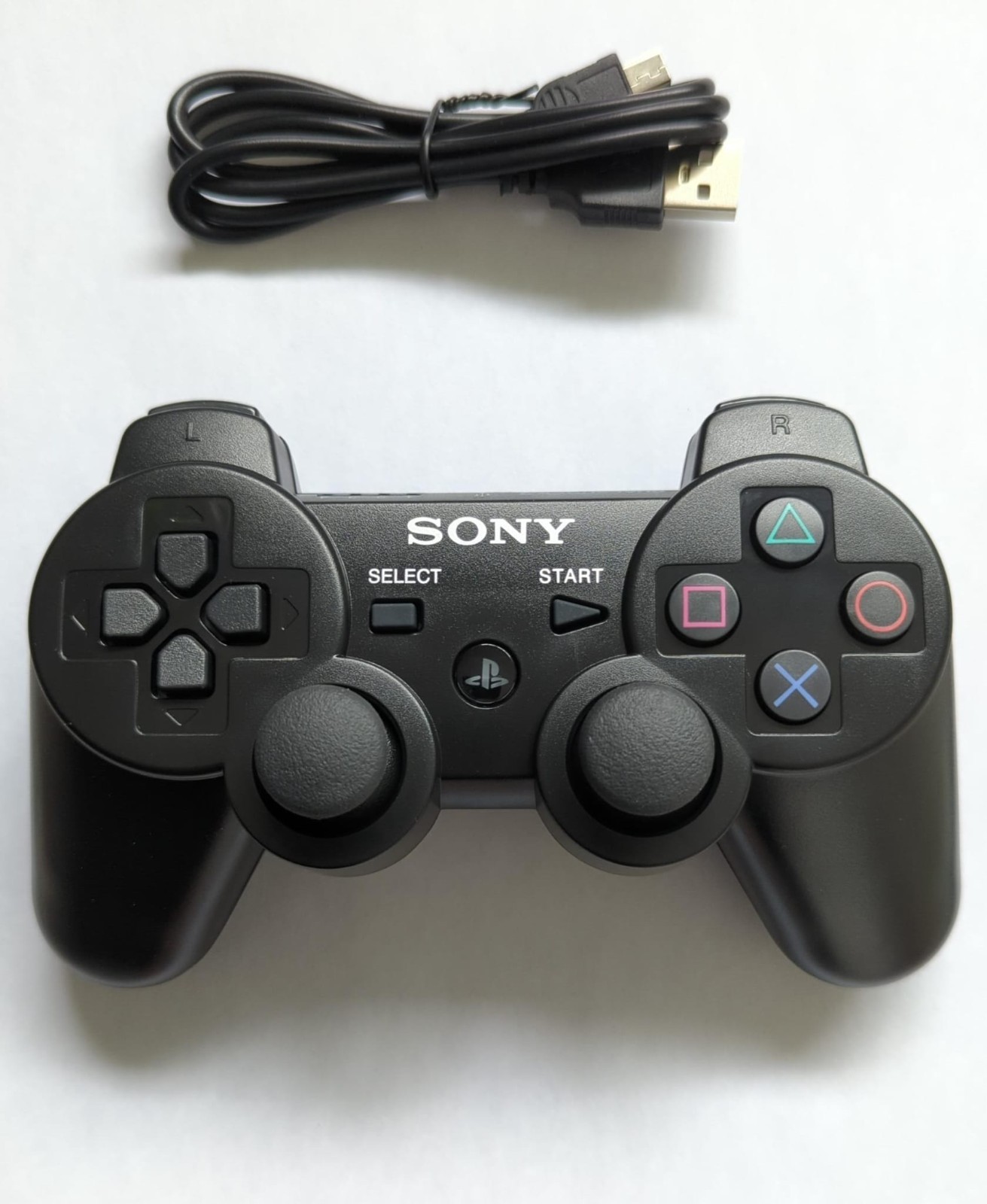

Photos from current listings. Actual item, color, and included accessories may vary.
Dualshock 4 Wireless Controller Buying Guide
The DualShock 4 is Sony's official wireless controller for the PlayStation 4, defined by its hybrid analog-trigger and capacitive-touchpad layout. The key buyer trade-off is between the original CUH-ZCT1 generation and the revised CUH-ZCT2, which adds a front-facing light bar for PS4 camera tracking and improved USB communication. Buy the ZCT2 for full PS4 and PC compatibility; treat any non-Sony or unlabeled variant as a durability and pairing-risk compromise.
Median $30.09
Key takeaways
- CUH-ZCT2 adds a light bar on the touchpad face so the PlayStation Camera can track it when held in front of the TV, unlike the CUH-ZCT1.
- Both generations use Bluetooth 2.1+EDR wireless and a micro-USB charge/data port; the ZCT2 supports wired USB communication for lower latency on PC.
- The internal 1000 mAh Li-ion battery typically yields 4-8 hours per charge depending on light bar brightness, rumble, and headset use.
At a glance
- Category
- Controllers & Gaming Accessories
- Last updated
- Nov 28, 2026
Current offers
Highlights
- CUH-ZCT2 adds a light bar on the touchpad face so the PlayStation Camera can track it when held in front of the TV, unlike the CUH-ZCT1.
- Both generations use Bluetooth 2.1+EDR wireless and a micro-USB charge/data port; the ZCT2 supports wired USB communication for lower latency on PC.
- The internal 1000 mAh Li-ion battery typically yields 4-8 hours per charge depending on light bar brightness, rumble, and headset use.
- Genuine Sony controllers use Alps analog sticks and a six-axis motion sensor; third-party clones often substitute lower-grade sticks that drift sooner.
Best use cases
- Pick the CUH-ZCT2 if you play PS4 with the PlayStation Camera or VR, need wired USB mode on PC, or want the latest revision—skip the ZCT1 unless it is a budget second controller.
- Choose a genuine Sony DualShock 4 for tournament or daily PS4 play where stick precision and trigger feel matter; skip white-label clones for competitive use.
- Use the DualShock 4 on PC via Steam's native PS4 configuration or DS4Windows for legacy titles; skip it for Xbox-native games that only show Xbox button prompts without remapping.
- Buy a second controller for local co-op or as a charging-rotation spare; skip bulk unbranded bundles when you need consistent analog calibration across units.
Buying tips
- Match the model code: CUH-ZCT1 is the original 2013 revision, CUH-ZCT2 is the 2016 revision with the touchpad light bar and USB wired mode—the ZCT2 is the safer buy.
- Confirm the battery is the internal 1000 mAh cell and the port is micro-USB; any listing claiming USB-C on a DualShock 4 is mislabeled or a clone.
- For PC use, plan on Bluetooth 2.1+EDR or a micro-USB data cable; a charge-only cable will not carry input data.
- Replace worn analog stick caps with 10 mm OEM-style caps; stick drift usually traces to the potentiometer module, not the cap.
Specs
| Model Revision | CUH-ZCT1 (orig) / CUH-ZCT2 (rev) |
|---|---|
| Connectivity | Bluetooth 2.1+EDR / micro-USB wired |
| Battery | 1000 mAh Li-ion, 4-8 hr typical |
| Stick Layout | Symmetrical dual analog + touchpad |
Related searches
What to check before buying
- Verify you have a free USB-A port or a Bluetooth adapter on your PC; the DualShock 4 pairs over Bluetooth 2.1+EDR.
- Check your PS4 camera setup: the ZCT2 light bar is required for PlayStation Camera tracking in front-of-TV play.
- Measure hand size and grip preference—the DualShock 4 is a compact symmetrical-stick pad, not an Xbox-style offset layout.
- Confirm the listing includes a micro-USB cable if you plan wired PC play; charge-only cables are common and will not work.
FAQ
Data sources: eBay / Amazon listings and product attribute feeds. Updated Nov 28, 2026.
Some links on this page are affiliate links. If you buy after clicking one, we may earn a commission at no extra cost to you. This does not change which products appear here or their order. Affiliate disclosure.