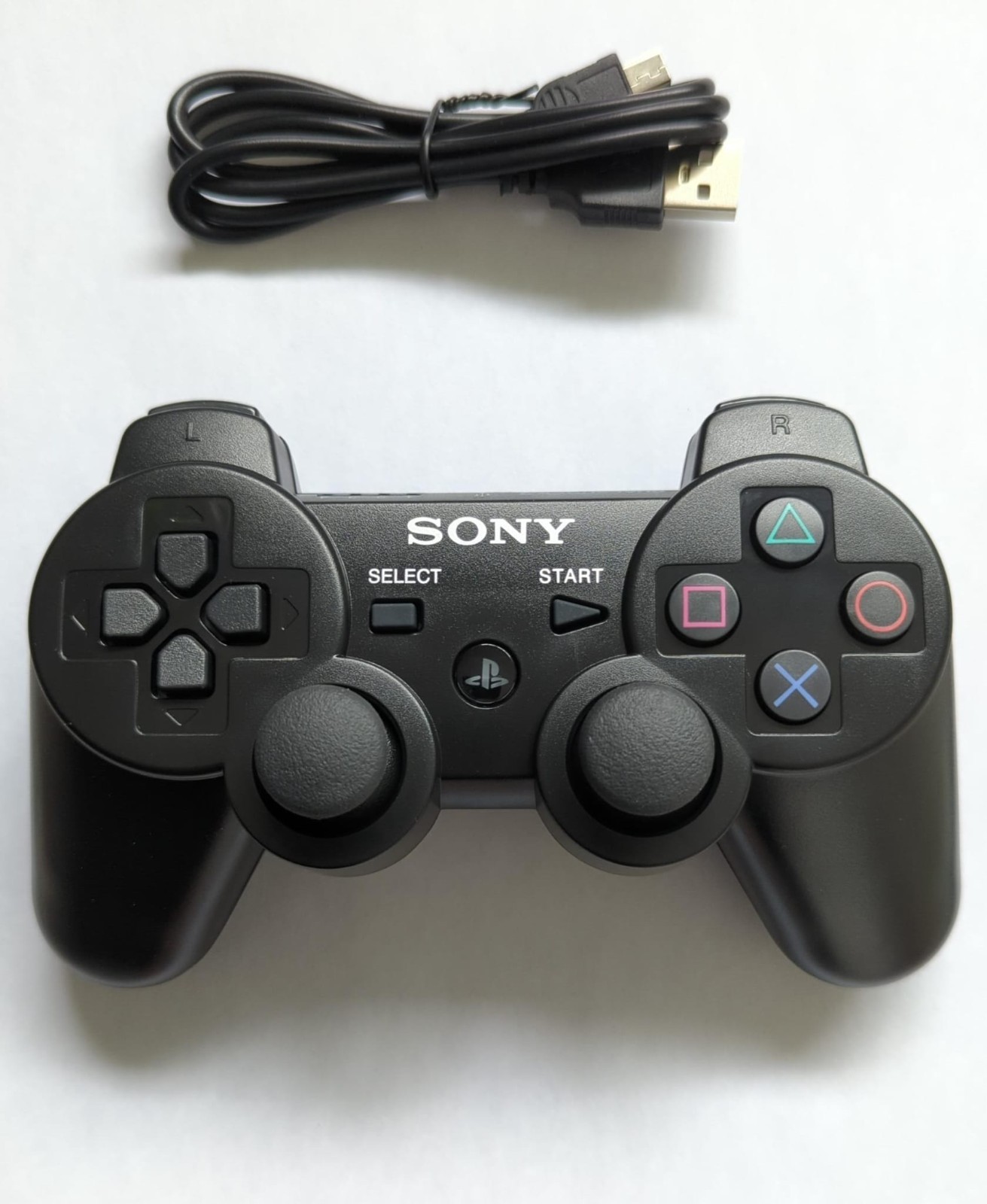

Photos from current listings. Actual item, color, and included accessories may vary.
Dualshock 4 Controller Buying Guide
The DualShock 4 is Sony's official wireless controller for the PlayStation 4, pairing Bluetooth wireless with a built-in rechargeable battery, a clickable touchpad, and a share button. The main buying trade-off is generation: original CUH-ZCT1 units use a micro-USB port and a light bar that cannot dim, while CUH-ZCT2 units add a front-facing light bar, wired USB communication, and roughly 30% longer battery life. Buy a genuine CUH-ZCT2 (or a licensed third-party pad) for durability; skip unbranded clones that use lower-grade sticks and mushy triggers.
Median $30.09
Key takeaways
- CUH-ZCT1 (launch) vs CUH-ZCT2 (later) differ in micro-USB durability, front light bar, and wired USB mode; ZCT2 is the revised board with better battery endurance.
- Official DS4 uses a 1000 mAh internal Li-ion pack rated at roughly 8-10 hours of play; battery age on used units drops capacity noticeably after 2-3 years.
- Genuine controllers use ALPS analog stick modules and rubber-dome face buttons; clones typically use generic potentiometers that drift and dead-zone wear within months.
At a glance
- Category
- Controllers & Gaming Accessories
- Last updated
- Nov 28, 2026
Current offers
Highlights
- CUH-ZCT1 (launch) vs CUH-ZCT2 (later) differ in micro-USB durability, front light bar, and wired USB mode; ZCT2 is the revised board with better battery endurance.
- Official DS4 uses a 1000 mAh internal Li-ion pack rated at roughly 8-10 hours of play; battery age on used units drops capacity noticeably after 2-3 years.
- Genuine controllers use ALPS analog stick modules and rubber-dome face buttons; clones typically use generic potentiometers that drift and dead-zone wear within months.
- Bluetooth 2.1 wireless plus micro-USB wired; DS4 works natively on PS4 and via Steam/DirectInput on PC, but not on PS5 for native PS5 games.
Best use cases
- Best fit: PS4 owners wanting the native touchpad, gyro, and light-bar features in supported games — buy a CUH-ZCT2 in your preferred color, ideally with the USB cable included.
- Best fit: PC players using Steam's built-in DS4 profile or DS4Windows — a wired CUH-ZCT2 avoids Bluetooth pairing quirks and gives lower input latency.
- Wrong fit: PS5 owners wanting to play native PS5 titles — DS4 is not supported there; use a DualSense instead. DS4 only works on PS5 for backward-compatible PS4 games.
- Skip: unbranded 'DS4-style' clones at very low cost — they lack genuine ALPS sticks and often ship with no gyro or a non-functional touchpad.
Buying tips
- Prefer CUH-ZCT2 over CUH-ZCT1: the ZCT2 adds wired USB data mode and a front light bar, and its revised battery and micro-USB port hold up better on used units.
- Check the model code on the back label: ZCT1 ends in a 1-series code, ZCT2 in a 2-series; avoid listings that only show a stock photo without the rear label.
- Test stick drift before buying used: circular dead-zone drift of more than a few percent at rest means worn ALPS modules and a replacement is needed.
- Budget for a replacement battery on any used DS4 older than 3 years: the 1000 mAh cell is user-replaceable with a small Phillips driver and costs less than a new controller.
Specs
| Generation | CUH-ZCT1 (launch) vs CUH-ZCT2 (revised) |
|---|---|
| Connection | Bluetooth 2.1 wireless + micro-USB wired |
| Battery | 1000 mAh Li-ion, ~8-10 hr (new) |
| Compatibility | PS4 native; PC via Steam; PS5 PS4 games |
Related searches
What to check before buying
- Confirm your platform: PS4 (full support), PC via Steam/DirectInput (full support with config), PS5 (PS4 games only) — DS4 will not work on native PS5 titles.
- Inspect the rear label for the CUH-ZCT2 model code and a legible serial; ZCT1 units are older and more likely to have worn micro-USB ports.
- For used units, ask for a photo of the analog sticks at rest in a game menu; visible drift or a worn rubber cap indicates heavy use.
- Check that the micro-USB port is intact and that a cable is included — the DS4 does not include a charging cable in every used listing.
FAQ
Data sources: eBay / Amazon listings and product attribute feeds. Updated Nov 28, 2026.
Some links on this page are affiliate links. If you buy after clicking one, we may earn a commission at no extra cost to you. This does not change which products appear here or their order. Affiliate disclosure.