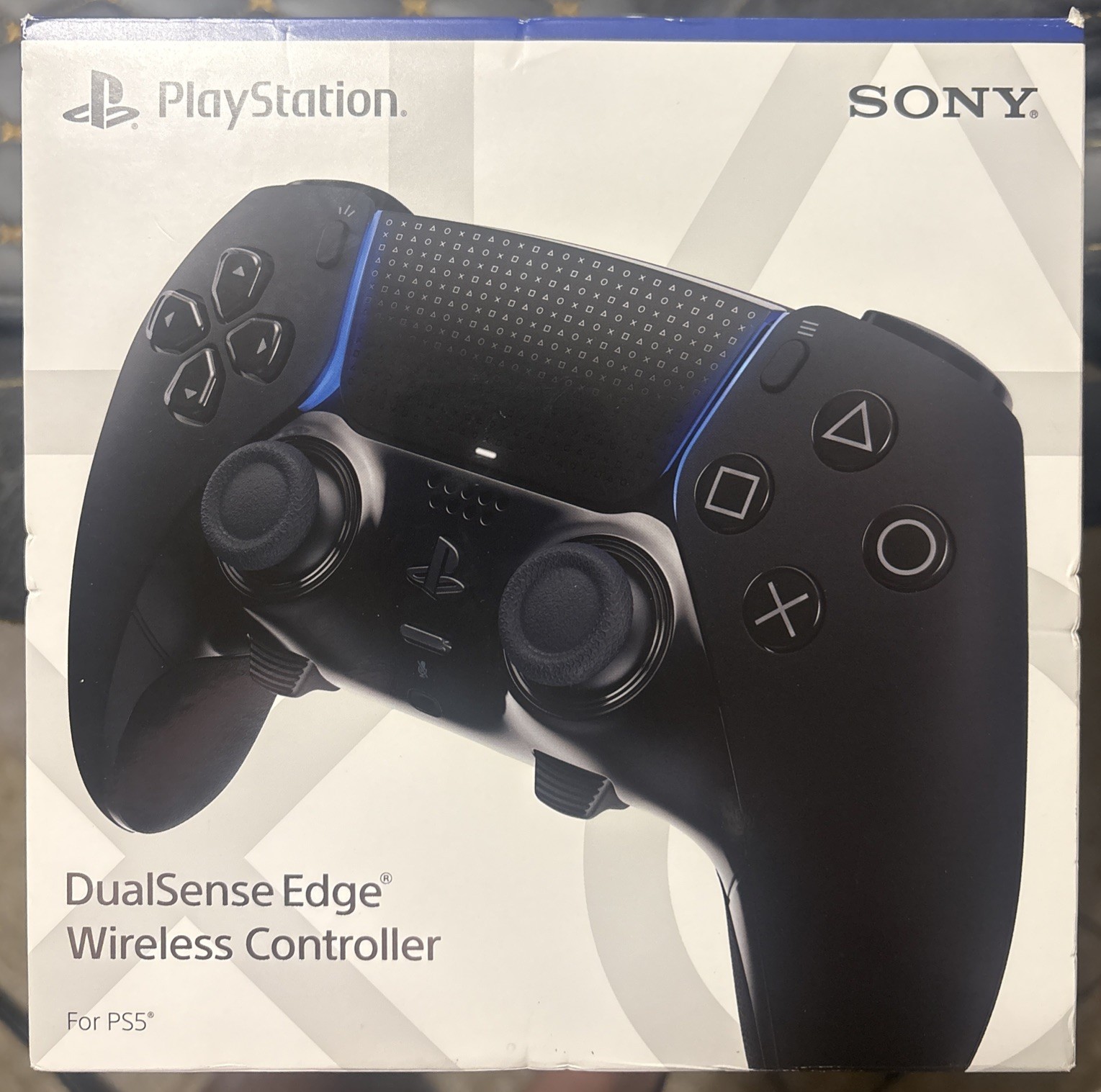

Photos from current listings. Actual item, color, and included accessories may vary.
Dualsense Edge Controller Buying Guide
The DualSense Edge is Sony's official pro-grade PS5 controller, adding swappable stick modules, back buttons, adjustable trigger stops, and on-the-fly profiles over the standard DualSense. The core trade-off is modular repairability and tuning depth versus a roughly 20% shorter battery life and a higher price than the base pad. Buy it only if you need stick-drift mitigation, back-paddle inputs, or per-game profiles; otherwise the standard DualSense delivers the same haptics and adaptive triggers for less.
Key takeaways
- Swappable stick modules (sold separately) let you replace worn or drifting analog sticks in seconds with a single screw, unlike soldered sticks on the standard DualSense.
- Two back buttons plus two half-dome and two lever-style rear paddles map to any face or shoulder input, and four on-board profiles switch instantly via FN keys.
- Adjustable trigger stops with three travel depths (full, medium, short) suit shooters and racing games, while the included carry case and braided USB-C cable round out the kit.
At a glance
- Category
- Controllers & Gaming Accessories
- Last updated
- Nov 28, 2026
Current offers
Highlights
- Swappable stick modules (sold separately) let you replace worn or drifting analog sticks in seconds with a single screw, unlike soldered sticks on the standard DualSense.
- Two back buttons plus two half-dome and two lever-style rear paddles map to any face or shoulder input, and four on-board profiles switch instantly via FN keys.
- Adjustable trigger stops with three travel depths (full, medium, short) suit shooters and racing games, while the included carry case and braided USB-C cable round out the kit.
- Battery capacity is smaller than the standard DualSense, yielding roughly 4–6 hours of play versus 8–12 hours, so heavy sessions need USB-C charging breaks.
Best use cases
- Best fit: competitive shooter and fighting-game players who need back-paddle inputs and swappable sticks to combat drift—buy the Edge and budget for spare stick modules.
- Best fit: players who cycle between multiple games with distinct sensitivity and button maps—use the four on-board profiles and FN-key switching instead of reconfiguring menus.
- Wrong fit: casual single-player gamers who rarely use back buttons—the standard DualSense matches haptics, adaptive triggers, and ergonomics at lower cost and longer battery life.
- Wrong fit: PC-only players expecting full Edge feature support—profile and FN-key customization require the PS5 system UI; on PC, back buttons and trigger stops work but advanced software tuning is limited.
Buying tips
- Confirm you are buying the Edge model, not the standard DualSense: the Edge includes a black carry case, braided USB-C cable, stick caps, and rear paddles; the standard pad ships with none of these.
- Budget for at least one spare stick module pair—drift is the most common failure mode, and the Edge's modular design only pays off if you keep replacements on hand.
- The Edge uses the same USB-C charging standard as the standard DualSense; any PD charger or the PS5's front USB ports work, but the smaller battery means shorter untethered sessions.
- If you play on PC, verify your game supports Steam Input or DS4Windows for back-button remapping—Edge-specific profiles are configured on PS5, not in PC drivers.
Specs
| Stick Modules | Swappable, tool-free replacement |
|---|---|
| Rear Inputs | 2 back buttons + 4 paddles |
| Trigger Stops | 3 adjustable travel depths |
| Battery Life | ~4-6 hr (USB-C, shorter than base) |
Related searches
What to check before buying
- Confirm your PS5 is running current system software—Edge profile switching and FN-key customization require recent firmware.
- Check your play sessions: if you routinely play more than 4–6 hours untethered, plan for a USB-C charging cable or a second controller.
- Verify your games support remappable back buttons—most PS5 and PS4 titles do via system-level mapping, but some competitive titles restrict macro-style inputs.
- If buying for PC, confirm your OS and game launcher recognize DualSense input; Steam handles it natively, while other launchers may need DS4Windows.
FAQ
Data sources: eBay / Amazon listings and product attribute feeds. Updated Nov 28, 2026.
Some links on this page are affiliate links. If you buy after clicking one, we may earn a commission at no extra cost to you. This does not change which products appear here or their order. Affiliate disclosure.