
Photos from current listings. Actual item, color, and included accessories may vary.
Bluetooth Controller iPhone Buying Guide
A Bluetooth controller for iPhone is any gamepad that pairs over Apple's supported Bluetooth profiles to play iOS/iPadOS games, cloud streaming, and emulators without a cable. The core trade-off is Apple MFi licensing and iOS-native input support versus cheap generic HID pads that pair but drop buttons or lack clickable sticks. The decision rule: buy an MFi-certified or officially supported pad (Xbox Wireless, DualSense/DualShock 4, Backbone-class) unless you only need basic emulator input from a budget generic HID pad.
Median $19.49
Key takeaways
- MFi (Made for iPhone) certification guarantees full button, stick-click, trigger, and d-pad mapping in iOS games; uncertified HID pads often lose L3/R3 and trigger axes.
- Official console pads pair natively: Xbox Wireless Controller (Bluetooth, model 1708+) and Sony DualSense/DualShock 4 work in iOS 14.5+ with correct layouts.
- Budget generic gamepads use Bluetooth HID and pair via Settings > Bluetooth, but many map as generic controllers with missing inputs in App Store games.
At a glance
- Category
- Controllers & Gaming Accessories
- Last updated
- Nov 28, 2026
Current offers
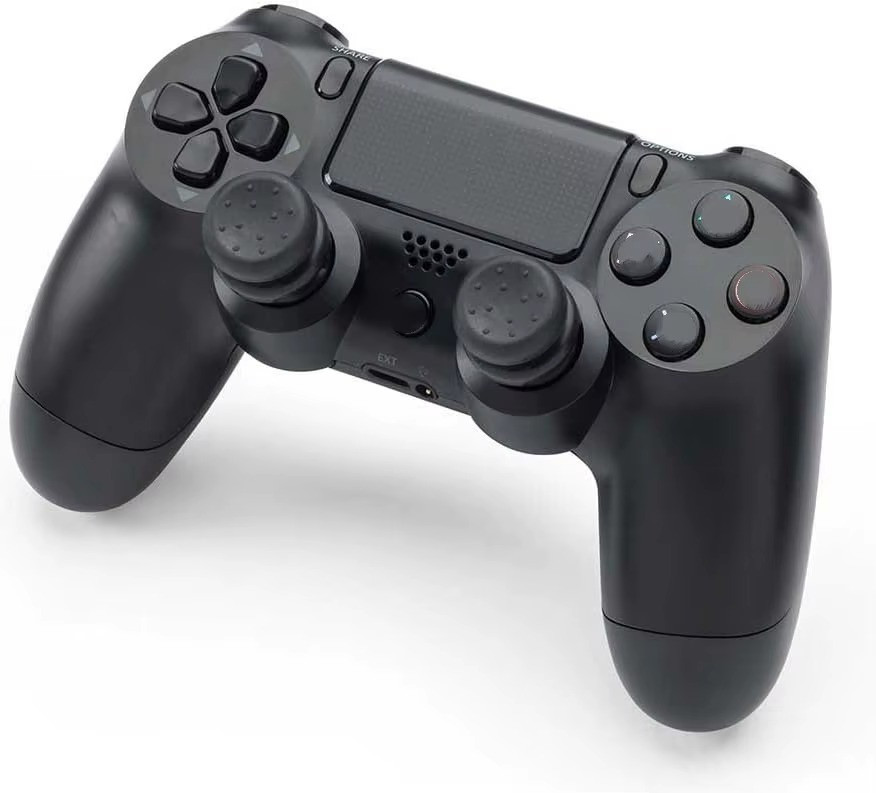 1PC Wireless Bluetooth Controller Gamepad PlayStation 4 PS4 Black Same Day 🚛✅$5.35View on eBay
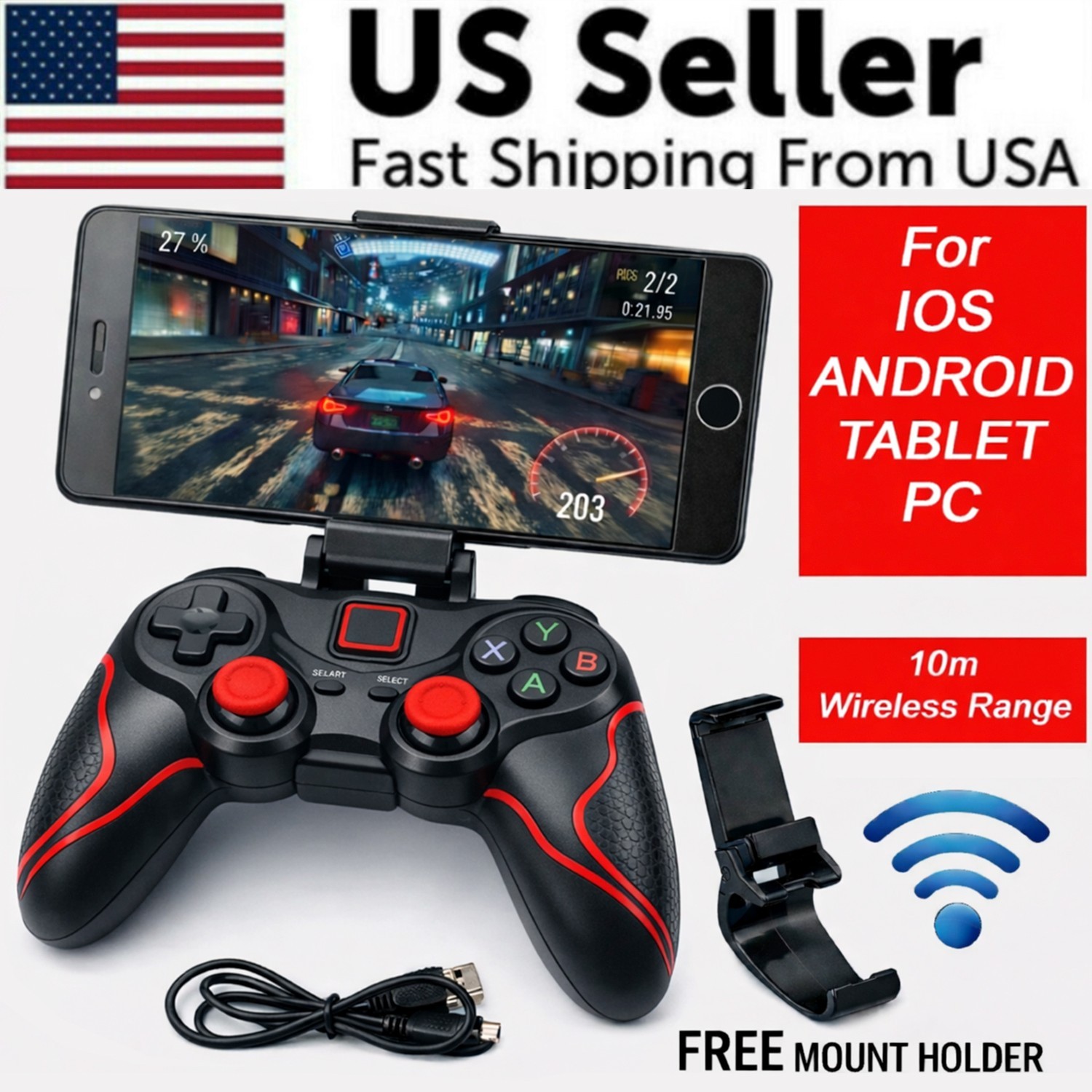 Wireless Bluetooth Game Controller Gamepad For Android iPhone Tablet PC Phone$12.89Last checked Nov 28, 2026View on eBay
- Wireless Bluetooth Game Controller Gamepad For Android iPhone Tablet PC Phone$12.89View on eBay
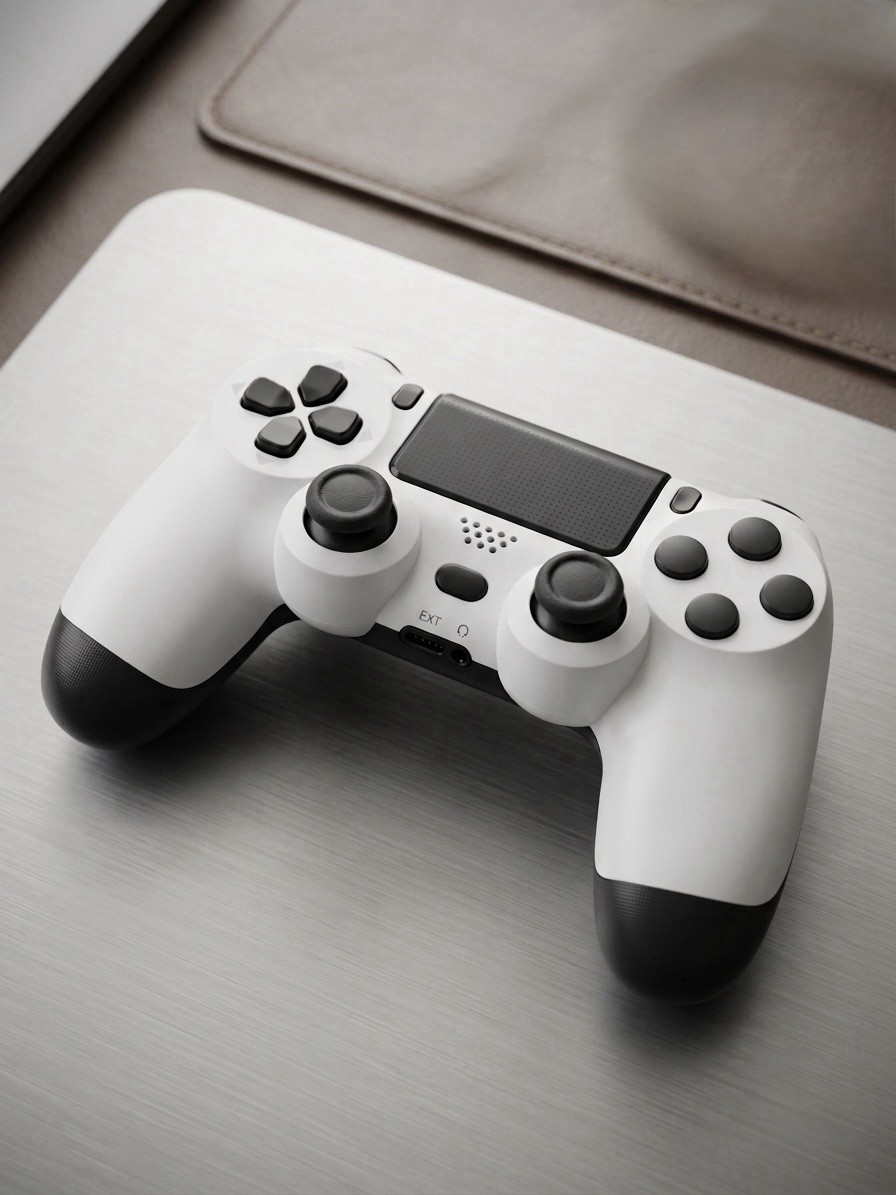 Wireless Controller Bluetooth Gamepad For PS4$15.00View on eBay
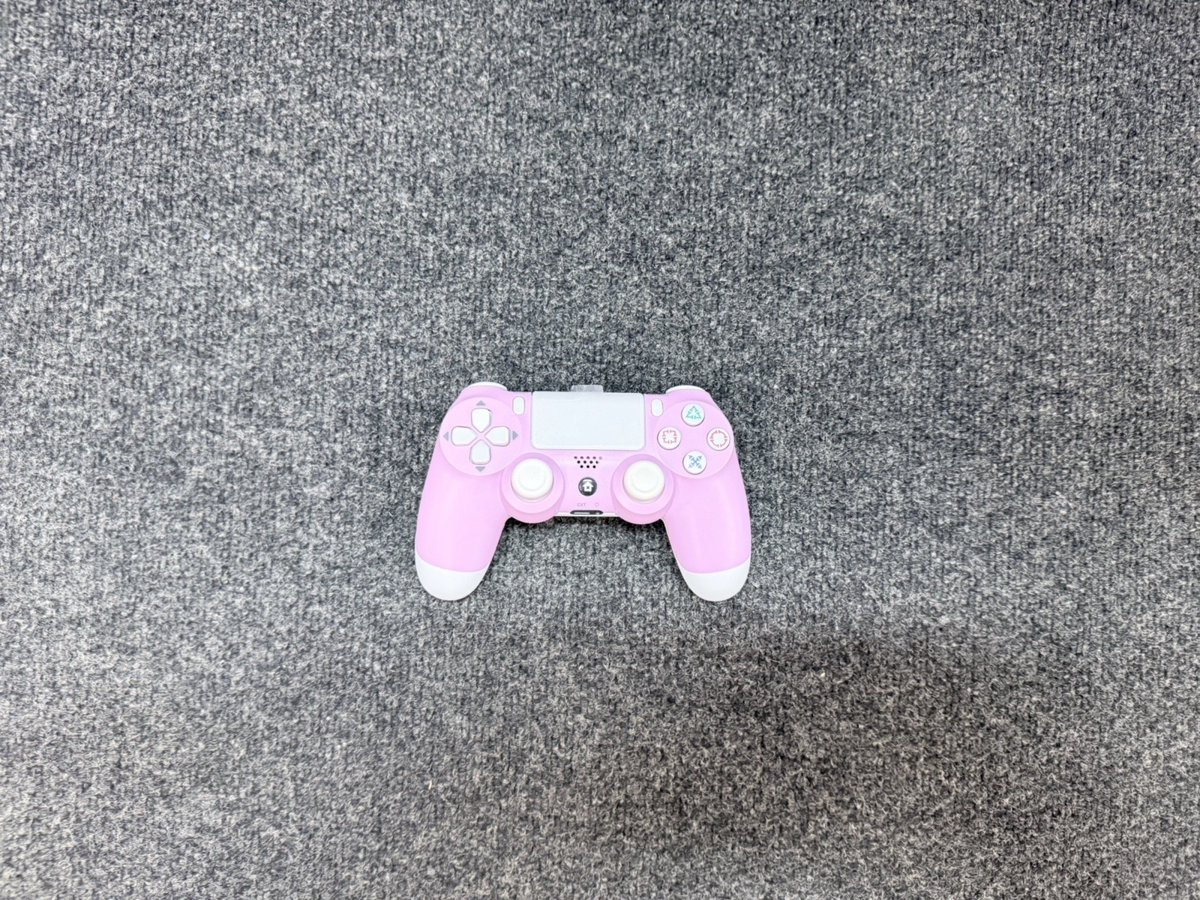 Wireless Controller Bluetooth Gamepad for PlayStation4 PS4 (Pink & White )$17.99View on eBay
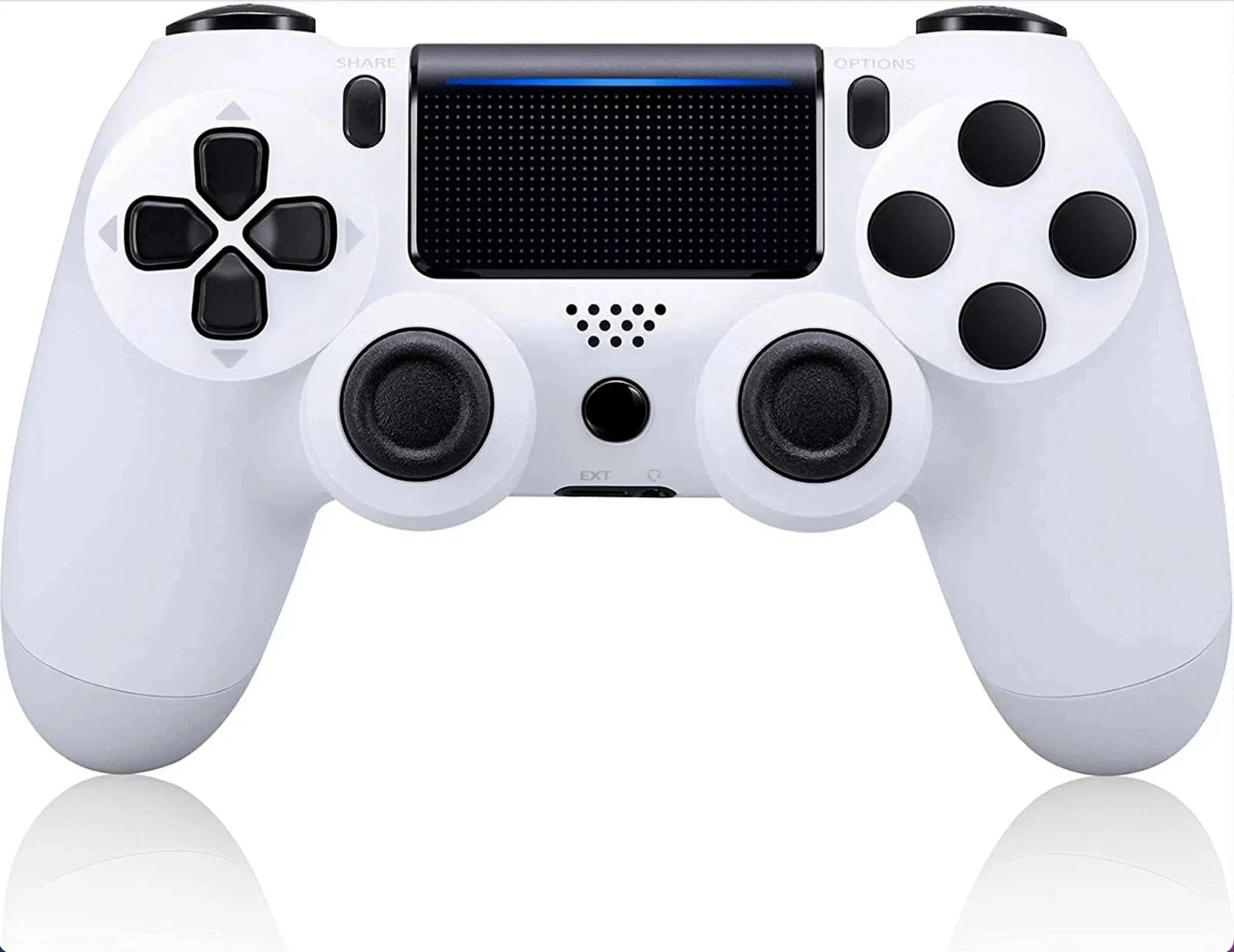 Wireless Controller Bluetooth Gamepad compatible to PlayStation4 PS4 Multi-color$20.99View on eBay
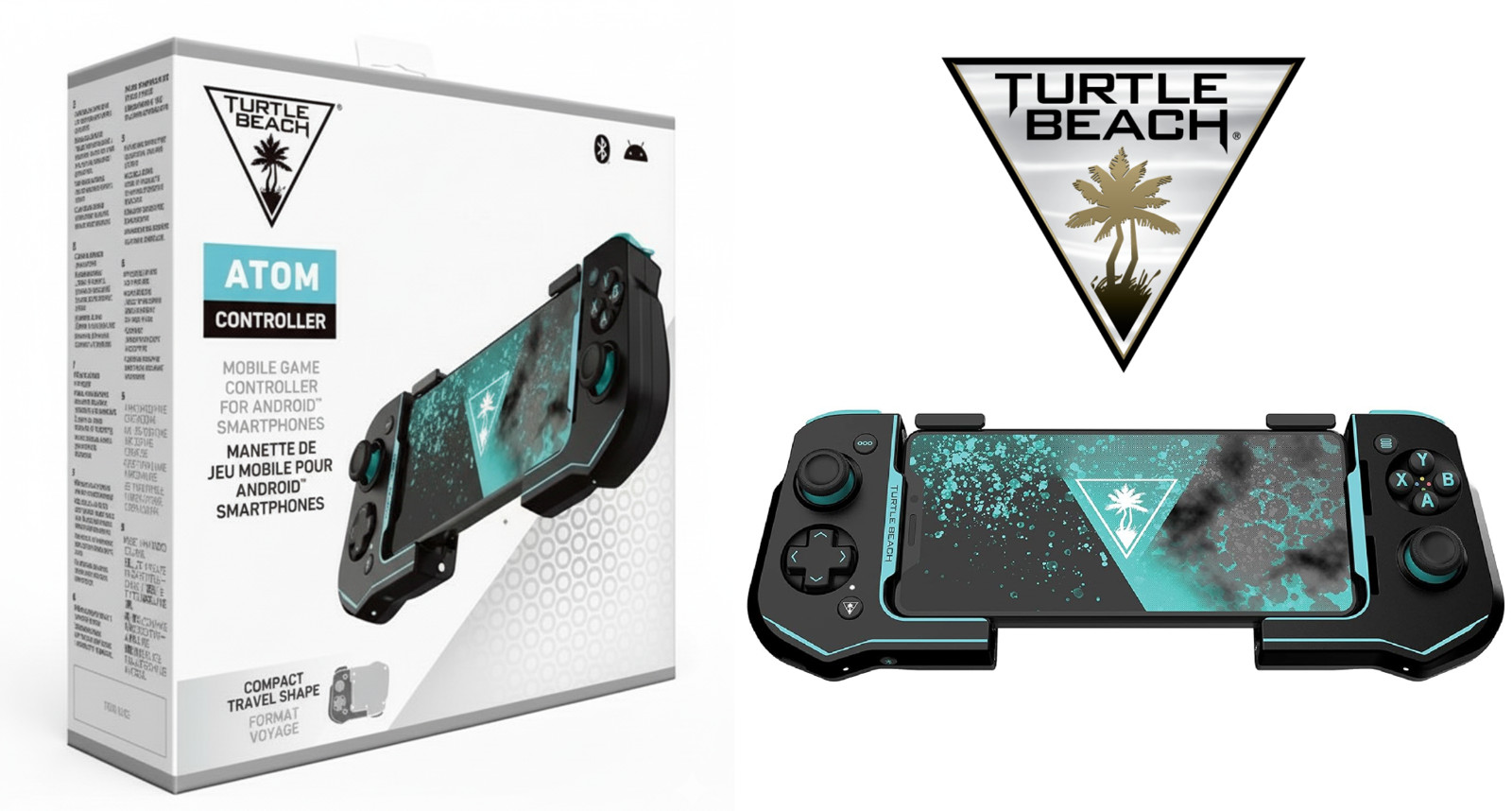 Turtle Beach Atom Mobile Gaming Controller Bluetooth Android Cloud – Black/Teal$27.99View on eBay
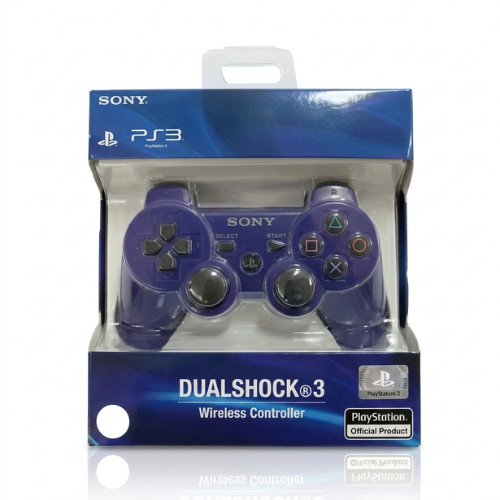 Wireless Bluetooth Gamepad Controller for PS3 PlayStation 3 with Charging$39.99View on eBay
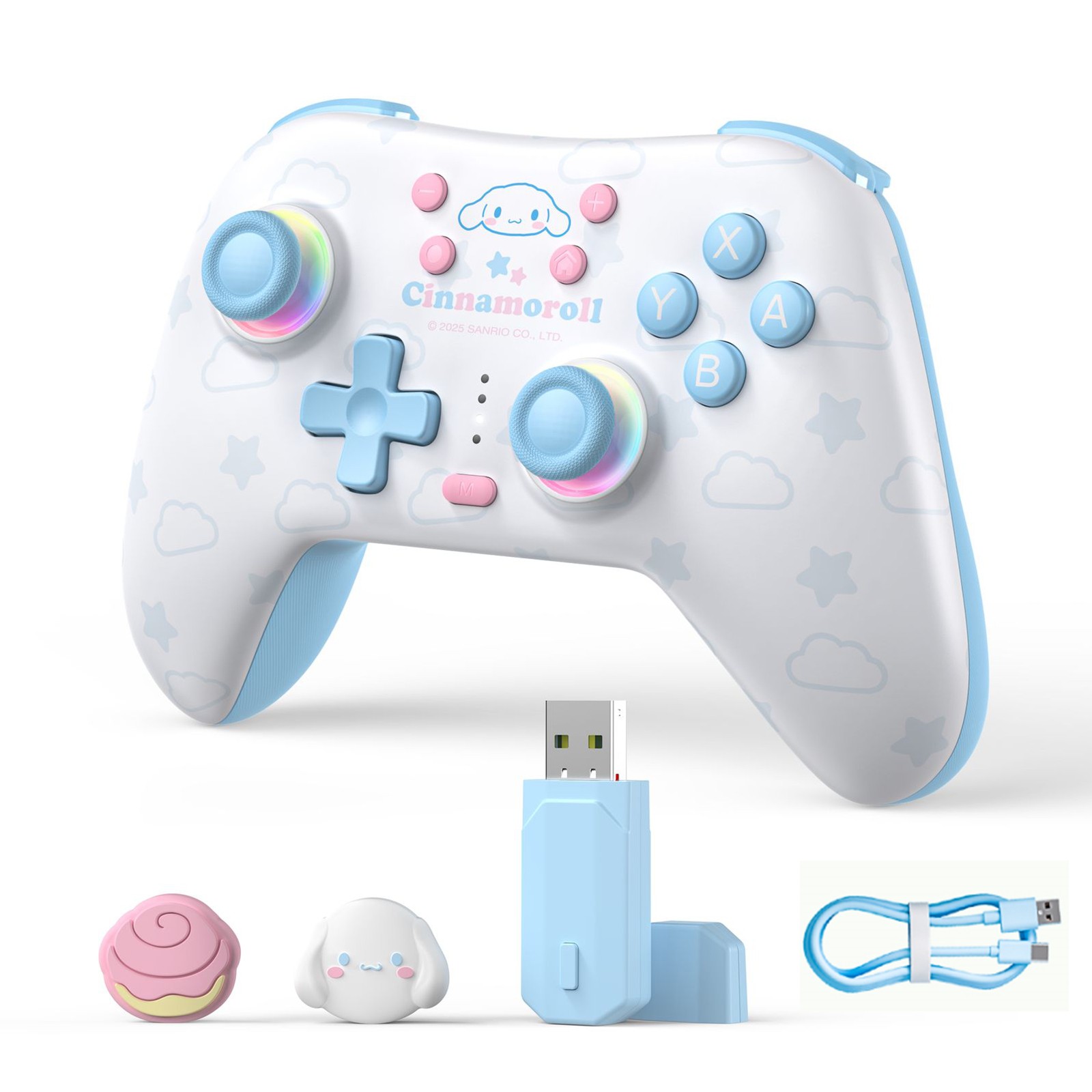 Cartoon Switch Wireless Controller Bluetooth Gamepad for PC/Switch/iOS/Android$56.99View on eBay
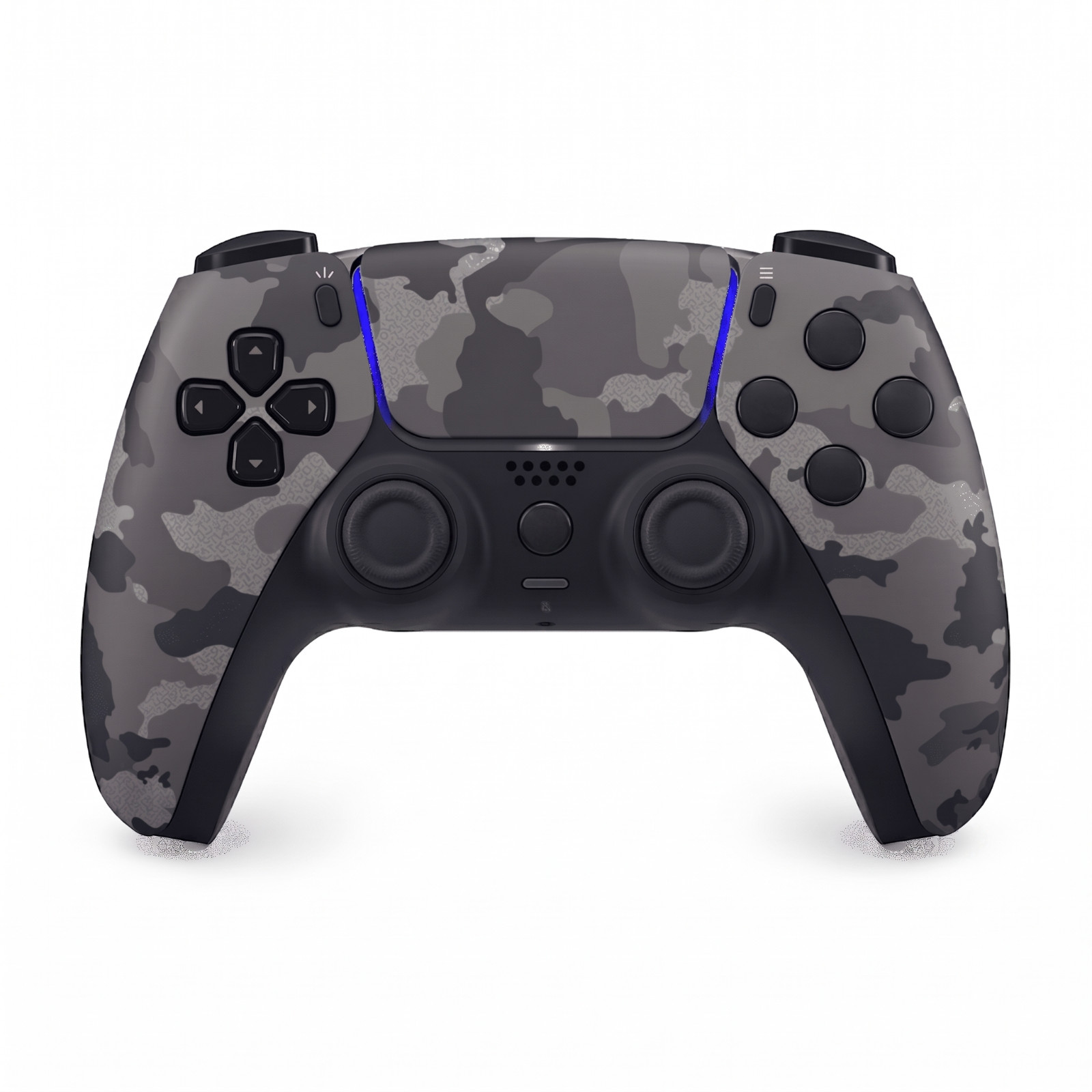 Wireless Controller Bluetooth Gamepad for PlayStation 5 PS5 Multi-color$59.99View on eBay
Highlights
- MFi (Made for iPhone) certification guarantees full button, stick-click, trigger, and d-pad mapping in iOS games; uncertified HID pads often lose L3/R3 and trigger axes.
- Official console pads pair natively: Xbox Wireless Controller (Bluetooth, model 1708+) and Sony DualSense/DualShock 4 work in iOS 14.5+ with correct layouts.
- Budget generic gamepads use Bluetooth HID and pair via Settings > Bluetooth, but many map as generic controllers with missing inputs in App Store games.
- Controller build divides into rigid ABS plastic shells with membrane buttons (budget) versus metal-thumbstick, hall-effect sensor modules (durable, drift-resistant) on premium tiers.
Best use cases
- Best fit: Xbox Wireless Controller or DualSense for App Store, Apple Arcade, and cloud gaming (Xbox Cloud, GeForce Now) — native iOS support, full inputs.
- Best fit: budget generic Bluetooth HID pad only for emulators and simple 2D games where you accept missing stick-clicks and no App Store guarantee.
- Wrong fit: PS3 DualShock 3 or PS4 clone pads sold as 'for iPhone' — PS3 pads don't pair to iOS, and PS4 clones often fail MFi input mapping.
- Wrong fit: buying a WiFi-only cloud controller (e.g. Amazon Luna pad) for iPhone — Luna controller's low-latency link is WiFi to Luna service, not general iOS Bluetooth gaming.
Buying tips
- Require MFi certification or an officially supported model (Xbox Wireless 1708+, DualSense, DualShock 4) for guaranteed full-input iOS gaming.
- Match iOS version: DualSense and Xbox Series pads need iOS 14.5+; older iPhones on iOS 13 lose trigger/stick-click support.
- For emulators only, a generic HID pad at rigid ABS plastic grade is acceptable — verify it reports as 'Wireless Controller' in Settings > Bluetooth.
- Prefer hall-effect thumbsticks on any pad you'll use heavily; membrane-and-potentiometer sticks drift within months of daily play.
Specs
| iOS Support | MFi vs generic HID |
|---|---|
| Pairing | Bluetooth 4.0+ / BLE |
| Native Pads | Xbox 1708+ / DualSense / DS4 |
| Stick Type | Hall-effect vs potentiometer |
Related searches
What to check before buying
- Confirm your iPhone/iPad iOS version is 14.5 or newer for DualSense/Xbox Series native pairing.
- Check the pad has a phone clip or mount if you play handheld — most console pads have no built-in phone cradle.
- Verify Bluetooth 4.0+ (BLE) on the pad; older Bluetooth 2.1 pads pair unreliably with iOS.
- Ensure the pad charges via USB-C or has user-replaceable AA/AAA batteries so it isn't e-waste when the cell dies.
FAQ
Data sources: eBay / Amazon listings and product attribute feeds. Updated Nov 28, 2026.
Some links on this page are affiliate links. If you buy after clicking one, we may earn a commission at no extra cost to you. This does not change which products appear here or their order. Affiliate disclosure.