
Photos from current listings. Actual item, color, and included accessories may vary.
Bluetooth Controller Android Buying Guide
A Bluetooth controller for Android is a wireless gamepad that pairs over Bluetooth Classic or BLE to phones, tablets, and Android TV boxes for native Android games and cloud streaming. The core trade-off is protocol compatibility: generic HID gamepads and PlayStation DualShock 4/DualSense work out of the box, while Xbox Wireless Controllers require specific firmware and Android versions for Bluetooth pairing. The decision rule is to match the controller's Bluetooth profile to your Android device's OS version and your primary use (native games vs. cloud streaming vs. emulation) rather than buying on color or shell material.
Median $20.99
Key takeaways
- DualShock 4 and DualSense use standard Bluetooth HID and pair natively with Android 9+ without root or extra apps, making them the most reliable no-setup option.
- Xbox Wireless Controllers (Model 1708 and later) support Bluetooth but only pair with Android 8.0+; older Xbox One controllers without Bluetooth require a separate adapter.
- Generic Android gamepads typically use Bluetooth 3.0 HID or BLE and often include a phone clip; they work across Android and iOS but may lack analog trigger precision for racing games.
At a glance
- Category
- Controllers & Gaming Accessories
- Last updated
- Nov 28, 2026
Current offers
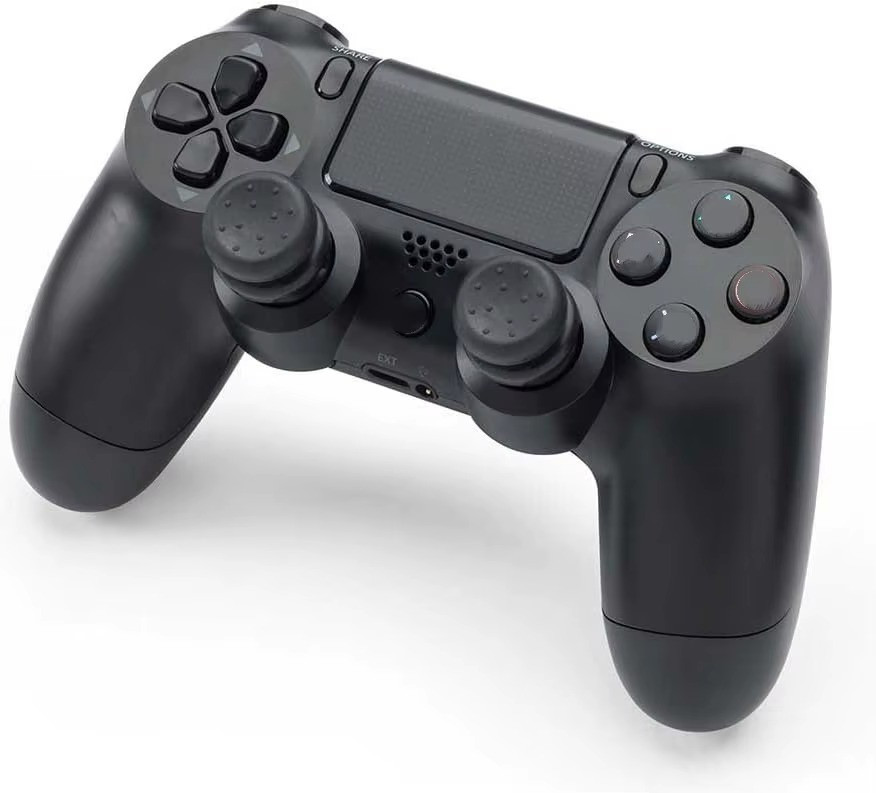 1PC Wireless Bluetooth Controller Gamepad PlayStation 4 PS4 Black Same Day 🚛✅$5.35View on eBay
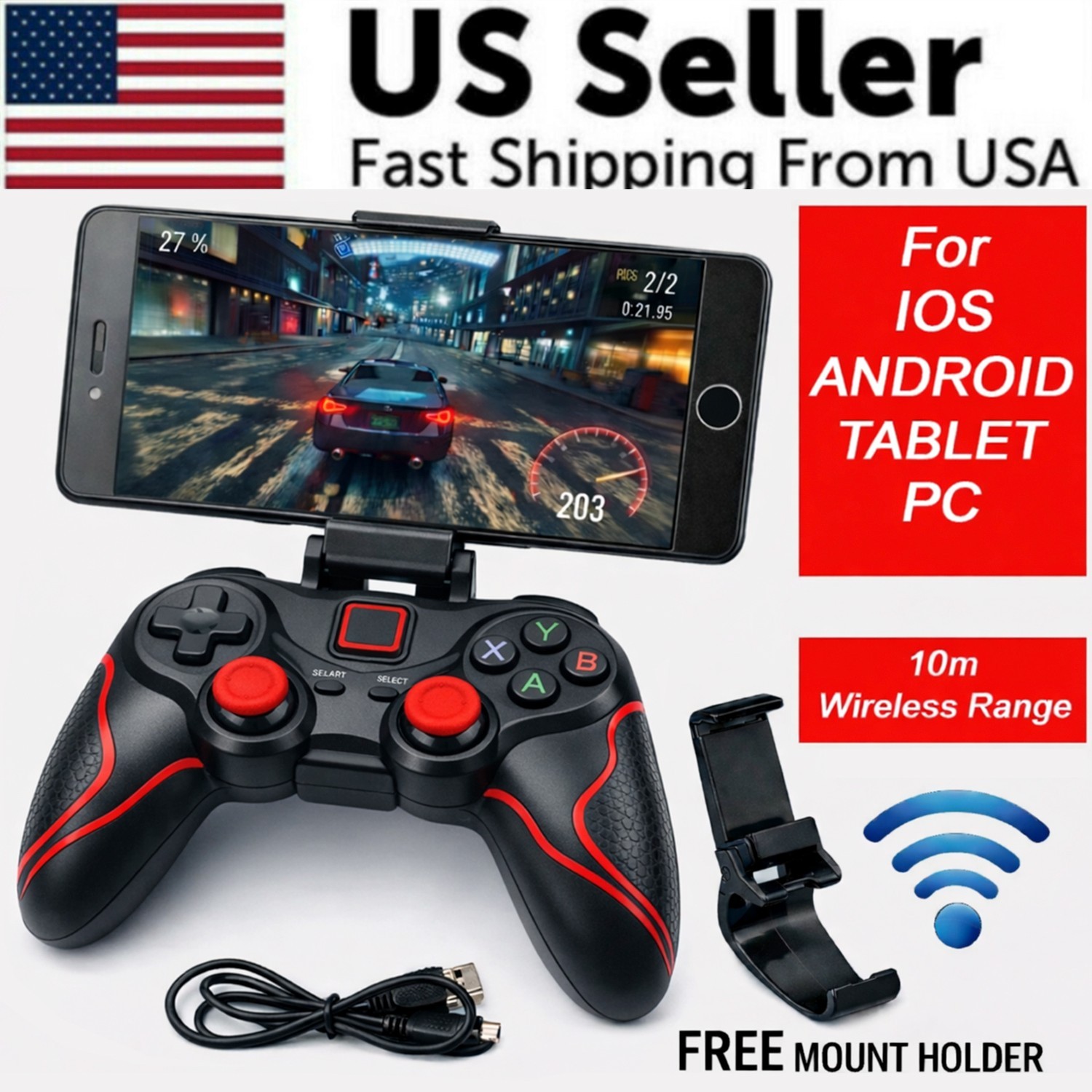 Wireless Bluetooth Game Controller Gamepad For Android iPhone Tablet PC Phone$12.89Last checked Nov 28, 2026View on eBay
- Wireless Bluetooth Game Controller Gamepad For Android iPhone Tablet PC Phone$12.89View on eBay
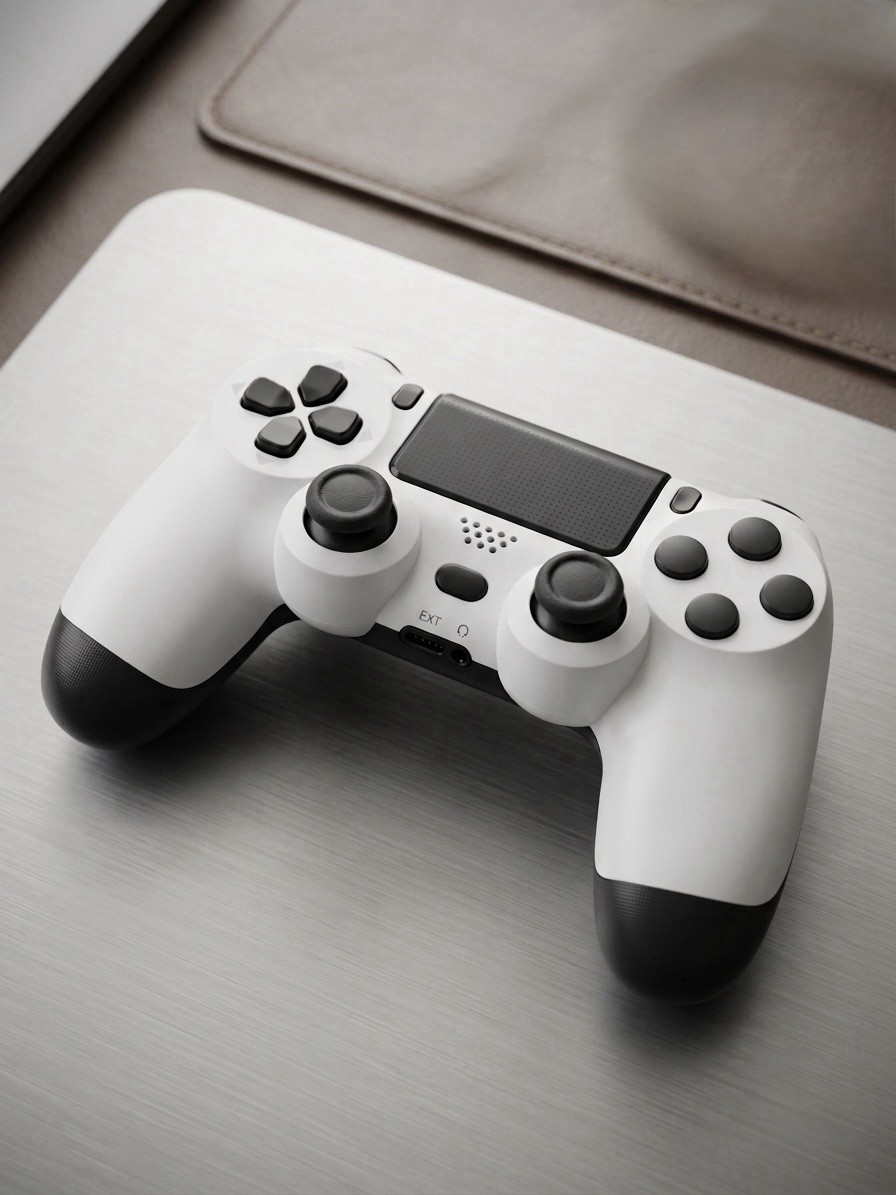 Wireless Controller Bluetooth Gamepad For PS4$15.00View on eBay
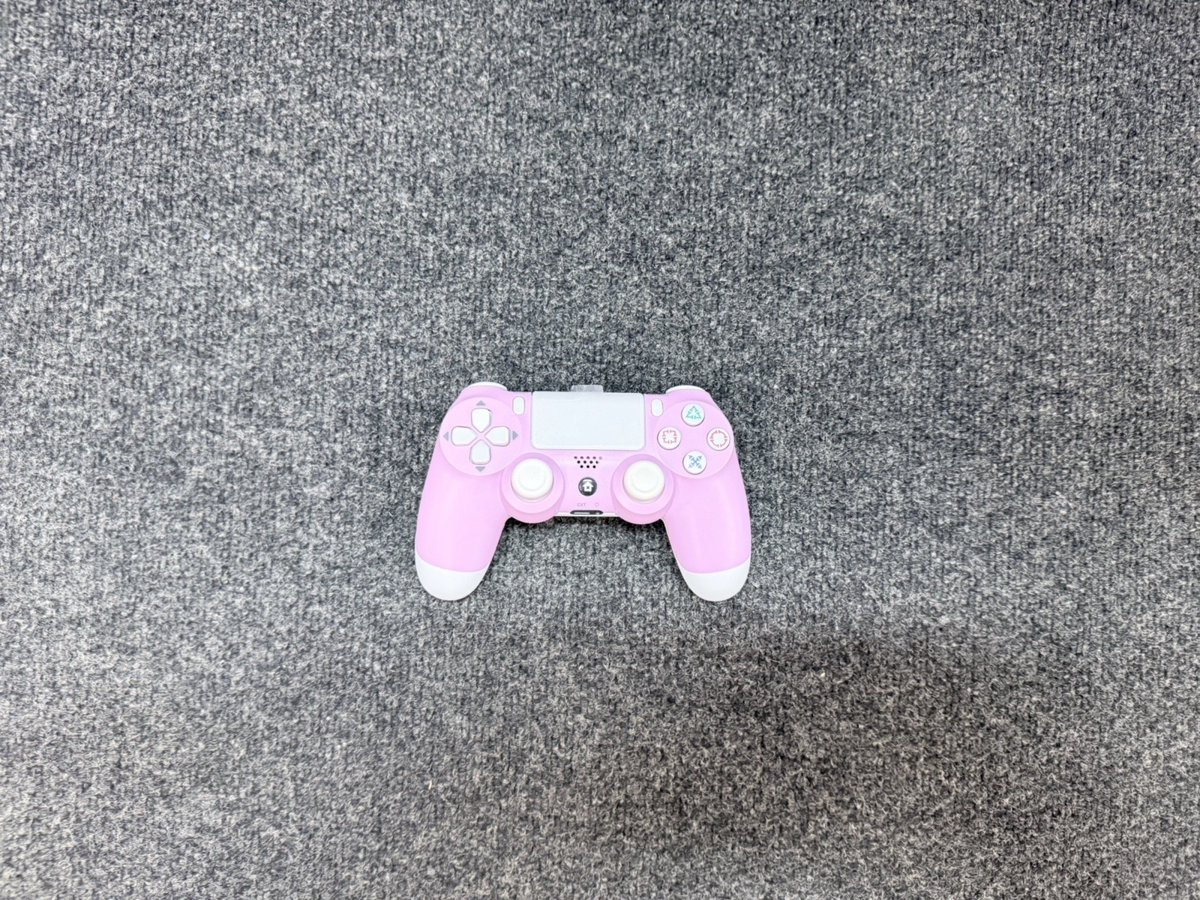 Wireless Controller Bluetooth Gamepad for PlayStation4 PS4 (Pink & White )$17.99View on eBay
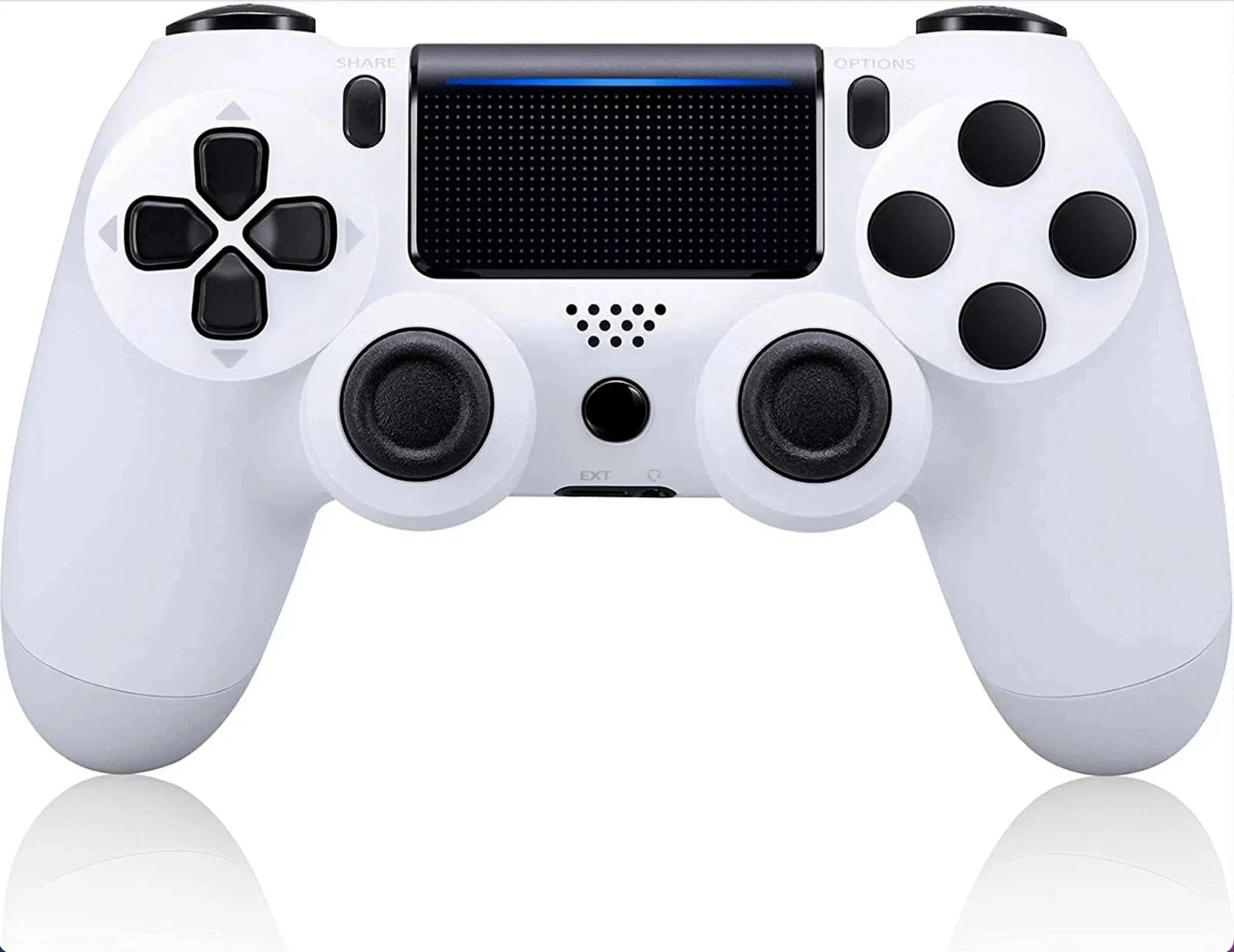 Wireless Controller Bluetooth Gamepad compatible to PlayStation4 PS4 Multi-color$20.99View on eBay
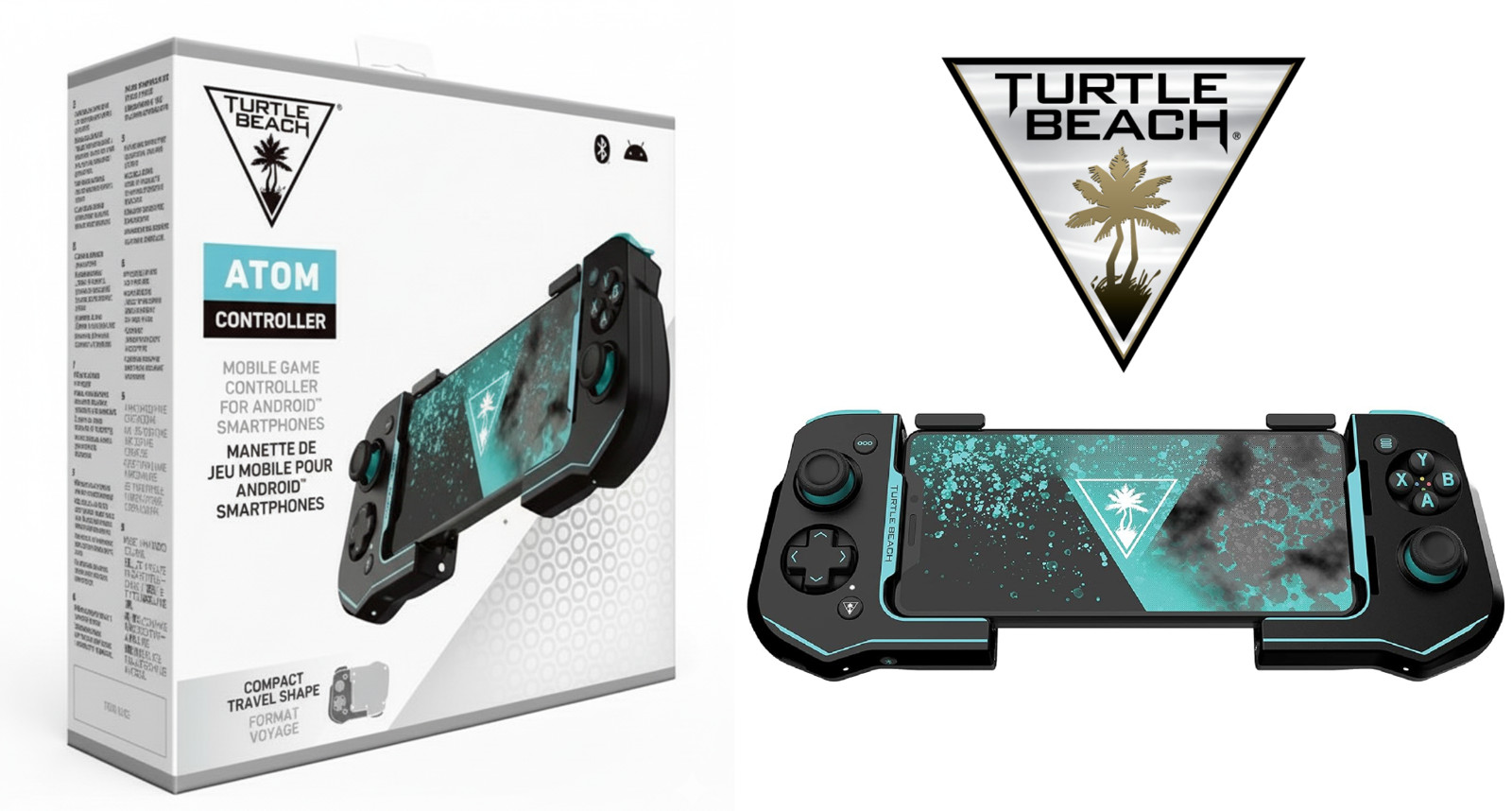 Turtle Beach Atom Mobile Gaming Controller Bluetooth Android Cloud – Black/Teal$27.99View on eBay
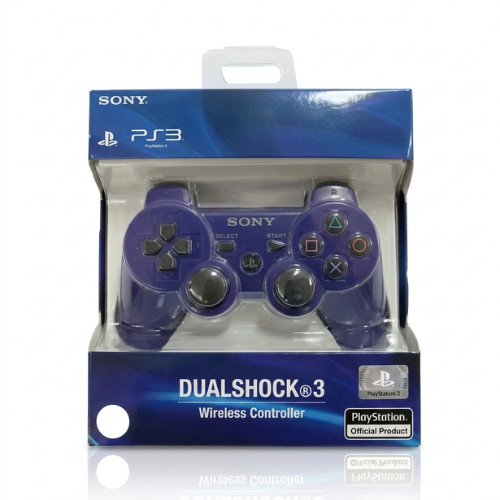 Wireless Bluetooth Gamepad Controller for PS3 PlayStation 3 with Charging$39.99View on eBay
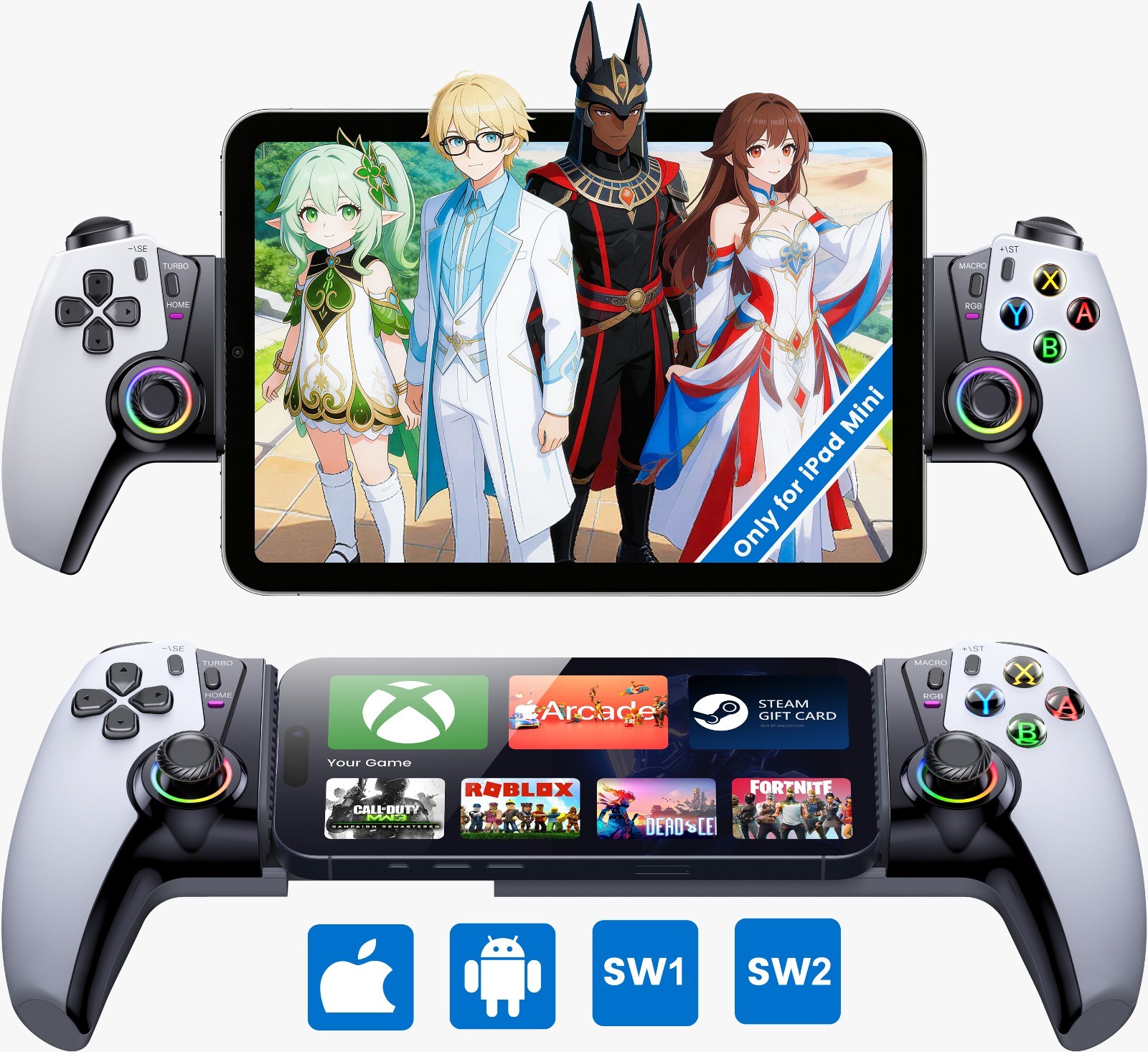 for Switch 2/OLED/iOS/Android Wireless Bluetooth Mobile Phone Game Controller$46.99Last checked Nov 20, 2026View on eBay
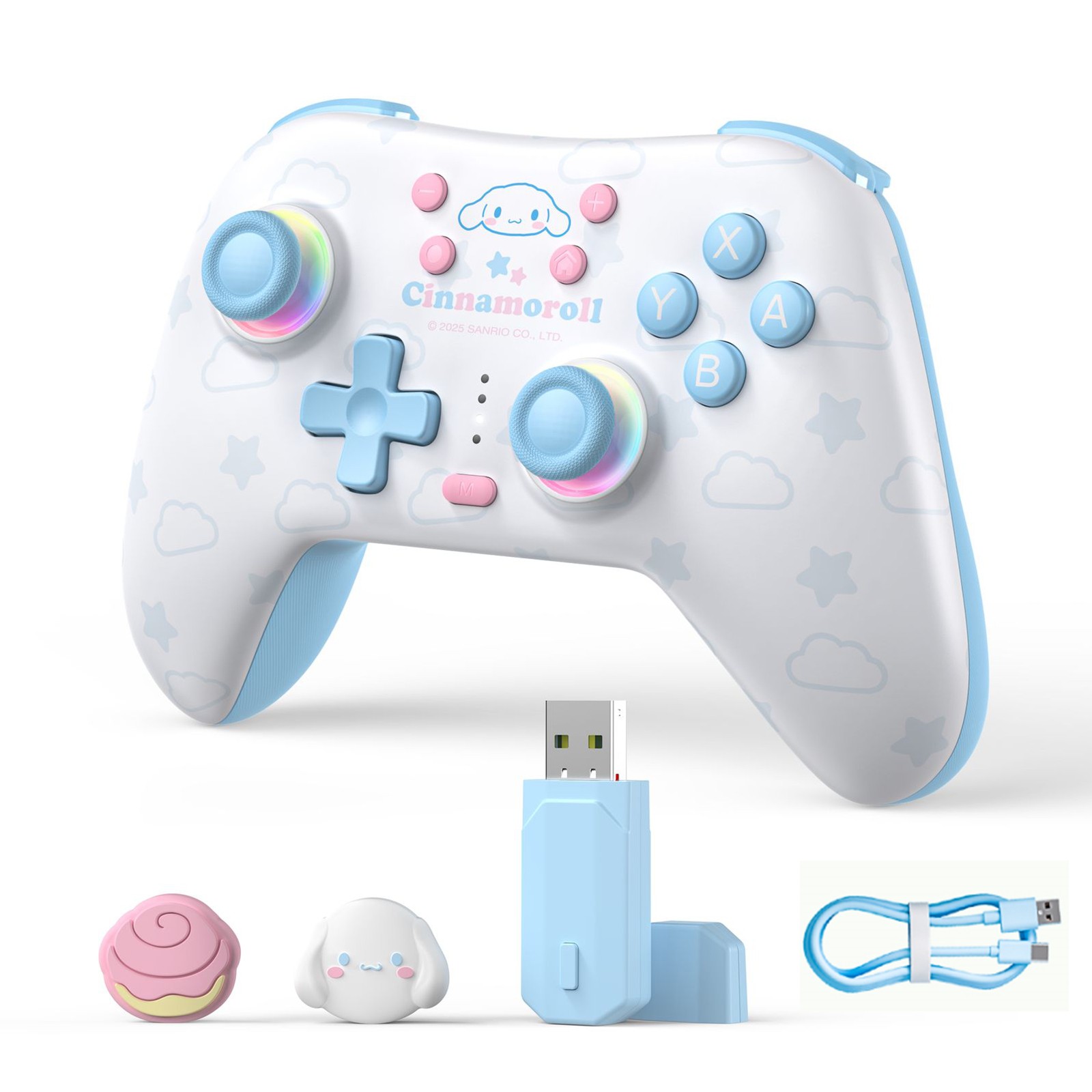 Cartoon Switch Wireless Controller Bluetooth Gamepad for PC/Switch/iOS/Android$56.99View on eBay
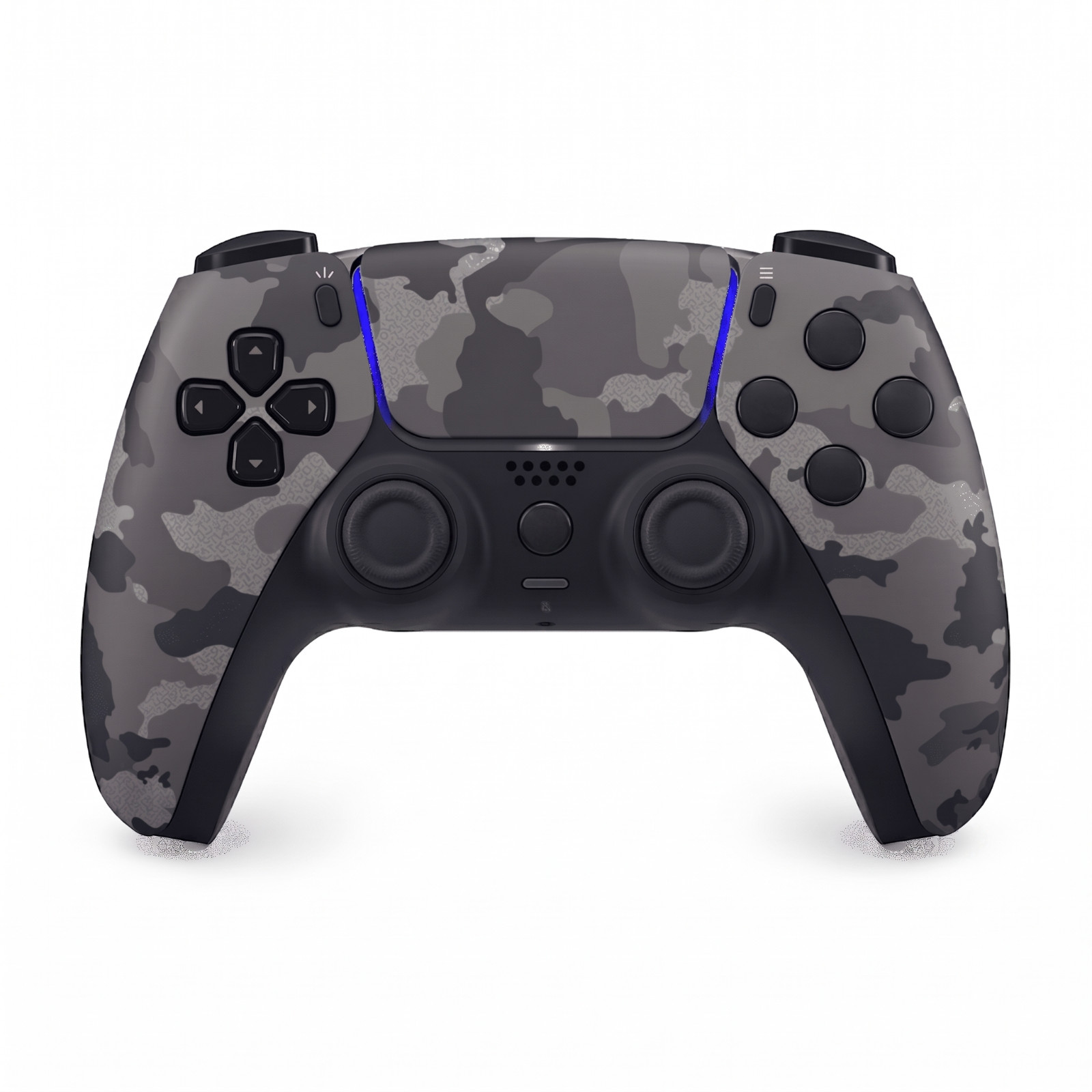 Wireless Controller Bluetooth Gamepad for PlayStation 5 PS5 Multi-color$59.99View on eBay
Highlights
- DualShock 4 and DualSense use standard Bluetooth HID and pair natively with Android 9+ without root or extra apps, making them the most reliable no-setup option.
- Xbox Wireless Controllers (Model 1708 and later) support Bluetooth but only pair with Android 8.0+; older Xbox One controllers without Bluetooth require a separate adapter.
- Generic Android gamepads typically use Bluetooth 3.0 HID or BLE and often include a phone clip; they work across Android and iOS but may lack analog trigger precision for racing games.
- 8BitDo and similar third-party controllers offer firmware-selectable modes (XInput, DInput, Switch) that let you switch between Android native and cloud gaming without re-pairing.
Best use cases
- Best fit for native Android gaming and emulators: choose a Bluetooth HID gamepad with a phone clip (e.g., 8BitDo or generic Android pad) for direct pairing and physical button mapping in apps like RetroArch.
- Best fit for cloud streaming (Xbox Cloud, GeForce Now, Luna): pick a controller with official Android support and low-latency Bluetooth—DualSense or Luna Controller—and skip budget generic pads with older Bluetooth versions.
- Wrong fit: buying an Xbox Wireless Controller for an Android device running below Android 8.0 or without Bluetooth—you will need a wired OTG connection or the Xbox Wireless Adapter for Windows, which does not work on Android.
- Wrong fit: using a PS3 controller (DualShock 3) on Android without root—it uses a proprietary Bluetooth protocol and requires the Sixaxis Controller app and root access to pair.
Buying tips
- Check your Android version: Bluetooth HID gamepad support is native from Android 4.0+, but Xbox Wireless Controller Bluetooth pairing requires Android 8.0+ and the controller must be model 1708 or newer.
- For emulation and retro gaming, prioritize a controller with a proper D-pad and selectable input modes (XInput/DInput); generic pads often have mushy D-pads that fail diagonals.
- Match Bluetooth version: Bluetooth 4.0+ (BLE) gives lower latency and better battery life than Bluetooth 2.1/3.0; avoid controllers listing only Bluetooth 2.1 for competitive gaming.
- If you need a phone clip, buy a controller with an integrated or included clip—aftermarket clips often block the phone's headphone jack or charging port.
Specs
| Connectivity | Bluetooth 4.0+ / 2.4GHz dongle |
|---|---|
| Android Compatibility | Android 8.0+ (Xbox) / 9.0+ (DualSense) |
| Input Protocol | HID / XInput / DInput selectable |
| Phone Clip | Integrated / included / sold separately |
Related searches
What to check before buying
- Confirm your Android device's OS version (Settings > About phone) meets the controller's minimum—Android 8.0+ for Xbox Wireless, Android 9+ recommended for DualSense.
- Measure your phone's width and thickness (including case) to ensure the controller's clip opens wide enough; most clips support phones up to 3.5 inches wide.
- Check that your Android device supports Bluetooth Classic (most do) and that you have a USB-C or micro-USB cable for initial charging and firmware updates.
- For cloud gaming, verify your Wi-Fi or cellular latency is below 50 ms; a Bluetooth controller adds 5–15 ms, so a wired connection may be preferable for competitive play.
FAQ
Data sources: eBay / Amazon listings and product attribute feeds. Updated Nov 28, 2026.
Some links on this page are affiliate links. If you buy after clicking one, we may earn a commission at no extra cost to you. This does not change which products appear here or their order. Affiliate disclosure.