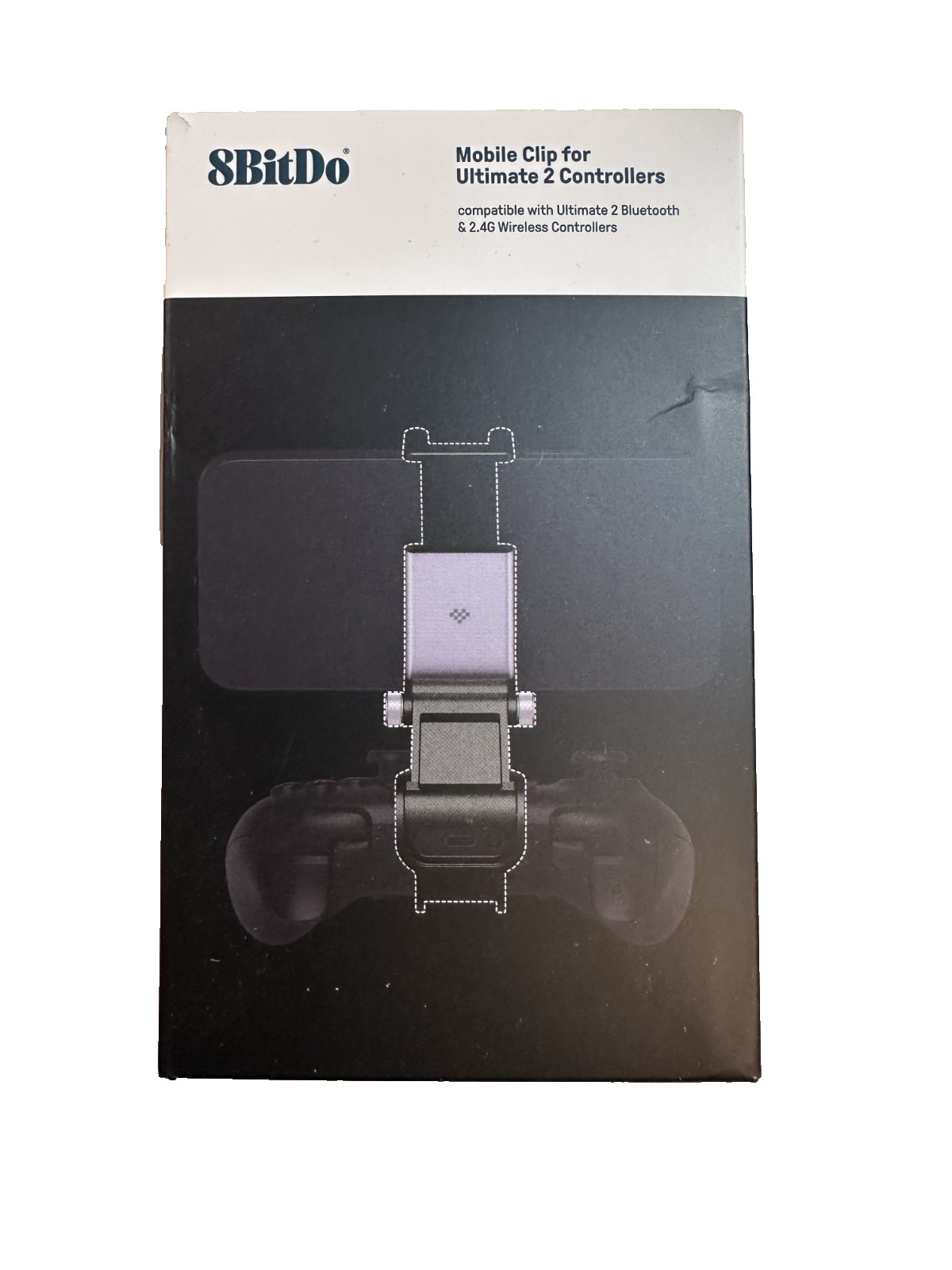

Photos from current listings. Actual item, color, and included accessories may vary.
8bitdo Ultimate Buying Guide
The 8BitDo Ultimate line comprises wireless gamepads built around Hall-effect sticks, multi-platform Bluetooth/2.4GHz/USB-C connectivity, and a charging dock bundle. The key trade-off is generation and model tier: the original Ultimate (dock, back paddles, Bluetooth) versus the cost-cut Ultimate 2C (no dock, no Bluetooth on some SKUs, lighter feature set) versus the newer Ultimate 2 with TMR sticks and upgraded triggers. Buy the model whose connectivity and stick technology match your platform; skip stripped variants if you need Switch Bluetooth or back-paddle macros.
Key takeaways
- Hall-effect magnetic sticks (original Ultimate/Ultimate 2) eliminate drift mechanically; Ultimate 2C uses Hall-effect too but Ultimate 2 adds TMR sensors with higher resolution and lower power draw.
- Original Ultimate includes a USB-C charging dock with 2.4GHz dongle stored in the dock base; Ultimate 2C ships dongle-only with no dock or rechargeable battery cradle.
- Connectivity tiers: Ultimate = Bluetooth + 2.4GHz + wired USB-C; Ultimate 2C = 2.4GHz + wired only (no Bluetooth); Ultimate 2 = Bluetooth + 2.4GHz + wired with upgraded bumpers.
At a glance
- Category
- Controllers & Gaming Accessories
- Last updated
- Nov 28, 2026
Current offers
Highlights
- Hall-effect magnetic sticks (original Ultimate/Ultimate 2) eliminate drift mechanically; Ultimate 2C uses Hall-effect too but Ultimate 2 adds TMR sensors with higher resolution and lower power draw.
- Original Ultimate includes a USB-C charging dock with 2.4GHz dongle stored in the dock base; Ultimate 2C ships dongle-only with no dock or rechargeable battery cradle.
- Connectivity tiers: Ultimate = Bluetooth + 2.4GHz + wired USB-C; Ultimate 2C = 2.4GHz + wired only (no Bluetooth); Ultimate 2 = Bluetooth + 2.4GHz + wired with upgraded bumpers.
- Back paddles and 8BitDo Ultimate Software (button remap, stick/deadzone curves, macro) are supported on original Ultimate and Ultimate 2; Ultimate 2C drops paddles and limits profile customization.
Best use cases
- Pick the original Ultimate (with dock) for Switch + PC + Android households wanting Bluetooth, back paddles, and a dock-charged battery — ideal for couch play across multiple devices.
- Choose the Ultimate 2C for budget-focused PC/Android 2.4GHz play where Bluetooth and paddles are unnecessary; skip it if you need Switch wireless or macro remapping.
- Choose the Ultimate 2 if you want the newest TMR sticks, upgraded trigger feel, and full multi-platform Bluetooth while accepting a higher tier than 2C.
- Skip all Ultimate variants for competitive fighting-game players needing microswitch face buttons and lowest latency wired-only; a dedicated fightpad serves better.
Buying tips
- Confirm the exact model name: 'Ultimate' (dock, Bluetooth, paddles), 'Ultimate 2C' (2.4GHz-only, no dock), and 'Ultimate 2' (TMR sticks) are distinct SKUs with different feature sets — the name suffix is the spec.
- Match connectivity to platform: Switch requires Bluetooth models (Ultimate or Ultimate 2); a 2.4GHz-only Ultimate 2C will not connect to Switch wirelessly.
- Check stick technology by generation: original Ultimate = Hall-effect; Ultimate 2 = TMR Hall-effect; both resist drift, but TMR offers finer resolution — relevant for shooters and racing.
- If dock charging matters, buy the original Ultimate or Ultimate 2 bundle; the 2C has no charging dock and runs on AA batteries or USB-C wired play depending on region SKU.
Specs
| Stick Technology | Hall-effect / TMR Hall-effect |
|---|---|
| Connectivity | Bluetooth / 2.4GHz / USB-C wired |
| Charging Dock | Included (Ultimate/Ultimate 2) / None (2C) |
| Back Paddles | Yes (Ultimate/Ultimate 2) / No (2C) |
Related searches
What to check before buying
- Verify your console/handheld supports the controller's wireless protocol: Switch needs Bluetooth; PC/Android accept 2.4GHz dongle or Bluetooth.
- Measure desk or TV-stand space for the charging dock footprint if buying the original Ultimate — the dock adds roughly a controller-width of clearance.
- Confirm USB port type and available USB-A ports for the 2.4GHz dongle; USB-C-only laptops need a USB-A adapter or hub.
- Check whether you need back paddles and macro remapping; if yes, avoid the 2C and select Ultimate or Ultimate 2.
FAQ
Data sources: eBay / Amazon listings and product attribute feeds. Updated Nov 28, 2026.
Some links on this page are affiliate links. If you buy after clicking one, we may earn a commission at no extra cost to you. This does not change which products appear here or their order. Affiliate disclosure.