
Photos from current listings. Actual item, color, and included accessories may vary.
Wireless Mouse And Keyboard Buying Guide
A wireless mouse and keyboard combo is a paired set sharing a single USB receiver or Bluetooth link, trading wired reliability for desk flexibility. The primary trade-off is connectivity stability versus latency and battery life: 2.4GHz dongles give sub-10ms response but occupy a USB-A port, while Bluetooth frees the port at the cost of wake-up lag and pairing friction. The decision rule is simple: choose 2.4GHz for primary work or gaming, Bluetooth for port-constrained laptops and tablets, and skip any combo that omits both 2.4GHz and Bluetooth 5.0.
Median $24.00
Key takeaways
- 2.4GHz dongle links deliver 1000Hz polling (1ms report) and sub-10ms click-to-screen latency; Bluetooth 5.0 typically polls at 125Hz with 8-15ms latency and longer wake-from-sleep delays.
- Full-size layouts require 17.5 inches (44.5cm) of desk width at 100% scale; 96-key and 87-key TKL layouts save 2-4 inches and omit the numpad for mouse swing room.
- Mechanical-feel membrane keyboards use rubber dome switches rated 5-10 million keystrokes; true mechanical switches (red/brown/blue) are rated 50-100 million and add 200-400g of chassis weight.
At a glance
- Category
- Computers & Peripherals
- Last updated
- Nov 27, 2026
Current offers
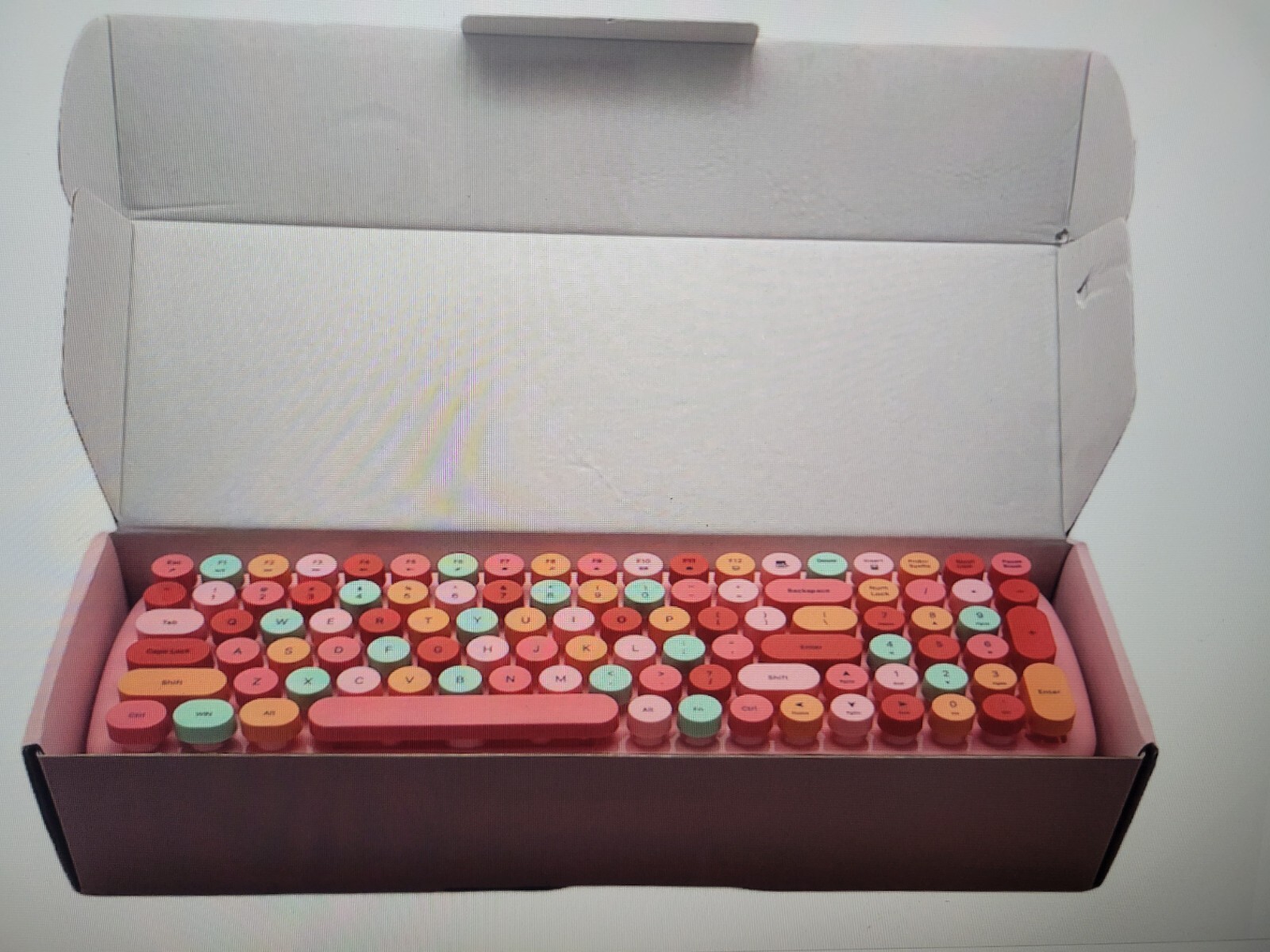 Mofii Candy XR Wireless Keyboard Mixed Colors With Candy Pink Mouse Included$21.44Last checked Nov 19, 2026View on eBay
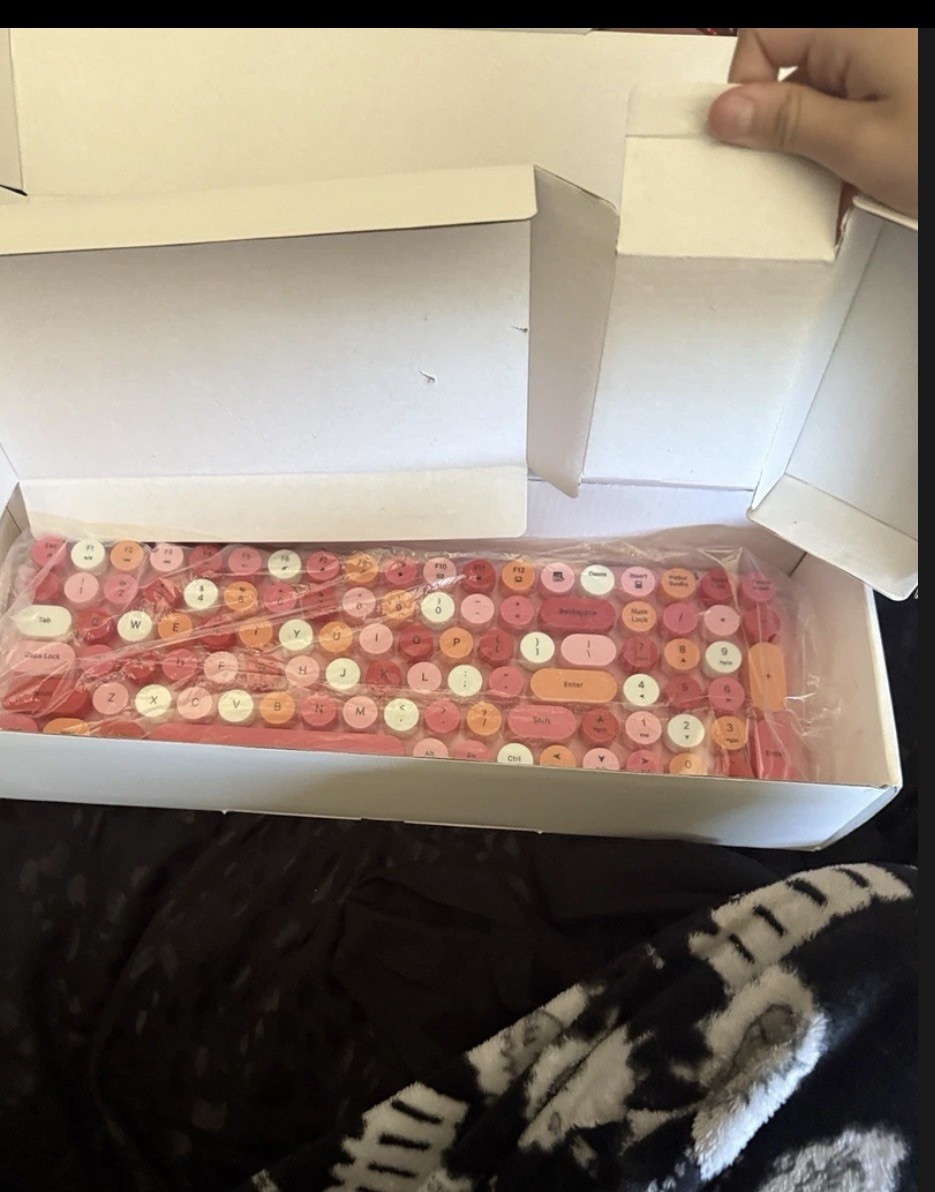 Mofii Candy XR Wireless Keyboard Combo With Mouse Green$24.00Last checked Nov 18, 2026View on eBay
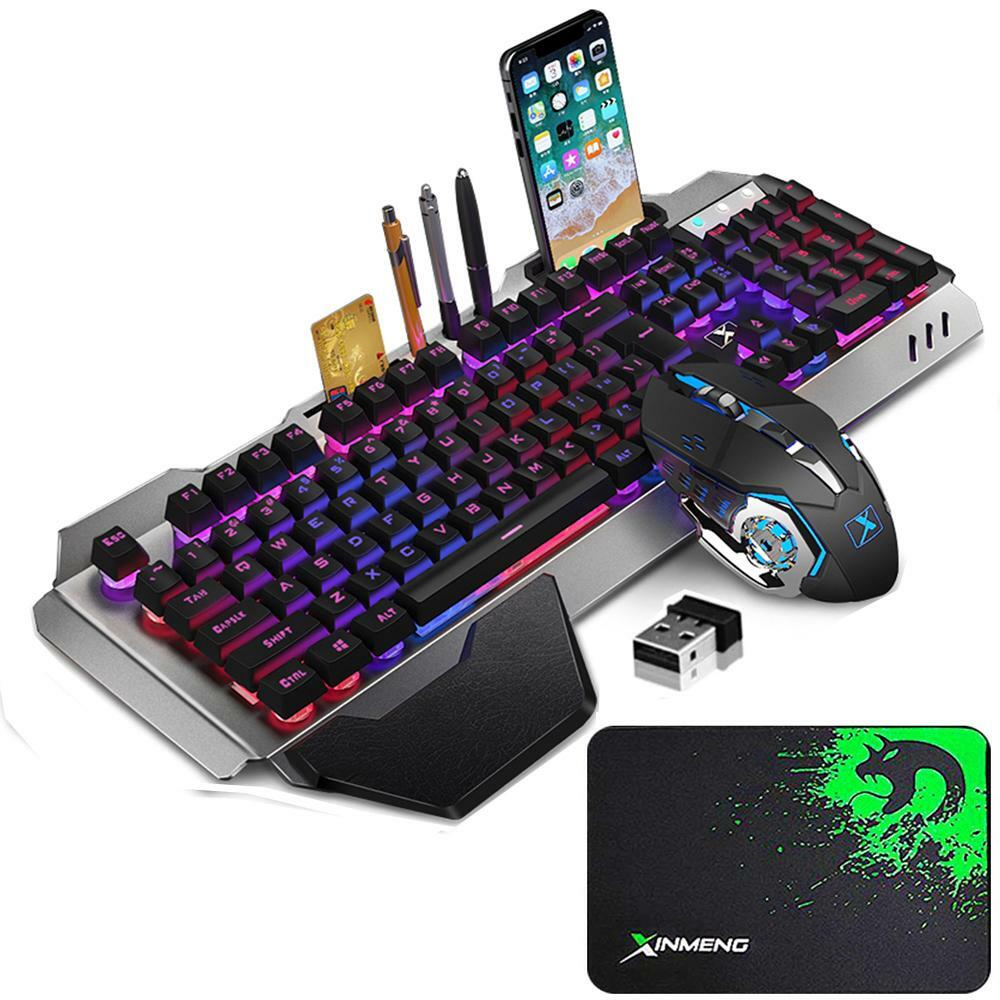 Wireless Gaming Keyboard and Mouse Mechanical Feel Rainbow Backlit$47.99View on eBay
Highlights
- 2.4GHz dongle links deliver 1000Hz polling (1ms report) and sub-10ms click-to-screen latency; Bluetooth 5.0 typically polls at 125Hz with 8-15ms latency and longer wake-from-sleep delays.
- Full-size layouts require 17.5 inches (44.5cm) of desk width at 100% scale; 96-key and 87-key TKL layouts save 2-4 inches and omit the numpad for mouse swing room.
- Mechanical-feel membrane keyboards use rubber dome switches rated 5-10 million keystrokes; true mechanical switches (red/brown/blue) are rated 50-100 million and add 200-400g of chassis weight.
- Optical mice at 1000-1600 DPI suffice for 1080p and 1440p work; 3200+ DPI and 1000Hz polling matter only for competitive gaming at high sensitivity settings.
Best use cases
- Home office and spreadsheet work: pick a full-size 104-key combo with a numpad and palm rest; skip compact TKL sets if you enter numbers daily.
- Laptop and tablet travel: pick a Bluetooth 5.0 combo with a shared multi-device switch; skip dongle-only sets that permanently consume your only USB-A port.
- Couch and HTPC control: pick a 2.4GHz combo with 10m+ range and a trackball or high-DPI mouse for soft surfaces; skip low-DPI 800 DPI mice that skip on fabric.
- Competitive gaming: pick a 2.4GHz set with 1000Hz polling and mechanical switches; skip Bluetooth-only and membrane 'mechanical feel' combos that add latency and mush.
Buying tips
- Match the keyboard width to your desk: full-size needs 44.5cm, TKL 36cm, and 60% 29cm; leave at least 20cm of mouse travel space to the right.
- Choose switch type by use: red linear for quiet speed, brown tactile for typing feedback, blue clicky only if you work alone; membrane 'mechanical feel' is a durability downgrade, not an upgrade.
- Prefer combo receivers that pair both devices to one dongle; two-dongle sets waste a port and double the dropout risk in crowded 2.4GHz environments.
- Check battery architecture: AA/AAA swappable cells last 6-24 months and are field-serviceable; built-in lithium cells need USB-C charging every 1-4 weeks and degrade after 2-3 years.
Specs
| Connectivity | 2.4GHz dongle + Bluetooth 5.0 |
|---|---|
| Keyboard Layout | Full 104-key / TKL 87-key / 60% |
| Switch Durability | Membrane 5-10M vs Mechanical 50-100M |
| Mouse Sensor | Optical 1000-1600 DPI work / 3200+ gaming |
Related searches
What to check before buying
- Measure desk depth and width: confirm 44.5cm for full-size, 36cm for TKL, plus 20cm of mouse sweep clearance before ordering.
- Verify port budget: count free USB-A ports; if zero, require Bluetooth 5.0 or a USB-C receiver in the combo.
- Confirm OS pairing support: Windows and macOS support both 2.4GHz and Bluetooth; Linux and ChromeOS favor 2.4GHz for out-of-box function keys.
- Check surface and climate: optical mice need a non-glossy pad on glass, and humid rooms demand sealed membrane or IP-rated mechanical switches.
FAQ
Data sources: eBay / Amazon listings and product attribute feeds. Updated Nov 27, 2026.
Some links on this page are affiliate links. If you buy after clicking one, we may earn a commission at no extra cost to you. This does not change which products appear here or their order. Affiliate disclosure.