
Photos from current listings. Actual item, color, and included accessories may vary.
Wireless Mouse Buying Guide
A wireless mouse is a pointing device that connects via 2.4 GHz USB receiver or Bluetooth, with the primary trade-off being sensor/connection reliability versus ergonomic and build quality. Durable options use branded optical sensors, 1000 Hz polling, and PTFE feet; compromises use generic sensors, high click latency, and thin plastic shells. Choose a 2.4 GHz receiver for lowest latency and Bluetooth for multi-device portability—skip combo-bundle mice if you need precise tracking or long-term durability.
Median $57.74
Key takeaways
- Connection: 2.4 GHz USB receiver delivers ~1 ms latency and stable polling; Bluetooth 5.0/5.1 adds multi-device switching but higher latency and occasional wake lag.
- Sensor: Optical sensors at 800–1600 DPI cover office use; gaming-grade sensors (e.g., Logitech HERO, PixArt 3395) offer 400+ IPS tracking speed and zero smoothing for fast motion.
- Switches: Omron or Kailh mechanical switches rated 20–50 million clicks vs generic membrane switches that fail or double-click within 1–2 years.
At a glance
- Category
- Computers & Peripherals
- Last updated
- Nov 27, 2026
Current offers
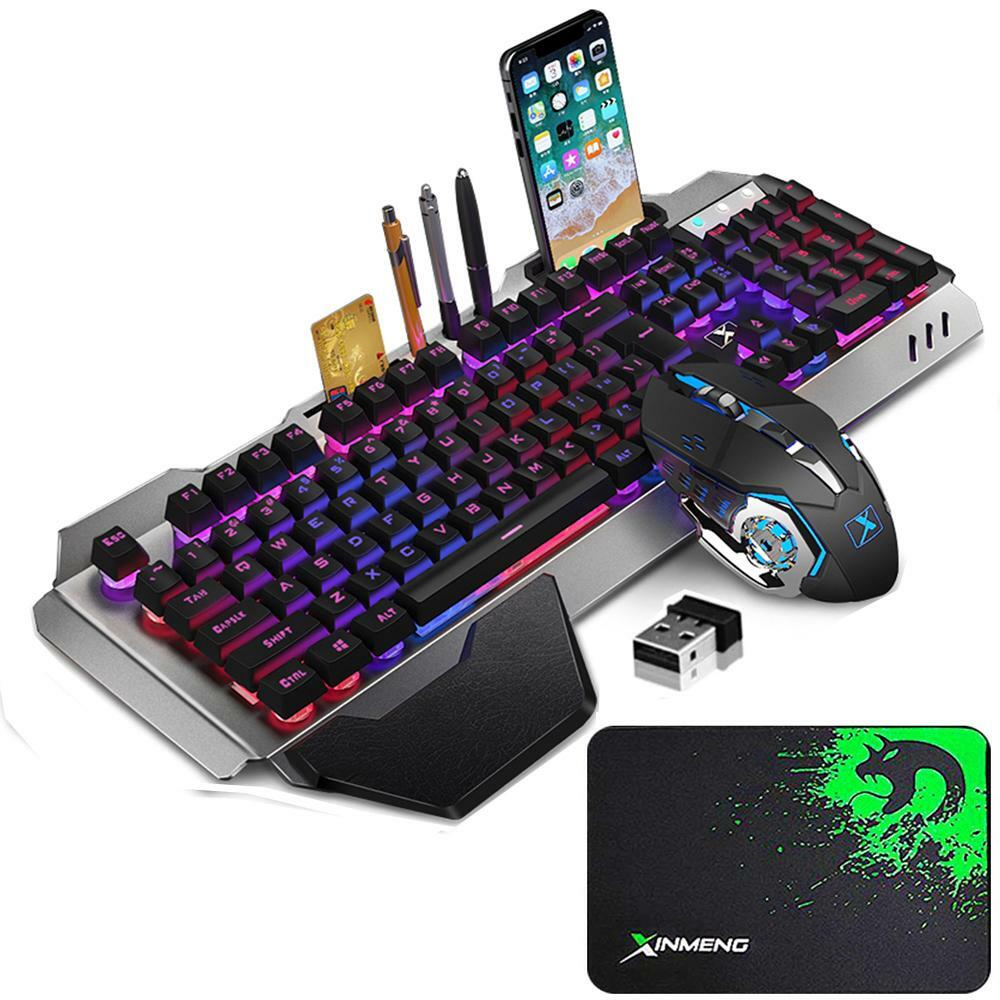 Wireless Gaming Keyboard and Mouse Mechanical Feel Rainbow Backlit$47.99View on eBay
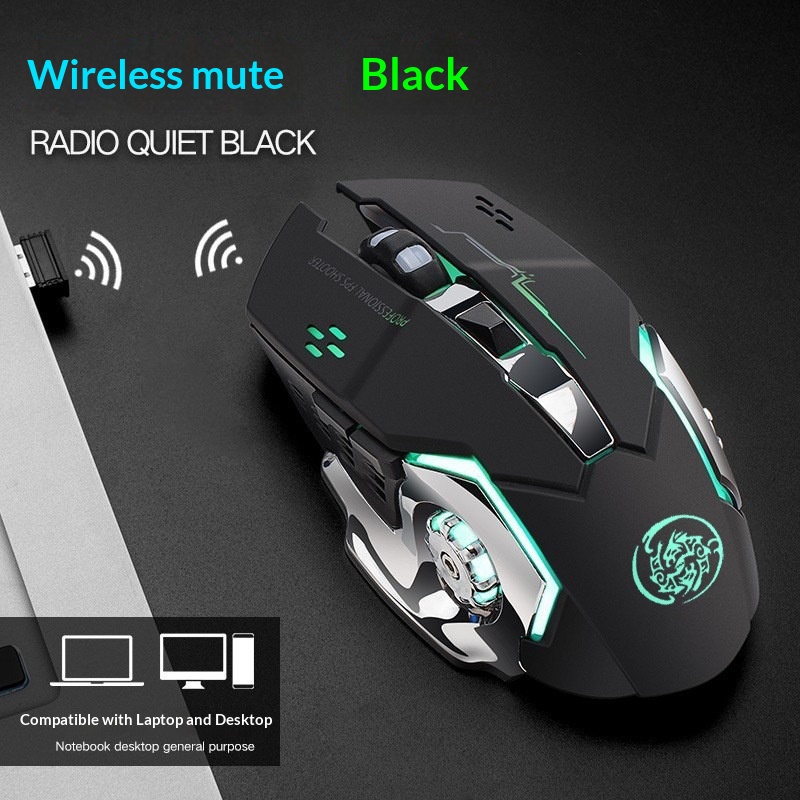 Wired Gaming Mouse, Wireless Bluetooth Charging For Laptops$11.99View on Mallflare
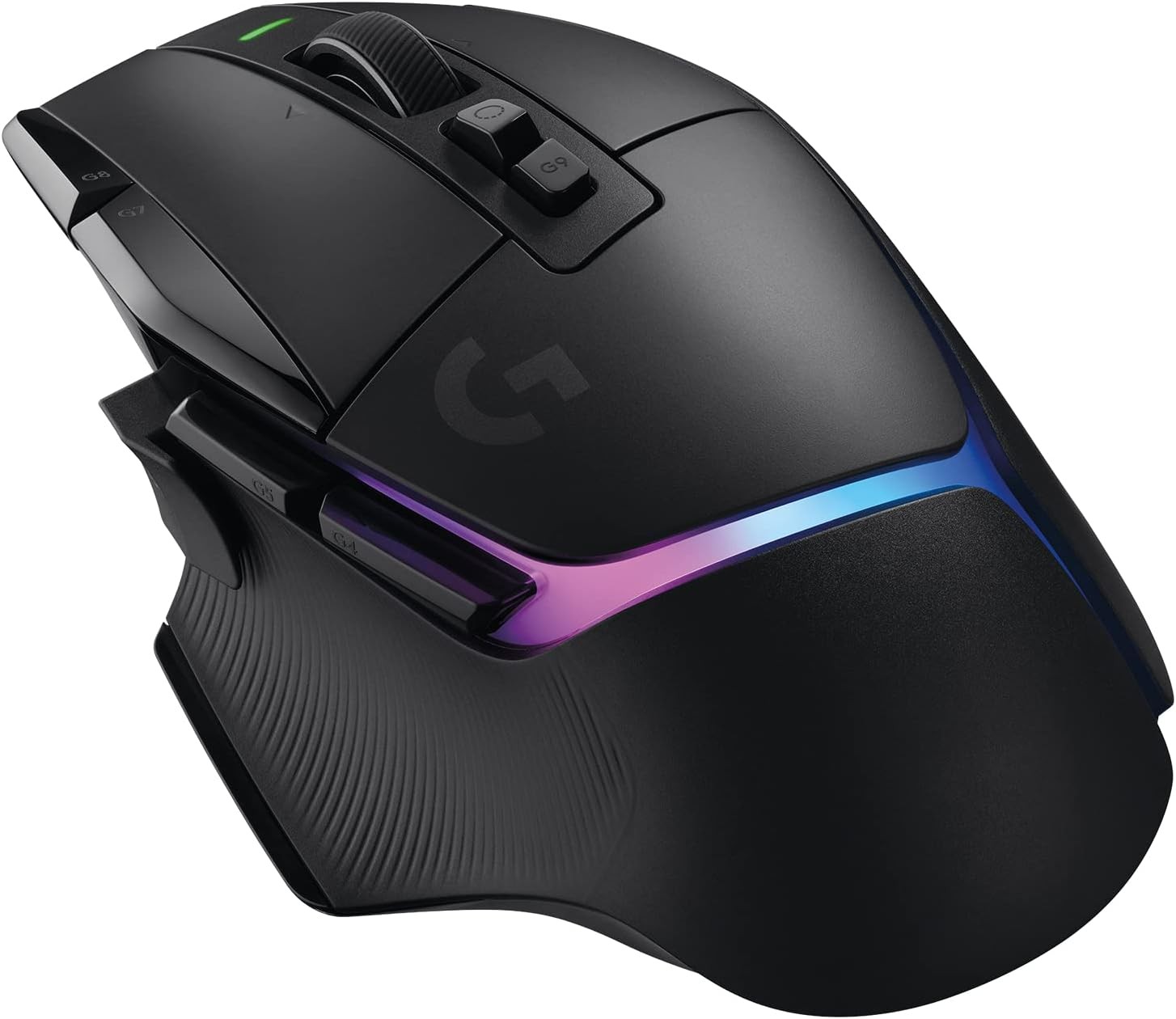 Logitech G502 X PLUS LIGHTSPEED Wireless RGB Gaming Mouse Black 910-006160$67.49View on eBay
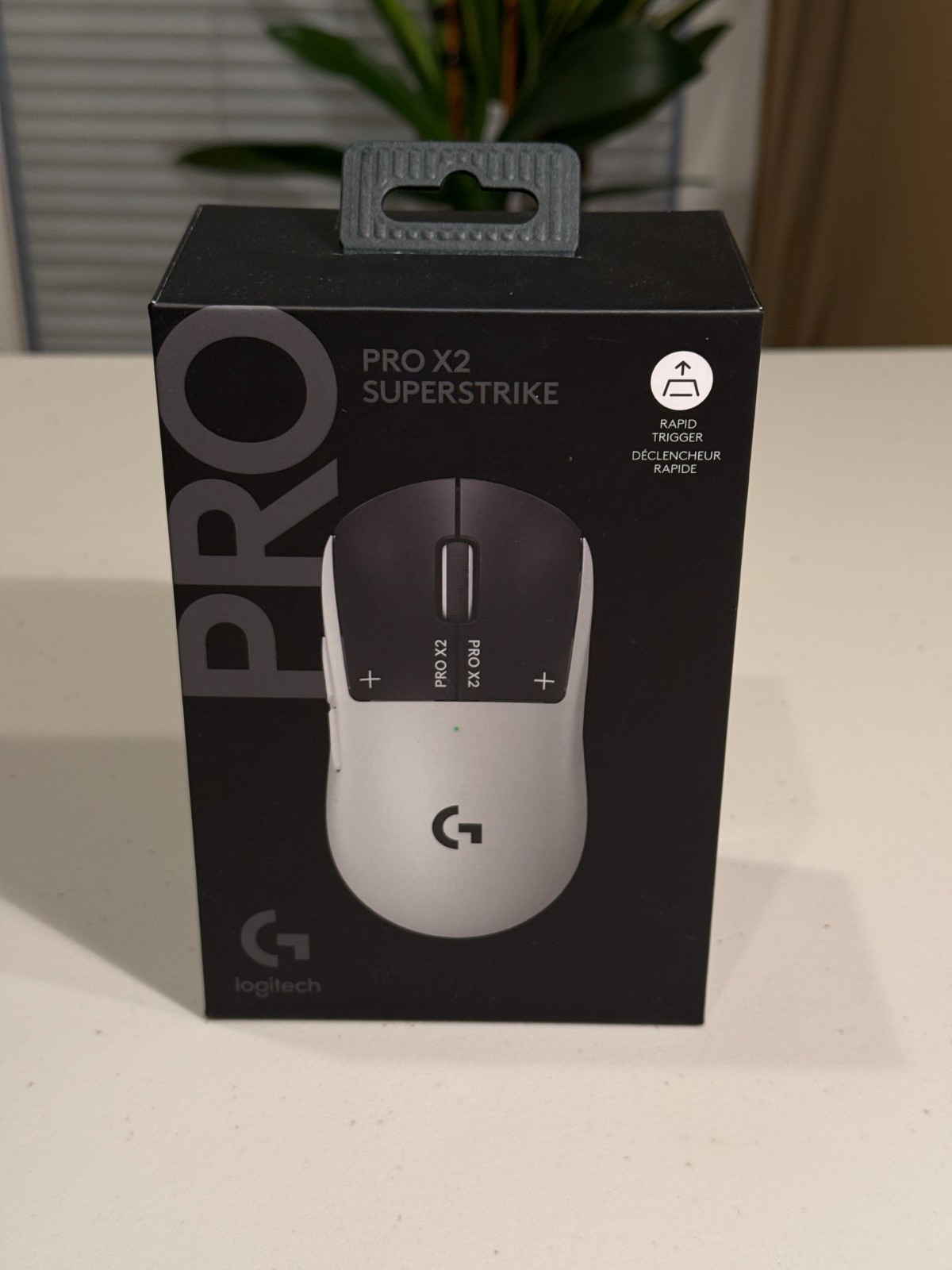 NEW Logitech G Pro X2 Superstrike Lightspeed Wireless Gaming Mouse Sealed$134.99View on eBay
Highlights
- Connection: 2.4 GHz USB receiver delivers ~1 ms latency and stable polling; Bluetooth 5.0/5.1 adds multi-device switching but higher latency and occasional wake lag.
- Sensor: Optical sensors at 800–1600 DPI cover office use; gaming-grade sensors (e.g., Logitech HERO, PixArt 3395) offer 400+ IPS tracking speed and zero smoothing for fast motion.
- Switches: Omron or Kailh mechanical switches rated 20–50 million clicks vs generic membrane switches that fail or double-click within 1–2 years.
- Build: PTFE feet reduce friction on cloth/desk surfaces; mice under 70 g suit fast gaming, while 90–120 g ergonomic shapes reduce wrist strain for all-day office work.
Best use cases
- Best fit: Office/productivity on PC or Chromebook—pick a 2.4 GHz ambidextrous mouse with 1000–1600 DPI, silent switches, and 12+ month battery life (AA or built-in). Skip RGB gaming mice with 40-hour batteries.
- Best fit: Competitive gaming—choose a 2.4 GHz LIGHTSPEED or equivalent low-latency wireless mouse with HERO/PixArt 3395 sensor, 1000 Hz polling, and under 80 g weight. Skip Bluetooth-only or combo-bundle mice.
- Best fit: Multi-device travel—choose Bluetooth 5.1 + 2.4 GHz dual-mode with 3-device switching and USB-C charging. Skip full-size ergonomic mice over 120 g if you carry daily.
- Wrong fit: Vertical ergonomic mice for gaming—their 57° tilt and higher lift-off distance hurt fast FPS tracking; use them only for office wrist relief.
Buying tips
- Match DPI to use: 800–1200 DPI for 1080p office, 1600–3200 DPI for 1440p/4K or large monitors; above 3200 DPI adds no benefit unless you have a high-resolution multi-monitor setup.
- Check connection standard: 2.4 GHz receiver required for gaming and low-latency work; Bluetooth 5.0+ for Chromebooks and tablets; dual-mode for switching between work and personal devices.
- Verify switch and sensor brands: Logitech HERO/LIGHTSPEED, PixArt 3395, Omron 20M+ switches are durability indicators; generic 'optical' with no brand often uses low-grade sensors with jitter.
- Battery tier: AA battery mice last 12–24 months and swap instantly; built-in Li-Po lasts 40–70 hours (gaming) or 2–3 months (office) and needs USB-C charging—pick based on charging tolerance.
Specs
| Connection | 2.4 GHz USB / Bluetooth 5.0+ / Dual |
|---|---|
| Sensor Type | Optical 800–1600 DPI / Gaming 16K+ |
| Battery Life | 12–24 mo (AA) / 40–70 hr (Li-Po) |
| Weight Class | Compact <80 g / Ergonomic 90–120 g |
Related searches
What to check before buying
- Measure your hand: palm length 17–19 cm suits medium ambidextrous mice; 19+ cm needs large ergonomic shapes; under 17 cm pick compact/mini mice to avoid overreach.
- Confirm port availability: a free USB-A port for 2.4 GHz receiver, or USB-C if using a newer laptop—some slim laptops need a USB-C hub or Bluetooth-only mouse.
- Check surface compatibility: optical sensors track on cloth, wood, and most desk mats; glass or glossy surfaces require a mousepad or laser sensor—avoid glass desks without a pad.
- OS and Bluetooth version: Chromebooks support Bluetooth 5.0+ and USB mice natively; Windows/macOS support both; verify multi-device switching buttons if pairing with 2+ computers.
FAQ
Data sources: eBay / Amazon listings and product attribute feeds. Updated Nov 27, 2026.
Some links on this page are affiliate links. If you buy after clicking one, we may earn a commission at no extra cost to you. This does not change which products appear here or their order. Affiliate disclosure.