
Photos from current listings. Actual item, color, and included accessories may vary.
Wireless Keyboard Small Buying Guide
A small wireless keyboard trades key pitch and travel for portability, so the primary decision is whether you prioritize compactness or typing comfort. The key trade-off is between membrane/mechanical full-travel switches and low-profile scissor or butterfly mechanisms—the latter save space but reduce keystroke depth. Durable options use 2.4GHz dongles with AES encryption or Bluetooth 5.0+, metal top plates, and standardized key pitch (≥18mm); compromises use rubber-dome sheets, non-replaceable batteries, and proprietary RF without encryption.
Median $44.99
Key takeaways
- 2.4GHz RF with USB-A dongle offers sub-10ms latency and plug-and-play across OSes, but occupies a port; Bluetooth 5.0+ enables multi-device pairing at the cost of 2-5ms added latency.
- Key pitch below 18mm forces finger crowding and increases error rates; standard compact keyboards maintain 18-19mm pitch while reducing bezel and function-row spacing.
- Scissor-switch mechanisms (1.5-2.0mm travel) suit travel and tablet use; mechanical low-profile switches (3.0-3.5mm travel) suit heavy typists but add weight and height.
At a glance
- Category
- Computers & Peripherals
- Last updated
- Nov 27, 2026
Current offers
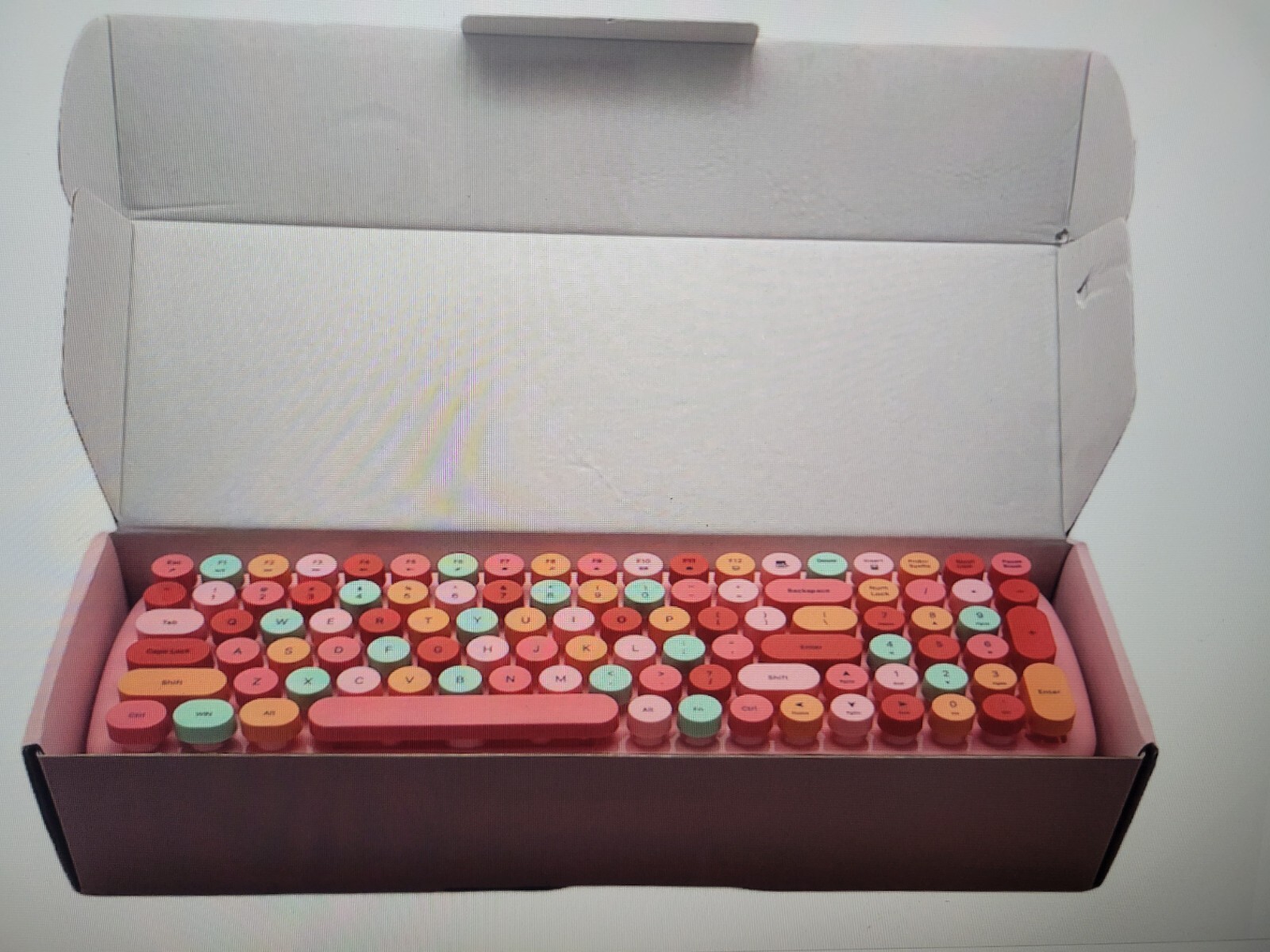 Mofii Candy XR Wireless Keyboard Mixed Colors With Candy Pink Mouse Included$21.44Last checked Nov 19, 2026View on eBay
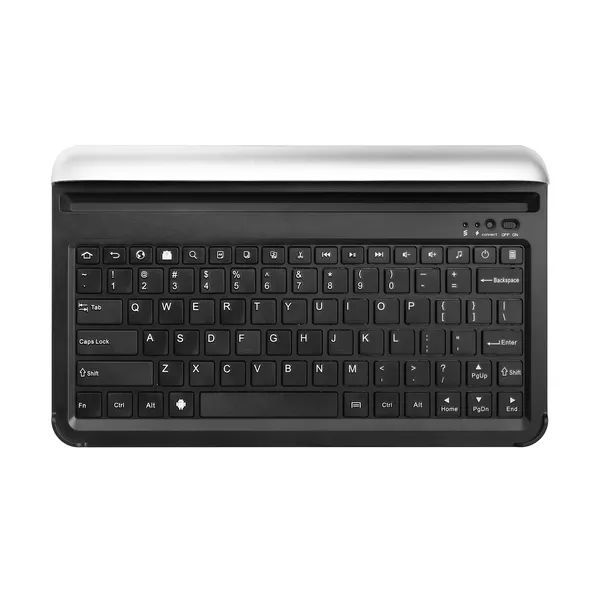 Ultra-portable Wireless Keyboard With Built-in Stand For KOCASO MX1080 And INova EX1080 In Silver$59.99View on Mallflare
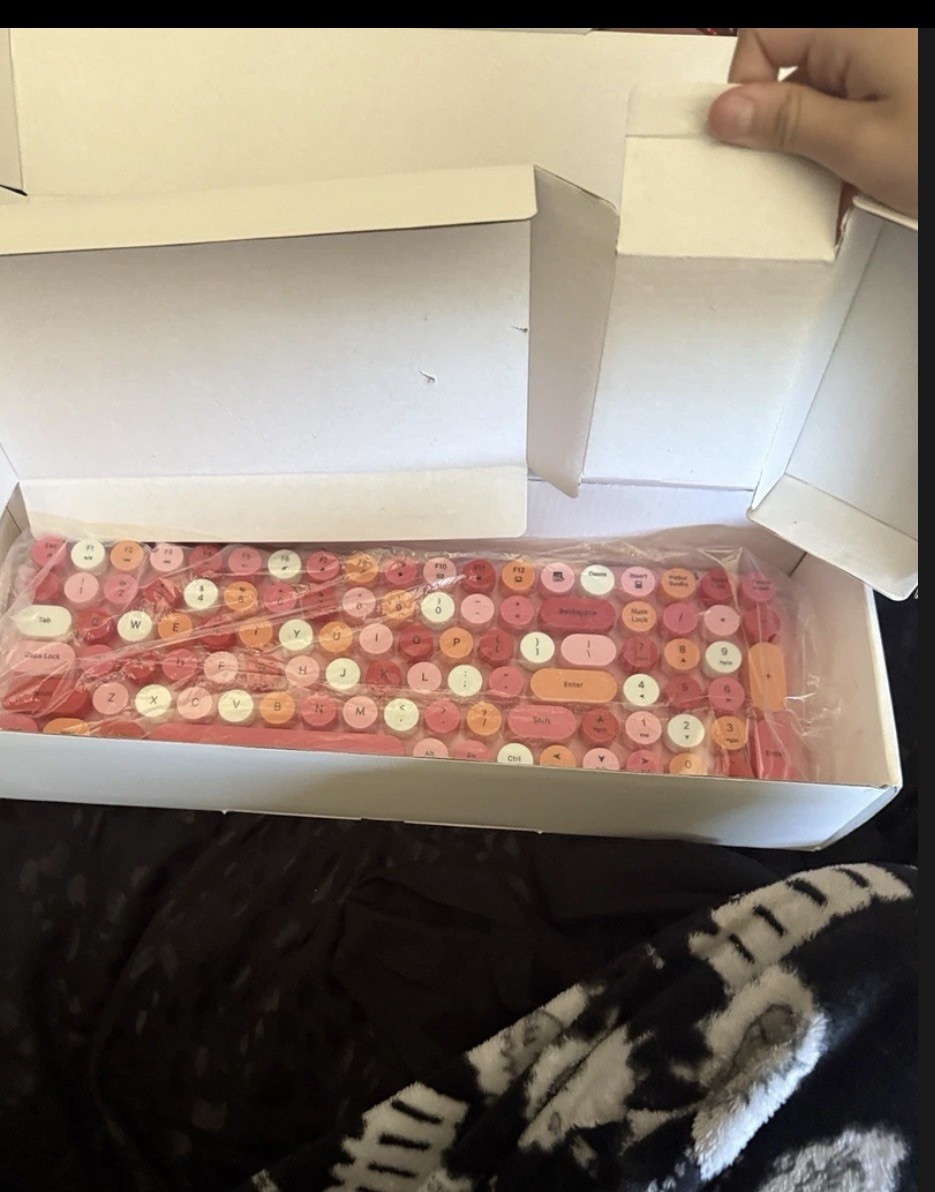 Mofii Candy XR Wireless Keyboard Combo With Mouse Green$24.00Last checked Nov 18, 2026View on eBay
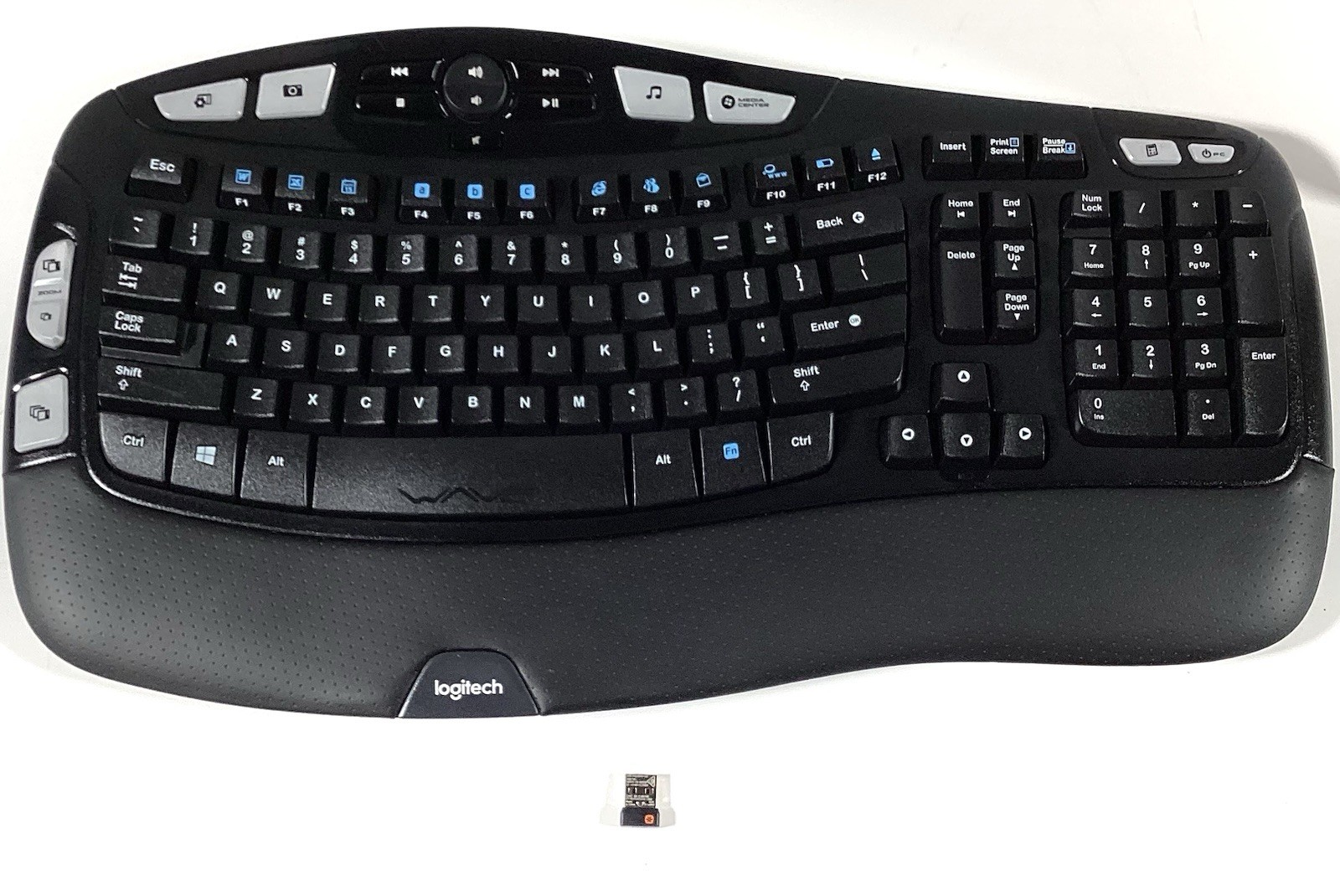 Logitech K350 Comfort Wave Wireless Keyboard with USB dongle tested Excellent$44.99View on eBay
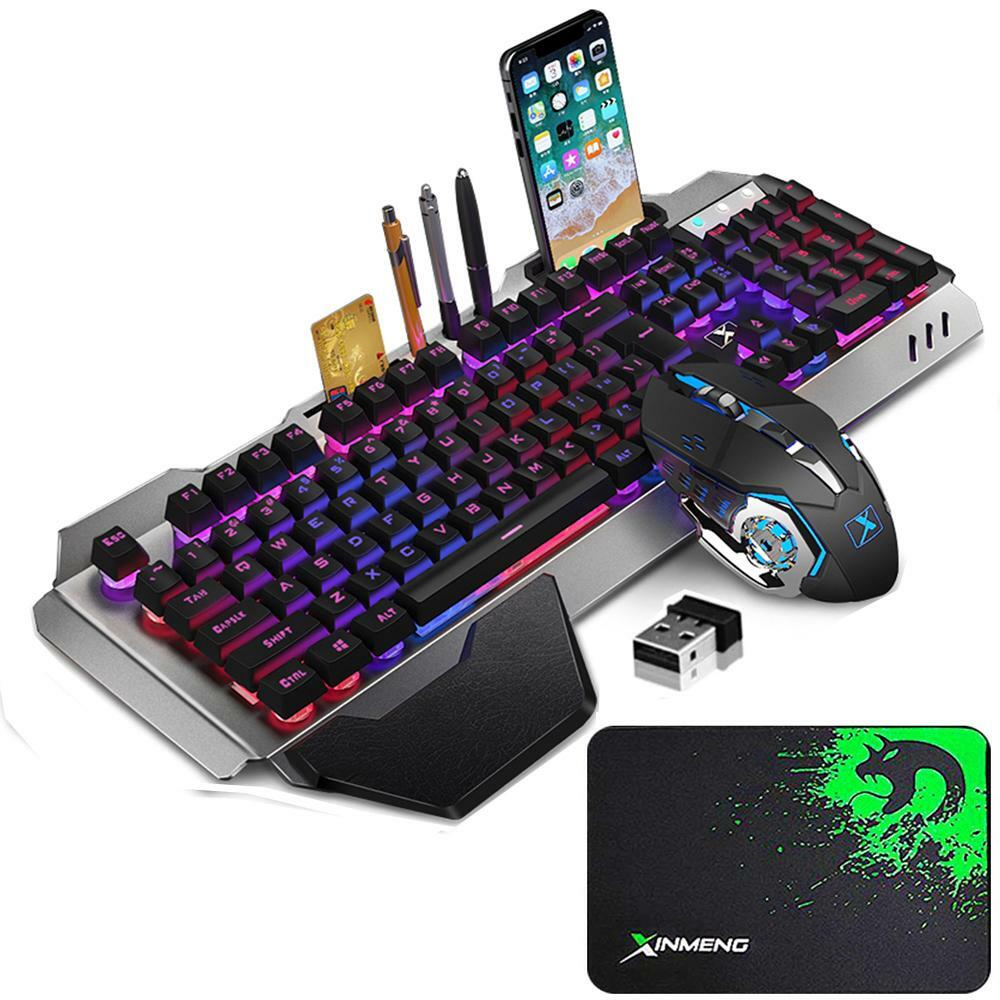 Wireless Gaming Keyboard and Mouse Mechanical Feel Rainbow Backlit$47.99View on eBay
Highlights
- 2.4GHz RF with USB-A dongle offers sub-10ms latency and plug-and-play across OSes, but occupies a port; Bluetooth 5.0+ enables multi-device pairing at the cost of 2-5ms added latency.
- Key pitch below 18mm forces finger crowding and increases error rates; standard compact keyboards maintain 18-19mm pitch while reducing bezel and function-row spacing.
- Scissor-switch mechanisms (1.5-2.0mm travel) suit travel and tablet use; mechanical low-profile switches (3.0-3.5mm travel) suit heavy typists but add weight and height.
- Aluminum top plates and PBT keycaps resist shine and flex; ABS keycaps and plastic chassis show wear within 12-18 months of daily use.
Best use cases
- Best fit for tablet or couch use: Bluetooth 5.0+ keyboard with built-in stand or foldable hinge, scissor switches, and 3-device pairing—skip full-size 2.4GHz-only models that need a USB-A port.
- Best fit for desktop productivity: 2.4GHz dongle keyboard with 18-19mm pitch, number pad optional, and 12-month+ battery life—skip ultra-thin membrane boards with <1.5mm travel for all-day typing.
- Best fit for multi-OS hot-desking: dual-mode (2.4GHz + Bluetooth) with OS-specific key legends and hardware switch—skip single-protocol models that require re-pairing when switching devices.
- Wrong fit: mechanical gaming keyboards marketed as 'small' at 60% layout lack dedicated function keys and arrow clusters, making spreadsheet and coding work slower unless you remap layers.
Buying tips
- Measure your desk or bag: 60% layouts are ~28-30cm wide, 75% ~32-34cm, and TKL ~36-38cm; ensure at least 5cm clearance behind for dongle or stand.
- Choose 2.4GHz with AES-128 encryption for office use; unencrypted RF dongles are vulnerable to keystroke sniffing within 10-30m.
- Verify battery type: built-in Li-ion (500-1500mAh) needs USB-C charging every 1-4 weeks; 2×AAA alkalines last 6-24 months but add weight and waste.
- Check key rollover: 6-key rollover suffices for office; NKRO over USB is required for fast typing and gaming—Bluetooth typically limits to 6KRO.
Specs
| Connection | 2.4GHz RF / Bluetooth 5.0+ / Dual |
|---|---|
| Layout Size | 60% / 75% / TKL / Compact full |
| Key Mechanism | Scissor / Membrane / Low-profile mech |
| Key Pitch | 18-19mm standard; <18mm compact |
Related searches
What to check before buying
- Confirm your device's Bluetooth version (4.0+ for BLE) or available USB-A port for 2.4GHz dongles; USB-C-only laptops need a hub or Bluetooth.
- Measure keyboard width against your bag or tray: 60% ≤30cm, 75% ≤34cm, TKL ≤38cm; add 2cm for wrist rest if used.
- Check OS compatibility: Windows/Mac legends differ; macOS requires Command/Option keys—verify hardware switch or remapping software.
- For tablet use, confirm the keyboard's built-in stand supports your tablet's thickness (typically 5-11mm) and viewing angles.
FAQ
Data sources: eBay / Amazon listings and product attribute feeds. Updated Nov 27, 2026.
Some links on this page are affiliate links. If you buy after clicking one, we may earn a commission at no extra cost to you. This does not change which products appear here or their order. Affiliate disclosure.