
Photos from current listings. Actual item, color, and included accessories may vary.
Wireless Keyboard And Mouse Buying Guide
Wireless keyboard and mouse combos trade connection stability and battery life against typing feel and build quality. The decisive rule: pick a shared 2.4 GHz USB-A nano-receiver or dual-mode dongle plus Bluetooth for latency-free daily typing, and treat Bluetooth-only or unlabeled receivers as secondary-use compromises. Membrane full-size and scissor low-profile combos anchor durability, while 'mechanical-feel' and retro round-keycap sets are cosmetic tiers with real actuation and layout trade-offs.
Median $24.00
Key takeaways
- 2.4 GHz RF via USB-A nano-receiver delivers roughly 1 ms report latency and 10 m range — the standard for typing and office combos; Bluetooth 5.0/5.1 adds multi-device switching but adds input lag.
- Membrane domes typically rated around 5-10 million keystrokes; scissor switches on low-profile combos feel crisper but have shallower 1.5-2 mm travel versus 3.5-4 mm full-size membrane.
- Round retro typewriter keycaps use tall cylindrical caps on membrane or scissor stems, shrinking effective key spacing and raising mistype rates for touch typists.
At a glance
- Category
- Computers & Peripherals
- Last updated
- Nov 27, 2026
Current offers
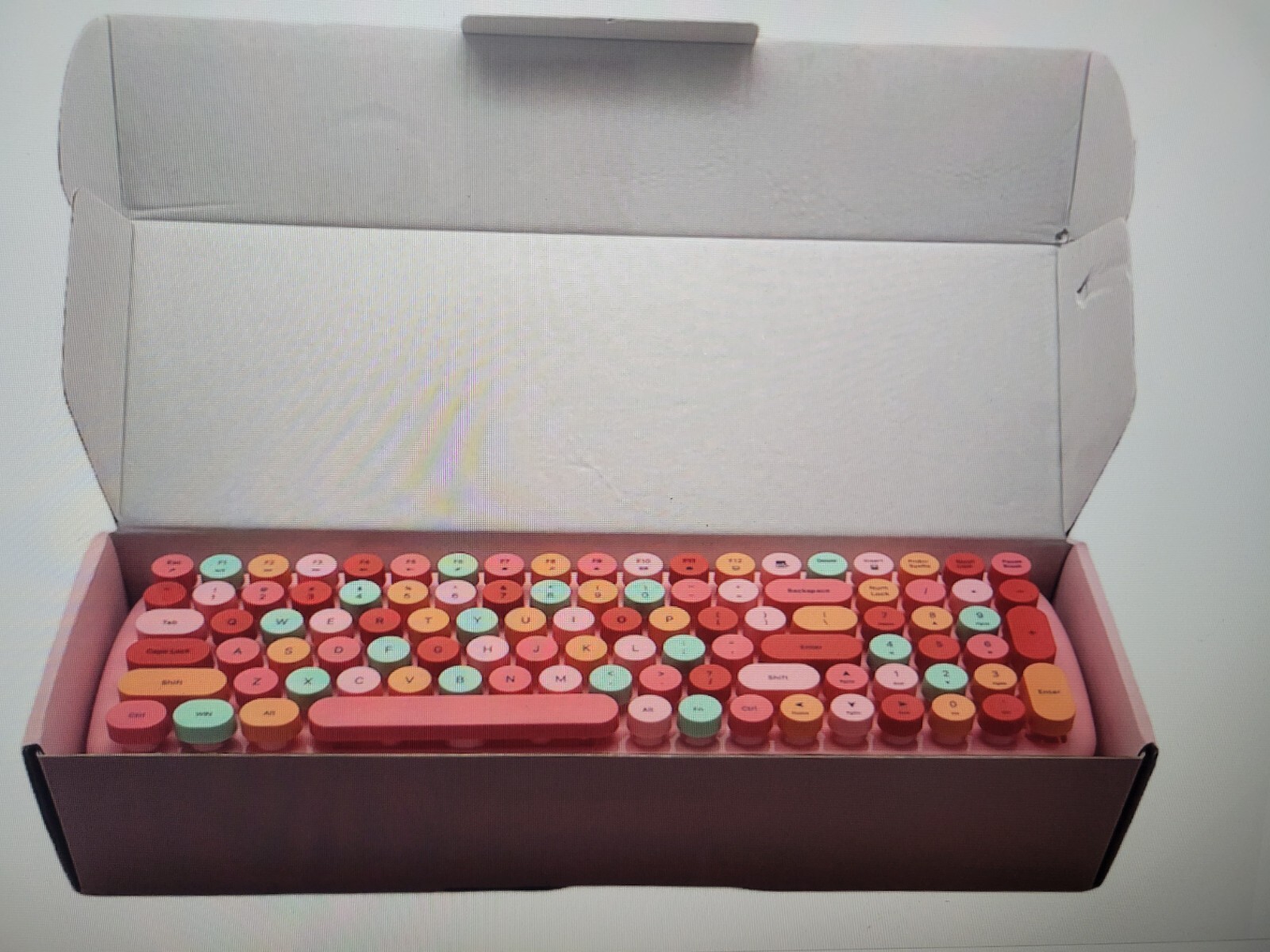 Mofii Candy XR Wireless Keyboard Mixed Colors With Candy Pink Mouse Included$21.44Last checked Nov 19, 2026View on eBay
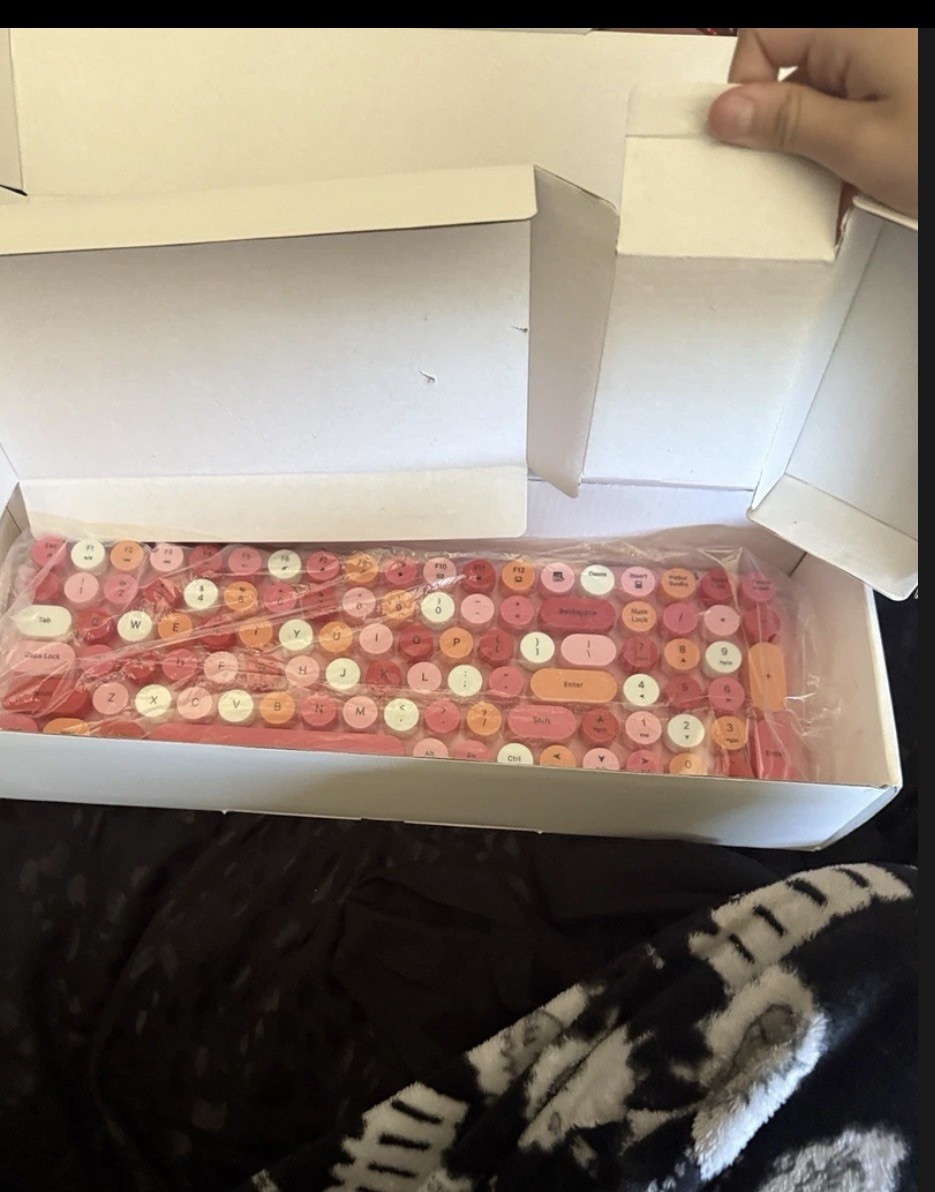 Mofii Candy XR Wireless Keyboard Combo With Mouse Green$24.00Last checked Nov 18, 2026View on eBay
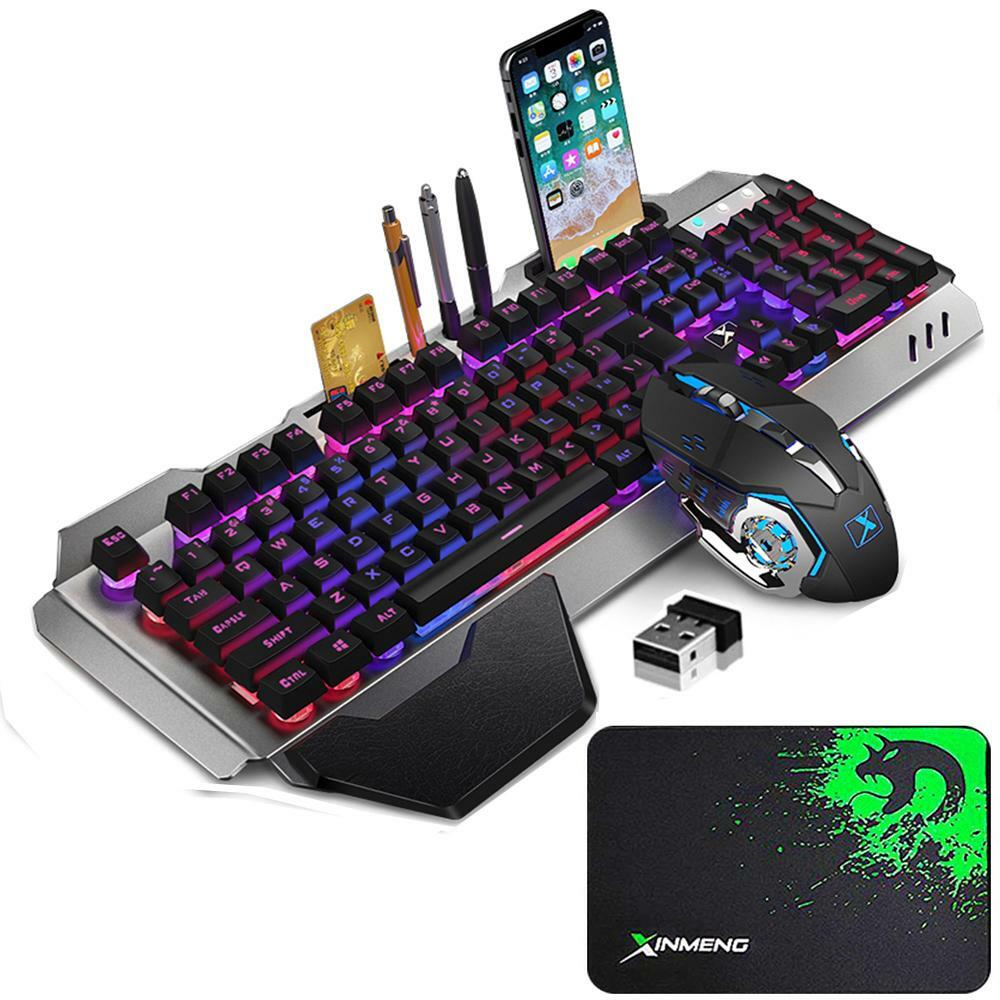 Wireless Gaming Keyboard and Mouse Mechanical Feel Rainbow Backlit$47.99View on eBay
Highlights
- 2.4 GHz RF via USB-A nano-receiver delivers roughly 1 ms report latency and 10 m range — the standard for typing and office combos; Bluetooth 5.0/5.1 adds multi-device switching but adds input lag.
- Membrane domes typically rated around 5-10 million keystrokes; scissor switches on low-profile combos feel crisper but have shallower 1.5-2 mm travel versus 3.5-4 mm full-size membrane.
- Round retro typewriter keycaps use tall cylindrical caps on membrane or scissor stems, shrinking effective key spacing and raising mistype rates for touch typists.
- Mechanical-feel gaming combos pair rainbow membrane backlighting with 6-key or full N-key rollover claims; true mechanical switches and per-key RGB are a separate, higher-cost tier.
Best use cases
- Choose a full-size 104-key 2.4 GHz membrane combo for desk work, accounting, and spreadsheets — the numeric keypad and 1 ms RF link matter more than aesthetic keycaps.
- Choose a dual-mode 2.4 GHz + Bluetooth combo with a device switch for laptop plus desktop setups; skip single-mode RF if you need to toggle between machines without unplugging.
- Choose a low-profile scissor combo for compact desks and laptop-like feel; skip full-size membrane if desk depth is under 50 cm or you share a small workspace.
- Choose a gaming 'mechanical-feel' backlit combo only for casual play and dim-room typing; skip it for competitive FPS if you need true mechanical actuation and verified NKRO.
Buying tips
- Measure desk depth and width first: a full-size combo with mouse needs roughly 75 cm width and 30 cm depth for comfortable hand spacing; compact TKL combos fit 60 cm.
- Match connection to device ports: ensure the receiver is USB-A and the combo offers Bluetooth 5.x if your laptop is USB-C only; a USB-C to USB-A adapter or dual-mode dongle prevents dead-on-arrival pairing.
- For low-profile combos check key travel and pitch: 1.5-2 mm travel and 19 mm pitch keep accuracy; round retro caps reduce effective pitch and suit hunt-and-peck typists, not touch typists.
- Verify mouse sensor tier and DPI range: office combos at 1000-1600 DPI suit documents; gaming-feel combos should list at least 2400-3200 DPI and 125 Hz polling to avoid cursor stutter.
Specs
| Connection | 2.4 GHz RF / Bluetooth 5.x / Dual-mode |
|---|---|
| Keyboard Layout | Full-size 104 / TKL / Compact |
| Switch Type | Membrane / Scissor / Mechanical-feel |
| Mouse Sensor | 1000-3200 DPI optical / 125 Hz polling |
Related searches
What to check before buying
- Confirm desk or keyboard tray width clears 75 cm for a full-size keyboard plus mouse mat; compact TKL combos need about 60 cm.
- Check that your PC, laptop, or console exposes a free USB-A port (or plan a USB-C adapter) for the 2.4 GHz nano-receiver.
- Verify keyboard layout standard (US ANSI vs UK/EU ISO) and whether a numeric keypad is required for your data-entry work.
- Confirm mouse hand orientation and grip size: ambidextrous combo mice suit both hands, but right-handed ergonomic shells need palm-length measurement.
FAQ
Data sources: eBay / Amazon listings and product attribute feeds. Updated Nov 27, 2026.
Some links on this page are affiliate links. If you buy after clicking one, we may earn a commission at no extra cost to you. This does not change which products appear here or their order. Affiliate disclosure.