
Photos from current listings. Actual item, color, and included accessories may vary.
Wireless Keyboard Buying Guide
A wireless keyboard is a cordless input device that connects via 2.4 GHz USB receiver or Bluetooth, with the primary trade-off being wireless stability and battery life versus key feel and ergonomics. Durable options use scissor or mechanical switches, dedicated 2.4 GHz dongles or Bluetooth 5.0+, and full-size layouts with wrist rests, while compromises rely on rubber-dome mush, flaky Bluetooth, and glued-together plastic. The decision rule: buy for switch type and wireless protocol first, then layout and ergonomics; skip anything that forces you to choose between a dongle you'll lose and a pairing dance you'll repeat.
Median $46.49
Key takeaways
- 2.4 GHz USB dongle (e.g., Logitech Unifying) gives sub-10 ms latency and plug-and-play across OSes; Bluetooth 5.0+ adds multi-device pairing but shares a 2.4 GHz band and can stutter in dense Wi-Fi.
- Scissor switches (laptop-style) offer 1.5–2 mm travel and quiet, low-force typing; rubber-dome domes feel mushy and wear out, while mechanical switches (Cherry MX or clones, 50M+ keystrokes) give tactile feedback and replaceable keycaps.
- Logitech K350-class ergonomic wave layouts use a curved keyframe and cushioned palm rest to reduce wrist extension; flat chiclet boards suit portability but lack wrist support for all-day typing.
At a glance
- Category
- Computers & Peripherals
- Last updated
- Nov 27, 2026
Current offers
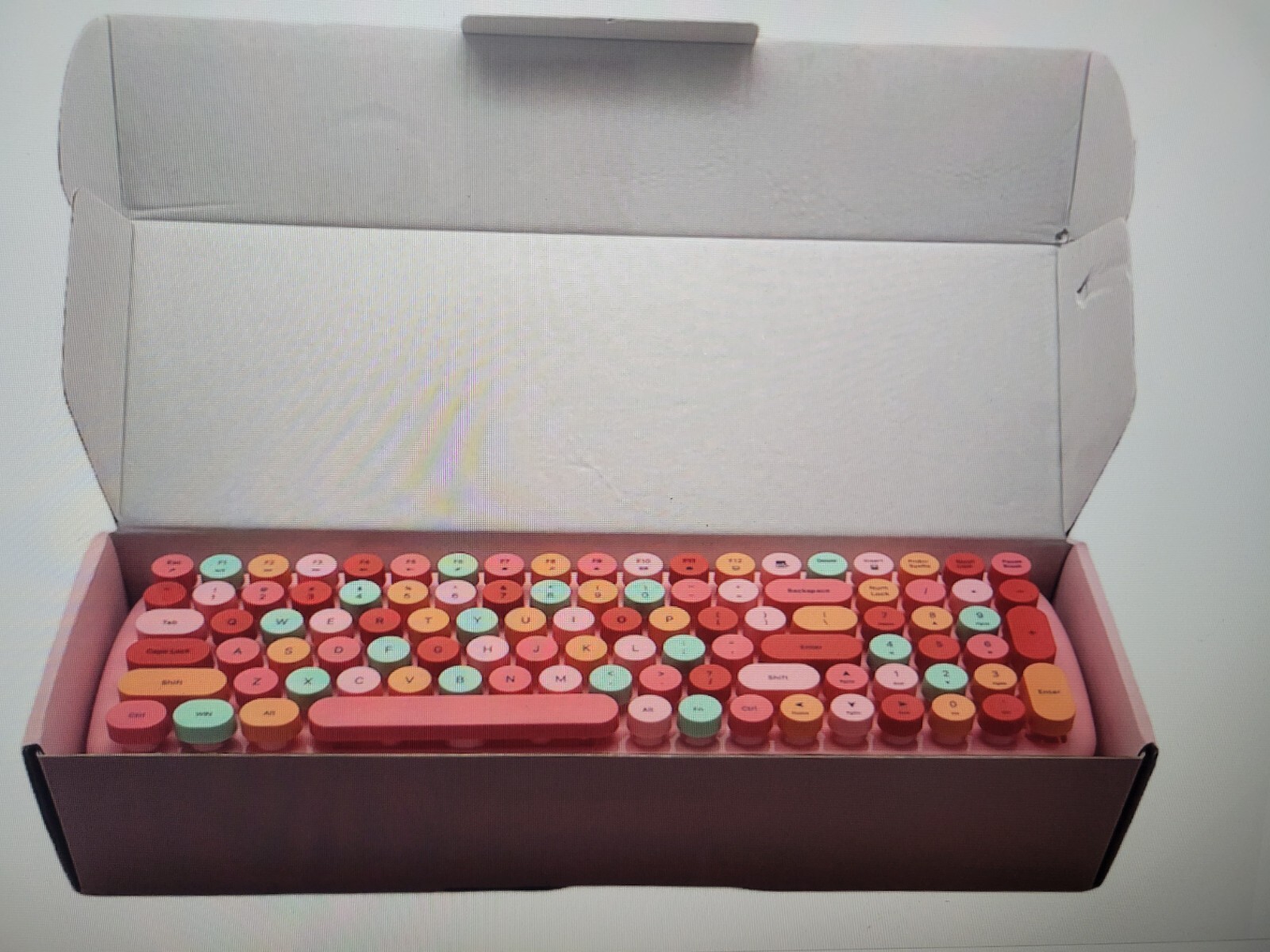 Mofii Candy XR Wireless Keyboard Mixed Colors With Candy Pink Mouse Included$21.44Last checked Nov 19, 2026View on eBay
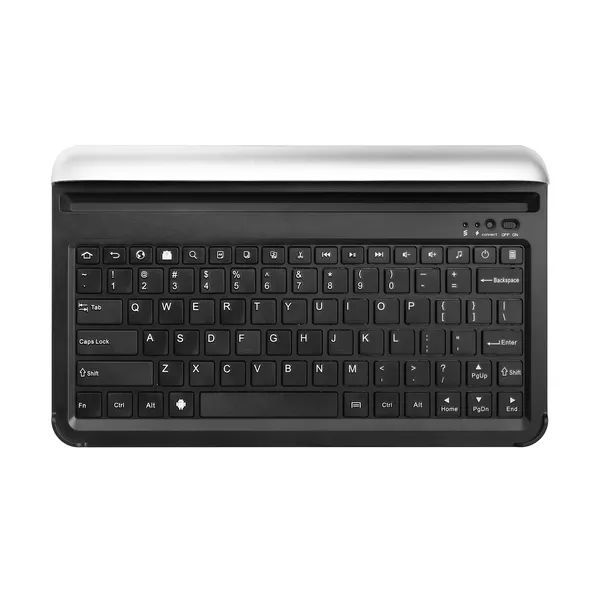 Ultra-portable Wireless Keyboard With Built-in Stand For KOCASO MX1080 And INova EX1080 In Silver$59.99View on Mallflare
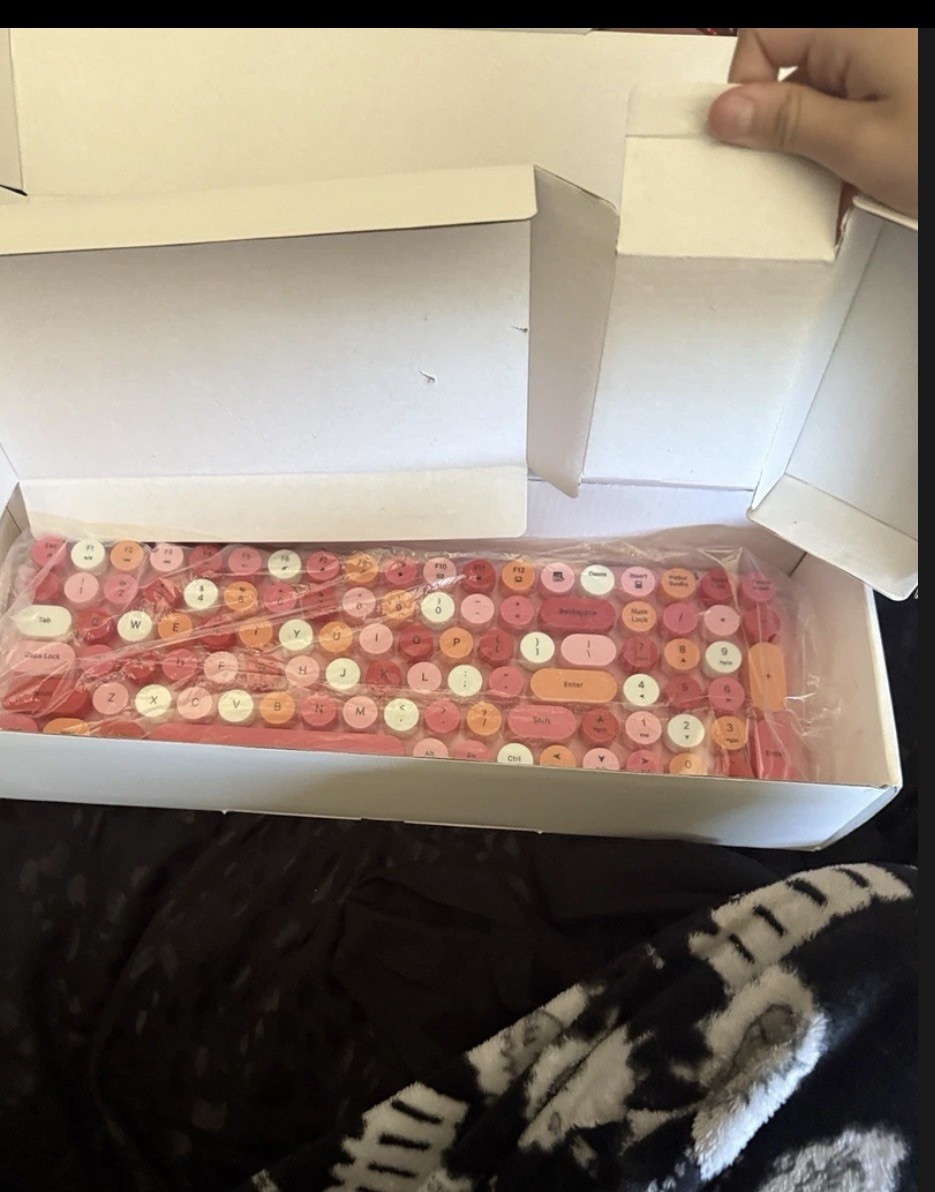 Mofii Candy XR Wireless Keyboard Combo With Mouse Green$24.00Last checked Nov 18, 2026View on eBay
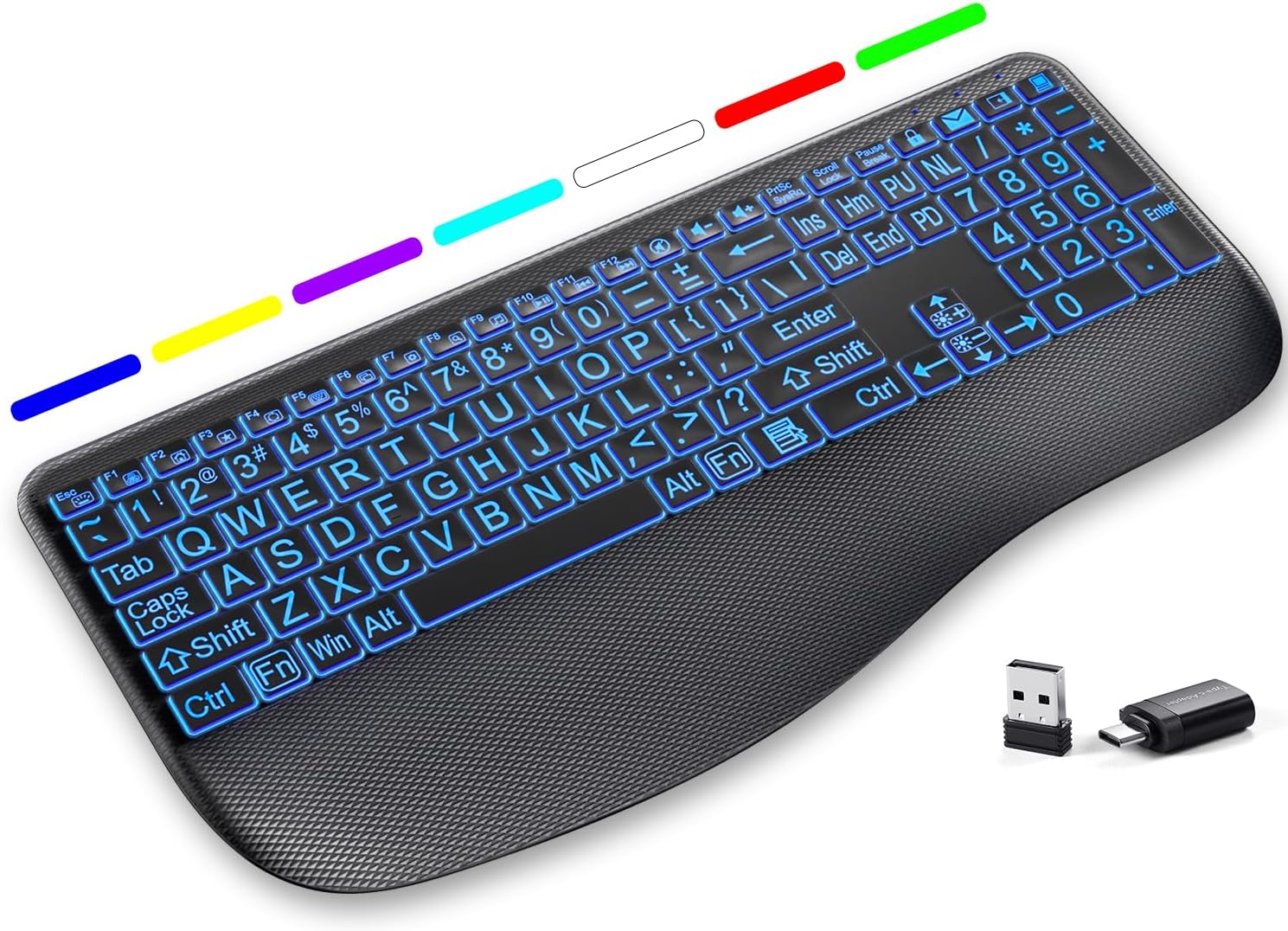 Hamile Large Print Wireless Backlit Keyboard For Windows, Black$134.99View on Mallflare
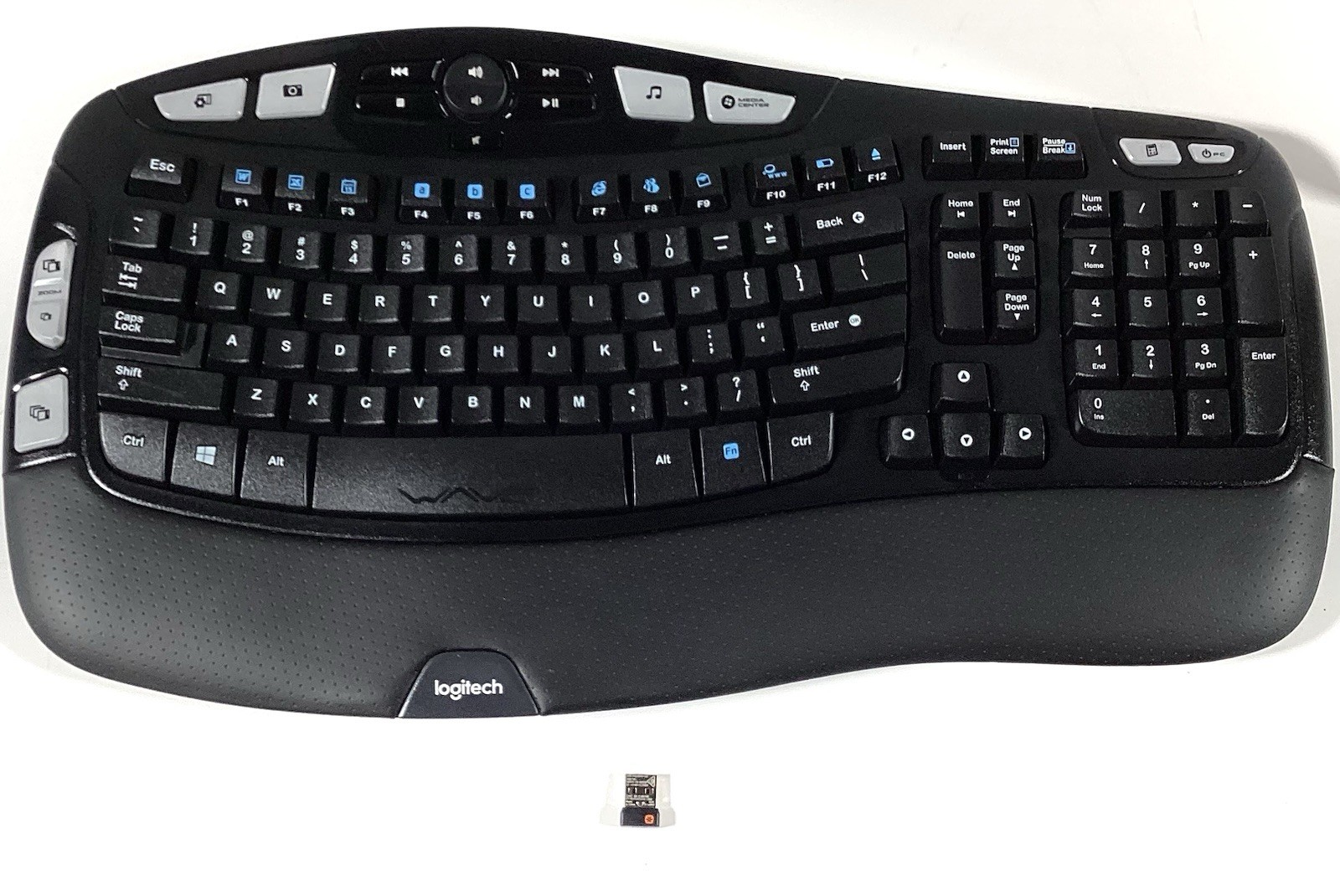 Logitech K350 Comfort Wave Wireless Keyboard with USB dongle tested Excellent$44.99View on eBay
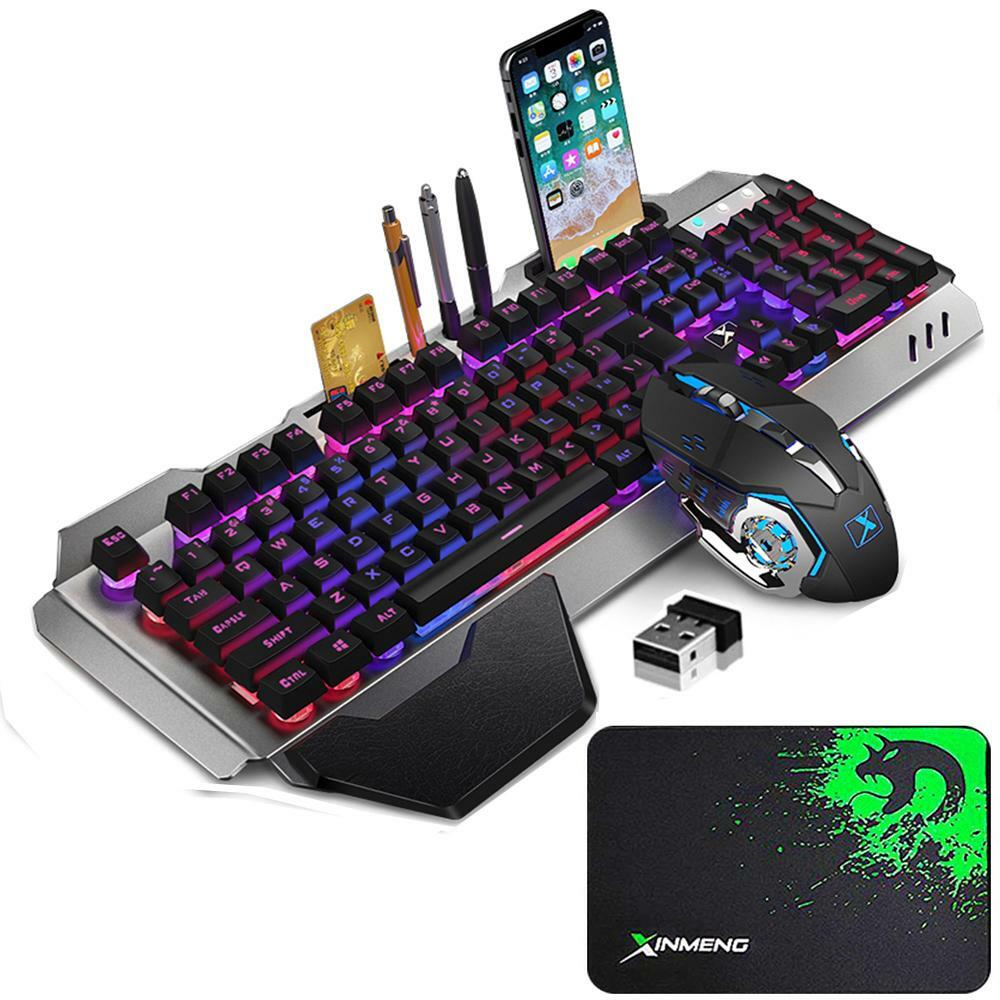 Wireless Gaming Keyboard and Mouse Mechanical Feel Rainbow Backlit$47.99View on eBay
Highlights
- 2.4 GHz USB dongle (e.g., Logitech Unifying) gives sub-10 ms latency and plug-and-play across OSes; Bluetooth 5.0+ adds multi-device pairing but shares a 2.4 GHz band and can stutter in dense Wi-Fi.
- Scissor switches (laptop-style) offer 1.5–2 mm travel and quiet, low-force typing; rubber-dome domes feel mushy and wear out, while mechanical switches (Cherry MX or clones, 50M+ keystrokes) give tactile feedback and replaceable keycaps.
- Logitech K350-class ergonomic wave layouts use a curved keyframe and cushioned palm rest to reduce wrist extension; flat chiclet boards suit portability but lack wrist support for all-day typing.
- Backlighting drains battery fast: 7-color RGB or white backlight typically drops a pair of AA cells from 24 months to weeks, so choose backlit only if you type in the dark and accept rechargeable Li-ion or frequent cell swaps.
Best use cases
- Full-size desktop PC typing in one fixed spot: pick a 2.4 GHz dongle keyboard with number pad, adjustable tilt legs, and a wrist rest (e.g., K350-style ergonomic wave) — skip Bluetooth-only ultra-slims that force re-pairing.
- Laptop/tablet on the go: choose a scissor-switch Bluetooth board under 1 lb with built-in stand or foldable cover; skip full-size mechanical boards that add 2+ lb and need a dongle.
- Multimedia/HTPC couch use: opt for a compact 2.4 GHz combo with integrated trackpad or mouse and 10 m range; skip RGB backlit boards with wrist rests that are too wide for lap use.
- Shared office or hot-desk: use Bluetooth 5.0 with 3-device memory and scissor switches for quiet typing; skip loud mechanicals and dongle-only models that lose the receiver between users.
Buying tips
- Match layout to OS: Windows PCs need full 104-key with number pad for spreadsheets; Mac users should pick a board with Command/Option legends or remappable keys, not a Windows-only dongle.
- Check wireless protocol and band: 2.4 GHz dongles are lowest-latency and OS-agnostic; Bluetooth 5.0+ is best for tablets and multi-device, but avoid Bluetooth 3.0 or older for typing lag.
- Battery math: two AA alkaline cells last 12–24 months on non-backlit 2.4 GHz boards; Li-ion rechargeables last 1–4 weeks with backlight on, so plan charging cadence or keep spare AAAs.
- Key travel and spacing: scissor 1.5–2 mm travel with 19 mm key pitch is the minimum for touch-typing comfort; chiclet under 1 mm travel and 17 mm pitch causes typos for fast typists.
Specs
| Connectivity | 2.4 GHz USB dongle / Bluetooth 5.0+ |
|---|---|
| Switch Type | Scissor / rubber-dome / mechanical |
| Layout | Full-size 104-key / compact 60–75% |
| Battery Type | AA alkaline / Li-ion rechargeable |
Related searches
What to check before buying
- Measure desk or lap width: full-size boards run 17–18 in wide; compact 60–75% boards are 11–12 in — confirm space for mouse beside it.
- Confirm USB-A or USB-C port availability for the dongle, or Bluetooth version on your PC/tablet (Windows 8+ and macOS 10.10+ support BLE).
- Check keyboard height and wrist rest: ergonomic wave boards sit 1–1.5 in tall at the back; ensure your chair/desk height keeps forearms level.
- Verify plug standard if buying from overseas listings: EU/UK sellers may ship 2.4 GHz receivers that are region-agnostic, but chargers for rechargeable boards may need plug adapters.
FAQ
Data sources: eBay / Amazon listings and product attribute feeds. Updated Nov 27, 2026.
Some links on this page are affiliate links. If you buy after clicking one, we may earn a commission at no extra cost to you. This does not change which products appear here or their order. Affiliate disclosure.