
Photos from current listings. Actual item, color, and included accessories may vary.
Wireless Gaming Keyboard Buying Guide
Wireless gaming keyboards span membrane combo kits to true mechanical boards, with the primary trade-off being wireless latency/rollover versus battery life and build quality. Durability hinges on switch type (mechanical vs membrane), connection standard (2.4 GHz dongle vs Bluetooth), and anti-ghosting/NKRO implementation. Choose 2.4 GHz with NKRO for competitive play; reserve Bluetooth membrane boards for casual or media use.
Median $46.49
Key takeaways
- 2.4 GHz dongle connection delivers 1-4 ms latency; Bluetooth adds 10-20 ms and often limits key rollover.
- Mechanical switches rated 50-100 million keystrokes; membrane domes degrade after 5-10 million presses.
- NKRO over USB/2.4 GHz registers all keys; Bluetooth typically caps at 6KRO, blocking simultaneous WASD+ability inputs.
At a glance
- Category
- Computers & Peripherals
- Last updated
- Nov 27, 2026
Current offers
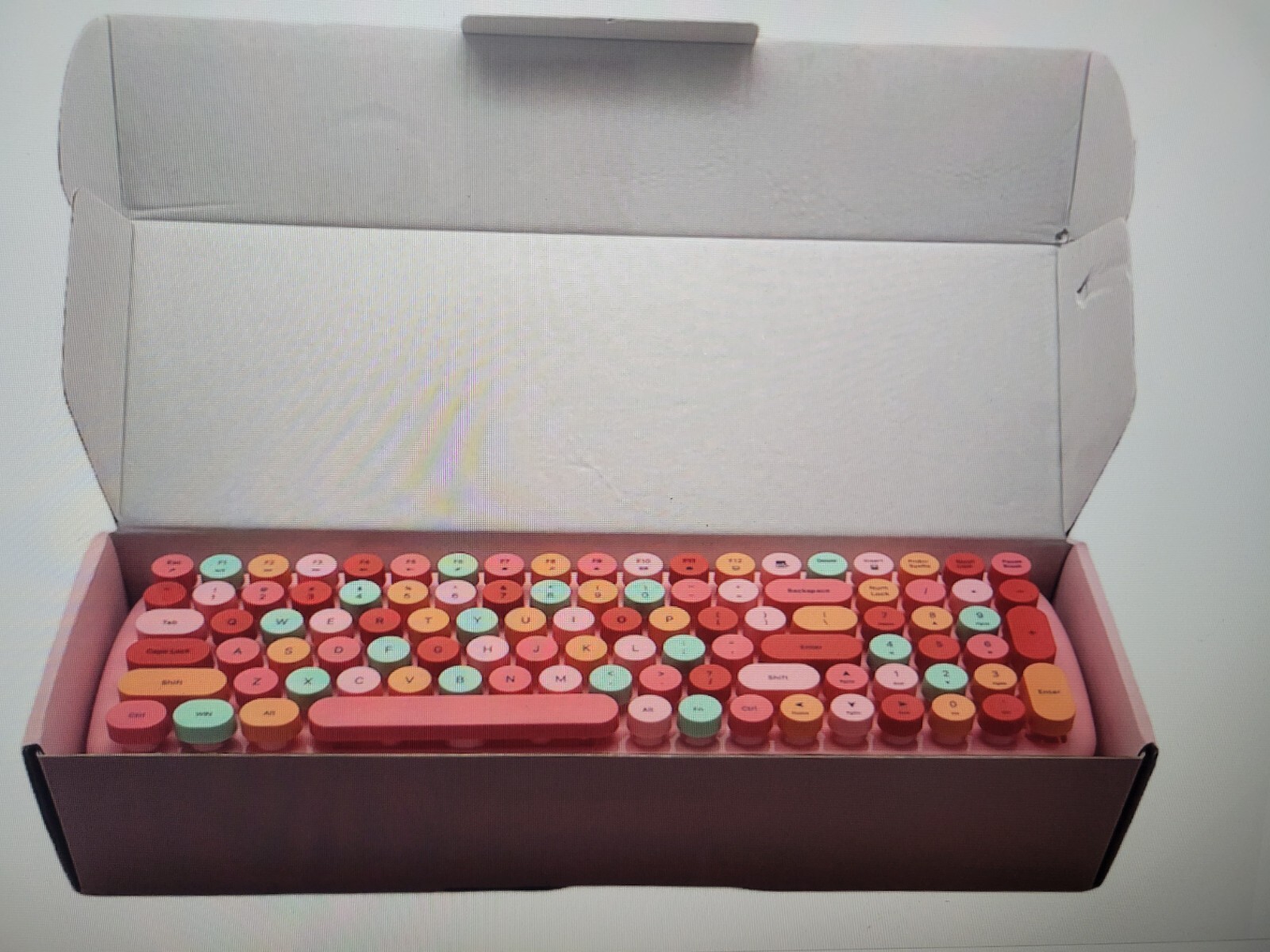 Mofii Candy XR Wireless Keyboard Mixed Colors With Candy Pink Mouse Included$21.44Last checked Nov 19, 2026View on eBay
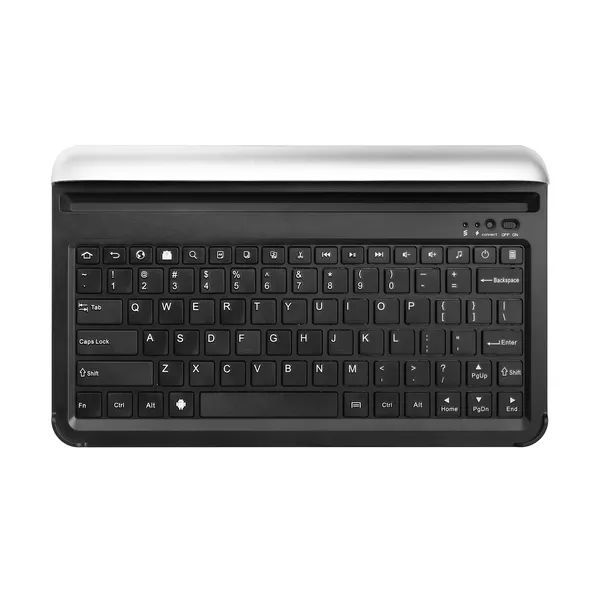 Ultra-portable Wireless Keyboard With Built-in Stand For KOCASO MX1080 And INova EX1080 In Silver$59.99View on Mallflare
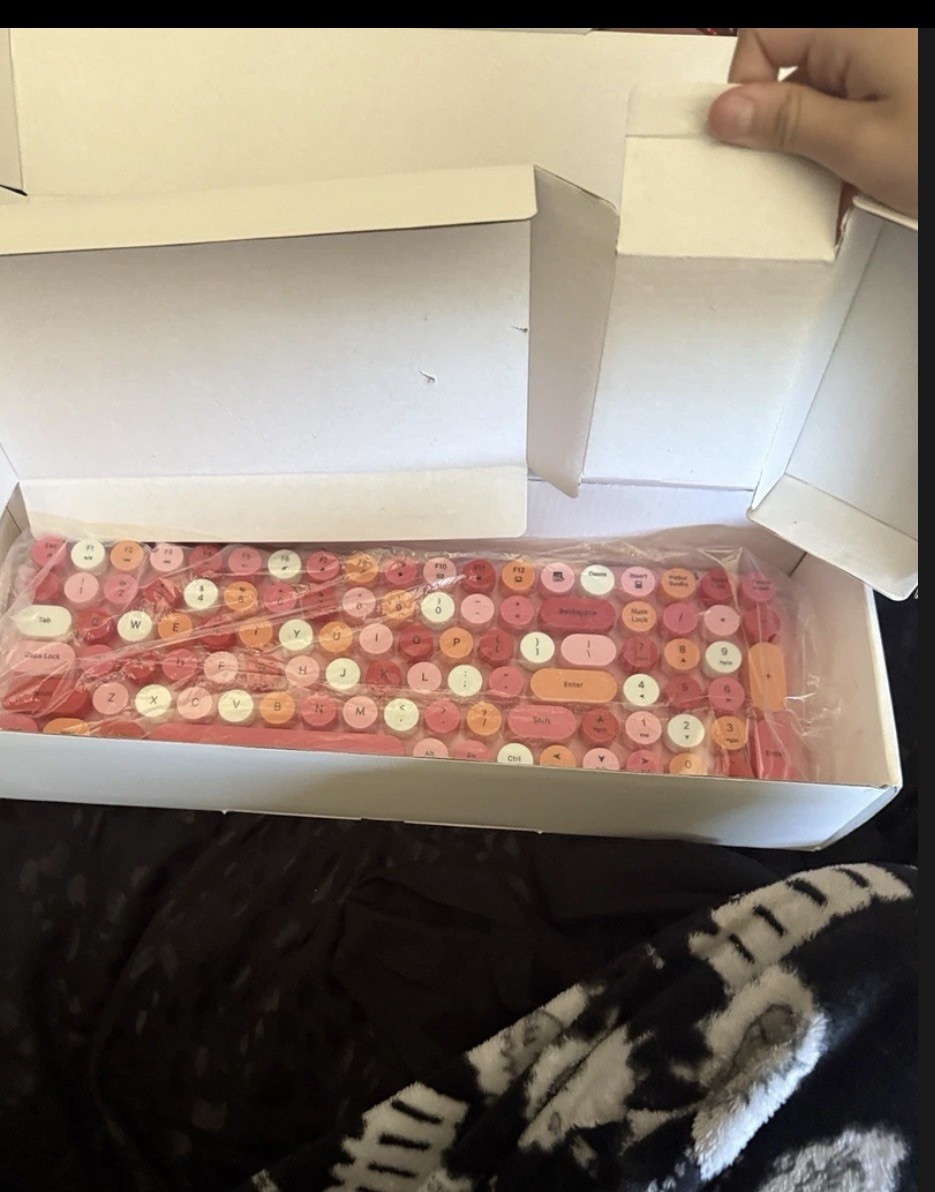 Mofii Candy XR Wireless Keyboard Combo With Mouse Green$24.00Last checked Nov 18, 2026View on eBay
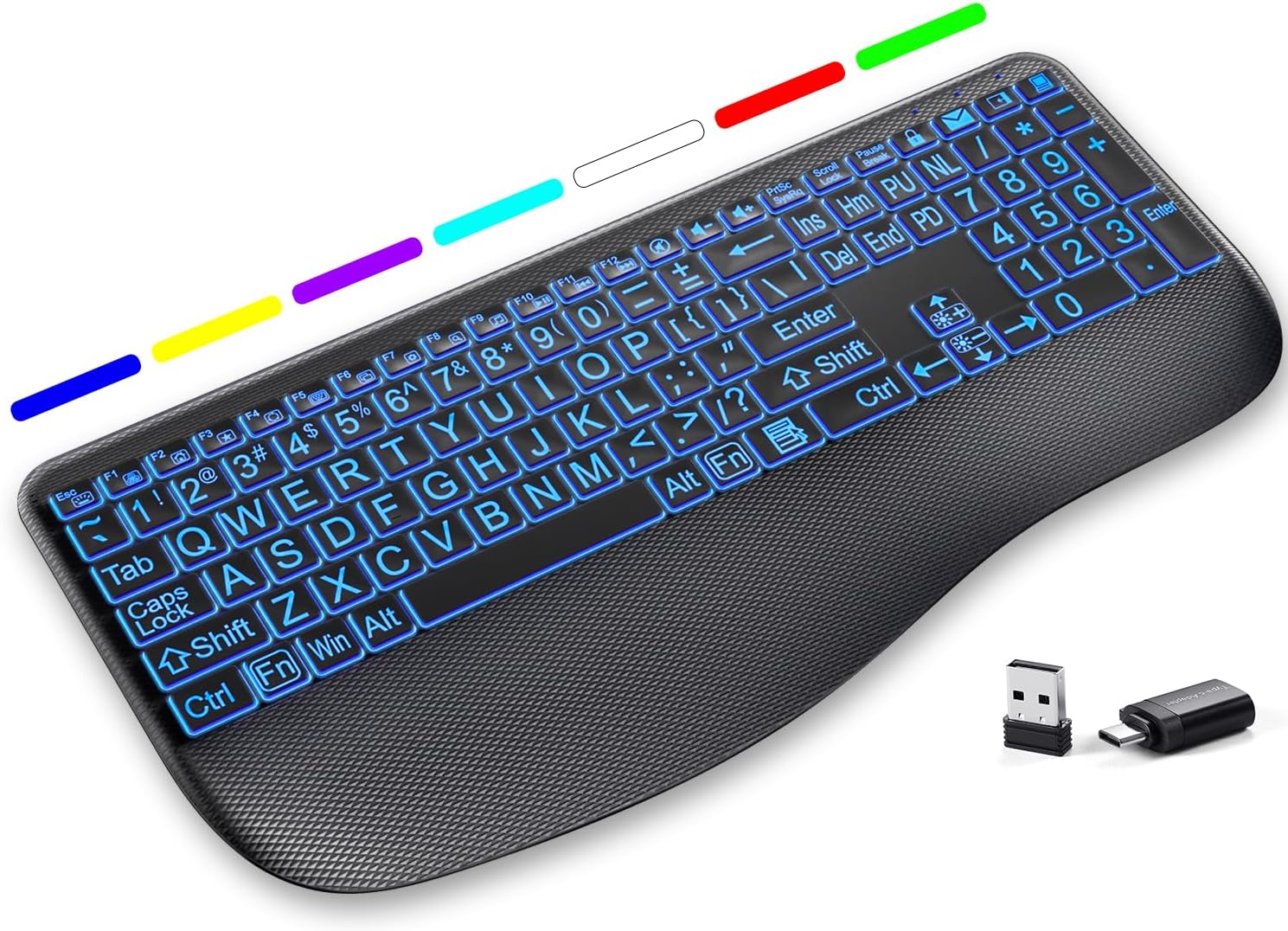 Hamile Large Print Wireless Backlit Keyboard For Windows, Black$134.99View on Mallflare
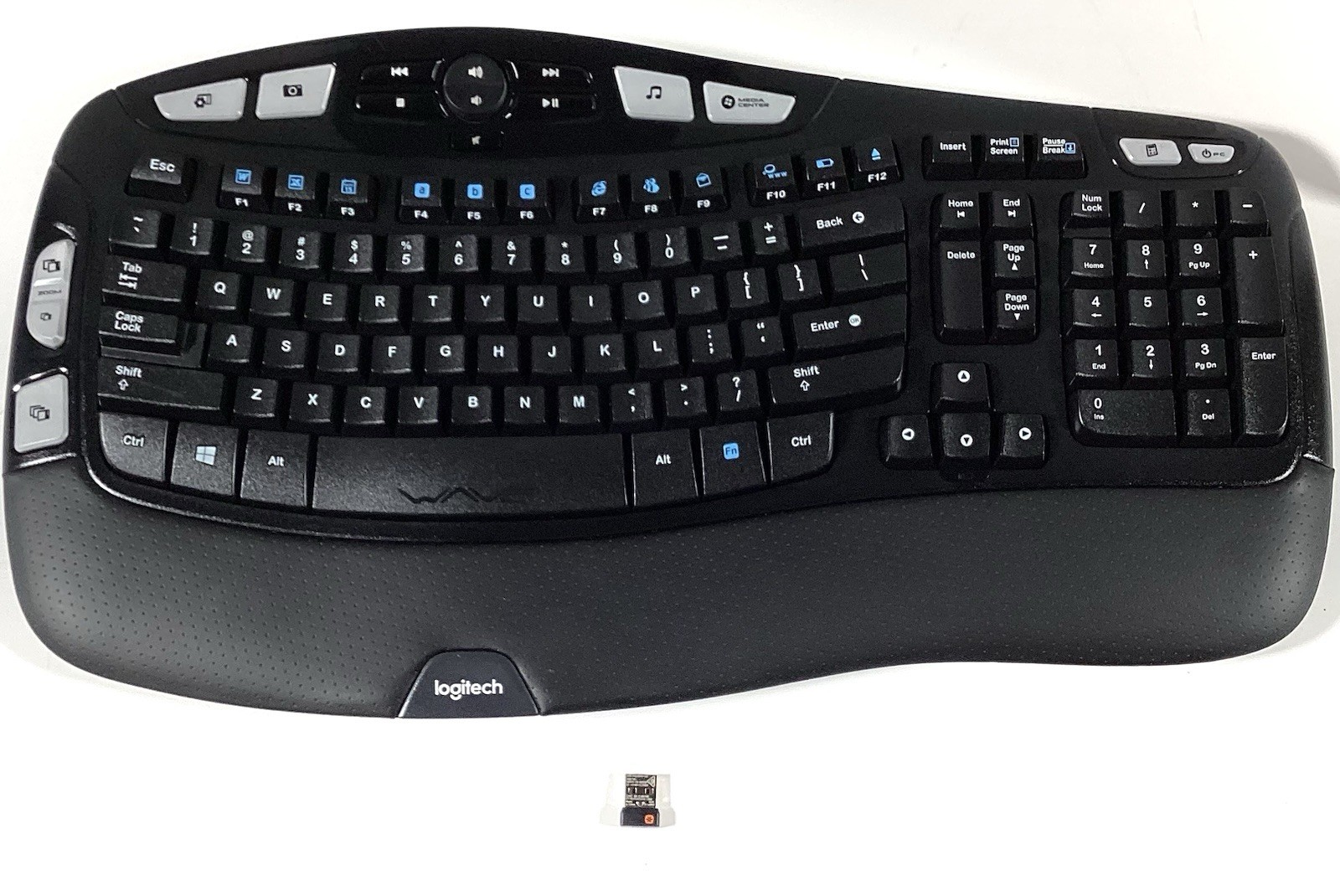 Logitech K350 Comfort Wave Wireless Keyboard with USB dongle tested Excellent$44.99View on eBay
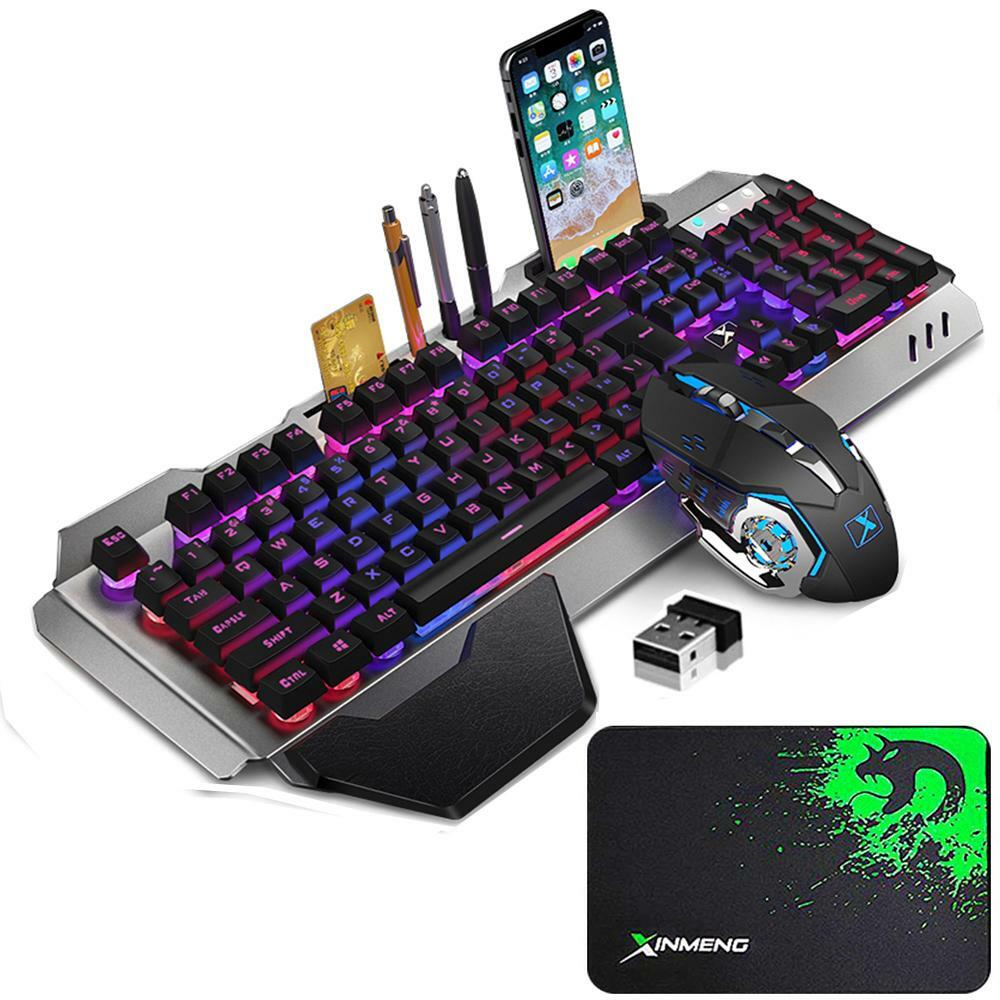 Wireless Gaming Keyboard and Mouse Mechanical Feel Rainbow Backlit$47.99View on eBay
Highlights
- 2.4 GHz dongle connection delivers 1-4 ms latency; Bluetooth adds 10-20 ms and often limits key rollover.
- Mechanical switches rated 50-100 million keystrokes; membrane domes degrade after 5-10 million presses.
- NKRO over USB/2.4 GHz registers all keys; Bluetooth typically caps at 6KRO, blocking simultaneous WASD+ability inputs.
- Battery tier: 4000+ mAh with RGB off yields 100+ hours; 2000 mAh RGB-on boards need weekly charging.
Best use cases
- Competitive FPS/MOBA: pick a 2.4 GHz mechanical with NKRO and 1000 Hz polling; skip Bluetooth membrane combos.
- Couch or media-center gaming: a compact 60-75% Bluetooth board saves desk space; full-size is wrong-fit for lap use.
- Mixed work/gaming: a hot-swappable 2.4 GHz + Bluetooth board with 4000 mAh battery covers both; RGB-heavy 2000 mAh boards fall short.
Buying tips
- Measure desk width: full-size (17.5 in) needs 20 in clearance; 75% (13 in) fits 15 in; 60% (11.5 in) fits 13 in.
- Confirm 2.4 GHz dongle storage and USB-C charging; micro-USB on older Logitech Unifying models is a legacy bottleneck.
- Check switch rating: 50M+ keystrokes for mechanical; membrane domes under 10M suit casual only.
- Match layout: ANSI for US gaming; French Canadian or ISO layouts change key positions and are wrong-fit for US users.
Specs
| Connection | 2.4 GHz dongle vs Bluetooth 5.0 |
|---|---|
| Switch Type | Mechanical 50M+ vs membrane |
| Key Rollover | NKRO (2.4G) vs 6KRO (BT) |
| Battery/Charging | 2000-4000 mAh, USB-C |
Related searches
What to check before buying
- Measure desk depth and width; confirm keyboard footprint plus wrist rest fits with mouse clearance.
- Verify PC has free USB-A for 2.4 GHz dongle or Bluetooth 5.0; dongle-free boards need Bluetooth.
- Check battery capacity and charging port (USB-C preferred) against your weekly play hours.
- Confirm layout (ANSI/ISO) and keycap puller/hot-swap support if planning switch changes.
FAQ
Data sources: eBay / Amazon listings and product attribute feeds. Updated Nov 27, 2026.
Some links on this page are affiliate links. If you buy after clicking one, we may earn a commission at no extra cost to you. This does not change which products appear here or their order. Affiliate disclosure.