
Photos from current listings. Actual item, color, and included accessories may vary.
Webcam Buying Guide
A webcam is a USB or wireless camera module that captures video for calls, streaming, and conferencing. The core trade-off is sensor resolution and low-light performance versus autofocus, field-of-view, and microphone quality. Buy a 1080p autofocus unit with a privacy shutter for daily calls; upgrade to 4K only if you have controlled lighting and need detail capture.
Median $37.49
Key takeaways
- 1080p at 30fps is the baseline for video calls; 4K sensors require USB 3.0 and good lighting to avoid soft, noisy output.
- Fixed-focus lenses suit single-user desk setups; autofocus is essential for close-up demos, document sharing, or moving subjects.
- A 60-degree field of view frames one person; 78-90 degrees fits small groups but distorts edges and shrinks faces.
At a glance
- Category
- Computers & Peripherals
- Last updated
- Nov 28, 2026
Current offers
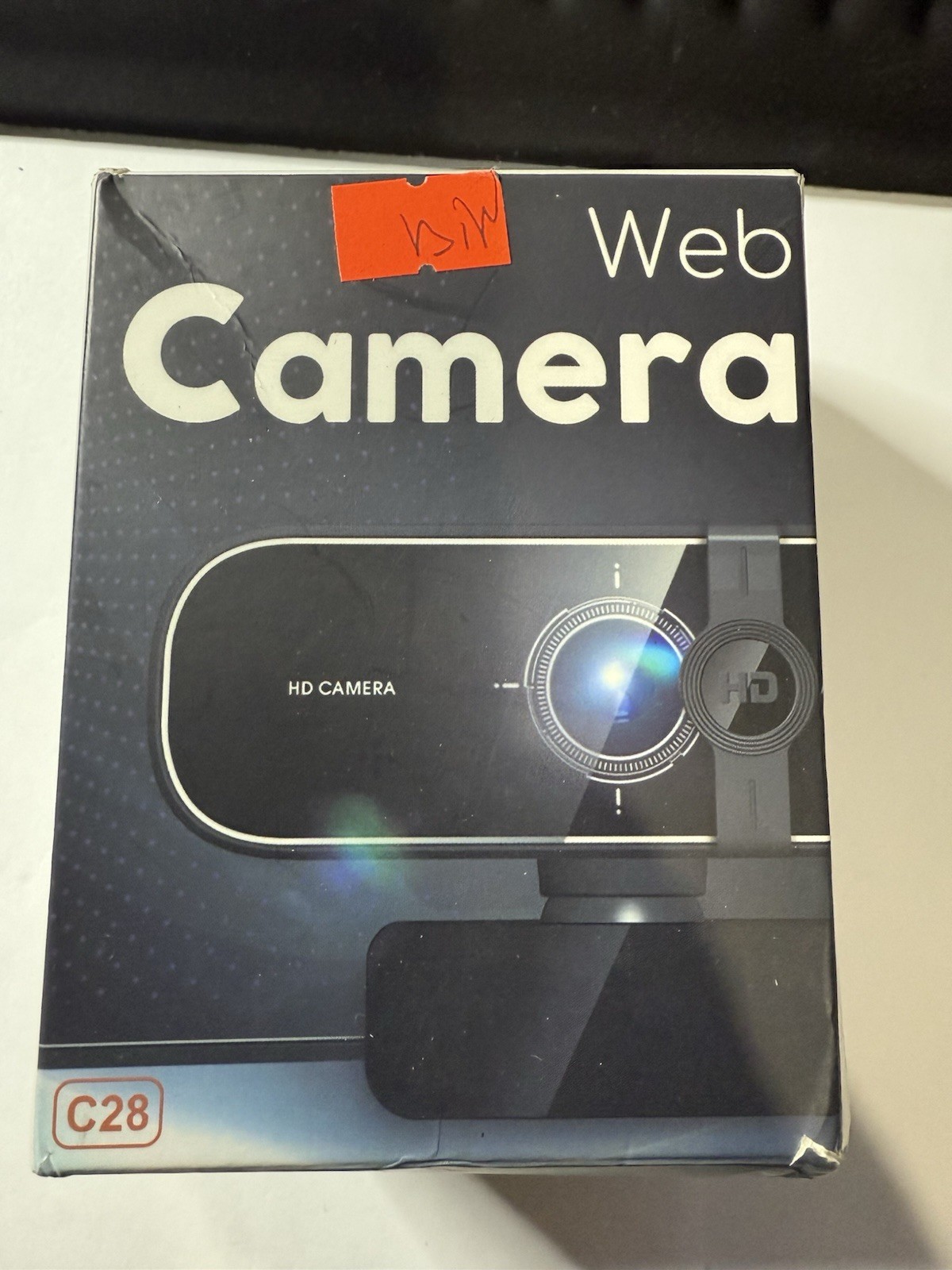 C28 1080P Webcam with Privacy Cover and Tripod Stand, PC Camera with Noise-Cance$20.00View on eBay
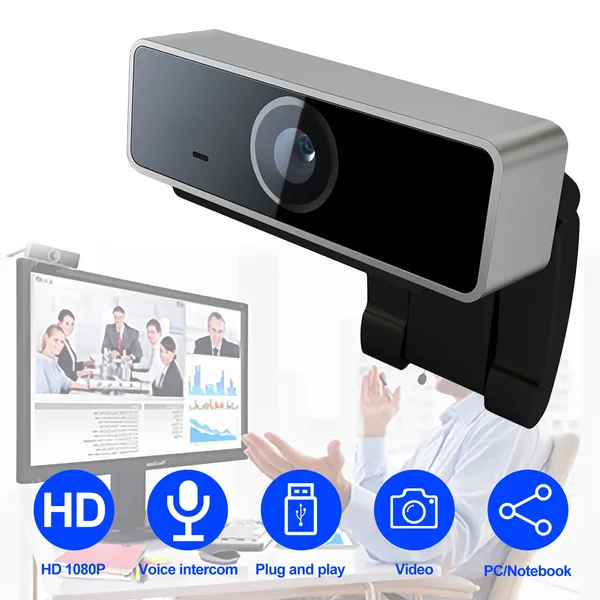 FHD 1080P Webcam USB PC Computer Auto Focus With Microphone 60-Degree Widescreen Desktop Laptop Live Streaming$38.99View on Mallflare
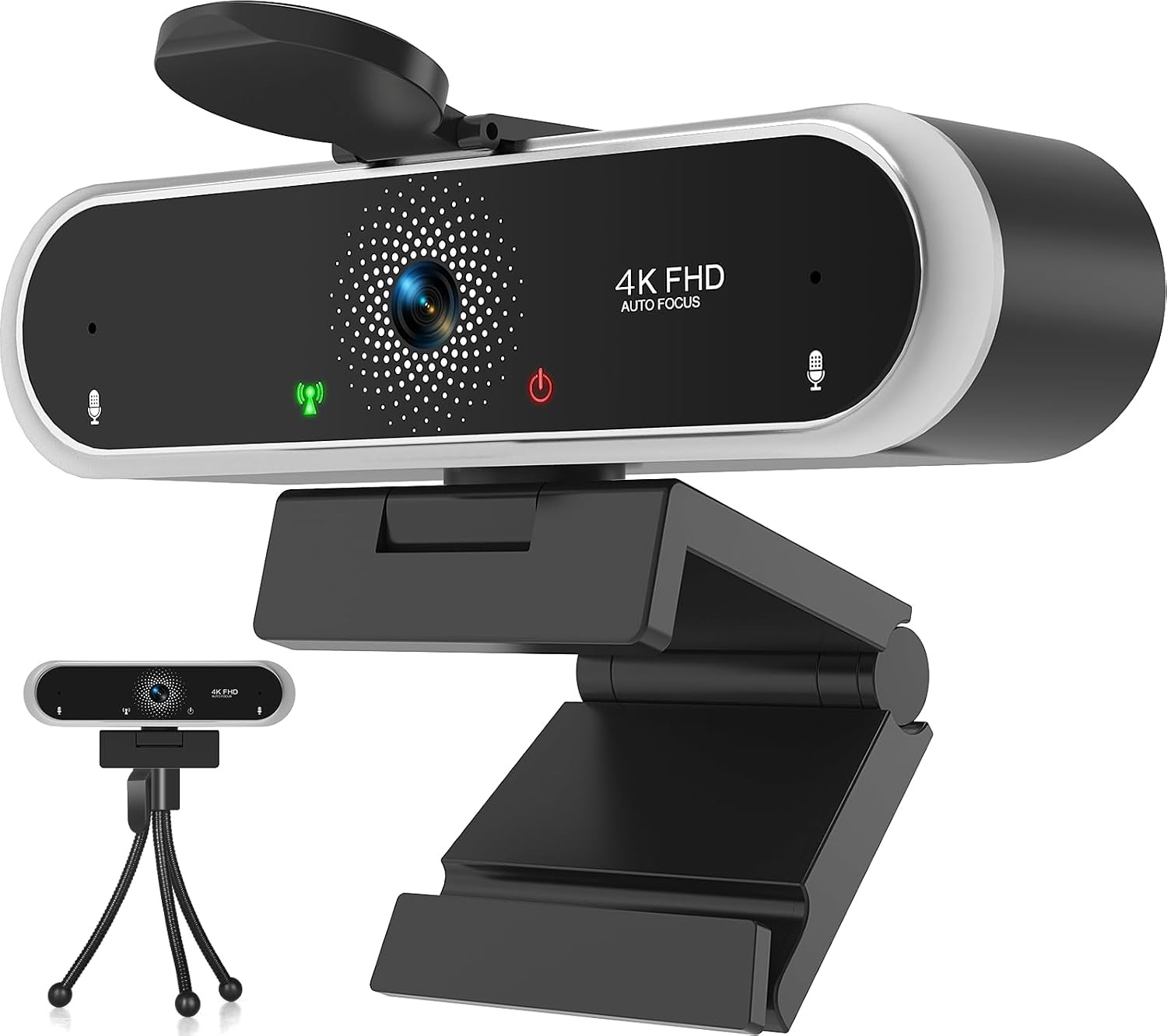 NIVEOLI 4K Webcam w/ Mic, Privacy Cover & Auto Light Correction. USB PC/Laptop.$29.45View on eBay
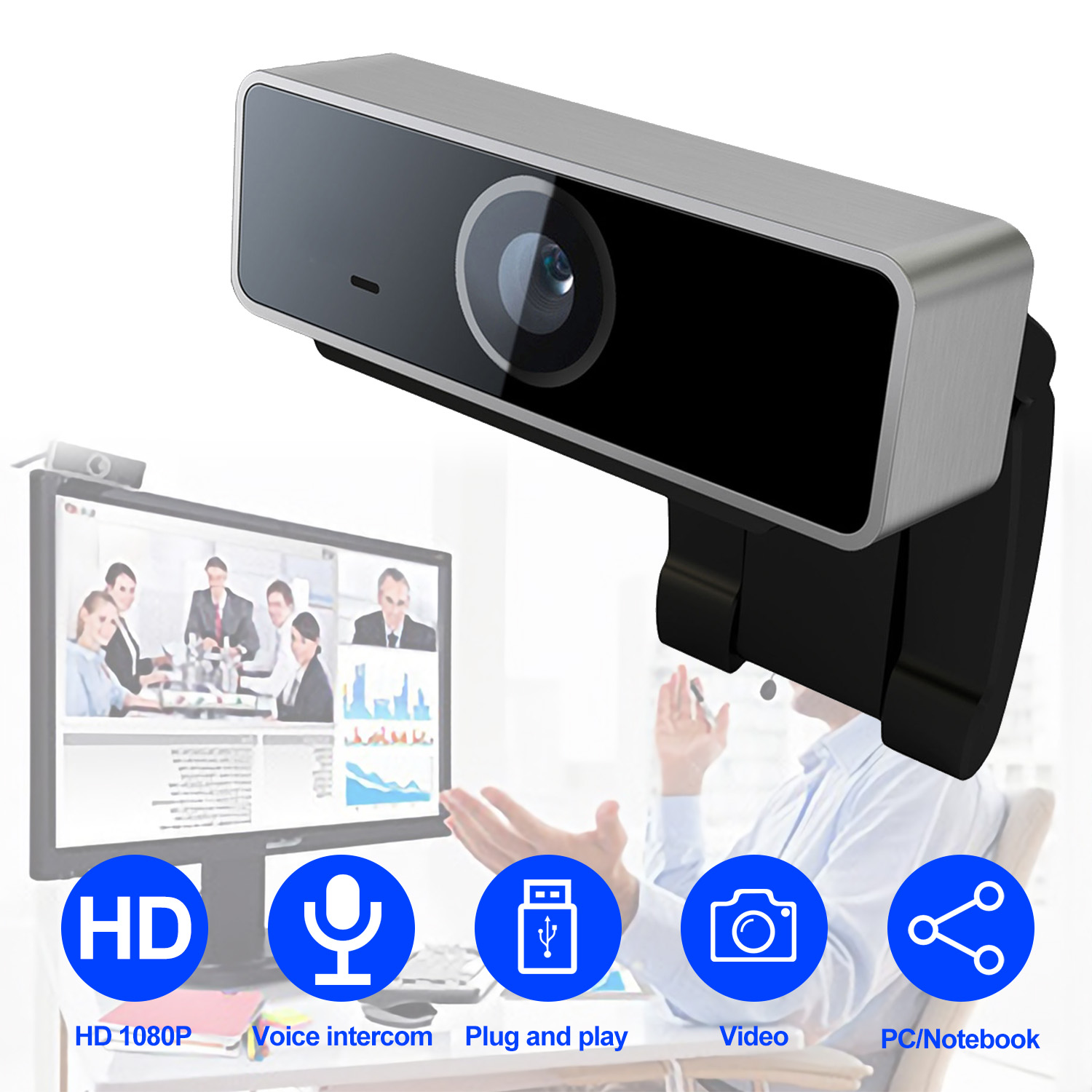 1Pc FHD 1080P Webcam USB PC Computer Auto Focus With Microphone 60-Degree Widescreen Desktop Laptop Live Streaming Rotatable Clip For Broadcast Video Calling Conferencin$39.99View on Mallflare
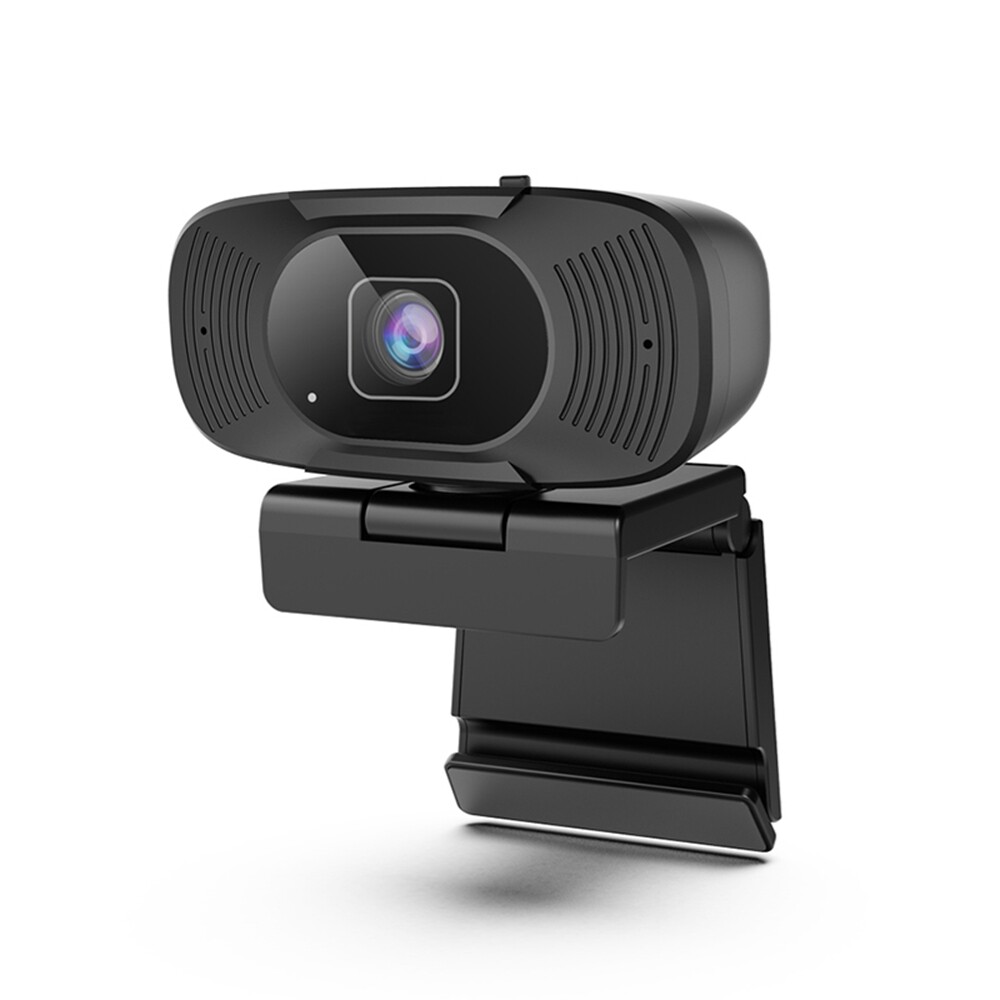 TOALLIN 1080P HD PC Webcam with Privacy cover Built-in dual Noise-canceling mic$29.99View on eBay
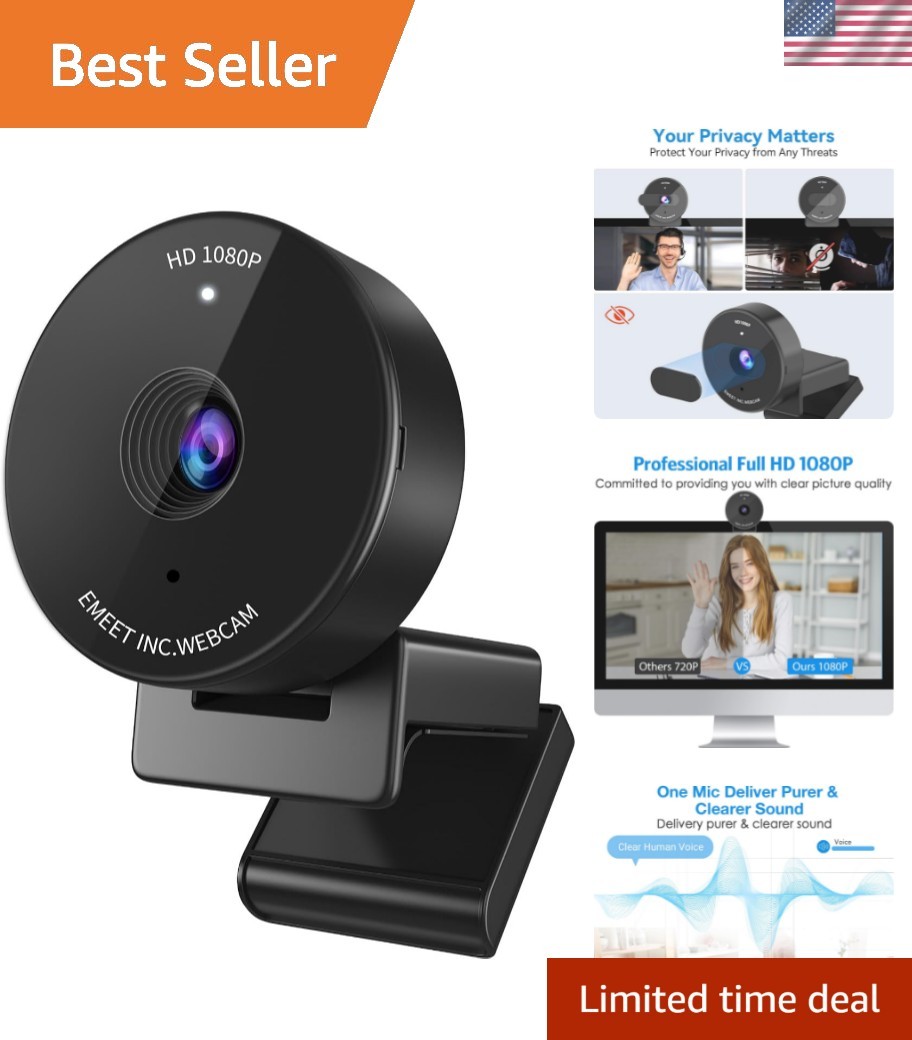 C950 1080P Webcam, USB Webcam with Microphone&Physical Privacy Cover | Auto L...$35.99View on eBay
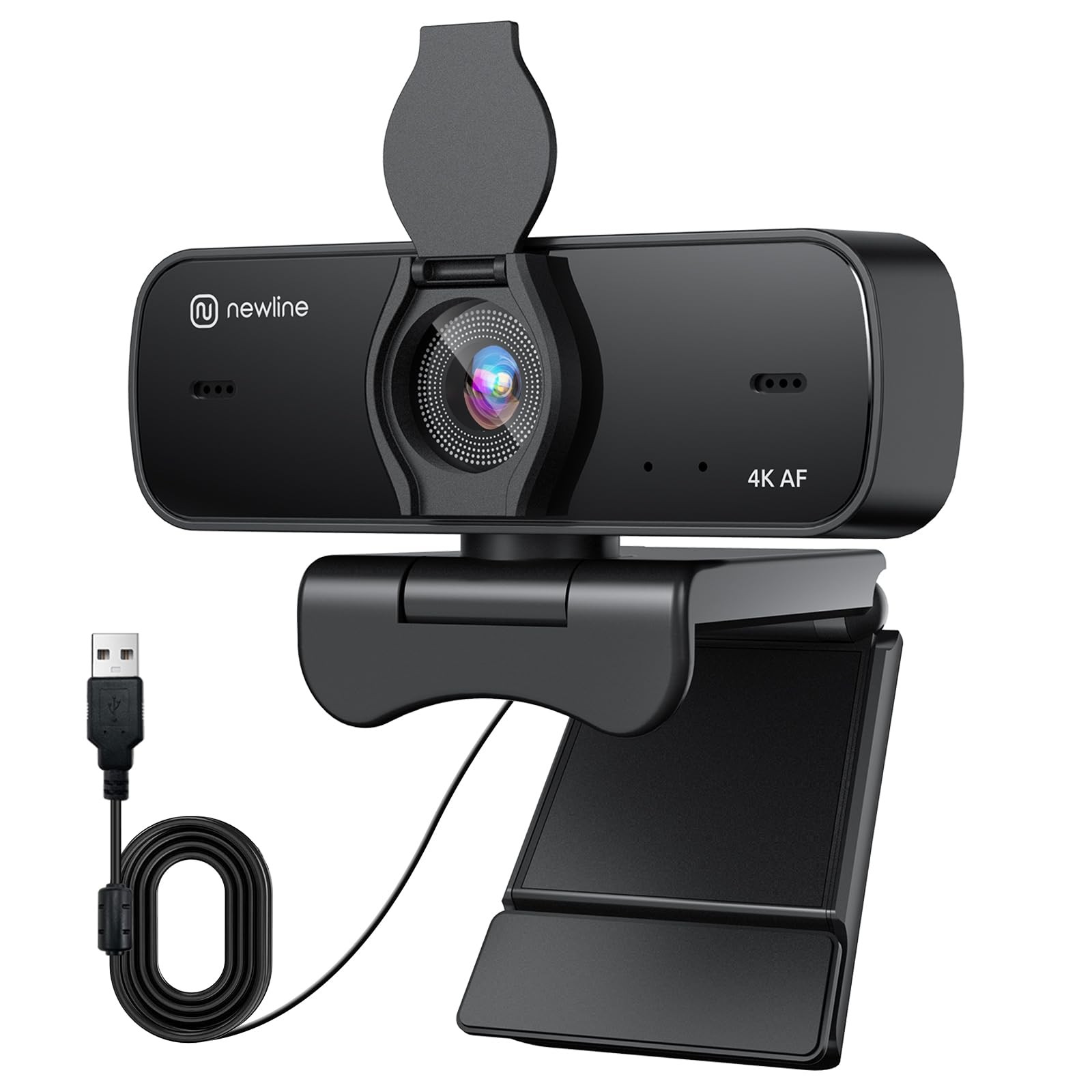 N newline 4K Webcam: Dual Mics, Autofocus, Auto Light, Privacy, P&P for PC/Mac$53.70View on eBay
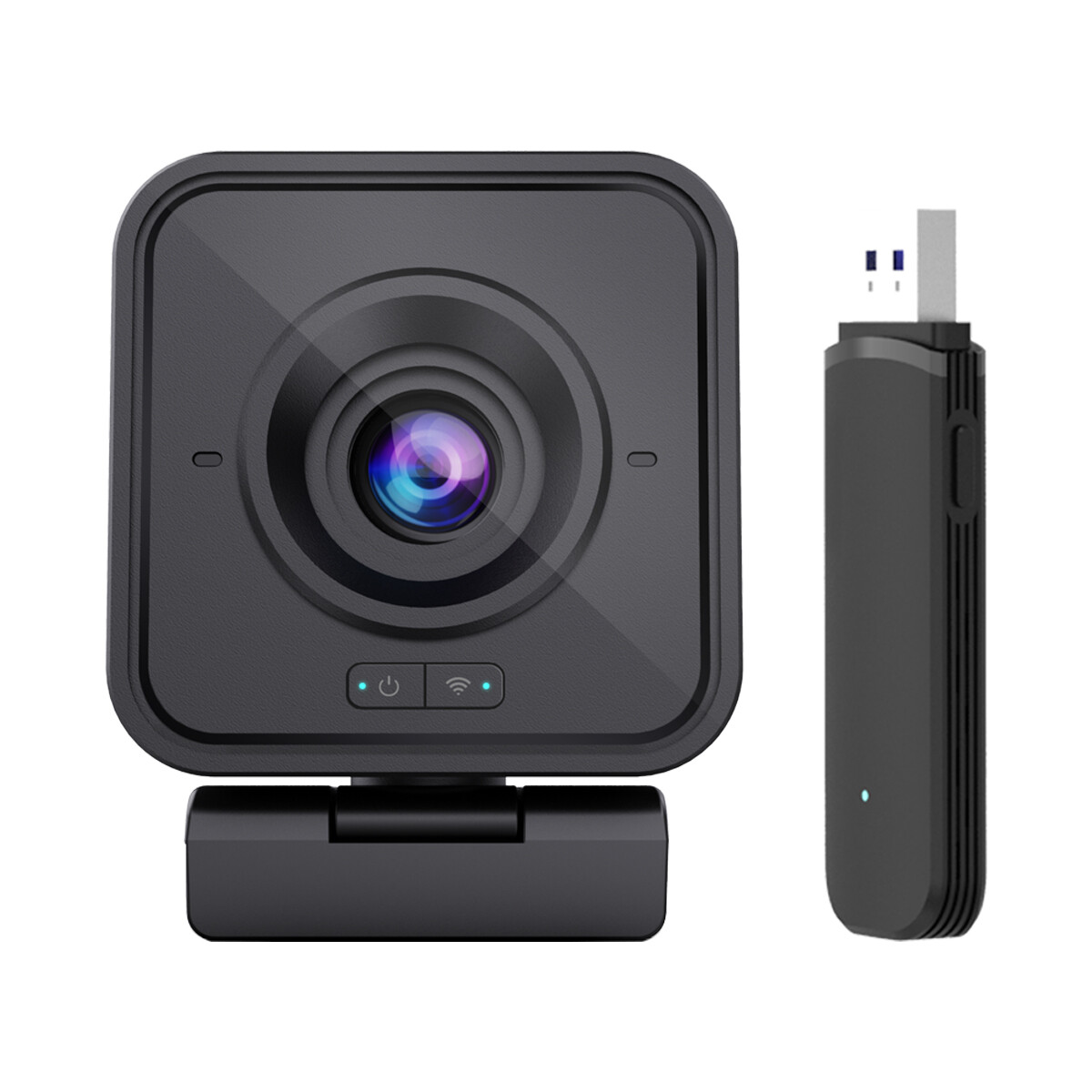 TOALLIN 1080P HD Wireless Webcam for PC Noise-cancelling Built-in microphone New$149.99View on eBay
Highlights
- 1080p at 30fps is the baseline for video calls; 4K sensors require USB 3.0 and good lighting to avoid soft, noisy output.
- Fixed-focus lenses suit single-user desk setups; autofocus is essential for close-up demos, document sharing, or moving subjects.
- A 60-degree field of view frames one person; 78-90 degrees fits small groups but distorts edges and shrinks faces.
- Dual noise-canceling mics at 1-2 meters work for solo calls; for rooms, use a separate USB speakerphone for clarity.
Best use cases
- Daily video calls at a desk: pick a 1080p autofocus webcam with privacy shutter and dual mics; skip 4K unless your upload bandwidth and lighting are consistent.
- Streaming or content capture: choose a 4K sensor with autofocus and a tripod mount, and add a ring light or key light; fixed-focus 1080p units look flat.
- Small conference room: select a wide-angle 90-degree 1080p camera with autofocus and a speakerphone; a single-user webcam mic will not cover the table.
- Laptop travel: choose a compact 1080p clip-on with a privacy cover and USB-C adapter; avoid heavy tripod-mounted 4K units that need a stand.
Buying tips
- Match resolution to lighting: 1080p at 30fps is clean under 300 lux office light; 4K needs 500+ lux or a bright key light to avoid grain.
- Check the clip: a 1-inch-deep clip fits laptop lids up to 0.8 inches; monitor bezels over 1.2 inches need a tripod mount or stand.
- Prefer USB 3.0 for 4K and USB 2.0 for 1080p; a USB 2.0 port caps 4K to compressed or lower frame rates.
- Autofocus speed matters: contrast-detect autofocus can hunt in low light; look for phase-detect or fixed-focus for stable framing.
Specs
| Resolution | 1080p vs 4K (30fps) |
|---|---|
| Focus | Fixed vs autofocus |
| Field of View | 60° solo / 78-90° group |
| Connection | USB 2.0 (1080p) / USB 3.0 (4K) |
Related searches
What to check before buying
- Measure your monitor bezel thickness and laptop lid depth; confirm the clip opens wide enough or plan a tripod mount.
- Check room lighting: below 300 lux, choose a 1080p sensor with a large pixel size over a 4K sensor with small pixels.
- Confirm your computer has a free USB-A or USB-C port and that USB 3.0 is available for 4K models.
- Verify the field of view fits your framing: 60 degrees for one person, 78-90 degrees for two or more people.
FAQ
Data sources: eBay / Amazon listings and product attribute feeds. Updated Nov 28, 2026.
Some links on this page are affiliate links. If you buy after clicking one, we may earn a commission at no extra cost to you. This does not change which products appear here or their order. Affiliate disclosure.