
Photos from current listings. Actual item, color, and included accessories may vary.
SSD Buying Guide
An SSD is a flash-memory storage drive that replaces a hard disk, and the key trade-off is between SATA (6 Gbps ceiling) and NVMe PCIe (up to 7,000+ MB/s) interfaces, plus NAND grade and DRAM presence. The decision rule: buy NVMe PCIe 3.0/4.0 with TLC NAND and a DRAM cache or HMB for any boot or app drive; reserve DRAM-less QLC SATA drives for bulk secondary storage.
Median $234.69
Key takeaways
- Interface tiers: SATA III caps at ~550 MB/s; NVMe PCIe 3.0 x4 hits ~3,500 MB/s; PCIe 4.0 x4 reaches ~7,000 MB/s sequential — a 6-12x gap that decides boot and load speed.
- NAND cell density: SLC > MLC > TLC > QLC in endurance and sustained write speed; TLC is the mainstream sweet spot, QLC drops to ~100-200 MB/s sustained after SLC cache exhaustion.
- DRAM cache vs HMB vs DRAM-less: a dedicated DRAM buffer keeps random 4K QD1 latency low; Host Memory Buffer borrows system RAM; true DRAM-less drives stall on heavy random writes.
At a glance
- Category
- Computers & Peripherals
- Last updated
- Nov 27, 2026
Current offers
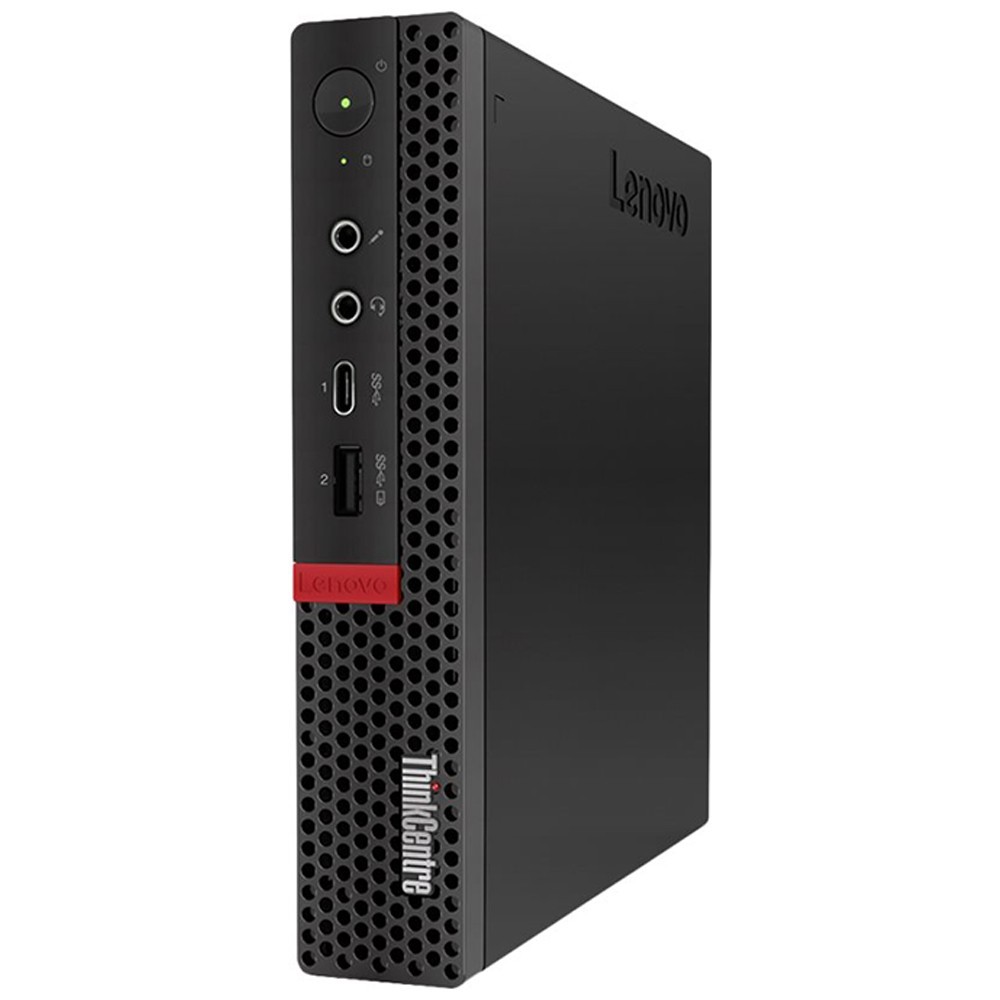 Lenovo Desktop Computer PC Intel Processor 16GB RAM 240GB SSD Windows 11 Wi-Fi$170.31View on eBay
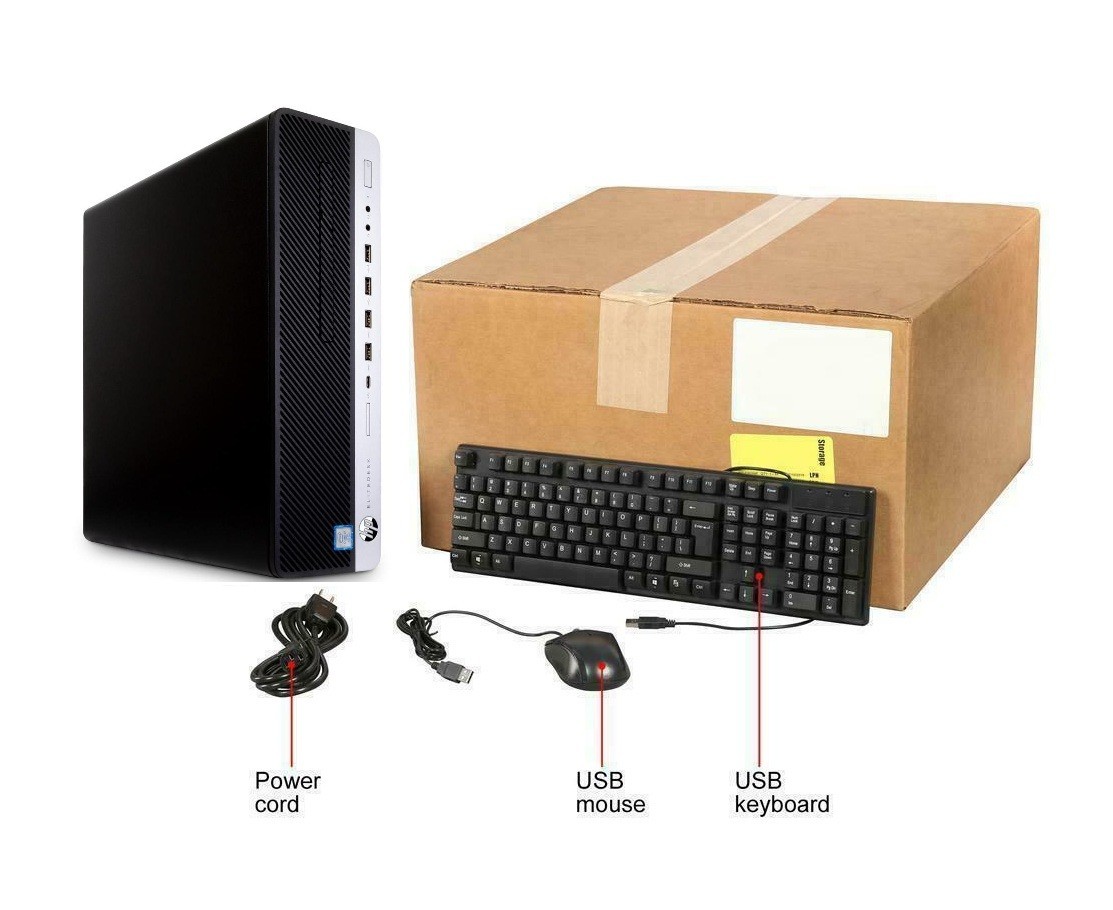 HP Business Class Windows 11 Pro Intel Quad Core 3GHz SSD DVD WiFi 16GB Desktop$184.99Last checked Nov 27, 2026View on eBay
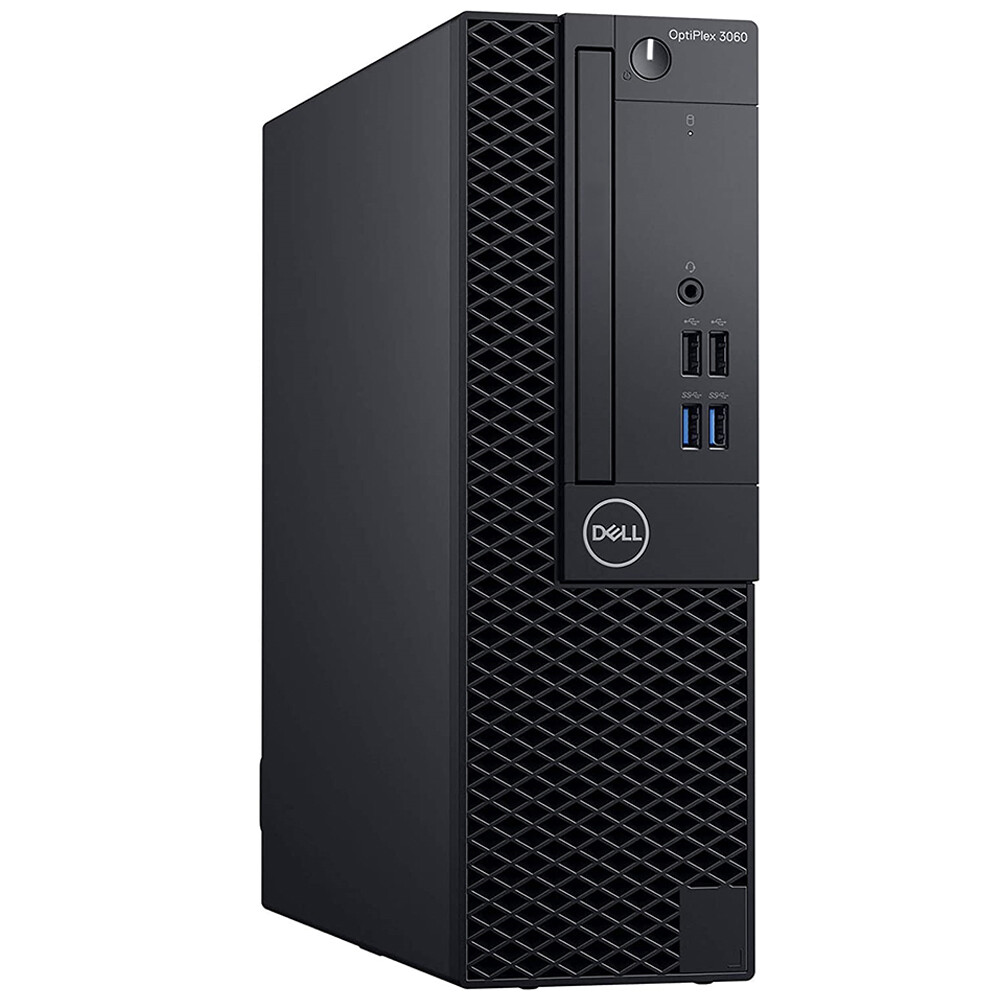 Dell Windows 11 Pro Desktop Computer PC Up To i7 8th Gen. 32GB RAM 4TB SSD/HDD$284.38Last checked Nov 16, 2026View on eBay
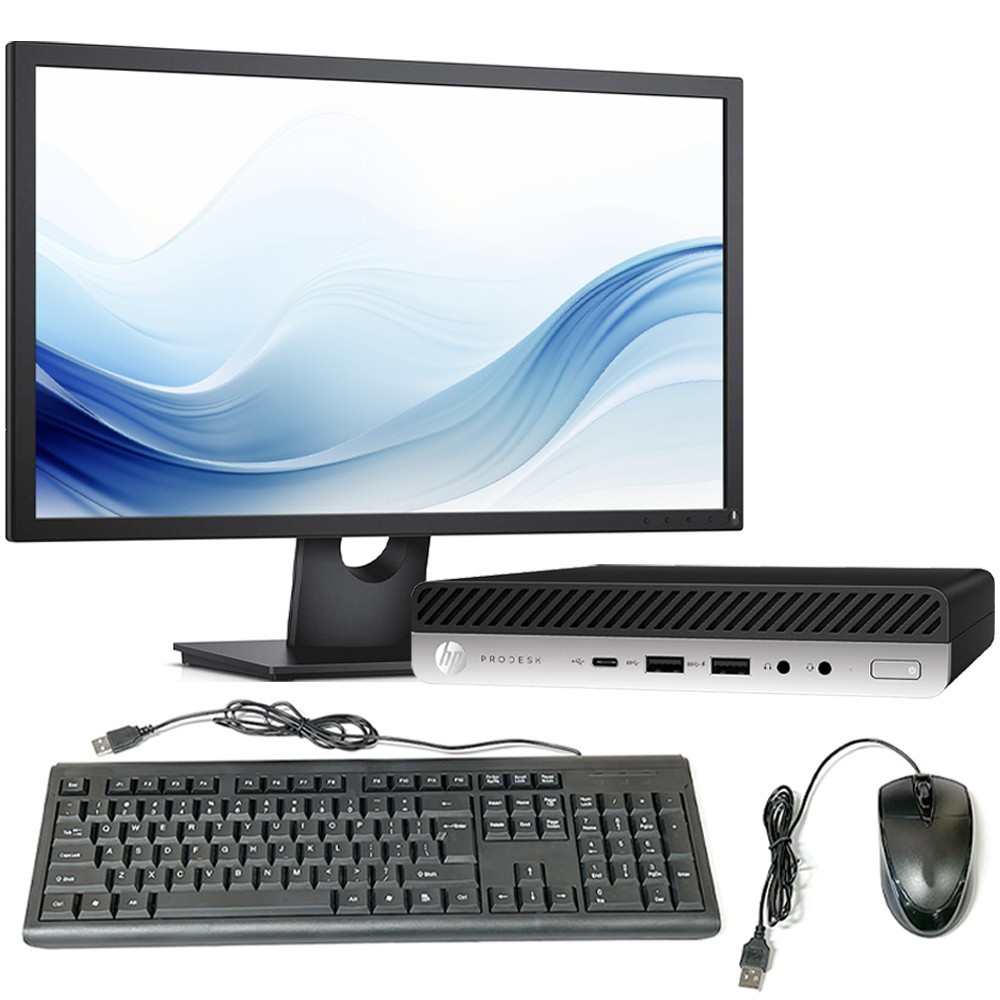 HP Windows 11 Pro Desktop i5 Computer Micro Up To 27" LCD 32GB RAM 1TB SSD Wi-Fi$339.33Last checked Nov 18, 2026View on eBay
Highlights
- Interface tiers: SATA III caps at ~550 MB/s; NVMe PCIe 3.0 x4 hits ~3,500 MB/s; PCIe 4.0 x4 reaches ~7,000 MB/s sequential — a 6-12x gap that decides boot and load speed.
- NAND cell density: SLC > MLC > TLC > QLC in endurance and sustained write speed; TLC is the mainstream sweet spot, QLC drops to ~100-200 MB/s sustained after SLC cache exhaustion.
- DRAM cache vs HMB vs DRAM-less: a dedicated DRAM buffer keeps random 4K QD1 latency low; Host Memory Buffer borrows system RAM; true DRAM-less drives stall on heavy random writes.
- Form factors and keys: M.2 2280 (PCIe or SATA), M.2 2230 for handhelds/Steam Deck, 2.5-inch 7mm SATA for legacy bays, and mSATA for older laptops — keying (M-key vs B+M-key) must match the slot.
Best use cases
- Best fit: OS/boot drive in a desktop or laptop — pick NVMe PCIe 3.0/4.0 TLC with DRAM or HMB, 500GB-1TB; skip DRAM-less QLC SATA for this role.
- Best fit: game library or scratch disk — 1-2TB NVMe TLC is ideal; a SATA SSD is acceptable only for older titles or secondary storage where load times matter less.
- Best fit: upgrading an older laptop or office PC — confirm the M.2 slot key and length (2280 vs 2230) or use the 2.5-inch SATA bay; skip NVMe if the slot is SATA-only or B-keyed.
- Wrong fit: RAID or NAS cache use with consumer QLC DRAM-less drives — sustained writes and endurance collapse; choose high-TBW TLC or enterprise-grade drives instead.
Buying tips
- Match the slot before buying: M.2 M-key supports NVMe PCIe; B+M-key often indicates SATA-only; measure clearance for 2280 (80mm) vs 2230 (30mm) and check heatsink height.
- Target endurance in TBW: a 1TB TLC drive typically rates 600 TBW; QLC 1TB often rates 200-400 TBW — divide TBW by daily write volume for years of service.
- For PCIe 4.0 drives, confirm the CPU/chipset lane support (e.g., Intel 11th Gen+ or AMD Ryzen 3000+); a PCIe 4.0 drive in a 3.0 slot runs at 3.0 speed but remains compatible.
- Capacity rule: keep 10-20% free space so the controller has spare blocks for garbage collection and SLC caching; a nearly full QLC drive can fall to HDD-like write speeds.
Specs
| Interface | SATA III / NVMe PCIe 3.0 / 4.0 / 5.0 |
|---|---|
| NAND Type | TLC mainstream / QLC high-capacity |
| Form Factor | M.2 2280 / 2230 / 2.5-inch 7mm |
| Cache | DRAM / HMB / DRAM-less |
Related searches
What to check before buying
- Confirm motherboard M.2 slot count, key (M vs B+M), length (2280/2230), and whether it shares lanes with SATA ports or a GPU slot.
- Check the laptop/desktop service manual for maximum supported capacity and whether the drive needs a single- or double-sided PCB.
- Verify power and thermal headroom: PCIe 4.0/5.0 drives run hot; ensure a heatsink fits under the laptop bottom panel or GPU backplate.
- For cloning, have an external USB-to-M.2/SATA enclosure or a second slot ready; ensure the new drive capacity meets or exceeds used space on the old drive.
FAQ
Data sources: eBay / Amazon listings and product attribute feeds. Updated Nov 27, 2026.
Some links on this page are affiliate links. If you buy after clicking one, we may earn a commission at no extra cost to you. This does not change which products appear here or their order. Affiliate disclosure.