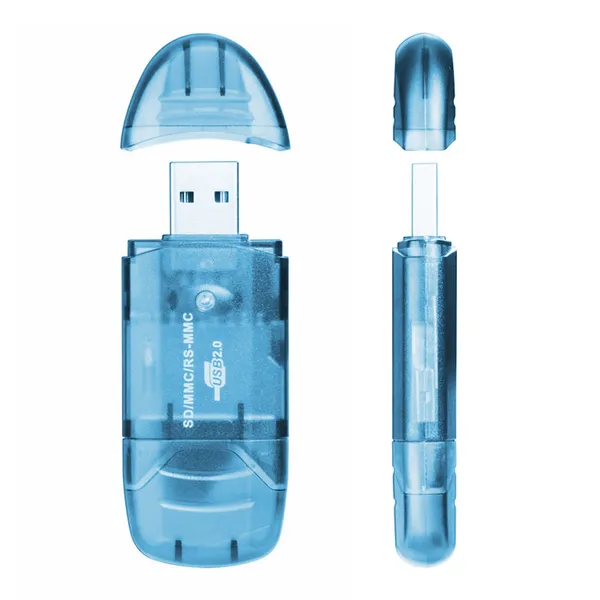

Photos from current listings. Actual item, color, and included accessories may vary.
Sd Card Adapter Buying Guide
An SD card adapter is a bridge between your camera’s SD/microSD media and a computer, tablet, or phone, and the primary trade-off is bus interface speed versus build durability. Buy a USB 3.0 (5 Gbps) or USB-C reader with a metal shell if you transfer large files regularly; USB 2.0 plastic readers are acceptable only for occasional small-file moves and legacy ports.
Median $19.99
Key takeaways
- Bus interface sets the ceiling: USB 2.0 caps at 480 Mbps (~40 MB/s real-world), USB 3.0 at 5 Gbps (~400 MB/s), and USB-C 3.2 Gen 2 at 10 Gbps only with UHS-II card support.
- UHS-II SD cards need a reader with a second row of pins; UHS-I readers drop UHS-II cards to ~104 MB/s regardless of the card’s rating.
- Metal housings (aluminum/alloy) dissipate heat and resist port flex; plastic shells crack at the USB joint under repeated plug cycles.
At a glance
- Category
- Computers & Peripherals
- Last updated
- Nov 28, 2026
Current offers
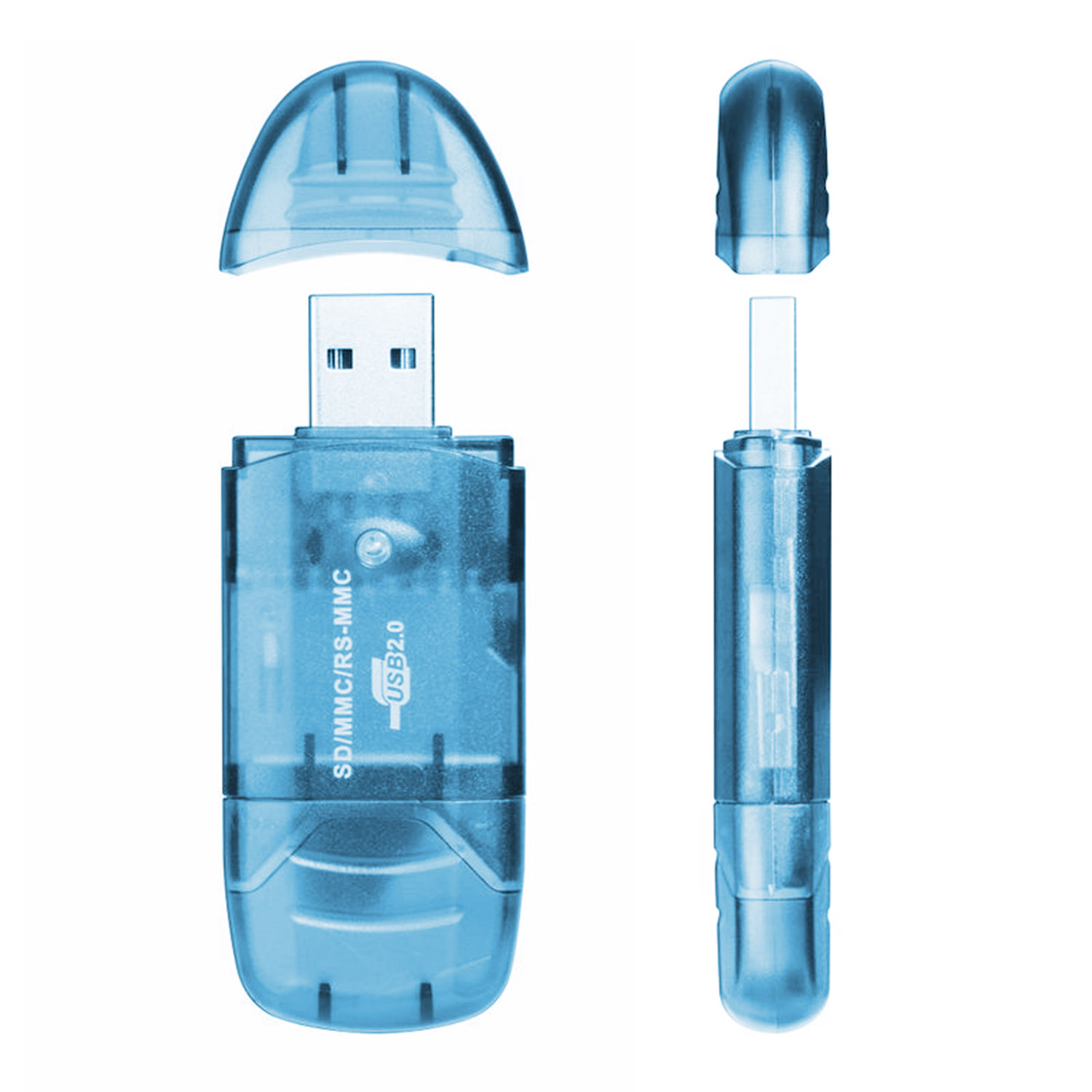
Highlights
- Bus interface sets the ceiling: USB 2.0 caps at 480 Mbps (~40 MB/s real-world), USB 3.0 at 5 Gbps (~400 MB/s), and USB-C 3.2 Gen 2 at 10 Gbps only with UHS-II card support.
- UHS-II SD cards need a reader with a second row of pins; UHS-I readers drop UHS-II cards to ~104 MB/s regardless of the card’s rating.
- Metal housings (aluminum/alloy) dissipate heat and resist port flex; plastic shells crack at the USB joint under repeated plug cycles.
- Multi-slot readers add CF, TF/microSD, MS, and XD support but often share one controller, so simultaneous high-speed reads are not guaranteed.
Best use cases
- Laptop/PC photo or video workflow: pick a USB 3.0 Type-A reader with UHS-II SD slots if you shoot 4K/60p or RAW bursts; skip USB 2.0 readers for anything over 32 GB.
- MacBook or USB-C-only tablet: choose a USB-C 3-in-1 hub reader that passes through power delivery and offers at least one USB-A port; avoid bus-powered multi-slot hubs that brown out under load.
- iPad or Android phone field transfer: use a compact USB-C microSD/SD reader with a metal body and no hub chip; skip desktop-style multi-slot readers that draw too much current.
- Trail camera or dash cam offload: a basic USB 2.0 microSD adapter is sufficient for 128 GB card pulls; don’t pay for UHS-II speed you cannot use.
Buying tips
- Match reader to card: UHS-I cards top out near 104 MB/s, so a USB 3.0 UHS-I reader is enough; buy UHS-II readers only if your card has the second pin row.
- For USB-C laptops, prefer a reader rated USB 3.2 Gen 1 (5 Gbps) or Gen 2 (10 Gbps) with a metal shell; plastic USB-C plugs wear out faster in daily use.
- Check slot labels: “SD” means full-size SD/SDHC/SDXC; “TF” means microSD. A combo reader must list both, plus CF or MS only if you own those media.
- Avoid unlabelled “480 Mbps” readers for video work: sustained write/read over USB 2.0 adds minutes per 64 GB clip and can cause dropped frames during offload.
Specs
| Interface Speed | USB 2.0 480 Mbps / USB 3.0 5 Gbps / 10 Gbps |
|---|---|
| Card Bus Support | UHS-I vs UHS-II (second pin row) |
| Slot Types | SD / microSD (TF) / CF / MS / XD combo |
| Housing Material | Aluminum alloy vs ABS plastic |
Related searches
What to check before buying
- Measure your laptop/tablet port: USB-A (Type-A) needs a rectangular reader; USB-C needs a reversible connector, and some USB-C readers block adjacent ports if too wide.
- Confirm your card type and bus: SD, SDHC, SDXC, microSD, or CF; check whether the card is UHS-I or UHS-II, since UHS-II cards need a matching reader.
- For iPad or Android, verify the reader is bus-powered and draws under the device’s accessory power limit; hubs with multiple slots may require external power.
- Check OS support: exFAT for cards over 32 GB, and macOS/Windows drivers are not needed for standard USB mass-storage readers.
FAQ
Data sources: eBay / Amazon listings and product attribute feeds. Updated Nov 28, 2026.
Some links on this page are affiliate links. If you buy after clicking one, we may earn a commission at no extra cost to you. This does not change which products appear here or their order. Affiliate disclosure.