
Photos from current listings. Actual item, color, and included accessories may vary.
Mobile Printer Buying Guide
A mobile printer is a compact, battery- or car-powered device for printing documents or photos away from a desk, typically using inkjet or thermal technology. The core trade-off is portability versus consumable cost and print quality: inkjet models offer full-color output but need replaceable cartridges, while thermal models are smaller and faster but require specialty paper. Choose inkjet if you need standard-letter documents and photos; choose thermal if you prioritize ruggedness, speed, and no ink hassle.
Median $239.97 · New listings
Key takeaways
- Inkjet mobile printers use tri-color or individual ink cartridges; page yields drop sharply with photo printing and require periodic nozzle maintenance to prevent clogs.
- Thermal mobile printers use direct thermal or ZINK paper, eliminating ink but requiring specific coated media that can fade over time and costs more per page than plain paper.
- Battery capacity is measured in pages per charge (typically 100–500 pages for inkjet, 50–100 for thermal); AC adapters and 12V car chargers are common power options.
At a glance
- Category
- Computers & Peripherals
- Last updated
- Nov 27, 2026
Current offers
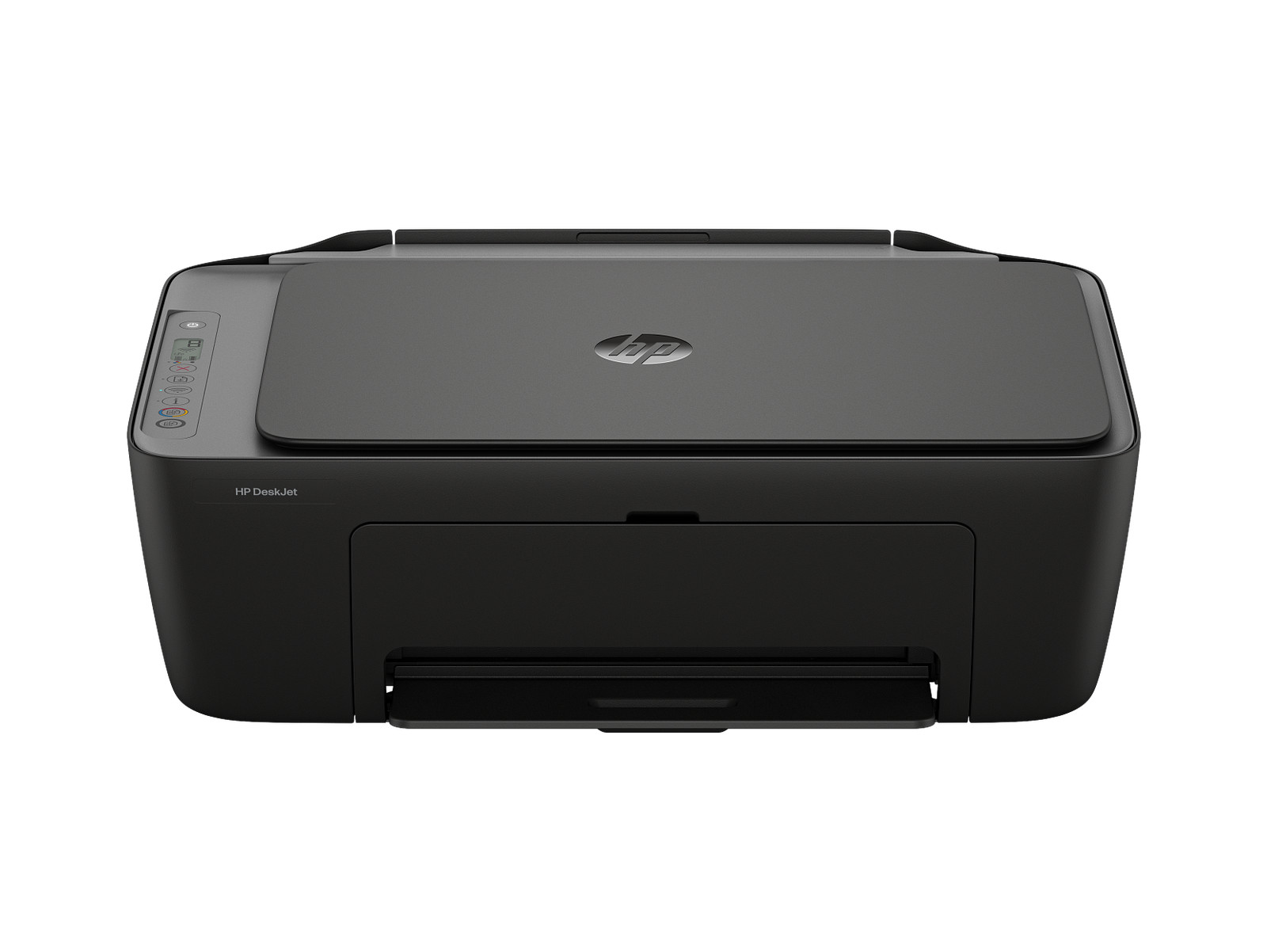 HP DeskJet 2955 All-in-One Inkjet Printer, Color Mobile Print, Copy, Scan Up to$49.99Last checked Nov 27, 2026View on eBay
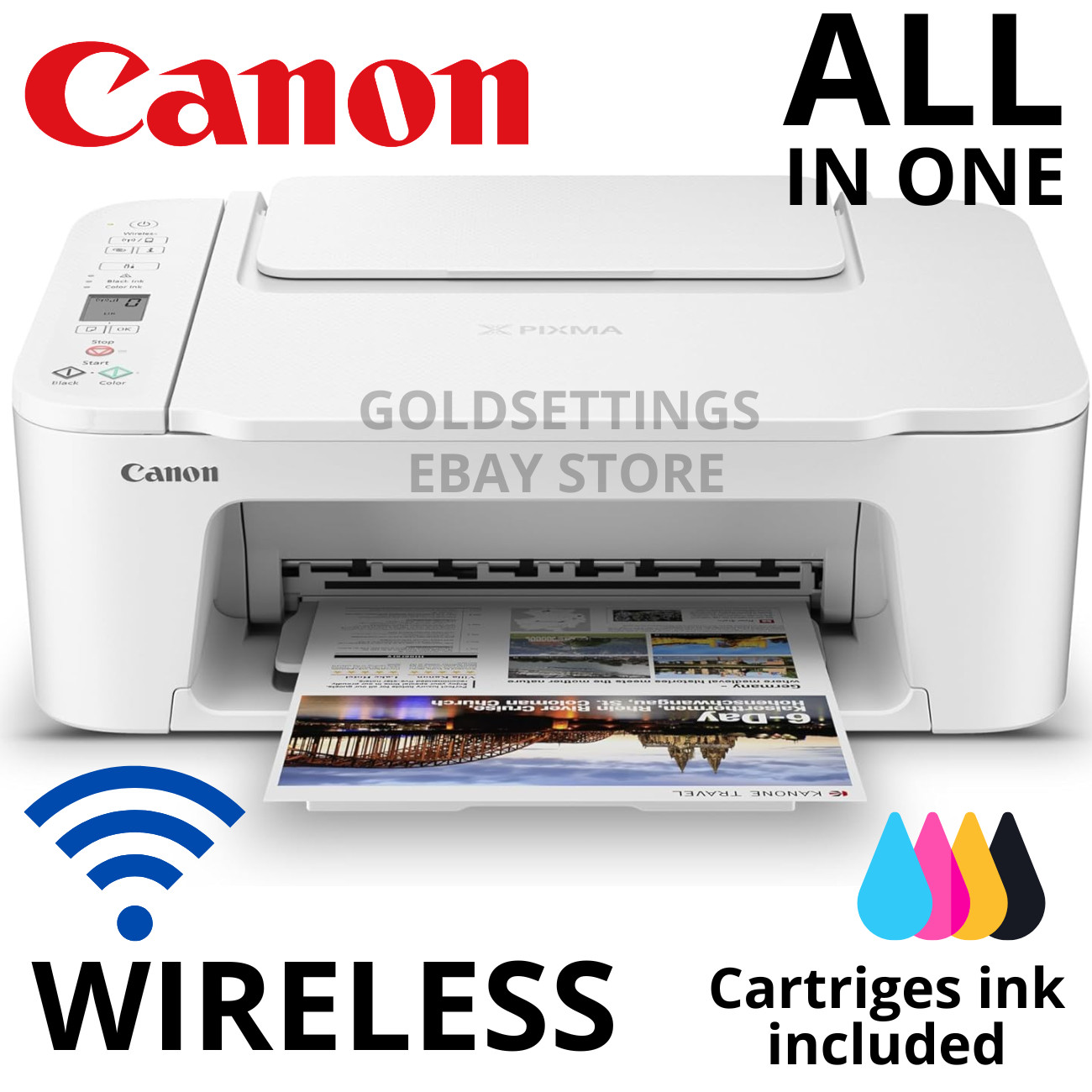 2026 Canon Wireless All In One Mobile Printer/Copy/Scan - Set Ink Included$104.49Last checked Nov 18, 2026View on eBay
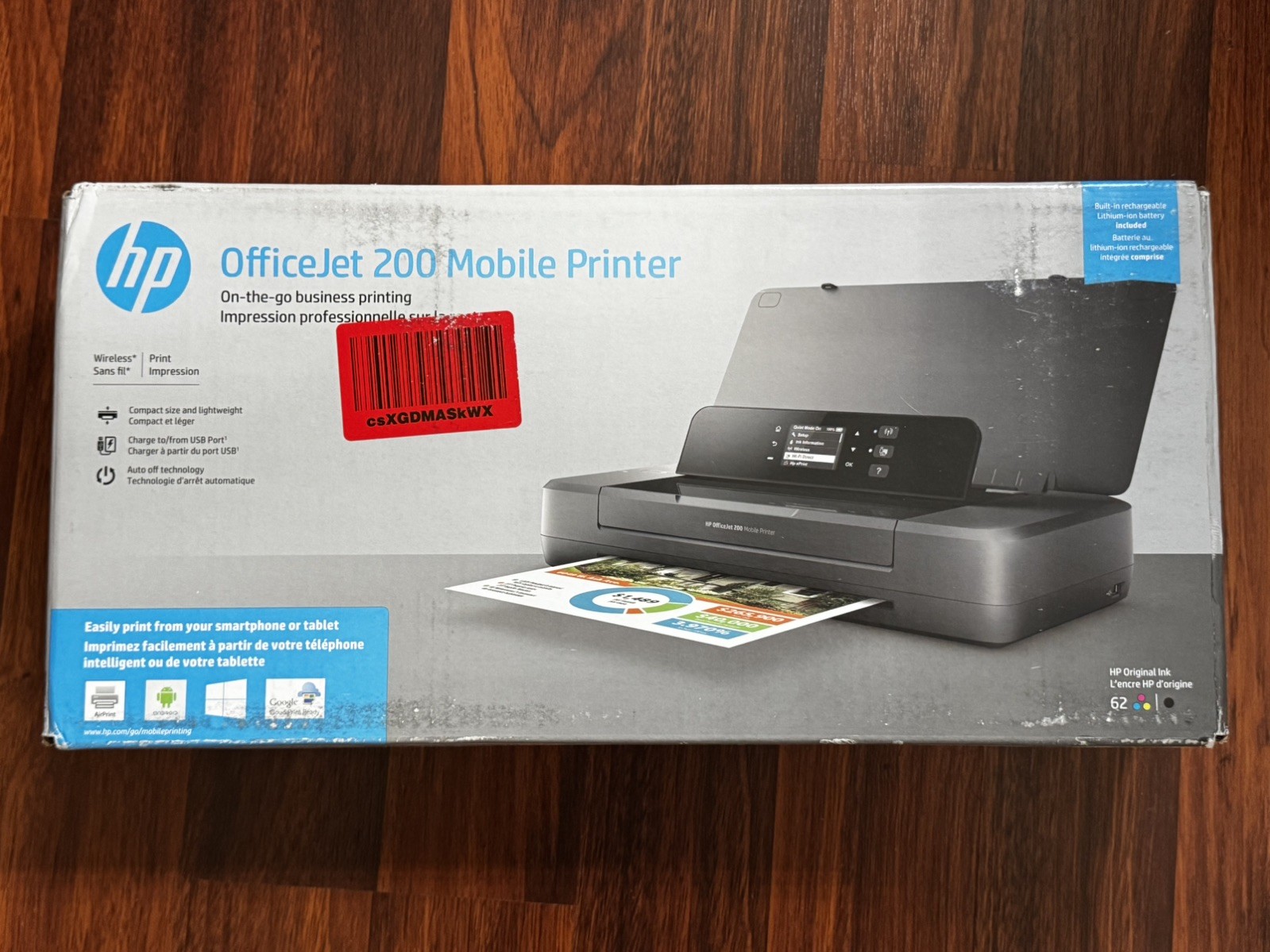 HP OfficeJet 200 Mobile Printer | HP ePrint | Wireless Direct Printing NEW$224.99New · Last checked Nov 21, 2026View on eBay
- HP OfficeJet 200 Mobile Printer | HP ePrint | Wireless Direct Printing NEW$239.95New · Last checked Nov 25, 2026View on eBay
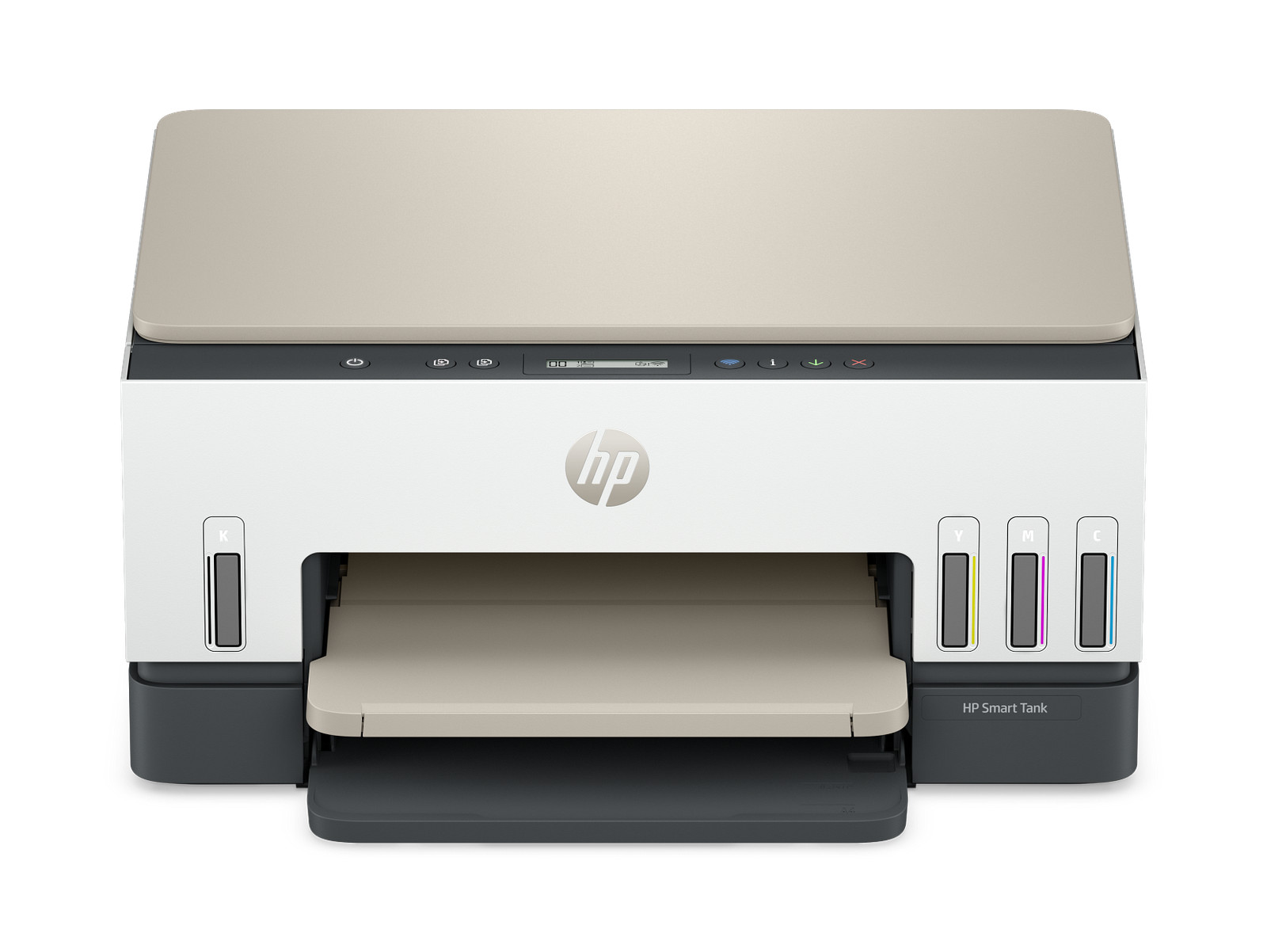 HP Smart Tank 6003 All-in-One Inkjet Printer, Color Mobile Print, Scan, Copy,$239.99New · Last checked Nov 25, 2026View on eBay
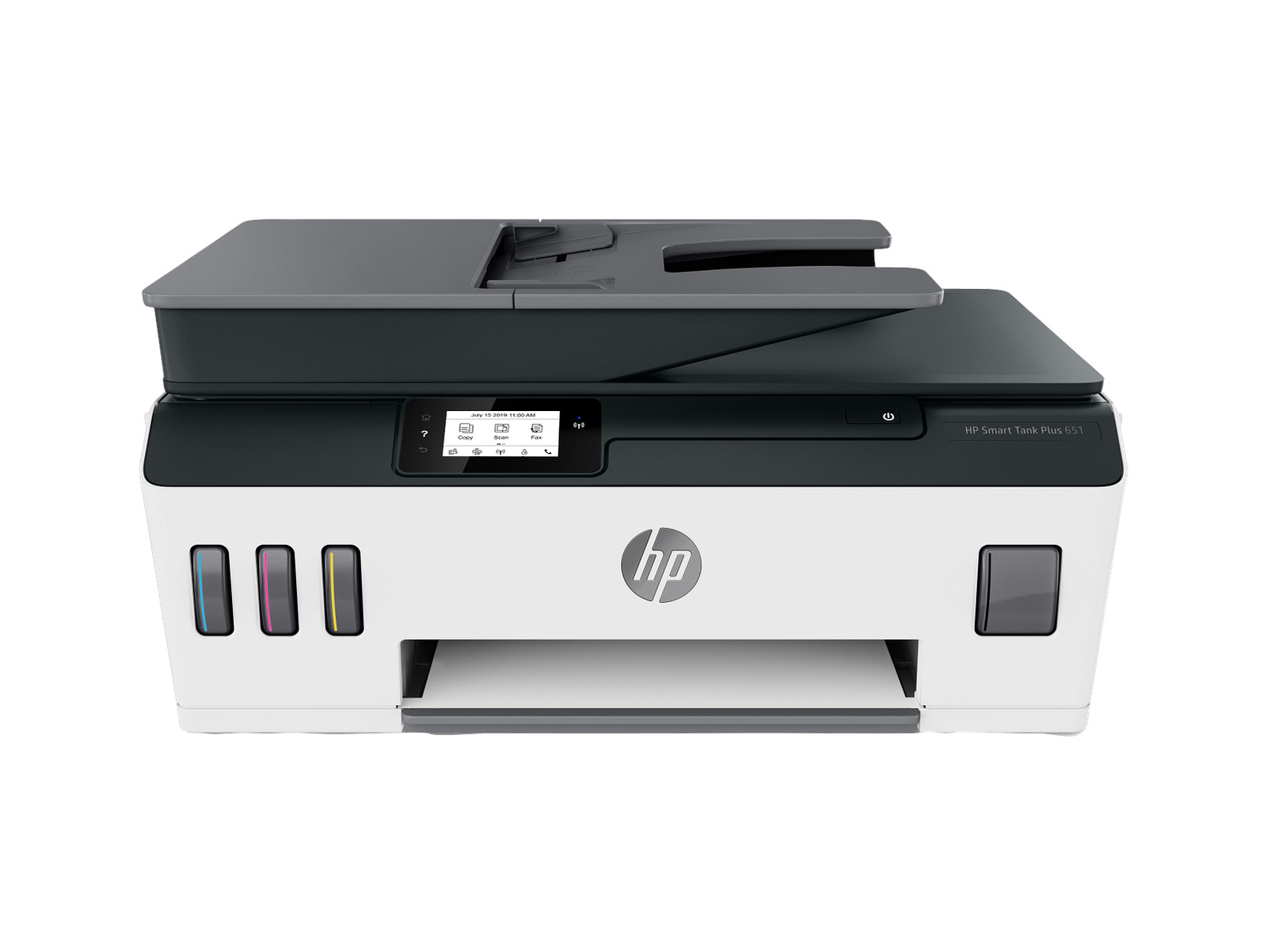 HP Smart Tank Plus 651 Wireless All-in-One InkJet Printer, Color Mobile Print,$249.99New · Last checked Nov 25, 2026View on eBay
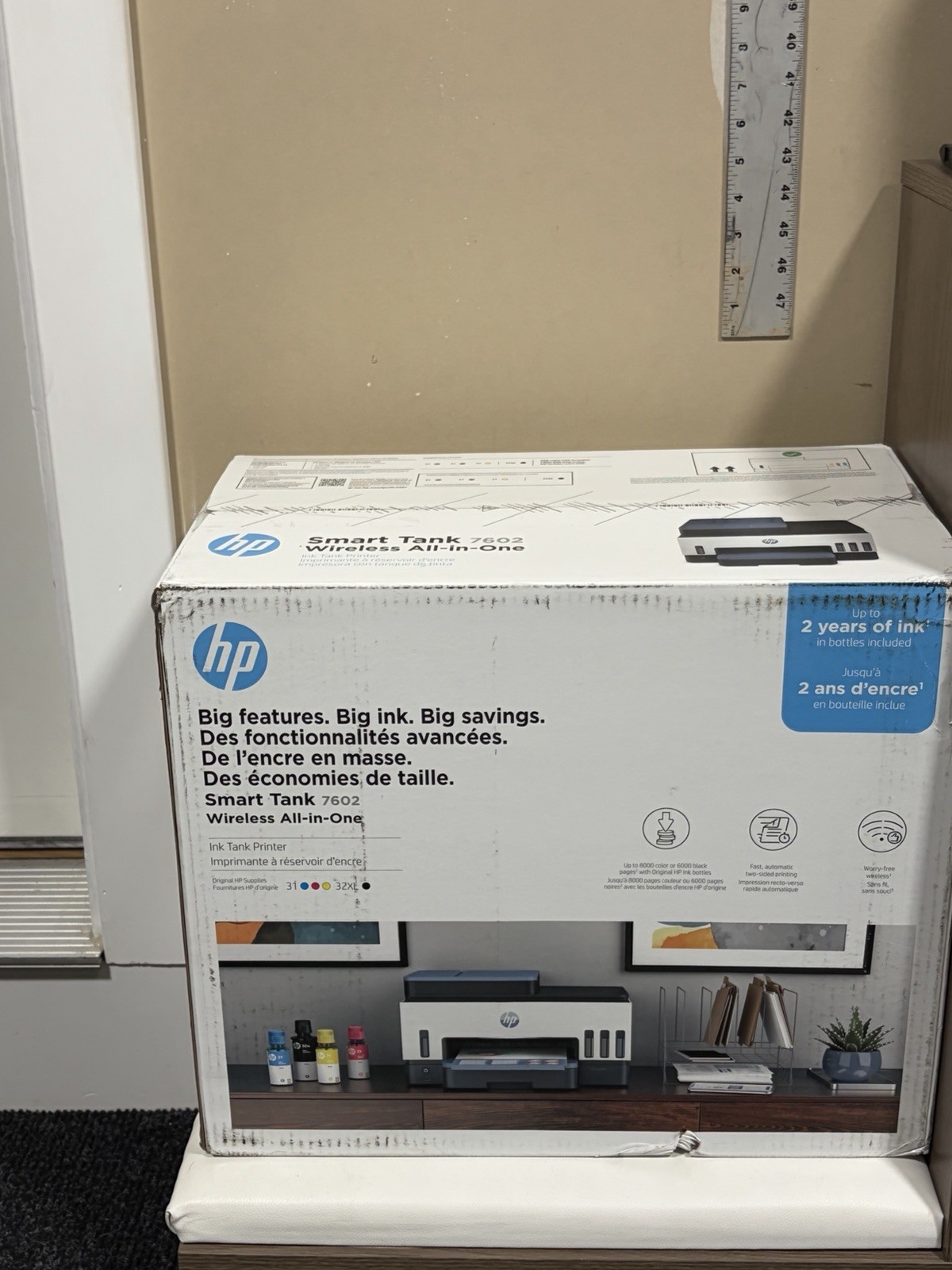 HP Smart Tank 7602 All-in-One InkJet Printer, Color Mobile Print, Copy, Scan,$280.00New · Last checked Nov 21, 2026View on eBay
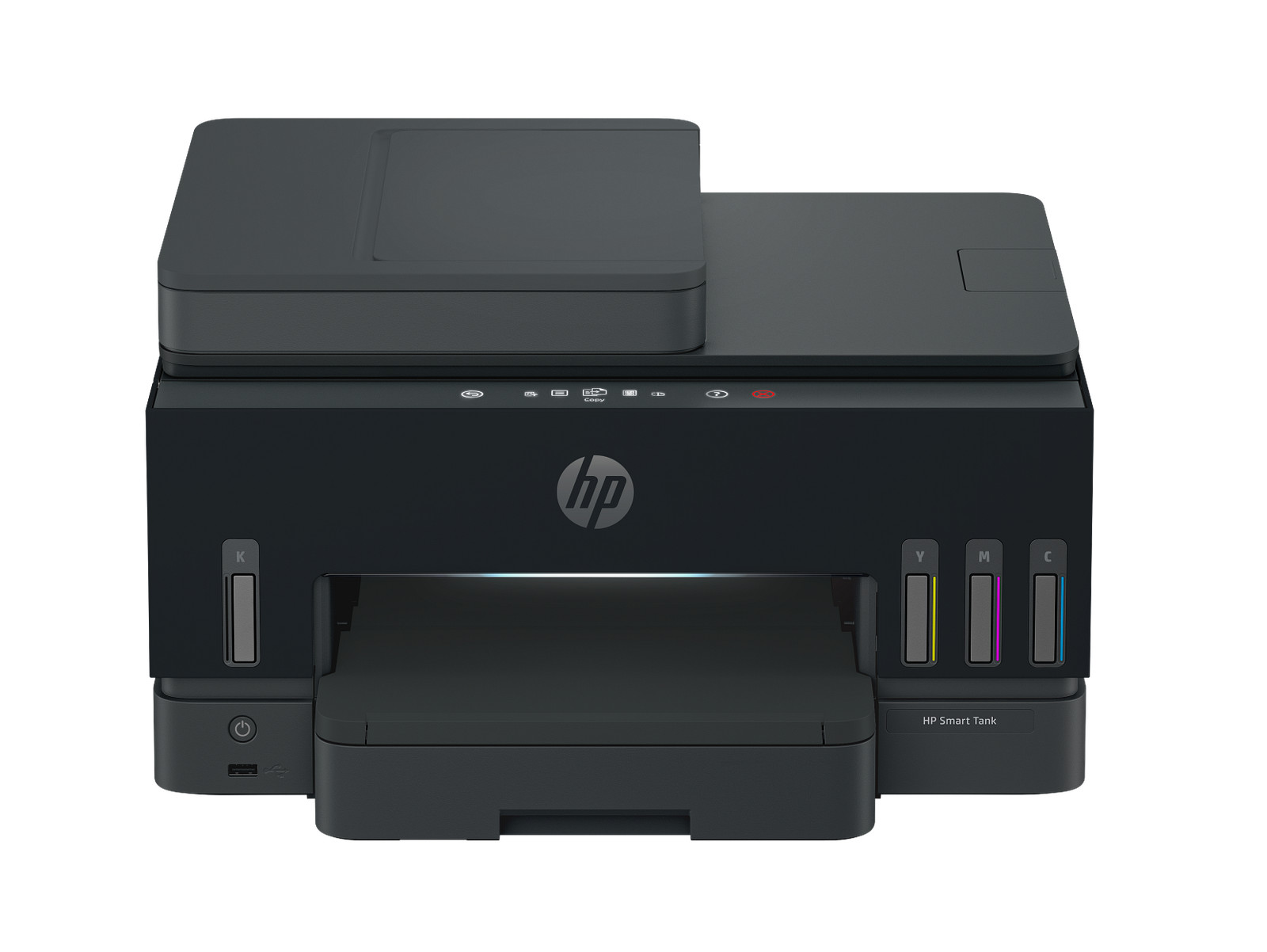 HP Smart Tank 7603 All-in-One Inkjet Printer, Color Mobile Print, Copy, Scan,$319.99New · Last checked Nov 25, 2026View on eBay
Highlights
- Inkjet mobile printers use tri-color or individual ink cartridges; page yields drop sharply with photo printing and require periodic nozzle maintenance to prevent clogs.
- Thermal mobile printers use direct thermal or ZINK paper, eliminating ink but requiring specific coated media that can fade over time and costs more per page than plain paper.
- Battery capacity is measured in pages per charge (typically 100–500 pages for inkjet, 50–100 for thermal); AC adapters and 12V car chargers are common power options.
- Connectivity tiers: basic models offer USB only; mid-tier adds Wi-Fi Direct; premium adds Bluetooth and cloud printing—Wi-Fi Direct is essential for cable-free mobile use.
Best use cases
- Car-based printing (e.g., delivery receipts, tickets): pick a thermal printer with 12V car adapter and Bluetooth; skip inkjet models that clog in temperature swings and need flat paper paths.
- Occasional home/office overflow printing: choose a compact inkjet all-in-one with Wi-Fi and a flatbed scanner; skip thermal unless you only print shipping labels.
- Field sales or service invoicing: select a battery-powered inkjet with Wi-Fi Direct and a durable carrying case; skip models under 2 lb that sacrifice paper capacity and battery life.
Buying tips
- Match paper size: most mobile inkjets handle up to letter/A4, while thermal printers often cap at 4-inch wide rolls—confirm your document width before buying.
- Check ink cost per page: tri-color cartridges cost more per page than individual ink tanks; for high-volume mono printing, thermal saves consumable cost.
- Verify battery life in pages, not hours: a rating of 200+ pages per charge suits full-day field work; under 100 pages is only for occasional use.
- Ensure OS compatibility: driverless printing via Wi-Fi Direct or Mopria/IPP works across Windows, macOS, iOS, and Android; older USB-only models may need proprietary drivers.
Specs
| Print Technology | Inkjet vs Direct Thermal / ZINK |
|---|---|
| Max Paper Size | Letter/A4 (inkjet) vs 4-inch roll (thermal) |
| Battery Yield | 100–500 pages (inkjet); 50–100 (thermal) |
| Connectivity | Wi-Fi Direct, Bluetooth, USB, cloud |
Related searches
What to check before buying
- Measure your typical print output size: letter/A4 requires an inkjet with a flat paper path; receipts/labels fit 2–4 inch thermal rolls.
- Confirm power access: a 12V car outlet or USB-C PD source is needed for charging on the go; check the included adapter type.
- Check ink or paper availability: standard inkjet cartridges are widely stocked, but ZINK or thermal rolls may need online ordering—buy a starter pack.
- Verify wireless standards: Wi-Fi Direct works without a router; Bluetooth is slower for large files but better for phone-only printing.
FAQ
Data sources: eBay / Amazon listings and product attribute feeds. Updated Nov 27, 2026.
Some links on this page are affiliate links. If you buy after clicking one, we may earn a commission at no extra cost to you. This does not change which products appear here or their order. Affiliate disclosure.