
Photos from current listings. Actual item, color, and included accessories may vary.
Mechanical Keyboard Buying Guide
A mechanical keyboard uses individual spring-loaded switches per key, trading higher cost and noise for superior tactile feedback, repairability, and longevity versus rubber-dome boards. The core trade-off is switch architecture (linear, tactile, clicky) and mounting/stabilizer quality, which dictate typing feel and durability. Buy a hot-swappable board with PBT keycaps and plate-mounted stabilizers for long-term use; skip soldered, ABS-capped budget boards unless you plan to desolder or replace them.
Median $11.19
Key takeaways
- Switch type defines feel: linear (smooth, e.g., Red), tactile (bump, e.g., Brown), clicky (audible, e.g., Blue) — pick by typing vs gaming priority.
- Hot-swap sockets (3-pin or 5-pin) let you replace switches without soldering; 5-pin supports plate-mount stabilizers and most custom switches.
- Keycap material: PBT (1.5mm+ thick) resists shine and oil; ABS is thinner and develops glossy wear faster — PBT is the durability standard.
At a glance
- Category
- Computers & Peripherals
- Last updated
- Nov 27, 2026
Current offers
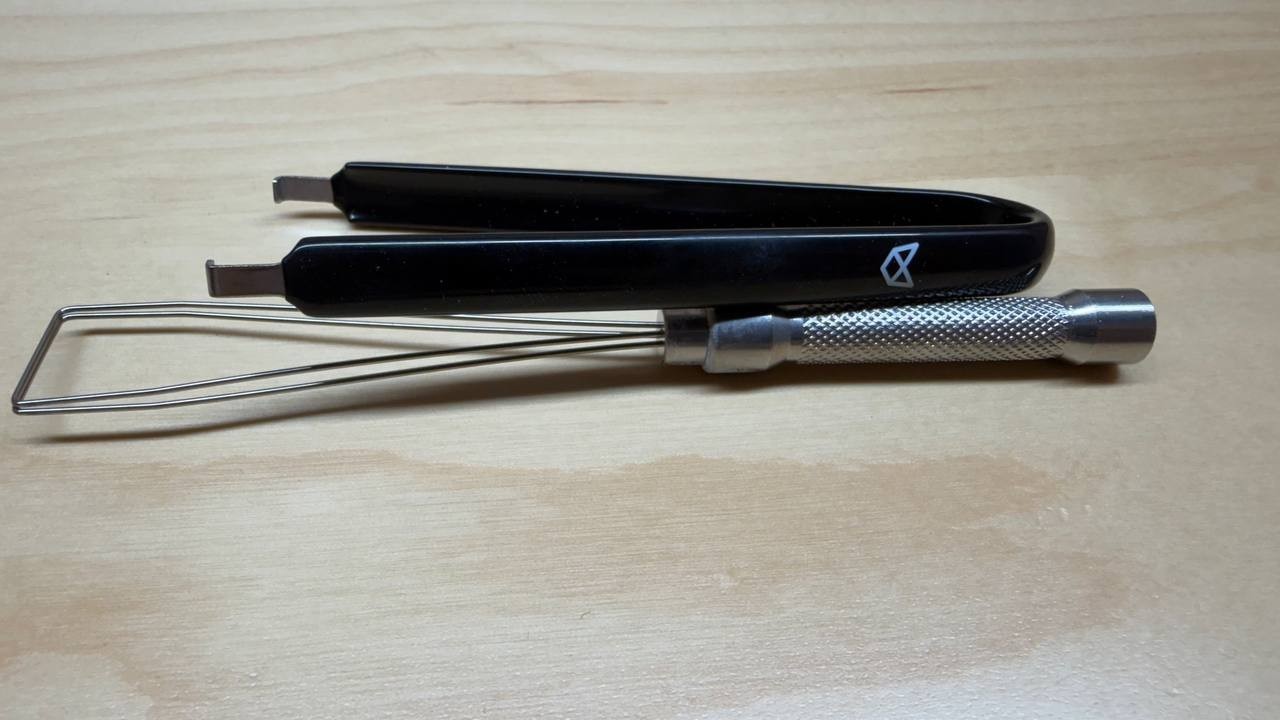 Keycap Puller Switch Puller Tool Mechanical Keyboard MX Cherry Gateron Kailh$0.99View on eBay
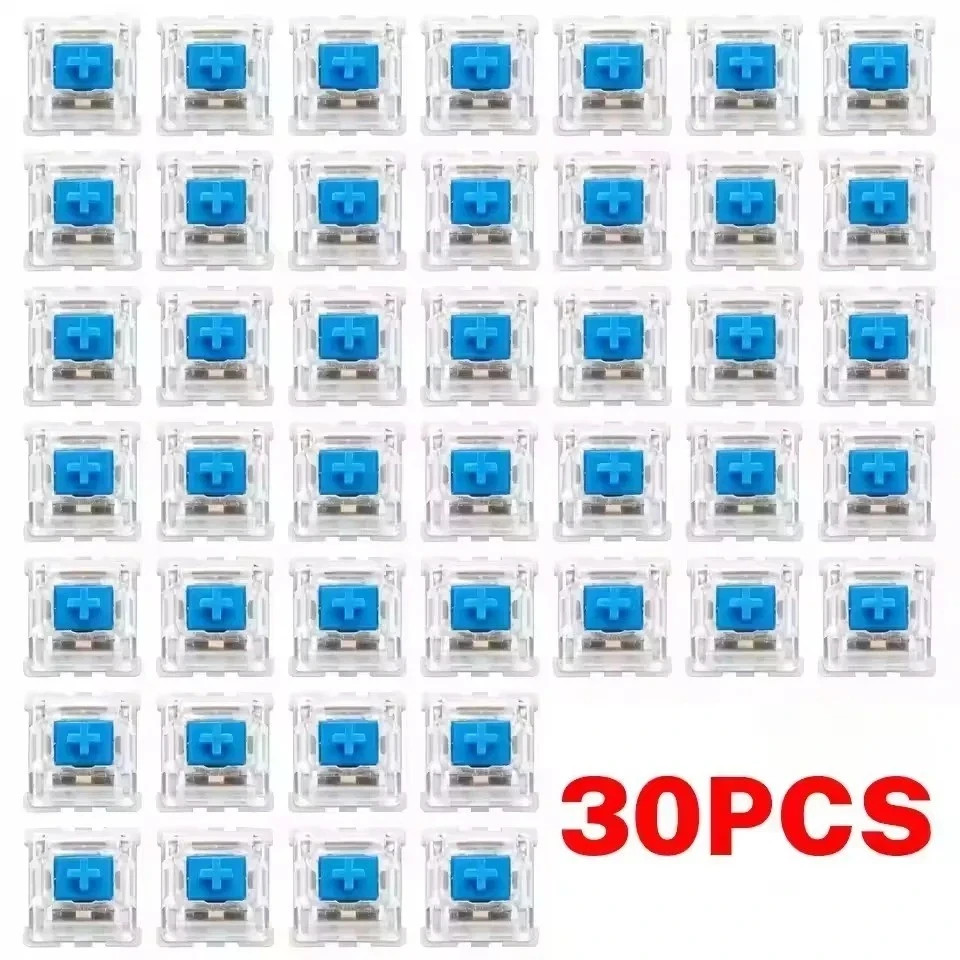
 30 Pcs Keyboard Clicker,Mechanical,3 Pin Clicky Switches,Clickers for 3D Prints,$2.99View on eBay
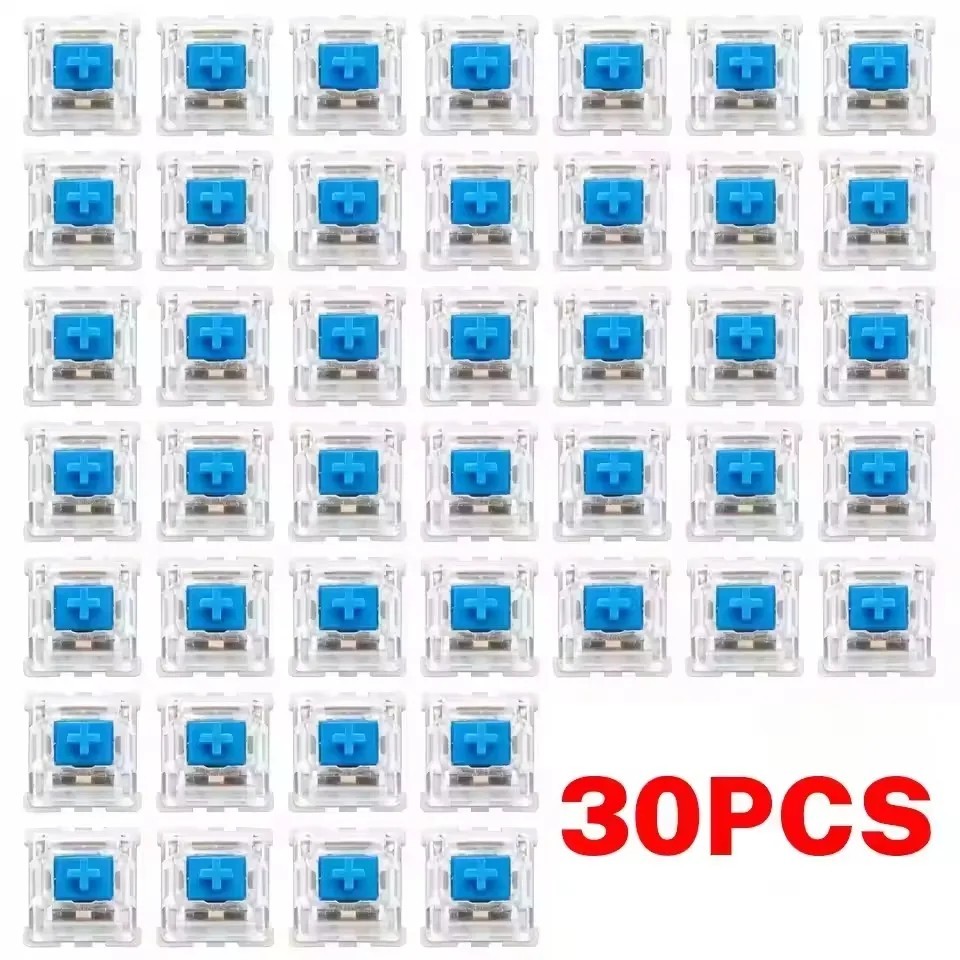
 30 Pcs Keyboard Clicker,Mechanical,3 Pin Clicky Switches,Clickers for 3D Prints,$6.20View on eBay
 30 Pcs Keyboard Clicker,Mechanical,3 Pin Clicky Switches,Clickers for 3D Prints,$6.29View on eBay
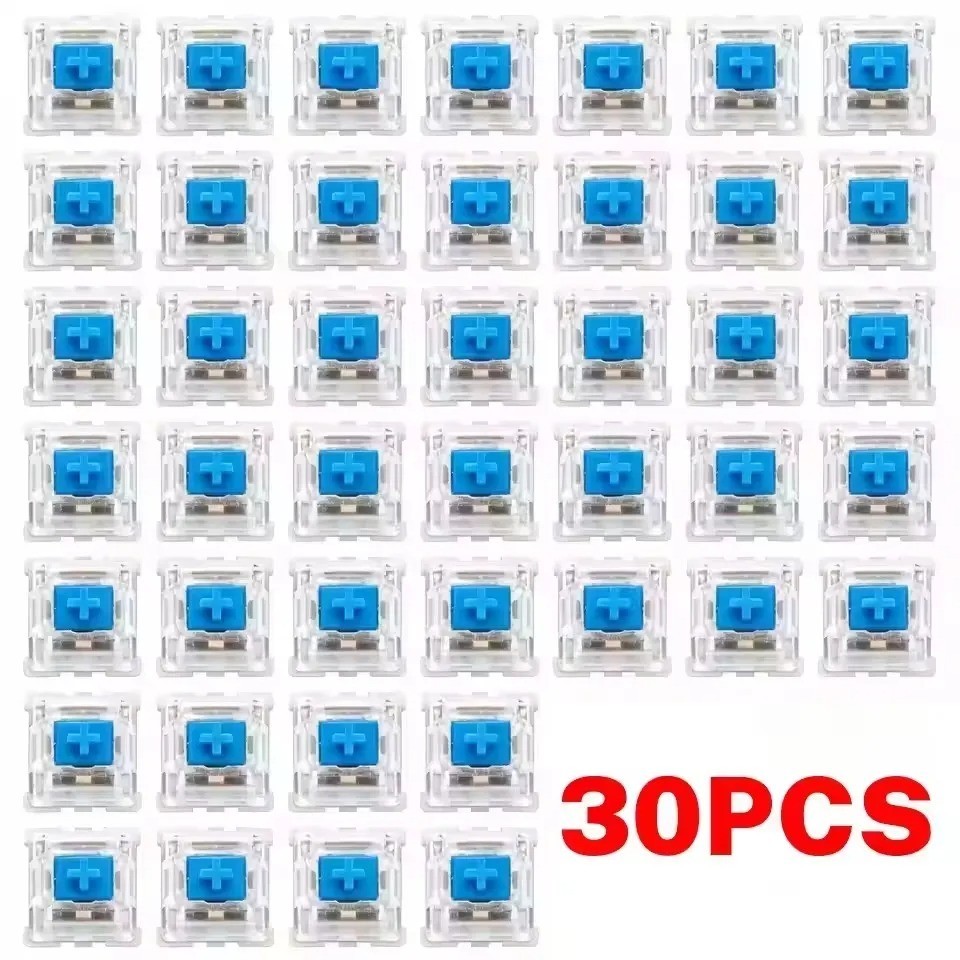 30 Pcs Keyboard Clicker,Mechanical,3 Pin Clicky Switches,Clickers for 3D Prints,$6.99View on eBay
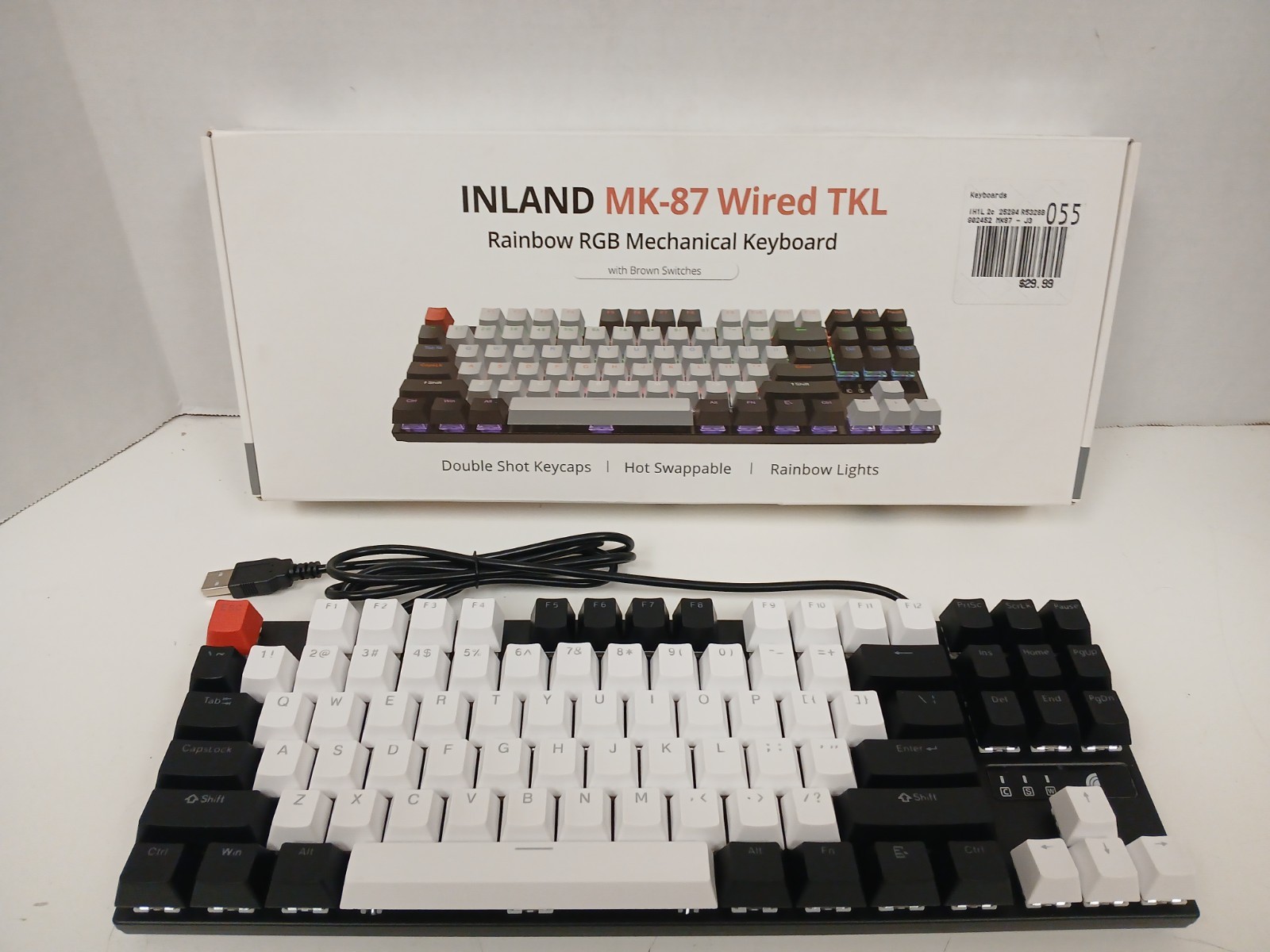 Inland MK-87 TKL RGB Wired Mechanical Gaming Keyboard With Brown Switches$8.99View on eBay
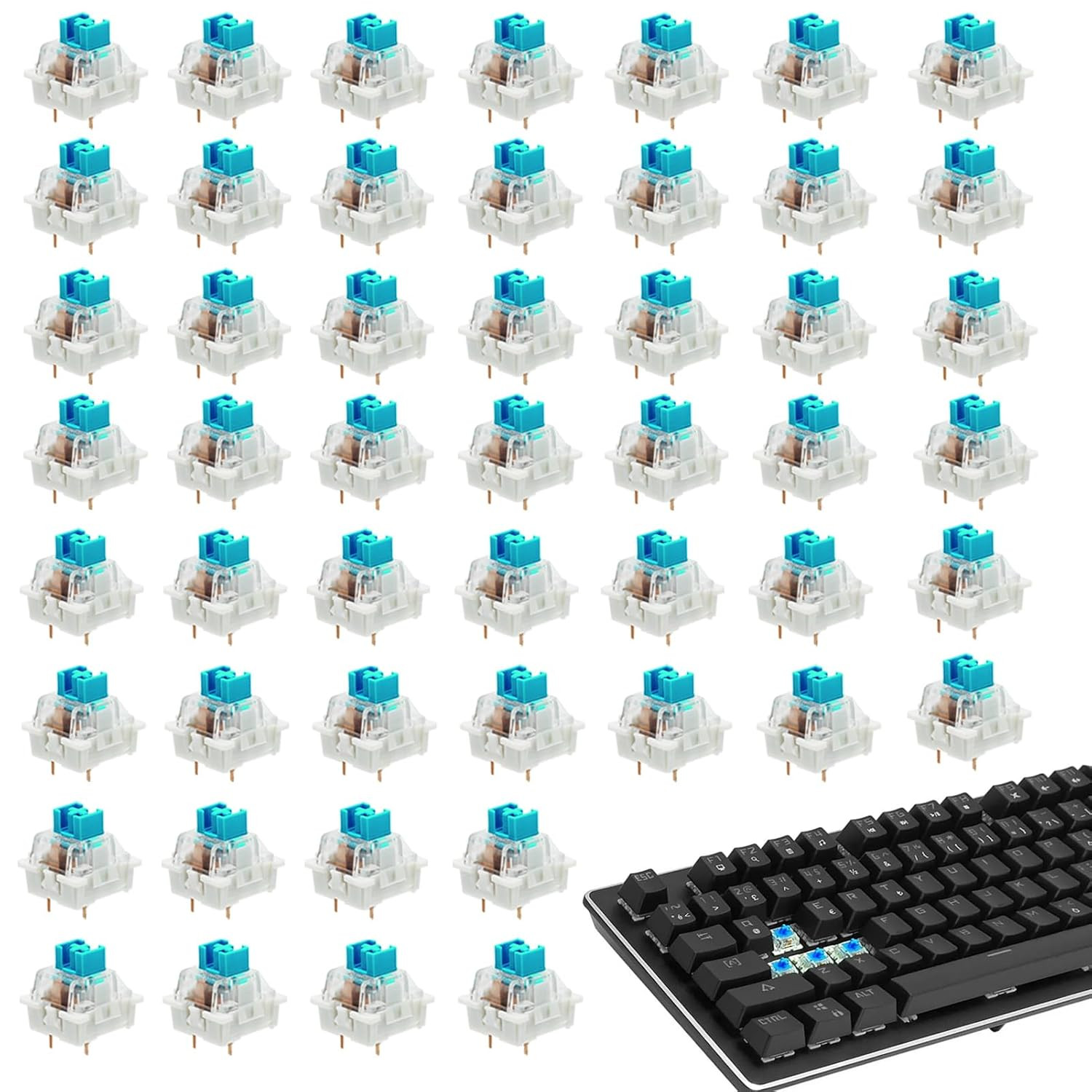 50 Pcs Keyboard Clicker,Mechanical,3 Pin Clicky Switches,Clickers for 3D Prints,$11.19View on eBay
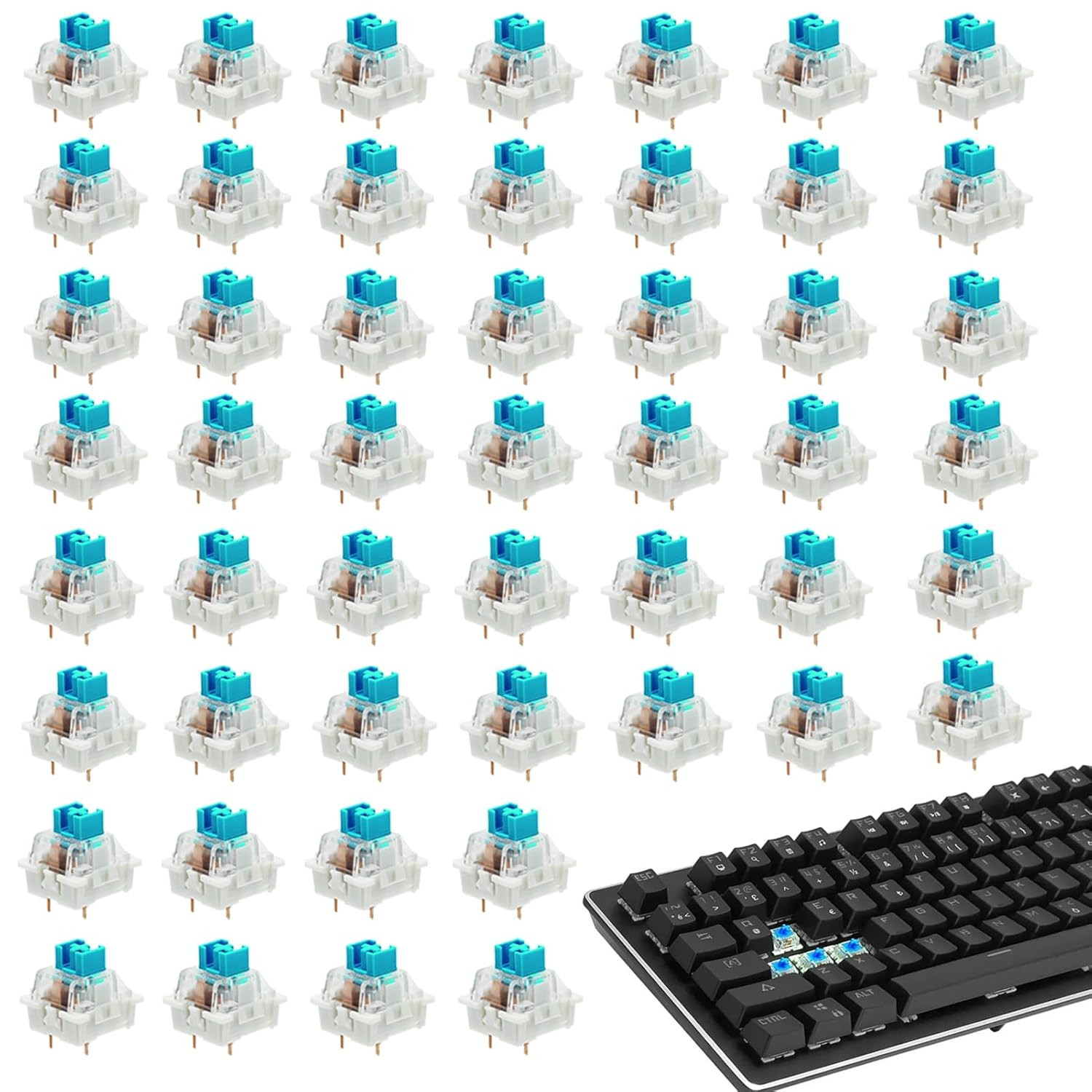 50 Pcs Keyboard Clicker,Mechanical,3 Pin Clicky Switches,Clickers for 3D Prints,$11.77View on eBay
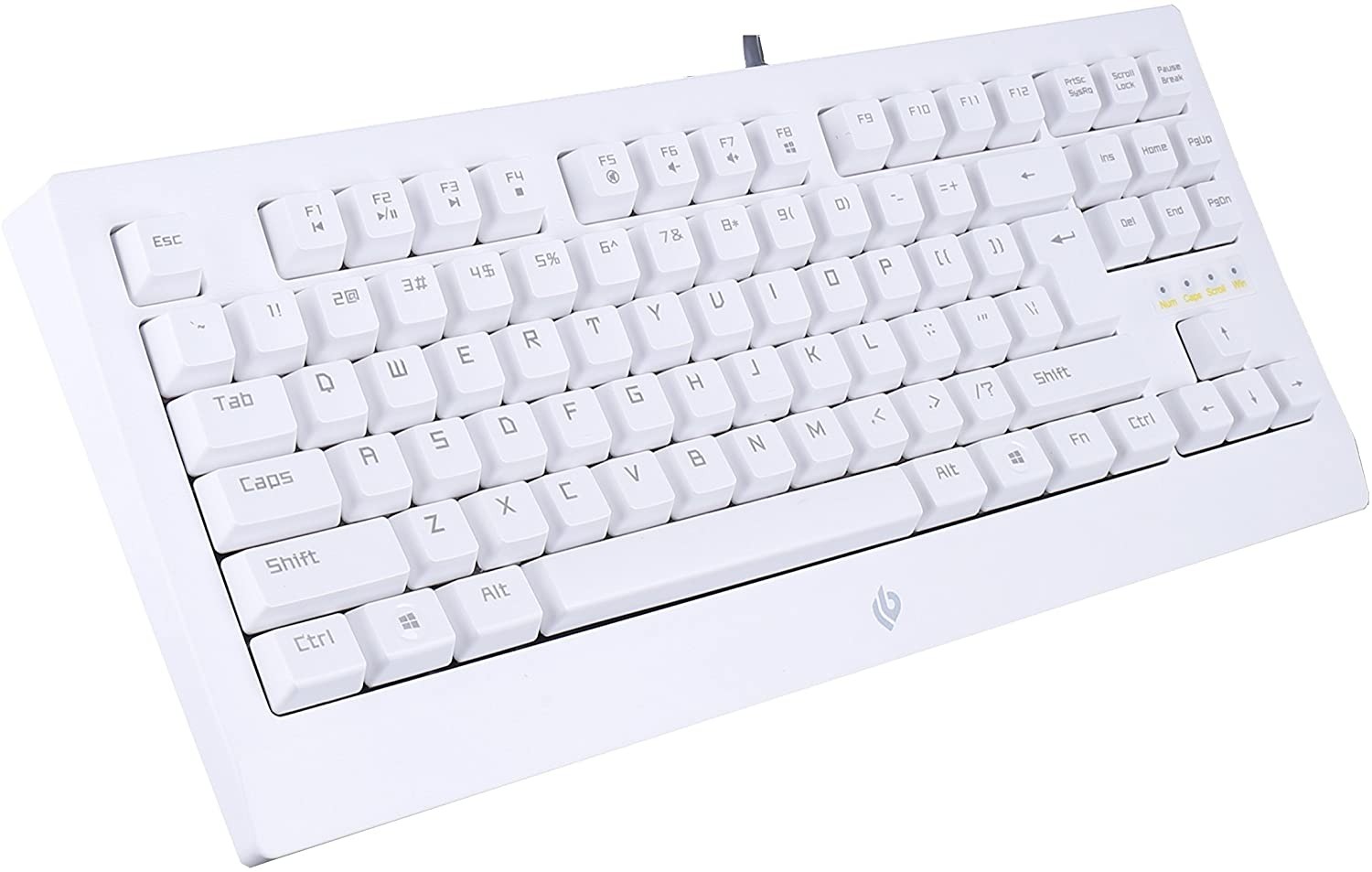 Professional 104 Mechanical Gaming Keyboard K23 Rainbow Backlight Full Key White$14.99View on eBay
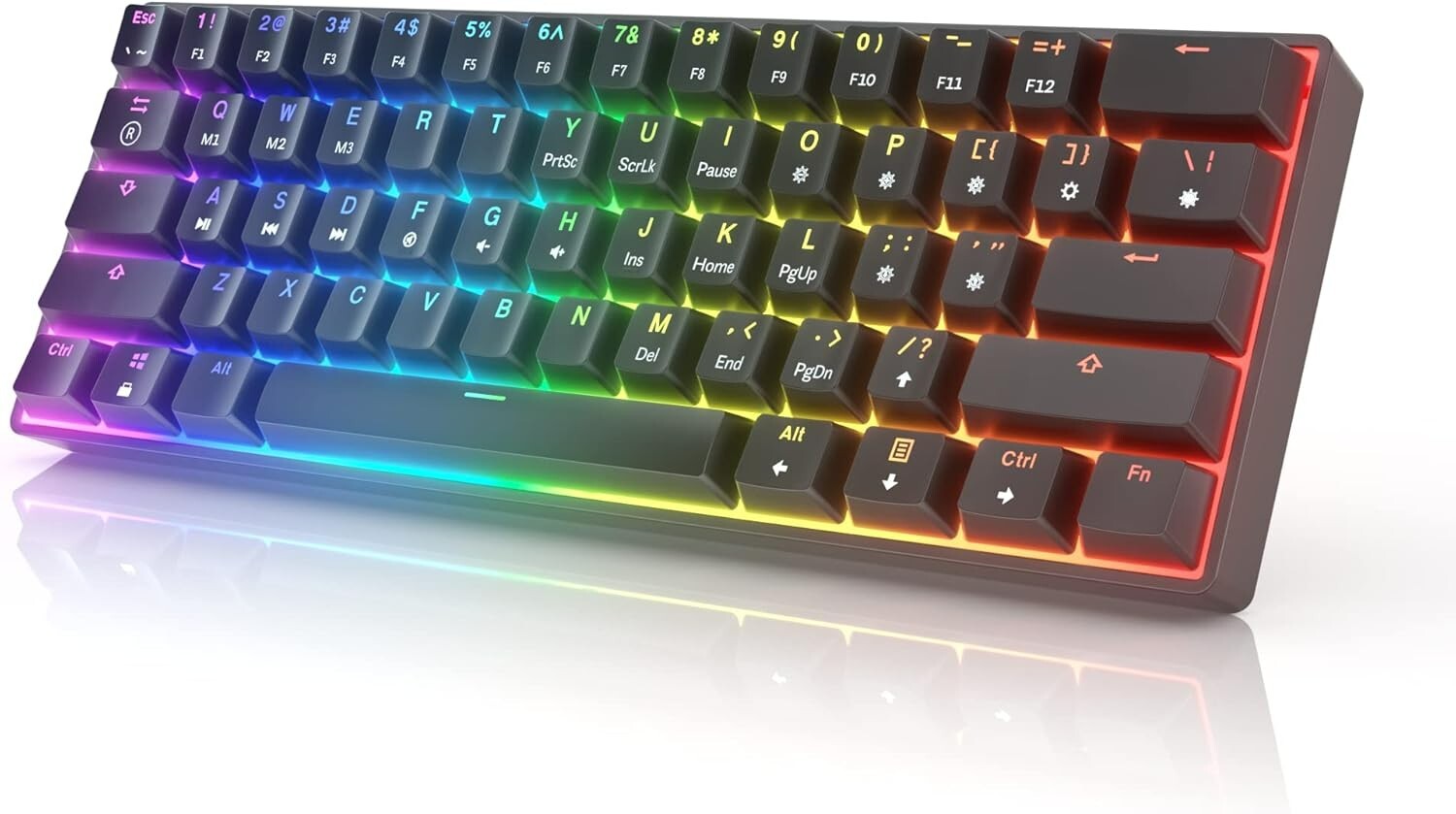 HK GAMING GK61 Mechanical Gaming Keyboard - 61 Keys Multi Color RGB Illuminated$17.99View on eBay
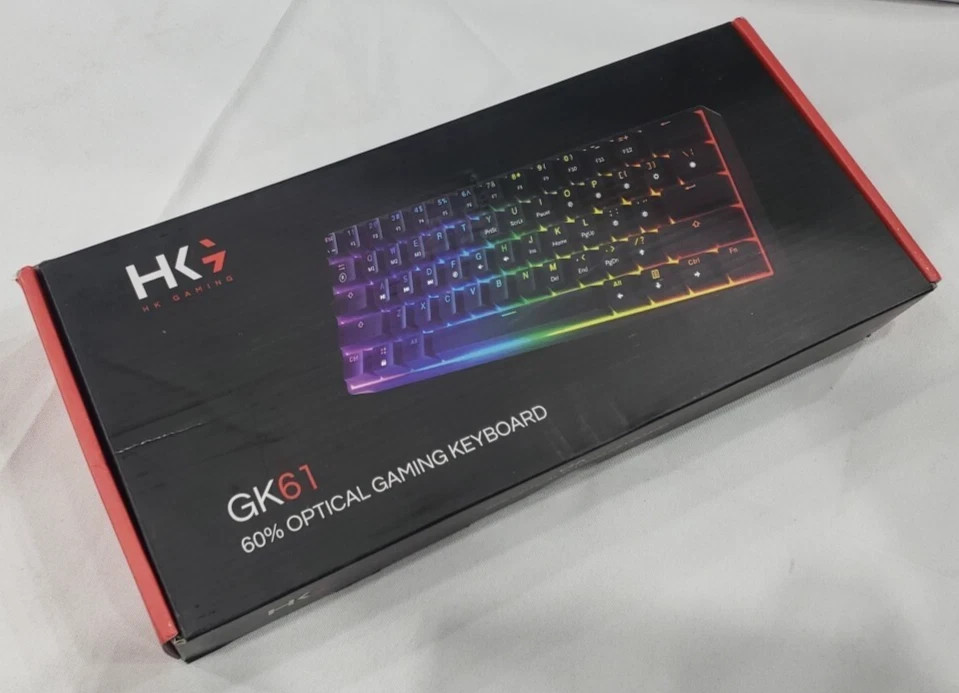 HK GAMING GK61 Mechanical Gaming Keyboard - 61 Keys Multi Color RGB Illuminated$18.99View on eBay
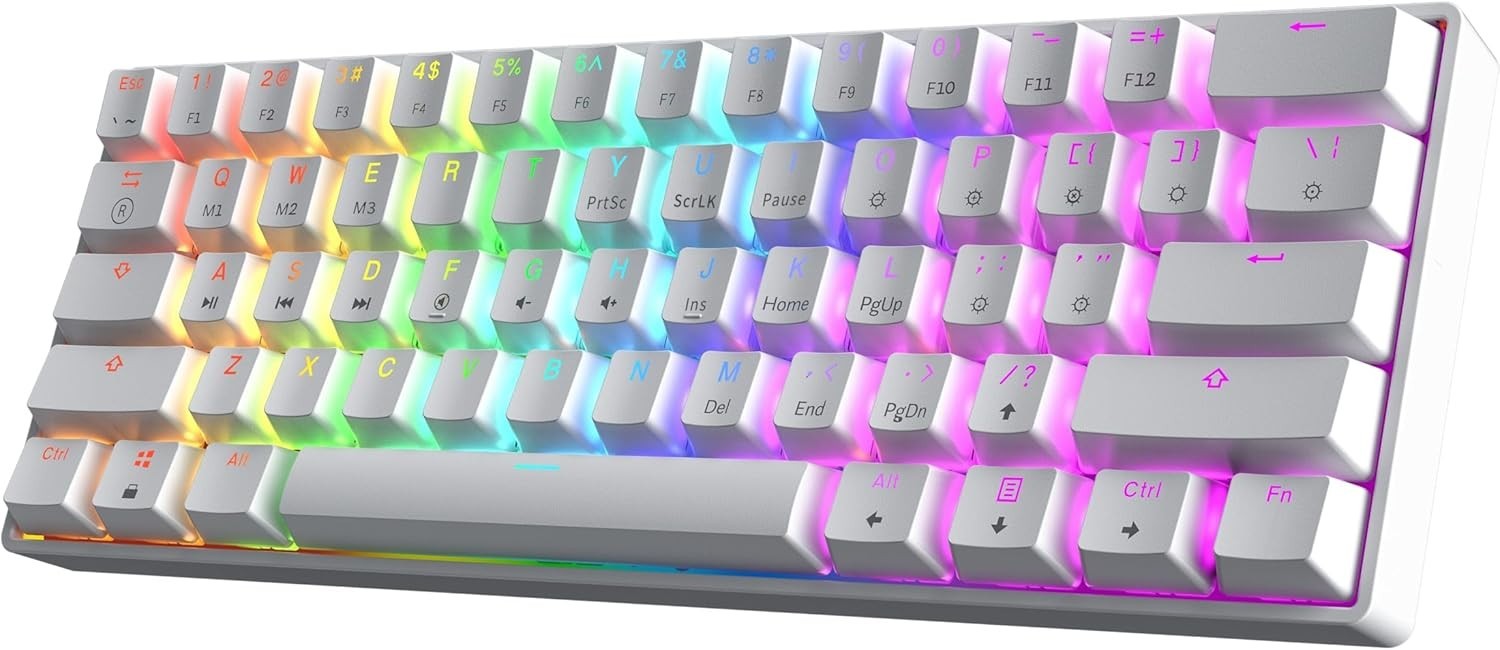 GK61 Mechanical Gaming RGB LED Keyboard - White, Gaetron Optical Red Switches$19.99View on eBay
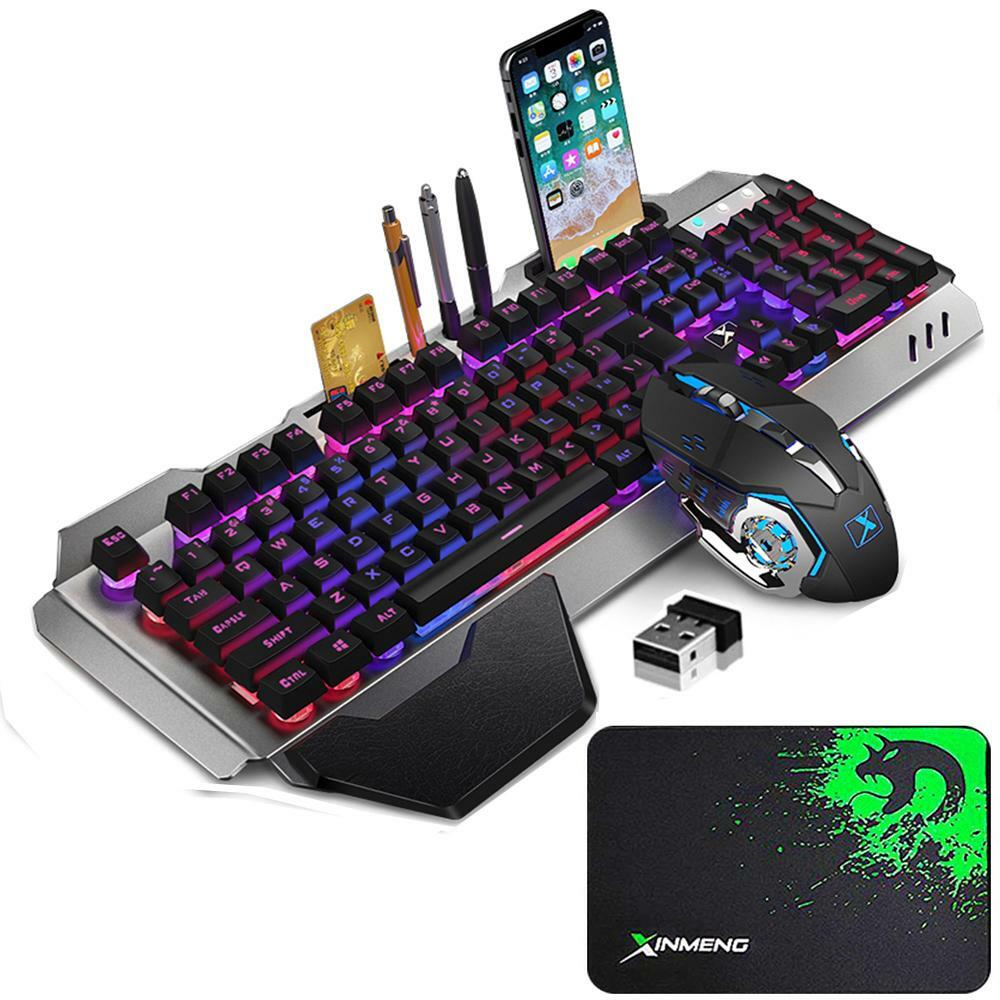 Wireless Gaming Keyboard and Mouse Mechanical Feel Rainbow Backlit$47.99View on eBay
Highlights
- Switch type defines feel: linear (smooth, e.g., Red), tactile (bump, e.g., Brown), clicky (audible, e.g., Blue) — pick by typing vs gaming priority.
- Hot-swap sockets (3-pin or 5-pin) let you replace switches without soldering; 5-pin supports plate-mount stabilizers and most custom switches.
- Keycap material: PBT (1.5mm+ thick) resists shine and oil; ABS is thinner and develops glossy wear faster — PBT is the durability standard.
- Stabilizer quality (plate-mount vs PCB-mount, lubed vs dry) determines rattle on spacebar/shift keys more than switch choice alone.
Best use cases
- Best for typing: 65%–75% layout with tactile (Brown) or silent linear switches, PBT keycaps, and hot-swap sockets for quiet, fatigue-free long sessions.
- Best for gaming: TKL or 60% with fast linear (Red/Speed) switches, 1000Hz polling, and low actuation force (35–45g) to reduce finger travel.
- Wrong fit: shared offices or bedrooms need clicky (Blue) switches avoided — use silent linear or dampened tactile to prevent noise complaints.
- Skip: soldered 3-pin-only boards with ABS keycaps if you want to customize switches or keycaps later — hot-swap 5-pin is the future-proof pick.
Buying tips
- Match layout to desk space: 60% saves width but loses arrow keys; 75% keeps arrows and function row in a compact footprint; TKL drops numpad only.
- Check switch pin count: 3-pin fits most plate-mount boards; 5-pin requires PCB-mount support — confirm your board's hot-swap socket type before buying loose switches.
- Keycap profile matters: XDA is flat and uniform (easy to swap), OEM/Cherry is sculpted — ensure your set includes the right row heights for your layout.
- Spring weight guide: 35–45g for fast gaming, 50–60g for balanced typing, 65g+ for heavy-handed typists — heavier springs reduce accidental presses.
Specs
| Switch Type | Linear / Tactile / Clicky (MX-style) |
|---|---|
| Hot-Swap Support | 3-pin or 5-pin socket |
| Keycap Material | PBT (1.5mm+) vs ABS |
| Layout Size | 60% / 65% / 75% / TKL / Full |
Related searches
What to check before buying
- Measure desk depth and width: a 75% board is ~320mm wide, TKL ~360mm, full-size ~440mm — leave 100mm for wrist rest and cable clearance.
- Confirm connectivity: USB-C detachable is standard; Bluetooth 5.0+ for multi-device, 2.4GHz dongle for low-latency gaming — check your PC's available ports.
- Verify keycap compatibility: MX-style stem is universal; ensure your set includes 1.75u right shift and 1u bottom row for 65%/75% layouts.
- Check plate material and mounting: steel plate is stiff and loud, PC/FR4 is softer and quieter — pick based on noise tolerance and typing feel preference.
FAQ
Data sources: eBay / Amazon listings and product attribute feeds. Updated Nov 27, 2026.
Some links on this page are affiliate links. If you buy after clicking one, we may earn a commission at no extra cost to you. This does not change which products appear here or their order. Affiliate disclosure.