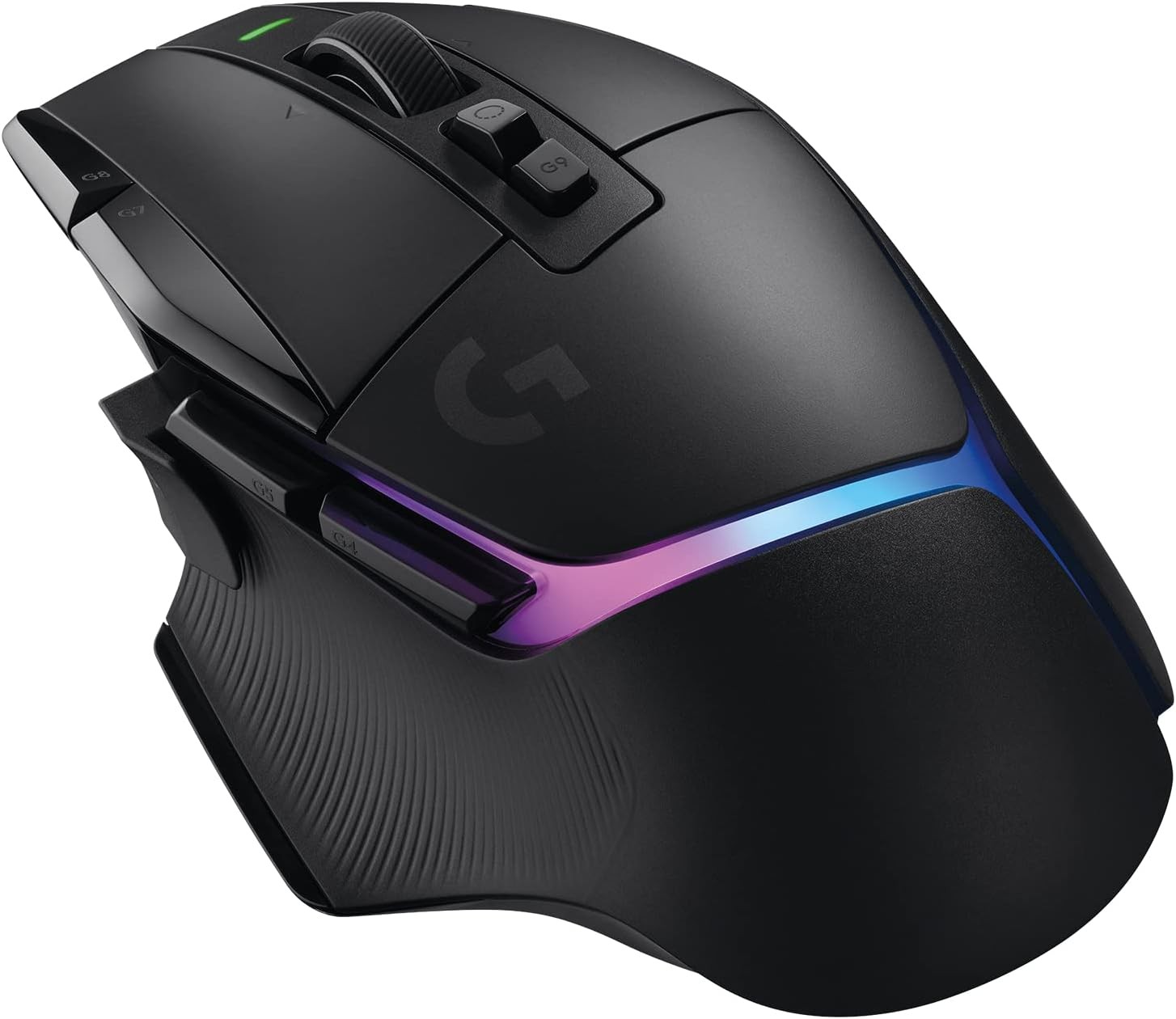

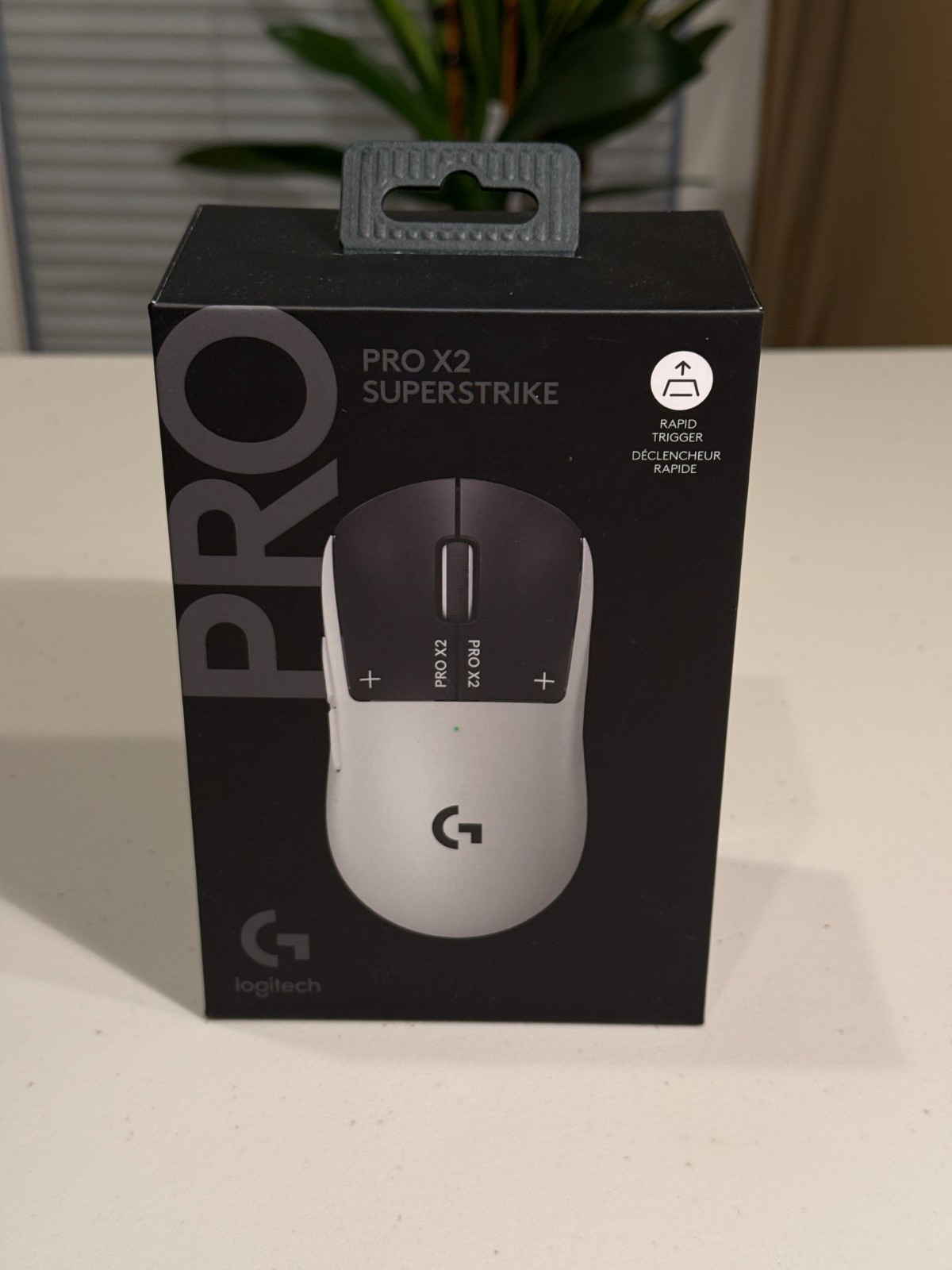
Photos from current listings. Actual item, color, and included accessories may vary.
Logitech Wireless Mouse Buying Guide
A Logitech wireless mouse spans three distinct architectures: budget 2.4GHz optical (M-series), dual-mode Bluetooth/Logi Bolt productivity (MX-series), and LIGHTSPEED gaming (G-series). The core trade-off is sensor latency and build materials versus battery life and portability—cheap office mice use AA alkalines and 1000+ DPI optical sensors with plastic shells, while gaming mice use rechargeable Li-Po cells, 25K+ DPI HERO sensors, and optical switches rated for 100M clicks. Buy by connection standard and sensor tier: LIGHTSPEED for competitive play, Logi Bolt for multi-device office work, and plain 2.4GHz USB receivers only for single-machine casual use.
Median $101.24
Key takeaways
- LIGHTSPEED wireless (G-series) delivers 1ms report rate over 2.4GHz, matching wired latency; standard 2.4GHz M-series mice use slower 125Hz polling unsuitable for fast-action games.
- HERO 25K sensor in G502 X PLUS and G Pro X2 tracks up to 25,600 DPI at 400+ IPS with zero smoothing—budget M310 uses a basic optical sensor around 1000 DPI.
- Productivity MX-series and M-series mice run 12-24 months on one AA battery; gaming mice use built-in Li-Po cells giving 60-140 hours per charge via USB-C.
At a glance
- Category
- Computers & Peripherals
- Last updated
- Nov 28, 2026
Current offers
Highlights
- LIGHTSPEED wireless (G-series) delivers 1ms report rate over 2.4GHz, matching wired latency; standard 2.4GHz M-series mice use slower 125Hz polling unsuitable for fast-action games.
- HERO 25K sensor in G502 X PLUS and G Pro X2 tracks up to 25,600 DPI at 400+ IPS with zero smoothing—budget M310 uses a basic optical sensor around 1000 DPI.
- Productivity MX-series and M-series mice run 12-24 months on one AA battery; gaming mice use built-in Li-Po cells giving 60-140 hours per charge via USB-C.
- Optical switches (G-series) eliminate double-click failures common in mechanical switches; M-series uses standard mechanical switches rated ~5M clicks.
Best use cases
- Competitive FPS/action gaming: pick a LIGHTSPEED G-series (G Pro X2, G502 X PLUS) with HERO sensor and optical switches; skip any M-series or Bluetooth-only mouse for latency reasons.
- Multi-device office/travel: pick MX-series or M-series with Logi Bolt/Bluetooth and 12-24 month AA battery life; skip LIGHTSPEED gaming mice unless you also game.
- Casual desktop/browsing on one PC: a basic M310-class 2.4GHz mouse is sufficient and cheapest; skip premium gaming sensors you will never use.
Buying tips
- Match connection to use: LIGHTSPEED USB receiver for gaming (1ms), Logi Bolt/Bluetooth for multi-OS productivity, plain 2.4GHz USB for single-PC budget use.
- Check sensor DPI ceiling: 25,600 DPI HERO for competitive gaming; 1000-4000 DPI optical is fine for office and casual use.
- For rechargeable gaming mice, confirm USB-C charging and 60+ hour battery life; AA-powered productivity mice should advertise 12-24 months per cell.
- Verify switch type: optical switches (G-series) resist double-click wear; mechanical switches in budget mice are rated lower for click lifespan.
Specs
| Wireless Tech | LIGHTSPEED / Logi Bolt / 2.4GHz / BT |
|---|---|
| Sensor Tier | HERO 25K vs basic optical ~1000 DPI |
| Battery Type | AA 12-24 mo vs Li-Po 60-140 hr |
| Switch Type | Optical (100M) vs mechanical (5M) |
Related searches
What to check before buying
- Confirm your PC/console has a free USB-A port for the receiver, or Bluetooth 4.0+ for Bluetooth-only modes.
- Measure your hand and grip style: palm grip needs larger shells (G502-class), claw/fingertip suits compact ambidextrous shapes (G Pro/M310).
- Check surface compatibility—optical and HERO sensors track on most desks, but glass or glossy surfaces need a mousepad.
- For multi-device setups, count how many machines you need to pair (Logi Bolt supports up to 6 devices via one receiver; Bluetooth typically pairs 3).
FAQ
Data sources: eBay / Amazon listings and product attribute feeds. Updated Nov 28, 2026.
Some links on this page are affiliate links. If you buy after clicking one, we may earn a commission at no extra cost to you. This does not change which products appear here or their order. Affiliate disclosure.