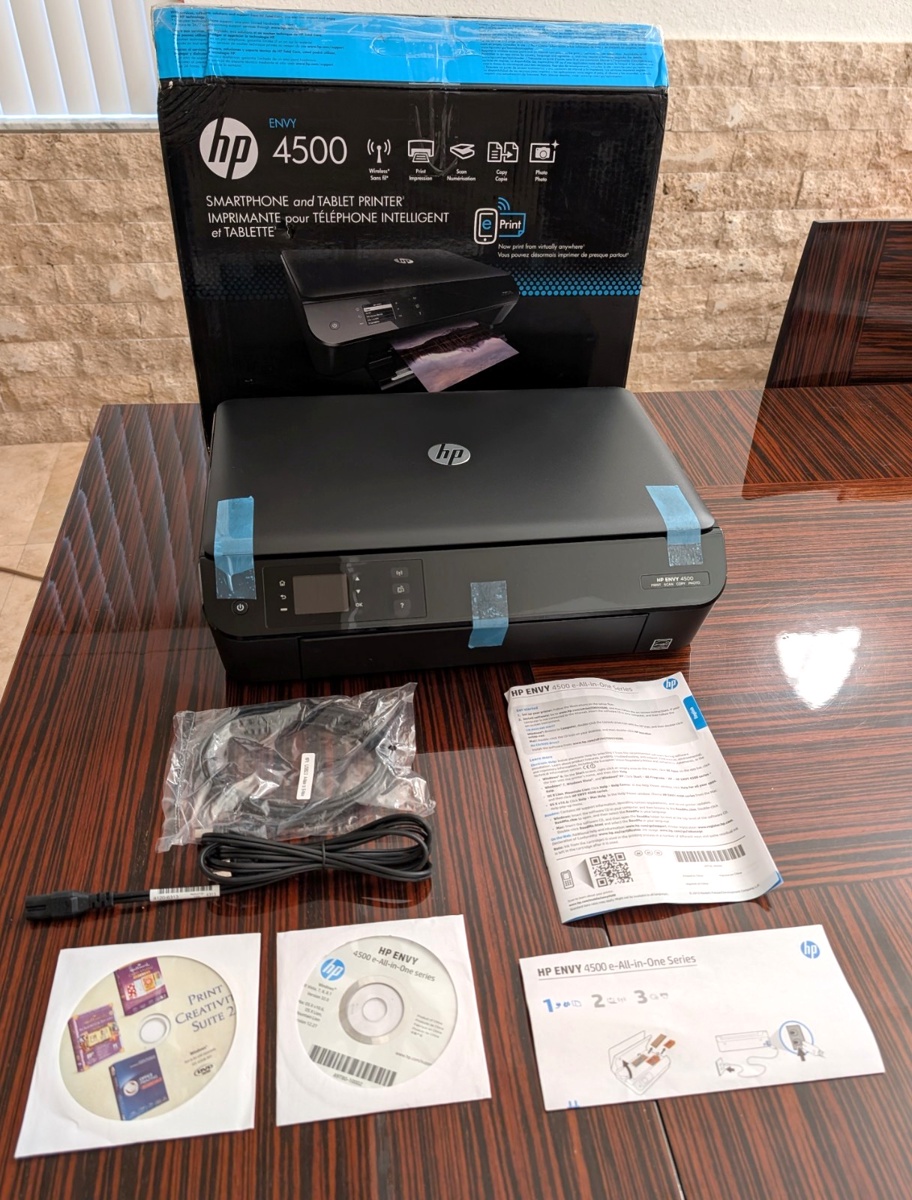

Photos from current listings. Actual item, color, and included accessories may vary.
HP Envy Buying Guide
HP Envy is a broad consumer laptop line that spans thin-and-light 13-inch convertibles to 17-inch creator machines, with the main trade-off being between portability and sustained performance. Durability and real-world speed are determined less by the Envy badge than by CPU generation, thermal design, and whether the chassis is aluminum or plastic. Buyers should treat the Envy x360 as a convertible-first pick, the Envy 14/15 as a mainstream workhorse, and the Envy 16/17 as desktop-replacement class—skipping entry configurations that pair older U-series chips with 8GB soldered RAM and dim 250-nit panels.
Key takeaways
- Envy x360 models use a 360-degree hinge with touch display and pen support; standard Envy clamshells lack touch and convertibility but often add discrete GPU options.
- Panel tier matters more than size: base 250-nit 45% NTSC screens are dim and washed out, while 400-nit 100% sRGB or OLED panels are the real upgrade threshold.
- Envy 13/14 typically use 15-28W U-series or P-series CPUs with soldered LPDDR memory, while Envy 16/17 step up to 45W H-series chips and dual-fan cooling for sustained loads.
At a glance
- Category
- Computers & Peripherals
- Last updated
- Nov 28, 2026
Current offers
Highlights
- Envy x360 models use a 360-degree hinge with touch display and pen support; standard Envy clamshells lack touch and convertibility but often add discrete GPU options.
- Panel tier matters more than size: base 250-nit 45% NTSC screens are dim and washed out, while 400-nit 100% sRGB or OLED panels are the real upgrade threshold.
- Envy 13/14 typically use 15-28W U-series or P-series CPUs with soldered LPDDR memory, while Envy 16/17 step up to 45W H-series chips and dual-fan cooling for sustained loads.
- Chassis grade splits the line: aluminum lid and deck on most 14-inch-and-up Envy models, with plastic-bottom or full-plastic builds appearing on entry 15-inch and 17-inch configurations.
Best use cases
- Best fit: Envy x360 13 or 14 for students and note-takers who want tablet mode, pen input, and sub-3.5 lb carry weight—skip the 15-inch x360 if you need a numpad or discrete graphics.
- Best fit: Envy 14 or Envy 15 with P-series CPU and 16GB RAM for office multitasking, light photo editing, and all-day battery—avoid 8GB soldered configs if you keep 20+ browser tabs open.
- Best fit: Envy 16 or Envy 17 with H-series CPU and RTX graphics for video editing, CAD, and desktop-replacement use—skip these if you commute daily or need 10+ hours unplugged.
- Wrong fit: Envy 17 as a gaming-first laptop—its thermal envelope and panel refresh rates trail dedicated gaming lines; choose a 15-inch H-series model with high-wattage GPU instead.
Buying tips
- Pick 16GB RAM minimum on any Envy with soldered memory; 8GB is not upgradeable on 13/14-inch x360 and most thin 15-inch models, making it a dead end for longevity.
- Prioritize 400-nit 100% sRGB or OLED panels over 250-nit base screens; the display is the least upgradeable component and directly affects outdoor usability and color work.
- On Envy 14/15, confirm the CPU is 12th-gen Intel or Ryzen 6000/7000-series or newer; older 11th-gen U-series stock lingers and delivers noticeably lower multi-core performance.
- For Envy 16/17, check for dual-fan cooling and at least 90W total graphics power if you plan sustained rendering; thin single-fan H-series configs throttle under long exports.
Specs
| Form Factor | Clamshell vs 360° convertible |
|---|---|
| CPU Class | U/P-series 15-28W vs H-series 45W |
| Panel Tier | 250-nit base vs 400-nit 100% sRGB / OLED |
| Memory Type | Soldered LPDDR vs SO-DIMM slots |
What to check before buying
- Measure your bag or sleeve interior: Envy 16/17 units are 14–15.6 inches wide and 5+ lb, so confirm a 16-inch laptop compartment before committing to a desktop-replacement size.
- Confirm port layout for your workflow: Envy models vary between 1–2 Thunderbolt 4 ports, HDMI 2.1, and USB-A; dock-based setups need Thunderbolt, while legacy peripherals need USB-A.
- Check the charger wattage and connector: Envy 16/17 ship with 150–200W barrel chargers, while 13/14-inch models use 65W USB-C—ensure your USB-C dock or power bank can supply the matching wattage.
- Verify the panel spec sheet for brightness and color gamut, not just resolution; 1920x1200 at 250 nits is common on base trims and is a different product experience from 2.8K OLED.
FAQ
Data sources: eBay / Amazon listings and product attribute feeds. Updated Nov 28, 2026.
Some links on this page are affiliate links. If you buy after clicking one, we may earn a commission at no extra cost to you. This does not change which products appear here or their order. Affiliate disclosure.