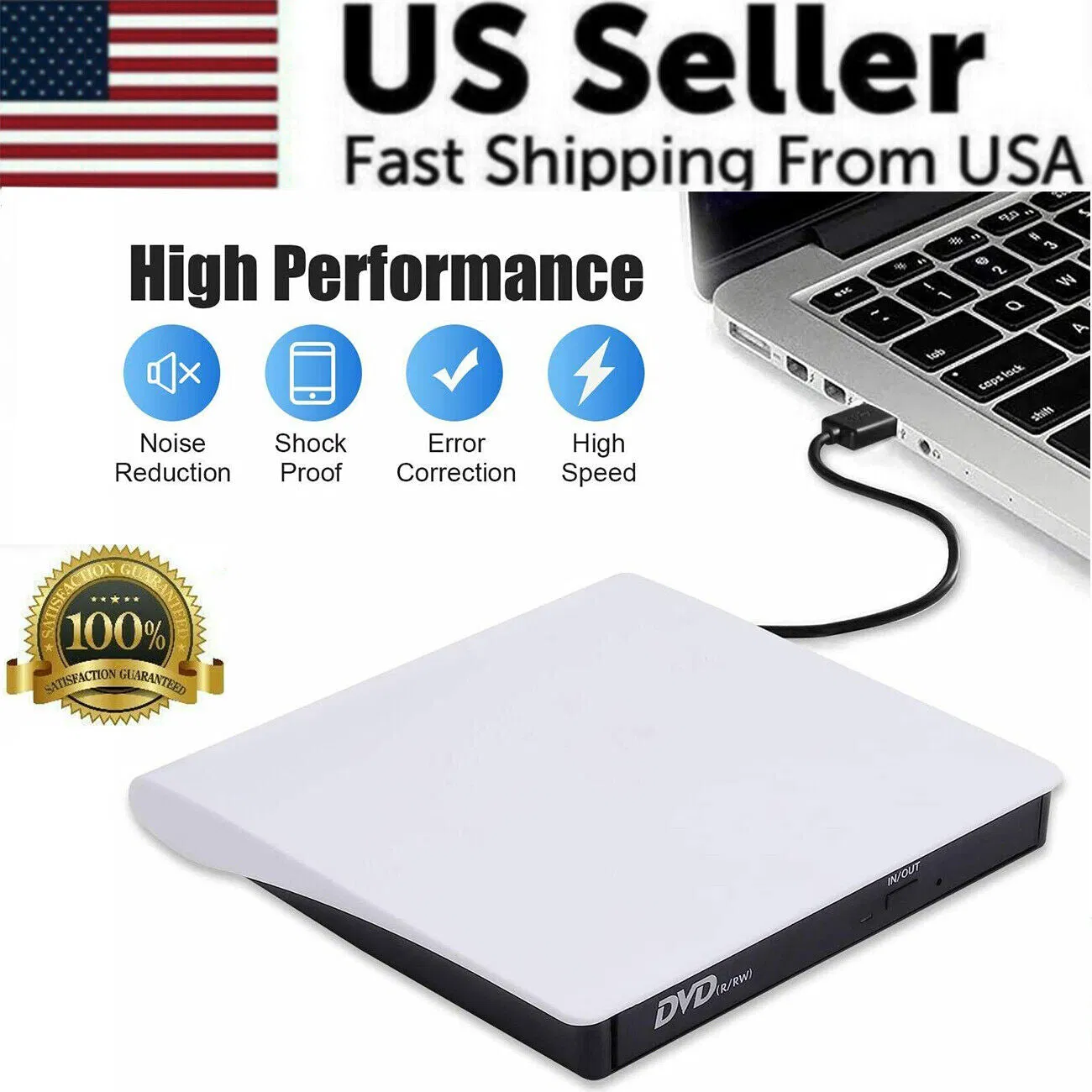

Photos from current listings. Actual item, color, and included accessories may vary.
External DVD Drive Buying Guide
An external DVD drive is a USB-connected optical disc reader/writer that restores physical media access to modern ultrabooks and desktops lacking a 5.25-inch bay. The core trade-off is drive mechanism quality and USB power delivery versus ultra-slim portability: full-size desktop mechanisms with a dedicated DC jack read and burn reliably, while bus-powered slim drives can struggle with dual-layer discs and high-speed writes on weak USB ports. Buy a slim USB 3.0 drive only for occasional playback and single-layer burns, and choose a full-size or AC-adapter model for frequent burning, dual-layer media, or M-DISC archival.
Median $33.49
Key takeaways
- Slim bus-powered drives draw 5V from a single USB port and typically top out at DVD±R 8x; dual-layer and M-DISC writes are more reliable with an auxiliary power cable or powered hub.
- USB 3.0 (5 Gbps) is backward-compatible with USB 2.0, but optical throughput never exceeds ~30 MB/s; the interface matters mainly for power headroom, not speed.
- Slot-load mechanisms (laptop-style) resist tray breakage but cannot accept 8 cm mini discs; tray-load drives accept both 12 cm and 8 cm media.
At a glance
- Category
- Computers & Peripherals
- Last updated
- Nov 28, 2026
Current offers
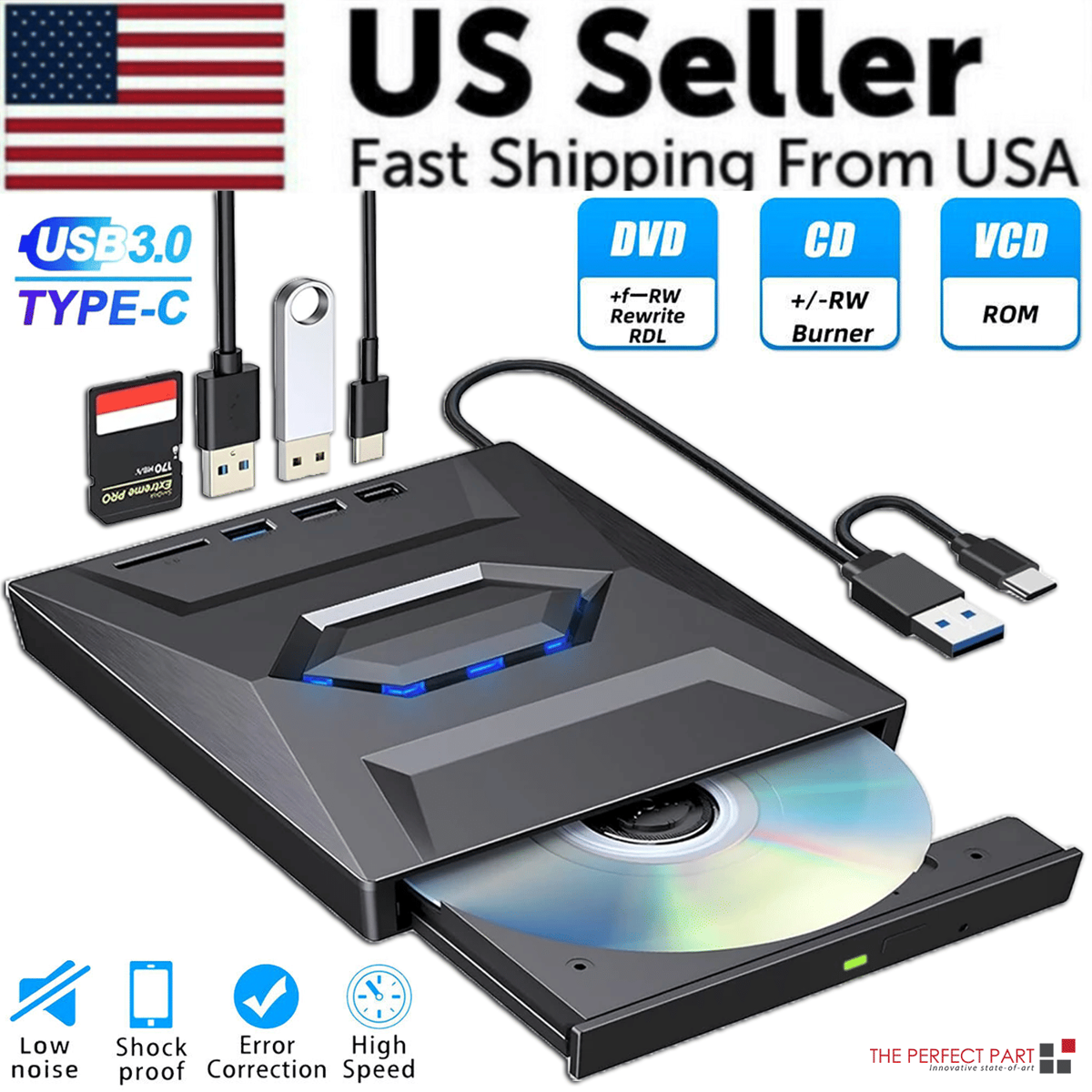
Highlights
- Slim bus-powered drives draw 5V from a single USB port and typically top out at DVD±R 8x; dual-layer and M-DISC writes are more reliable with an auxiliary power cable or powered hub.
- USB 3.0 (5 Gbps) is backward-compatible with USB 2.0, but optical throughput never exceeds ~30 MB/s; the interface matters mainly for power headroom, not speed.
- Slot-load mechanisms (laptop-style) resist tray breakage but cannot accept 8 cm mini discs; tray-load drives accept both 12 cm and 8 cm media.
- BD-ROM combo drives read Blu-ray at 6x but burn only DVD/CD; verify the drive writes the exact media grade (DVD-R, DVD+R DL, M-DISC) you intend to use.
Best use cases
- Best fit: adding DVD/CD playback to a USB-C ultrabook — pick a slim USB 3.0 tray-load drive with a USB-C adapter or dual-cable, and skip slot-load if you use 8 cm mini DVDs.
- Best fit: burning dual-layer DVD±R DL or archiving to M-DISC — choose a full-size desktop drive with a DC power jack, and skip any bus-powered slim model.
- Best fit: reinstalling legacy OS or drivers on a headless mini-PC — pick a bus-powered slim drive that works from a single USB port, and skip slot-load drives that require disc insertion force.
- Wrong fit: ripping a large Blu-ray movie library — buy a dedicated Blu-ray reader/writer, not a DVD-only drive; DVD drives cannot read BD-ROM at all.
Buying tips
- Match the drive to your media: DVD±R 8x / DVD±R DL 6x / CD-R 24x is the standard slim-drive spec; anything lower is an older mechanism.
- For USB-C-only laptops, budget for a USB-C to USB-A adapter or choose a drive with a USB-C cable — most drives ship with USB-A only.
- Bus-powered slim drives need a USB port that supplies the full 5V/0.9A; front-panel desktop ports and unpowered hubs often fail during burns.
- Check the write speeds for the exact disc grade: a drive rated DVD-R 8x may write DVD+R DL at only 4x, doubling burn time for dual-layer projects.
Specs
| Drive Type | DVD±RW / BD-ROM combo / BD-RE |
|---|---|
| Interface | USB 3.0 (USB 2.0 compatible) |
| Power | Bus-powered vs DC adapter |
| Loading | Tray-load vs slot-load |
Related searches
What to check before buying
- Confirm your laptop or PC has a free USB-A port or a USB-C to USB-A adapter; USB-C-only machines need the adapter before the drive is usable.
- Measure desk space for tray extension: a tray-load drive needs about 15 cm of clear front clearance to open fully.
- Verify your media: 12 cm standard discs fit all drives; 8 cm mini CDs/DVDs require a tray-load, not slot-load, mechanism.
- Check OS support: Windows 11/10 and macOS mount UDF DVD/CD natively; Linux needs udf and iso9660 kernel modules for playback.
FAQ
Data sources: eBay / Amazon listings and product attribute feeds. Updated Nov 28, 2026.
Some links on this page are affiliate links. If you buy after clicking one, we may earn a commission at no extra cost to you. This does not change which products appear here or their order. Affiliate disclosure.