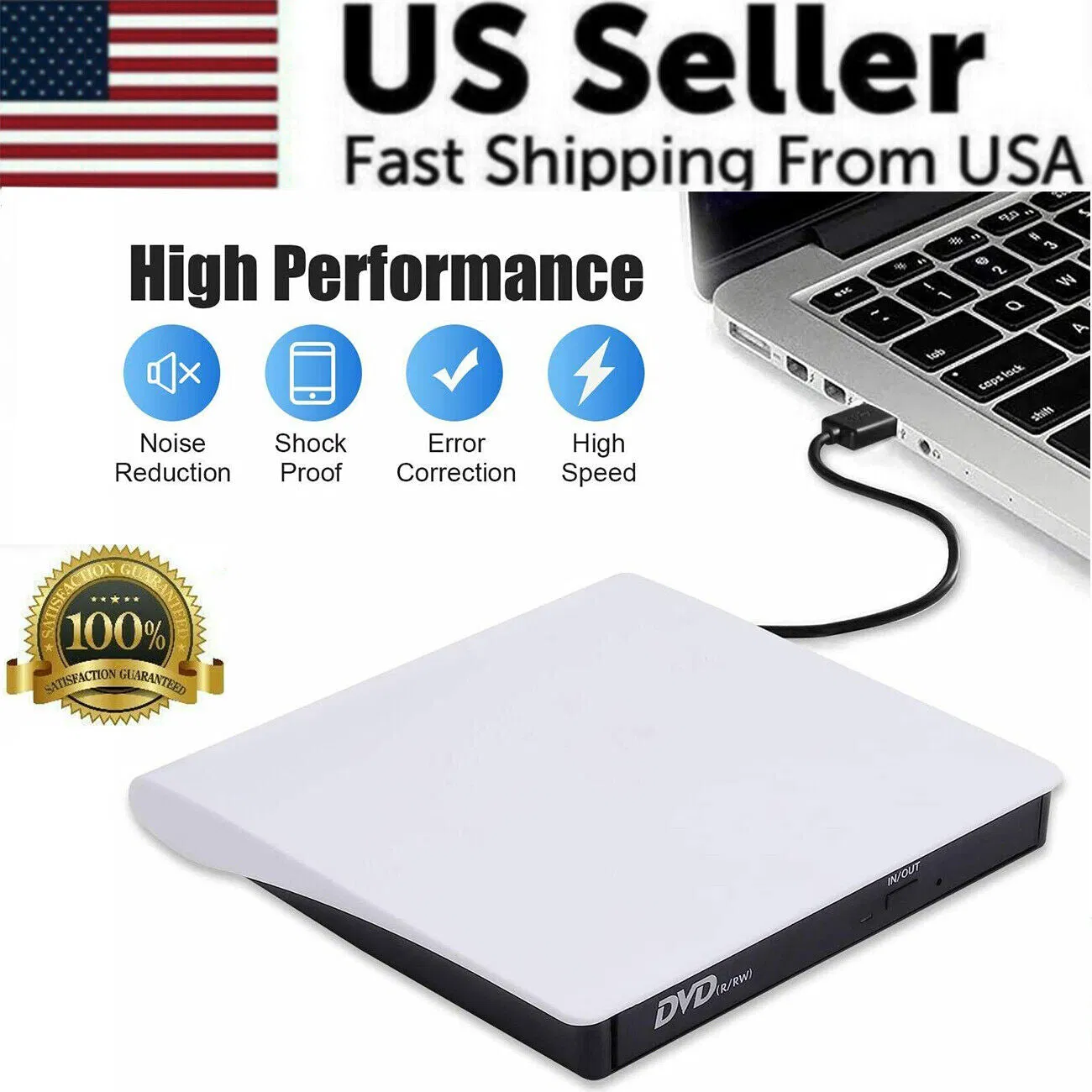

Photos from current listings. Actual item, color, and included accessories may vary.
External CD DVD Drive Buying Guide
External CD/DVD drives are bus-powered USB optical drives used to read, write, and rip discs on laptops and desktops lacking a built-in tray. The core trade-off is between slim 12.7mm laptop-class mechanisms with plastic trays and full-height 5.25-inch-class desktop mechanisms with metal chassis and faster write speeds. The decision rule: pick a slim USB 3.0 drive with a reinforced tray for occasional media transfer, and step up to a full-size external enclosure with a DVD-RW or Blu-ray combo drive for archival burning or frequent ripping; skip any drive lacking M-DISC or DVD-RAM support if long-term data retention matters.
Median $33.49
Key takeaways
- Slim 12.7mm mechanisms use plastic sleds and ~1.5MB buffer; full-height 5.25-inch drives use metal trays and 2-4MB buffers for steadier burns.
- USB 3.0 (5Gbps) interface is mandatory; USB 2.0 (480Mbps) caps DVD read at ~8x and makes dual-layer writing unreliable.
- Write-speed tiers separate models: DVD±R at 8x (slim) vs 16x-24x (full-size); DVD-RW at 4x-6x; M-DISC support is a firmware-level feature, not universal.
At a glance
- Category
- Computers & Peripherals
- Last updated
- Nov 28, 2026
Current offers
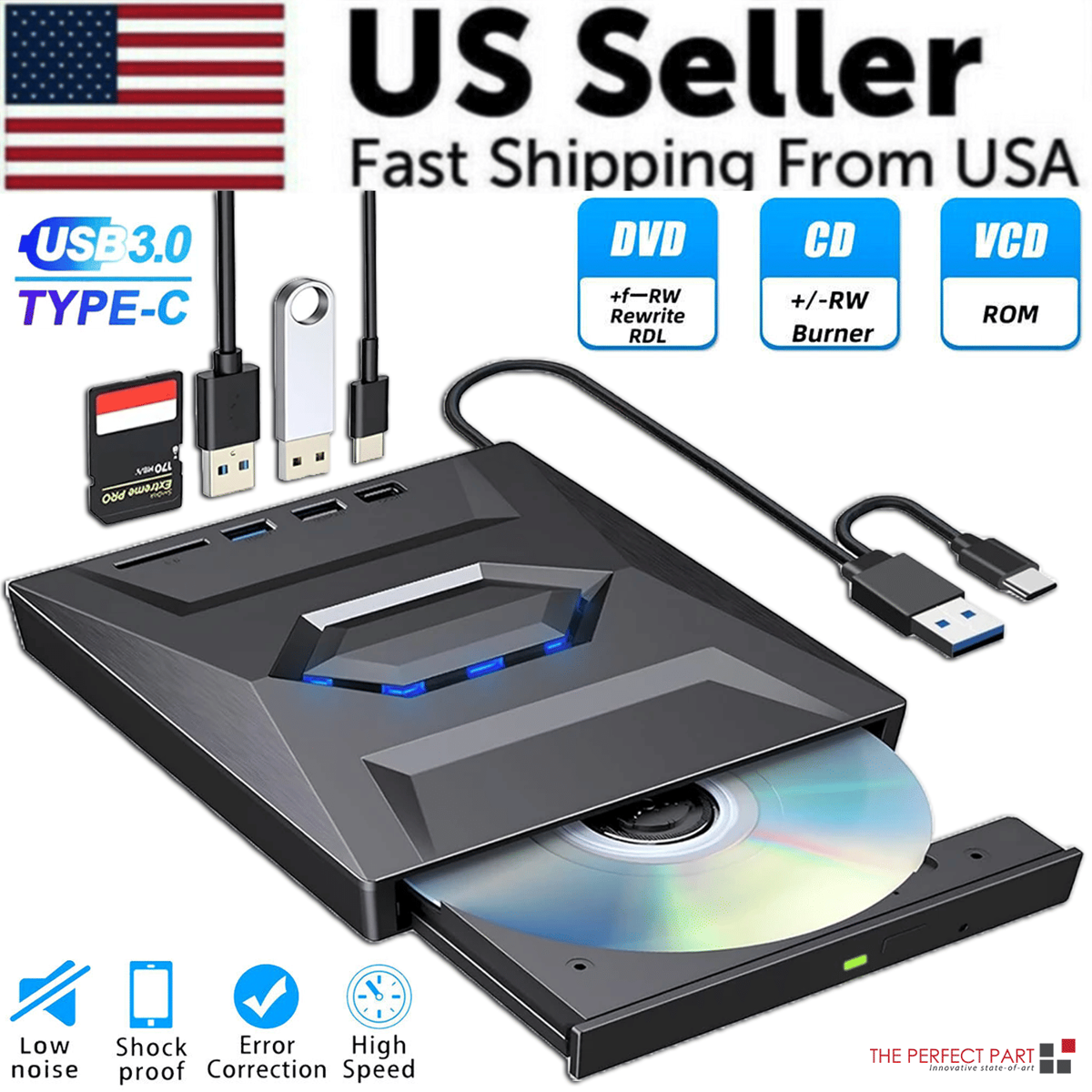
Highlights
- Slim 12.7mm mechanisms use plastic sleds and ~1.5MB buffer; full-height 5.25-inch drives use metal trays and 2-4MB buffers for steadier burns.
- USB 3.0 (5Gbps) interface is mandatory; USB 2.0 (480Mbps) caps DVD read at ~8x and makes dual-layer writing unreliable.
- Write-speed tiers separate models: DVD±R at 8x (slim) vs 16x-24x (full-size); DVD-RW at 4x-6x; M-DISC support is a firmware-level feature, not universal.
- DVD-RAM and BD-RE media require specific pickups: DVD-RAM needs multi-pulse writing firmware; Blu-ray combo drives use a 405nm laser alongside the 650nm/780nm diodes.
Best use cases
- Best fit — Laptop owners needing occasional CD ripping and software installs: choose a slim USB 3.0 drive with a 12.7mm tray, 8x DVD±R write, and a captive or included USB-C adapter cable.
- Best fit — Home archivists burning DVD-R M-DISC or DVD-RAM for long-term storage: choose a full-size external enclosure with a 5.25-inch DVD-RW drive rated for 16x DVD±R and explicit M-DISC certification.
- Wrong fit — Blu-ray movie playback: standard external DVD drives cannot read Blu-ray; you need a BD-ROM combo or BD-RE writer with 405nm laser support and UHD-friendly firmware for 4K discs.
- Wrong fit — Frequent batch ripping of 50+ discs: slim bus-powered drives overheat and slow to 2x-4x; use a full-size drive with an external 12V power adapter for sustained throughput.
Buying tips
- Match the mechanism to your workload: 12.7mm slim for travel and occasional use, 5.25-inch full-size for sustained burning and ripping with active cooling.
- Require USB 3.0 Micro-B or USB-C with a bundled cable; drives with fixed USB 2.0 cables cannot reach 8x DVD read and bottleneck dual-layer writes.
- Check write-speed ratings on the label: DVD±R 8x slim vs 16x-24x full-size; DVD-RW 4x-6x; CD-R 24x slim vs 48x full-size. Lower ratings mean slower burns and higher failure risk on cheap media.
- For archival, select M-DISC-certified drives (often labeled 'M-DISC Ready') and DVD-RAM support; generic slim drives often lack the firmware profile for these media types.
Specs
| Mechanism Size | Slim 12.7mm vs Full 5.25-inch |
|---|---|
| Interface | USB 3.0 (5Gbps) required; USB 2.0 avoid |
| DVD Write Speed | 8x slim / 16x-24x full-size |
| Media Support | DVD±R/RW, CD-R/RW, M-DISC, DVD-RAM |
Related searches
What to check before buying
- Confirm your laptop or desktop has a free USB-A or USB-C port that supplies 5V/1A; bus-powered slim drives draw up to 1.5A peak and may drop on unpowered hubs.
- Measure desk or bag clearance: slim drives are ~14mm thick and need 15cm tray extension; full-size enclosures are ~50mm tall and need a 12V adapter nearby.
- Verify OS driver support: Windows 11/10 and macOS mount USB mass-storage optical drives natively; Linux needs udf and sg kernel modules for DVD-RAM and M-DISC.
- Match media region and format: DVD region codes (1-6) are enforced in firmware; confirm the drive ships region-free or with a settable region for your disc library.
FAQ
Data sources: eBay / Amazon listings and product attribute feeds. Updated Nov 28, 2026.
Some links on this page are affiliate links. If you buy after clicking one, we may earn a commission at no extra cost to you. This does not change which products appear here or their order. Affiliate disclosure.