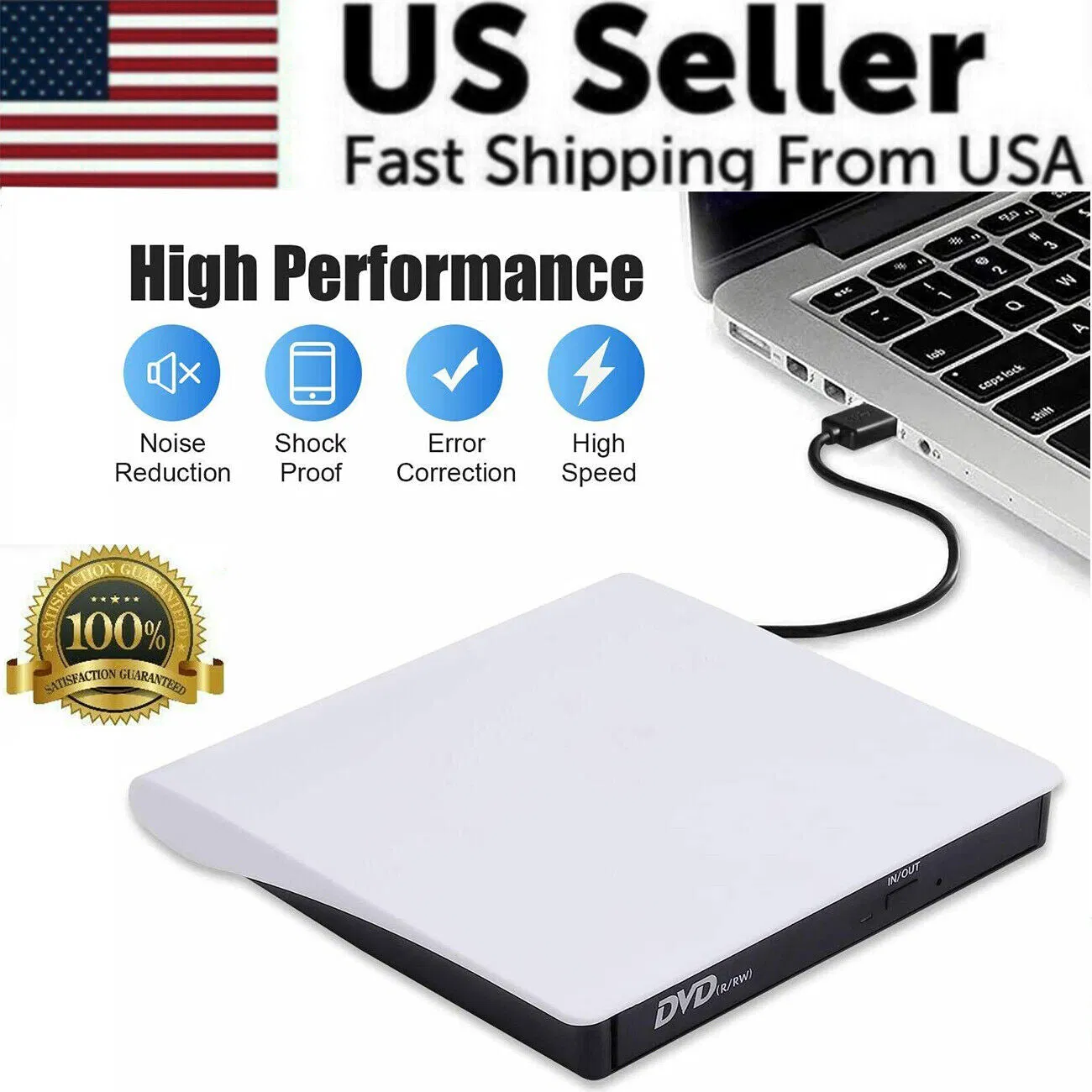

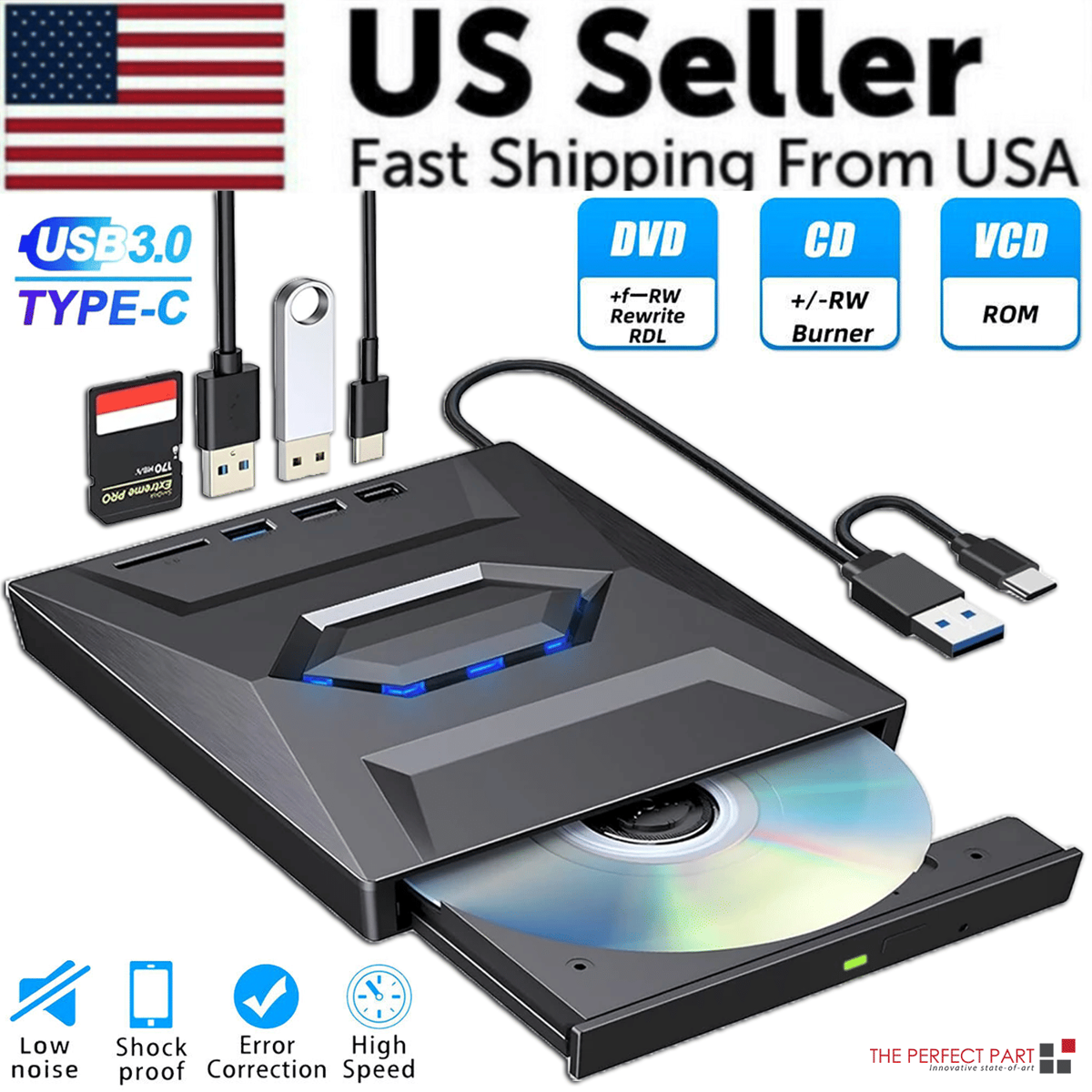
Photos from current listings. Actual item, color, and included accessories may vary.
External CD Drive Buying Guide
An external CD/DVD drive is a USB-attached optical drive for laptops and desktops that lack a built-in tray, used for reading/burning discs and installing legacy software. The core trade-off is drive mechanism quality (tray vs slot, read/write speed, laser class) versus port and power design (USB-A vs USB-C, bus-powered vs external power). Buyers should pick a bus-powered USB 3.0 drive with a reputable optical mechanism for occasional archival use; compromise only if the drive is for DVD-only playback or a legacy OS with strict driver needs.
Median $33.49
Key takeaways
- USB 3.0 (5 Gbps) interface is standard; USB 2.0 drives cap DVD read at 8x and often fail on BD media, so match port to media type.
- Bus-powered drives draw under 900 mA from a single USB-A port; DVD burners that spin at 8x or higher may need a Y-cable or powered hub for reliable burns.
- DVD±RW write speeds range 6x–8x; CD-R write speeds range 24x–48x; BD-RE drives add 2x–6x Blu-ray writing and require USB 3.0 for stable throughput.
At a glance
- Category
- Computers & Peripherals
- Last updated
- Nov 28, 2026
Current offers
Highlights
- USB 3.0 (5 Gbps) interface is standard; USB 2.0 drives cap DVD read at 8x and often fail on BD media, so match port to media type.
- Bus-powered drives draw under 900 mA from a single USB-A port; DVD burners that spin at 8x or higher may need a Y-cable or powered hub for reliable burns.
- DVD±RW write speeds range 6x–8x; CD-R write speeds range 24x–48x; BD-RE drives add 2x–6x Blu-ray writing and require USB 3.0 for stable throughput.
- Slot-load and tray-load mechanisms differ: tray drives handle 8 cm mini discs and are easier to clean; slot drives are thinner but jam on damaged or labeled discs.
Best use cases
- Best fit: a USB 3.0 bus-powered DVD±RW tray drive for occasional software installs, disc ripping, or DVD playback on a modern USB-C laptop; use a USB-C to USB-A adapter if needed.
- Best fit: a Blu-ray reader/writer drive for media archiving or BD movie playback; choose a USB 3.0 model with external power or a Y-cable because BD burning draws more current.
- Wrong fit: buying a DVD-only drive for Blu-ray discs or M-DISC archival; DVD lasers cannot read BD layers, and M-DISC support requires a drive explicitly rated for it.
- Wrong fit: a slot-load slim drive for frequent disc swapping or 8 cm mini DVDs; tray-load drives are more robust for mixed media and labeled discs.
Buying tips
- Match the drive to your media: DVD±RW handles CD/DVD; BD-RE adds Blu-ray read/write; M-DISC requires explicit drive support and is not universal.
- Confirm port and power: USB 3.0 Type-A or Type-C; bus-powered drives need a full-power port, while 8x DVD burners or BD writers may require a Y-cable or powered hub.
- Check write speed tiers: 8x DVD±R, 6x DVD-RW, 24x CD-R, and 2x–6x BD-RE; slower speeds improve burn quality on cheap media and reduce coaster risk.
- Prefer tray-load for durability and mini-disc compatibility; slot-load is thinner but more prone to jams and cannot accept 8 cm discs.
Specs
| Drive Type | DVD±RW / BD-RE / BD-ROM |
|---|---|
| Interface | USB 3.0 Type-A or Type-C |
| Loading Mechanism | Tray-load vs slot-load |
| Power Source | Bus-powered vs external adapter |
Related searches
What to check before buying
- Measure your laptop or desktop port layout: confirm at least one free USB-A or USB-C port and whether it supplies full bus power (900 mA) for the drive.
- Check media compatibility before buying: list the exact disc types (CD-R, DVD-R, DVD+R DL, BD-R, M-DISC) you need to read or write.
- Verify the drive's cable length and connector type reach your desk setup; short captive cables can strain ports on tight laptop layouts.
- For Blu-ray or high-speed DVD burning, plan for a powered USB hub or Y-cable to avoid failed burns from current drops.
FAQ
Data sources: eBay / Amazon listings and product attribute feeds. Updated Nov 28, 2026.
Some links on this page are affiliate links. If you buy after clicking one, we may earn a commission at no extra cost to you. This does not change which products appear here or their order. Affiliate disclosure.