
Photos from current listings. Actual item, color, and included accessories may vary.
Desktop Computer With Monitor Buying Guide
A desktop computer with monitor is a bundled or self-assembled two-piece system where the tower/housing and display are chosen together to match GPU output, desk depth, and port standards. The primary trade-off is panel-to-rig balance: an oversized 4K screen wastes money on a weak GPU, while a budget 1080p TN panel caps a strong workstation. The decision rule: lock the monitor resolution and port tier to the GPU and CPU platform first, then buy the tower with matching video outputs and expansion slots.
Median $170.31
Key takeaways
- Display standard: 24-27 in IPS at 1920x1080/2560x1440 for office; 27-32 in 4K for CAD/photo where GPU supports DisplayPort 1.2+ or HDMI 2.0
- Panel tech: IPS for color accuracy and viewing angles; VA for contrast and deep blacks; TN only for lowest-latency budget gaming
- Tower form factor: SFF/micro-ATX fits small desks with 1-2 expansion slots; mid-tower ATX gives full-length GPU and 3.5 in drive bays
At a glance
- Category
- Computers & Peripherals
- Last updated
- Nov 27, 2026
Current offers
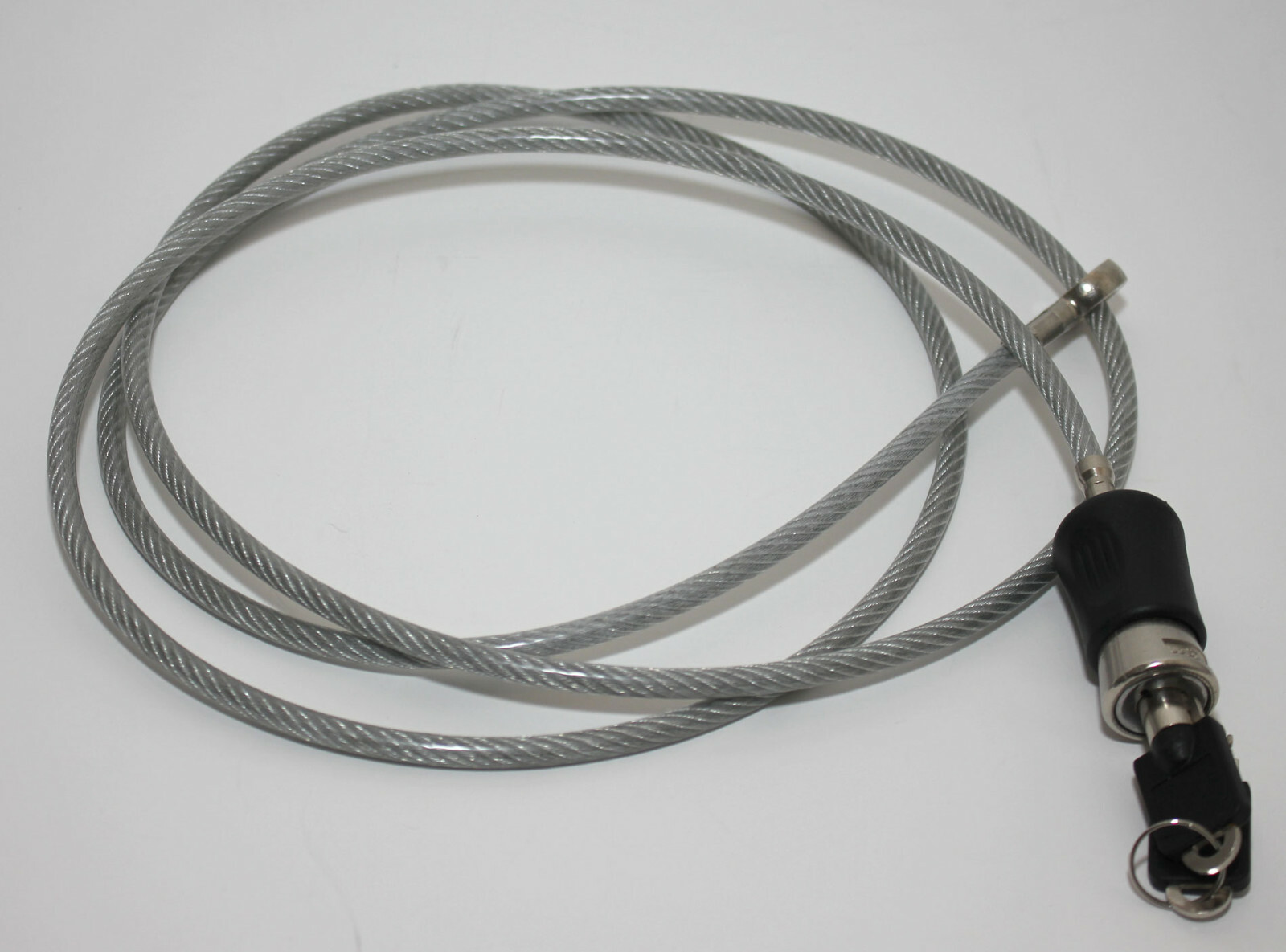 KENSINGTON Desktop Computer and Peripherals Lock with Two Keys$15.99Last checked Nov 19, 2026View on eBay
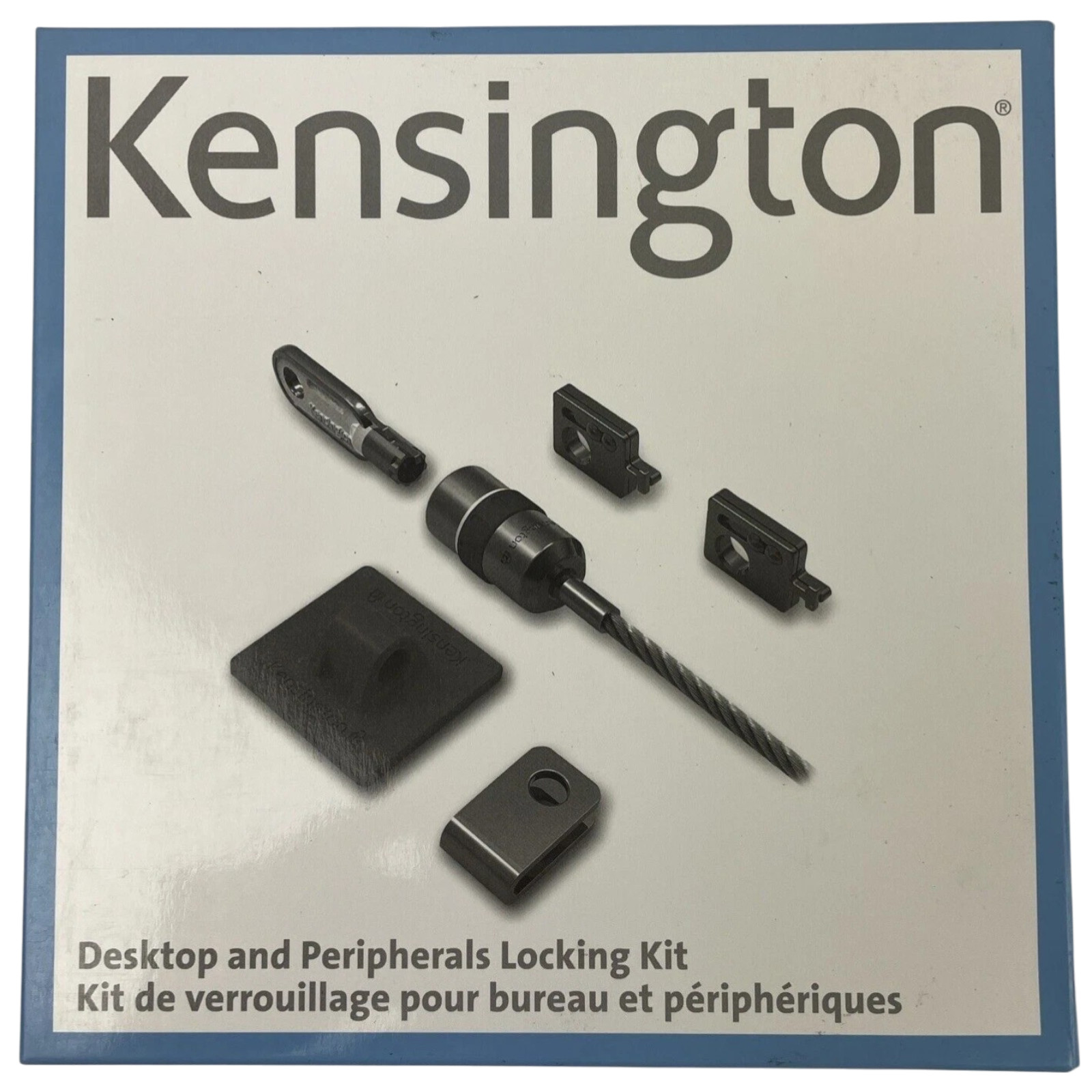 2 x New Kensington K64615US Desktop Computer and Peripherals Locking Kit - LOOK$28.99View on eBay
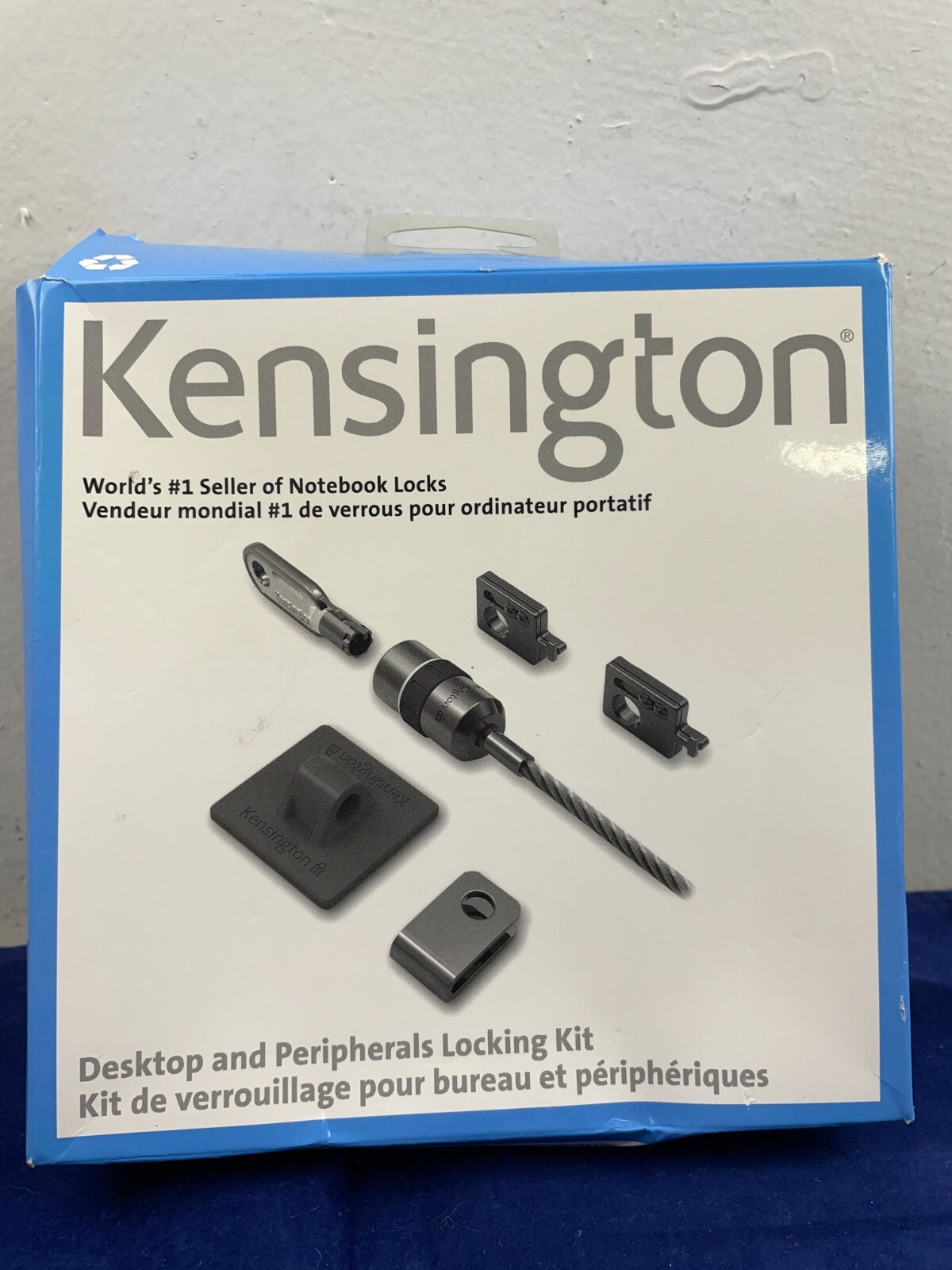 Kensington K64615US Desktop Computer and Peripherals Locking Kit$30.00View on eBay
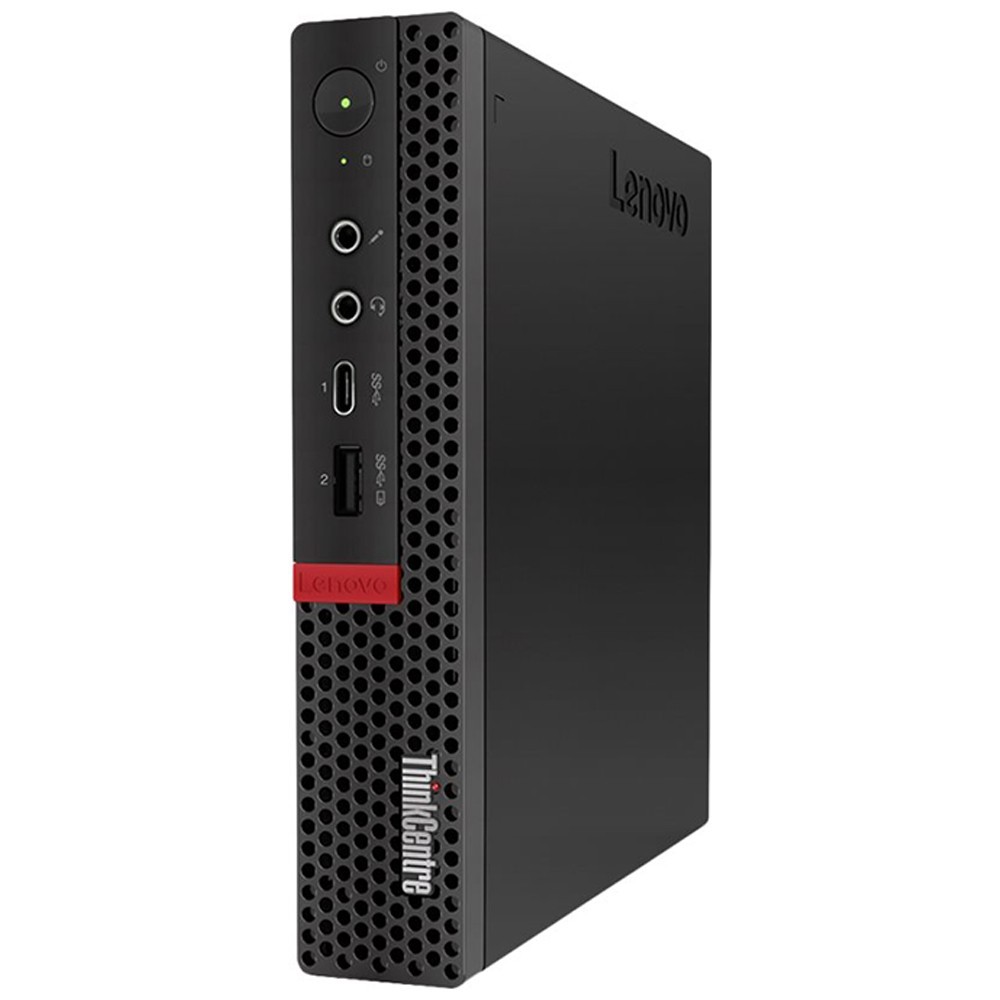 Lenovo Desktop Computer PC Intel Processor 16GB RAM 240GB SSD Windows 11 Wi-Fi$170.31View on eBay
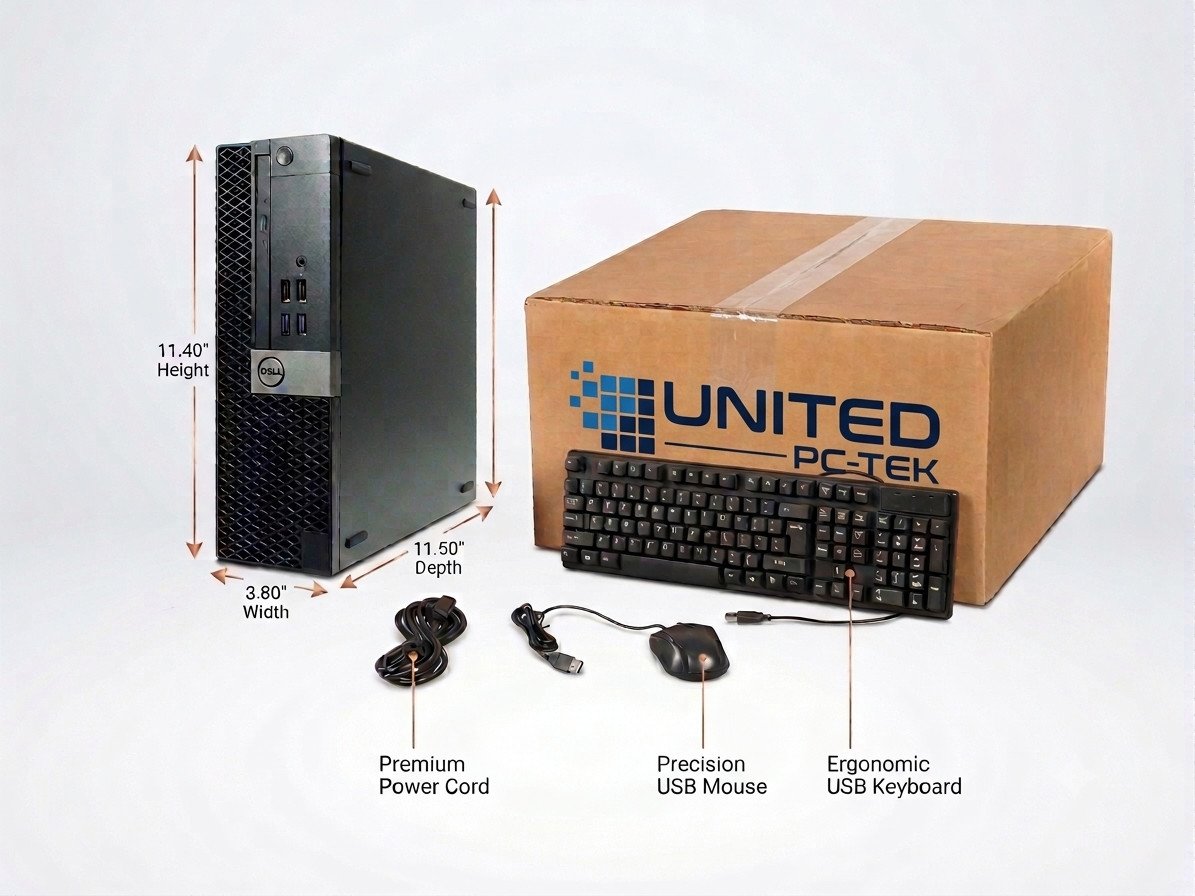 Fast Dell i7 Desktop Computer PC | up to 32GB RAM 2TB SSD | Windows 11 Pro WiFi$249.99Last checked Nov 18, 2026View on eBay
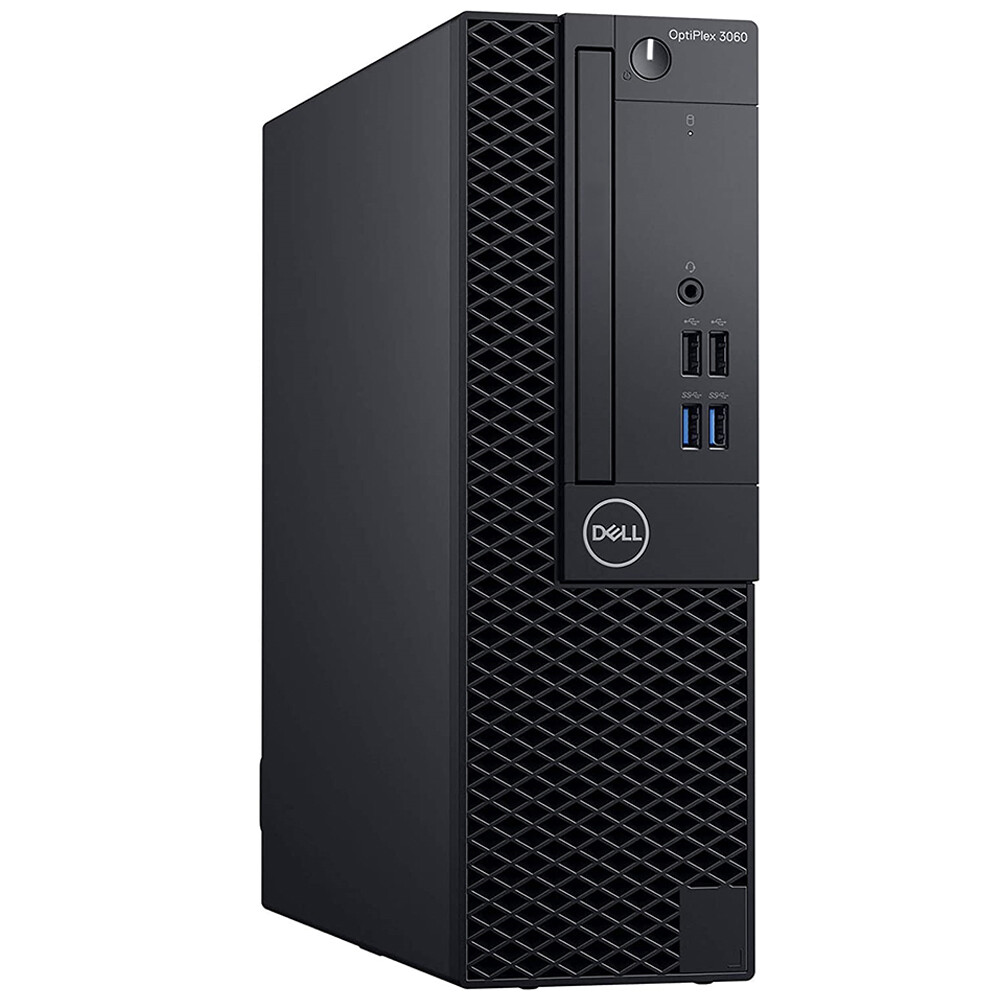 Dell Windows 11 Pro Desktop Computer PC Up To i7 8th Gen. 32GB RAM 4TB SSD/HDD$284.38Last checked Nov 16, 2026View on eBay
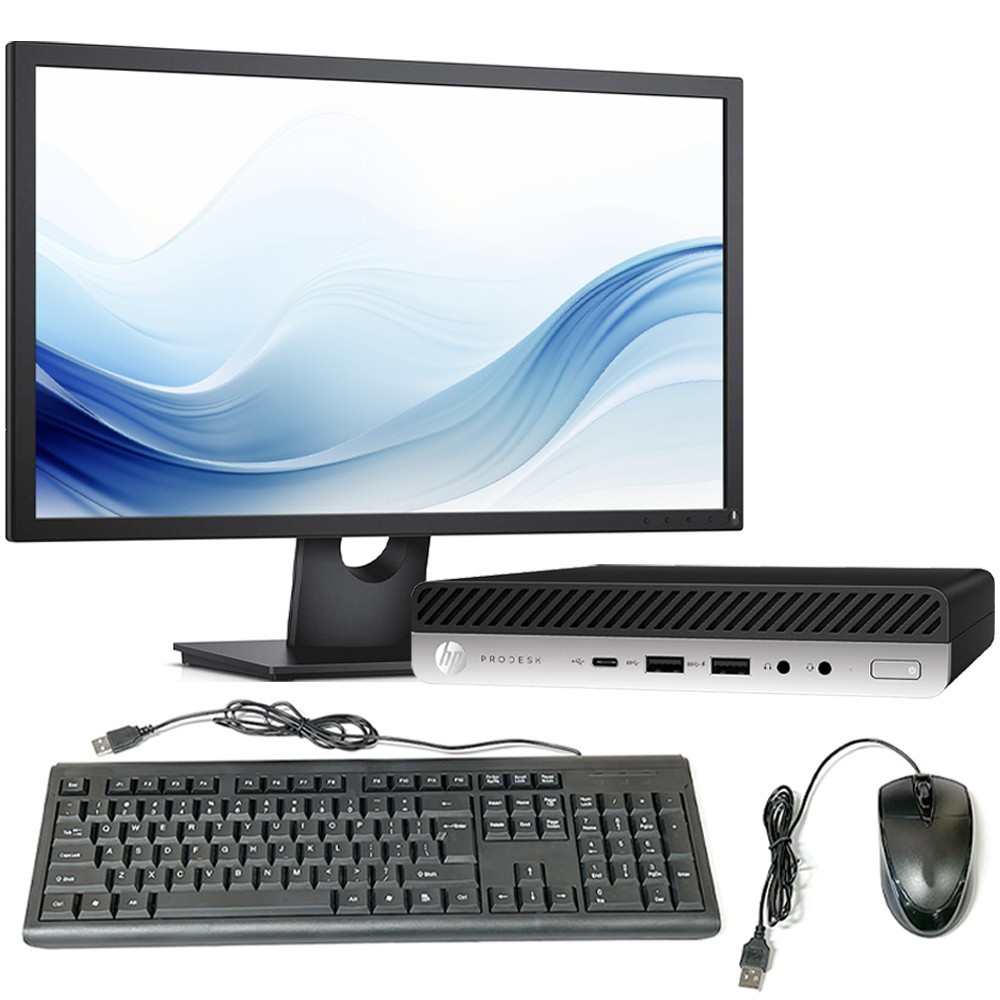 HP Windows 11 Pro Desktop i5 Computer Micro Up To 27" LCD 32GB RAM 1TB SSD Wi-Fi$339.33Last checked Nov 18, 2026View on eBay
Highlights
- Display standard: 24-27 in IPS at 1920x1080/2560x1440 for office; 27-32 in 4K for CAD/photo where GPU supports DisplayPort 1.2+ or HDMI 2.0
- Panel tech: IPS for color accuracy and viewing angles; VA for contrast and deep blacks; TN only for lowest-latency budget gaming
- Tower form factor: SFF/micro-ATX fits small desks with 1-2 expansion slots; mid-tower ATX gives full-length GPU and 3.5 in drive bays
- Video output match: verify tower GPU has HDMI 2.0/DisplayPort 1.4 for 4K60; older HDMI 1.4 caps 4K at 30Hz
Best use cases
- Home office and study: pick 24-27 in IPS 1080p/1440p monitor with a micro-ATX tower; skip 4K and RGB-heavy full towers that add cost without productivity gain
- Photo/video editing: choose 27 in 4K IPS with 99% sRGB and a mid-tower with DisplayPort 1.4; skip TN panels and SFF cases that throttle GPU thermals
- Competitive gaming: select 24-27 in 144-165Hz 1080p/1440p IPS or TN with 1ms response and an ATX tower for full-length GPU; skip 60Hz 4K office panels
- Dorm or shared room: use a compact micro-ATX tower plus 24 in 1080p IPS; skip full towers and 32 in displays that exceed small desk depth
Buying tips
- Calculate desk depth: 24 in monitor needs ~24 in viewing distance; 27 in needs ~30 in; 32 in needs ~36 in to avoid neck strain
- Match GPU to resolution: 1080p needs entry GPU or integrated; 1440p needs mid-tier discrete; 4K needs upper-tier GPU with 8GB+ VRAM
- Check cable standard: use DisplayPort 1.4 or HDMI 2.0 for 4K60; HDMI 1.4 limits 4K to 30Hz and is common on budget towers
- Verify VESA mount: 75x75mm or 100x100mm pattern on monitor for arm/stand upgrade; many budget bundles omit VESA holes
Specs
| Panel Type | IPS / VA / TN |
|---|---|
| Resolution Tier | 1080p / 1440p / 4K UHD |
| Refresh Rate | 60Hz office / 144-165Hz gaming |
| Tower Form Factor | SFF / Micro-ATX / Mid-Tower ATX |
Related searches
What to check before buying
- Measure desk width and depth: tower footprint plus monitor base must leave keyboard clearance; 27 in monitor base is often 9-10 in deep
- Confirm room power: standard 120V/60Hz US outlet for tower PSU; check PSU wattage vs GPU recommended wattage (e.g., 650W for mid-tier GPU)
- Check video ports on both tower and monitor before purchase; count HDMI and DisplayPort inputs and match cable types included
- Verify monitor stand height/tilt adjustability or budget for a VESA arm; fixed stands cause poor ergonomics on tall users
FAQ
Data sources: eBay / Amazon listings and product attribute feeds. Updated Nov 27, 2026.
Some links on this page are affiliate links. If you buy after clicking one, we may earn a commission at no extra cost to you. This does not change which products appear here or their order. Affiliate disclosure.