
Photos from current listings. Actual item, color, and included accessories may vary.
Desktop Buying Guide
Desktop peripherals and security accessories are the physical layer that determines whether your workstation stays put, connects reliably, and remains usable. The primary trade-off is between universal compatibility and purpose-built durability: generic hubs and webcams cut corners on controller chips and lens sensors, while locking kits and bags vary in cable gauge and lock mechanism grade. The decision rule is simple: buy security hardware rated for your chassis slot (Kensington T-bar vs nano) and connectivity gear with verified USB-IF or UVC compliance; skip unbranded items with no controller or lock-grade disclosure.
Median $102.75
Key takeaways
- Kensington locking kits use a T-bar or nano slot standard: T-bar fits legacy 7x3mm slots, nano fits 3x2mm slim slots—mismatch means the lock will not seat.
- USB 3.0 hubs advertise 5Gbps shared bandwidth; unpowered 3-port splitters draw from a single host port and brownout under simultaneous high-draw peripherals.
- UVC-compliant 1080p webcams deliver driverless 30fps at 1920x1080; non-UVC models cap at 720p or require proprietary drivers on older Windows builds.
At a glance
- Category
- Computers & Peripherals
- Last updated
- Nov 27, 2026
Current offers
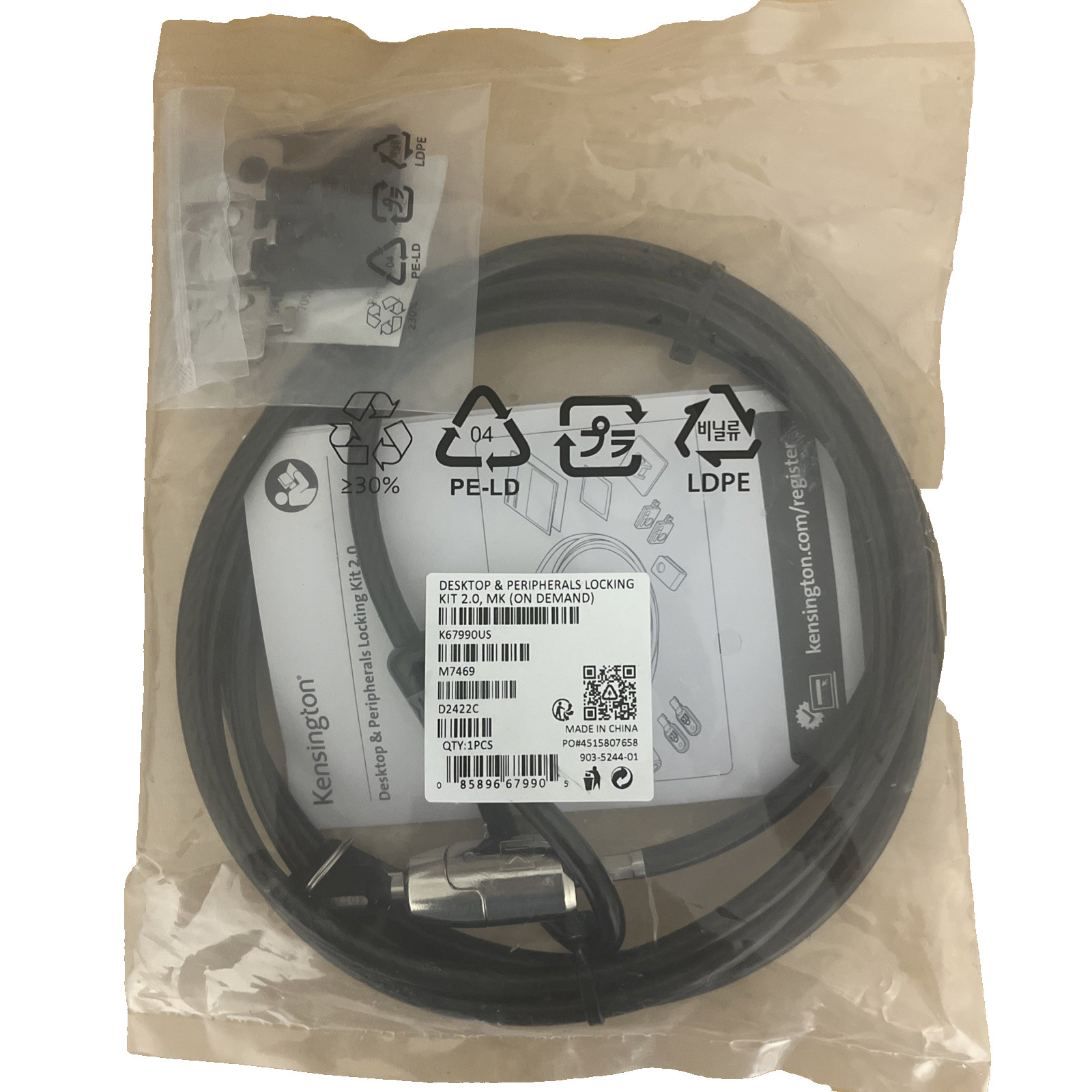 Kensington Desktop and Peripherals Locking Kit 2.0 - Master Keyed On Demand$14.95Last checked Nov 21, 2026View on eBay
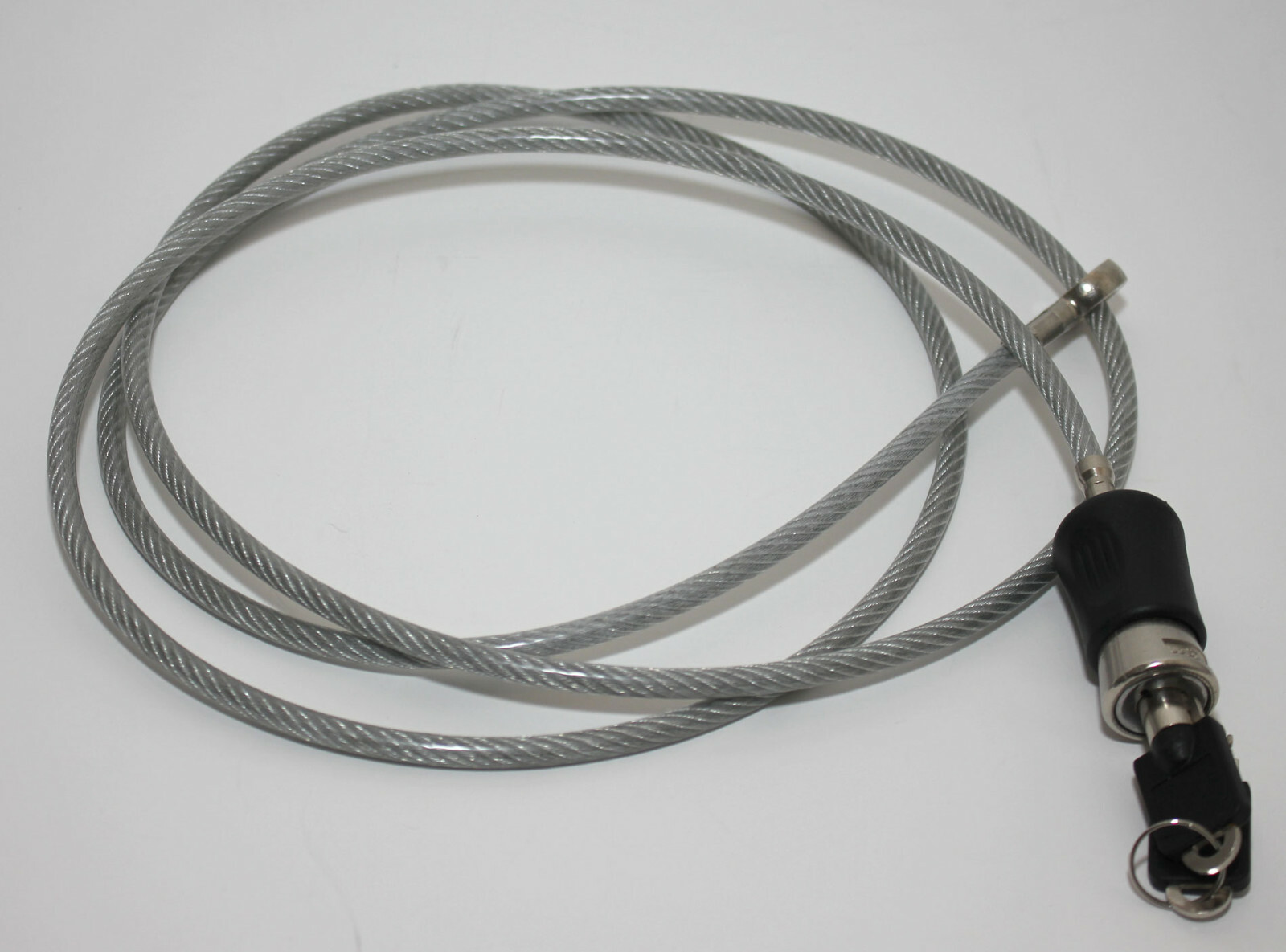 KENSINGTON Desktop Computer and Peripherals Lock with Two Keys$15.99Last checked Nov 19, 2026View on eBay
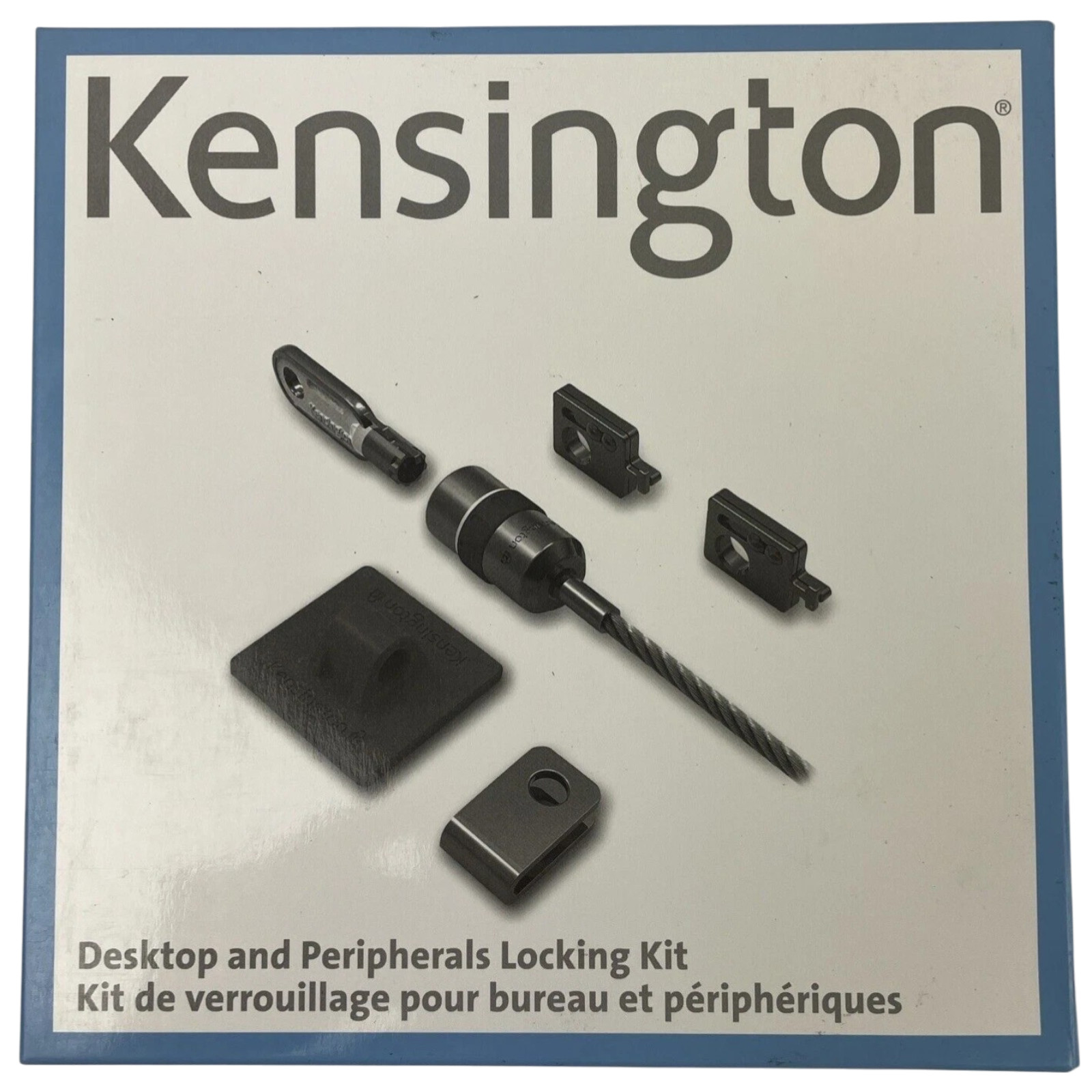 2 x New Kensington K64615US Desktop Computer and Peripherals Locking Kit - LOOK$28.99View on eBay
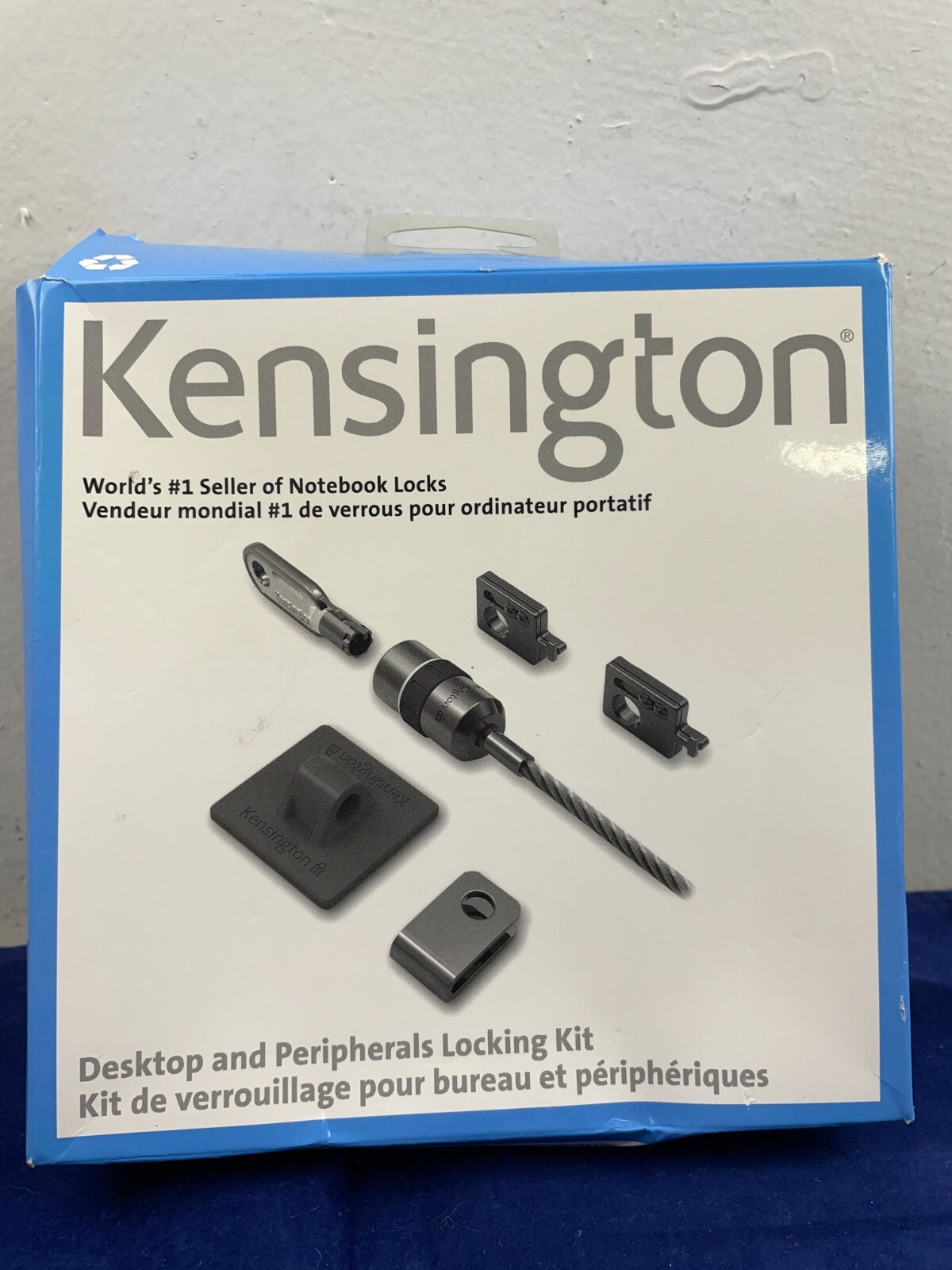 Kensington K64615US Desktop Computer and Peripherals Locking Kit$30.00View on eBay
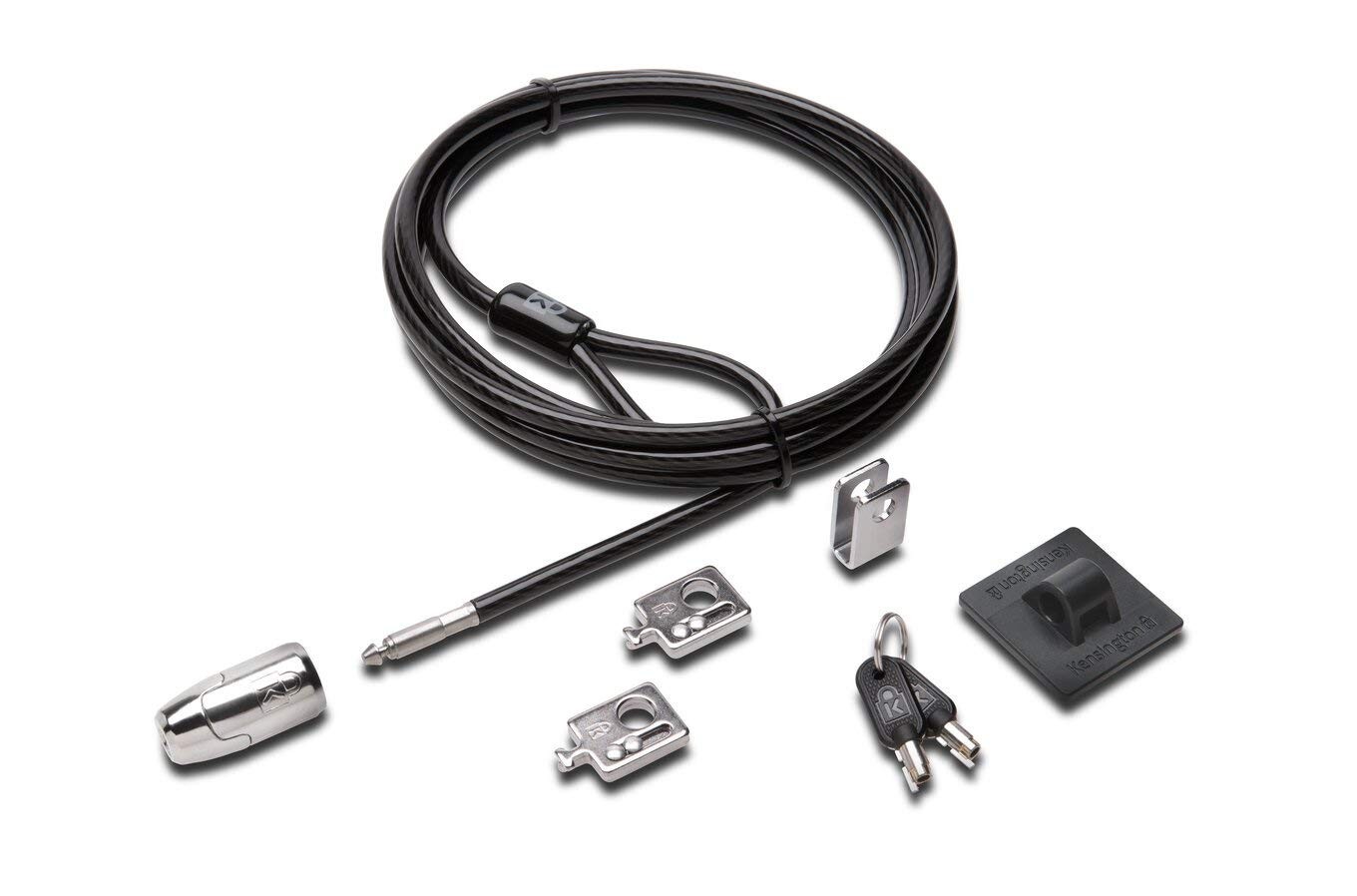 Kensington Desktop Peripherals Kit 20 Security Lock for PCs and Accessories$35.19Last checked Nov 27, 2026View on eBay
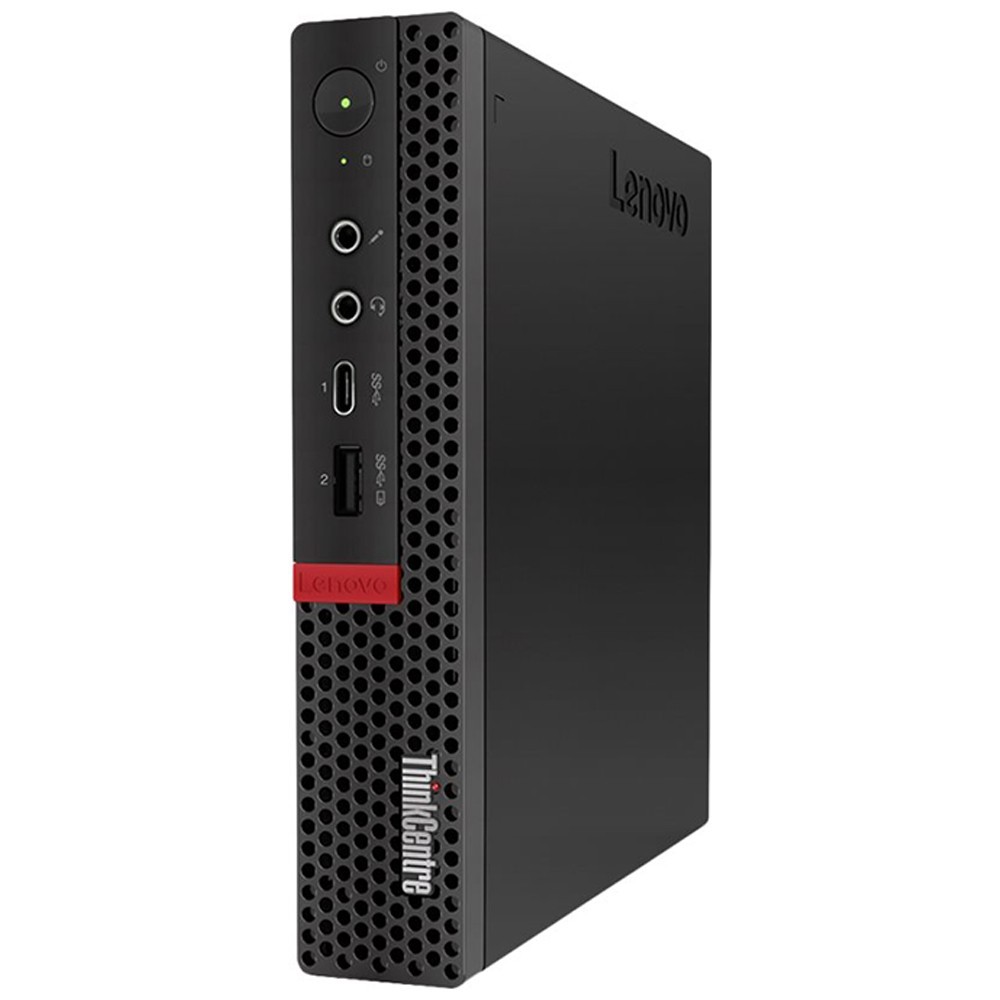 Lenovo Desktop Computer PC Intel Processor 16GB RAM 240GB SSD Windows 11 Wi-Fi$170.31View on eBay
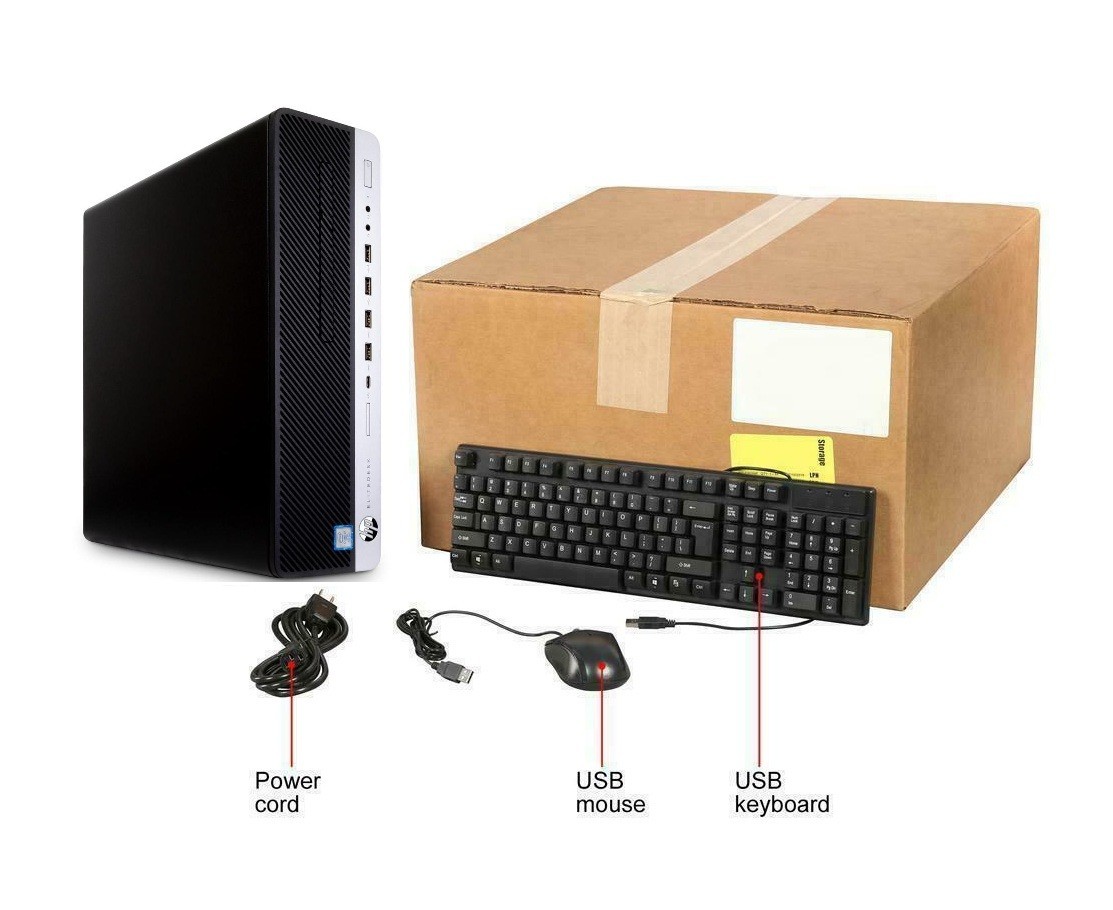 HP Business Class Windows 11 Pro Intel Quad Core 3GHz SSD DVD WiFi 16GB Desktop$184.99Last checked Nov 27, 2026View on eBay
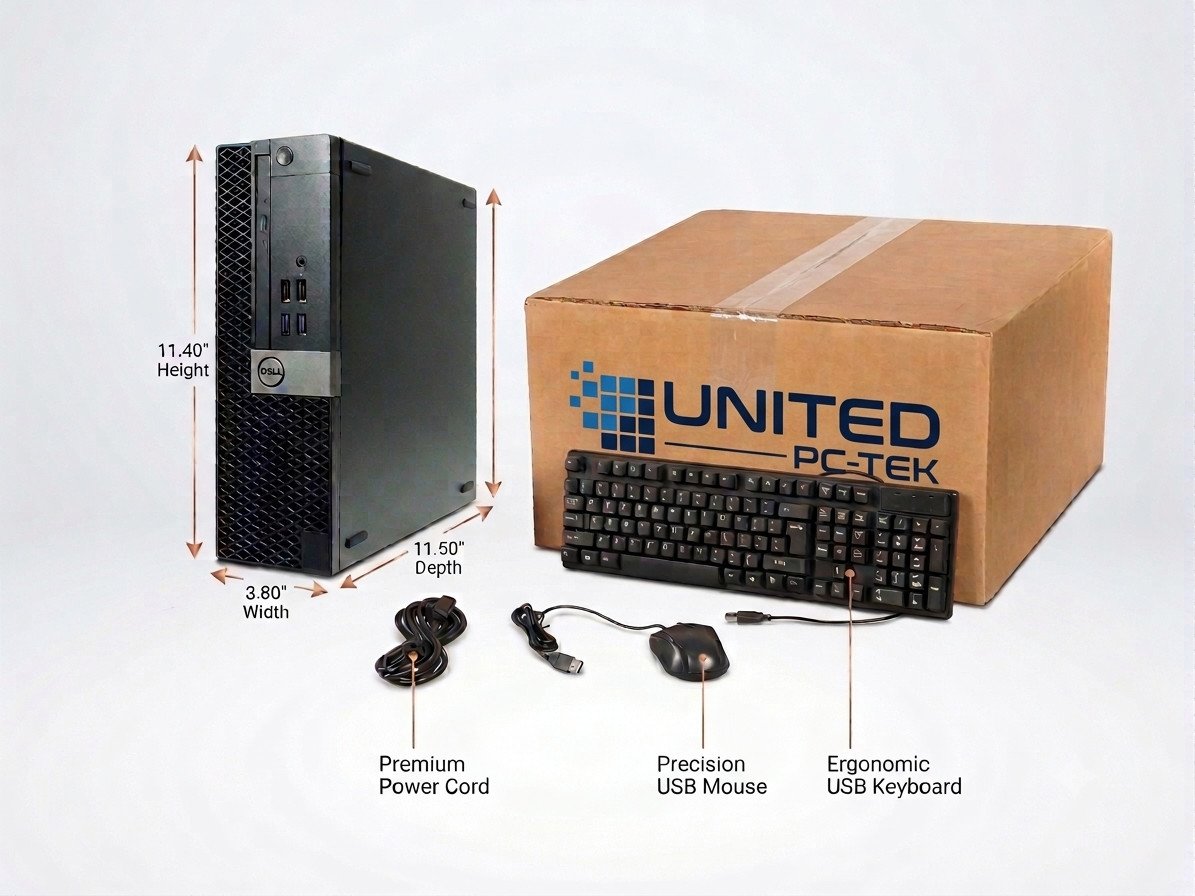 Fast Dell i7 Desktop Computer PC | up to 32GB RAM 2TB SSD | Windows 11 Pro WiFi$249.99Last checked Nov 18, 2026View on eBay
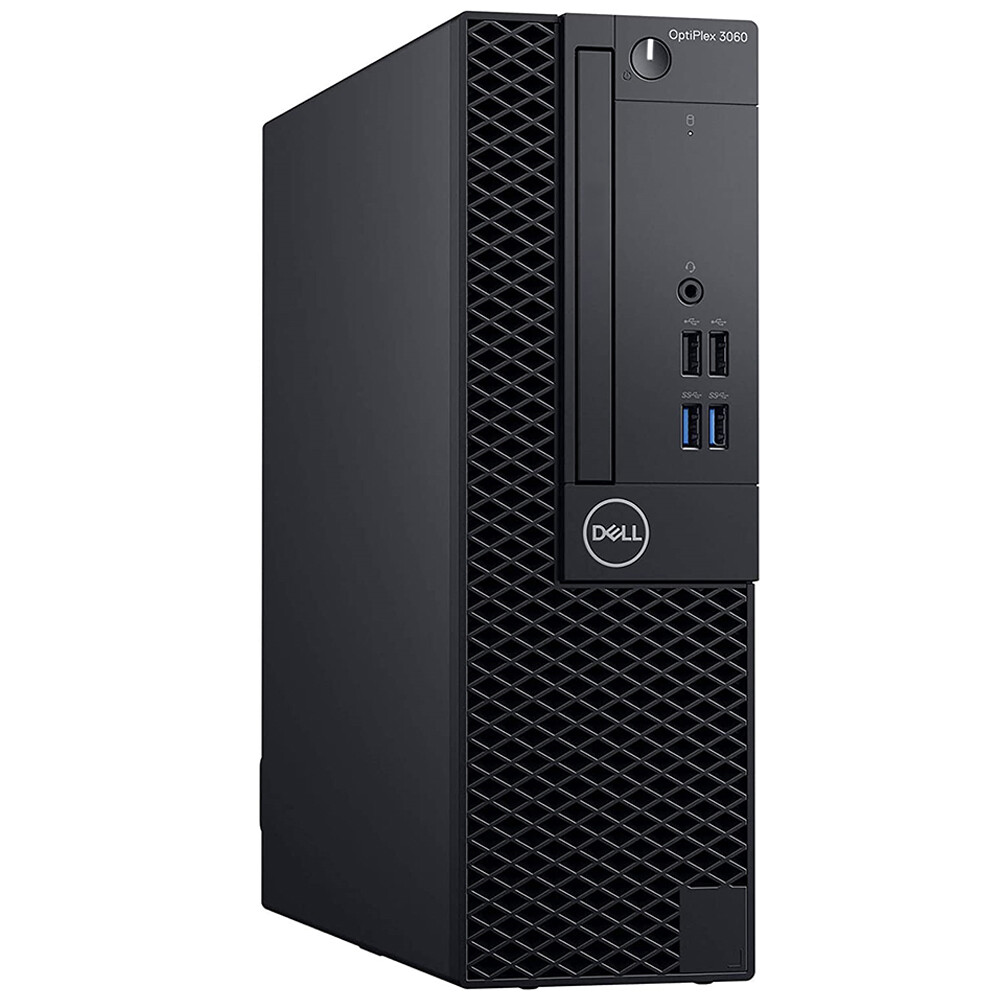 Dell Windows 11 Pro Desktop Computer PC Up To i7 8th Gen. 32GB RAM 4TB SSD/HDD$284.38Last checked Nov 16, 2026View on eBay
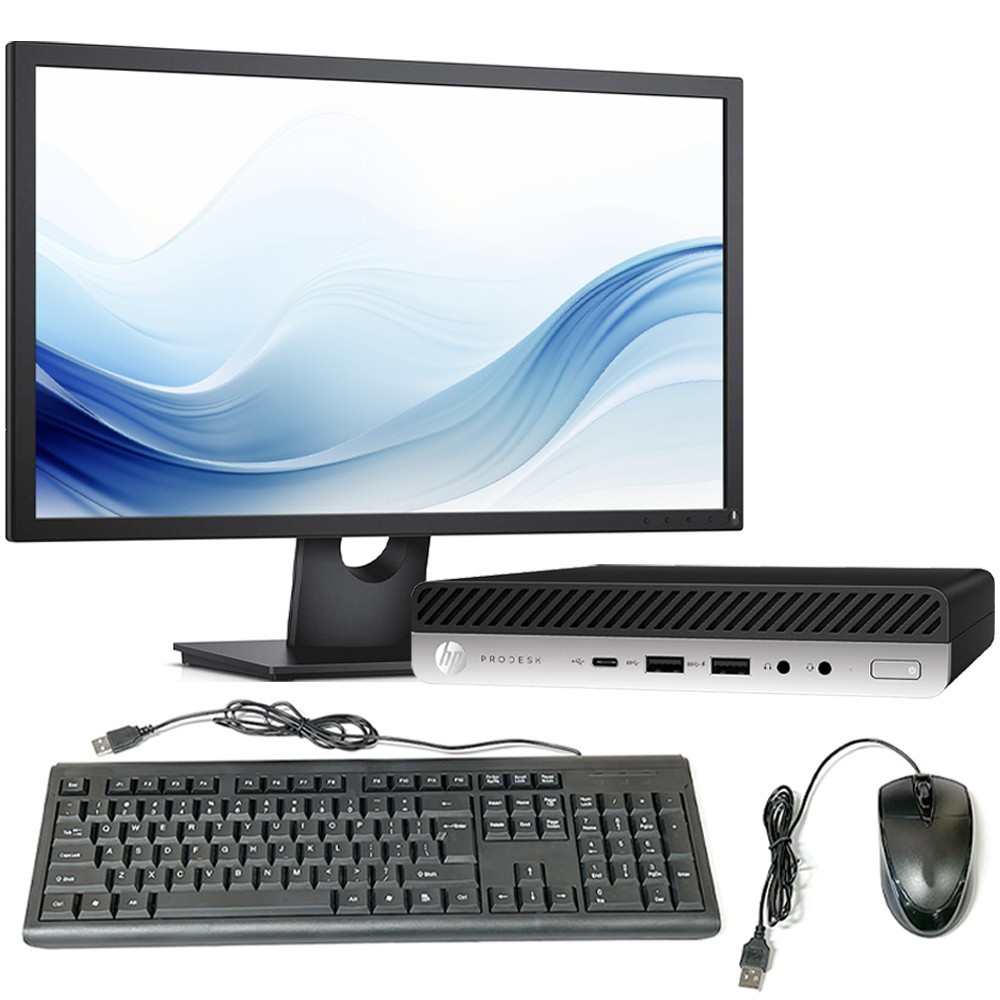 HP Windows 11 Pro Desktop i5 Computer Micro Up To 27" LCD 32GB RAM 1TB SSD Wi-Fi$339.33Last checked Nov 18, 2026View on eBay
Highlights
- Kensington locking kits use a T-bar or nano slot standard: T-bar fits legacy 7x3mm slots, nano fits 3x2mm slim slots—mismatch means the lock will not seat.
- USB 3.0 hubs advertise 5Gbps shared bandwidth; unpowered 3-port splitters draw from a single host port and brownout under simultaneous high-draw peripherals.
- UVC-compliant 1080p webcams deliver driverless 30fps at 1920x1080; non-UVC models cap at 720p or require proprietary drivers on older Windows builds.
- Locking kit cable gauge and lock head material separate master-keyed steel-core kits from plastic-shell two-key kits; plastic shells fail under torque, steel cores resist cutting.
Best use cases
- Best fit: shared office or classroom desks—choose a master-keyed Kensington-style kit with steel-core cable to secure tower, monitor, and keyboard from a single anchor point.
- Best fit: laptop-plus-monitor home setups—pick a powered USB 3.0 hub with a 5V/2A adapter to run webcam, keyboard, and external drive without dropouts.
- Wrong fit: chromebook or thin-client deployments expecting nano-slot locks—skip T-bar kits and order nano-slot-specific locks or the device will not accept the lock head.
- Best fit: frequent desk-to-site transport—use a padded keyboard tote with reinforced stitching and separate accessory pocket; skip thin single-layer bags that crush keycaps.
Buying tips
- Measure your chassis security slot first: 7x3mm rectangular = standard T-bar; 3x2mm = nano. Buying the wrong head wastes the entire lock kit.
- For USB hubs, count total peripheral draw: webcam (≈500mA), 2.5in drive (≈900mA), keyboard (≈100mA). If the sum exceeds 900mA, choose a powered hub.
- Match webcam resolution to software: 1080p at 30fps needs UVC 1.1+ and USB 2.0 bandwidth; 60fps 1080p requires USB 3.0 and MJPEG support.
- Locking kits: prefer master-keyed systems for IT-managed fleets (one key opens all) and two-key kits for single-user desks; check cable length reaches from desk anchor to all devices.
Specs
| Lock Slot Type | Standard 7x3mm T-bar / Nano 3x2mm |
|---|---|
| USB Hub Bandwidth | USB 3.0 5Gbps shared / USB 2.0 480Mbps |
| Webcam Standard | UVC 1080p30 / Non-UVC 720p |
| Lock Cable Core | Steel-core vs plastic-shell |
What to check before buying
- Confirm your desktop or monitor has a Kensington security slot and measure it (standard vs nano) before ordering any locking kit.
- Verify your desk or wall has an anchor point (grommet, leg, or bracket) within cable reach of every device you intend to lock.
- Check your PC's USB port count and version; a 3-port hub is pointless if you only have USB 2.0 ports and need 5Gbps throughput.
- Measure your keyboard length and accessory bulk against the tote bag's internal dimensions; oversized mechanical boards often exceed standard bag widths.
FAQ
Data sources: eBay / Amazon listings and product attribute feeds. Updated Nov 27, 2026.
Some links on this page are affiliate links. If you buy after clicking one, we may earn a commission at no extra cost to you. This does not change which products appear here or their order. Affiliate disclosure.