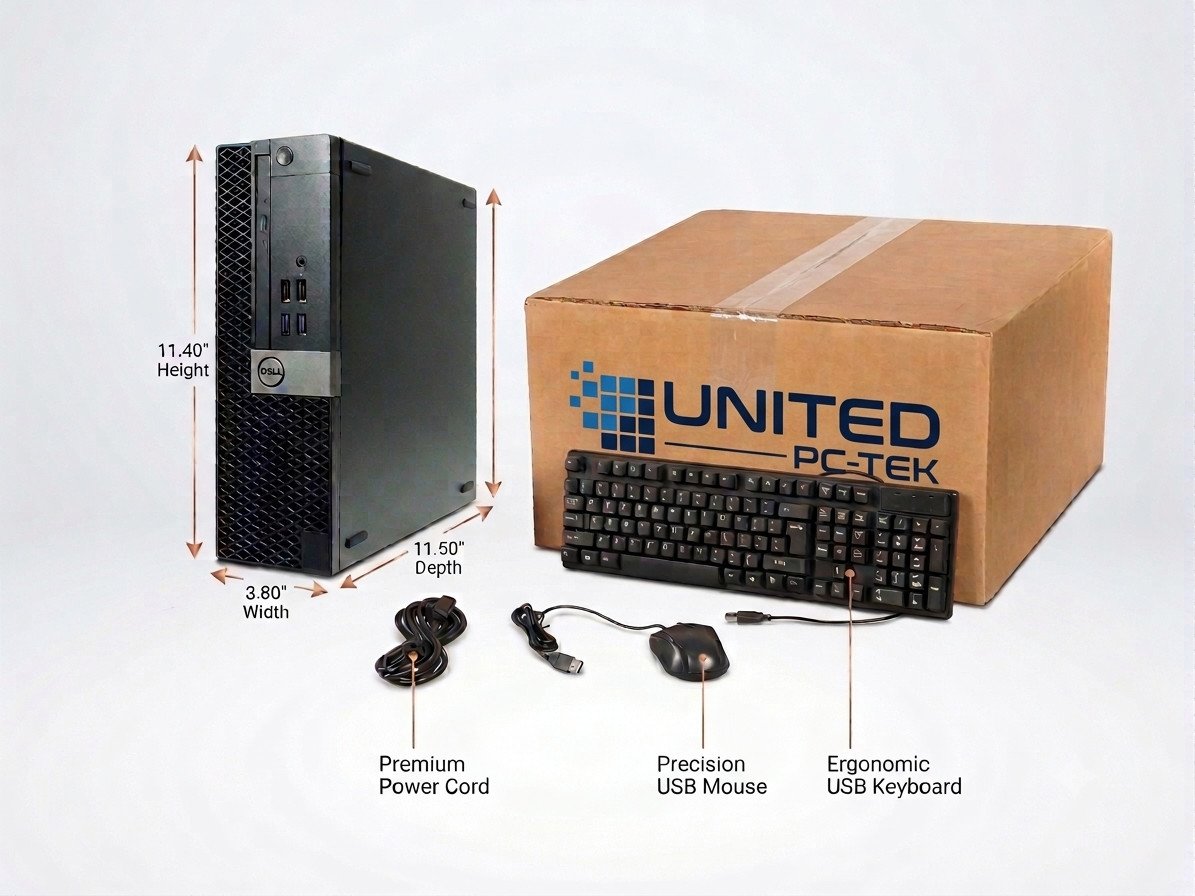

Photos from current listings. Actual item, color, and included accessories may vary.
Dell Desktop PC Buying Guide
Dell desktop PCs span compact business micro-towers, full-size expandable towers, and all-in-ones, with the primary trade-off being proprietary vs. standard parts that determine upgradeability and long-term serviceability. The clear decision rule: choose generations with standard ATX power supplies and socketed CPUs for future-proofing, and skip slim or micro form factors if you plan to add a full-size GPU or multiple drives.
Median $267.19
Key takeaways
- OptiPlex 7060/7070 and Precision 3630 use standard ATX PSUs and socketed LGA1151/LGA1151v2 CPUs, while Slim (SFF) and Micro (MFF) chassis use proprietary 200W-240W units.
- 8th-gen Intel Core (Coffee Lake) is the minimum for official Windows 11 support on Dell business desktops; 7th-gen and older require bypasses.
- Dell business desktops (OptiPlex, Precision) use standard DDR4 UDIMMs in 2 or 4 DIMM slots, whereas consumer Inspiron models often use SODIMMs or single-channel layouts.
At a glance
- Category
- Computers & Peripherals
- Last updated
- Nov 28, 2026
Current offers
Highlights
- OptiPlex 7060/7070 and Precision 3630 use standard ATX PSUs and socketed LGA1151/LGA1151v2 CPUs, while Slim (SFF) and Micro (MFF) chassis use proprietary 200W-240W units.
- 8th-gen Intel Core (Coffee Lake) is the minimum for official Windows 11 support on Dell business desktops; 7th-gen and older require bypasses.
- Dell business desktops (OptiPlex, Precision) use standard DDR4 UDIMMs in 2 or 4 DIMM slots, whereas consumer Inspiron models often use SODIMMs or single-channel layouts.
- M.2 NVMe slots appear on 6th-gen and newer OptiPlex/Precision models, but SFF/MFF units often have only one M.2 slot and no 3.5-inch bays for bulk storage.
Best use cases
- Best fit: OptiPlex 7060/7070 Mini-Tower for a home office needing a discrete GPU and multiple drives; skip SFF/MFF if you require a full-height graphics card.
- Best fit: Precision 3630/3650 Tower for CAD or content creation with ECC memory options and high-wattage PSU; skip consumer Inspiron towers that cap at 65W CPUs and single-channel RAM.
- Best fit: Refurbished 8th-gen or newer OptiPlex Micro for space-constrained kiosk or point-of-sale use; skip any 6th/7th-gen unit if you need native Windows 11 without registry hacks.
- Best fit: XPS Desktop 8960/8970 for a compact premium tower with standard ATX PSU and RTX GPU support; skip it if you need four or more 3.5-inch bays—Precision 3000/5000 towers offer more storage expansion.
Buying tips
- Prioritize 8th-gen Intel Core or newer (e.g., i5-8500, i7-8700) for official Windows 11 support; 7th-gen and older will require workarounds and lack security updates.
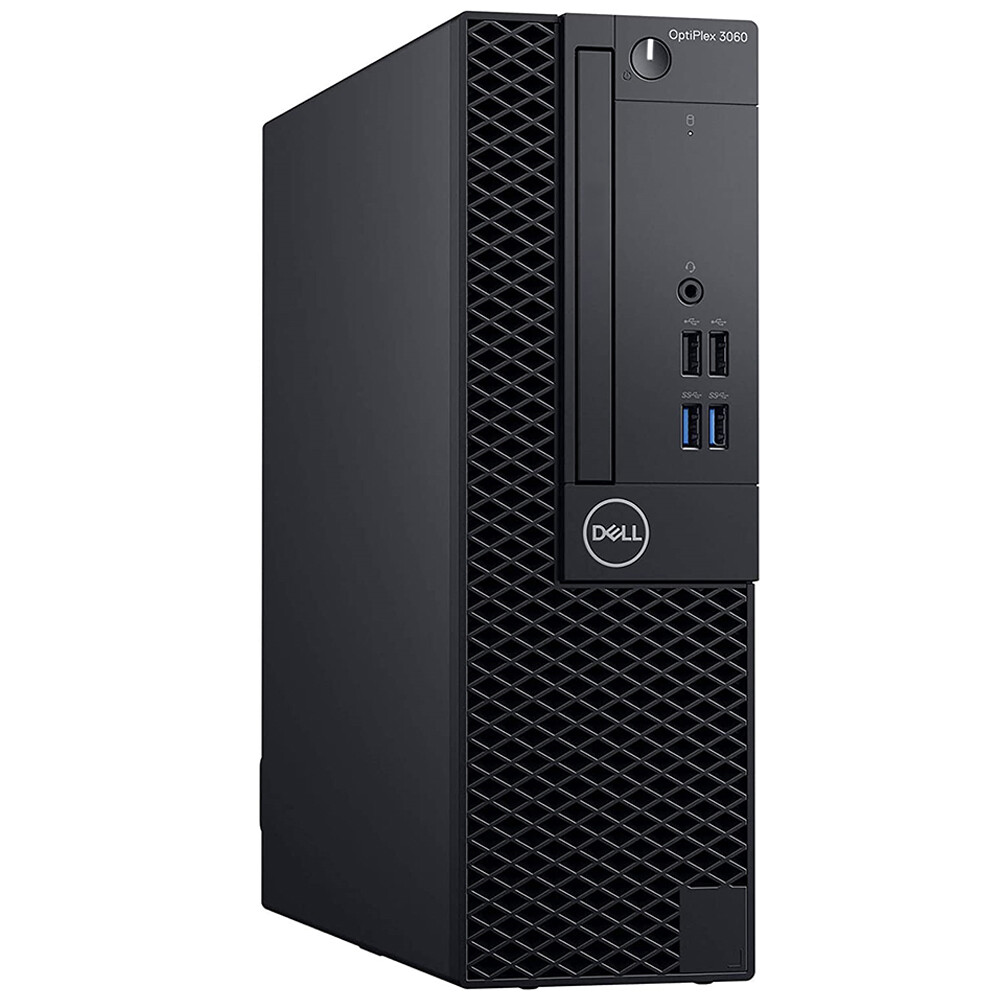
- Check the PSU form factor before buying: OptiPlex MT and Precision 3630 accept standard ATX units, while SFF/MFF models use proprietary 8-pin or 4-pin connectors that limit replacement options.
- Verify RAM slots: business towers typically have 4 DIMM slots supporting up to 64GB DDR4-2666; consumer Inspiron and Vostro often have 2 slots and may use SODIMMs, capping upgrades.
- Match storage bays to your plan: Mini-Tower models include two 3.5-inch and two 2.5-inch bays plus one M.2 slot; Micro models have one M.2 slot and one 2.5-inch bay only.
Specs
| Form Factor | Mini-Tower / SFF / Micro / All-in-One |
|---|---|
| CPU Socket | LGA1151 / LGA1200 / LGA1700 |
| PSU Standard | ATX (MT) vs Proprietary (SFF/MFF) |
| Win11 Support | 8th-gen Intel or newer |
Related searches
What to check before buying
- Measure your desk or floor space: Mini-Tower models are roughly 14-16 inches tall, SFF about 11-12 inches, and Micro about 7 inches—allow 2 inches clearance for rear cables and airflow.
- Confirm your monitor ports: 8th-gen and newer OptiPlex/Precision include DisplayPort 1.2 and HDMI 1.4; older models may have VGA or DVI only, requiring adapters.
- Verify voltage and plug: Dell desktops sold in North America use 100-240V auto-switching PSUs with NEMA 5-15P cords; confirmed by the label, so no voltage converter is needed.
- Check included accessories: refurbished units often ship without keyboard, mouse, or Wi-Fi card; business models may include only wired Ethernet and require a PCIe or USB Wi-Fi adapter.
FAQ
Data sources: eBay / Amazon listings and product attribute feeds. Updated Nov 28, 2026.
Some links on this page are affiliate links. If you buy after clicking one, we may earn a commission at no extra cost to you. This does not change which products appear here or their order. Affiliate disclosure.