
Photos from current listings. Actual item, color, and included accessories may vary.
Compressed Air Can Buying Guide
Compressed air cans for PC cleaning now split into two architectures: disposable liquefied-gas cans and rechargeable electric dusters (brushless or brushed motors). The trade-off is sustained airflow versus ongoing cost and cold-spray risk—electric units deliver repeatable, chemical-free blasts, while gas cans fade as propellant boils off. Buy electric if you clean monthly or more; choose gas cans only for occasional spot dusting where portability beats repeat cost.
Median $93.99
Key takeaways
- Electric dusters use brushless DC motors rated 100,000–250,000 RPM; higher RPM tiers mean stronger sealed-bearing airflow and longer motor life than cheap brushed units.
- Battery capacity in mAh sets runtime: 10,000 mAh-class cells sustain 20–30 minutes of intermittent bursts, while 1,000–2,000 mAh pocket units fade after a few minutes of continuous use.
- Liquefied-gas cans (difluoroethane) output roughly 60–80 PSI at the nozzle but drop pressure as the can chills—never invert them or they spray liquid refrigerant onto boards.
At a glance
- Category
- Computers & Peripherals
- Last updated
- Nov 27, 2026
Current offers
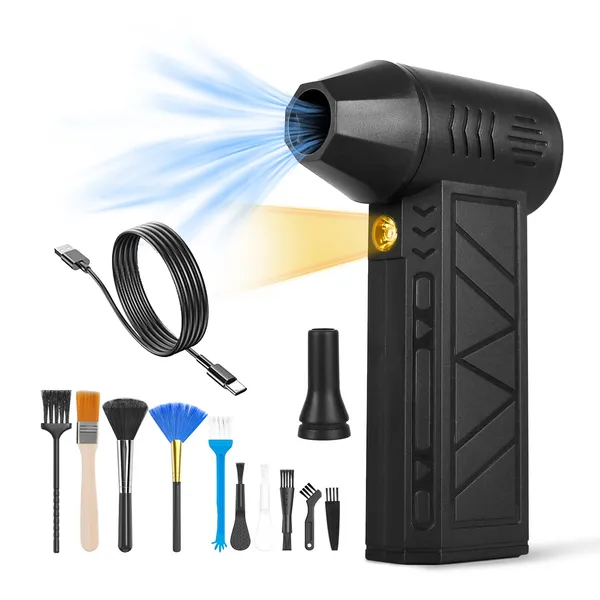 Compressed Air Duster With LED Light Up To 150000RPM Speed For PC Keyboard Cleaning High Rechargeable Cordless Air Blower 4 Speeds For Home Car Outdoor$48.99View on Mallflare
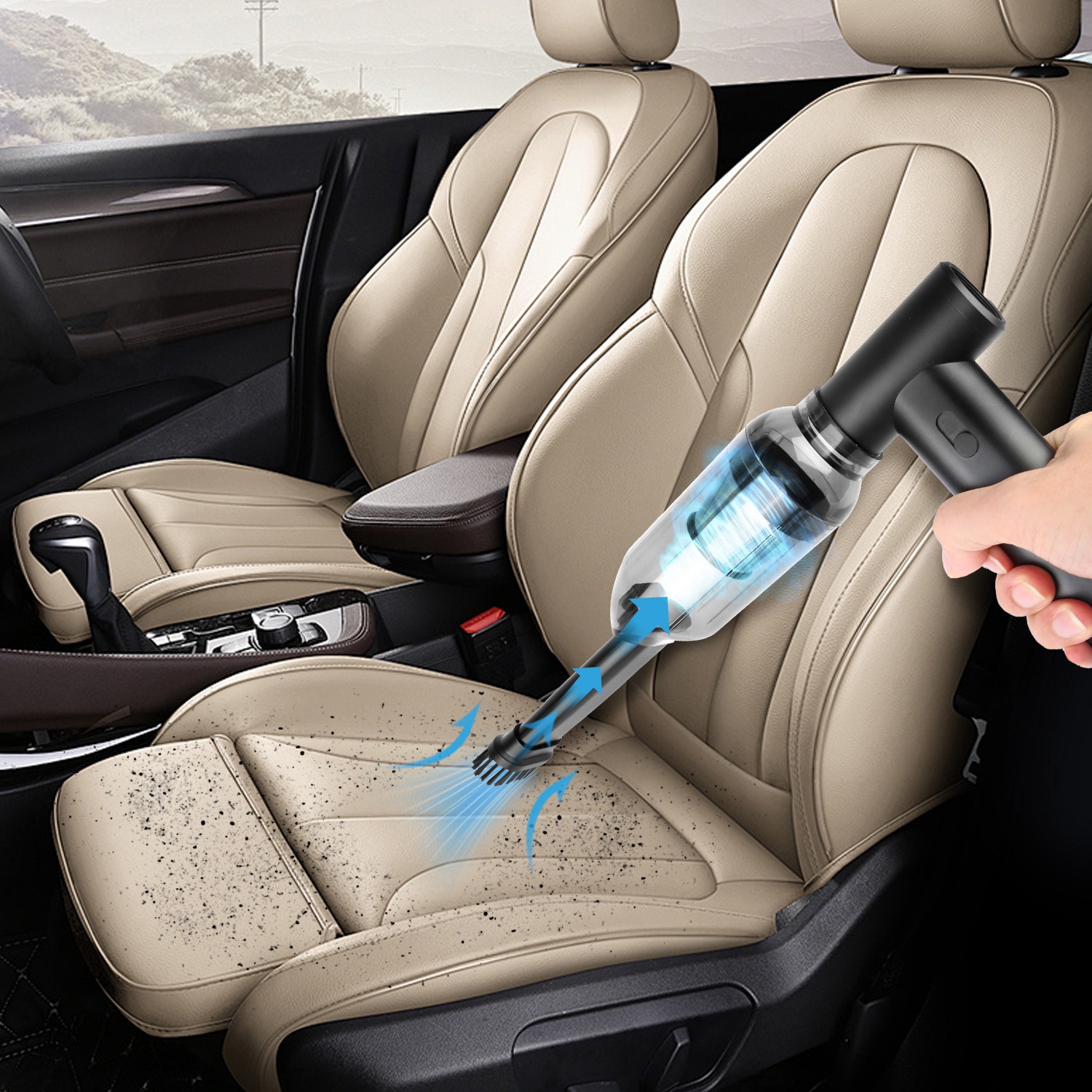 Pro Type Compressed Air Duster Brushless Motor 130000RPM Stepless Variable Speed 1WmAh Battery Cordless Dust Blower Vacuum Cleaner Portable Jet Dry For PC Keyboard Car Home$93.99View on Mallflare
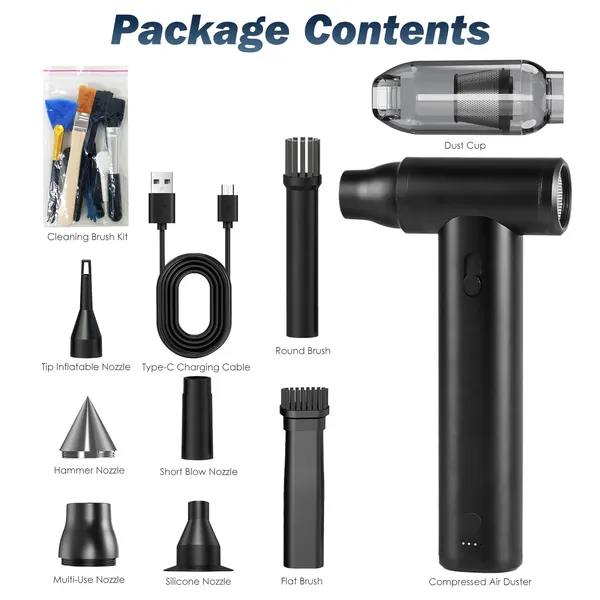 Compressed Air Duster Brushless Motor 250000RPM Stepless Variable Speed 10000mAh Battery Cordless Dust Blower Vacuum Cleaner Portable Jet Dry For PC Keyboard Car Home$99.99View on Mallflare
Highlights
- Electric dusters use brushless DC motors rated 100,000–250,000 RPM; higher RPM tiers mean stronger sealed-bearing airflow and longer motor life than cheap brushed units.
- Battery capacity in mAh sets runtime: 10,000 mAh-class cells sustain 20–30 minutes of intermittent bursts, while 1,000–2,000 mAh pocket units fade after a few minutes of continuous use.
- Liquefied-gas cans (difluoroethane) output roughly 60–80 PSI at the nozzle but drop pressure as the can chills—never invert them or they spray liquid refrigerant onto boards.
- Stepless variable-speed triggers let you feather airflow around fan bearings and connectors; fixed-speed gas cans give no control and risk spinning fans past their rated RPM.
Best use cases
- Best fit: desk PC, keyboard, and console owners cleaning monthly—pick a brushless electric duster with 100,000+ RPM and 10,000 mAh battery; skip disposable cans that run out mid-clean.
- Best fit: photographers and field techs needing burst cleaning away from outlets—a compact cordless duster with USB-C charging beats gas cans that lose pressure in cold weather.
- Wrong fit: cleaning delicate camera sensors or vinyl records—electric duster airflow is too forceful; use a rocket blower or dedicated sensor swab instead.
- Wrong fit: heavy workshop dust removal—neither gas cans nor handheld dusters replace a shop vac; reserve these for electronics and tight crevices.
Buying tips
- Match RPM to task: 100,000–130,000 RPM handles keyboards and case fans; 150,000+ RPM suits heatsink fins and car interiors but demands careful nozzle distance.
- Choose brushless motors over brushed for anything used weekly—brushed motors wear out in months, while brushless units last years at similar airflow.
- For gas cans, buy multi-packs of standard 10–12 oz cans with a reusable trigger nozzle; the straw alone wastes propellant and freezes your fingers.
- Battery runtime scales with mAh, not marketing watts—a 10,000 mAh pack at medium speed gives roughly 2–3x the bursts of a 3,000 mAh pocket duster.
Specs
| Motor Type | Brushless DC vs Brushed |
|---|---|
| Max Speed | 100,000–250,000 RPM |
| Battery Capacity | 1,000–10,000 mAh |
| Power Source | USB-C rechargeable vs gas can |
Related searches
What to check before buying
- Measure nozzle reach: case interiors and laptop vents need a concentrator nozzle at least 3–4 inches long to reach between components.
- Confirm charging standard—USB-C PD input is universal; proprietary barrel chargers become e-waste when the cable is lost.
- For gas cans, check storage temperature: propellant pressure drops below 50°F, so cold garages reduce cleaning force significantly.
- Verify the duster includes a brush and narrow nozzle; bare units struggle with caked-on dust in keyboard gaps and fan blades.
FAQ
Data sources: eBay / Amazon listings and product attribute feeds. Updated Nov 27, 2026.
Some links on this page are affiliate links. If you buy after clicking one, we may earn a commission at no extra cost to you. This does not change which products appear here or their order. Affiliate disclosure.