
Photos from current listings. Actual item, color, and included accessories may vary.
Canon All One Printer Buying Guide
Canon all-in-one printers are inkjet or laser multifunction devices combining print, scan, copy, and often fax, with the core trade-off being consumable cost and duty cycle versus upfront hardware and feature set. Durable picks use individual ink tanks or toner cartridges rated for real monthly volume; compromises use tri-color cartridges and thin paper paths. Rule: buy a model whose ink system and scanner type match your monthly page count and media mix, not the one with the longest feature list.
Median $97.35 · New listings
Key takeaways
- Ink system tiers: PG-245/CL-246 tri-color (TS3722 class) vs individual tanks or high-yield XL cartridges (TR8620, TR4720 class); individual tanks cut cost per page and waste.
- Print engine: FINE thermal inkjet with 4800x1200 dpi max on PIXMA photo models; laser models use toner and fuser for higher monthly duty and crisp text.
- Scanner type: flatbed CIS up to 1200x2400 dpi on PIXMA; ADF (auto document feeder) appears on TR8620/MX452 class for multi-page copy, scan, fax.
At a glance
- Category
- Computers & Peripherals
- Last updated
- Nov 28, 2026
Current offers
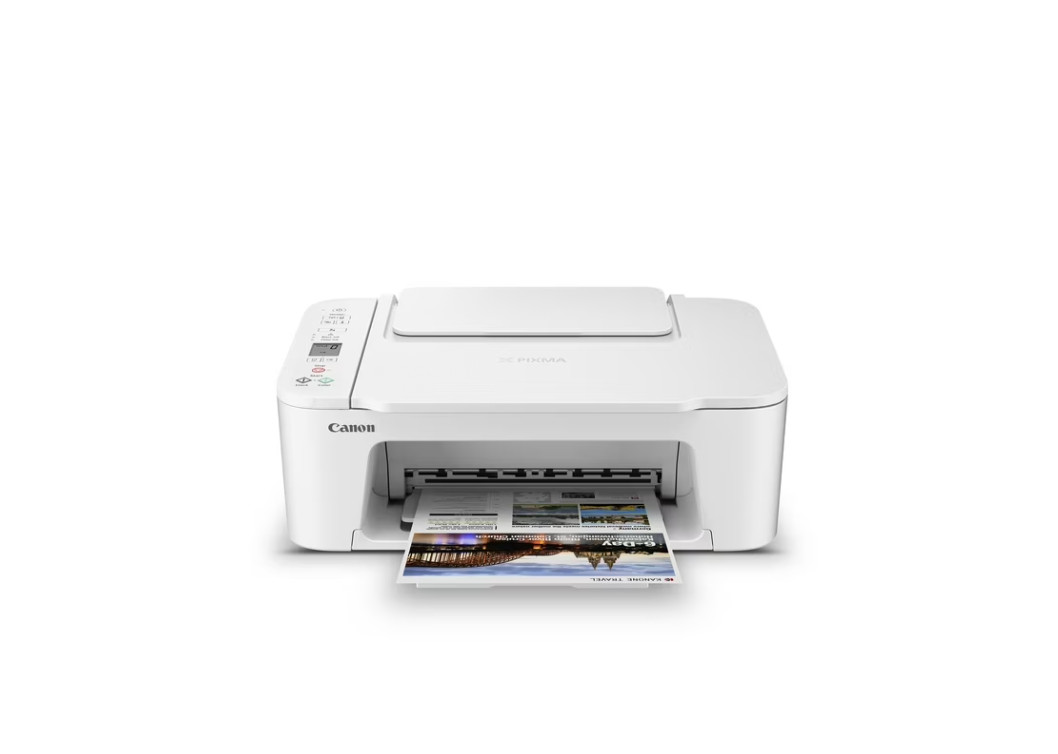 Canon PIXMA TS3722 Wireless All-In-One Inkjet Printer for Home Office$36.00View on eBay
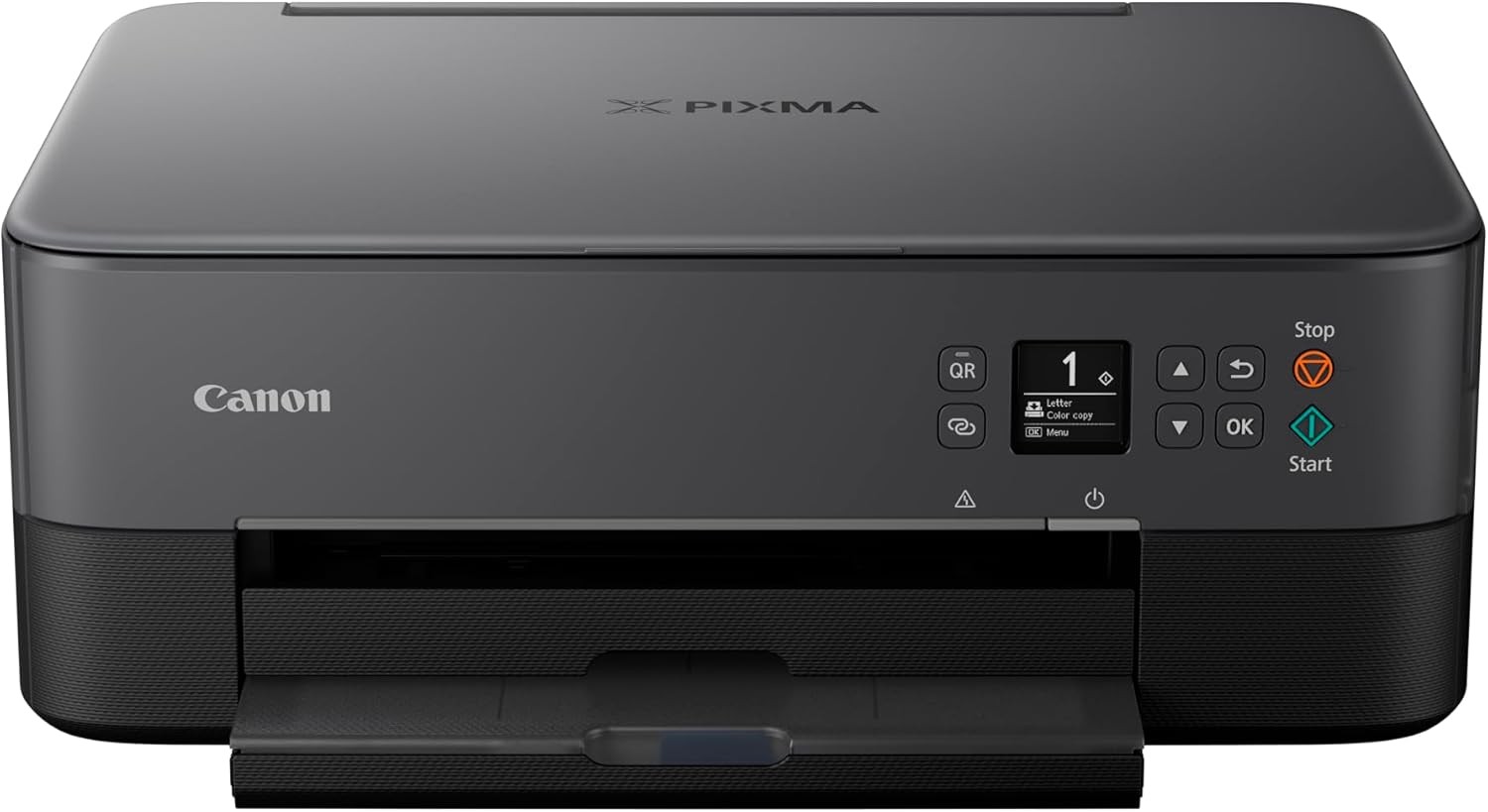 Canon PIXMA TS6420a Wireless Inkjet All-In-One Color Printer Black$69.95View on eBay
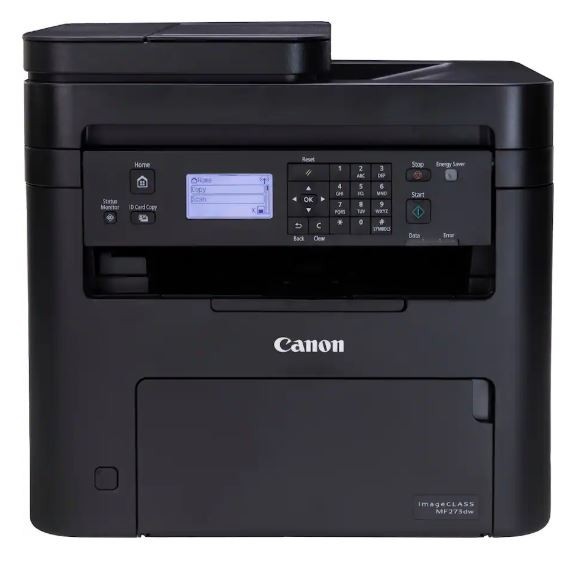 Canon - imageCLASS MF273dw Wireless Black-and-White All-In-One Laser Printer B$89.86View on eBay
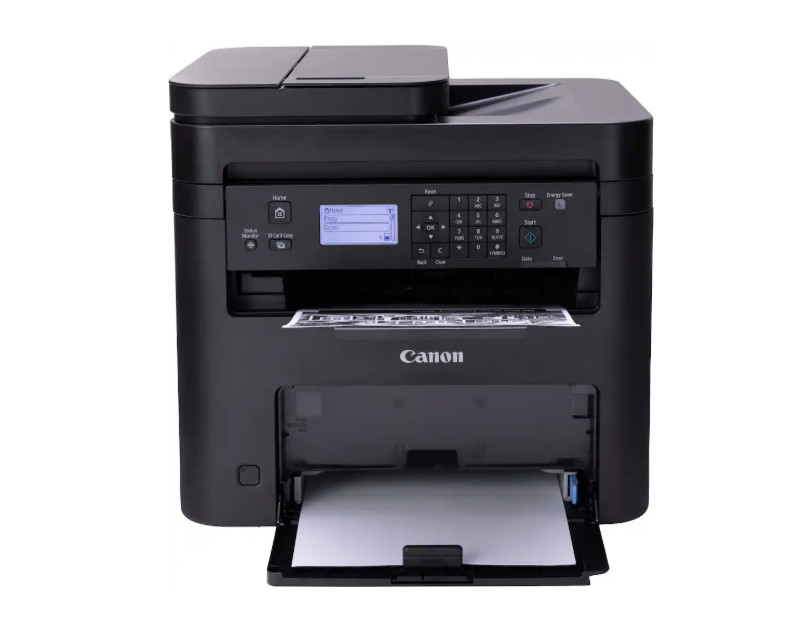 Canon - imageCLASS MF273dw Wireless Black-and-White All-In-One Laser Printer - B$90.00View on eBay
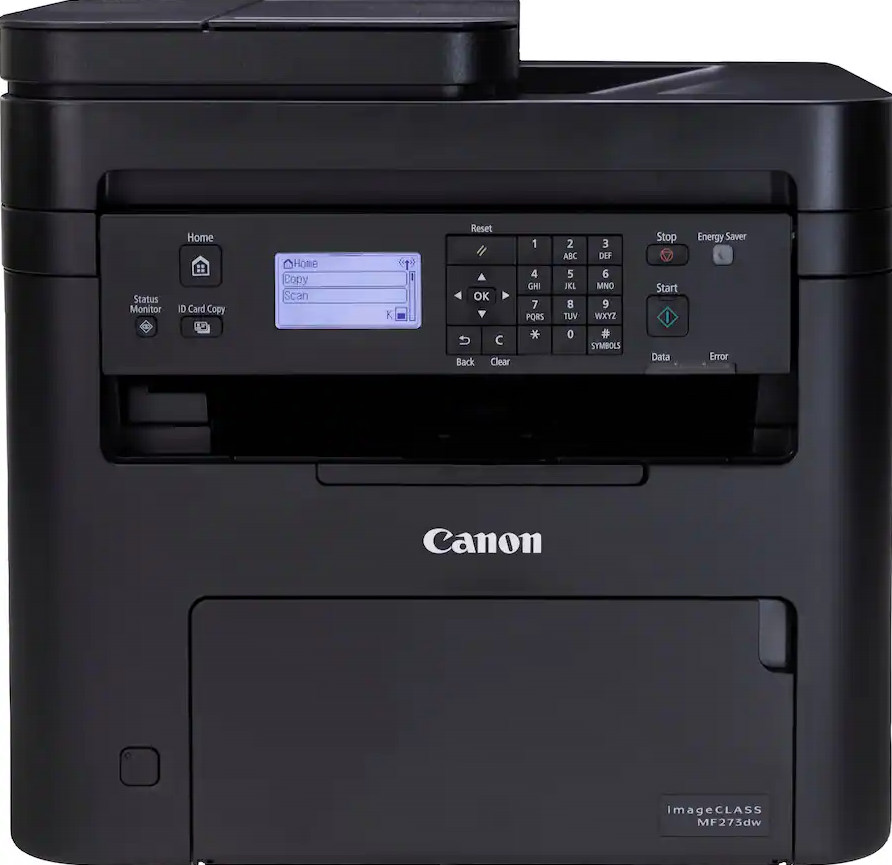 Canon - imageCLASS MF273dw Wireless Black-and-White All-In-One Laser Printer$90.20View on eBay
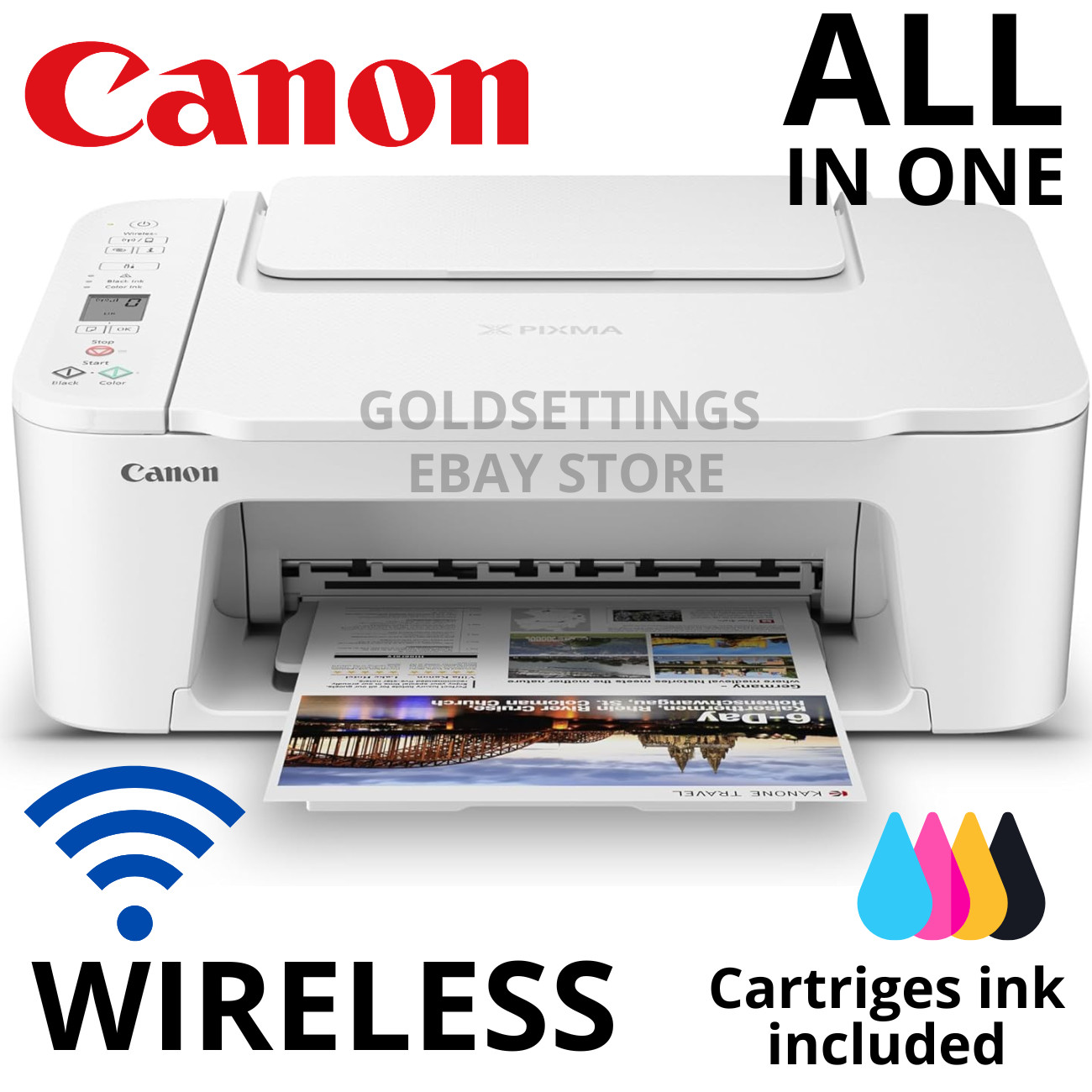 2026 Canon Wireless All In One Mobile Printer/Copy/Scan - Set Ink Included$104.49Last checked Nov 18, 2026View on eBay
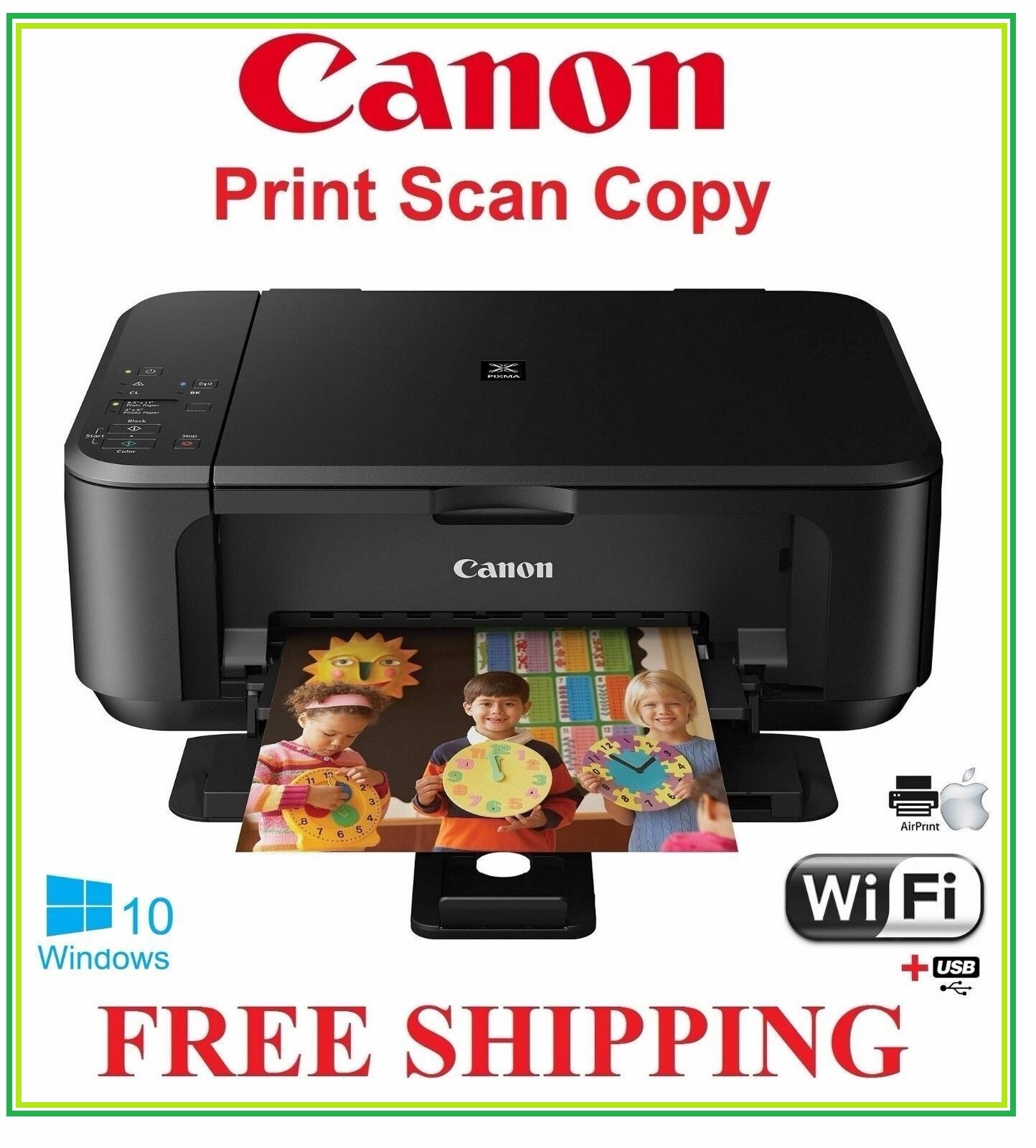 NEW Canon Pixma MG3620 All In One Printer-Wireless-Scan Copy-Photo Print$135.97Last checked Nov 21, 2026View on eBay
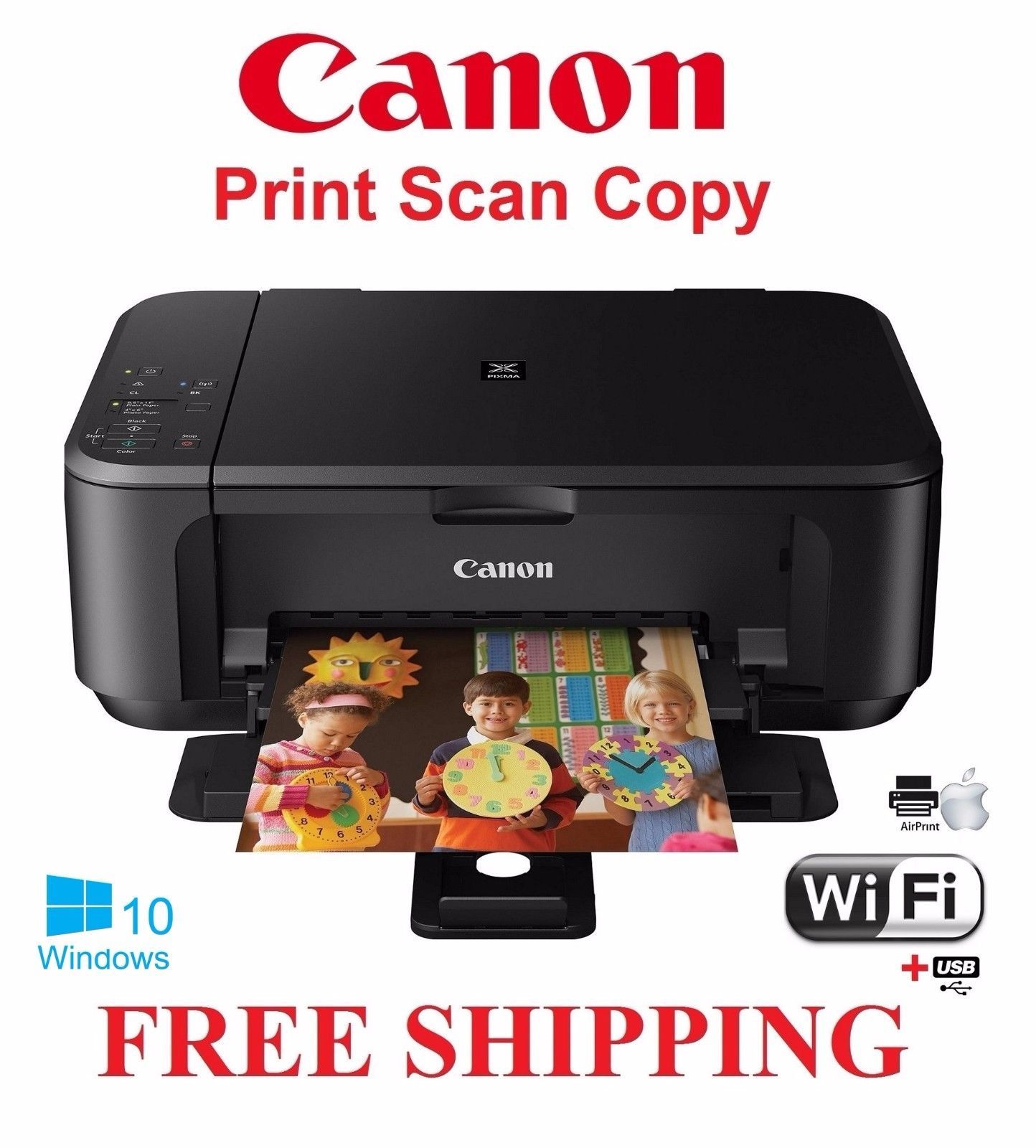 NEW Canon Pixma MG3620 All In One Wireless-Printer-Scan Copy-Business$135.98Last checked Nov 19, 2026View on eBay
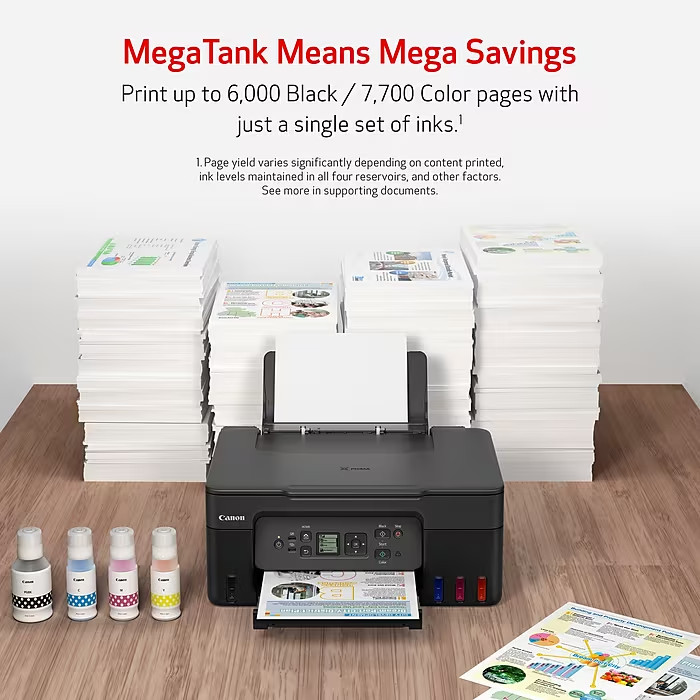 Canon PIXMA G3270 MegaTank Wireless Color All-in-One Inkjet Printer$156.98View on eBay
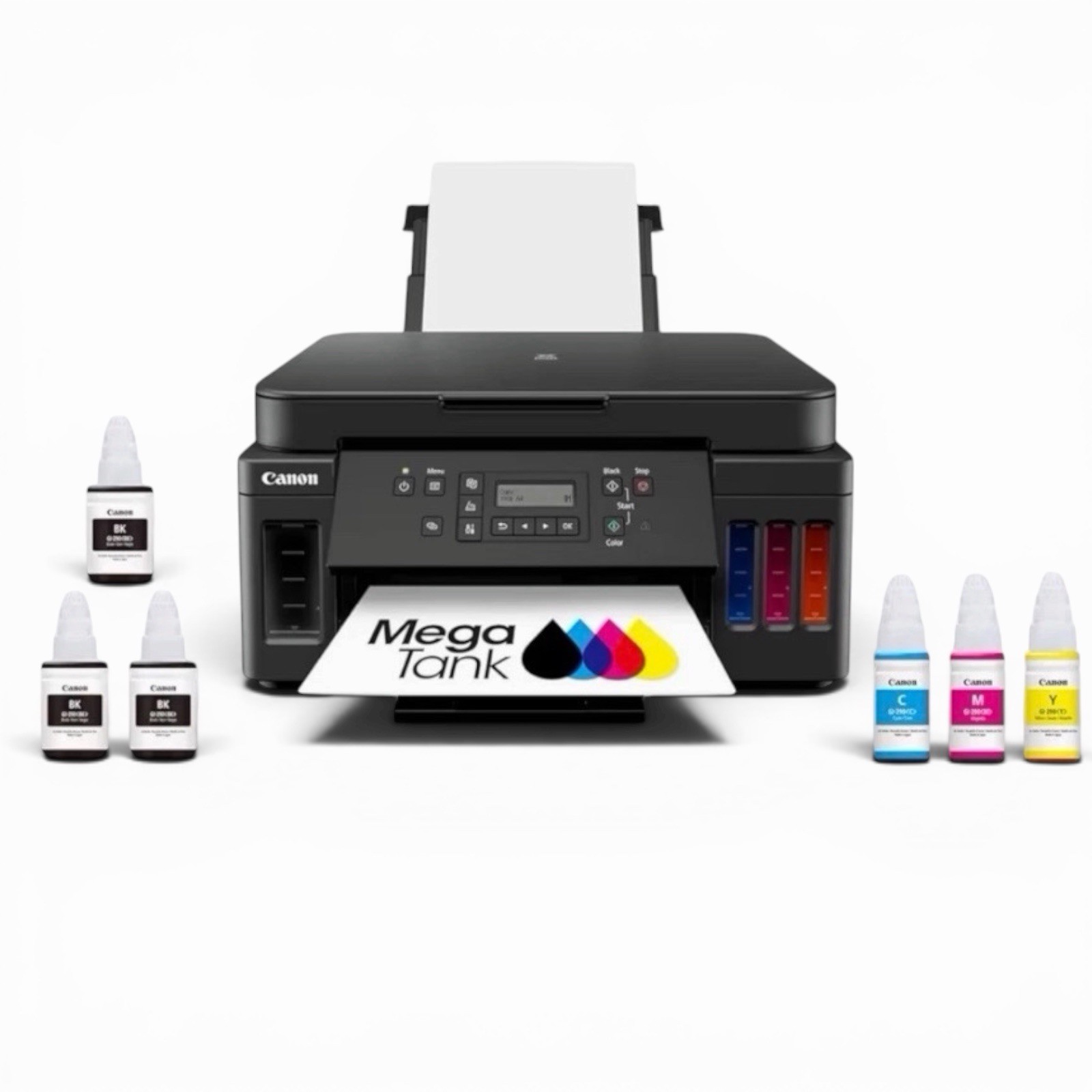 Canon PIXMA G6020 MegaTank Wireless All-In-One Printer Print Scan Copy$219.99New · Last checked Nov 25, 2026View on eBay
Highlights
- Ink system tiers: PG-245/CL-246 tri-color (TS3722 class) vs individual tanks or high-yield XL cartridges (TR8620, TR4720 class); individual tanks cut cost per page and waste.
- Print engine: FINE thermal inkjet with 4800x1200 dpi max on PIXMA photo models; laser models use toner and fuser for higher monthly duty and crisp text.
- Scanner type: flatbed CIS up to 1200x2400 dpi on PIXMA; ADF (auto document feeder) appears on TR8620/MX452 class for multi-page copy, scan, fax.
- Connectivity generation: Wi-Fi 802.11b/g/n plus AirPrint, Mopria, and Canon PRINT app; older MX452 relies on WPS and legacy drivers, newer TR/TS add USB 2.0 and cloud print.
Best use cases
- Home office with under 100 pages/month and occasional photos: pick a TS3722-class unit with flatbed and Wi-Fi; skip ADF and fax you will not use.
- Small office copying multi-page contracts and scanning to email: pick TR8620 or MX452 class with ADF and fax; skip single-function photo printers.
- High-volume text and forms where ink dries out: pick a Canon laser MFP (imageCLASS) over any PIXMA inkjet; skip inkjet if you print fewer than 10 pages/week.
- Photo and craft printing on glossy or card stock: pick a PIXMA with individual tanks and rear paper feed; skip front-only cassette models that cannot handle thick media.
Buying tips
- Match cartridge family to monthly volume: PG-245/CL-246 standard yields ~180/180 pages; XL and individual-tank models lower cost per page for 50+ pages/month.
- Check paper path: rear feed handles envelopes, labels, and card stock up to 300 gsm; front cassette is plain-paper only and jams on thick media.
- Confirm scanner resolution and ADF: 1200x2400 dpi flatbed suffices for documents; 35-sheet ADF on TR8620 class is the threshold for multi-page workflows.
- Prefer Wi-Fi 5 (802.11ac) or at least dual-band on newer models; legacy 2.4 GHz-only units suffer dropouts on crowded networks.
Specs
| Print Technology | Inkjet (FINE) vs Laser (toner) |
|---|---|
| Ink System | Tri-color vs individual tanks / toner |
| Scanner & ADF | Flatbed CIS; ADF on TR/MX/imageCLASS |
| Connectivity | Wi-Fi 802.11n, AirPrint, USB 2.0 |
Related searches
What to check before buying
- Measure shelf or desk footprint: PIXMA TS3722 is about 17 x 12 x 6 in; TR8620 is about 17 x 14 x 8 in with trays open.
- Verify 100-240V input and regional plug; eBay imports may ship with non-US cords or 220V-only power bricks.
- Check OS driver support: Windows 11/macOS 14 require current Canon drivers; MX452-era models may need manual driver install.
- Confirm you have a 2.4 GHz Wi-Fi SSID for setup; most PIXMA models do not join 5 GHz-only networks during initial configuration.
FAQ
Data sources: eBay / Amazon listings and product attribute feeds. Updated Nov 28, 2026.
Some links on this page are affiliate links. If you buy after clicking one, we may earn a commission at no extra cost to you. This does not change which products appear here or their order. Affiliate disclosure.