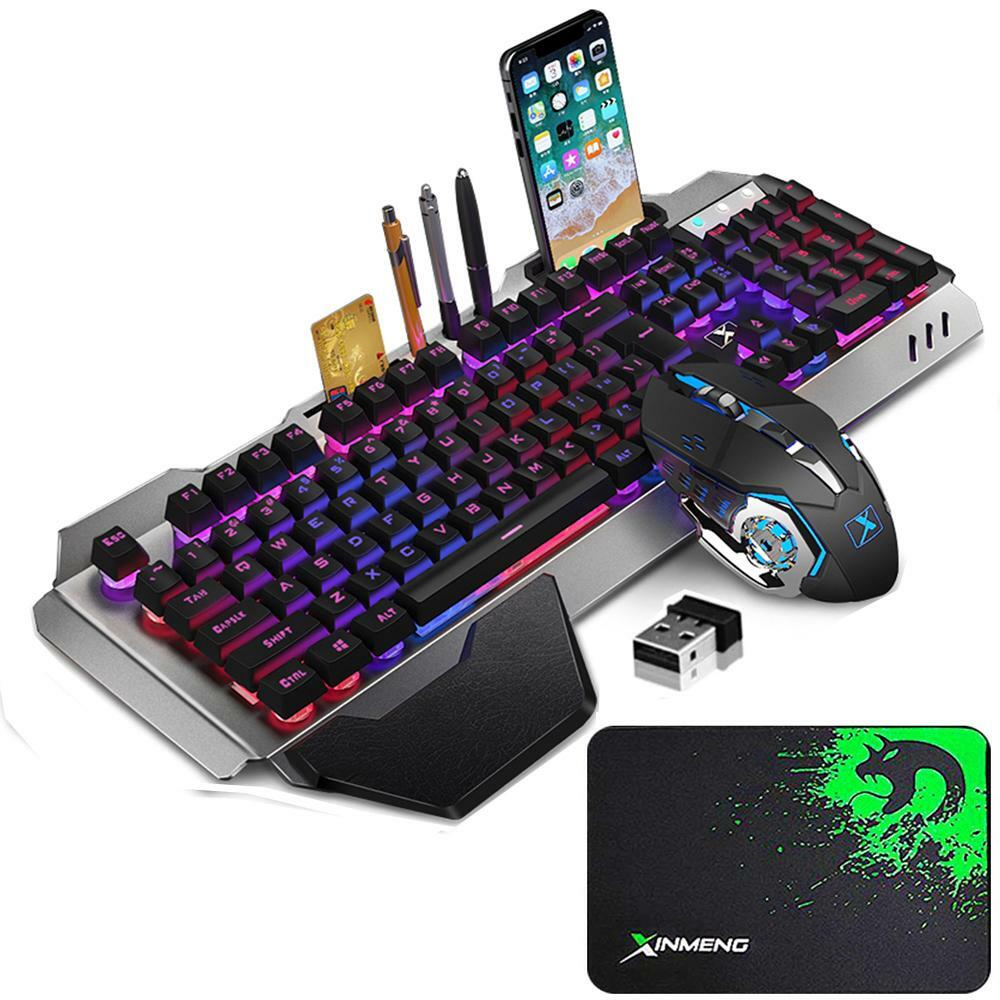

Photos from current listings. Actual item, color, and included accessories may vary.
Backlit Wireless Keyboard Buying Guide
A backlit wireless keyboard combines a self-illuminated keybed with a cable-free radio link, so the two core trade-offs are lighting power draw versus battery life and membrane versus mechanical key feel. The decision rule: choose a model with per-key or zone-controlled LED firmware, a rechargeable cell rated for at least a week of lit use, and a 2.4 GHz dongle or Bluetooth 5.x radio, and skip any listing that pushes 'rainbow' lighting without stating battery capacity or switch type.
Median $91.49
Key takeaways
- Switch architecture sets longevity and feel: mechanical (50M+ keystroke rated) versus membrane dome (typically 5-10M), with 'mechanical feel' denoting a membrane sheet under a plunger.
- Backlight control tiers differ sharply: fixed rainbow LED bands cannot change color or brightness, while RGB models offer per-key or zone firmware control and higher current draw.
- Radio generation matters: Bluetooth 5.0+ lowers idle power versus Bluetooth 3.0, and a bundled 2.4 GHz USB-A dongle gives lower latency than Bluetooth for gaming.
At a glance
- Category
- Computers & Peripherals
- Last updated
- Nov 28, 2026
Current offers
Highlights
- Switch architecture sets longevity and feel: mechanical (50M+ keystroke rated) versus membrane dome (typically 5-10M), with 'mechanical feel' denoting a membrane sheet under a plunger.
- Backlight control tiers differ sharply: fixed rainbow LED bands cannot change color or brightness, while RGB models offer per-key or zone firmware control and higher current draw.
- Radio generation matters: Bluetooth 5.0+ lowers idle power versus Bluetooth 3.0, and a bundled 2.4 GHz USB-A dongle gives lower latency than Bluetooth for gaming.
- Battery capacity drives real runtime: a 1500-2000 mAh rechargeable cell yields days of lit use, while AAA-powered boards trade swap-out convenience for heavier weight.
Best use cases
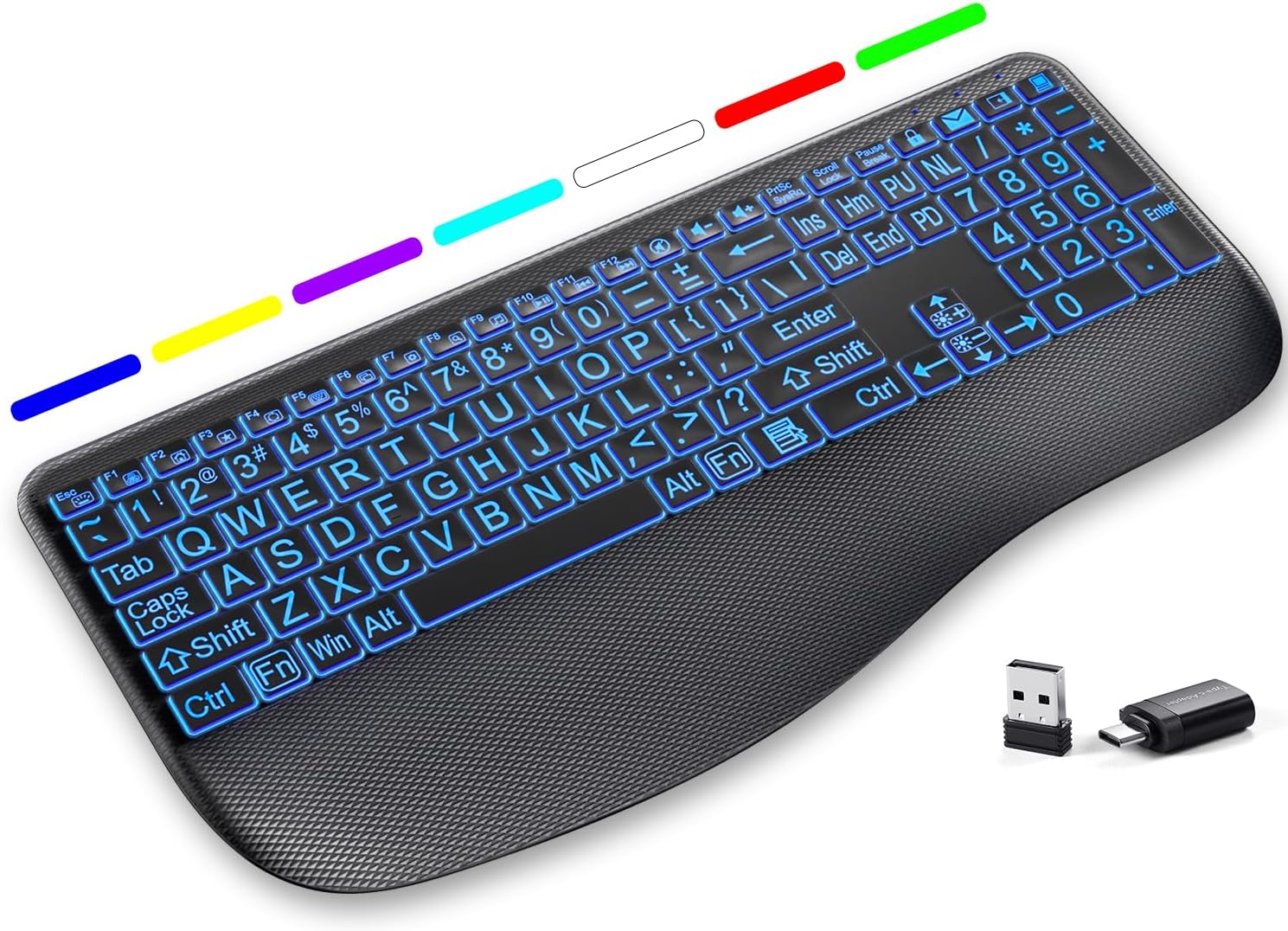
- Best fit: dark-room typists and late-shift workers who need large-print or high-contrast legends — pick a board with adjustable brightness and a rechargeable cell rather than fixed rainbow lighting.
- Best fit: casual gamers wanting mouse and keyboard in one box — choose a bundled 2.4 GHz dongle kit with anti-ghosting on the common WASD cluster; skip Bluetooth-only boards for competitive play.
- Wrong fit: multi-device office users needing fast switching — a single-radio fixed-backlight board forces re-pairing; choose a Bluetooth 5.x unit with three-device memory instead.
- Wrong fit: full-time mechanical enthusiasts — membrane 'mechanical feel' boards lack hot-swap sockets and stabilizer tuning; pick a true mechanical hot-swap model.
Buying tips
- Match layout to your desk math: full-size (104-108 keys) needs about 17.5 in of width, tenkeyless about 14 in, and 75% about 12.5 in — measure before choosing.
- Prefer USB-C charging over micro-USB on any rechargeable board; micro-USB ports wear out and are increasingly hard to replace.
- Check that the 2.4 GHz dongle stores in the battery compartment; loose dongles are the most common lost accessory on wireless keyboards.
- For backlit use, pick adjustable brightness with auto-sleep; a board that cannot dim its LEDs drains the cell in days rather than weeks.
Specs
| Switch Type | Mechanical vs Membrane |
|---|---|
| Backlight Control | Fixed Rainbow vs Adjustable RGB |
| Connectivity | 2.4 GHz Dongle / BT 5.x / Dual |
| Power Source | Rechargeable Li-ion vs AA/AAA |
Related searches
What to check before buying
- Measure desk depth and width: leave at least 3 in behind the board for wrist clearance and confirm full-size versus TKL footprint.
- Confirm the host has a free USB-A port for the 2.4 GHz dongle or Bluetooth 5.x; USB-C-only laptops need a dongle adapter.
- Check keycap legend contrast and font size if buying for low-vision use — large-print legends must remain readable when backlight is off.
- Verify rechargeable versus disposable power and include the cost and weight of AA/AAA cells in your comparison.
FAQ
Data sources: eBay / Amazon listings and product attribute feeds. Updated Nov 28, 2026.
Some links on this page are affiliate links. If you buy after clicking one, we may earn a commission at no extra cost to you. This does not change which products appear here or their order. Affiliate disclosure.