
Photos from current listings. Actual item, color, and included accessories may vary.
Backlit Keyboard Buying Guide
A backlit keyboard is an input device with integrated LED lighting to make keys visible in low-light environments, ranging from simple large-print office boards to mechanical gaming decks. The core trade-off is between lighting quality (brightness uniformity, color range, battery drain) and key feel/durability (membrane vs mechanical switches, keycap materials). The clear decision rule: buy a wired USB board for stationary low-light typing, or a wireless mechanical-feel board with per-key RGB only if you need portability and tactile feedback—skip membrane-only rainbow boards for competitive gaming.
Median $119.99
Key takeaways
- Membrane backlit keyboards cost less but have mushy key travel and usually 3-7 color zones, not per-key RGB; mechanical switches give crisper actuation and independent key lighting.
- Wireless backlit boards use either AA/AAA batteries or built-in Li-ion (typically 1000-4000 mAh); RGB lighting can cut battery life by 50-80% versus backlight-off, so look for auto-sleep and brightness memory.
- Large-print backlit keyboards use oversized high-contrast legends (typically 2-3x standard font height) with white LEDs under each key—ideal for low vision, but color LED versions reduce contrast.
At a glance
- Category
- Computers & Peripherals
- Last updated
- Nov 27, 2026
Current offers
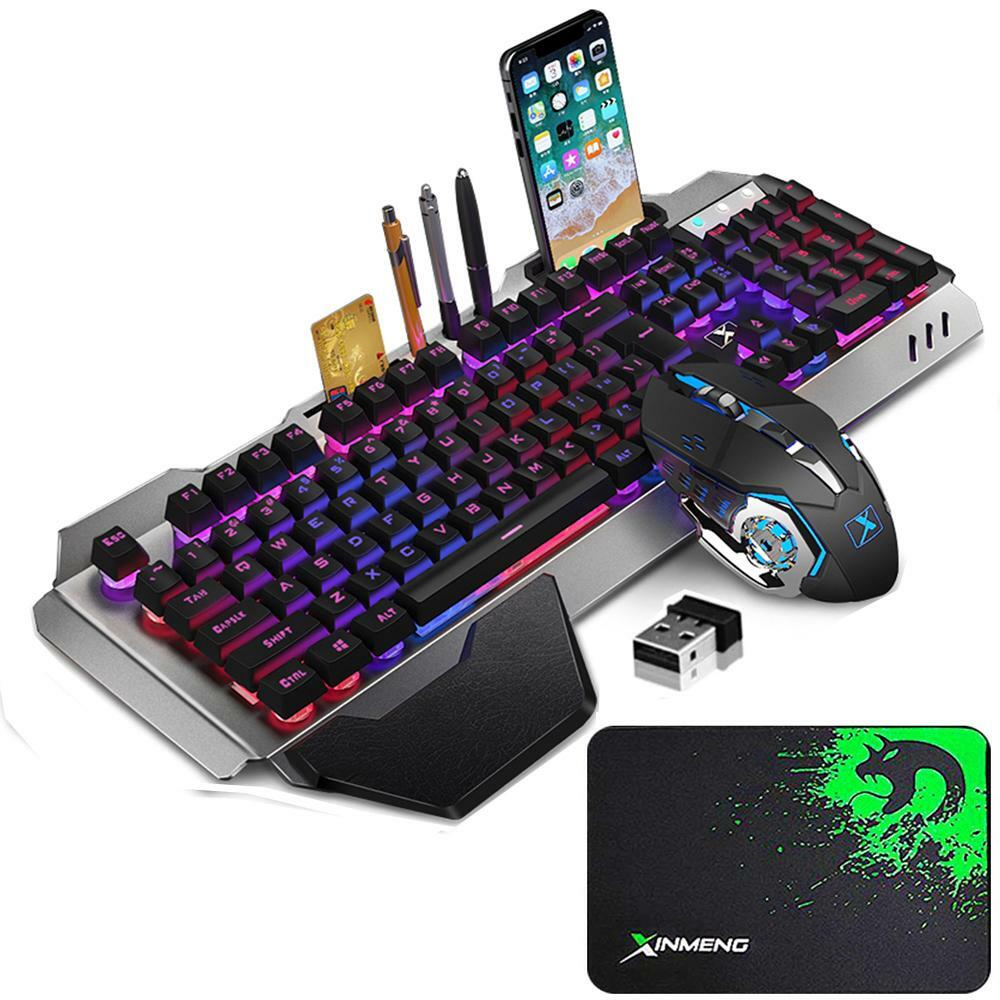 Wireless Gaming Keyboard and Mouse Mechanical Feel Rainbow Backlit$47.99View on eBay
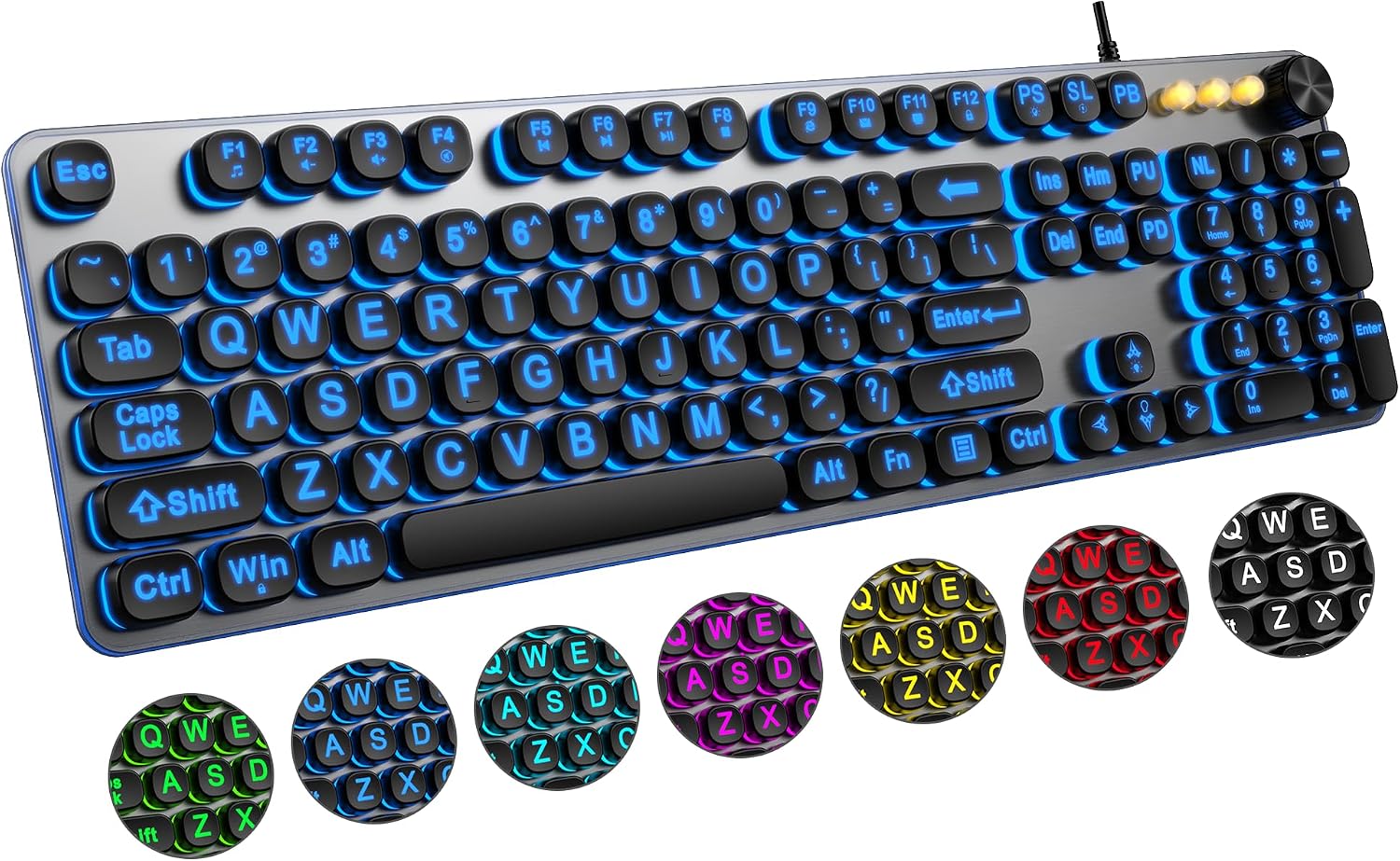 Large Print Backlit Keyboard With 7-Color Wired USB Lighted Computer Keyboards Oversize Letters Keys Easy To See, Illuminated For PC, Laptop,Windows Desktop$119.99View on Mallflare
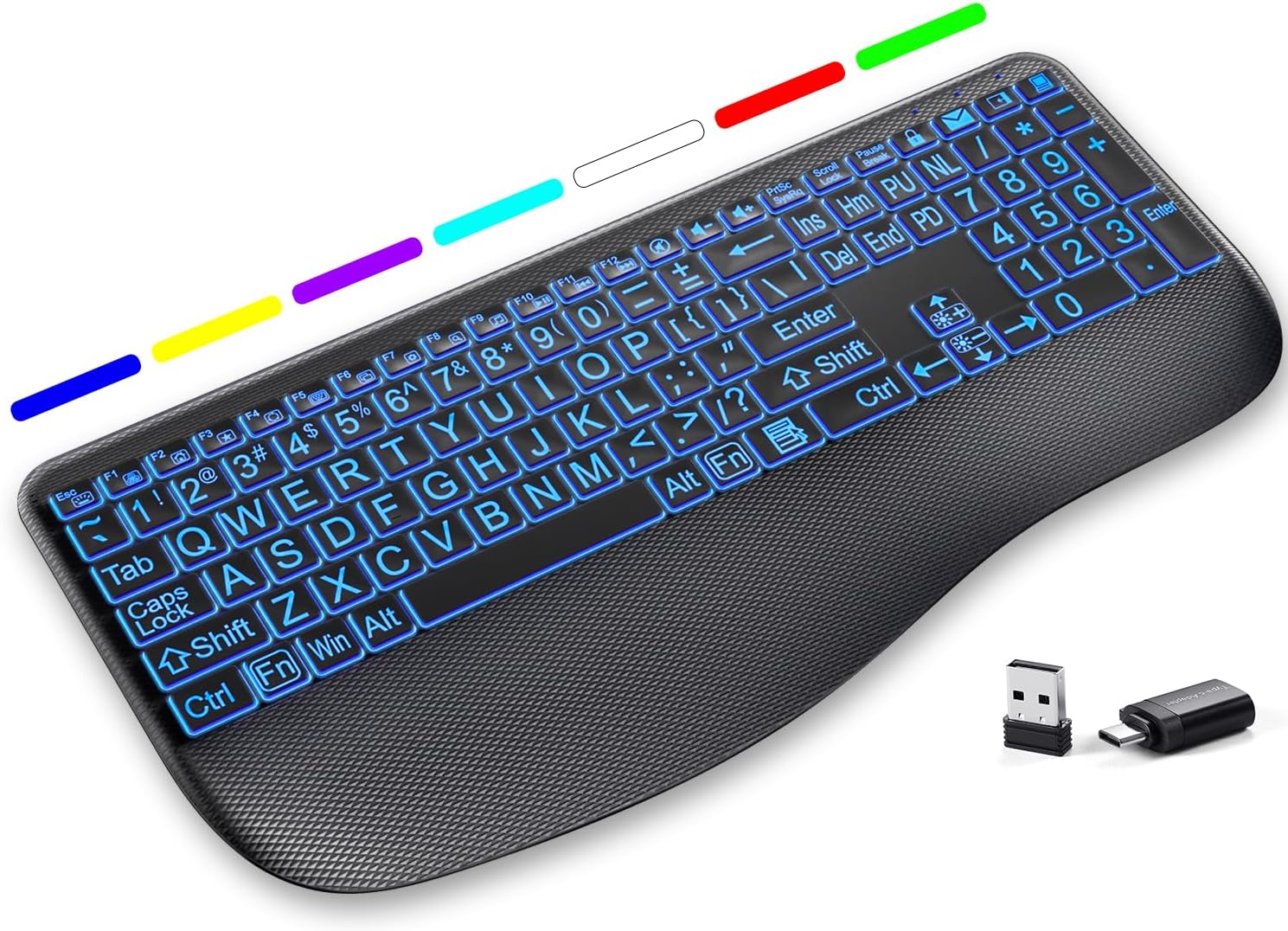 Hamile Large Print Wireless Backlit Keyboard For Windows, Black$134.99View on Mallflare
Highlights
- Membrane backlit keyboards cost less but have mushy key travel and usually 3-7 color zones, not per-key RGB; mechanical switches give crisper actuation and independent key lighting.
- Wireless backlit boards use either AA/AAA batteries or built-in Li-ion (typically 1000-4000 mAh); RGB lighting can cut battery life by 50-80% versus backlight-off, so look for auto-sleep and brightness memory.
- Large-print backlit keyboards use oversized high-contrast legends (typically 2-3x standard font height) with white LEDs under each key—ideal for low vision, but color LED versions reduce contrast.
- USB wired connection guarantees full brightness with zero latency and no charging; 2.4 GHz wireless dongles add 1-5 ms latency and need a free USB-A port (USB-C adapters for laptops).
Best use cases
- Best fit: low-light office or home typing—pick a wired USB large-print or standard membrane backlit keyboard with white/amber LEDs for maximum legibility and no charging hassle.
- Best fit: gaming or mixed use—choose a wireless or wired mechanical-feel keyboard with per-key RGB and anti-ghosting (at least 6-key rollover), skipping membrane-only rainbow boards that drop simultaneous presses.
- Wrong fit: competitive esports—avoid battery-powered RGB boards with 2.4 GHz dongles due to latency and battery drain; use a wired mechanical keyboard instead.
- Wrong fit: bright-room typing—skip backlit models entirely; a standard non-backlit keyboard saves cost and battery, and backlight adds no value in well-lit spaces.
Buying tips
- For wireless, check battery type and capacity: AAA batteries mean easy replacement but recurring cost; built-in Li-ion 1500 mAh+ with USB-C charging is better for daily RGB use.
- Verify key rollover: membrane boards often max at 6-key rollover (NKRO only on mechanical); gamers need at least 6KRO, ideally NKRO via USB.
- Match layout to OS: Windows keyboards have Windows key and AltGr; macOS users need Command/Option legends or remapping software—large-print boards rarely offer Mac layouts.
- Check backlight control: single-brightness vs multi-level vs RGB cycle; for low vision, choose white or warm-white LEDs with adjustable brightness, not rainbow cycling.
Specs
| Lighting Type | White LED / 7-color / Per-key RGB |
|---|---|
| Switch Type | Membrane vs Mechanical |
| Connection | Wired USB / 2.4 GHz / Bluetooth |
| Power Source | USB bus / AAA / Li-ion rechargeable |
Related searches
What to check before buying
- Measure desk depth and keyboard footprint: full-size boards are ~17-18 in wide, tenkeyless ~14 in; ensure mouse space remains.
- Confirm connection ports: wired needs USB-A (or USB-C adapter); wireless needs a free USB-A for 2.4 GHz dongle or Bluetooth 4.0+ for pairing.
- Check keycap legend contrast: large-print models should have black-on-white or white-on-black keys; avoid low-contrast gray-on-gray backlit caps.
- Verify power: wireless boards with removable batteries need AA/AAA on hand; Li-ion boards need USB-C cable and charger (5V/1A typical).
FAQ
Data sources: eBay / Amazon listings and product attribute feeds. Updated Nov 27, 2026.
Some links on this page are affiliate links. If you buy after clicking one, we may earn a commission at no extra cost to you. This does not change which products appear here or their order. Affiliate disclosure.