
Photos from current listings. Actual item, color, and included accessories may vary.
10 Desktop Computer Buying Guide
A desktop computer is a modular or all-in-one system defined by its CPU class, upgrade path, and chassis airflow—not by marketing 'tiers'. The core trade-off is between a tower with standard ATX parts (repairable, upgradable) and a mini-PC or all-in-one (compact, but sealed and often non-serviceable). Decide by CPU generation and socket longevity first: an older platform in a full tower outlasts a newer sealed unit with soldered RAM.
Median $170.31
Key takeaways
- CPU socket dictates upgrade ceiling: LGA1700 (Intel 12th–14th gen) and AM5 (AMD Ryzen 7000+) accept multiple future generations; soldered BGA chips in mini-PCs and all-in-ones are end-of-life at purchase.
- Memory form factor decides longevity: standard DIMM slots (2–4) support 64–128 GB and user replacement; SO-DIMM in mini-PCs is replaceable, but LPDDR soldered in all-in-ones is fixed for life.
- Storage interface matters more than capacity: NVMe PCIe 4.0 M.2 slots deliver 5,000+ MB/s and are standard on current towers; SATA-only or eMMC drives cap system responsiveness regardless of CPU.
At a glance
- Category
- Computers & Peripherals
- Last updated
- Nov 27, 2026
Current offers
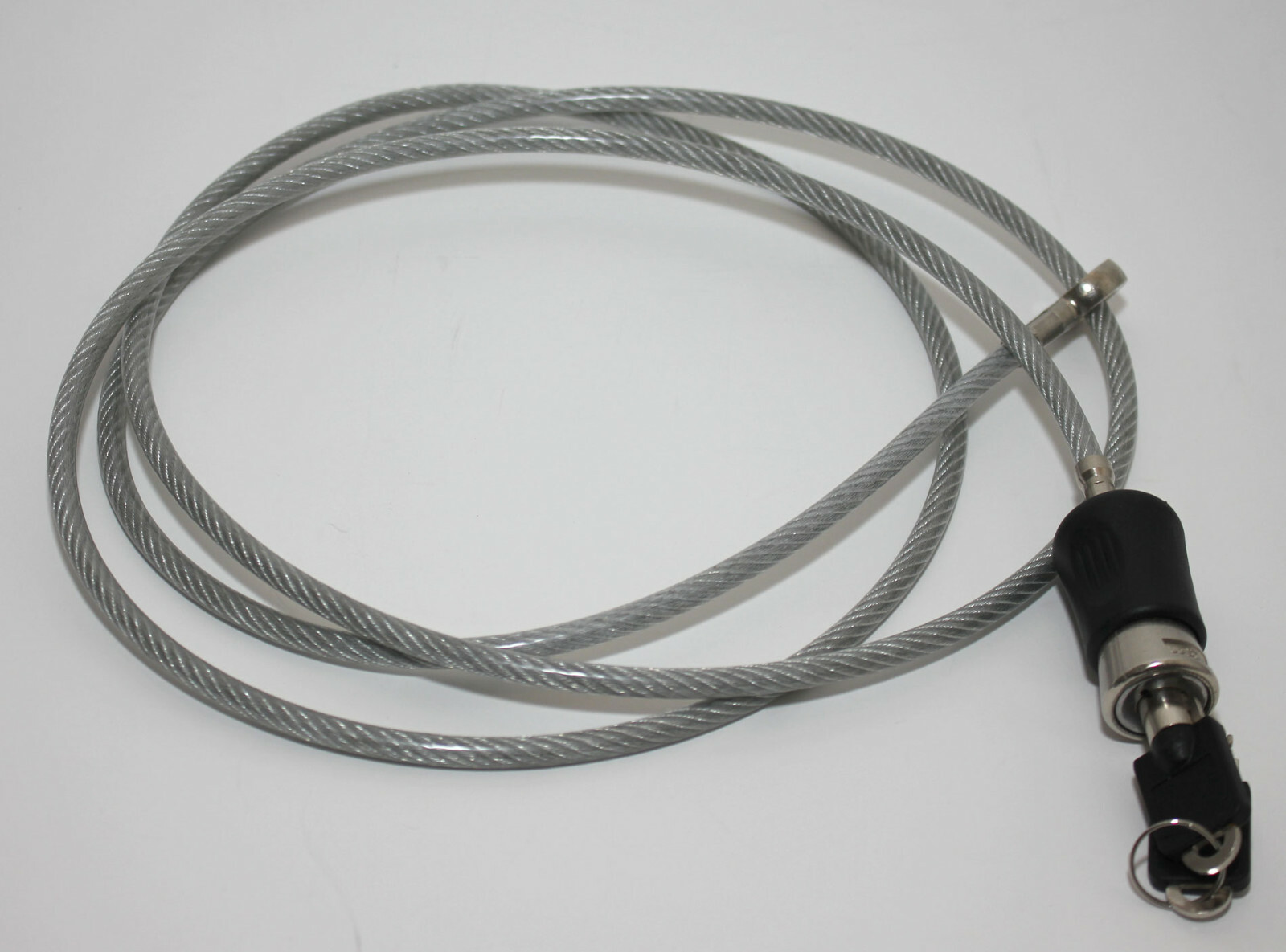 KENSINGTON Desktop Computer and Peripherals Lock with Two Keys$15.99Last checked Nov 19, 2026View on eBay
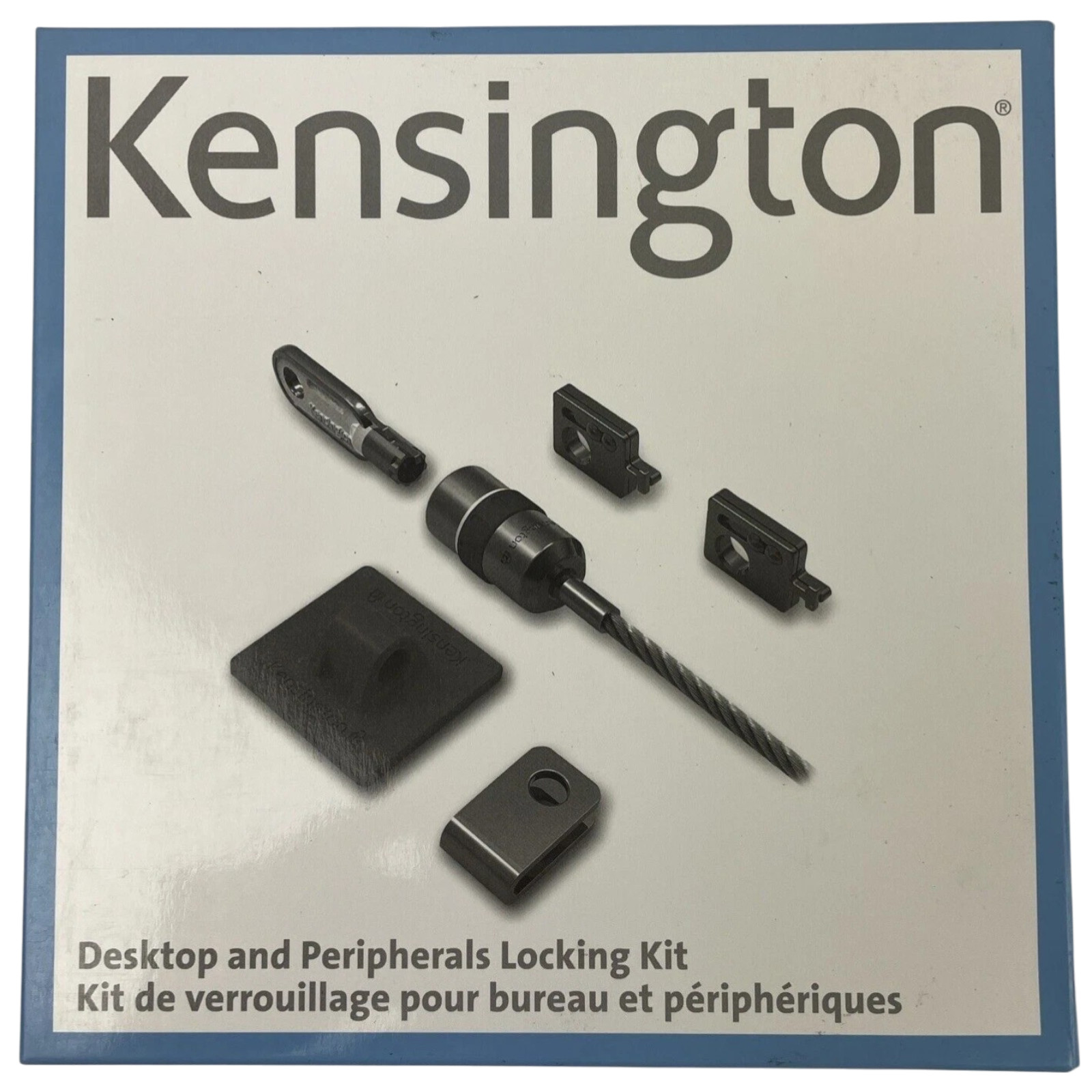 2 x New Kensington K64615US Desktop Computer and Peripherals Locking Kit - LOOK$28.99View on eBay
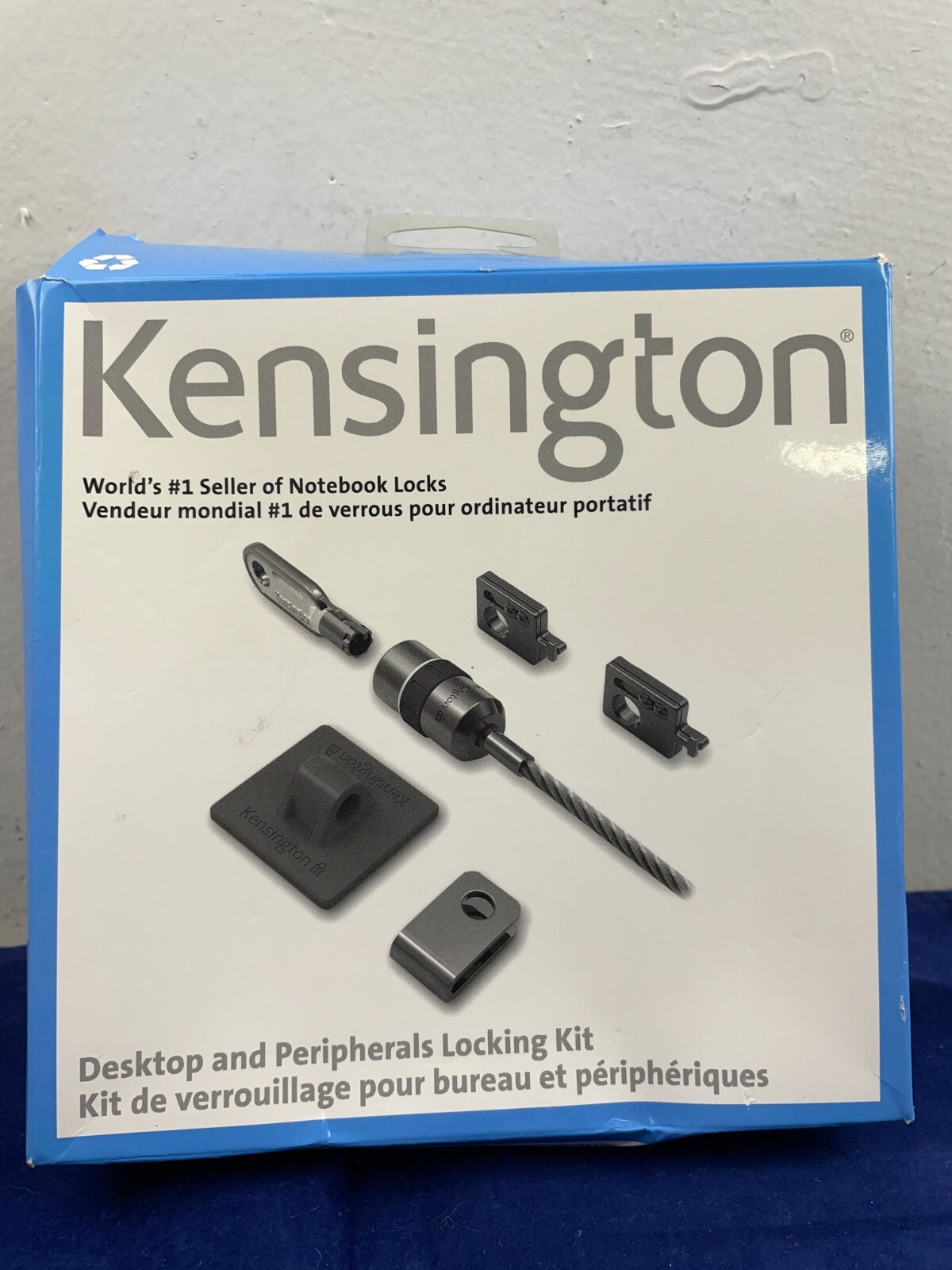 Kensington K64615US Desktop Computer and Peripherals Locking Kit$30.00View on eBay
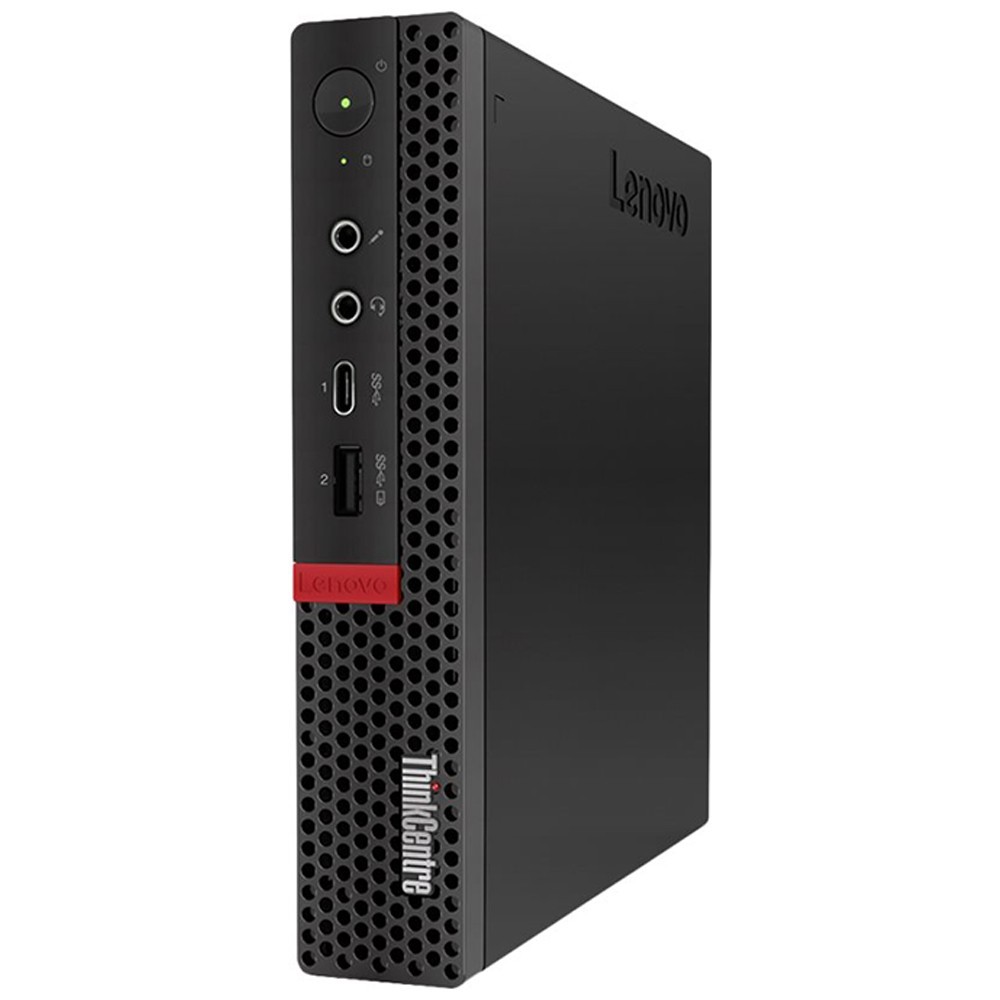 Lenovo Desktop Computer PC Intel Processor 16GB RAM 240GB SSD Windows 11 Wi-Fi$170.31View on eBay
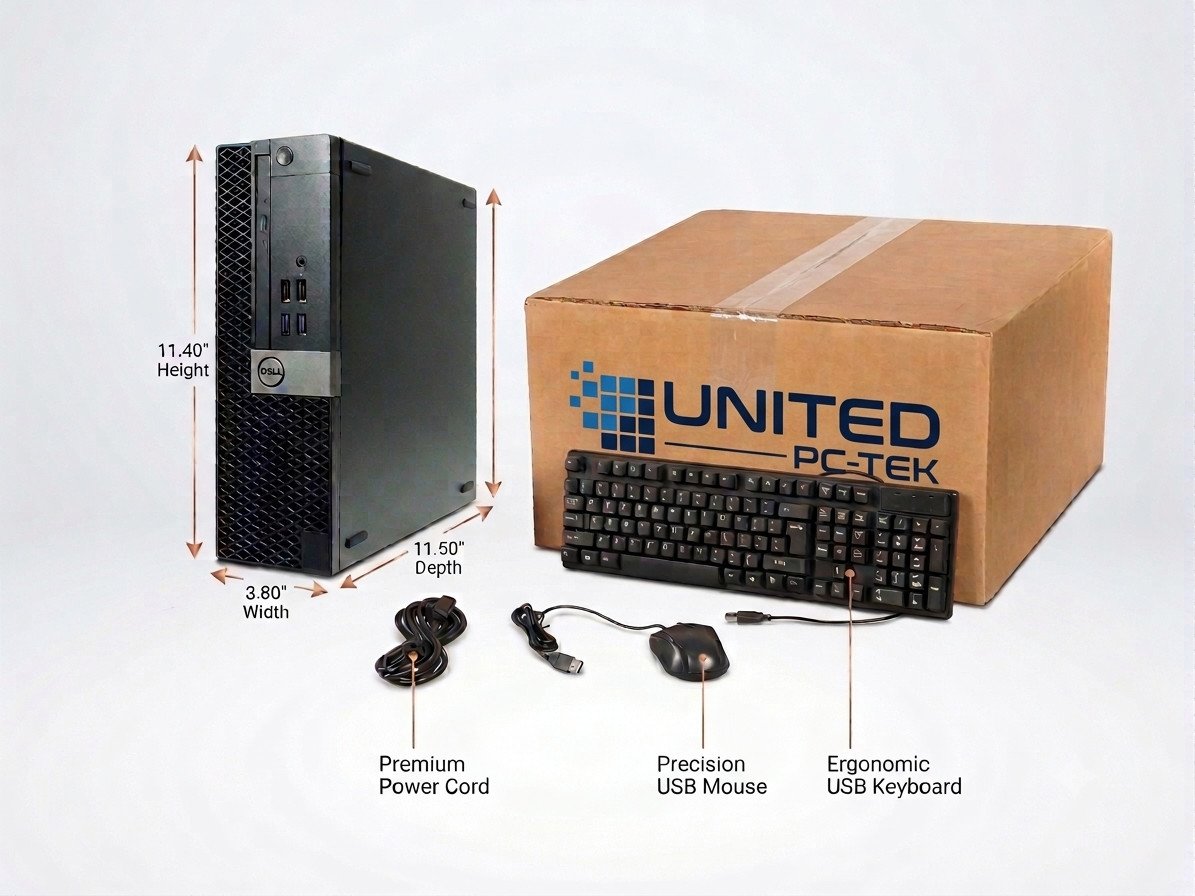 Fast Dell i7 Desktop Computer PC | up to 32GB RAM 2TB SSD | Windows 11 Pro WiFi$249.99Last checked Nov 18, 2026View on eBay
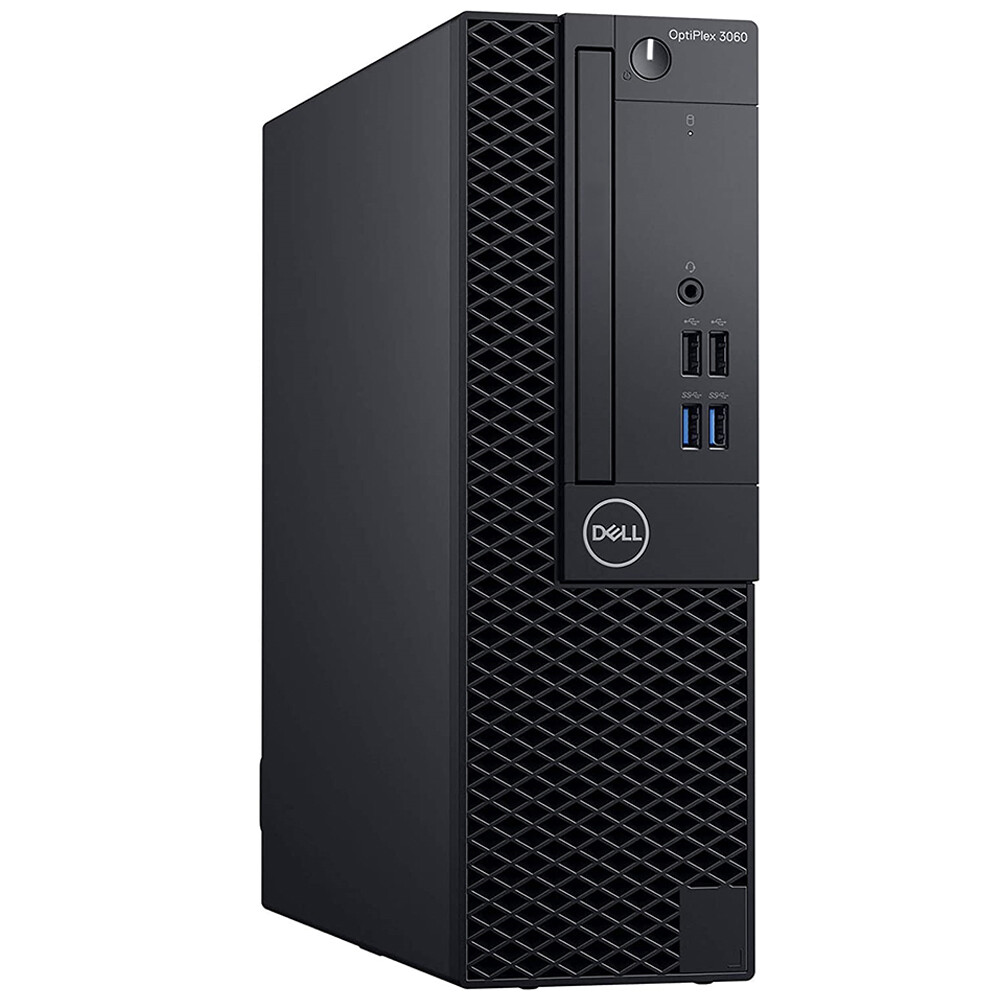 Dell Windows 11 Pro Desktop Computer PC Up To i7 8th Gen. 32GB RAM 4TB SSD/HDD$284.38Last checked Nov 16, 2026View on eBay
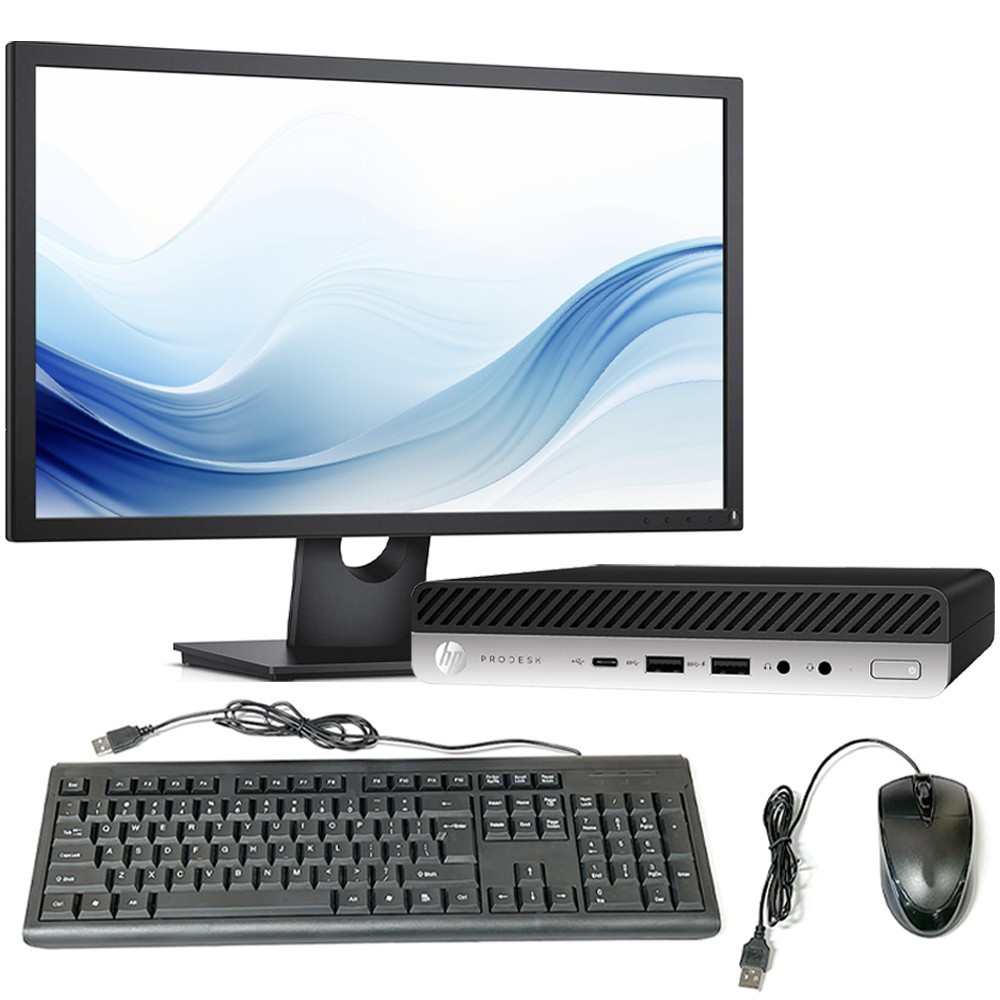 HP Windows 11 Pro Desktop i5 Computer Micro Up To 27" LCD 32GB RAM 1TB SSD Wi-Fi$339.33Last checked Nov 18, 2026View on eBay
Highlights
- CPU socket dictates upgrade ceiling: LGA1700 (Intel 12th–14th gen) and AM5 (AMD Ryzen 7000+) accept multiple future generations; soldered BGA chips in mini-PCs and all-in-ones are end-of-life at purchase.
- Memory form factor decides longevity: standard DIMM slots (2–4) support 64–128 GB and user replacement; SO-DIMM in mini-PCs is replaceable, but LPDDR soldered in all-in-ones is fixed for life.
- Storage interface matters more than capacity: NVMe PCIe 4.0 M.2 slots deliver 5,000+ MB/s and are standard on current towers; SATA-only or eMMC drives cap system responsiveness regardless of CPU.
- Case airflow and PSU standard: ATX mid-towers with 120/140 mm fan mounts and standard ATX power supplies allow thermal headroom and PSU replacement; proprietary PSUs in slim or all-in-one chassis limit repair and GPU upgrades.
Best use cases
- Best fit: office and multitasking—pick a tower with a 6-core CPU (e.g., Ryzen 5 or Core i5), 16 GB dual-channel RAM, and NVMe SSD; skip all-in-ones with 8 GB soldered RAM for anything beyond browsing.
- Best fit: gaming and GPU work—choose an ATX mid-tower with 320+ mm GPU clearance, 750 W 80 Plus Gold PSU, and front-to-back airflow; skip slim/SFF cases that restrict GPU length and airflow.
- Best fit: compact home/kitchen—a mini-PC with replaceable SO-DIMM and M.2 is fine for streaming and light office; skip it for sustained CPU loads or future GPU upgrades, which require a tower.
- Wrong fit: buying a sealed all-in-one for a household that expects to upgrade RAM or storage later—repair means professional service, not user swaps; choose a tower with standard DIMM and M.2 slots instead.
Buying tips
- Match CPU socket to upgrade intent: LGA1700 boards support 12th–14th gen Intel; AM5 supports Ryzen 7000/8000/9000—buy the newest socket your budget allows, not the newest prebuilt case.
- Require dual-channel RAM (2 sticks) at 16 GB minimum for office and 32 GB for content work; single-stick 8 GB configurations halve memory bandwidth and bottleneck integrated graphics.
- Check PSU wattage and certification: 500–650 W 80 Plus Bronze for office builds, 750 W Gold for mid-range GPUs; proprietary PSUs in slim cases cannot be upgraded and often fail first.
- Verify M.2 slot count and generation: at least one PCIe 4.0 x4 slot for the boot drive and a second M.2 or 2.5-inch bay for expansion; eMMC storage is not acceptable for Windows productivity.
Specs
| Form Factor | ATX tower / Mini-PC / All-in-one |
|---|---|
| CPU Socket | LGA1700 / AM5 / Soldered BGA |
| Memory Type | DIMM (upgradable) / SO-DIMM / LPDDR |
| Storage Interface | NVMe PCIe 4.0 / SATA / eMMC |
Related searches
What to check before buying
- Measure desk depth and clearance: ATX mid-towers need 18–20 inches depth and 6–8 inches width; confirm room for rear exhaust and top-mounted ports before ordering.
- Confirm GPU length and cooler height limits if adding a card: mid-towers typically clear 320–360 mm GPUs and 160 mm CPU coolers—check chassis specs, not just the motherboard.
- Verify monitor ports and cable standard: ensure HDMI 2.0/DisplayPort 1.4 outputs match your monitor; USB-C with DisplayPort alt mode is needed for single-cable docking.
- Check voltage and plug standard for your region (120 V/60 Hz or 230 V/50 Hz) and that the PSU has the correct wall cable; most modern PSUs are 100–240 V auto-switching.
FAQ
Data sources: eBay / Amazon listings and product attribute feeds. Updated Nov 27, 2026.
Some links on this page are affiliate links. If you buy after clicking one, we may earn a commission at no extra cost to you. This does not change which products appear here or their order. Affiliate disclosure.