TP-Link TL-SG105 vs Extreme Networks Summit X350-24T: Which Homelab Switch Fits?
The TP-Link TL-SG105 favors simple five-port desktop expansion, while the Extreme Summit X350-24T brings 24-port capacity, managed control, rack mounting, and SFP connectivity. Choose by port needs, physical format, and configuration style.
Last updated Oct 7, 2026
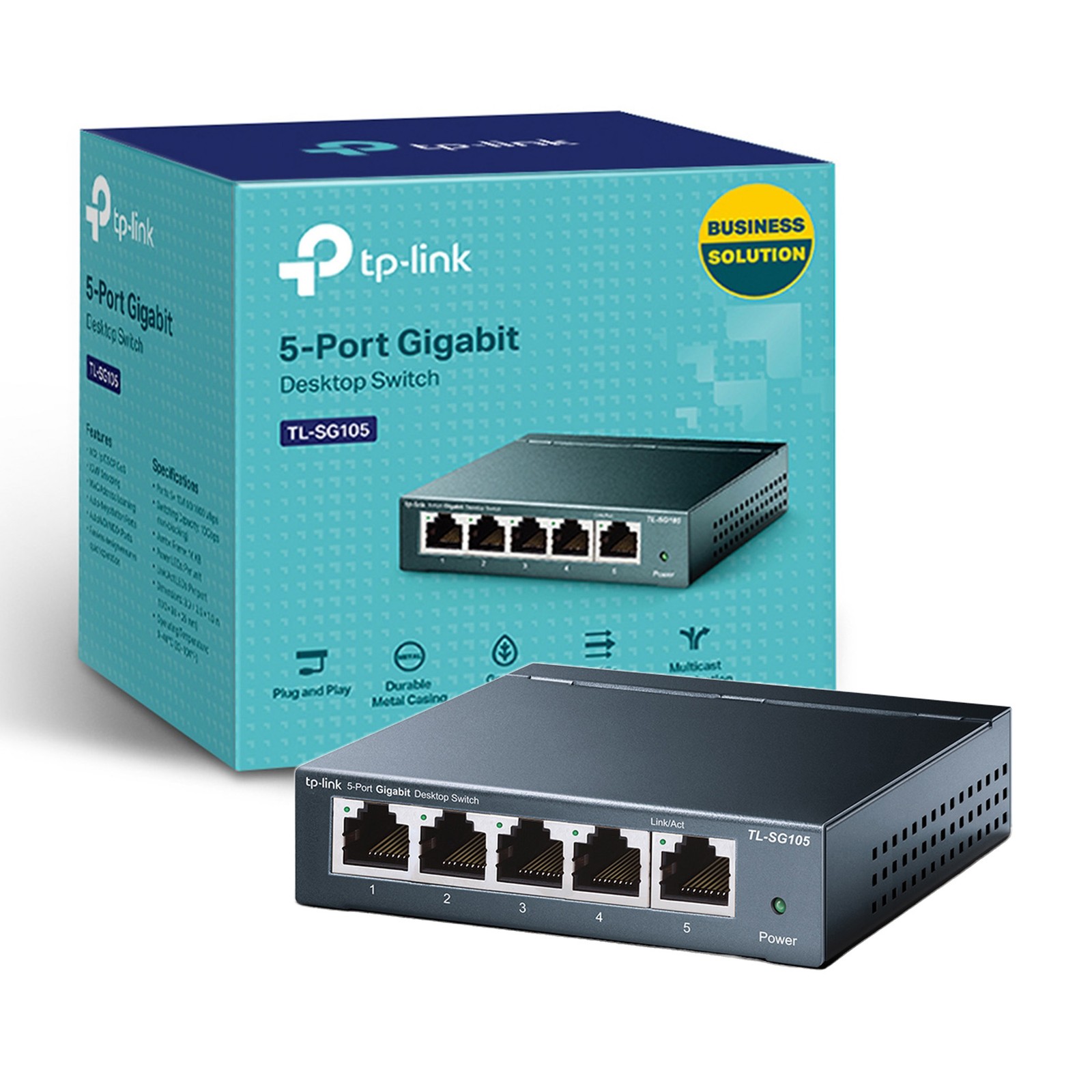
TP-Link TL-SG105 5-Port Gigabit Ethernet Unmanaged Metal Desktop Network Switch
$29.99Listed at review time
Affiliate disclosure: We may earn a commission if you buy through links on this page, at no extra cost to you. Confirm live price, stock, and return terms on the seller page. Affiliate disclosure.
Choosing equipment for homelab networking & firewalls is less about finding a single winner and more about matching the switch to the lab's shape. Do you need a small desktop unit that keeps wired expansion simple, or a larger model with more connection room and management control? The TP-Link TL-SG105 and Extreme Networks Summit X350-24T answer those needs differently.
Quick verdict
The TP-Link TL-SG105 is the better fit for a compact wired setup with minimal configuration. The Extreme Networks Summit X350-24T is the better match for a larger lab that needs expansion and management controls. Both list Gigabit Ethernet at 1000-Mbit/s, so speed does not separate them in the listed specifications. The listed-price spread is $19.01, with the TP-Link at $29.99 and the Extreme at $49.00.
Compact comparison
| Switch | Listed price | Condition | Ethernet technology |
|---|---|---|---|
| TP-Link TL-SG105 | $29.99 | New | Gigabit Ethernet, 1000-Mbit/s |
| Extreme Summit X350-24T | $49.00 | Used | Gigabit Ethernet, 1000-Mbit/s |
Where each wins
TP-Link wins for straightforward desktop expansion. It combines a plug-and-play design with a standalone form factor and Ethernet RJ-45 connectivity, making its role easy to understand for a small wired setup. The five-port layout keeps the hardware footprint focused on basic expansion rather than broader network management.
Extreme wins for physical scale and rack fit. It has 24 ports, a rack-mountable form factor, and RJ-45 and SFP interfaces. Rack ears are included, adding a concrete installation detail for a rack-based homelab. The advantage here is connection capacity and hardware format, not Ethernet speed.
Product notes
TP-Link TL-SG105 5-Port Gigabit Ethernet Unmanaged Metal Desktop Network Switch
The TP-Link TL-SG105 is the easy-to-understand choice for a small wired cluster. It pairs five ports with a plug-and-play design, a standalone form factor, and Ethernet RJ-45 connectivity. Those details give it a clear role beside a desk, bench, or compact homelab setup. The trade-off is explicit in its unmanaged design. That is a concrete limitation for a shopper whose plan depends on managed switch control; the design is aimed at straightforward wired expansion instead. This distinction matters in a homelab where network configuration may become part of the project. For simple connections and a small port footprint, the TP-Link's stated format is easier to match to the job.
Extreme Networks Summit X350-24T 24-Port SFP 1Gbps RJ45 Ethernet Network Switch
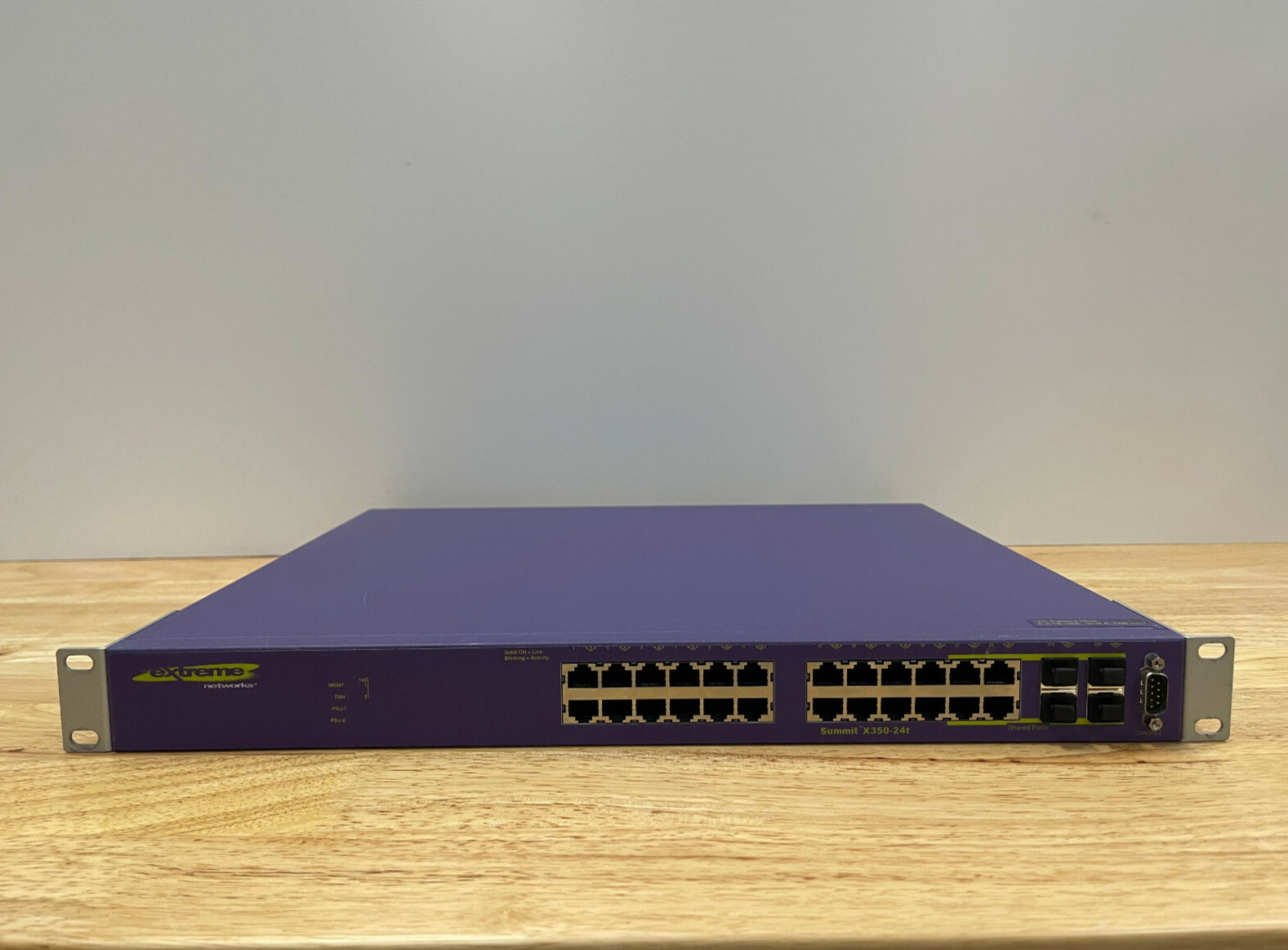
The Extreme Networks Summit X350-24T is a managed Ethernet switch with rack ears included. At 17 inches long and 17.35 inches wide, it also brings a substantial physical footprint to planning around connected hardware. Serial RS-232 device connectivity is included among its interfaces, adding another concrete part of its connection profile. The limitation is condition: it is listed as used. That is the clearest caution attached to the Extreme choice. A shopper needing a small, straightforward desktop switch may find its equipment-focused hardware profile more than the setup requires, while a lab built around rack hardware has a clearer reason to consider it.
Final choice by use case
- Choose the TP-Link TL-SG105 for a small homelab or simple wired expansion where five ports and an unmanaged desktop design match the brief.
- Choose the Extreme Networks Summit X350-24T when 24 ports and SFP connectivity are central to the setup, and its managed Ethernet format fits the project.
The $19.01 spread is tied to a substantially different hardware profile. Pick the TP-Link when simplicity is the priority; choose the Extreme when its larger port count and interface mix will actually be used.