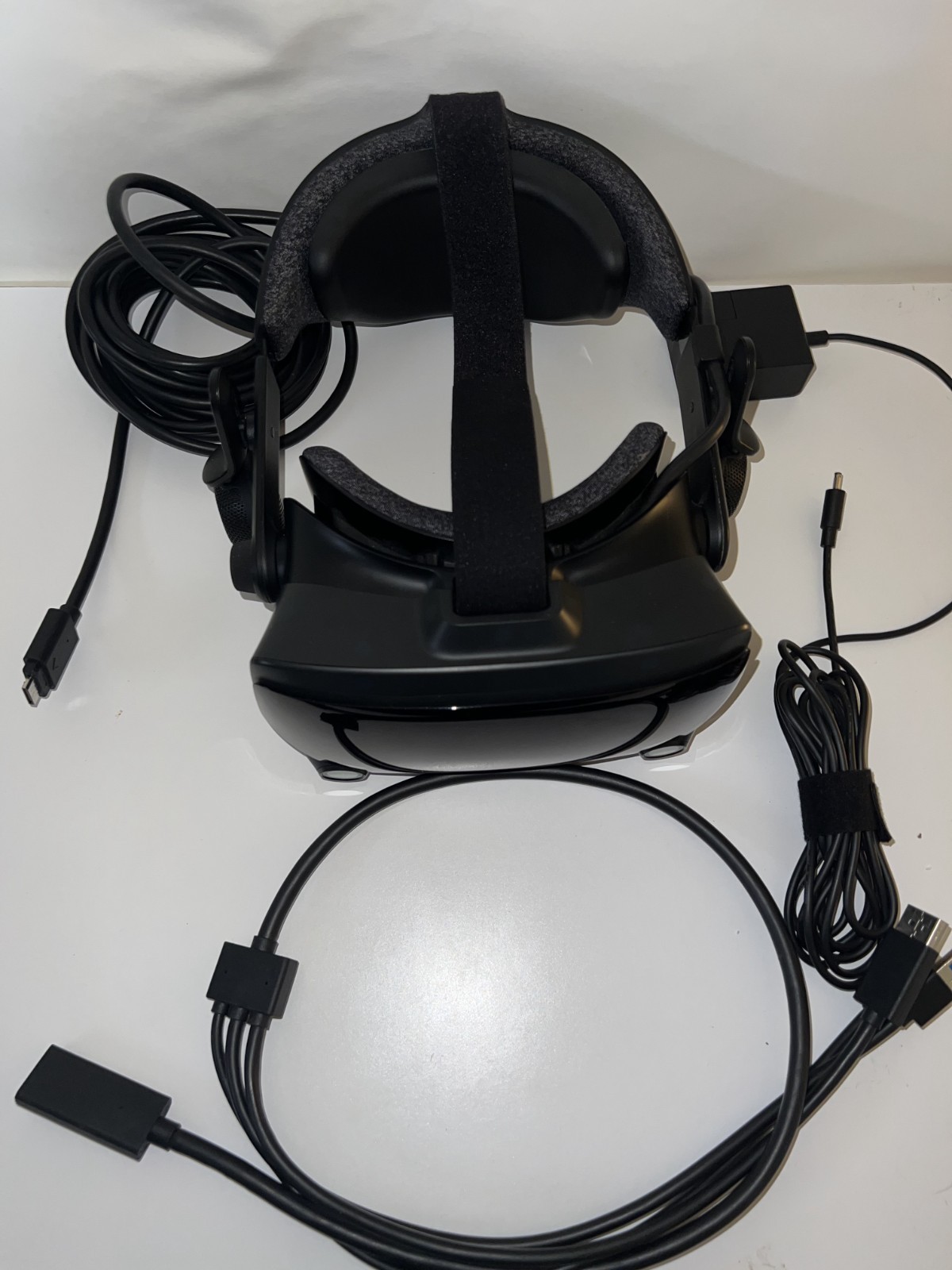

Photos from current listings. Actual item, color, and included accessories may vary.
Valve Index VR Buying Guide
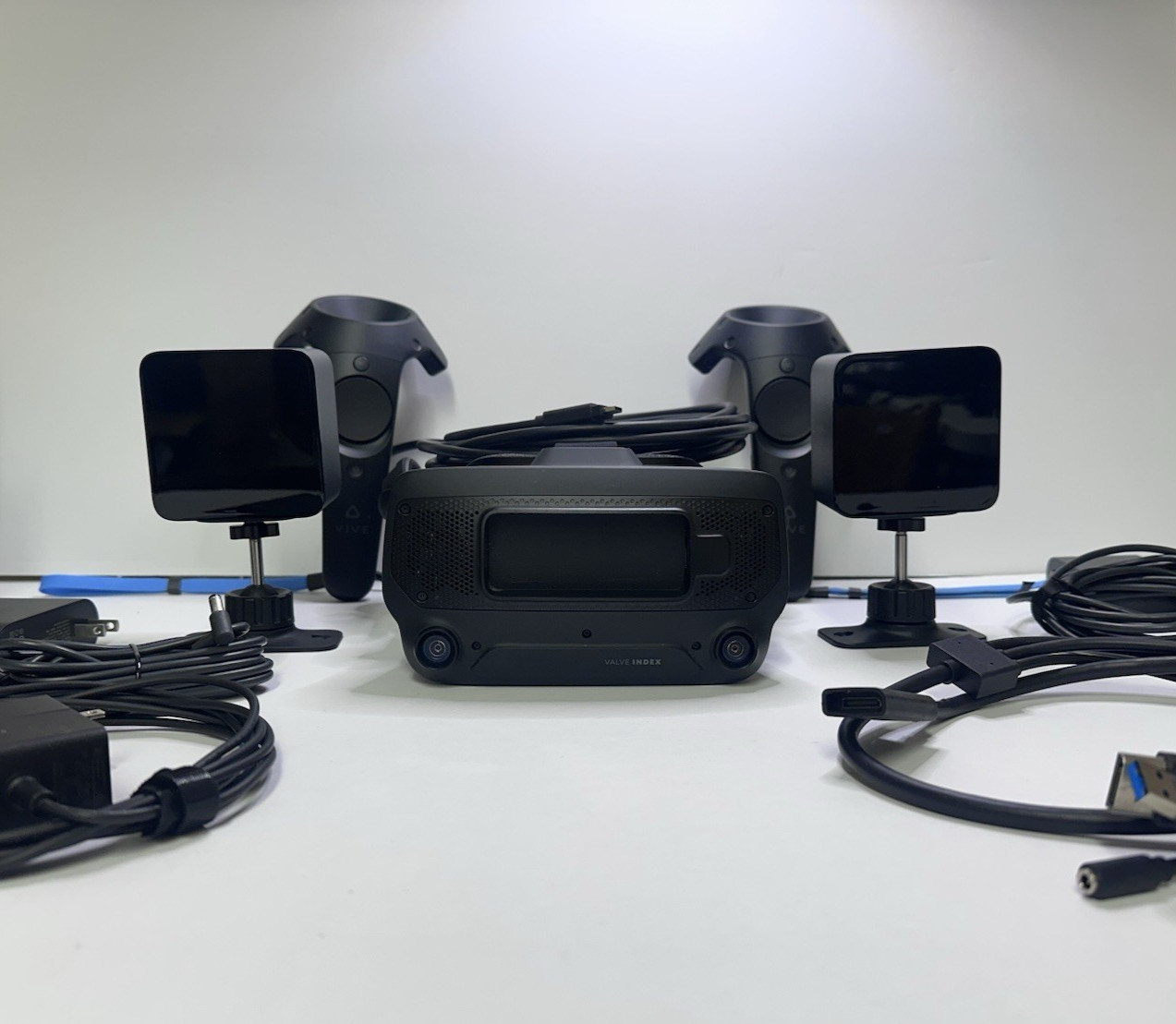
The Valve Index is a PC-tethered, SteamVR-native VR system using base-station tracking with 144 Hz LCD panels and off-ear speakers. Its defining trade-off is lighthouse-based room-scale accuracy and high refresh versus no standalone mode and mandatory DisplayPort. Buy the full kit for guaranteed compatibility; headset-only listings require controllers and 1.0/2.0 base stations to function.
Median $325.00 · Pre-owned listings
Key takeaways
- Dual 1440x1600 RGB LCD panels at up to 144 Hz refresh via DisplayPort 1.2, not HDMI.
- SteamVR 2.0 base stations track 5x5 m with four stations and remain backward-compatible with 1.0 hardware.
- Off-ear BMR speakers deliver spatial audio without ear contact; 3.5 mm jack supports personal headphones.
At a glance
- Category
- VR Gaming Hardware & Accessories
- Status
- Listings available
- Last updated
- Nov 28, 2026
Current offers
Highlights
- Dual 1440x1600 RGB LCD panels at up to 144 Hz refresh via DisplayPort 1.2, not HDMI.
- SteamVR 2.0 base stations track 5x5 m with four stations and remain backward-compatible with 1.0 hardware.
- Off-ear BMR speakers deliver spatial audio without ear contact; 3.5 mm jack supports personal headphones.
- Index controllers use 87 sensors for per-finger tracking and require base-station line of sight.
Best use cases
- Pick the full kit for first-time buyers: headset, two 2.0 base stations, two Index controllers, and required cabling ship together.
- Skip headset-only listings unless you already own SteamVR 1.0/2.0 base stations and Index or Vive controllers.
- Choose Index for seated sim racing or room-scale SteamVR libraries; skip it for standalone or wireless-first play.
- Best fit for owners with a DisplayPort GPU and dedicated 2x2 m play space; wrong fit for laptop HDMI-only setups.
Buying tips
- Confirm a free DisplayPort 1.2+ output on your GPU; HDMI-only laptops need an active adapter and may not work.
- Budget a 2x2 m minimum play area; 2.0 base stations support up to 5x5 m with four units.
- Match base stations to generation: 1.0 covers 3x3 m with two units; 2.0 covers larger spaces and adds device support.
- Pair controllers by generation: Index controllers need SteamVR base stations; Vive wands work with 1.0 or 2.0.
Specs
| Tracking Type | SteamVR lighthouse 1.0/2.0 |
|---|---|
| Panel Refresh | 80/90/120/144 Hz LCD |
| Connection | DisplayPort 1.2 + USB 3.0 |
| Kit Contents | Headset, 2 stations, 2 controllers |
Alternatives to compare

Related searches
What to check before buying
- Measure your play area: 2x2 m minimum for standing/room-scale; 1.5x2 m for seated-only setups.
- Verify PC specs: DisplayPort 1.2, Windows 10/11, and a GPU comparable to GTX 1070 or better.
- Check ceiling and mounting: base stations need stable 2 m height, clear line of sight, and power outlets.
- Confirm region voltage and plug type for base station power adapters before importing.
FAQ
Data sources: eBay / Amazon listings and product attribute feeds. Updated Nov 28, 2026.
Some links on this page are affiliate links. If you buy after clicking one, we may earn a commission at no extra cost to you. This does not change which products appear here or their order. Affiliate disclosure.