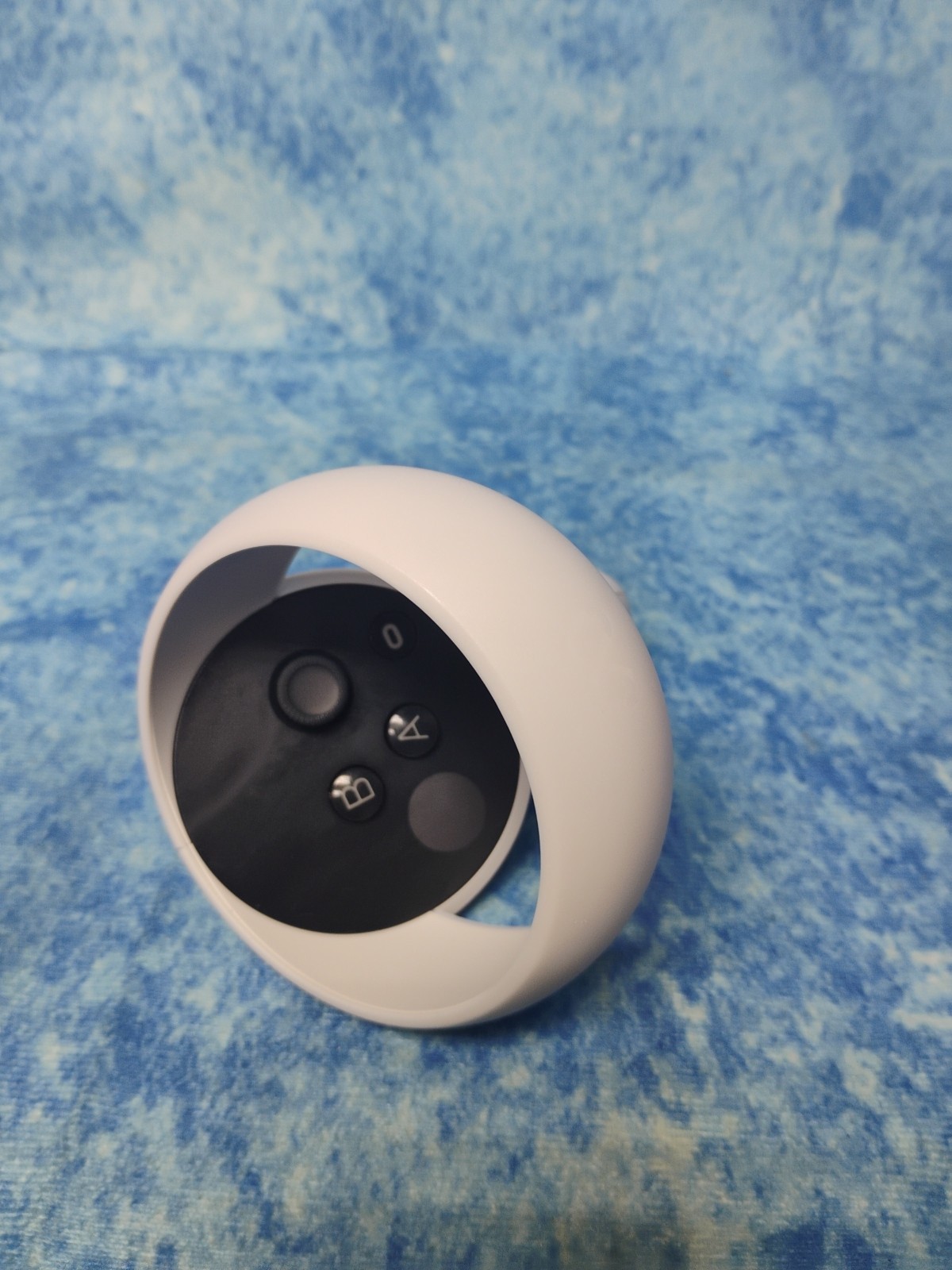

Photos from current listings. Actual item, color, and included accessories may vary.
Oculus Quest 2 Buying Guide
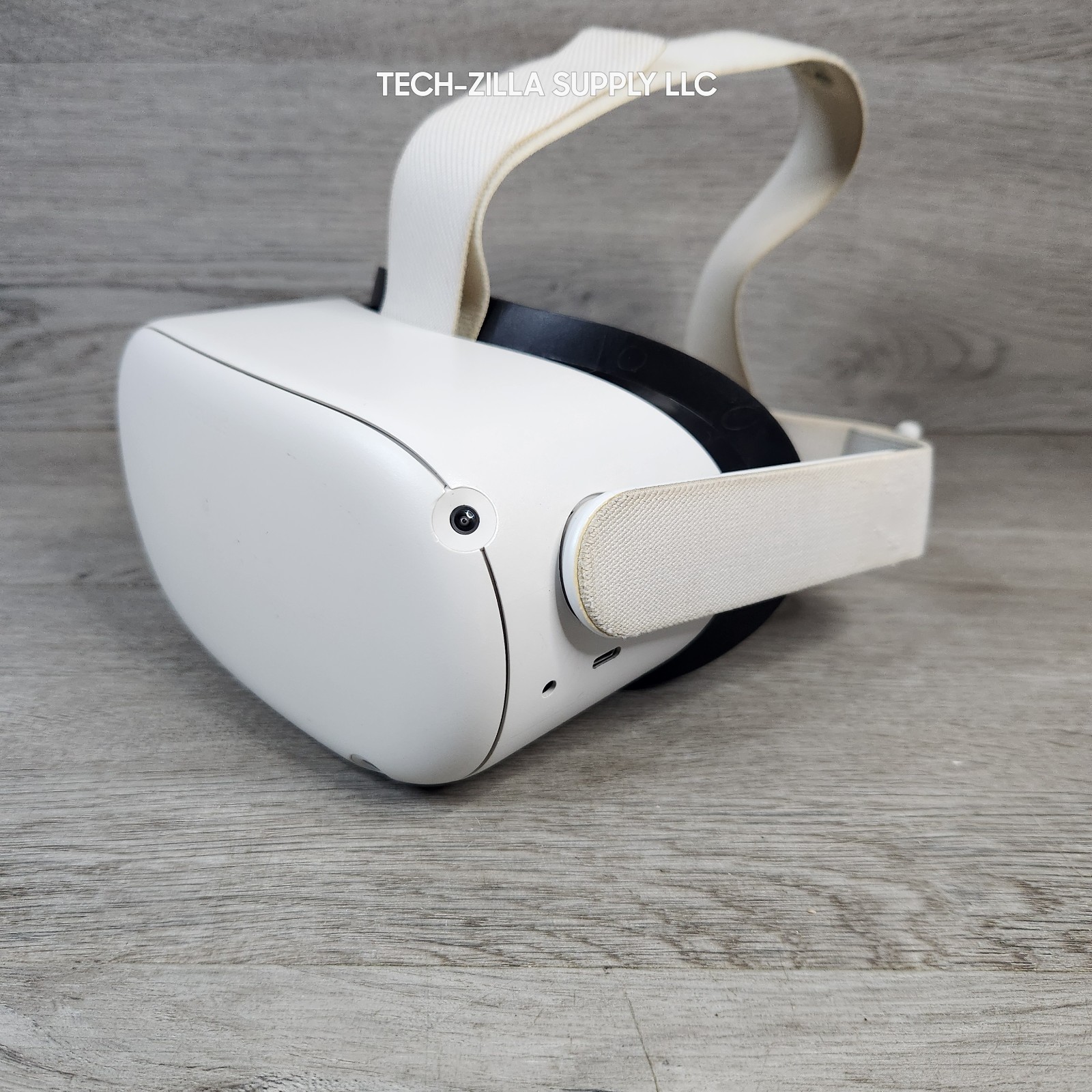
Meta Quest 2 is a standalone 6DoF VR headset using inside-out camera tracking and two AA-powered Touch controllers, with the primary buyer trade-off being refurbished/grey-market controller and headstrap replacement versus full-kit longevity. Genuine OEM Touch controllers use Hall-effect thumbsticks and IR LED rings, while aftermarket clones often ship with lower-grade potentiometer sticks and weaker haptics. The decision rule: buy paired OEM controllers and a rigid replacement strap with a rear counterweight; skip unbranded single controllers and elastic default straps if you play active titles.
Median $104.25
Key takeaways
- Quest 2 tracking is inside-out via four headset cameras and IR LED rings in each Touch controller—no external base stations, so controller ring condition directly determines tracking volume.
- Genuine Touch controllers run on one AA battery each (approx. 1.5 V alkaline) and use Hall-effect thumbsticks; clone controllers typically use potentiometer sticks that drift sooner.
- Headset panel is a single fast-switch LCD at 1832×1920 per eye with 72/90/120 Hz refresh modes; the stock elastic strap lacks a rigid rear cradle and counterweight for active play.
At a glance
- Category
- VR Gaming Hardware & Accessories
- Status
- Listings available
- Last updated
- Nov 28, 2026
Current offers
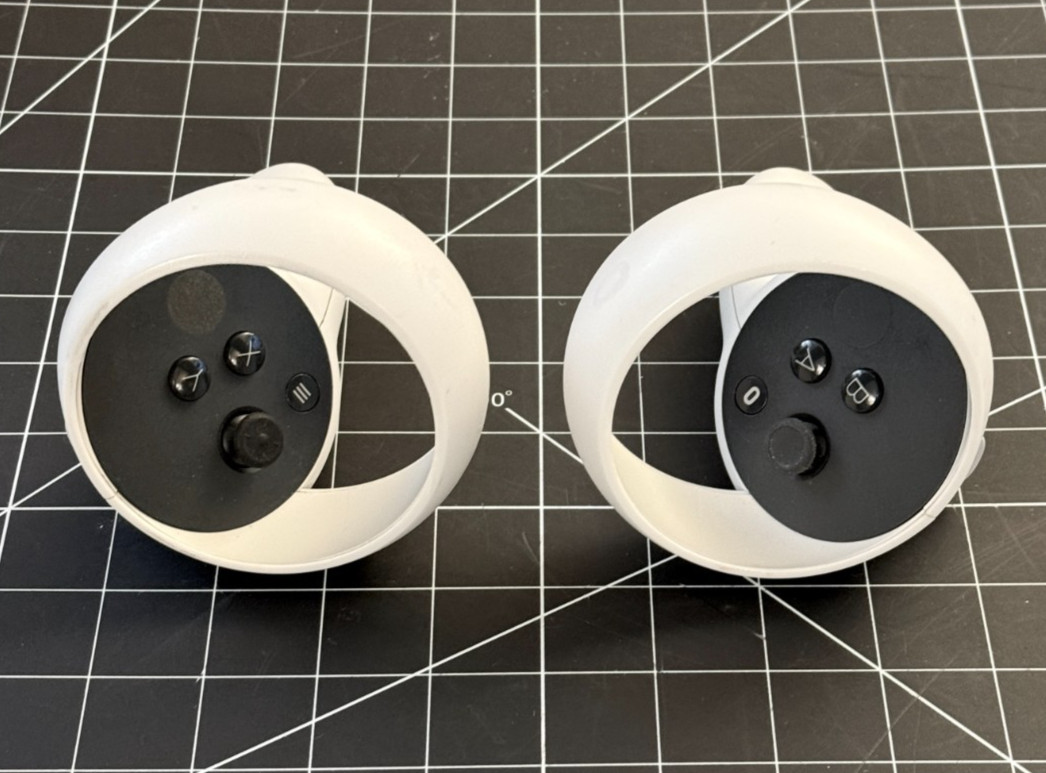
Highlights
- Quest 2 tracking is inside-out via four headset cameras and IR LED rings in each Touch controller—no external base stations, so controller ring condition directly determines tracking volume.
- Genuine Touch controllers run on one AA battery each (approx. 1.5 V alkaline) and use Hall-effect thumbsticks; clone controllers typically use potentiometer sticks that drift sooner.
- Headset panel is a single fast-switch LCD at 1832×1920 per eye with 72/90/120 Hz refresh modes; the stock elastic strap lacks a rigid rear cradle and counterweight for active play.
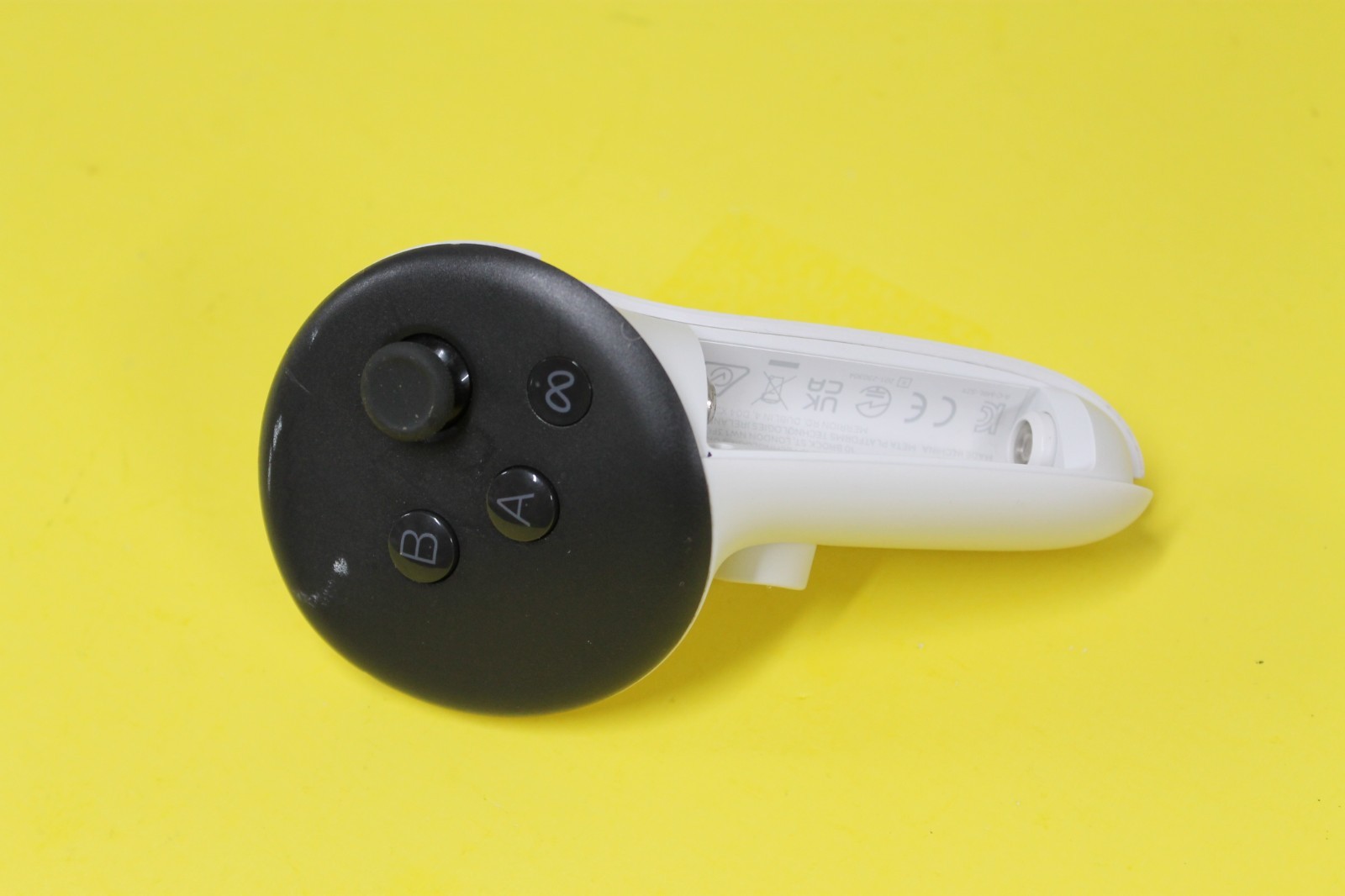
- Controller MPN JD96CX identifies the white Oculus-branded right-hand Touch controller generation; left and right units pair individually and are not interchangeable.
Best use cases
- Best fit: replacing a drifting or damaged single hand—buy a genuine OEM left or right Touch controller matching JD96CX and pair it in the headset's controller menu; skip generic 'Quest 2 compatible' clones.
- Best fit: comfort-focused PC VR or long sessions—pair the headset with a rigid halo/elite-style strap plus a rear counterweight and facial interface; skip the stock elastic strap for anything over 30 minutes.
- Best fit: shared household or active fitness play—buy a tested OEM left+right pair and a knuckle-strap grip cover set; skip single-controller listings if both hands see heavy use.
- Wrong fit: buyers expecting Quest 3 mixed-reality passthrough or pancake lens slimness—Quest 2 is Fresnel-lens, black-and-white passthrough only; step up to Quest 3 for color MR.
Buying tips
- Match the exact hand and MPN: right-hand OEM Touch is JD96CX; confirm left/right designation and Oculus branding before pairing, as left and right are distinct part numbers.
- Prefer AA-powered genuine controllers over built-in-battery clones—swappable 1.5 V AA cells avoid charge-cycle degradation and keep replacements cheap.
- For headstraps, choose rigid rear-cradle designs with a counterweight; elastic-only straps shift during fast head movement and reduce comfort beyond roughly 30 minutes.
- Verify controller pairing state: OEM Touch controllers pair via the Meta Quest mobile app or headset Settings > Controllers; tested pairs should include both hands and working IR rings.
Specs
| Tracking | Inside-out 6DoF, 4 cameras |
|---|---|
| Controller Power | 1x AA per controller (1.5 V) |
| Display | Fast-switch LCD, 1832×1920/eye |
| Refresh Rate | 72 / 90 / 120 Hz modes |
Alternatives to compare
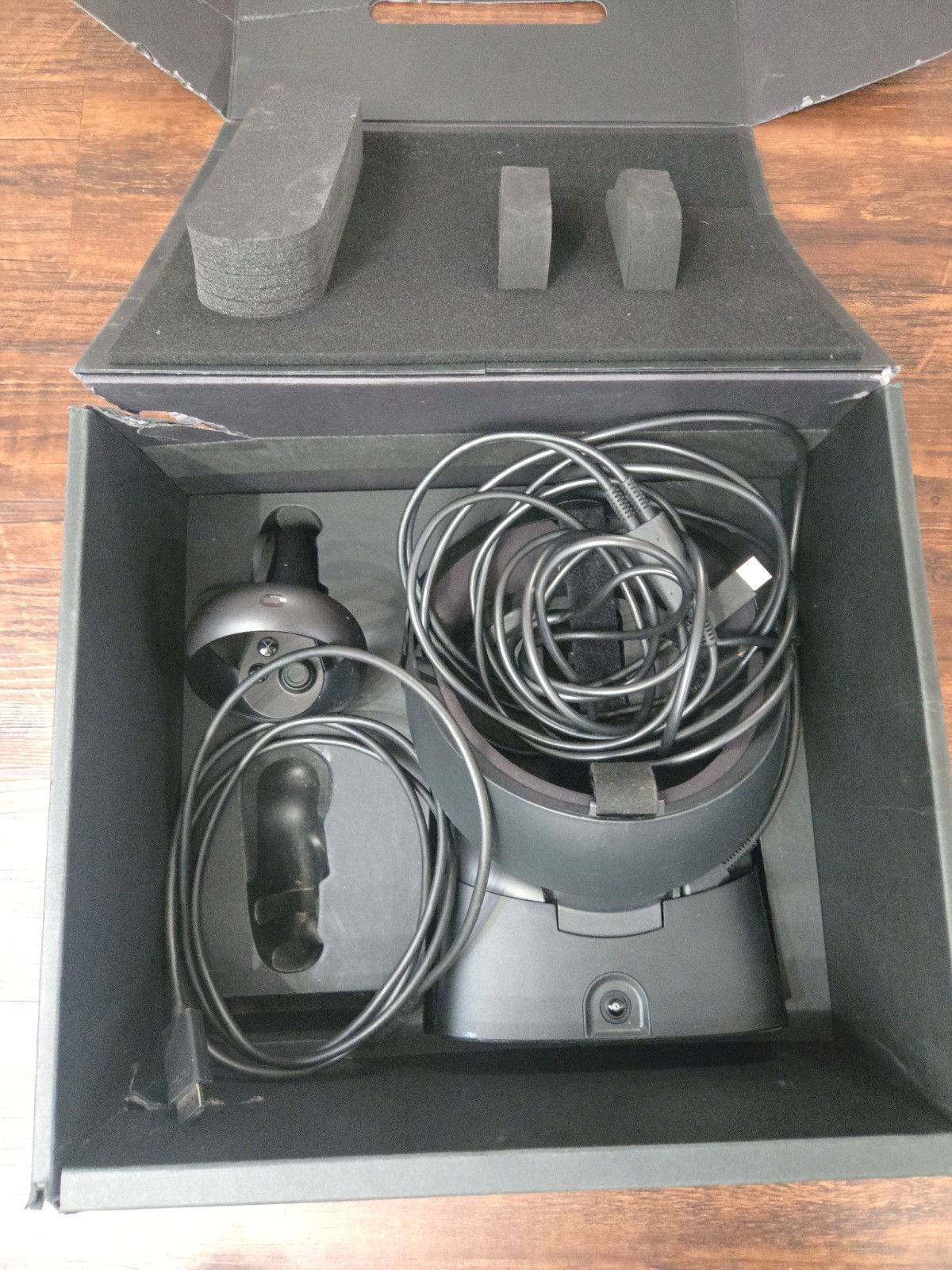
Related searches
What to check before buying
- Confirm hand designation and MPN (JD96CX for right) plus Oculus branding on the controller body and IR ring.
- Check your headset's current firmware supports 120 Hz and that replacement controllers pair in Settings > Controllers before relying on them.
- Measure your play space: Quest 2 inside-out tracking needs roughly 2 m × 2 m clear floor for room-scale; smaller spaces should use stationary mode.
- Confirm AA battery type and charger availability, and inspect IR rings for cracks—damaged rings break tracking even if buttons work.
FAQ
Data sources: eBay / Amazon listings and product attribute feeds. Updated Nov 28, 2026.
Some links on this page are affiliate links. If you buy after clicking one, we may earn a commission at no extra cost to you. This does not change which products appear here or their order. Affiliate disclosure.