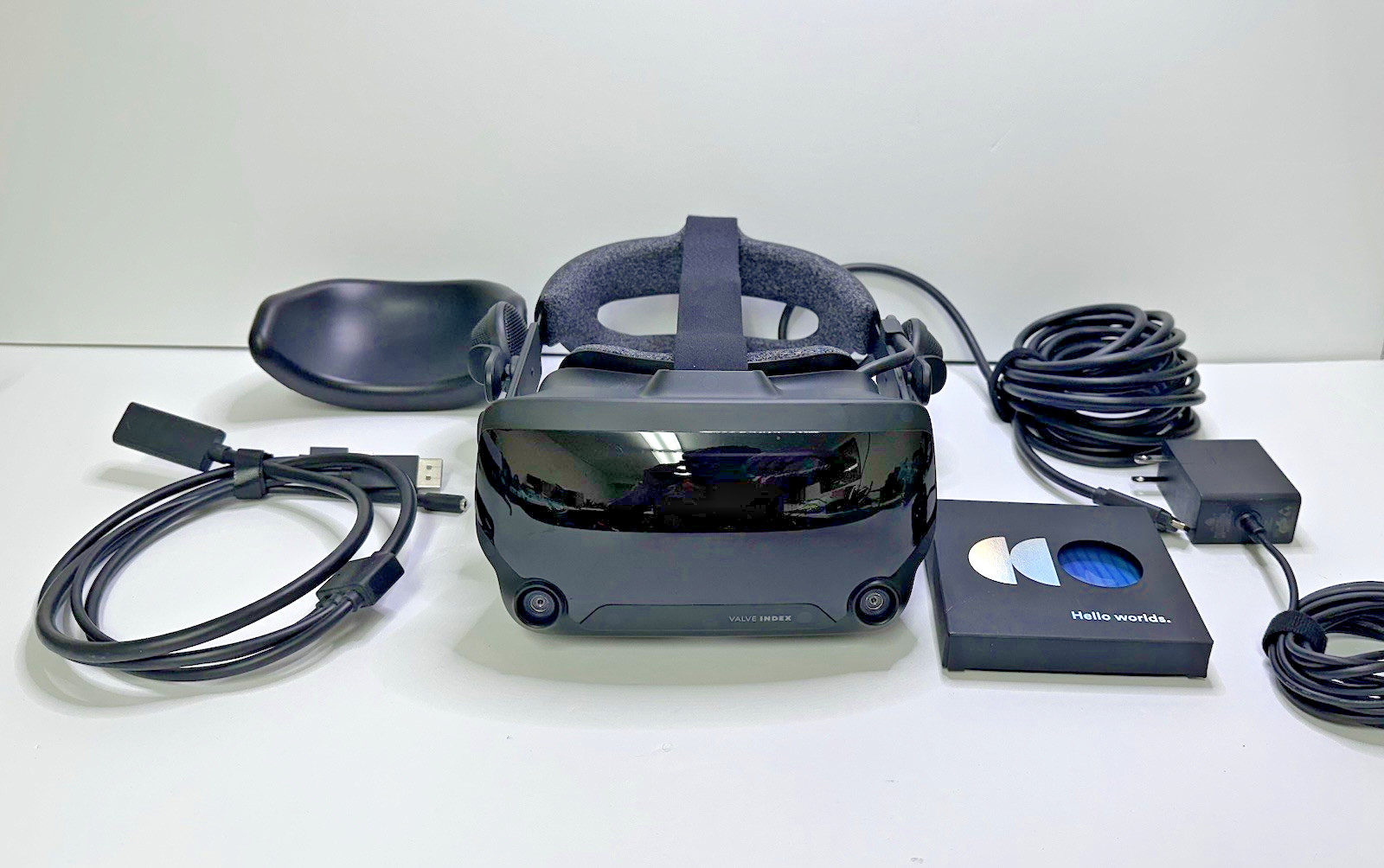

Photos from current listings. Actual item, color, and included accessories may vary.
Valve INDEX Buying Guide
The Valve Index is a PC-only, tethered SteamVR headset built around dual 1440×1600 LCD panels, a 120 Hz native refresh (up to 144 Hz), and the off-ear Index speakers. The core trade-off is clarity and refresh rate versus required DisplayPort tethering, external base stations, and a strong GPU. Buy the full kit for room-scale tracking; buy the headset-only only if you already own SteamVR 1.0/2.0 base stations and Index controllers.
Key takeaways
- Dual 1440×1600 RGB LCD panels at 120 Hz native and 144 Hz experimental deliver sharper motion resolution than 90 Hz OLED competitors, but LCD blacks are gray rather than true black.
- Requires DisplayPort 1.2+ and USB 3.0 from the PC; HDMI-only laptops or single-port ultrabooks need an active DisplayPort adapter or cannot drive it.
- SteamVR 2.0 base stations track 5×5 m volumes with four units; the kit ships with two for 2×2 m room-scale, and 1.0 base stations can be mixed only with 1.0 controllers.
At a glance
- Category
- VR Gaming Hardware & Accessories
- Status
- Listings available
- Last updated
- Nov 28, 2026
Current offers
Highlights
- Dual 1440×1600 RGB LCD panels at 120 Hz native and 144 Hz experimental deliver sharper motion resolution than 90 Hz OLED competitors, but LCD blacks are gray rather than true black.
- Requires DisplayPort 1.2+ and USB 3.0 from the PC; HDMI-only laptops or single-port ultrabooks need an active DisplayPort adapter or cannot drive it.
- SteamVR 2.0 base stations track 5×5 m volumes with four units; the kit ships with two for 2×2 m room-scale, and 1.0 base stations can be mixed only with 1.0 controllers.
- Off-ear Index speakers use a BMR driver positioned away from the ear, giving wide soundstage and zero ear pressure but leaking audio to the room.
Best use cases
- Best fit: flight and racing sims—native 120/144 Hz plus Index controller finger tracking and SteamVR lighthouse accuracy reward seated cockpit setups with a DisplayPort GPU.
- Best fit: room-scale VR in a dedicated 2×2 m space—the full kit's two 2.0 base stations and Index controllers track hands and head with sub-millimeter stability.
- Wrong fit: buyers wanting wireless PC VR or standalone play—the Index is tethered-only with no first-party wireless adapter, so choose a Quest 3 + Link or Vive Wireless ecosystem instead.
- Wrong fit: HDMI-only gaming laptops or micro-ATX cases without a free DisplayPort and USB 3.0 pair—the tether needs both simultaneously, and adapters add latency or fail outright.
Buying tips
- Buy the full kit if you own no SteamVR base stations; a headset-only listing will not track without 1.0 or 2.0 base stations and Index controllers bought separately.
- Match base station generation to controllers: 2.0 base stations work with Index and Vive Pro controllers, but 1.0 base stations pair only with 1.0 controllers and older wands.
- Plan for a 5 m tether run: the Index cable is a fixed DisplayPort + USB 3.0 + power trio, so measure from PC to play boundary and add a powered USB 3.0 hub only if under 3 m.
- Budget GPU headroom: 120 Hz at full 1440×1600 per eye needs a desktop RTX 2070/3060-class card or better; 90 Hz mode is the safe floor for GTX 1070-class GPUs.
Specs
| Panel & Refresh | Dual 1440×1600 LCD, 120 Hz (144 Hz exp.) |
|---|---|
| Tracking | SteamVR lighthouse 1.0/2.0, 6DoF |
| Connection | DisplayPort 1.2+ / USB 3.0 tether |
| Kit Contents | Headset, 2 controllers, 2 base stations |
Alternatives to compare
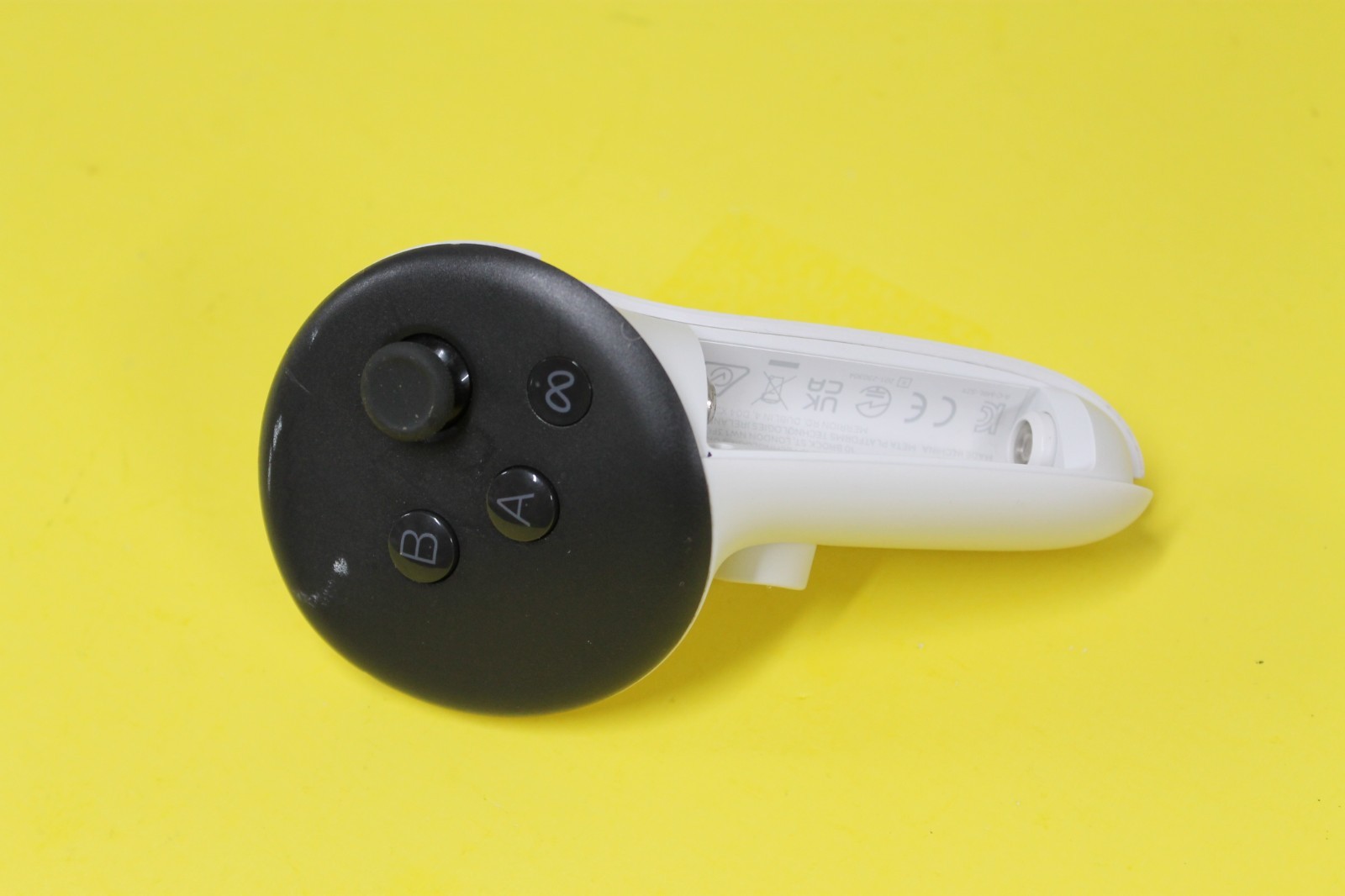
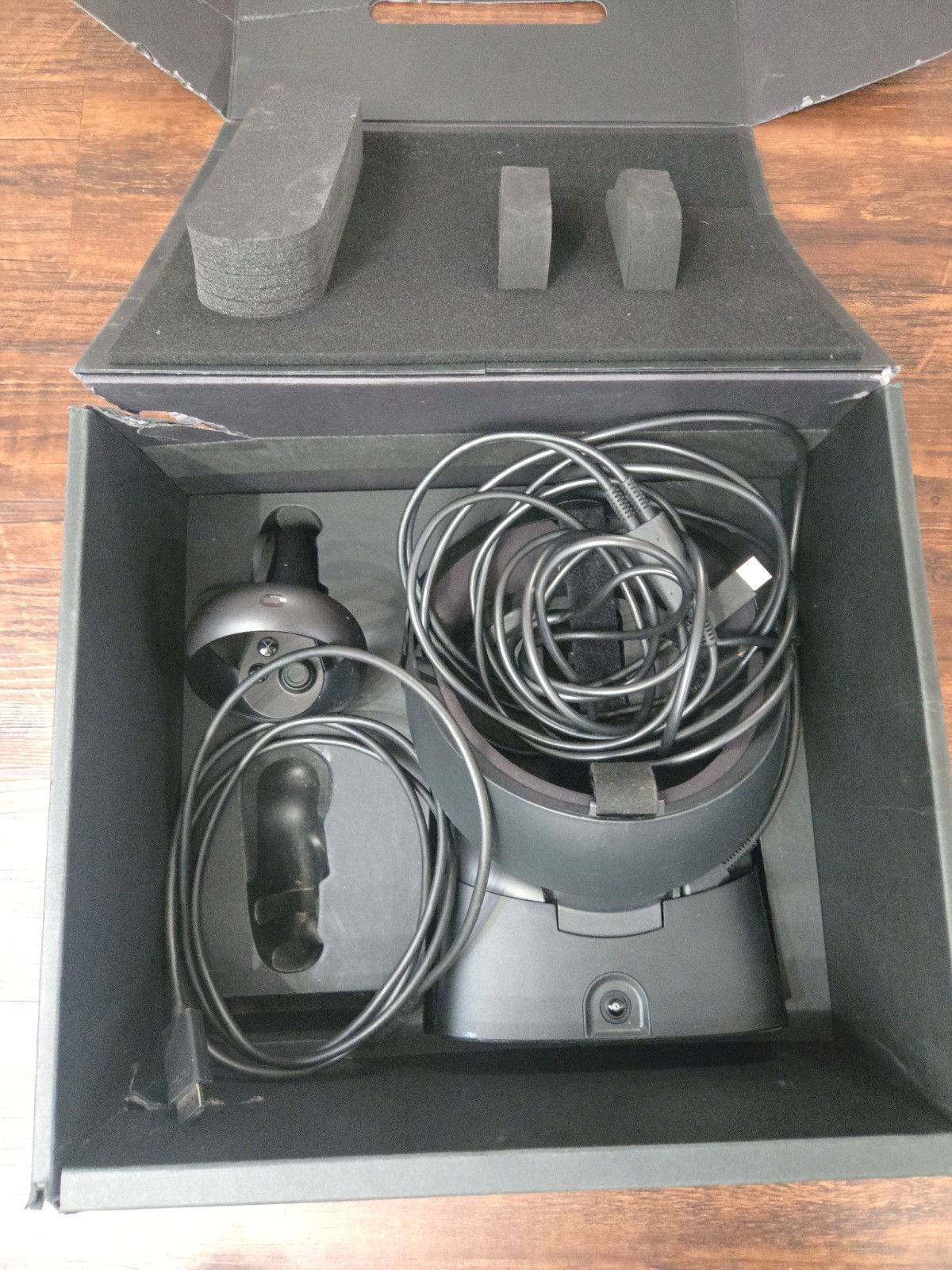
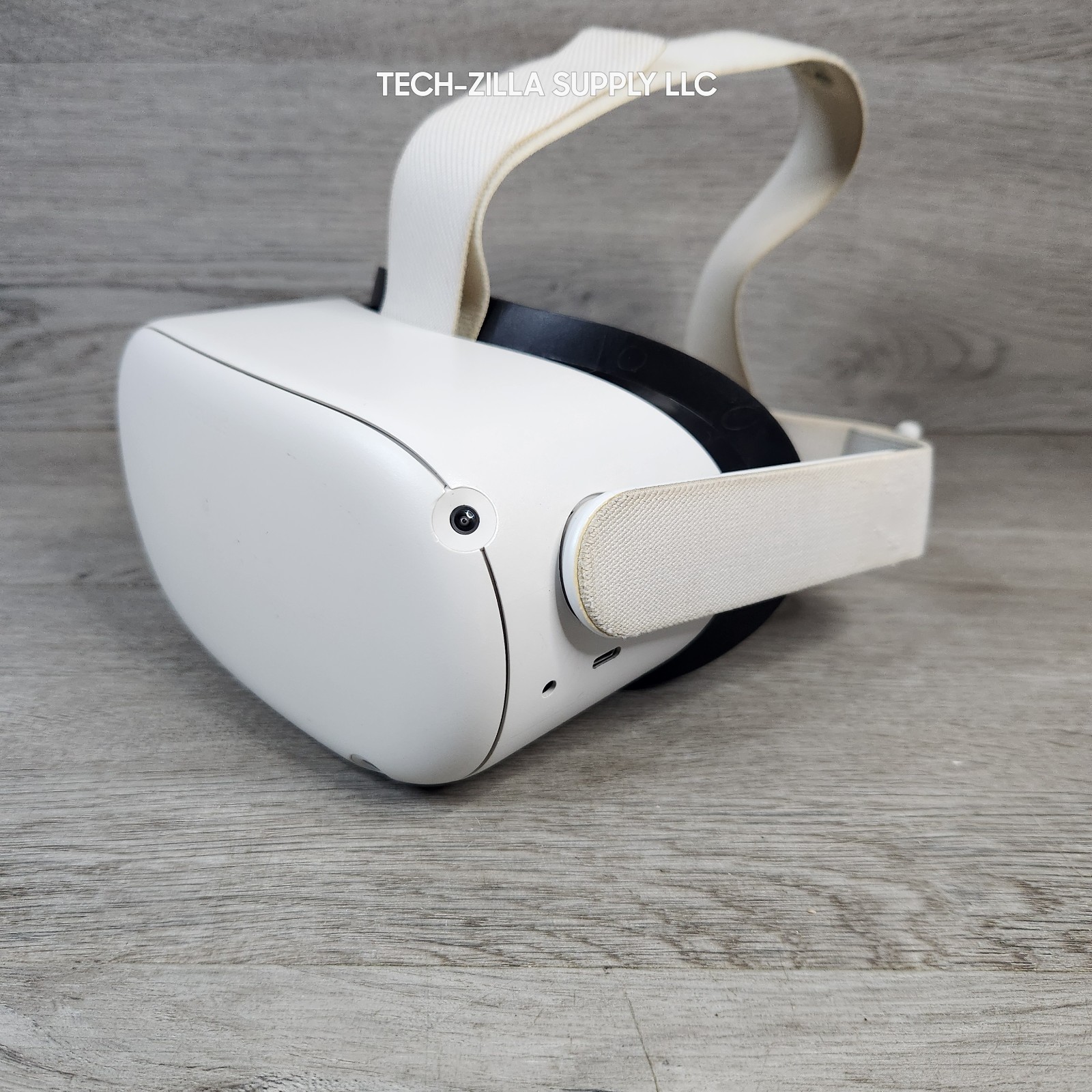

Related searches
What to check before buying
- Confirm your PC has a free DisplayPort 1.2+ output and a USB 3.0 Type-A port within cable reach—both are mandatory, not optional.
- Measure your play area: the kit's two base stations cover about 2×2 m; add a third or fourth 2.0 base station for 5×5 m and mount them 2 m high angled down 30–45°.
- Check room reflections: glossy TVs, mirrors, and bare windows degrade lighthouse tracking—plan curtains or reposition base stations before committing.
- Verify mains voltage and plug type for the base station power adapters and headset PSU; US units ship 100–240 V adapters with regional plugs.
FAQ
Data sources: eBay / Amazon listings and product attribute feeds. Updated Nov 28, 2026.
Some links on this page are affiliate links. If you buy after clicking one, we may earn a commission at no extra cost to you. This does not change which products appear here or their order. Affiliate disclosure.