
Photos from current listings. Actual item, color, and included accessories may vary.
TV 55 Buying Guide
A 55-inch TV is the mainstream living-room and bedroom size, balancing immersive picture with reasonable room fit. The decisive trade-off is panel technology: OLED delivers per-pixel contrast but risks burn-in and lower peak brightness, while QD-Mini LED LCD delivers higher brightness and no burn-in at the cost of some halo/bloom. Choose OLED for dark-room cinematic viewing with varied content; choose Mini LED for bright rooms, static UIs, or gaming marathons.
Median $699.80
Key takeaways
- Panel type decides contrast mechanism: OLED switches pixels off for true black; QD-Mini LED uses hundreds of dimming zones, so more zones and finer local dimming directly reduce blooming around bright objects.
- Refresh and gaming tier: 120Hz native panels with HDMI 2.1 (4K/120, VRR, ALLM) are the durable standard; 60Hz panels cap console and PC gaming at 60fps.
- HDR capability is brightness-led: QD-Mini LED typically reaches higher peak nits for specular highlights, while OLED wins on black level and viewing angle uniformity.
At a glance
- Category
- TVs & Display Panels
- Last updated
- Nov 24, 2026
Current offers
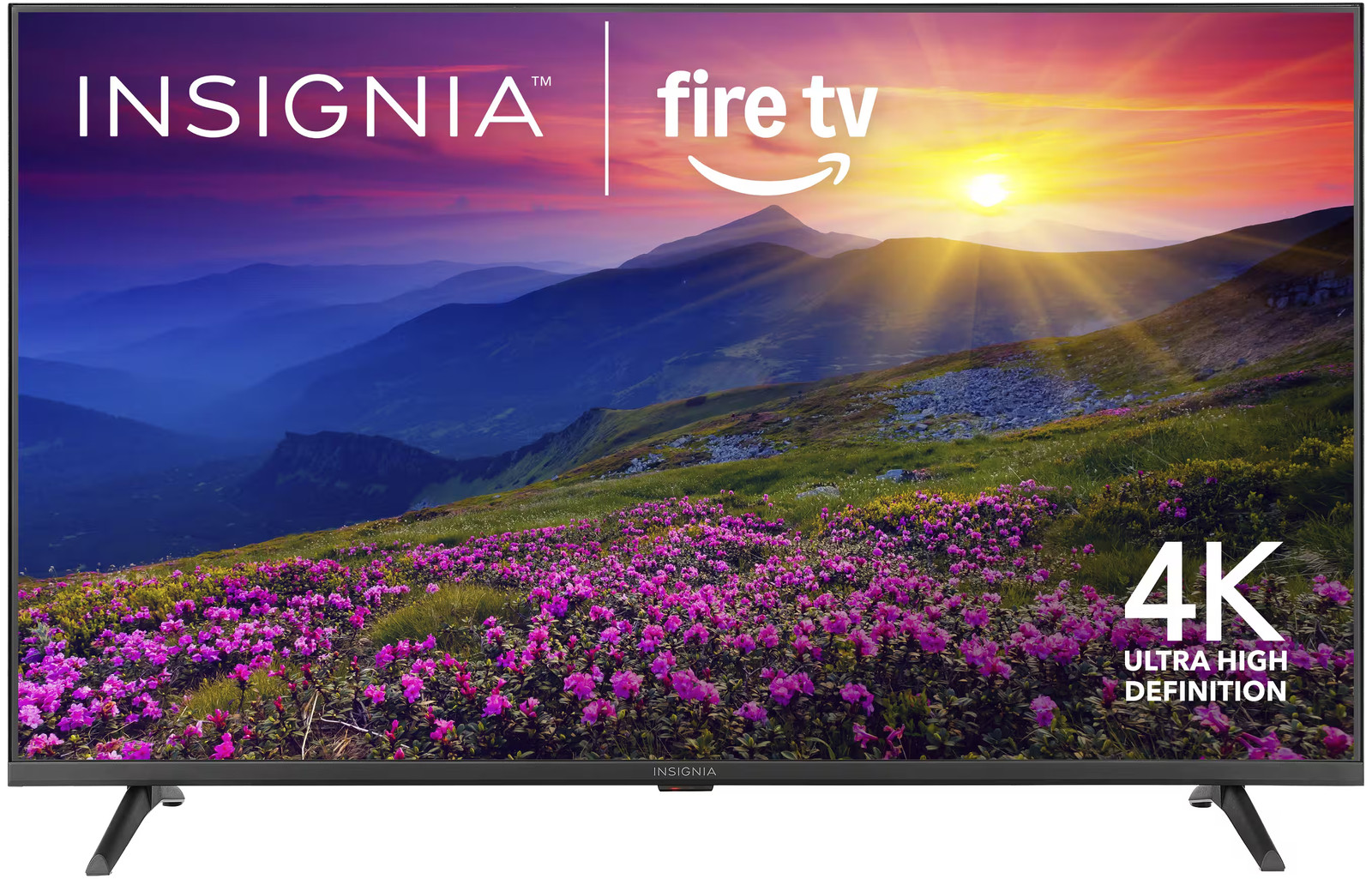 Insignia- 50" Class F50 Series LED 4K UHD Smart Fire TV$179.99View on eBay
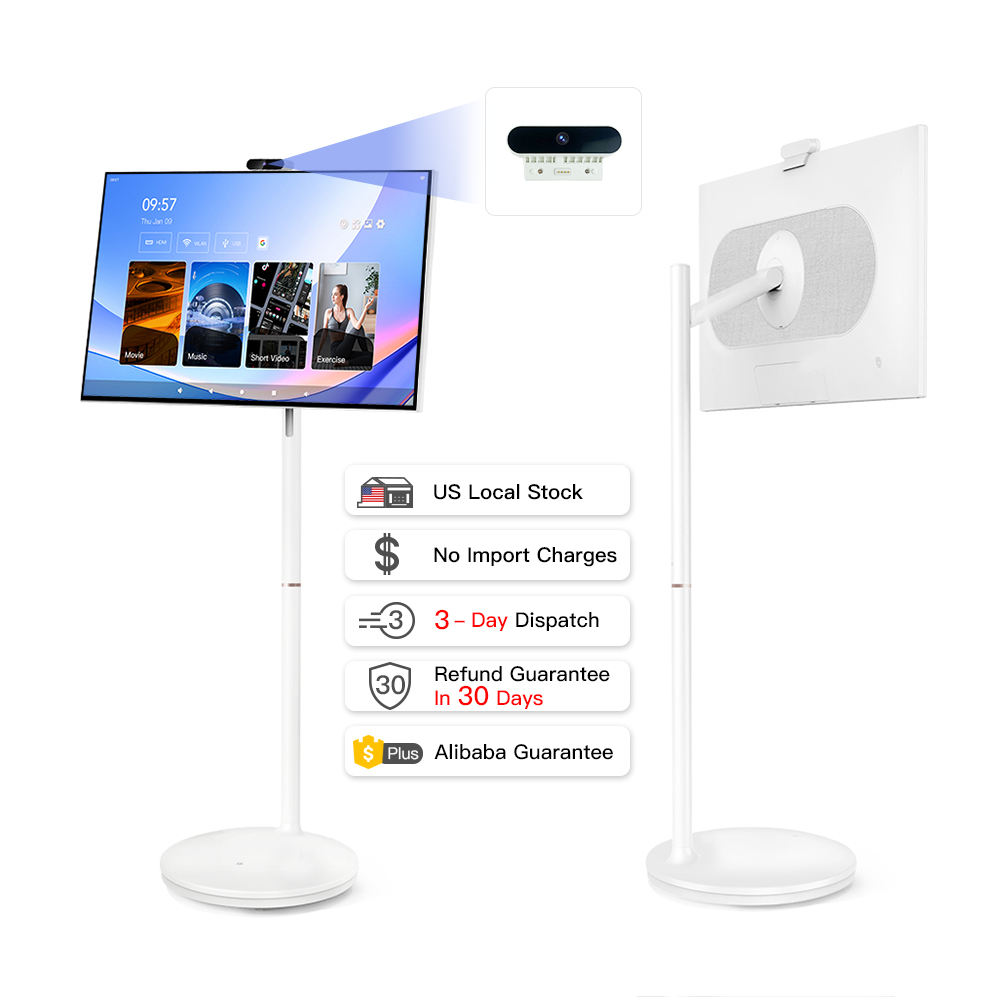 32 Inch 128GB Smart Portable TV Android OS 1080P 13MP Camera Remote Control Home Office Entertainment Tv$1,101.99View on Mallflare
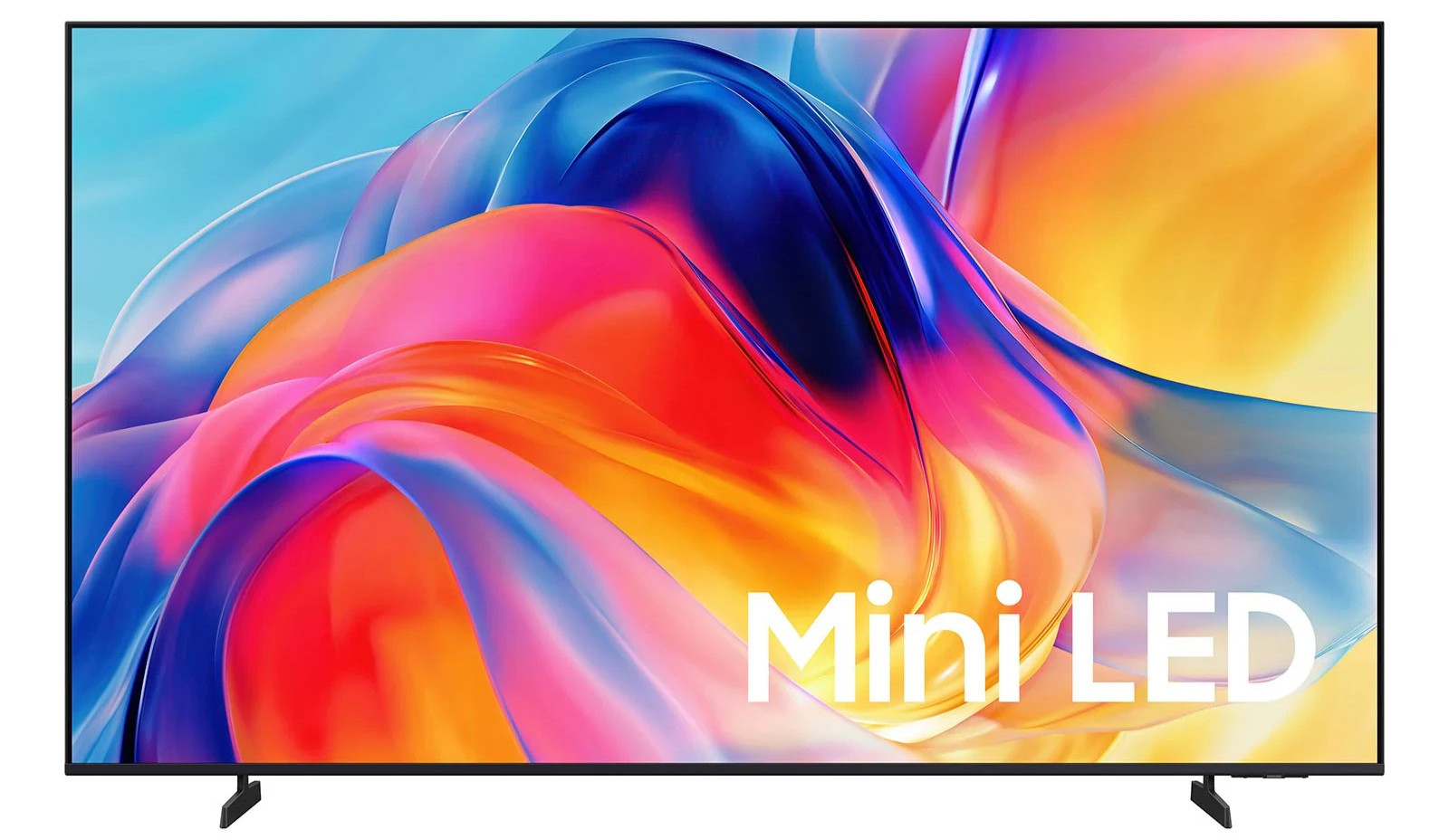 Samsung M70H 43" Class 4K Mini LED HDR Smart TV (2026)$297.60Last checked Nov 18, 2026View on eBay
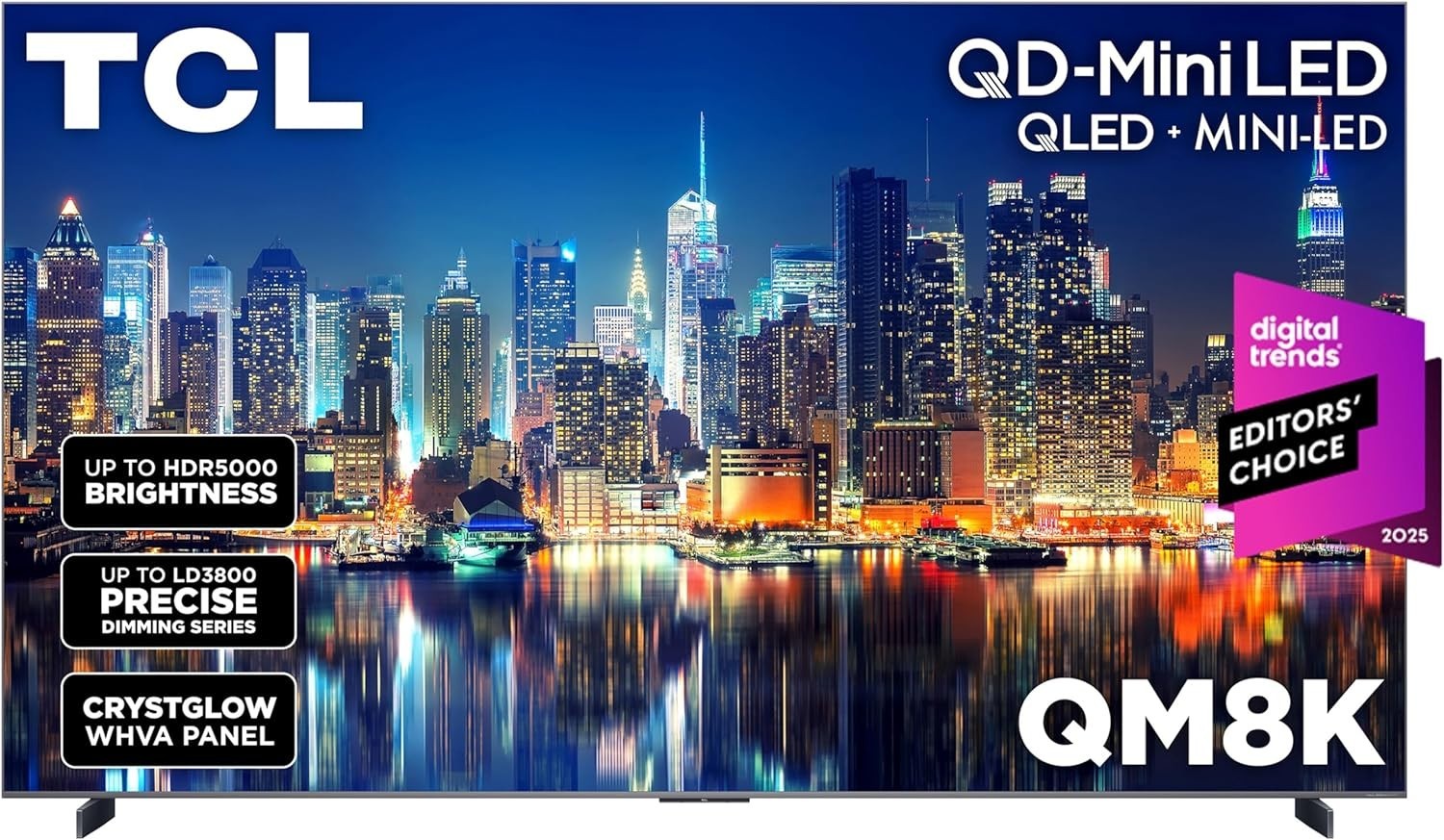 TCL 98" QM8K Series 4K Mini-LED Smart TV (2025)$2,838.26Last checked Nov 18, 2026View on eBay
Highlights
- Panel type decides contrast mechanism: OLED switches pixels off for true black; QD-Mini LED uses hundreds of dimming zones, so more zones and finer local dimming directly reduce blooming around bright objects.
- Refresh and gaming tier: 120Hz native panels with HDMI 2.1 (4K/120, VRR, ALLM) are the durable standard; 60Hz panels cap console and PC gaming at 60fps.
- HDR capability is brightness-led: QD-Mini LED typically reaches higher peak nits for specular highlights, while OLED wins on black level and viewing angle uniformity.
- Smart platform and tuner tier matter: Google TV/Android TV vs Tizen/webOS changes app support and update cadence; ATSC 3.0 (NextGen TV) tuners are a generation-level differentiator for antenna users.
Best use cases
- Dark bedroom or home theater with movies and mixed content: pick a 55-inch OLED for per-pixel contrast and wide viewing angles; skip budget edge-lit LCD if black uniformity matters.
- Bright living room with windows, sports, and news tickers: pick a 55-inch QD-Mini LED with high peak brightness and strong local dimming; skip OLED if static logos or HUDs run for hours daily.
- Console or PC gaming: pick a 55-inch 120Hz HDMI 2.1 set with VRR and ALLM; skip 60Hz panels and older HDMI 2.0-only models if you need 4K/120.
- Secondary room or casual viewing on a tight footprint: a 55-inch 60Hz QLED/4K LCD is sufficient; skip premium Mini LED/OLED tiers unless picture quality is the priority.
Buying tips
- Sizing math: at 55 inches, THX/SMPTE comfortable viewing distance is roughly 6.5–9.5 ft for mixed content; move closer (about 5–6 ft) for cinematic immersion and 4K detail.
- Mini LED zone count is the real spec: more dimming zones and higher peak nits beat marketing names; compare local dimming zone counts and measured peak brightness, not just 'QLED' labels.
- OLED burn-in risk scales with static bright elements: if you display news banners, score bugs, or desktop taskbars for hours daily, prefer Mini LED LCD or enable pixel shift/logo dimming.
- Check HDMI version and port count: HDMI 2.1 is required for 4K/120, VRR, and eARC; at least one eARC port is needed for lossless soundbars, and two HDMI 2.1 ports help console plus PC setups.
Specs
| Panel Tech | OLED vs QD-Mini LED LCD |
|---|---|
| Native Refresh | 60Hz vs 120Hz |
| HDMI Tier | HDMI 2.1 (4K/120, VRR) vs 2.0 |
| Screen Footprint | ~48 x 27 in (16:9, 55-inch class) |
Related searches
What to check before buying
- Measure the TV stand footprint and wall space: a 55-inch 16:9 screen is about 48 in wide and 27 in tall; confirm stand width and VESA pattern (commonly 300x300 or 400x200) fit your furniture or mount.
- Check room lighting: direct windows facing the screen favor high-brightness QD-Mini LED; controlled lighting favors OLED.
- Confirm voltage/plug standard for your region (120V North America vs 230V EU/UK) and that the tuner matches local broadcast standards (ATSC 1.0/3.0 vs DVB-T2).
- Plan companion parts: soundbar via HDMI eARC, HDMI 2.1 certified cables for 4K/120, and a wall mount rated for the set's weight and VESA pattern.
FAQ
Data sources: eBay / Amazon listings and product attribute feeds. Updated Nov 24, 2026.
Some links on this page are affiliate links. If you buy after clicking one, we may earn a commission at no extra cost to you. This does not change which products appear here or their order. Affiliate disclosure.